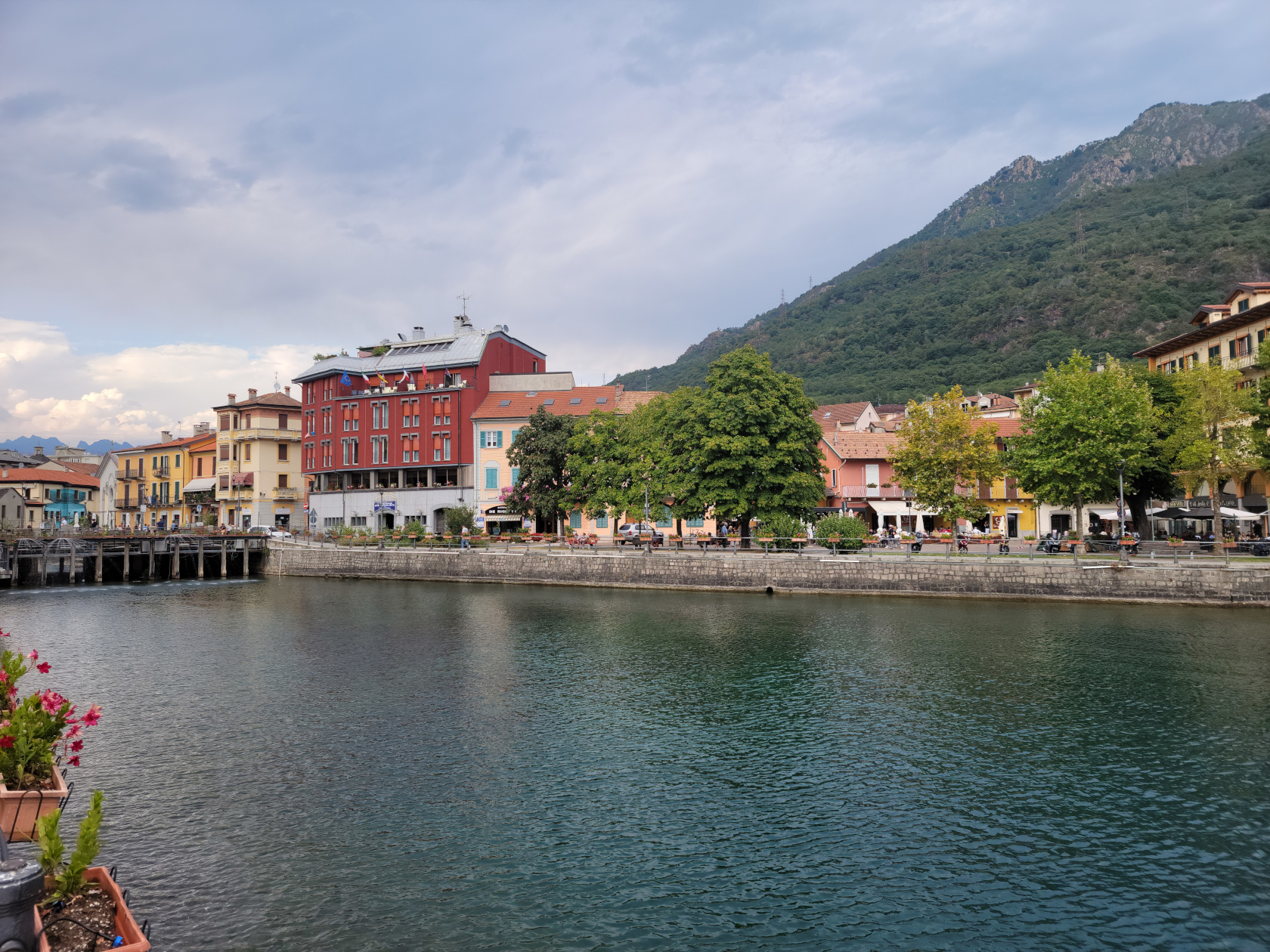
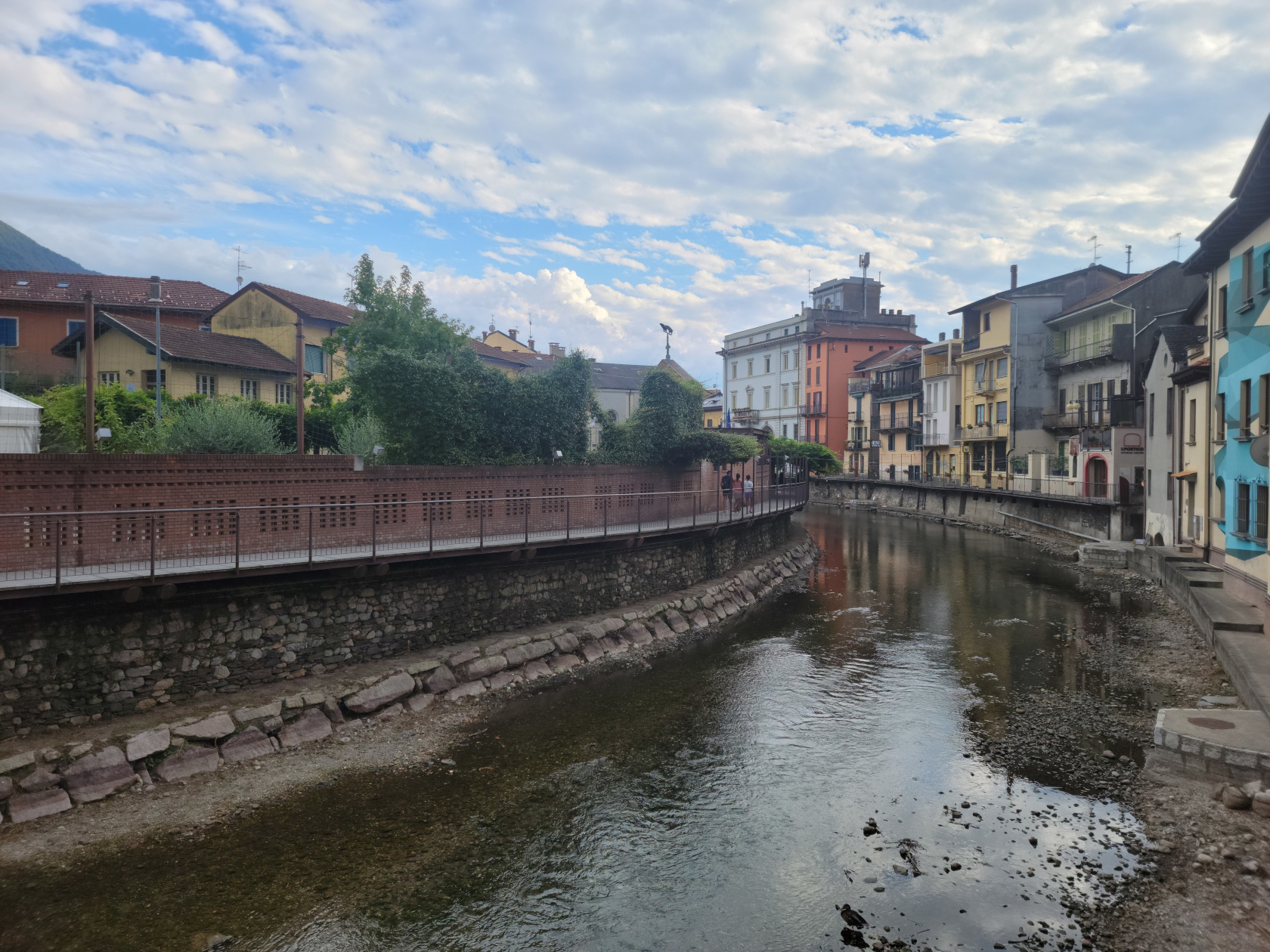
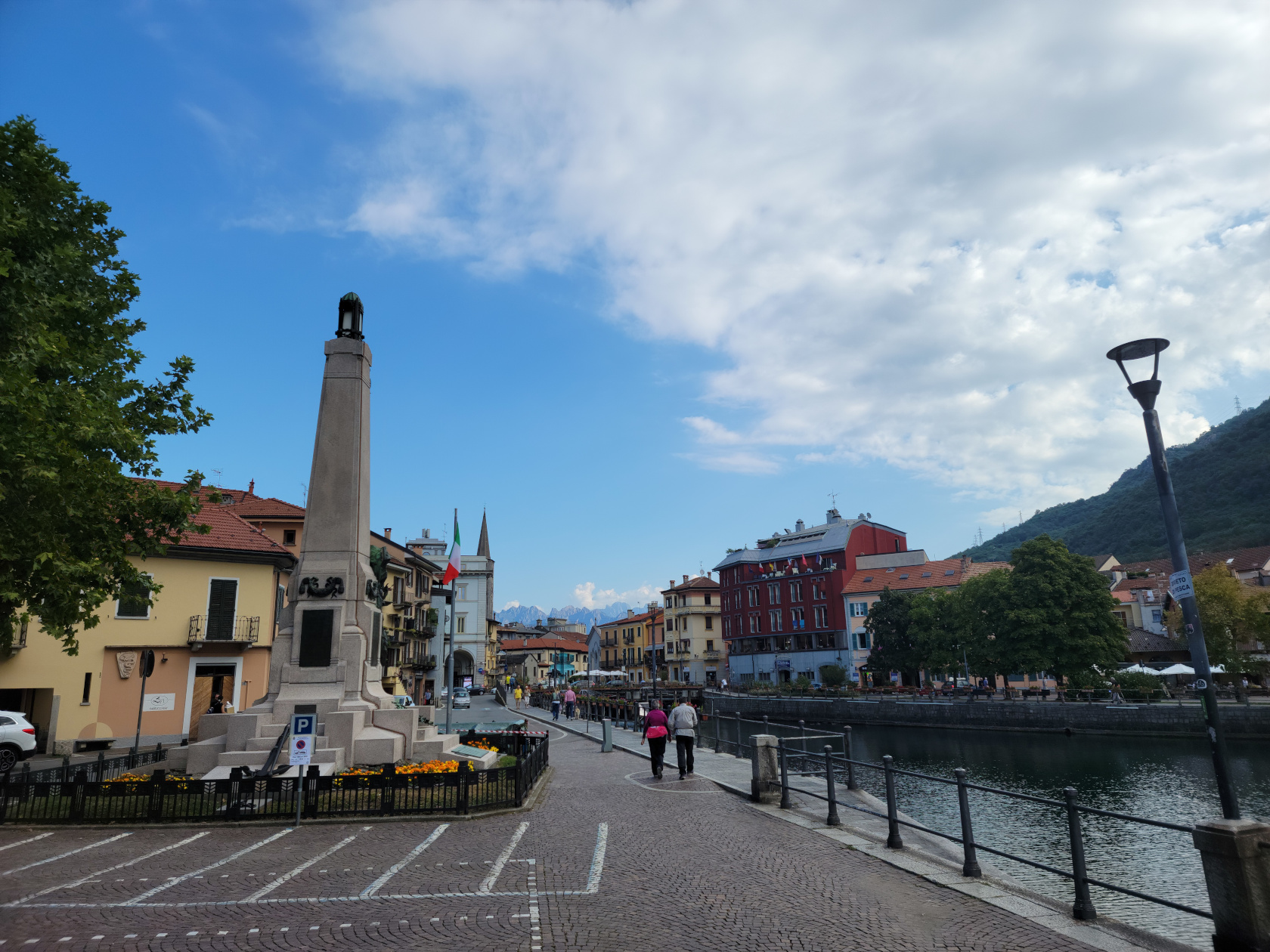
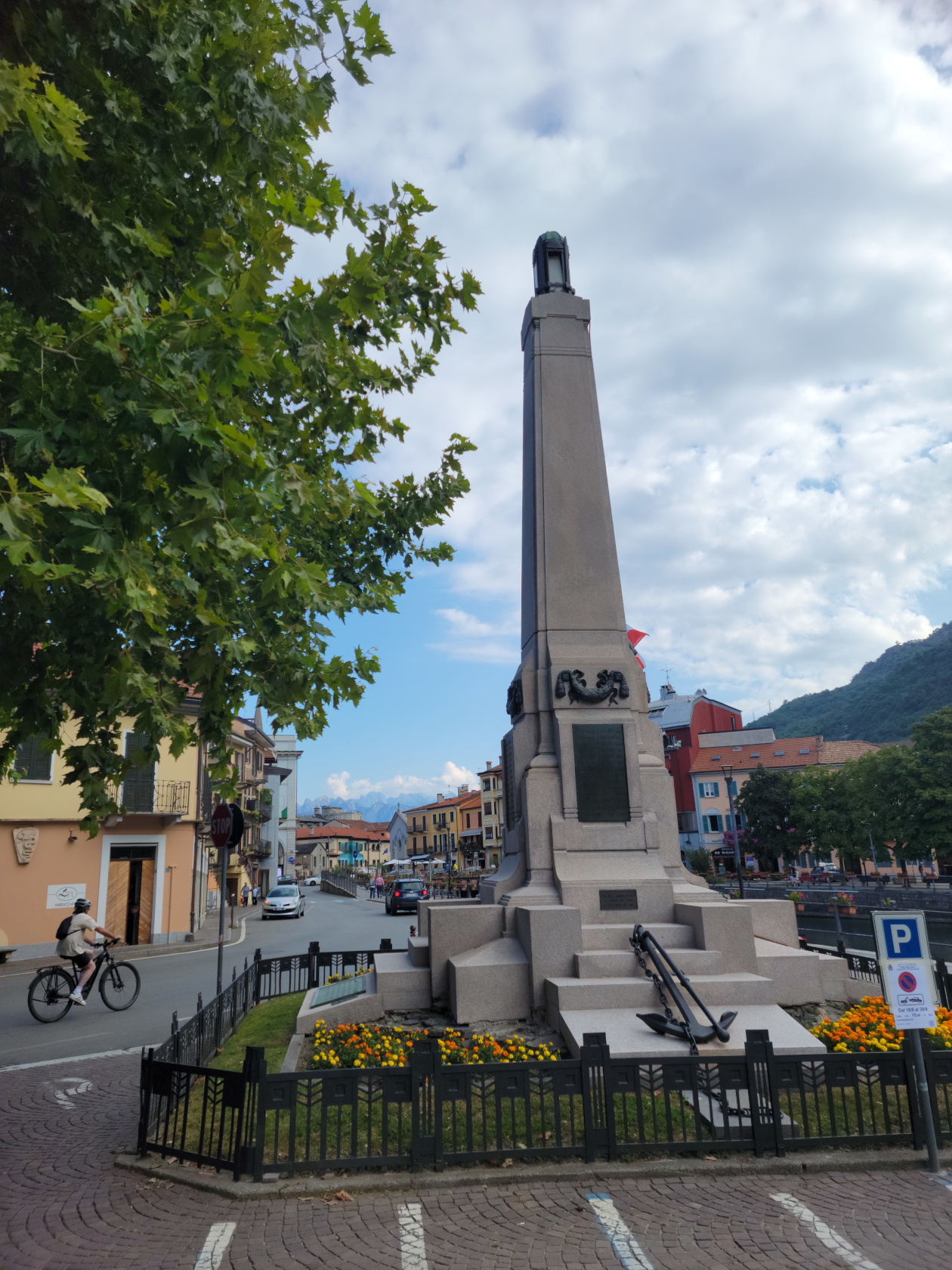
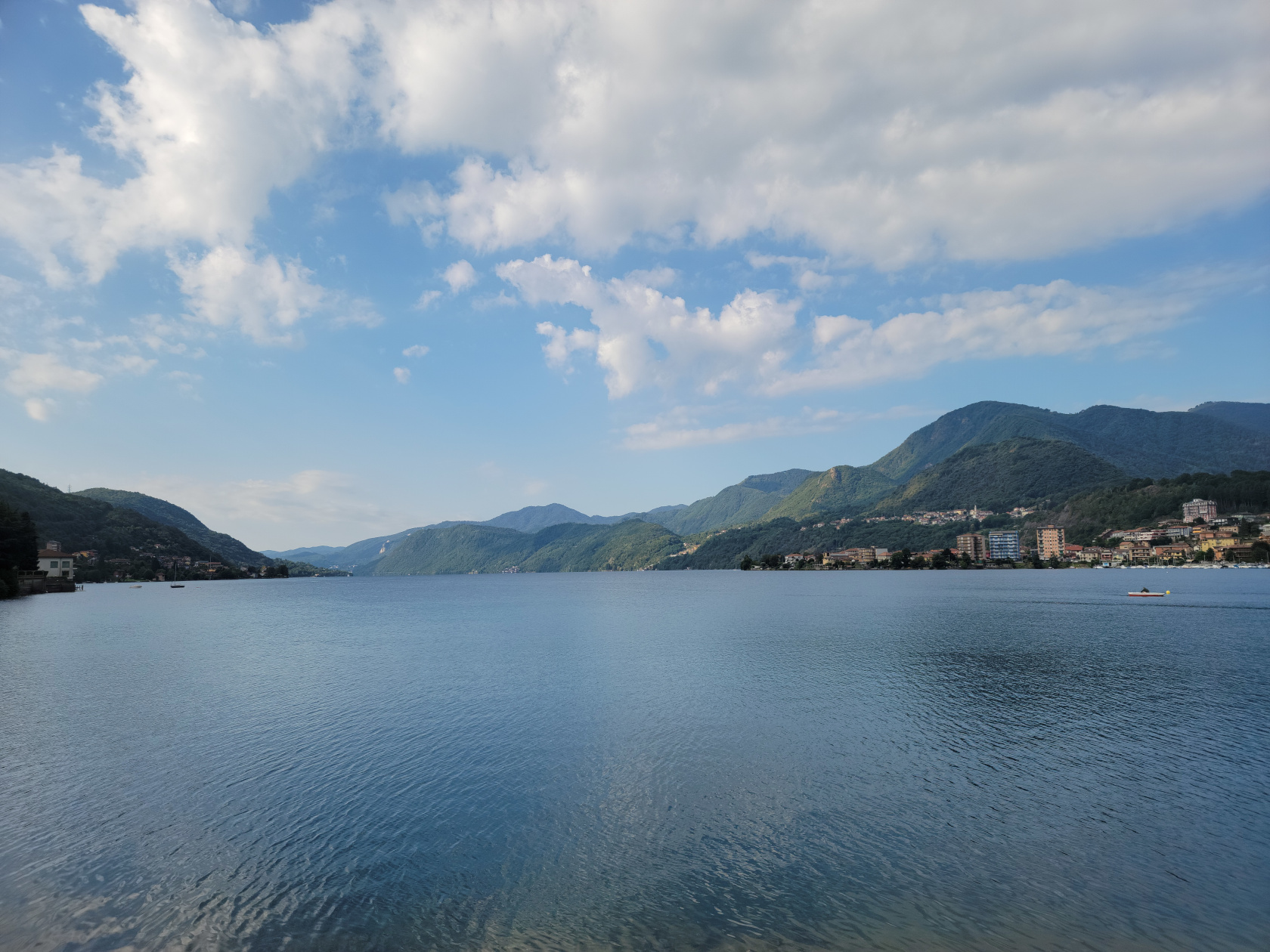
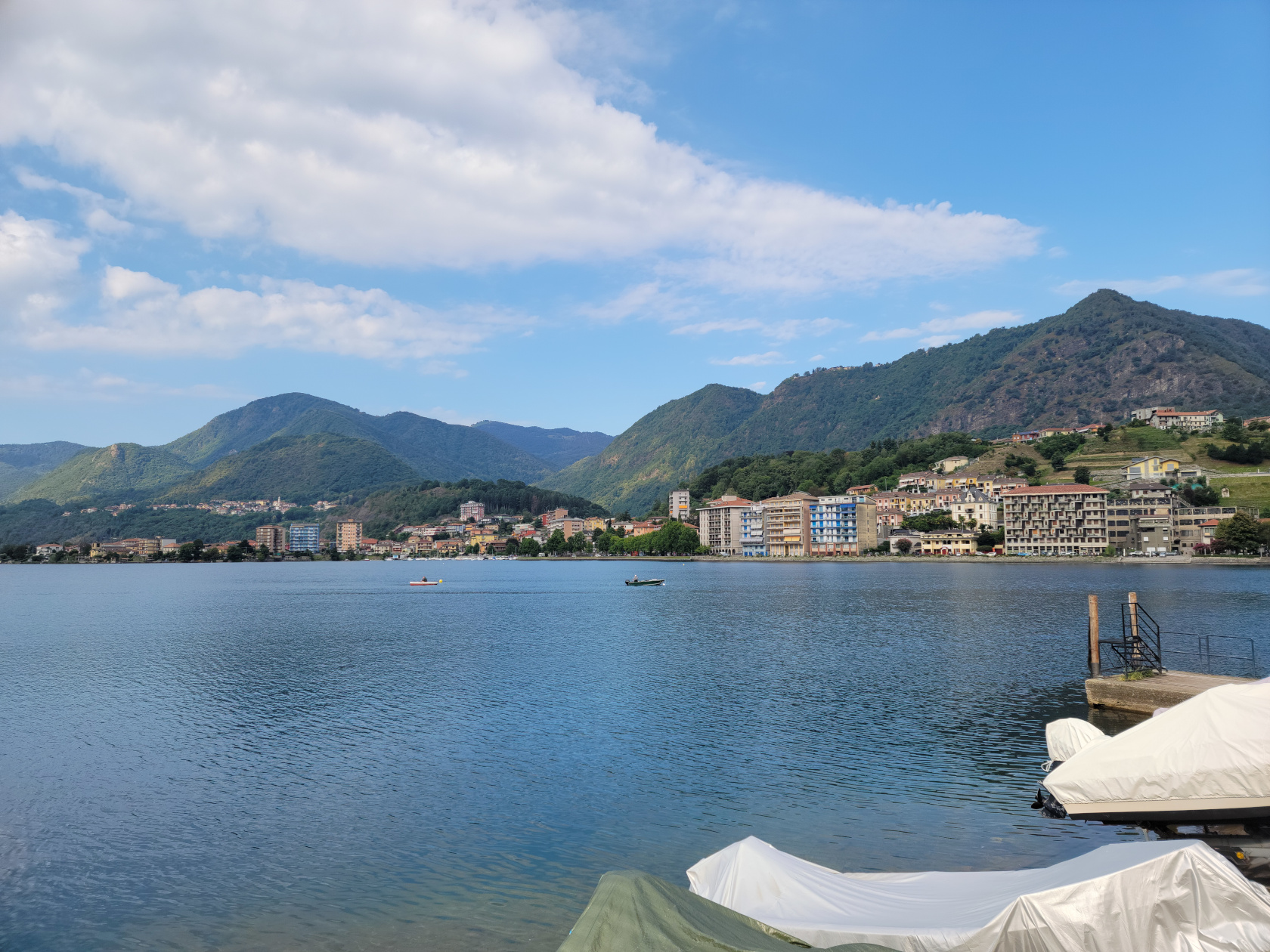
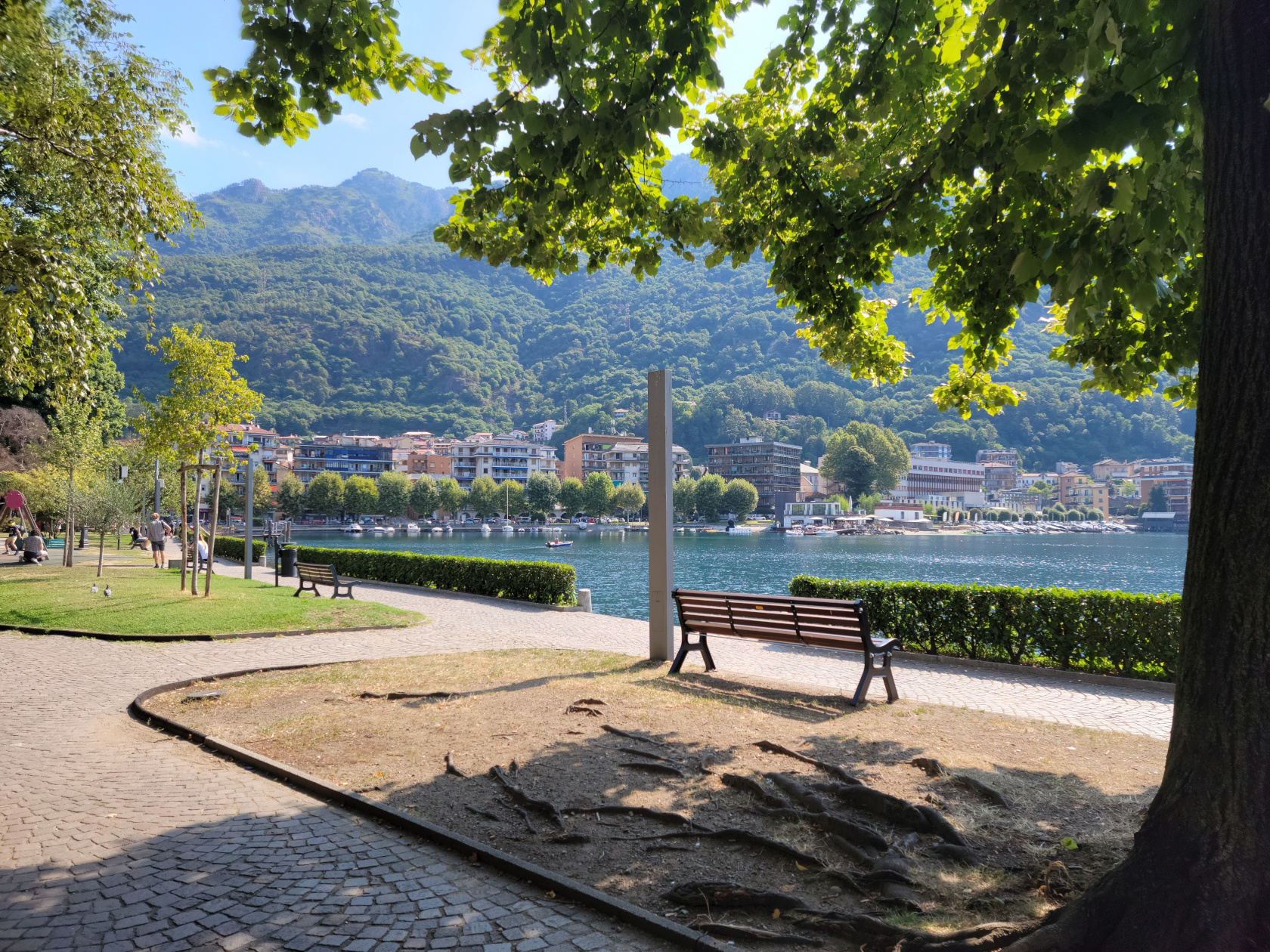
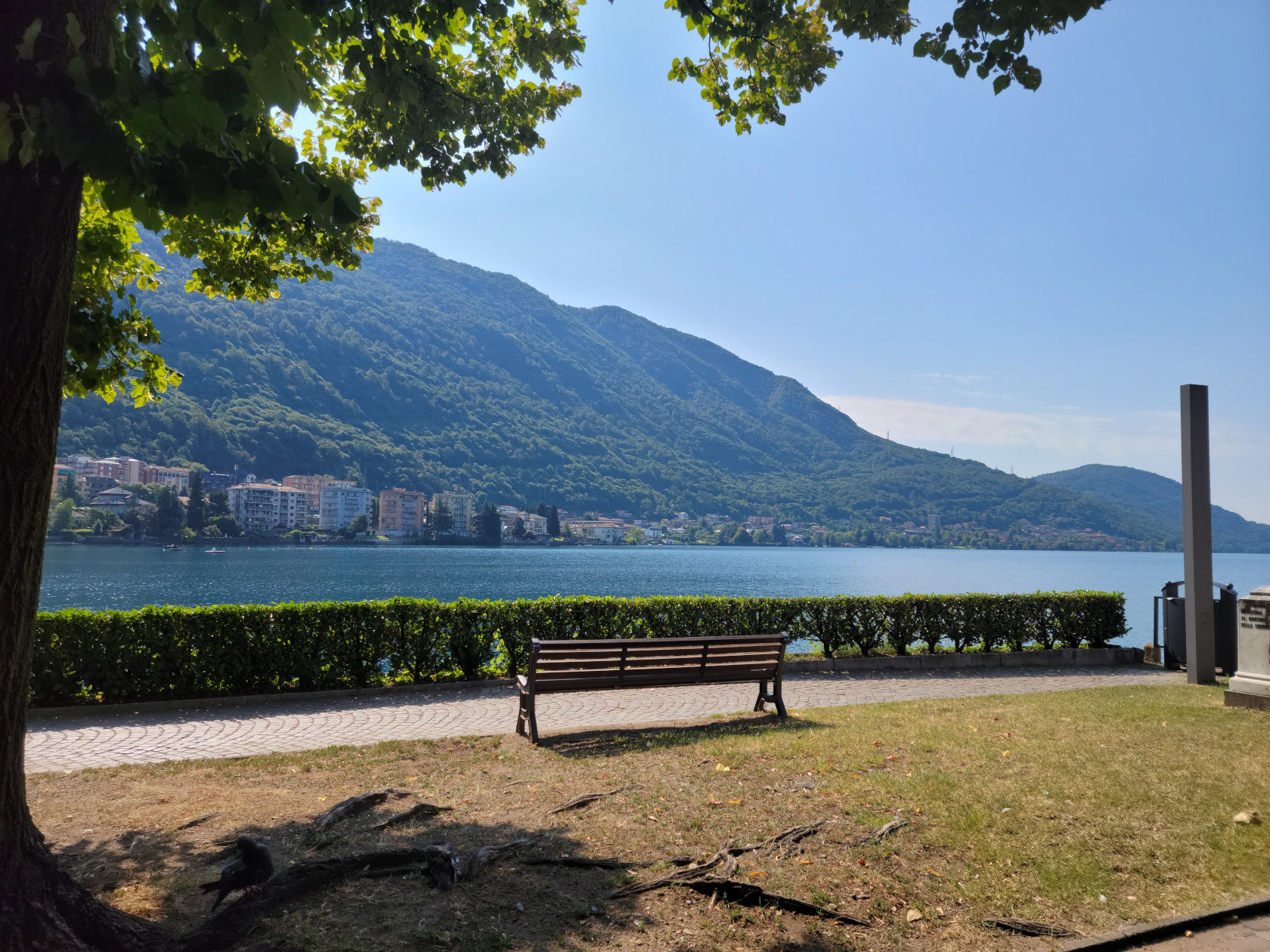
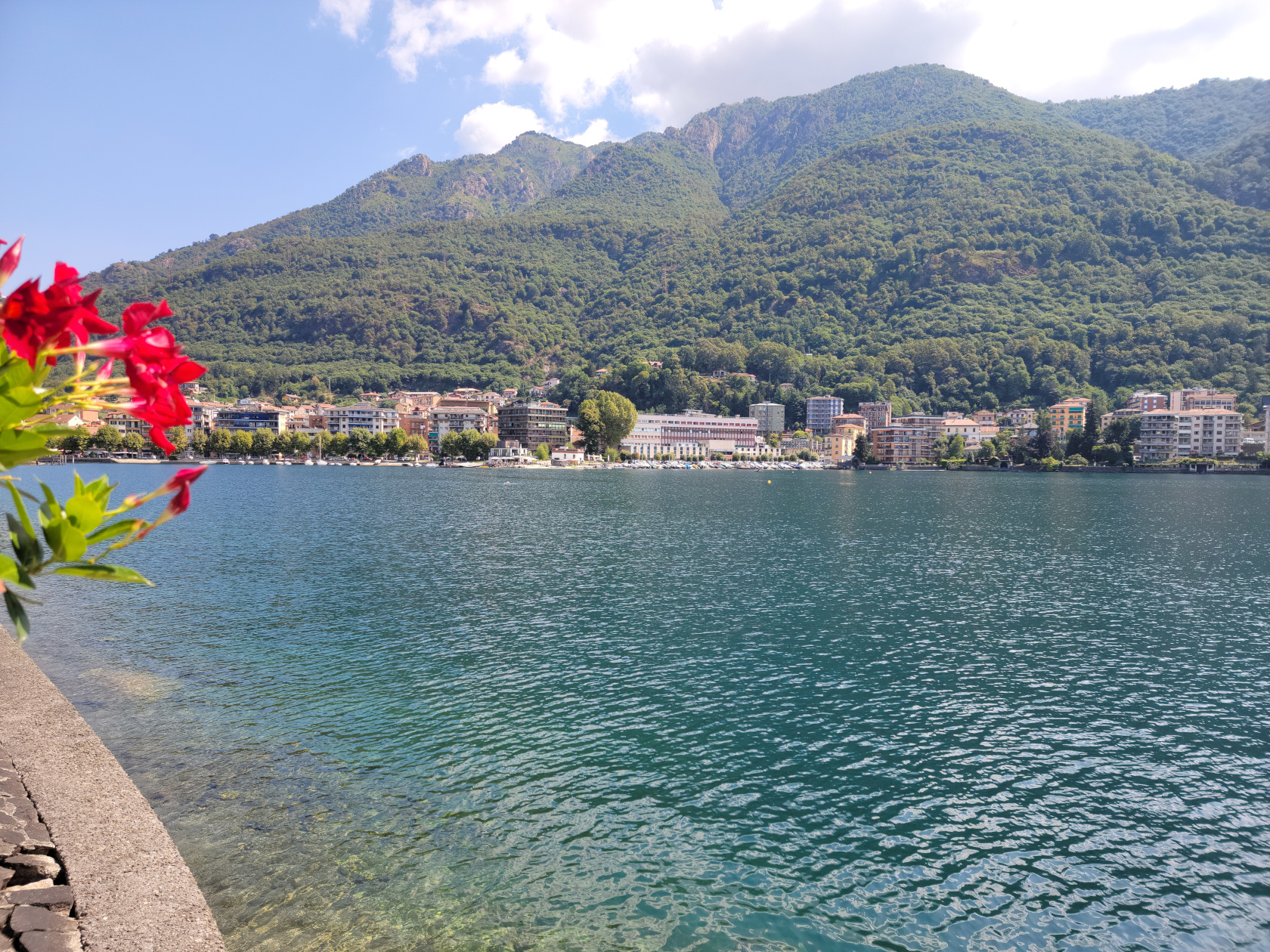
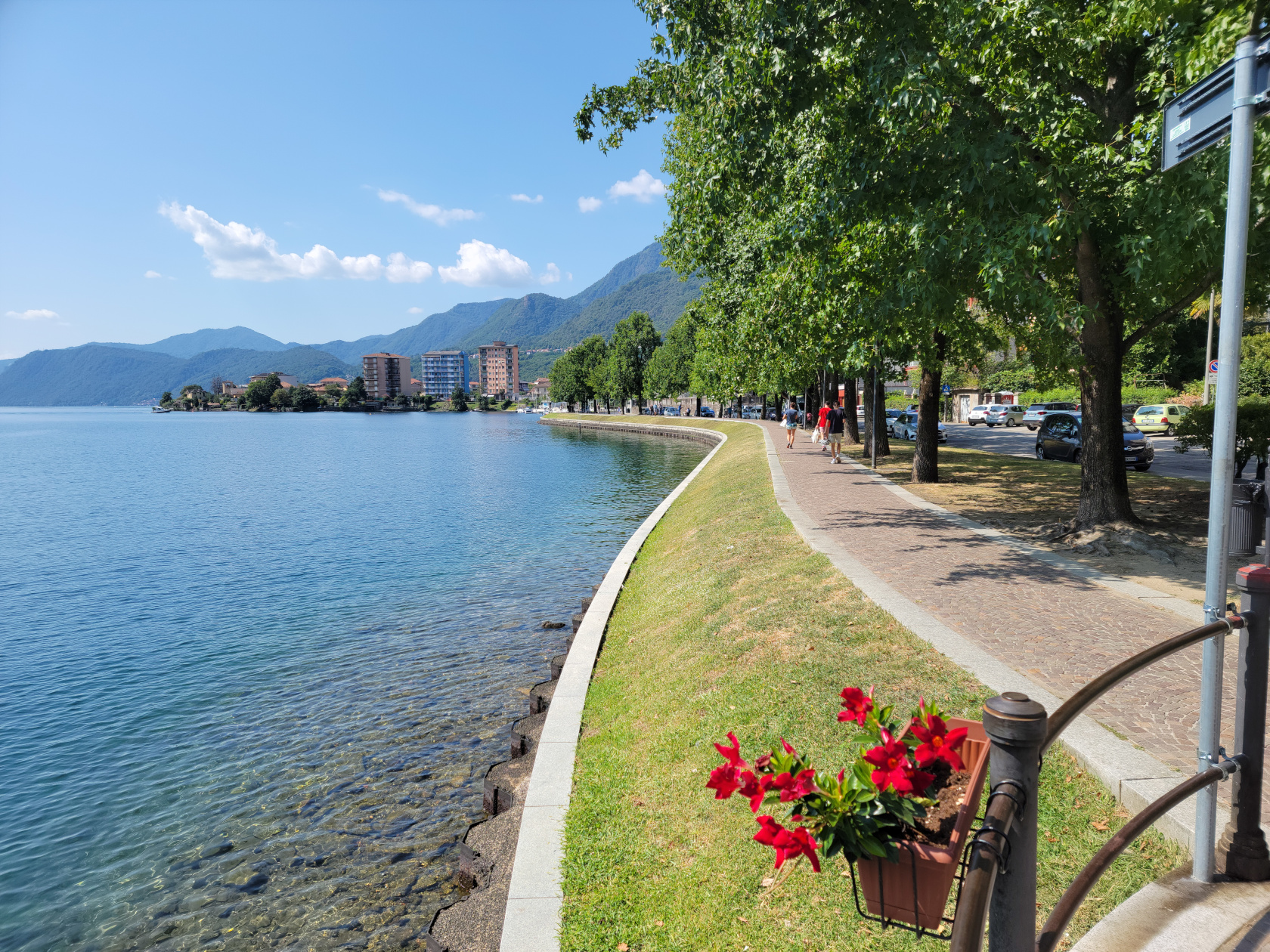
Hidden quietly in the north of Italy is the small lake of Orta and the lazy town of Omegna. After two trains and a bus ride, we finally arrived at our new short trip destination. We checked into our three star hotel, the Croce Bianci, perhaps the best centrally located one in the town.
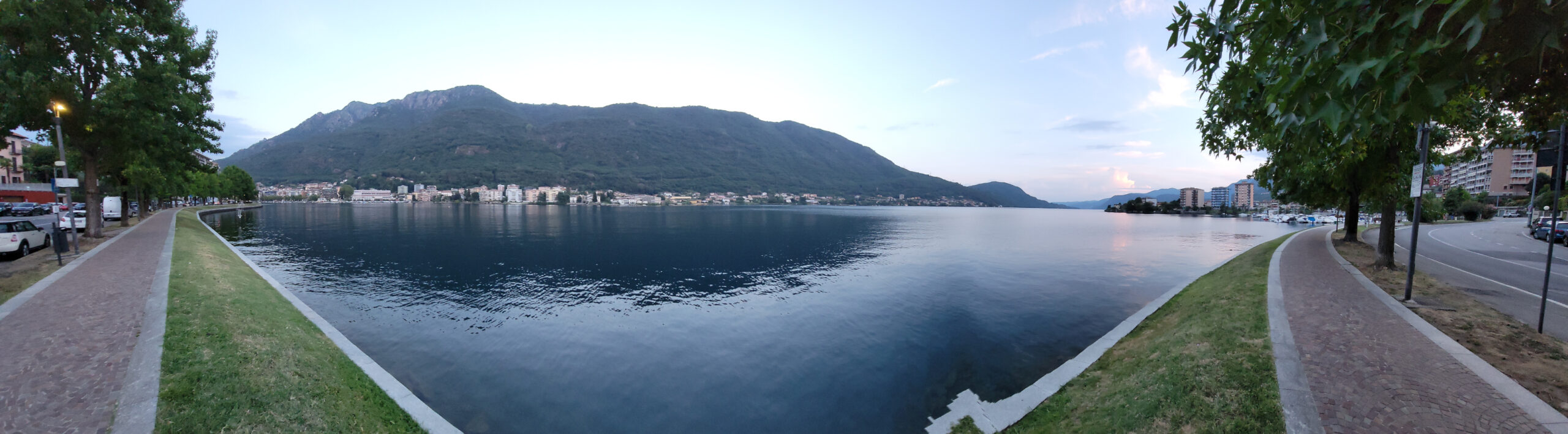
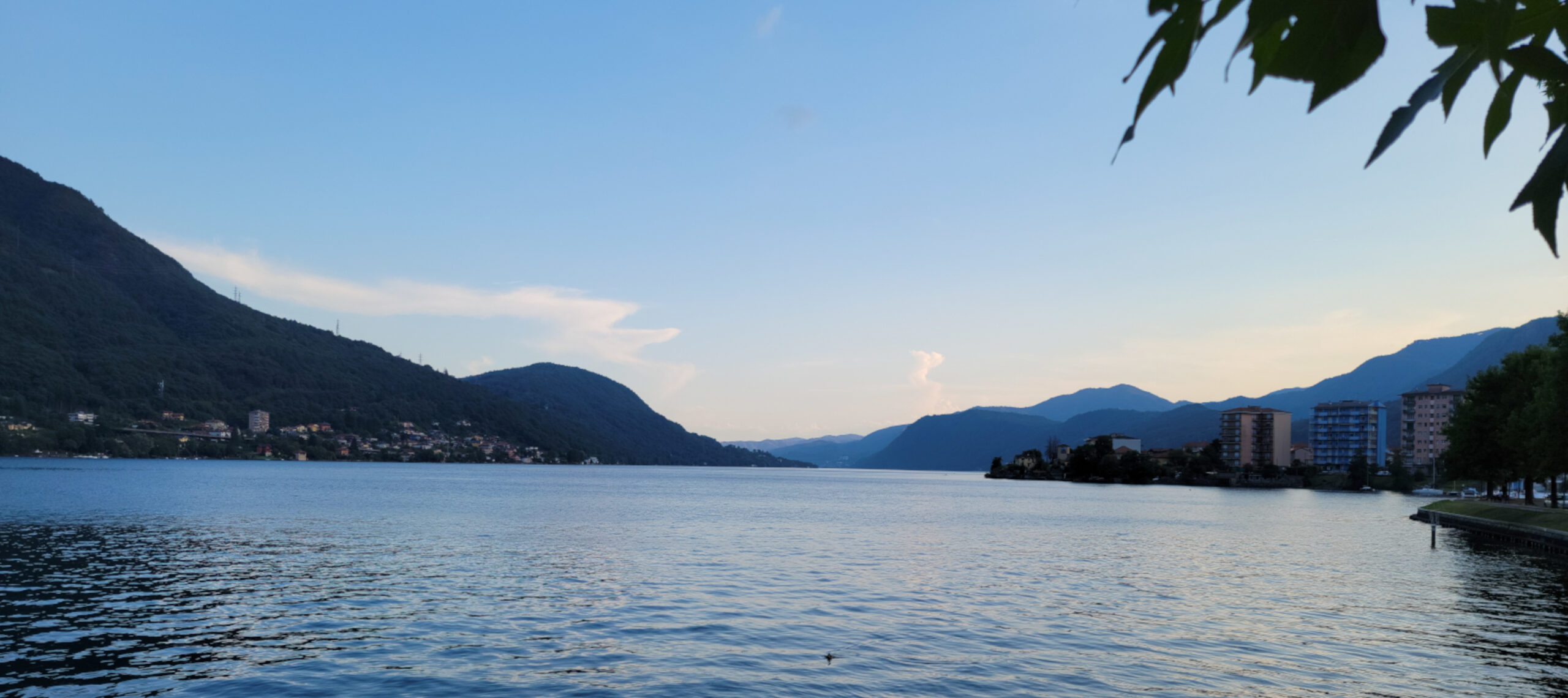
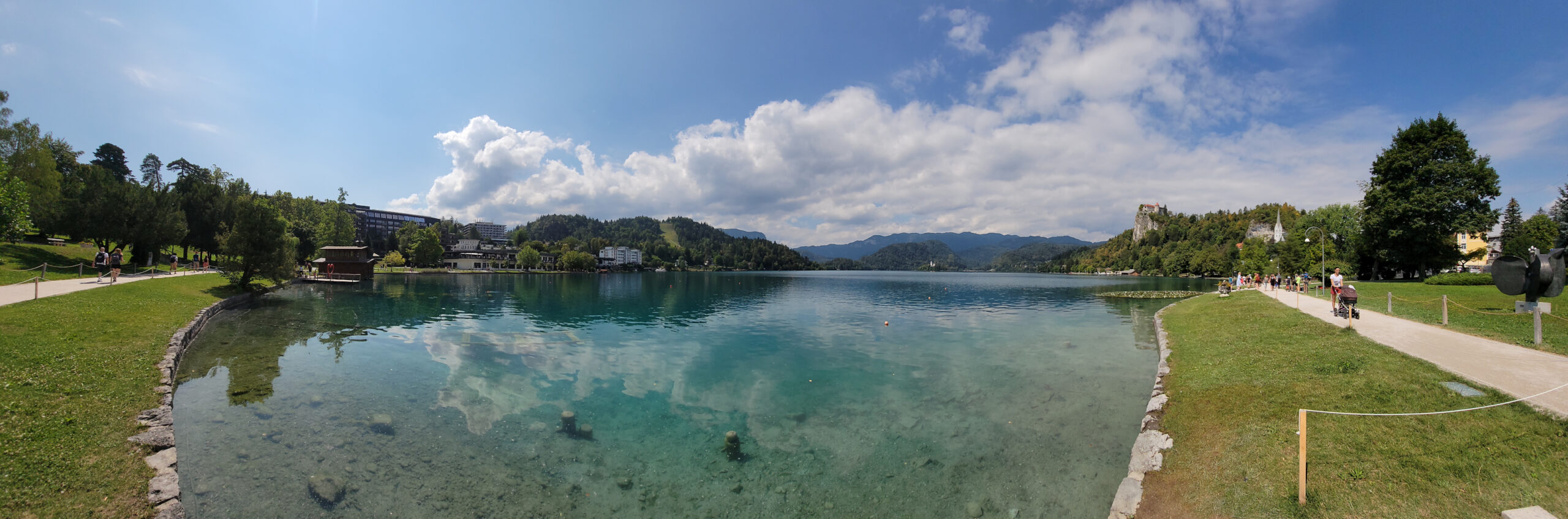
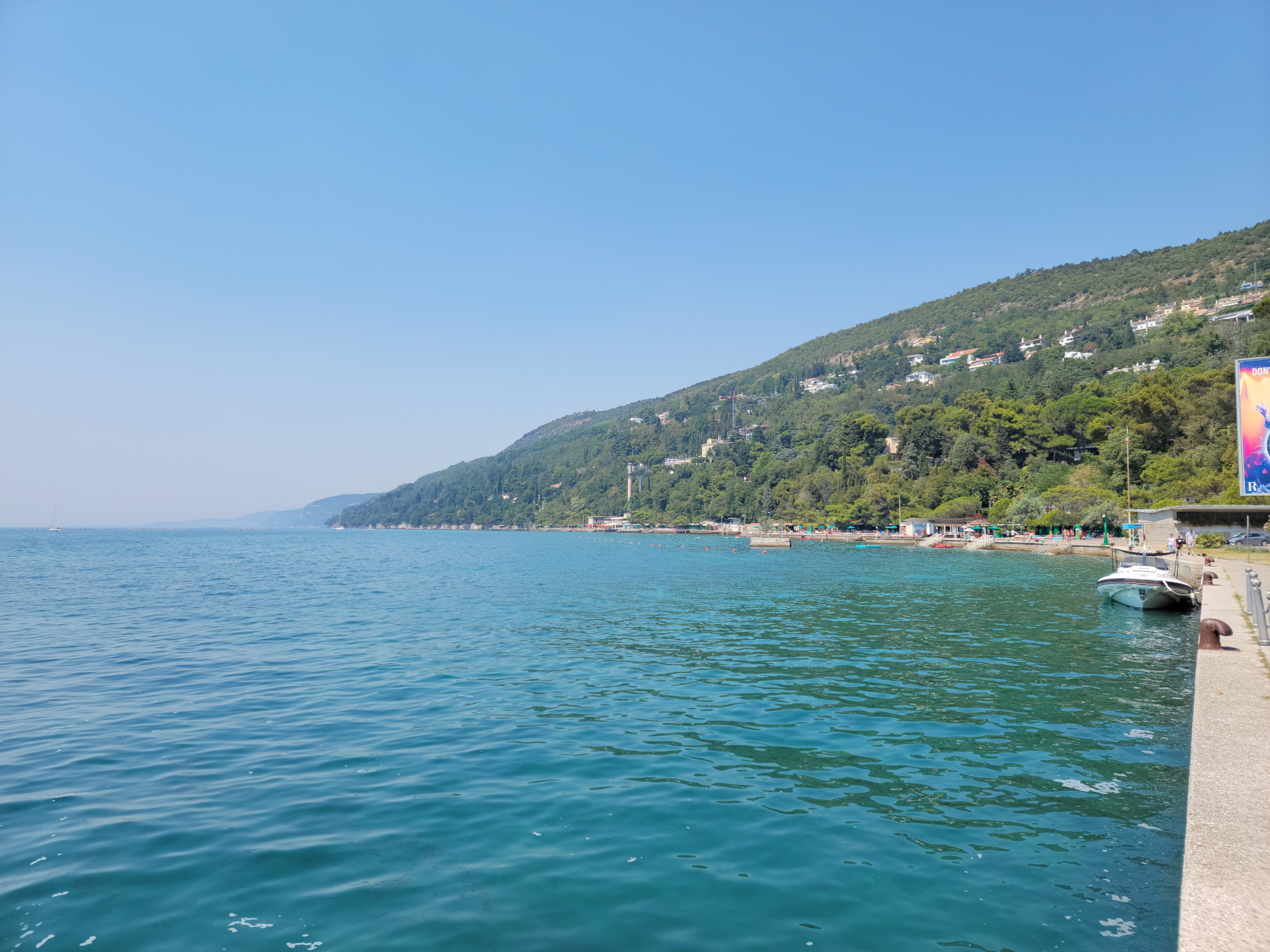
Orta Lake – Panorama from Omegna Shoreline
Because of its small size and lack of glamour, Lake Orta is often overlooked by most overseas travelers, who are more interested in the high impact tourist destinations to check off their bucket lists. It is visited mostly by Italians from Milan, some of whom own weekend homes here, the French, Germans and the occasional Brit. Since there is really not much to see and do on this side of the lake, a short slideshow is perhaps more in order.
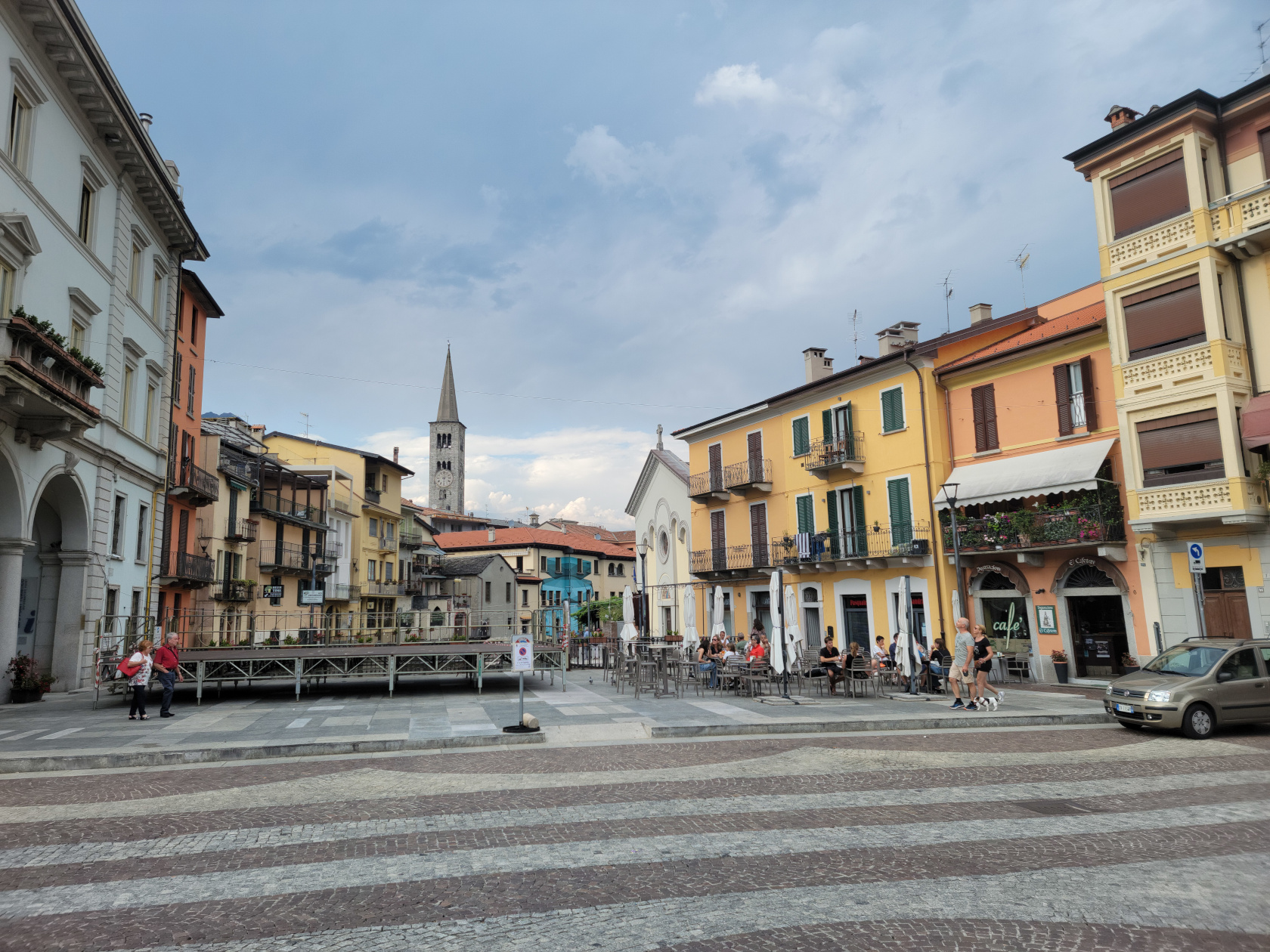
Omegna – Nigoglia Square
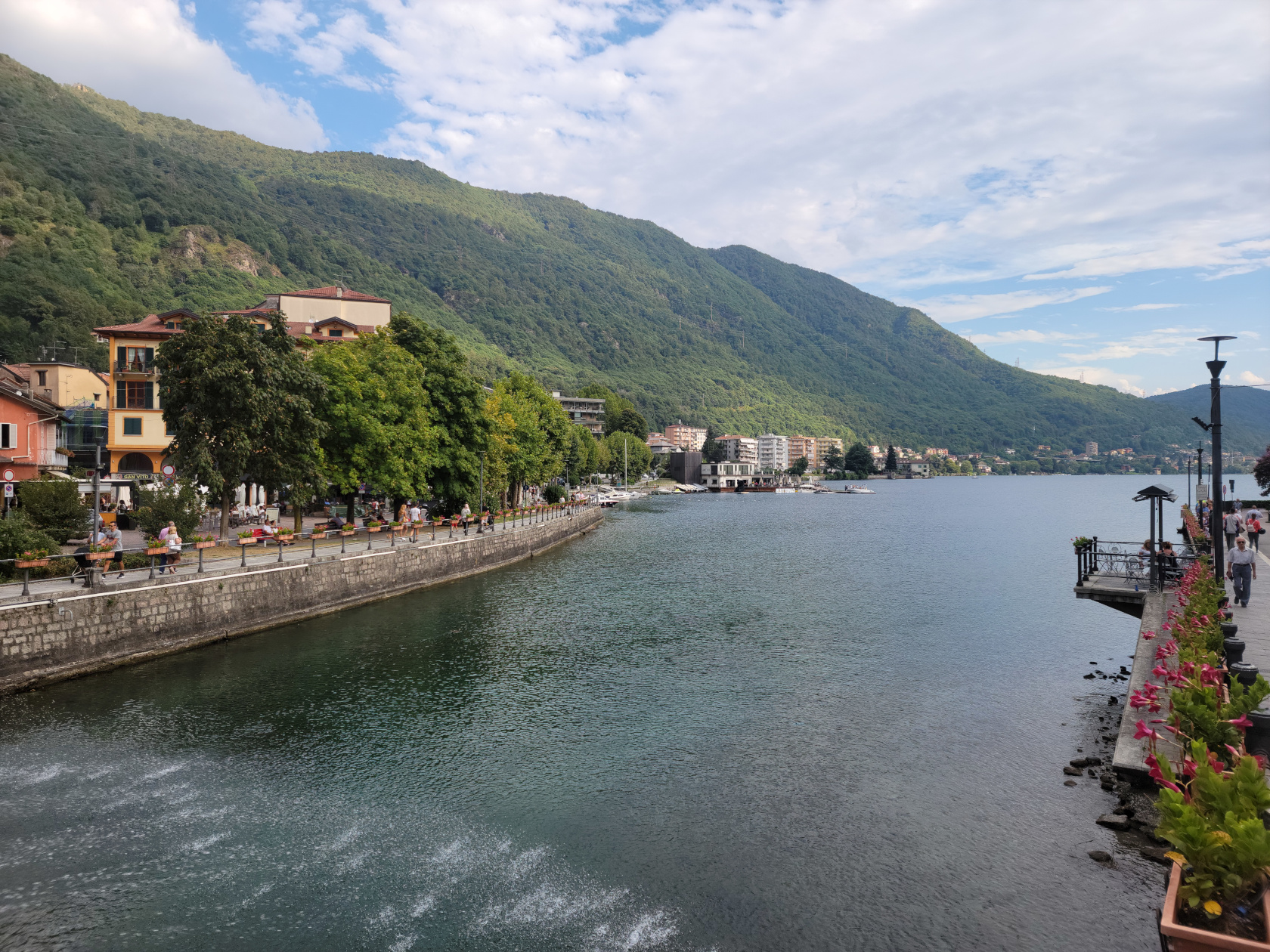
Omegna – Lake Orta by the bridge
Omegna – The Hotel Croce Bianca (red building)
Omegna – The Strona
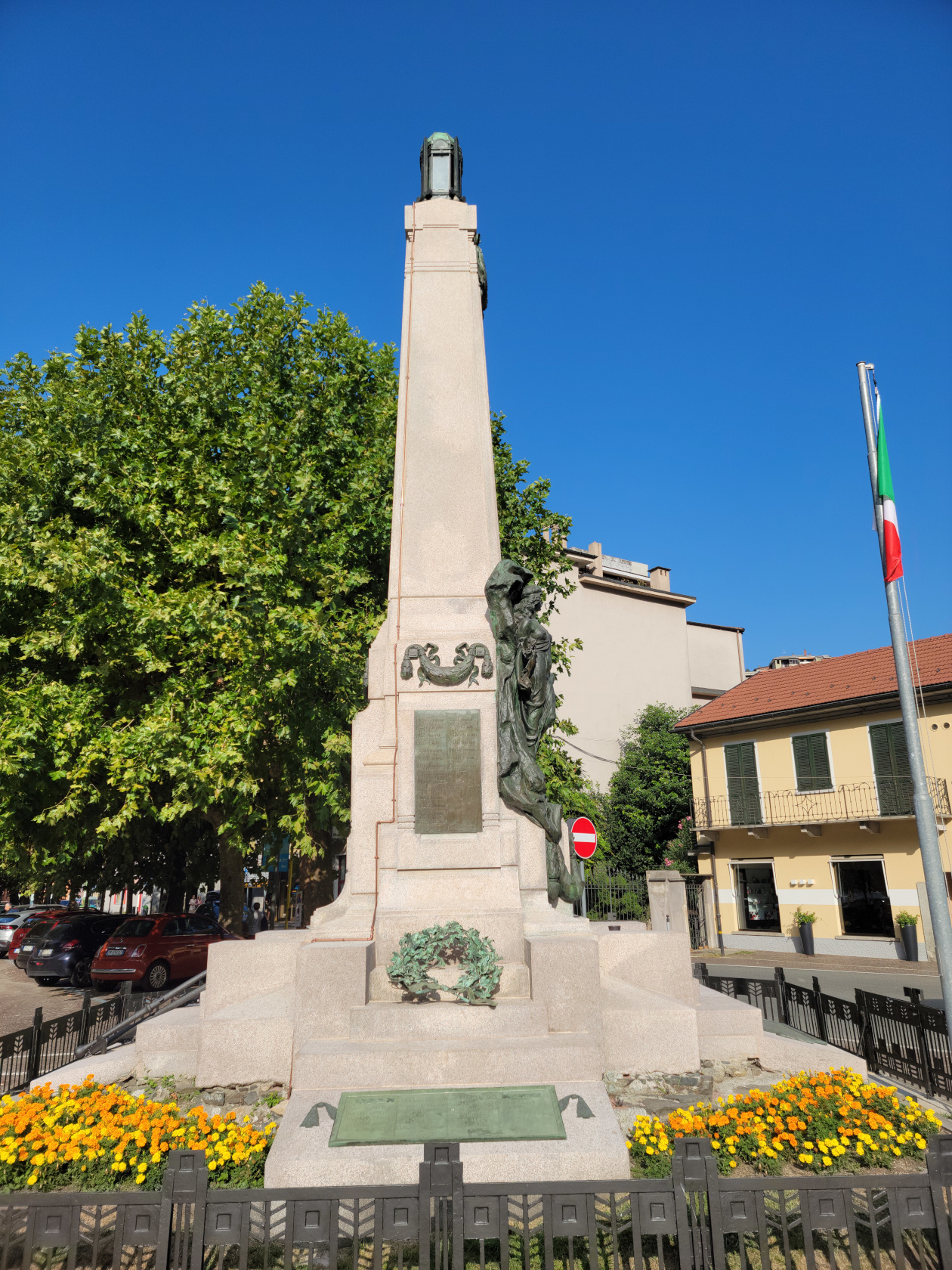
Omegna – Caduti Monument
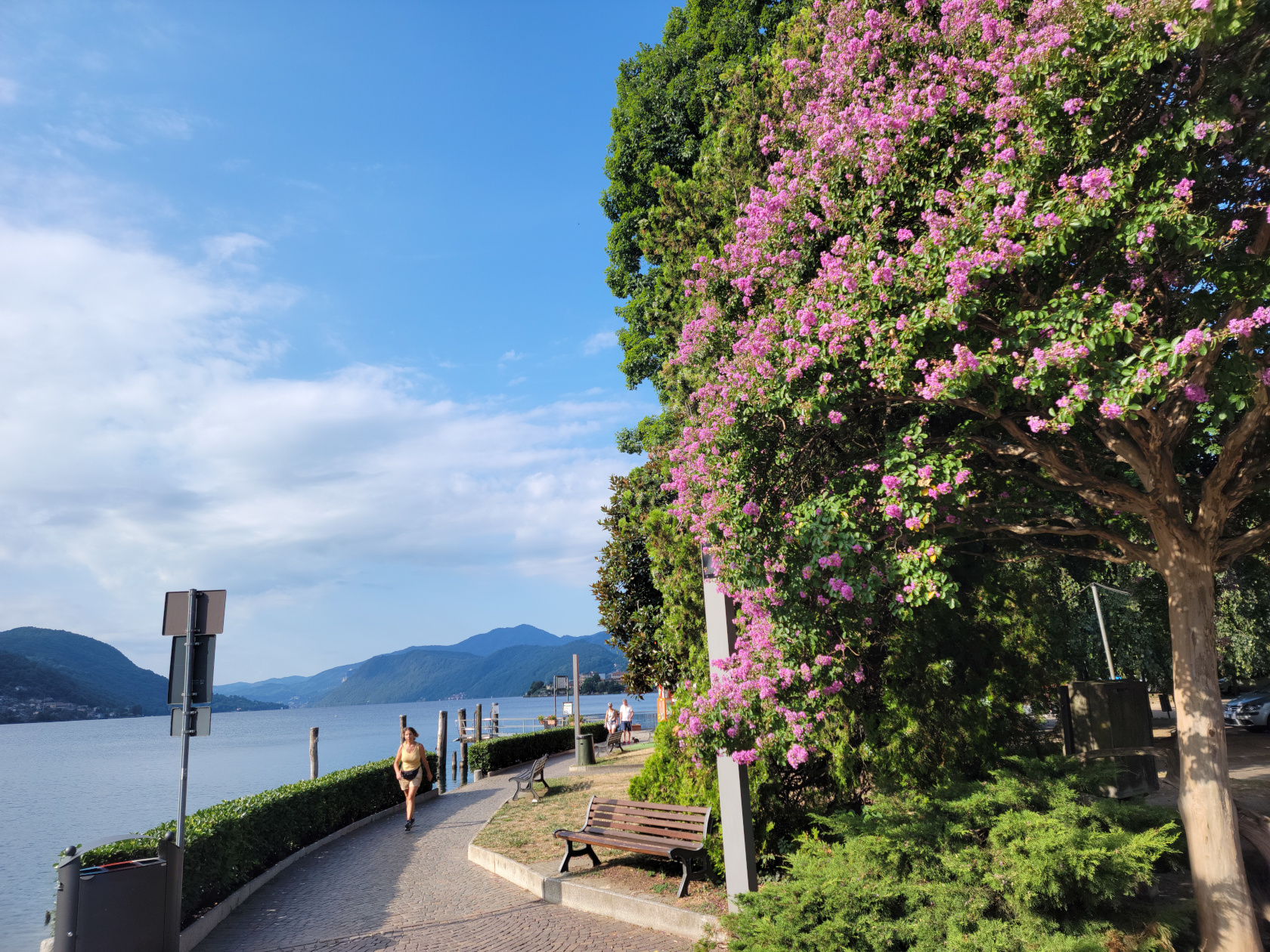
Omegna – Lungolago Gramsci
Omegna – Caduti Monument and Hotel Croce Bianci – Lungolago Gramsci
Omegna – Caduti Monument
Omegna – Lake Orta
Omegna – Lake Orta
Omegna – Lungolago Gramsci
Omegna – Lungolago Gramsci
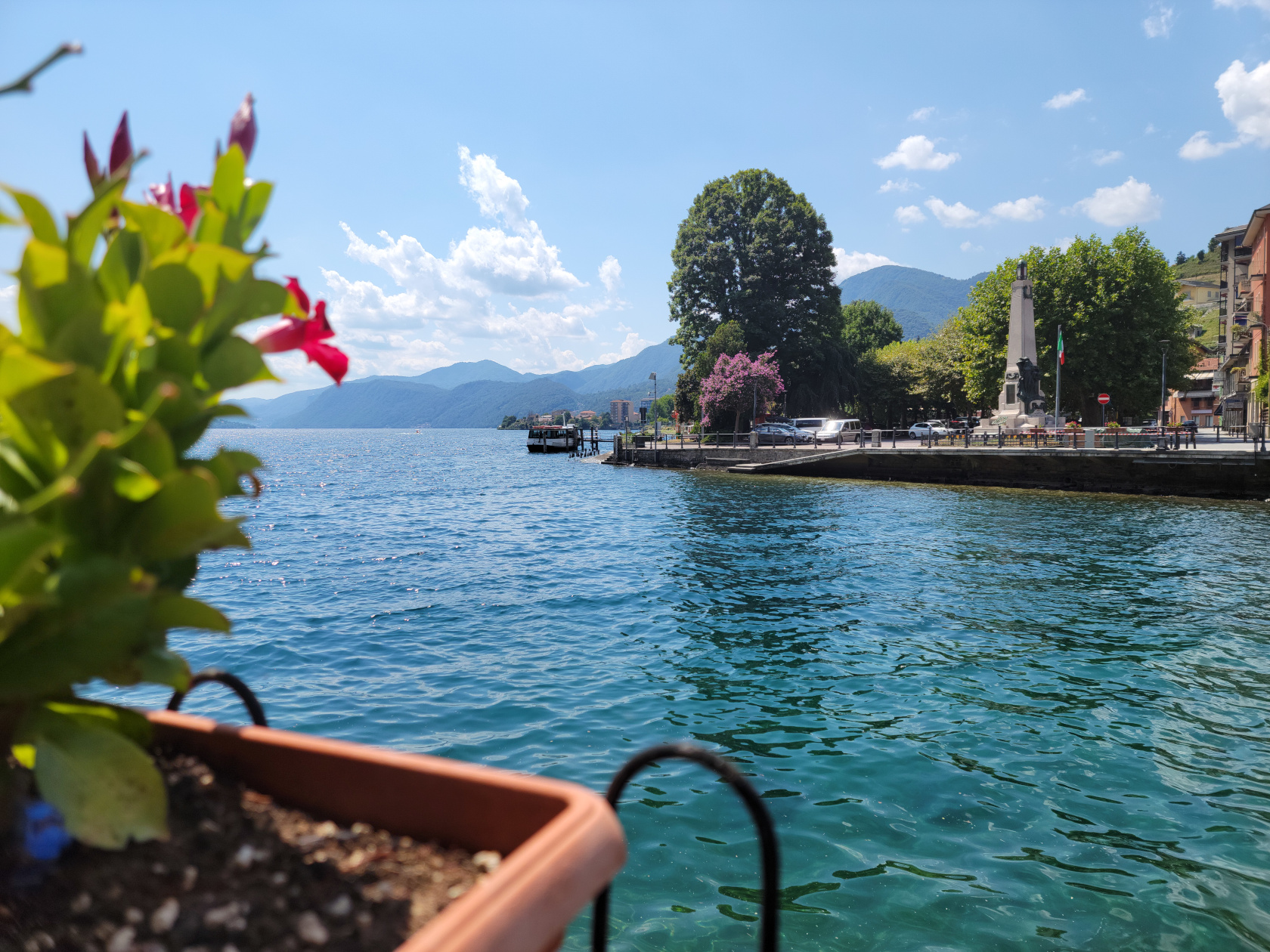
Omegna – Lungolago Gramsci – Lake Orta
Omegna – Lungolago Gramsci – Lake Orta
Omegna – Lungolago Gramsci
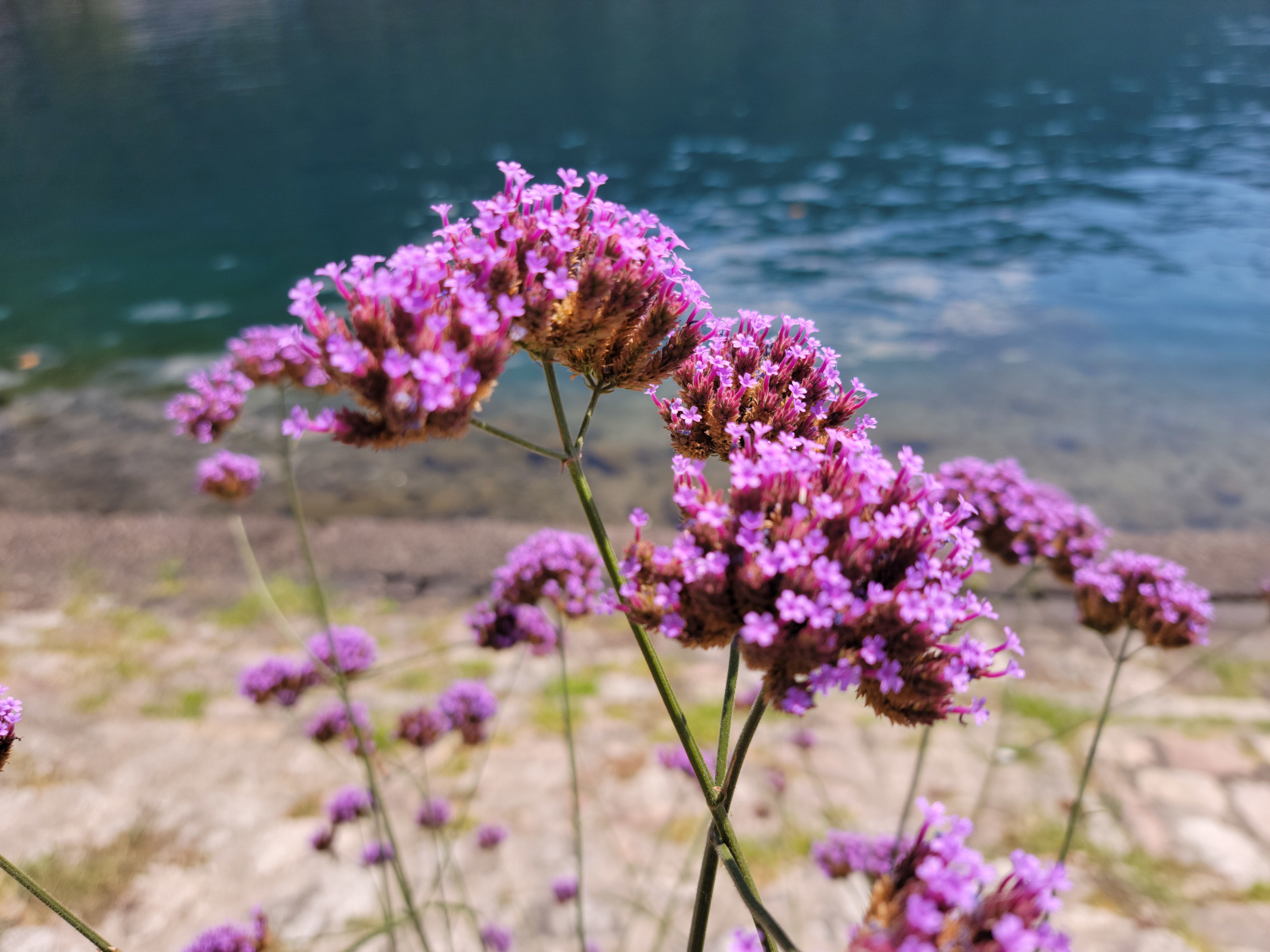
Omegna – Lungolago Gramsci – Flowers
Omegna – Lungolago Gramsci
Omegna – Lake Orta at night
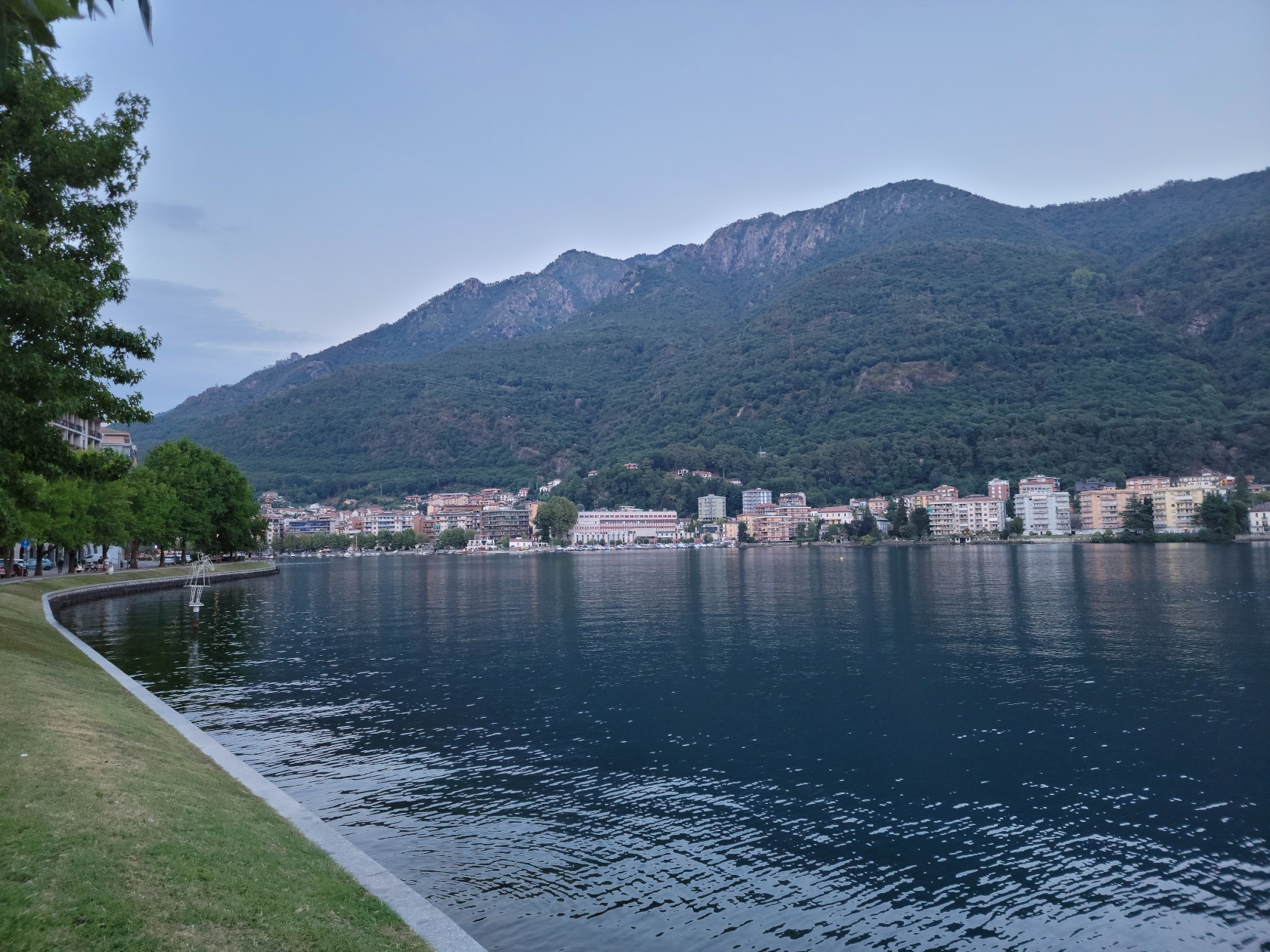
Omegna – Lake Orta
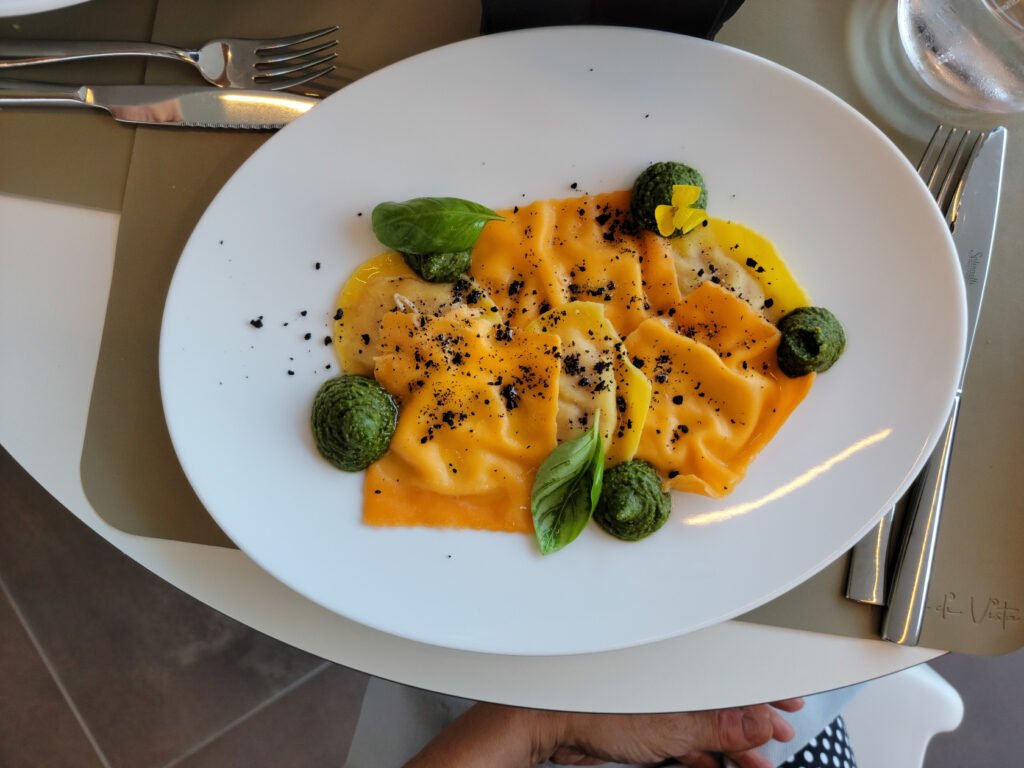
Omegna – Ristorante Punti Di Vista
We made plans to visit Omegna just to relax and actually do nothing more than just check the lake out. This is definitely a good place to accomplish nothing. However, there are plenty of activities available, from camping, boating, cycling, swimming, hiking and the odd trek to a neighboring town, if one is so inclined. The area is definitely family friendly, even the town has a large and very well equipped playground for them.
The remainder of our trip will visit other parts of the lake and be continued in another entry, so stay tuned. Ciao for now…
Restaurants
Salera 16
A more hip and trendy place is the Salera 16, which caters to the younger crowd with burgers, fries and other handheld items. A good place to stop for something quick.
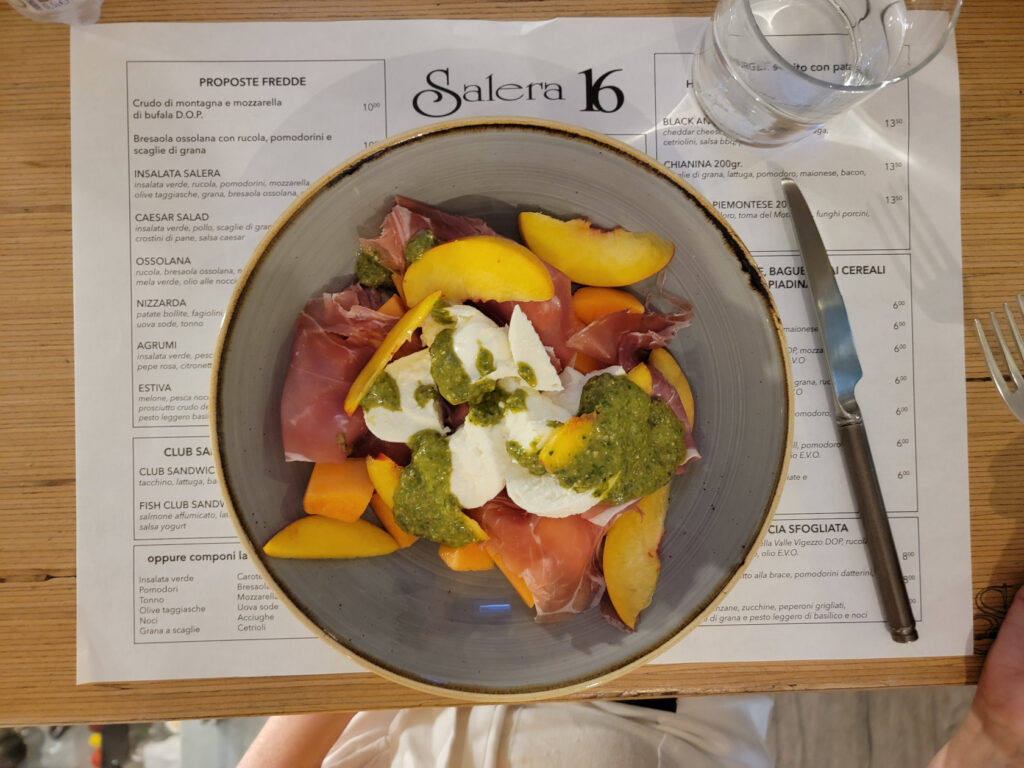
Omegna – Estiva: Fruit Salad with Prosciutto, Mozarella and Pesto – Salera 16
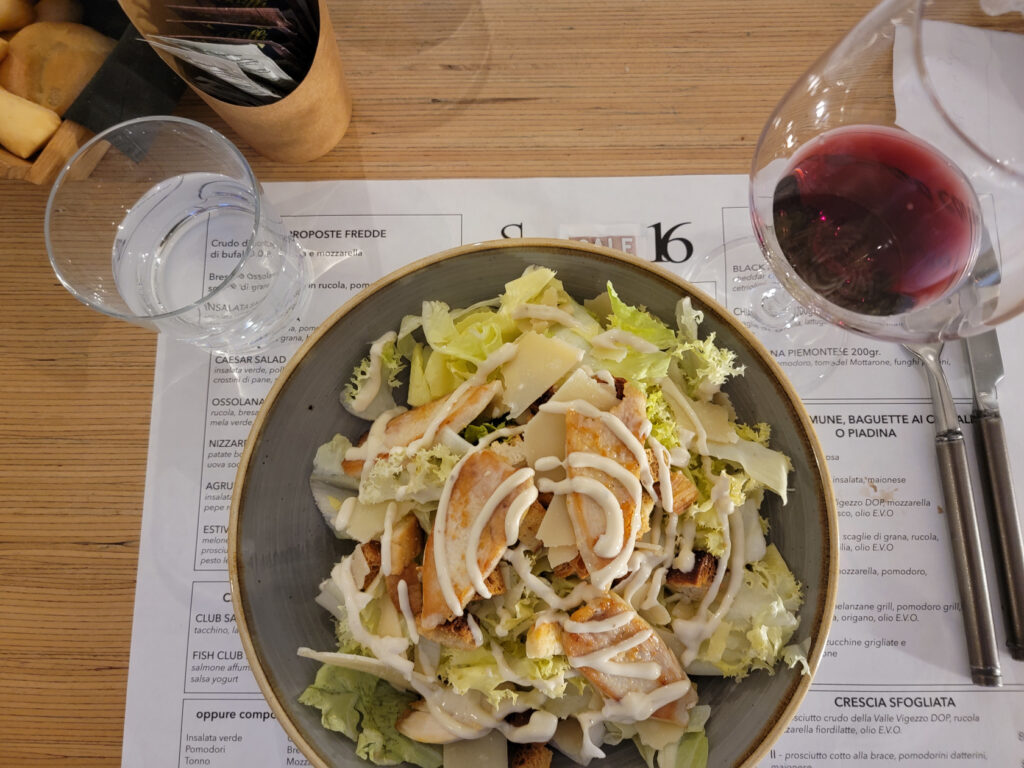
Omegna – Caesar Salad with Chicken and shaved Parmesan – Salera 16
Al Centrale Bistrot
This little bistrot has excellent food at great prices, though the menu is limited and changes daily. If you are not fussy and adaptable you definitely find a tasty treat here. Their wines by the glass are very good.
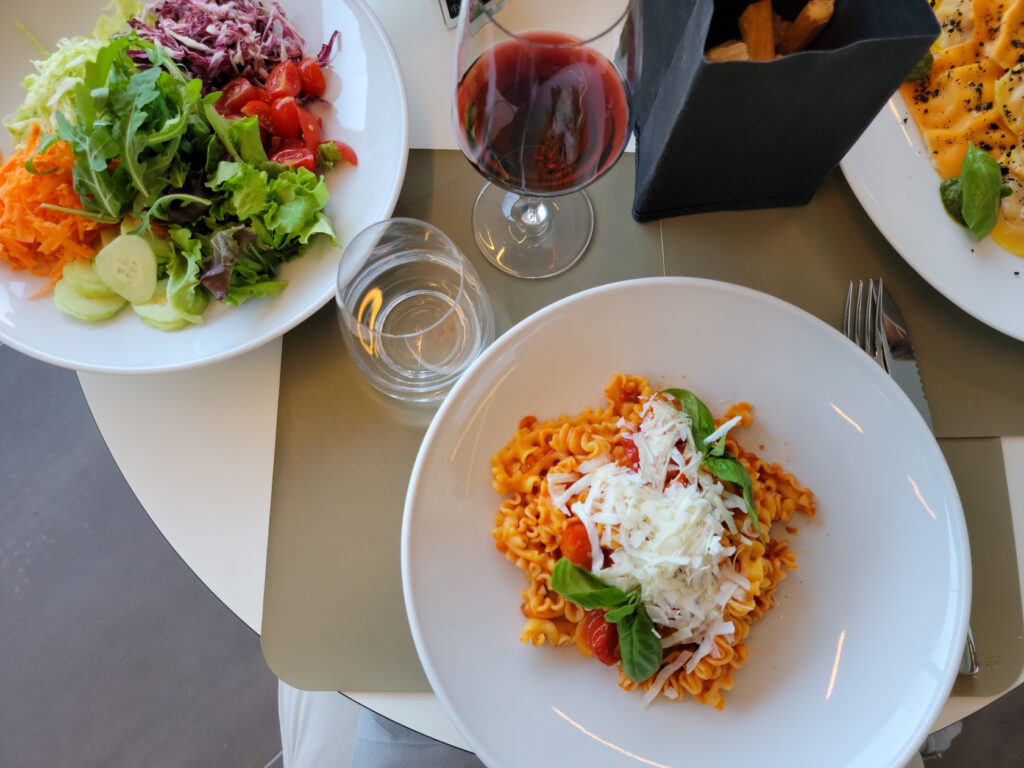
Omegna – Pasta Bolognese and Insalata Mista – Al Centrale Bistrot
Omegna – Ravioli with Pesto – Al Centrale Bistrot
Ristorante Il Cavalieri
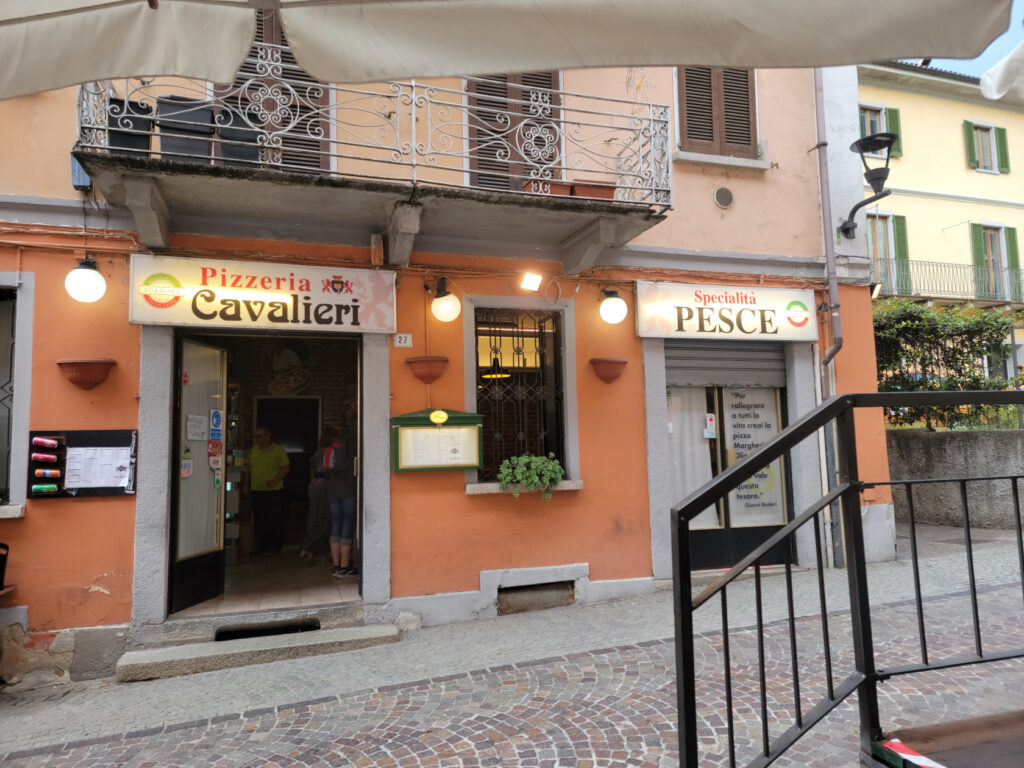
The first restaurant we visited when we arrived, it offers traditional Italian fare and pizza. It behaves more like a trattoria and gets a lot of local traffic. So an excellent place for reasonably priced authentic Italian food. I found the Vino Sfuso, or bulk house wine, a bit of a disappointment, but it is still drinkable and reasonably priced.
Omegna – Il Cavalieri Pizzeria
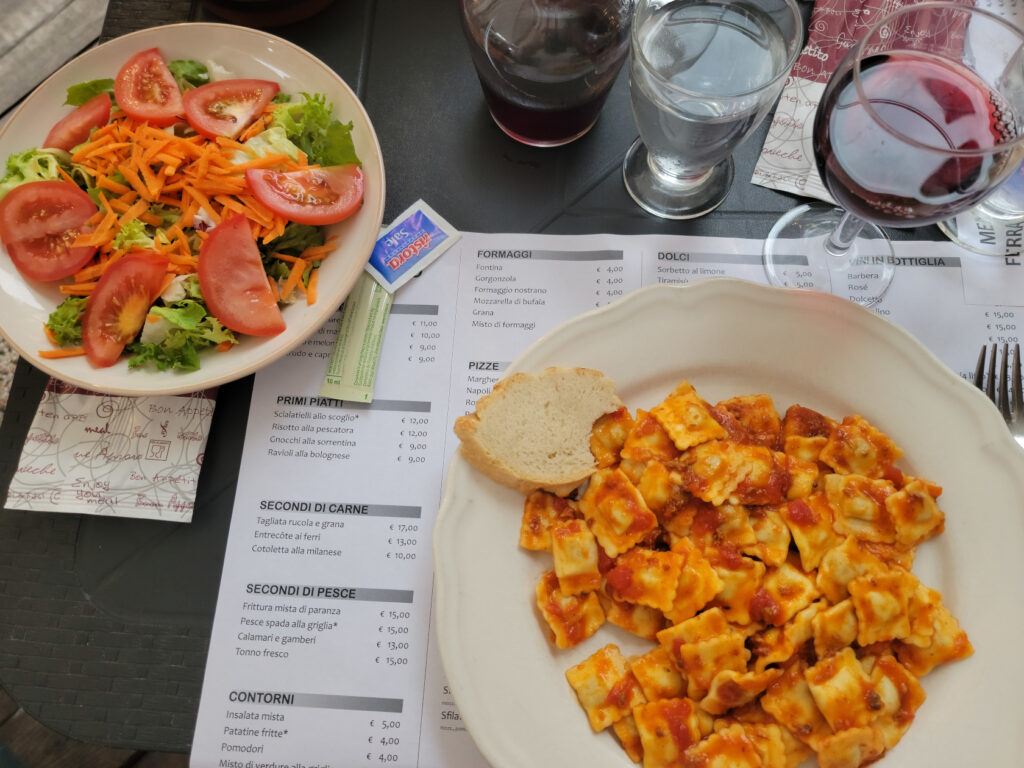
Omegna – Ravioli and side salad – Il Cavalieri Pizzeria
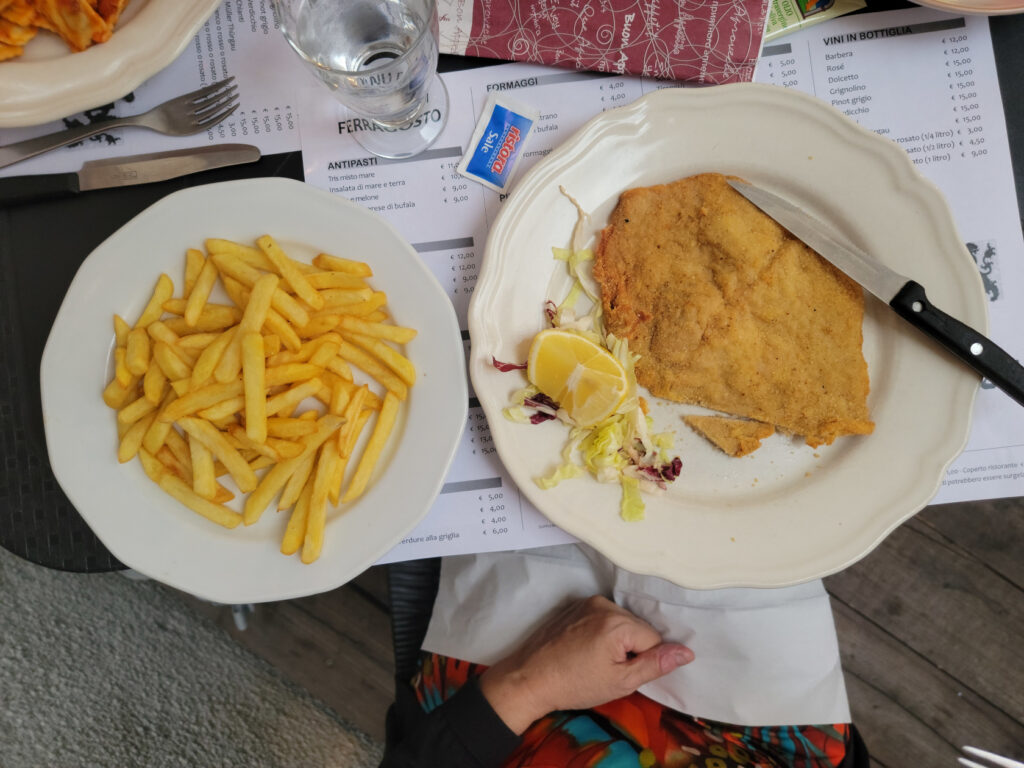
Omegna – Chicken Cutlet Milano Style with Fries – Il Cavalieri Pizzeria
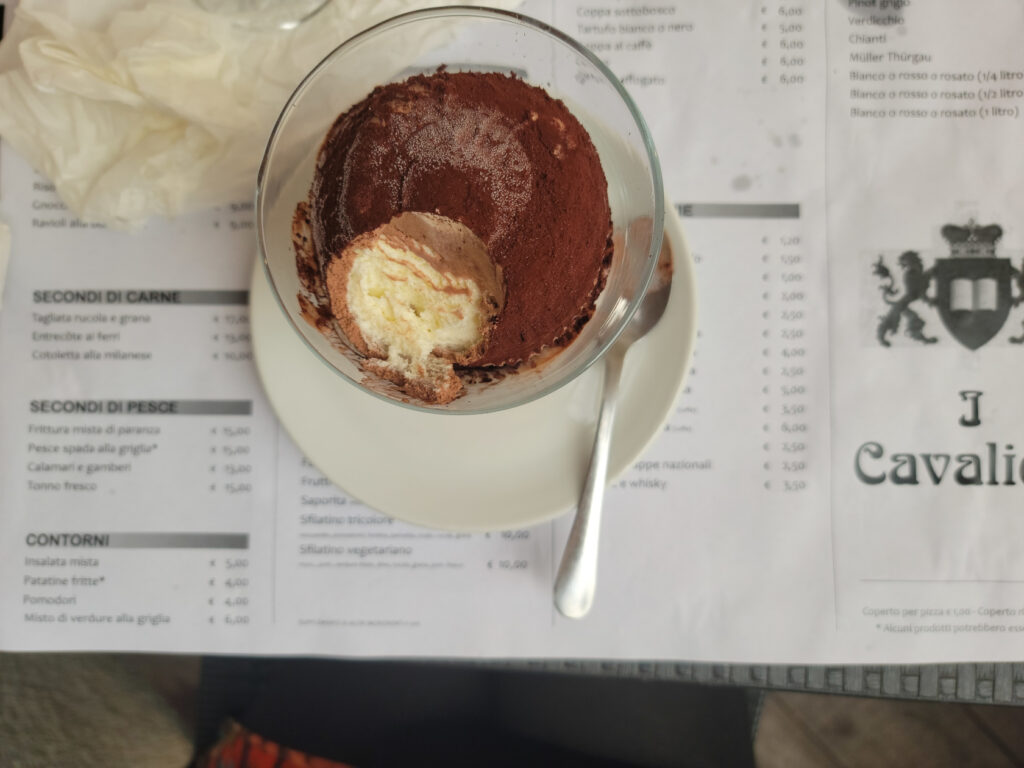
Omegna – Tartufo – Il Cavalieri Pizzeria
Ristorante Punti D’Vista
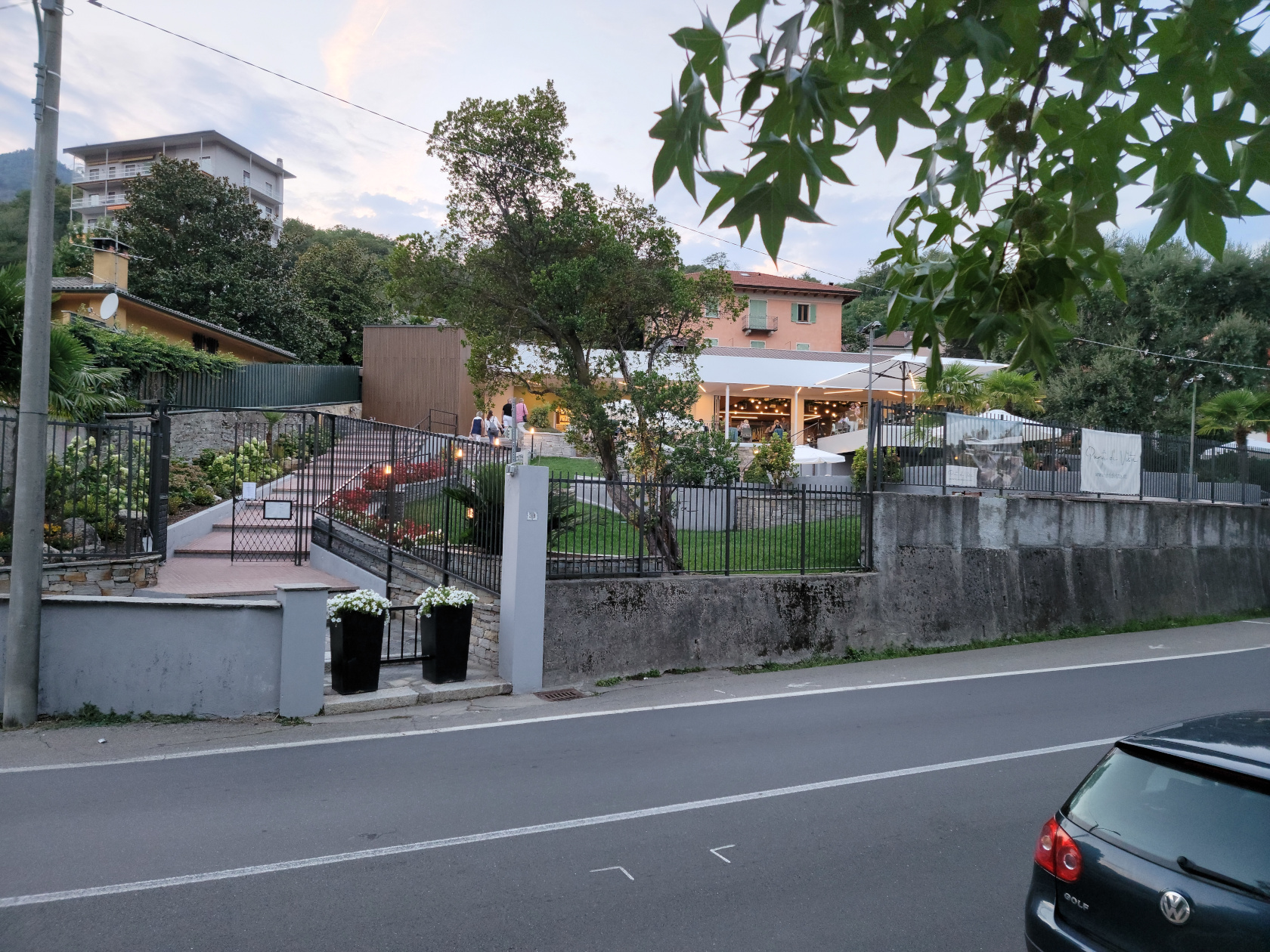
A ten minute walk along the Lungolago Gramsci of Omegna on the west bank will bring you to this hotel and restaurant. Set slightly uphill from the road it has a commanding view of the lake and plenty of outside seating. Reservations are recommended though, as the patio seating fills up quite fast.
Omegna – Ristorante Punti Di Vista
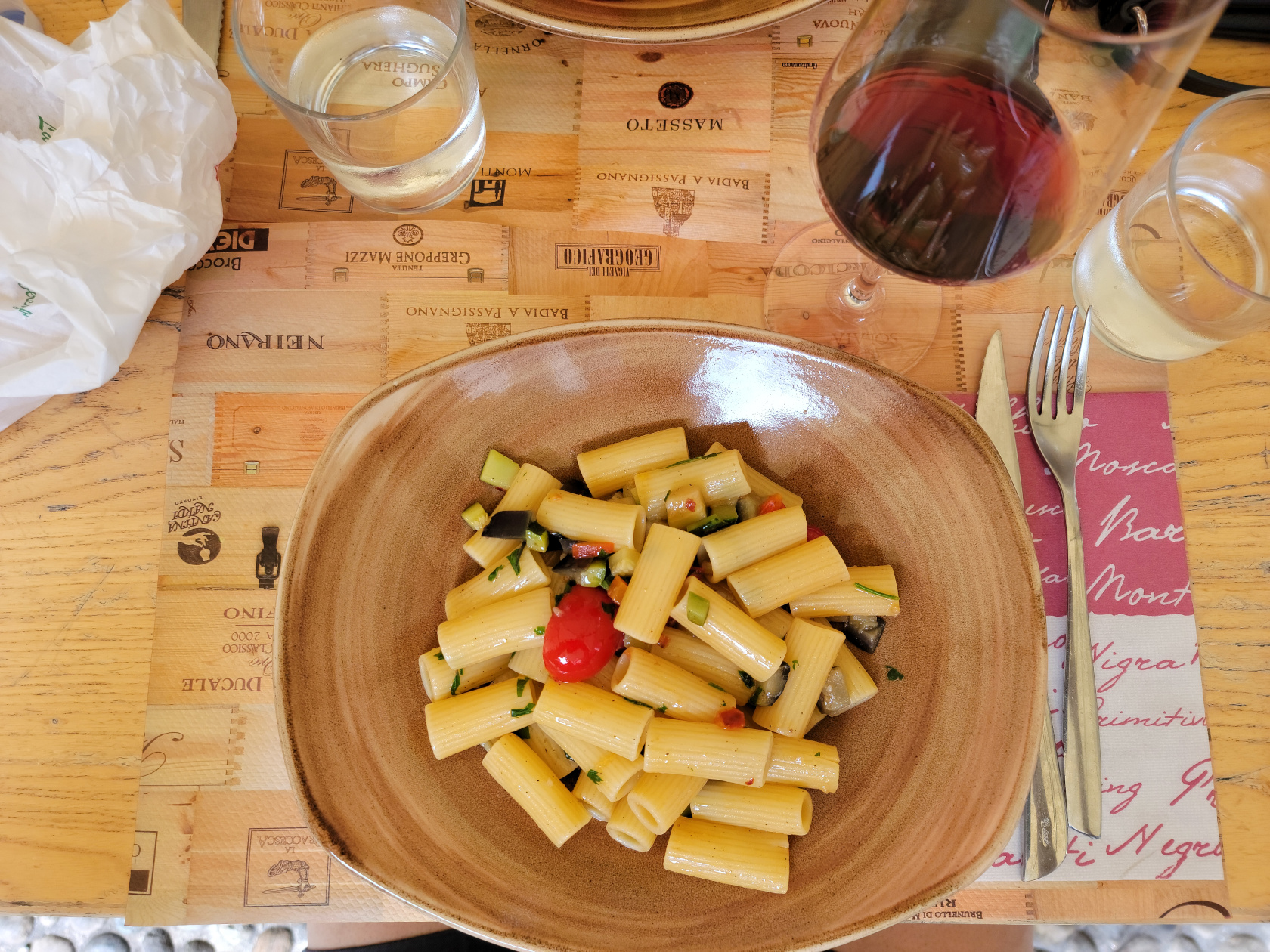
Omegna – Rigatoni with olive oil, tomatoes and fried vegetables – Ristorante Punti Di Vista
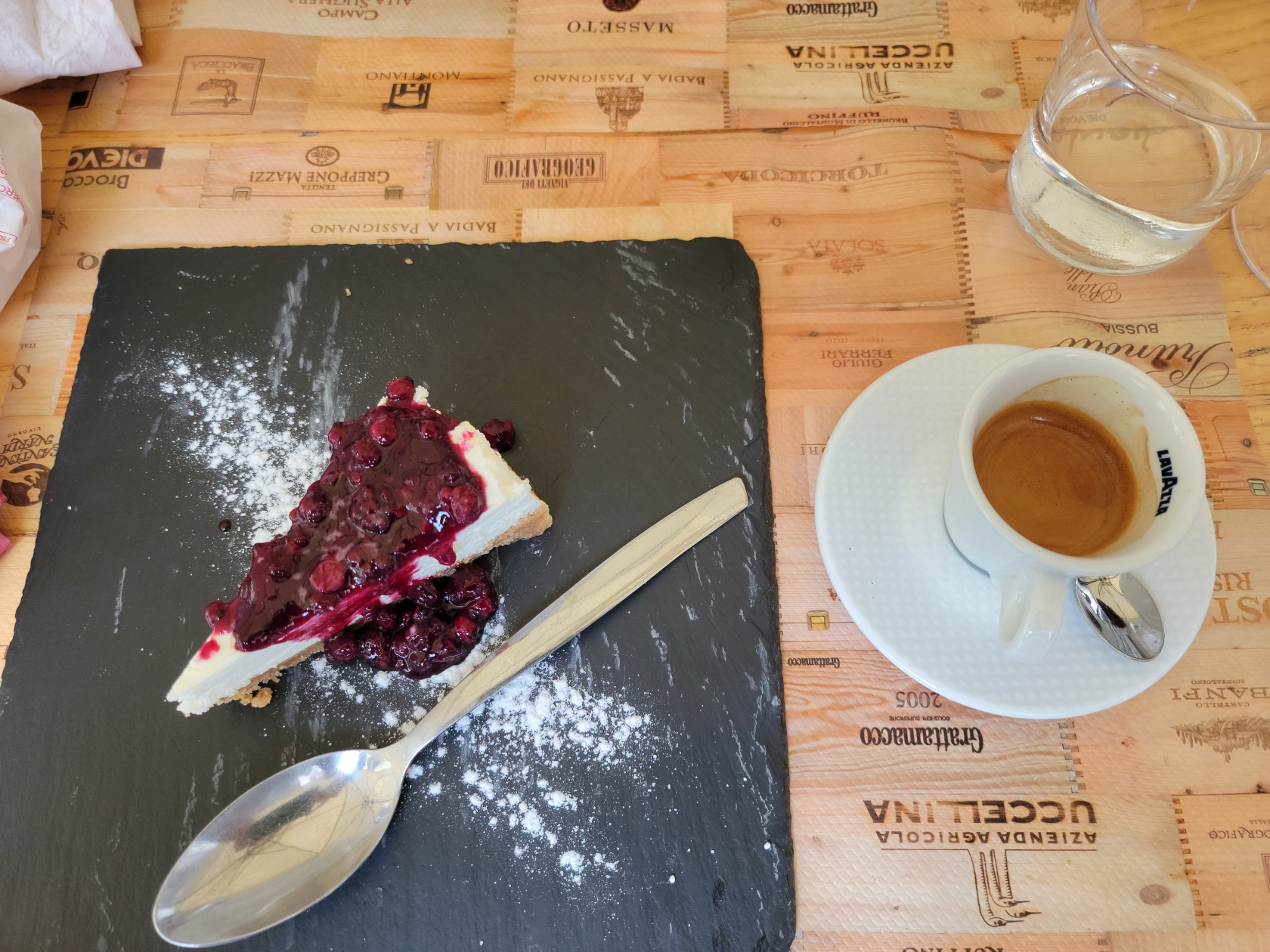
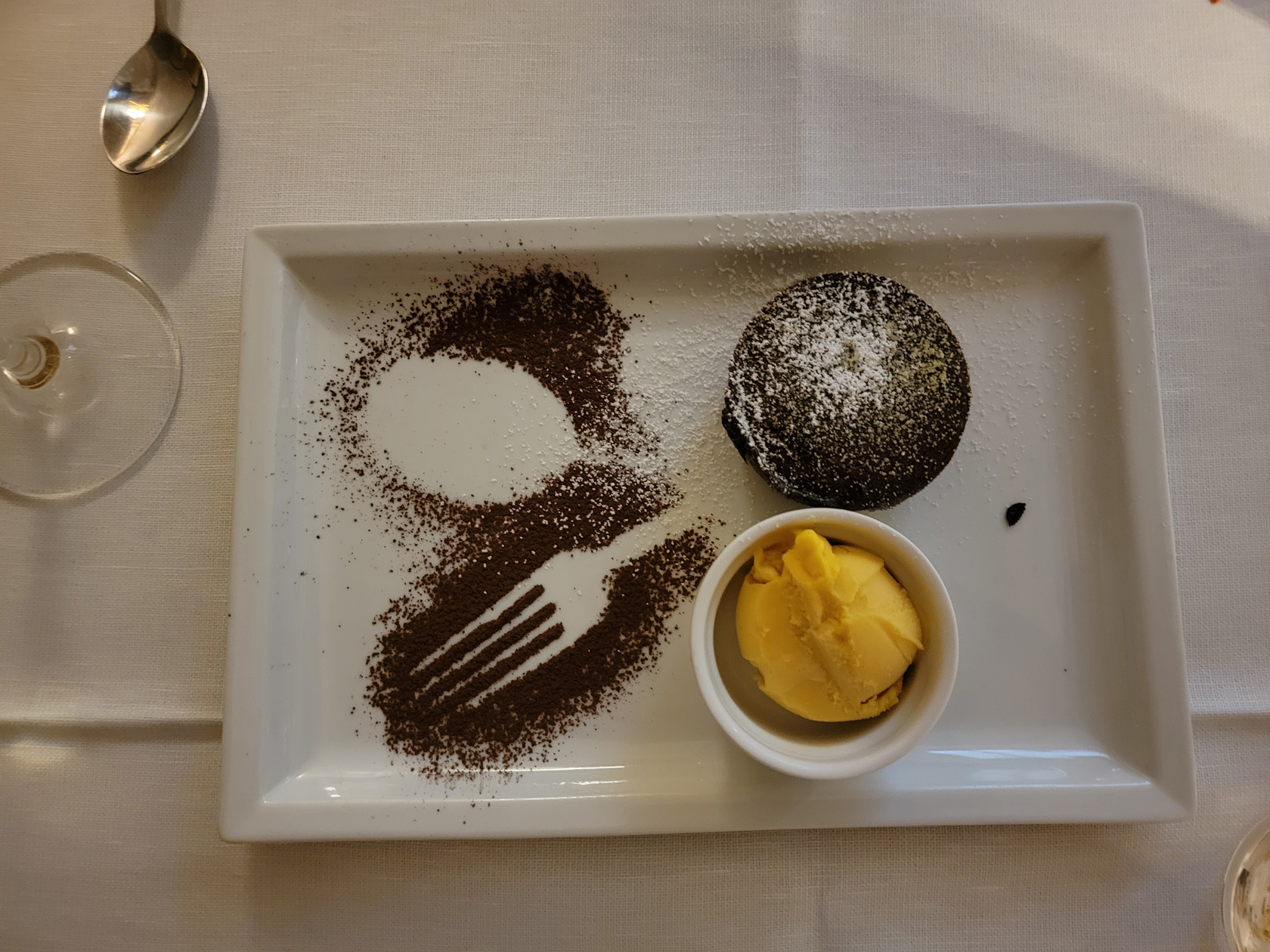
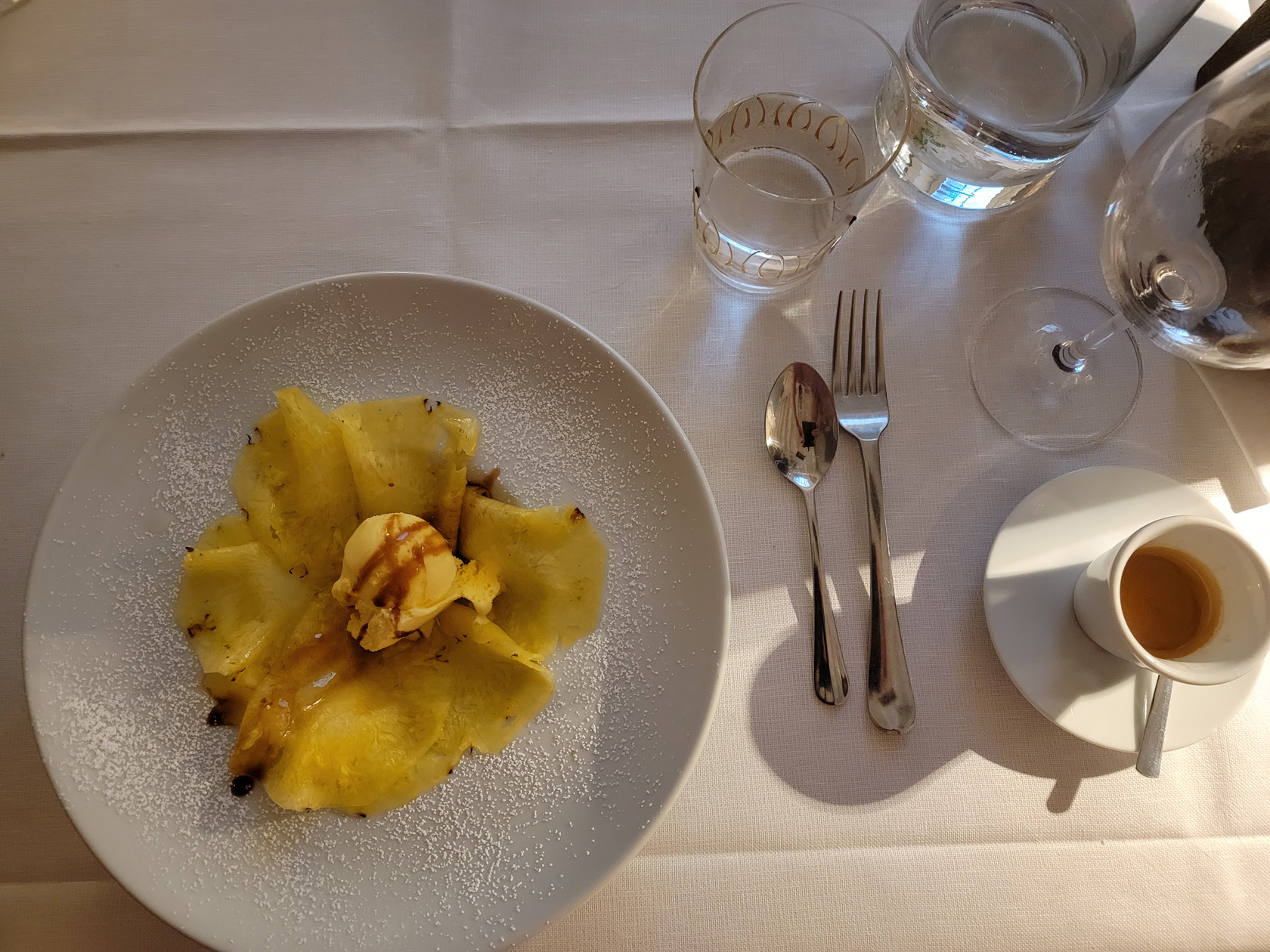
Omegna – Cheese Cake with currants, Coffee and Sambuca – Ristorante Punti Di Vista
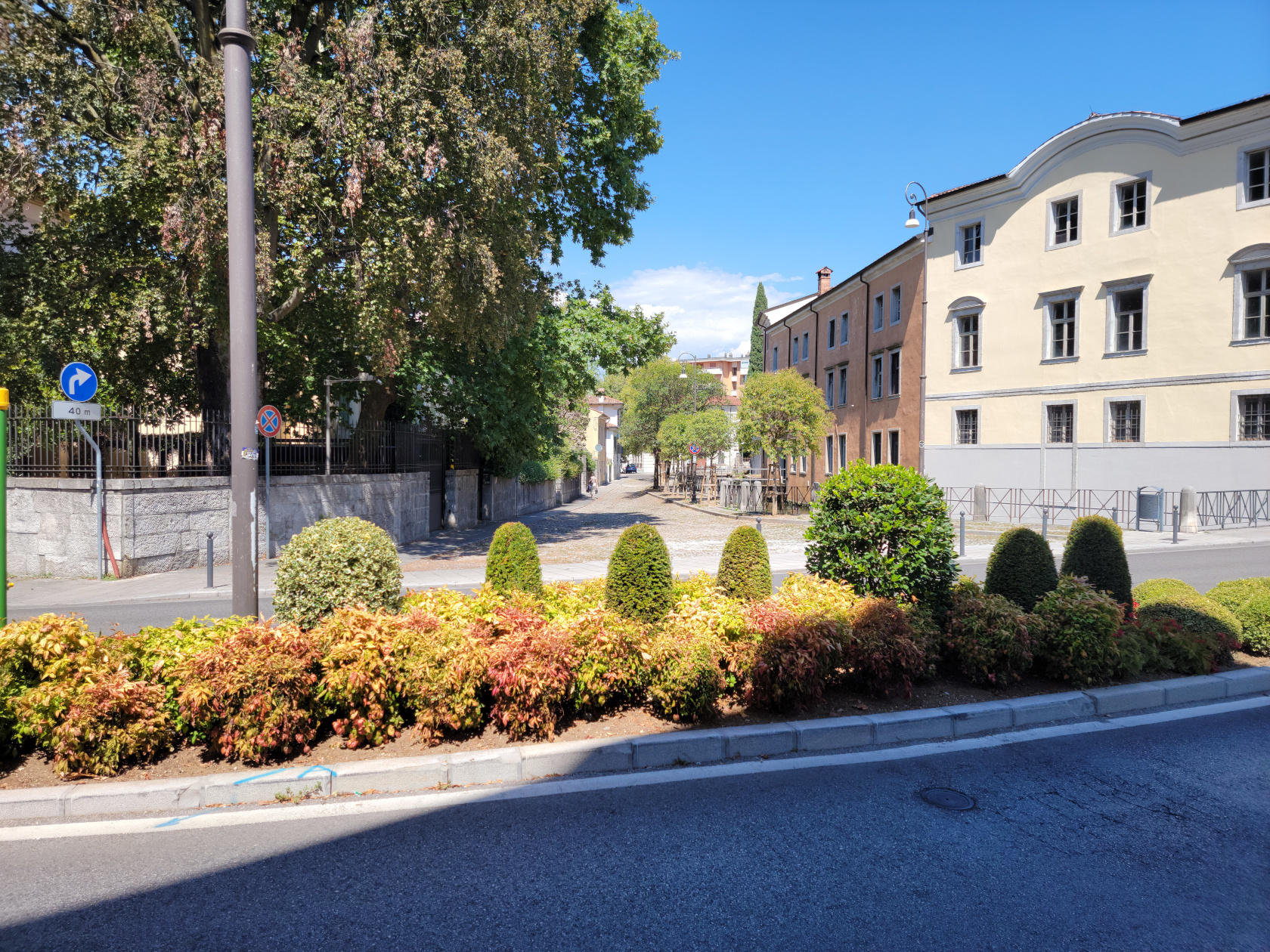
Somewhere in the northeast of Italy, north and east of even Venice, is the small city of Udine. The largest city before you enter Slovenia to the east and Austria to the north. From here you can see the Austrian and Julian Alps.
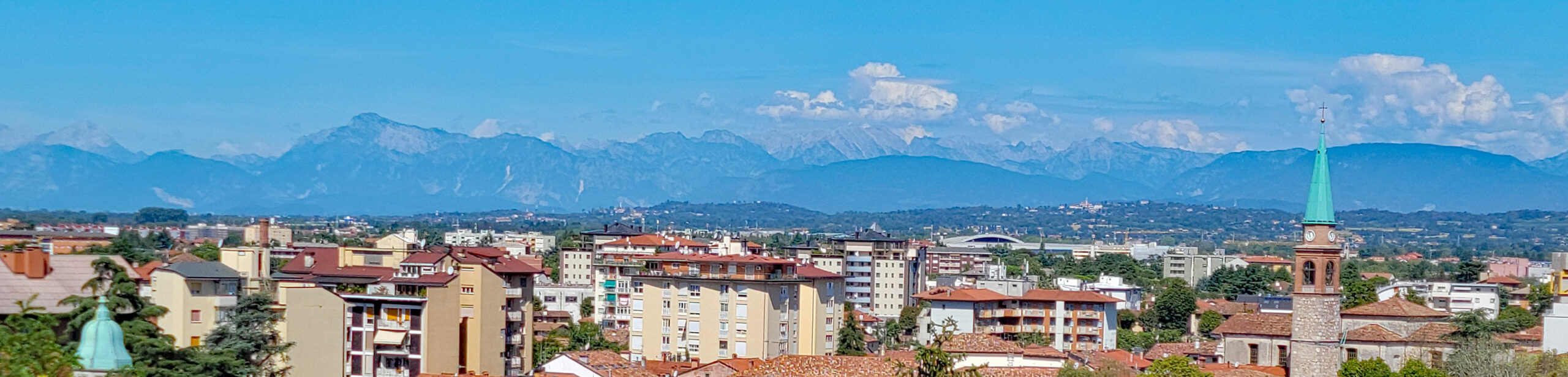
Udine – Alps panorama
From Ljubljana we took an Austrian train to Villach and then over to Udine. Along the way were able to enjoy sights of the Julian Alps out our window and just relax.
Probably one of the most underrated and unlikely places we have been this year is Udine. Unlikely, because it is usually not on anyone’s radar, though we met numerous French and German tourists enjoying it. Underrated, because we think it has some things to offer, that others might not find in the exact same way elsewhere.
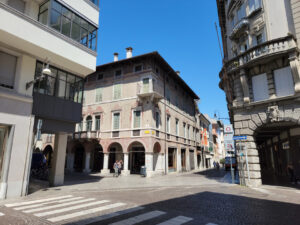
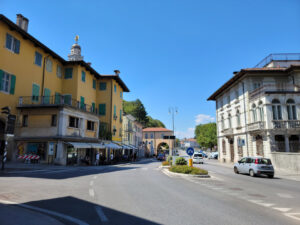
Udine – The City
Udine – Near Porto Manin
The people in Udine are very urbane and really enjoy tourist in their small city. They make an extra effort to speak and understand English, where you may not find such proclivities in other Italian cities and towns.
Udine – The City
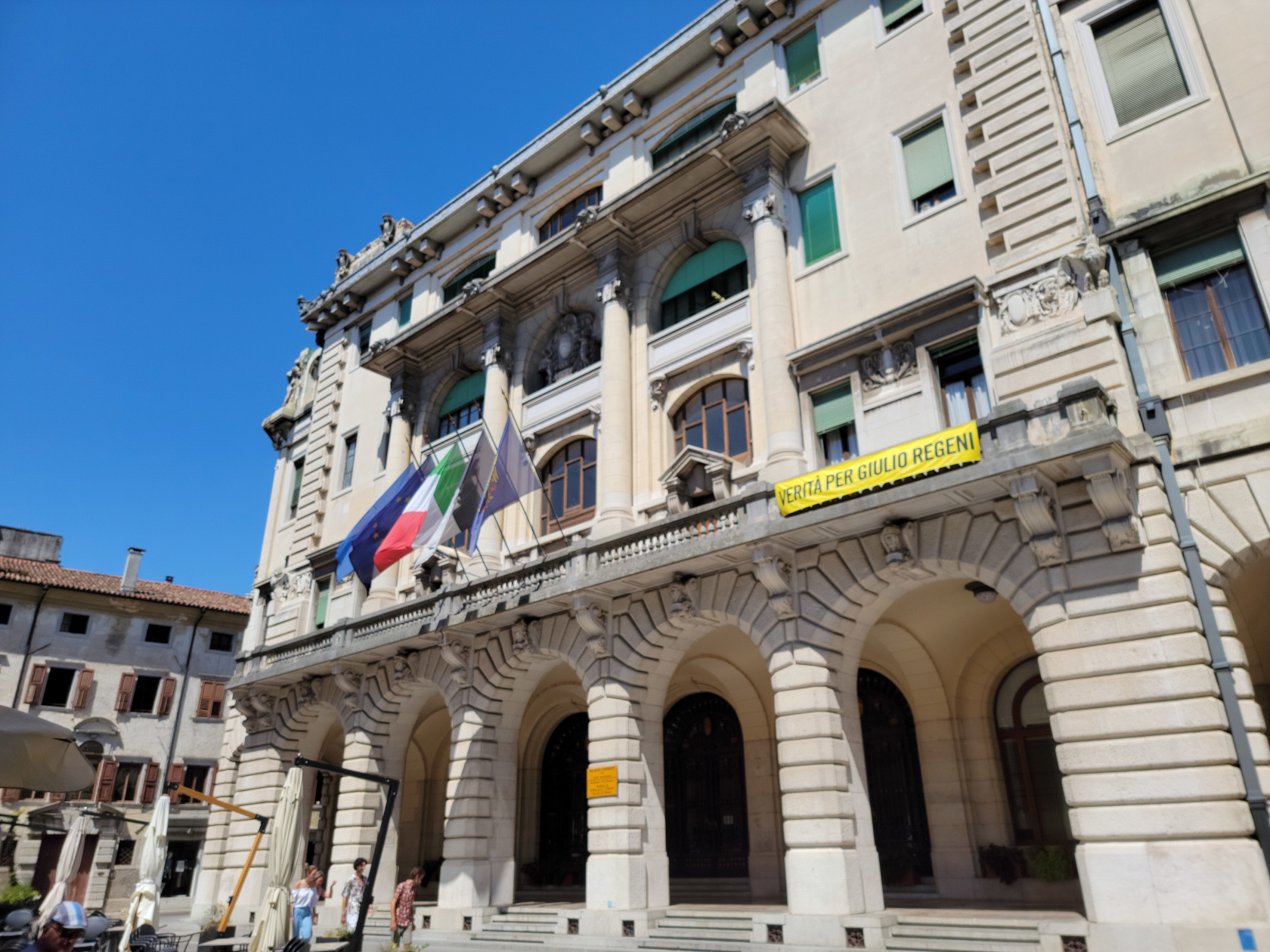
Udine – Piazza XX Septembre
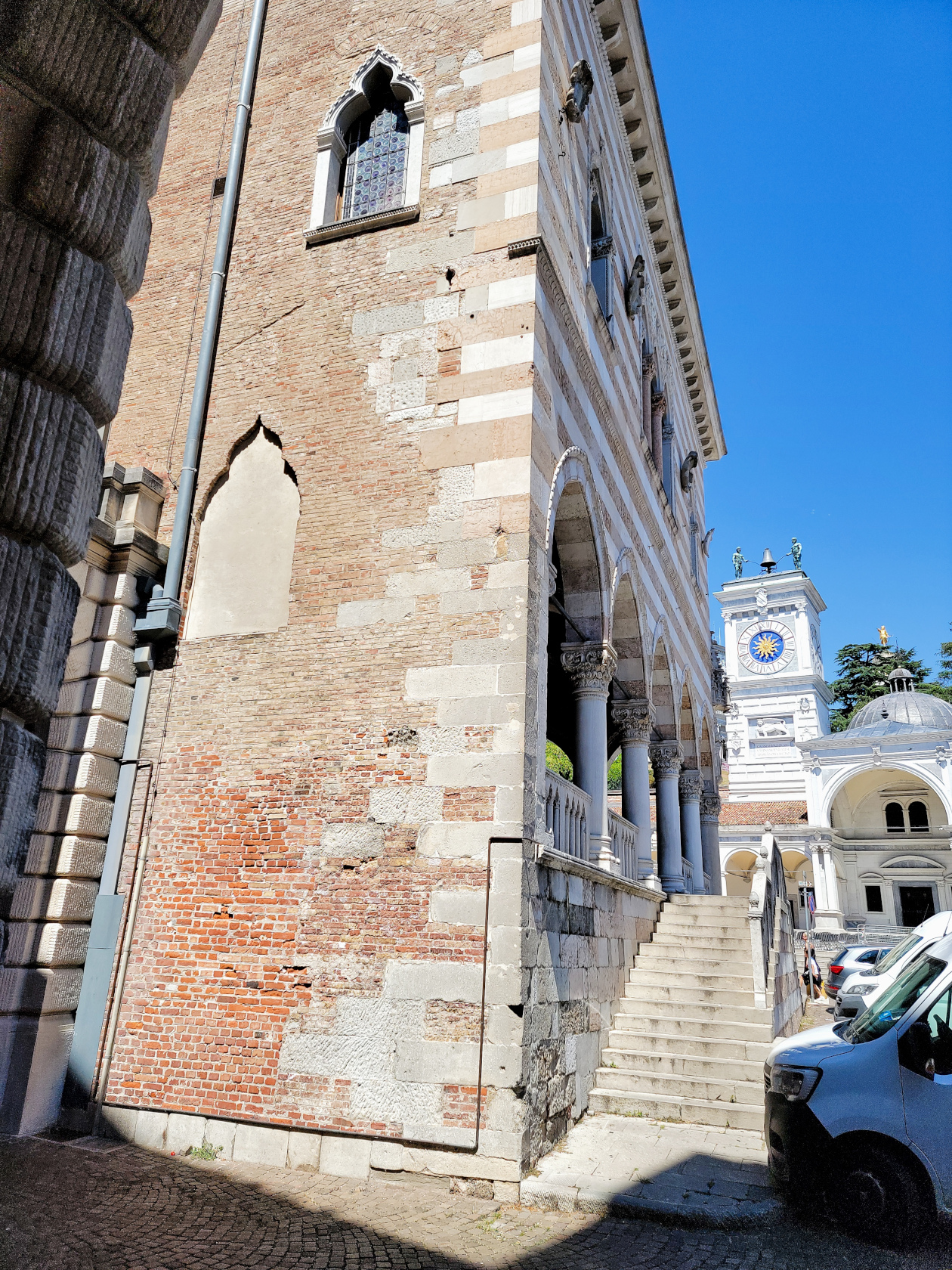
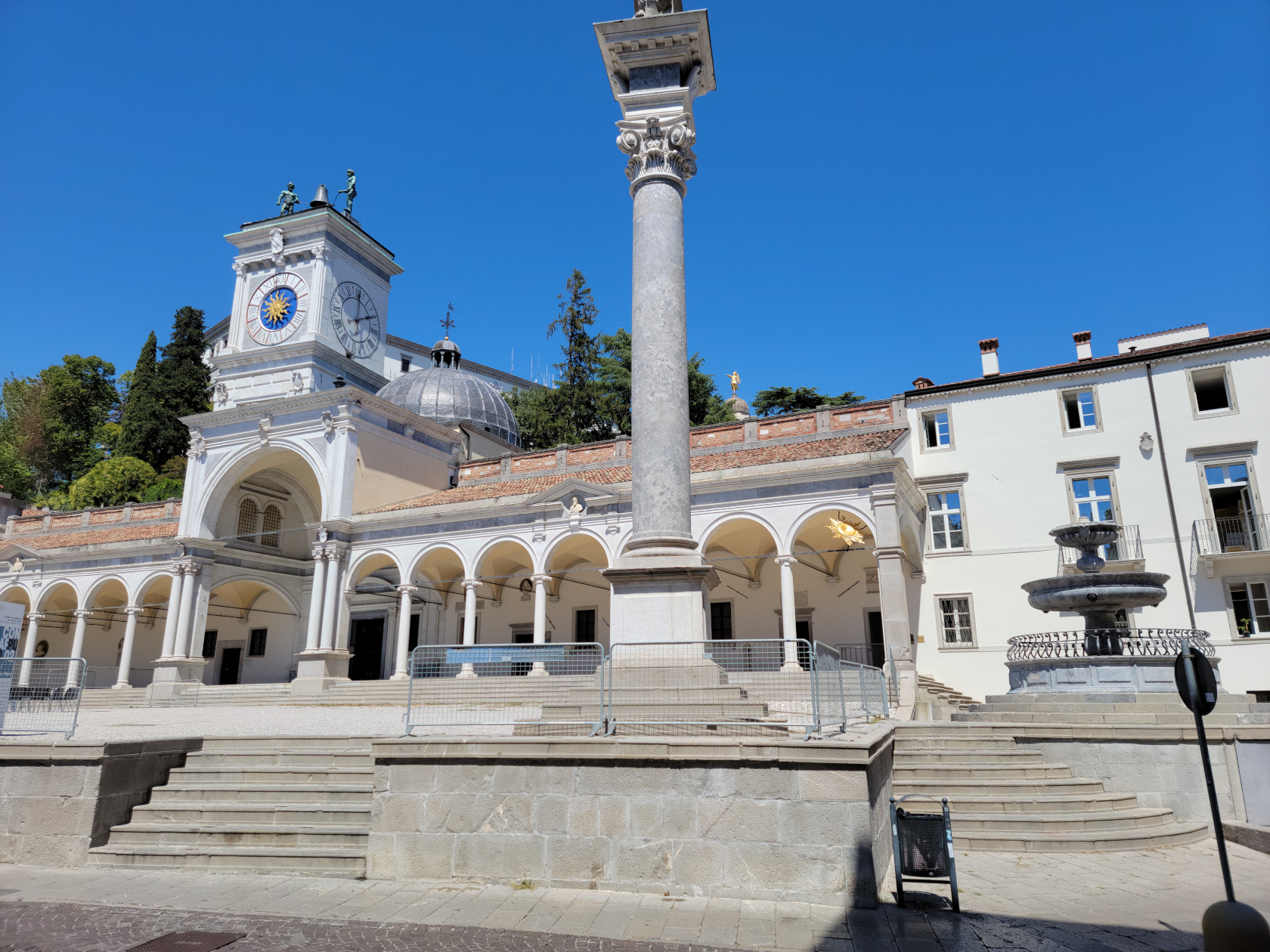
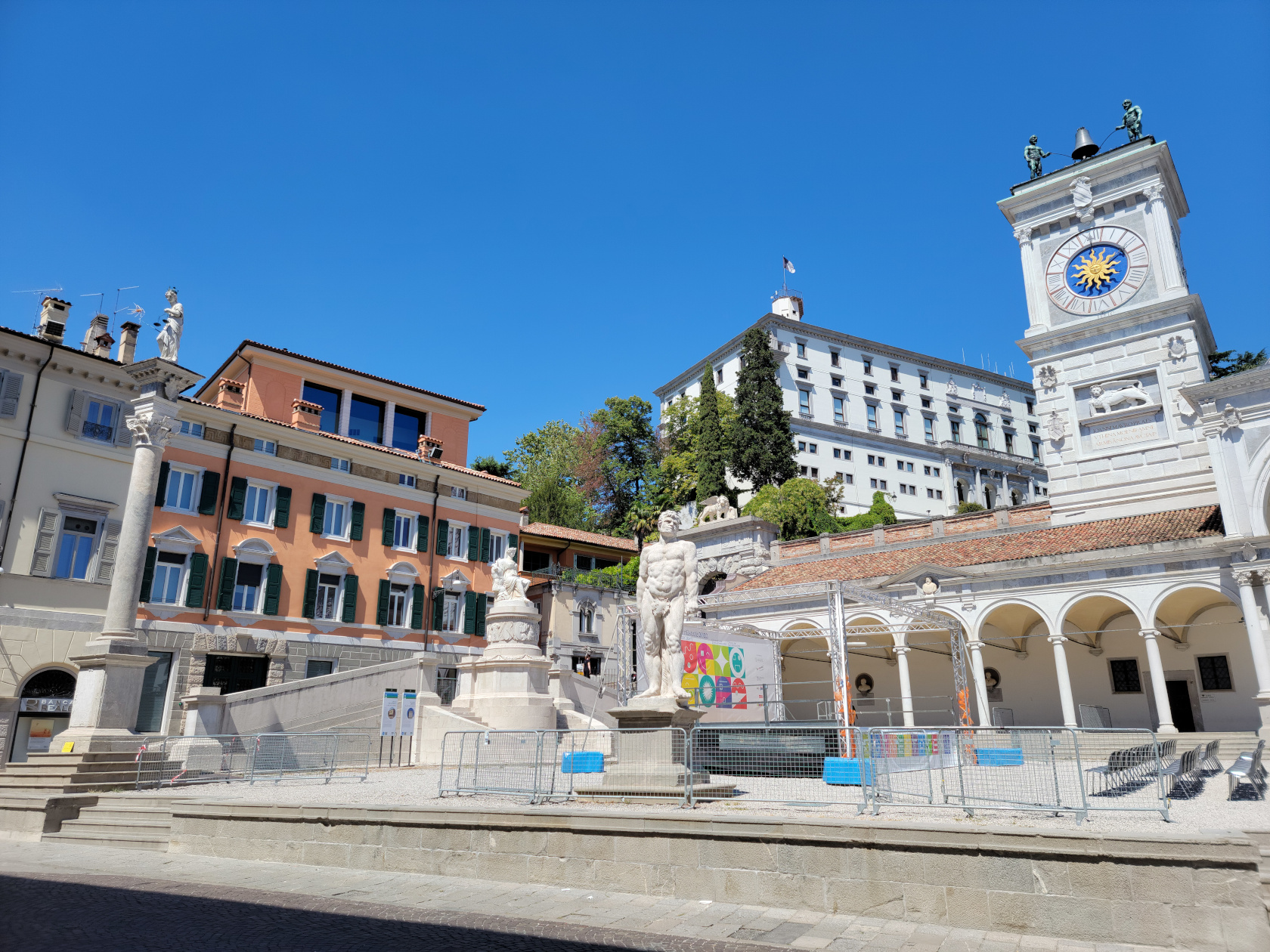
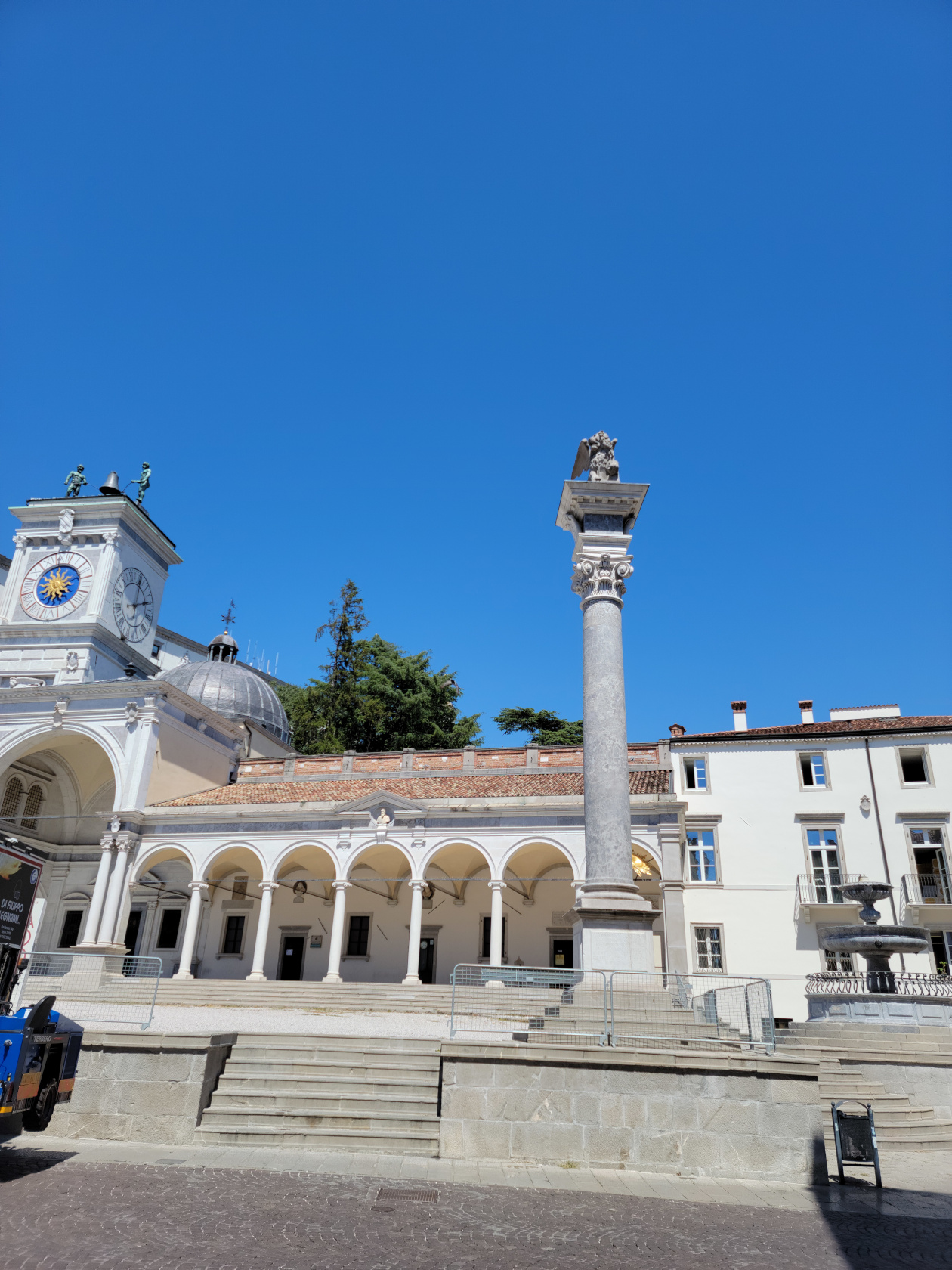
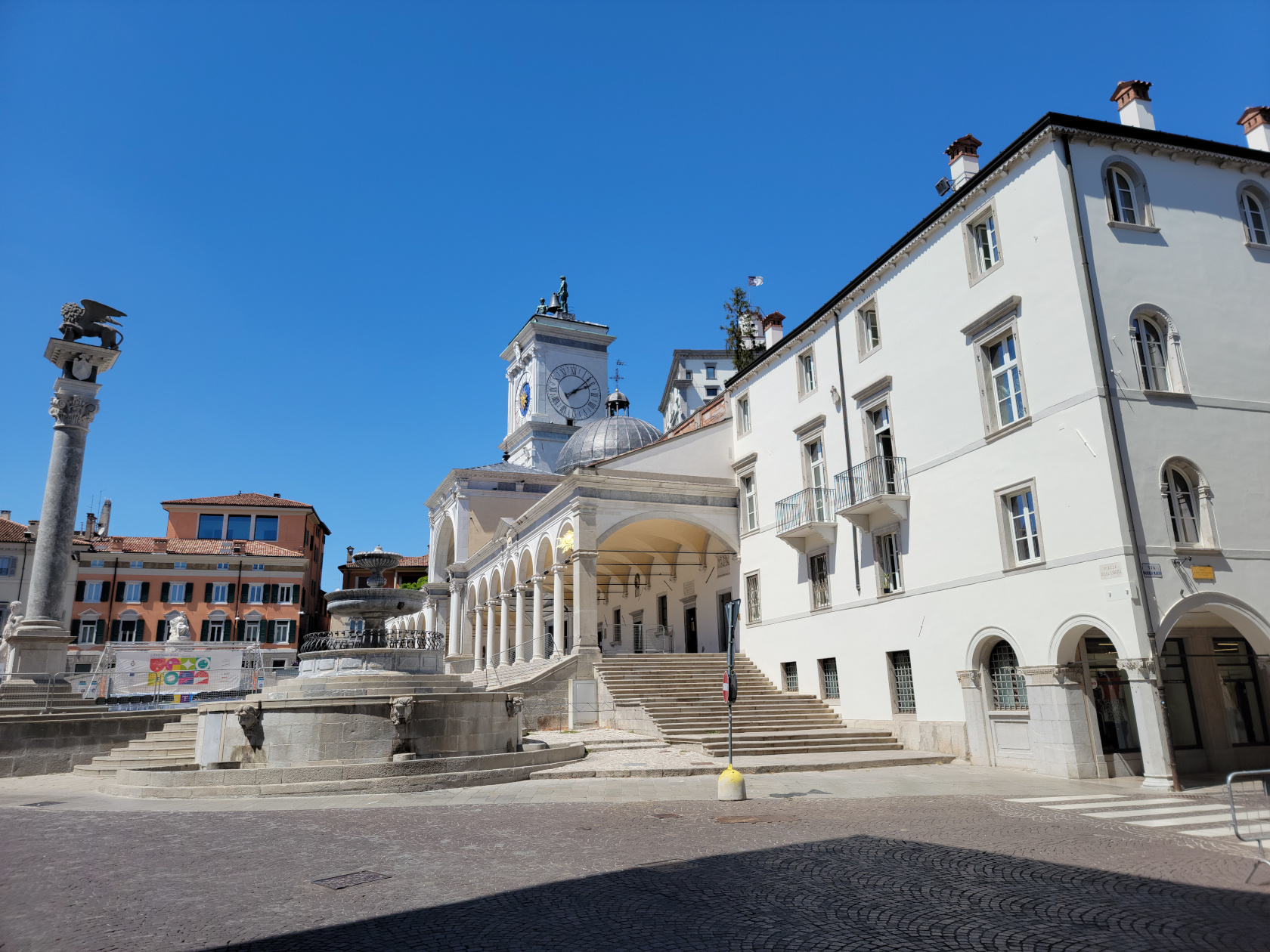
Udine – Piazza della Liberte
Udine – Piazza della Liberte
Udine – Piazza della Liberte
Udine – Piazza della Liberte
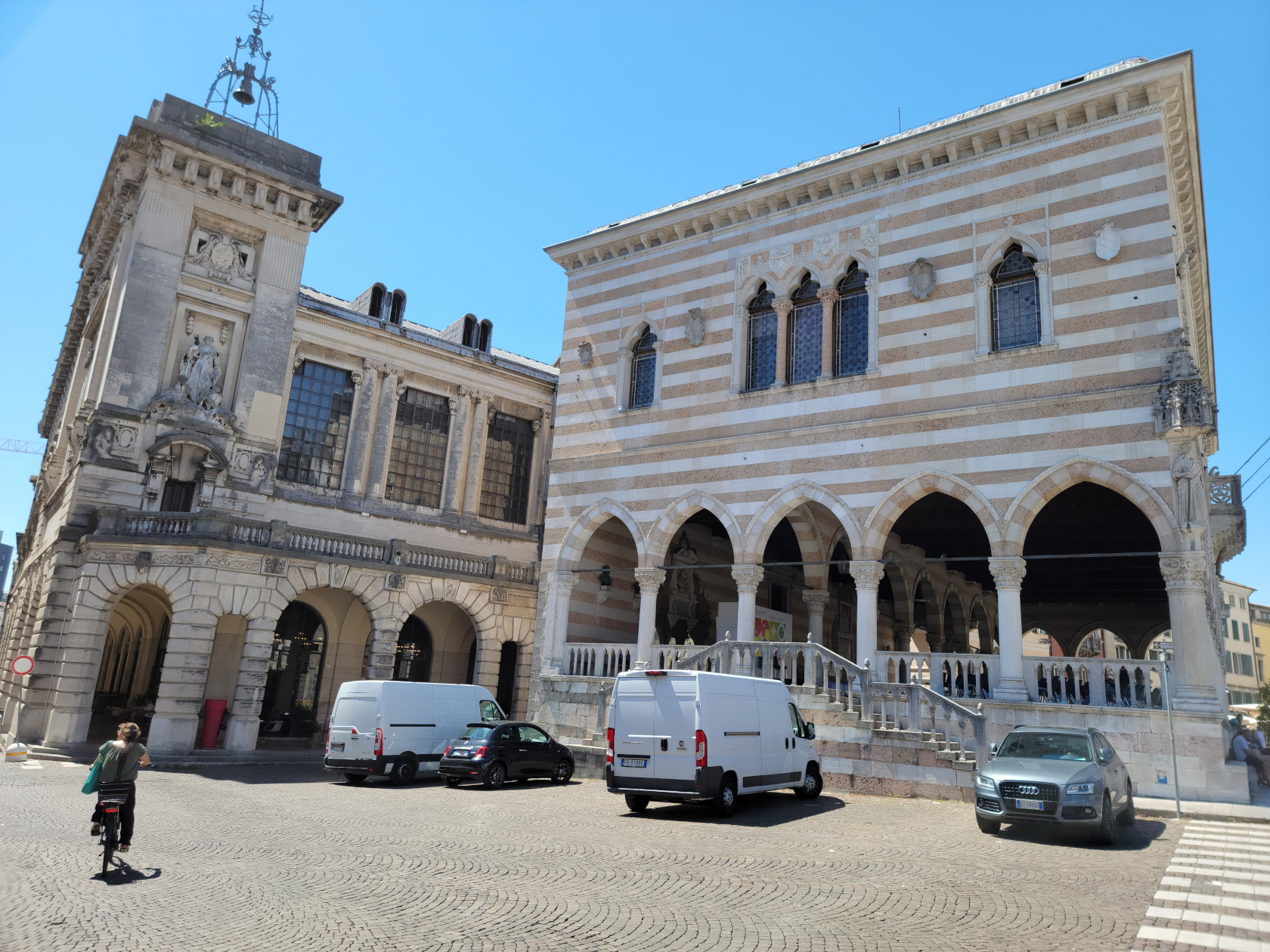
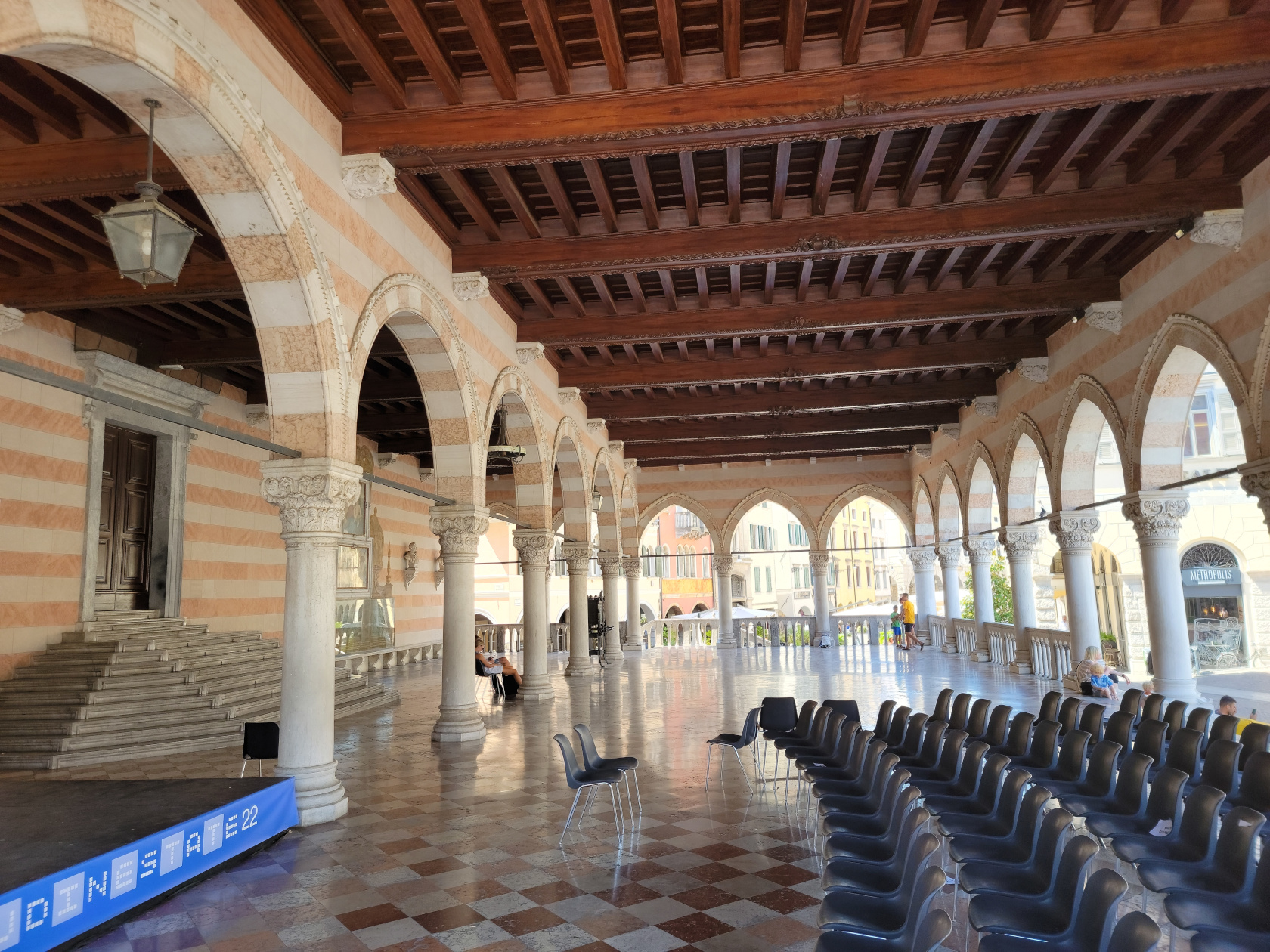
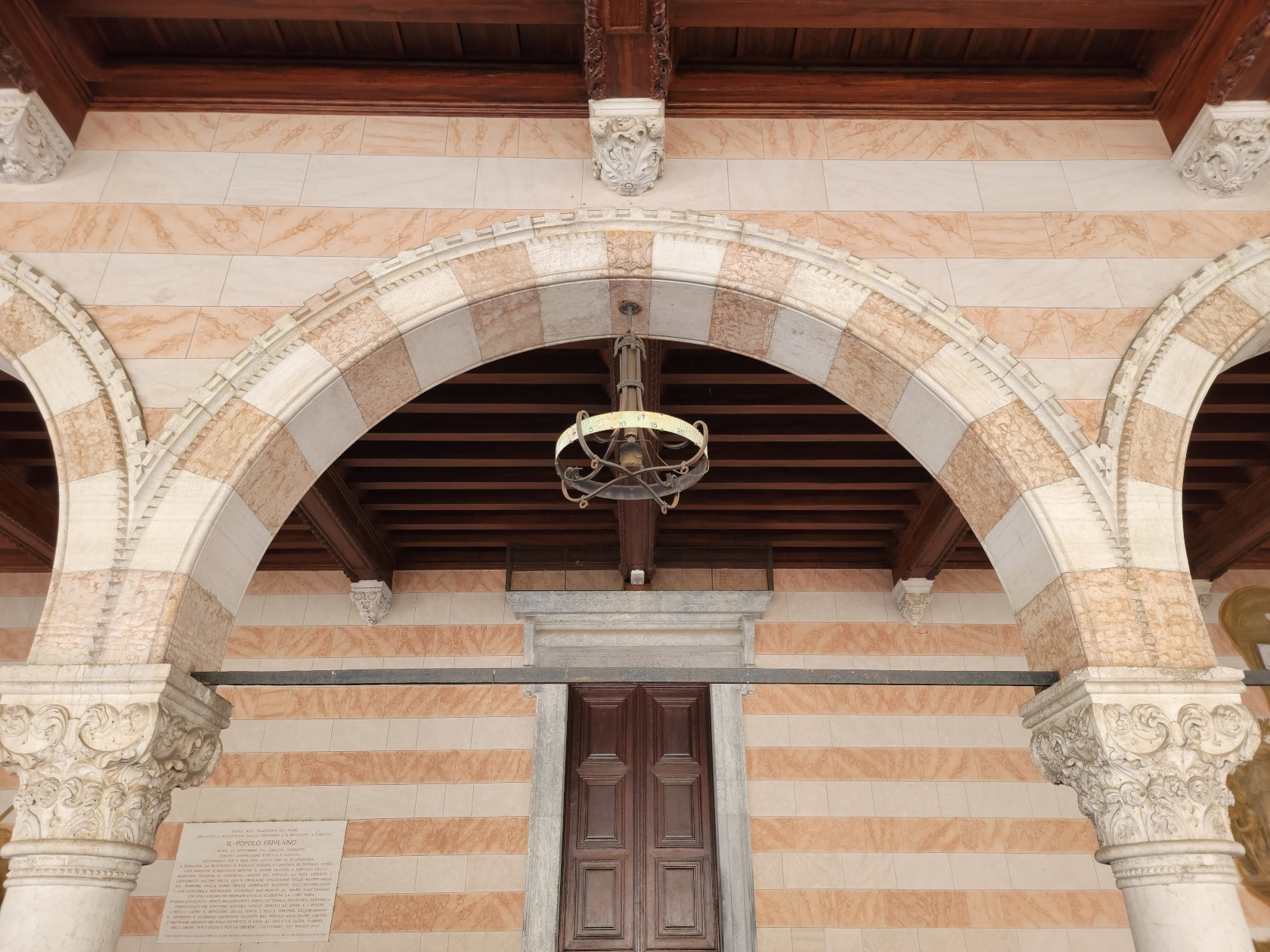
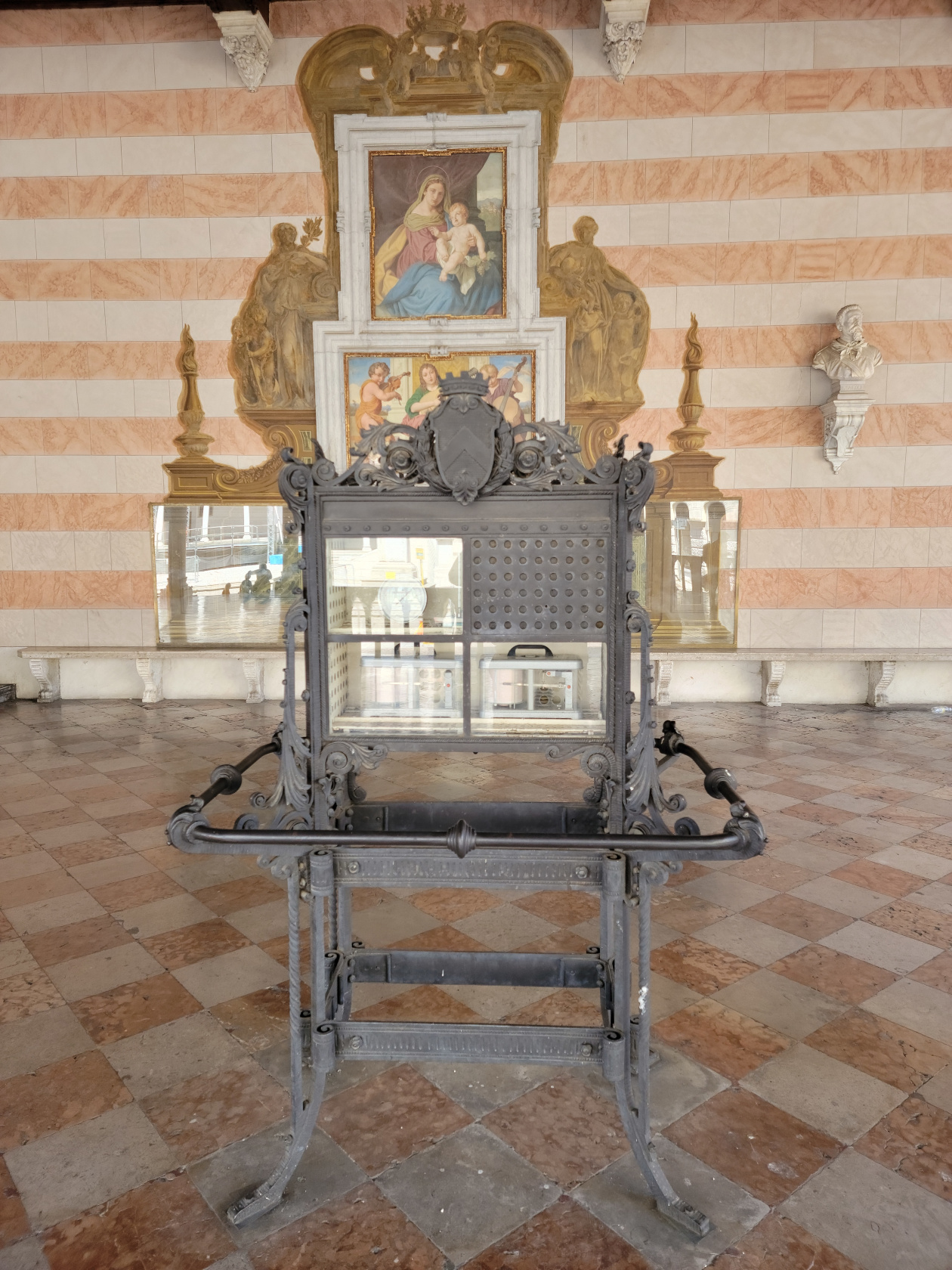
Udine – Piazza della Liberte – Loggia del Lionel
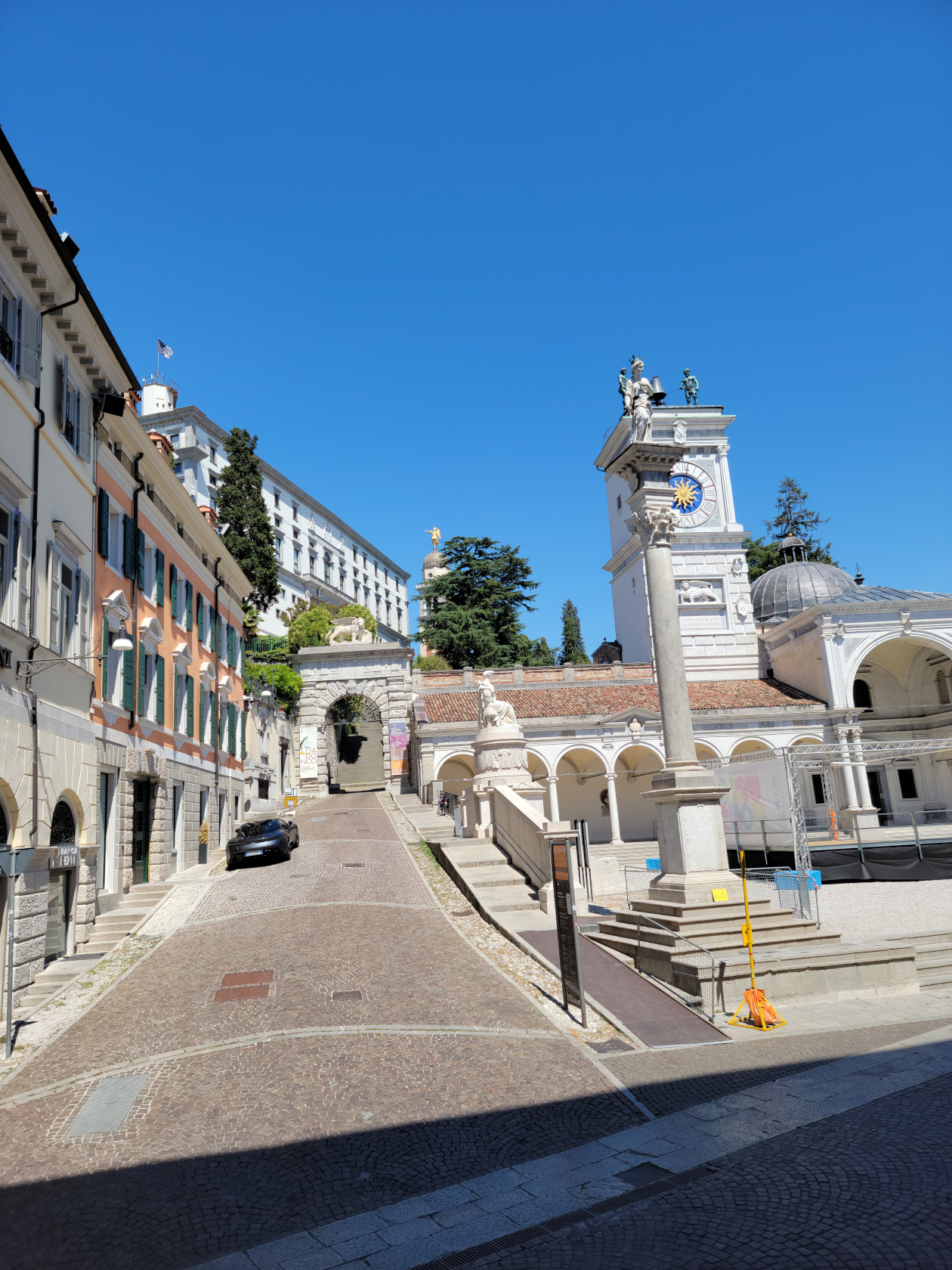
Udine – Piazza della Liberte – Loggia di San Giovanni
Udine – Piazza della Liberte – Loggia del Lionel
Udine – Piazza della Liberte – Loggia del Lionel
Udine – Piazza della Liberte – Loggia di San Giovanni
Udine – Piazza della Liberte – Loggia di San Giovanni
Udine – Piazza della Liberte – Loggia di San Giovanni
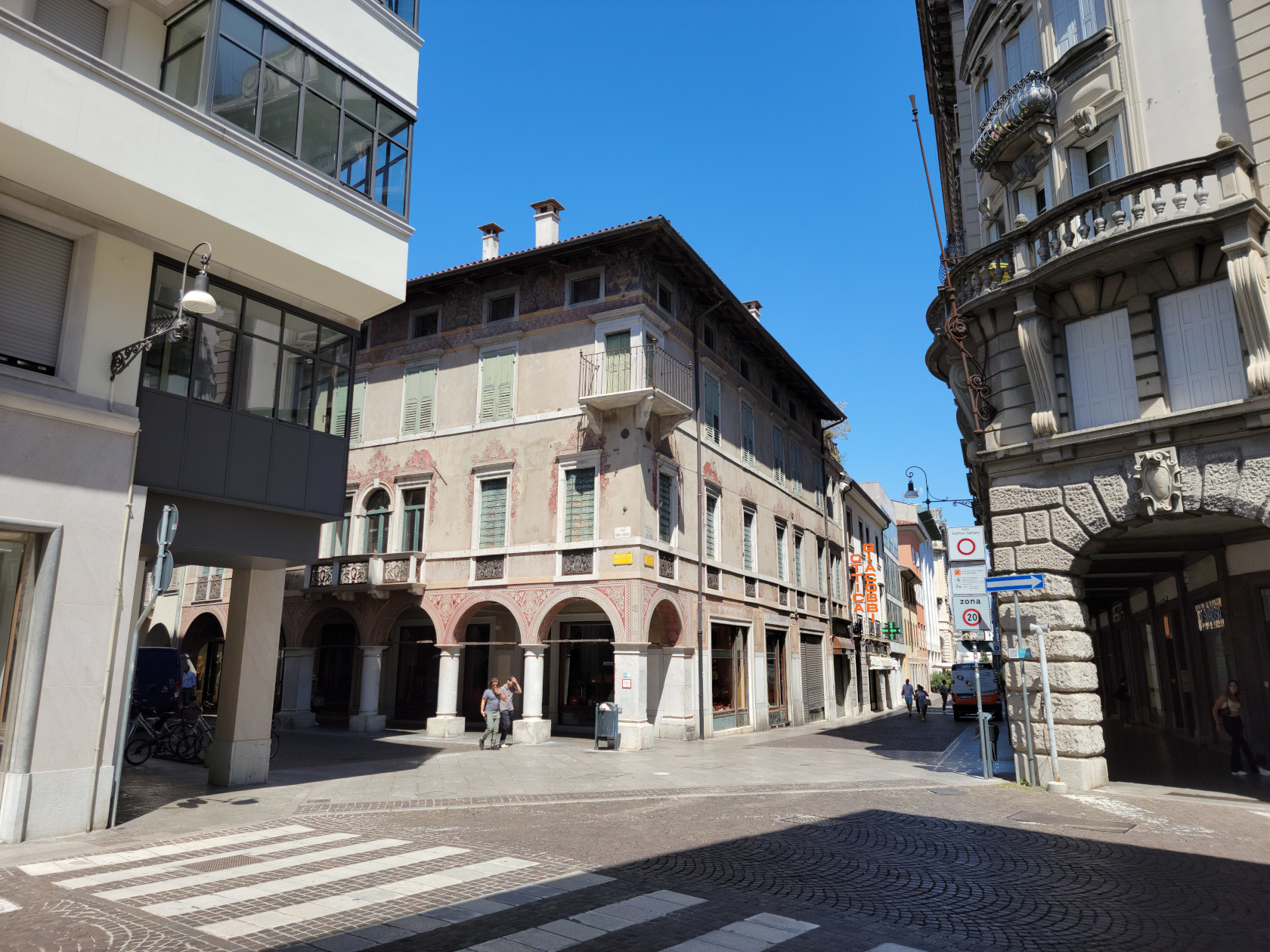
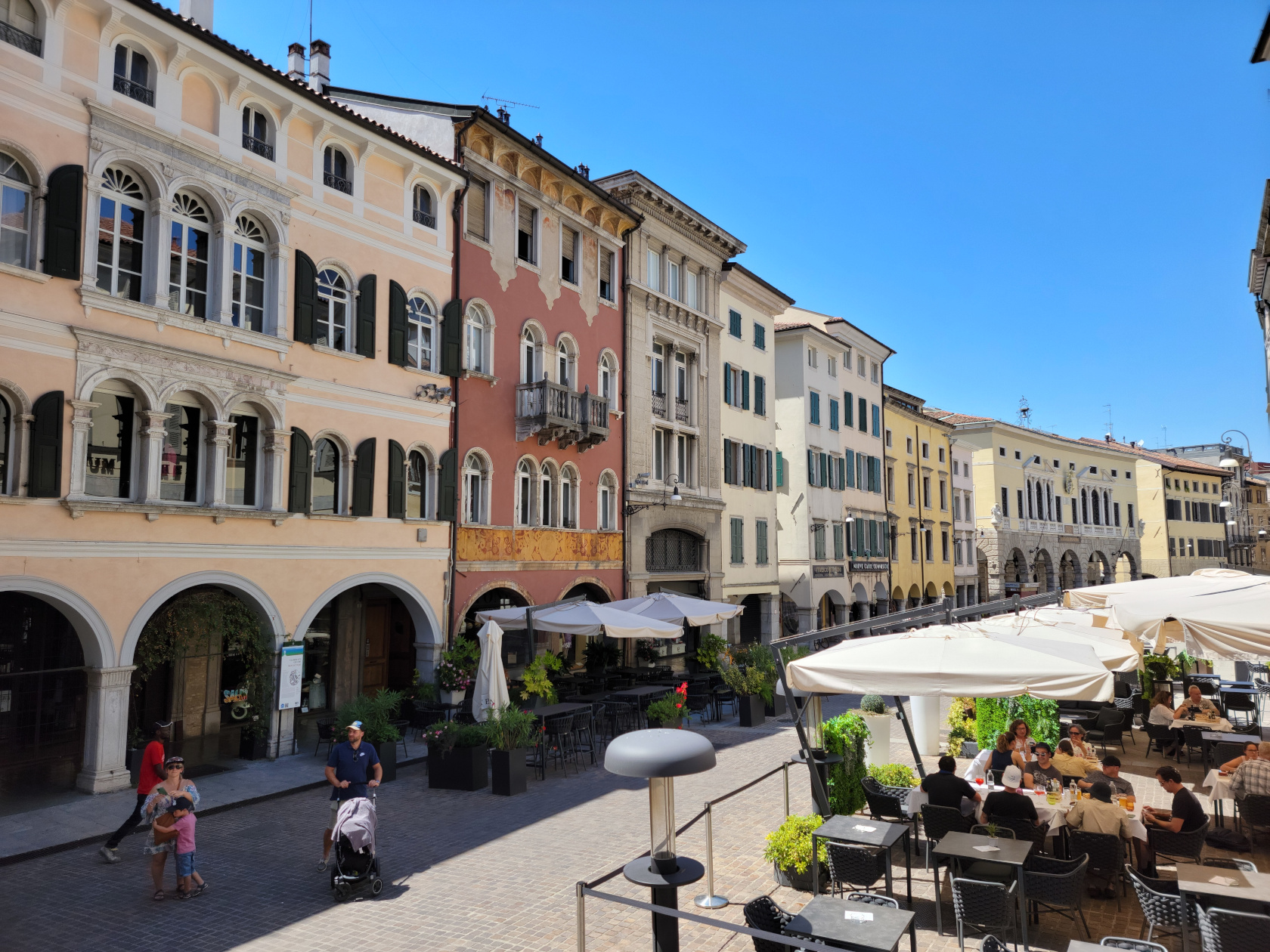
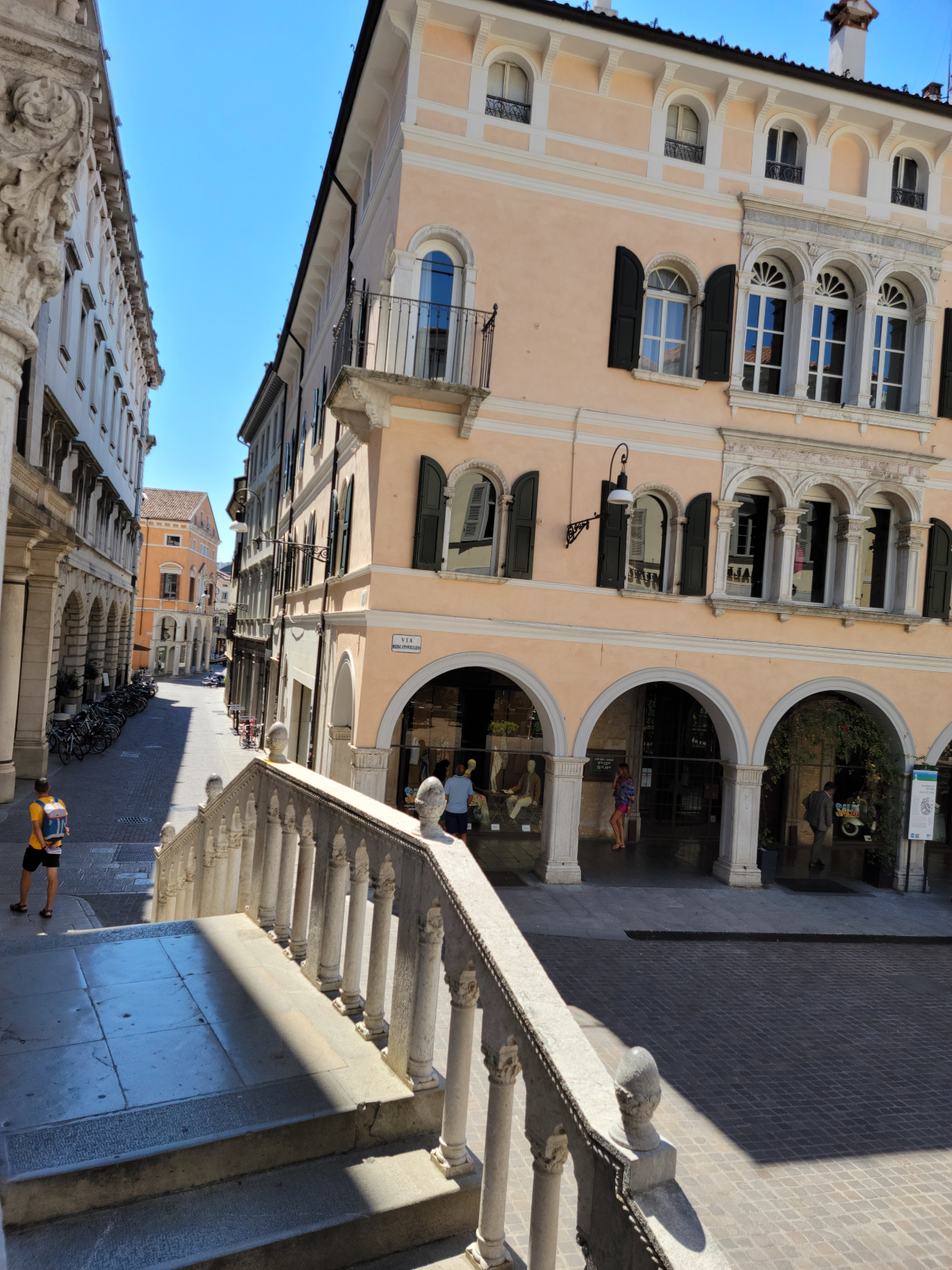
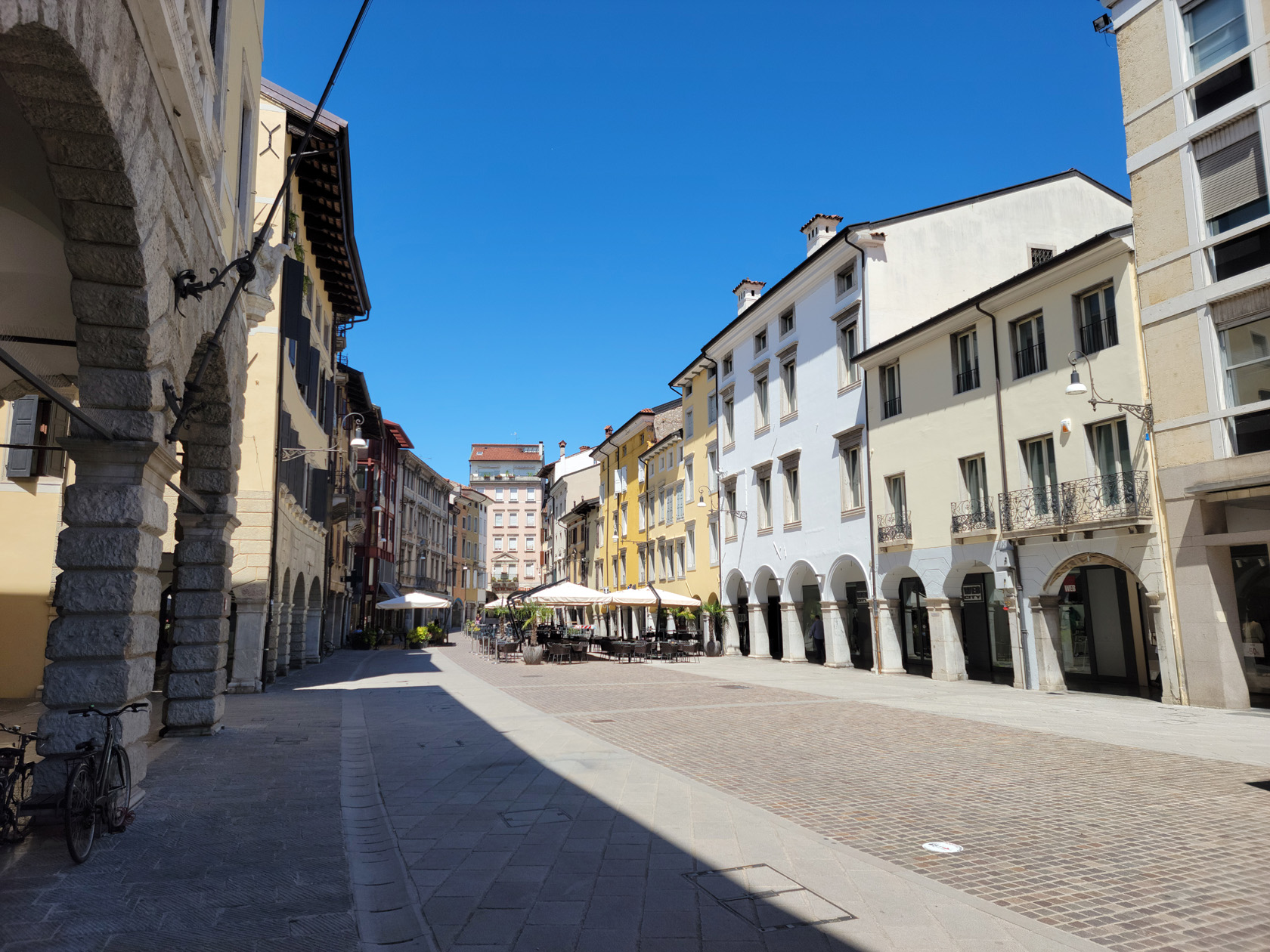
Udine – via Mercatovecchio
Udine – Porticos
Udine – The City
Udine – Grand Garden Park
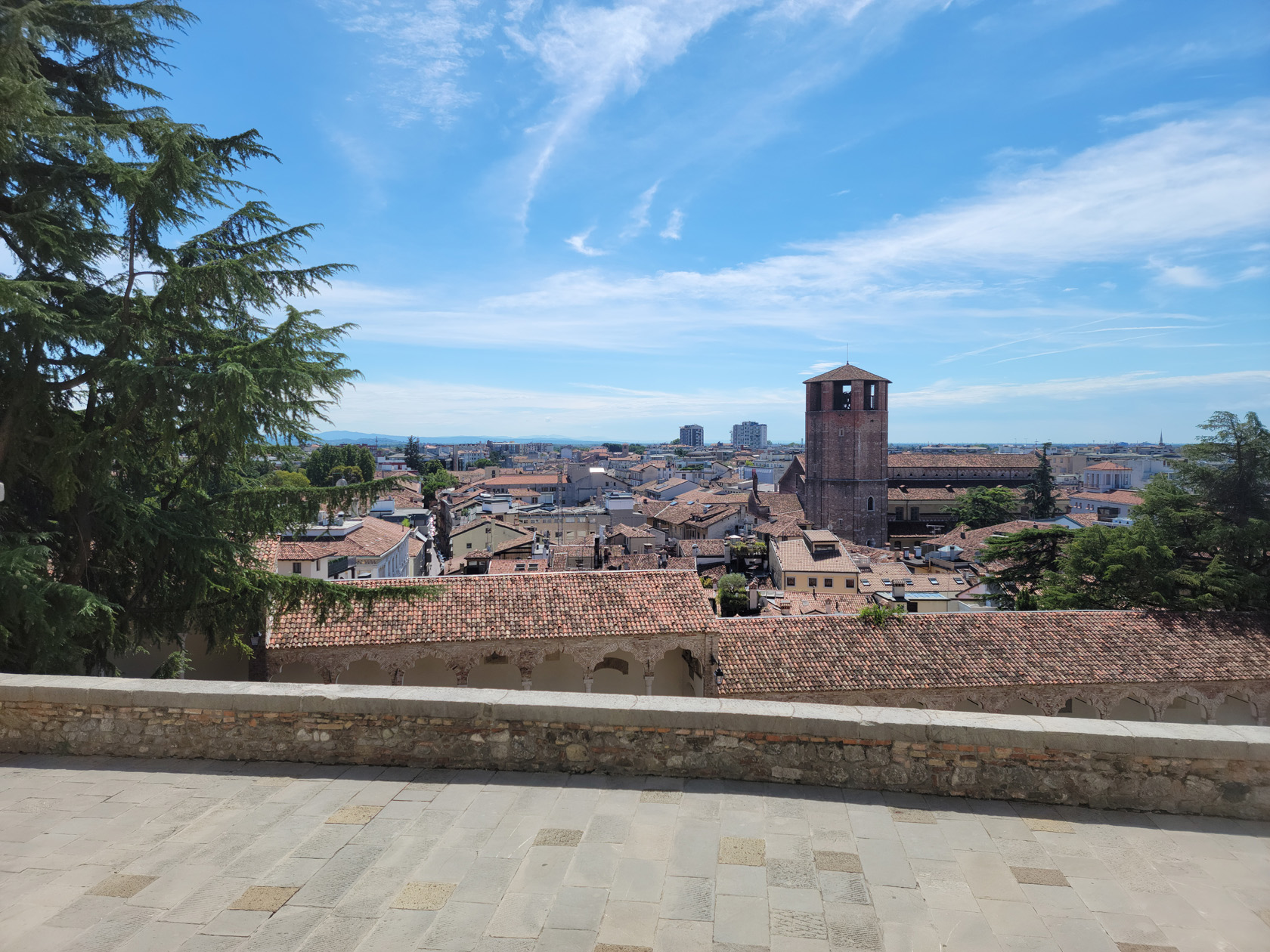
Udine – Udine Castle Museum – View of Udine
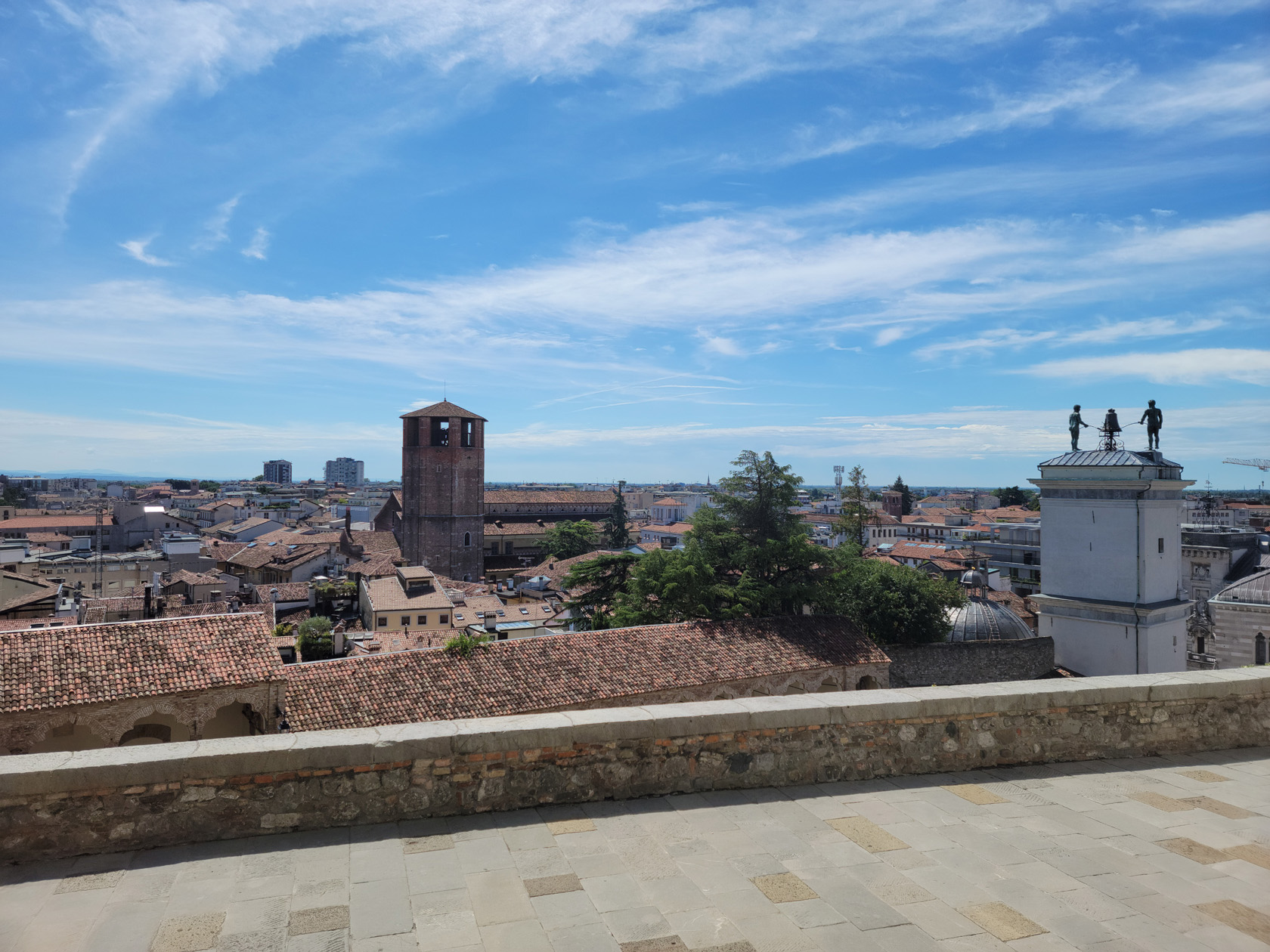
Udine – Udine Castle Museum – View of Udine – Loggia di San Giovanni Top of Clock Tower
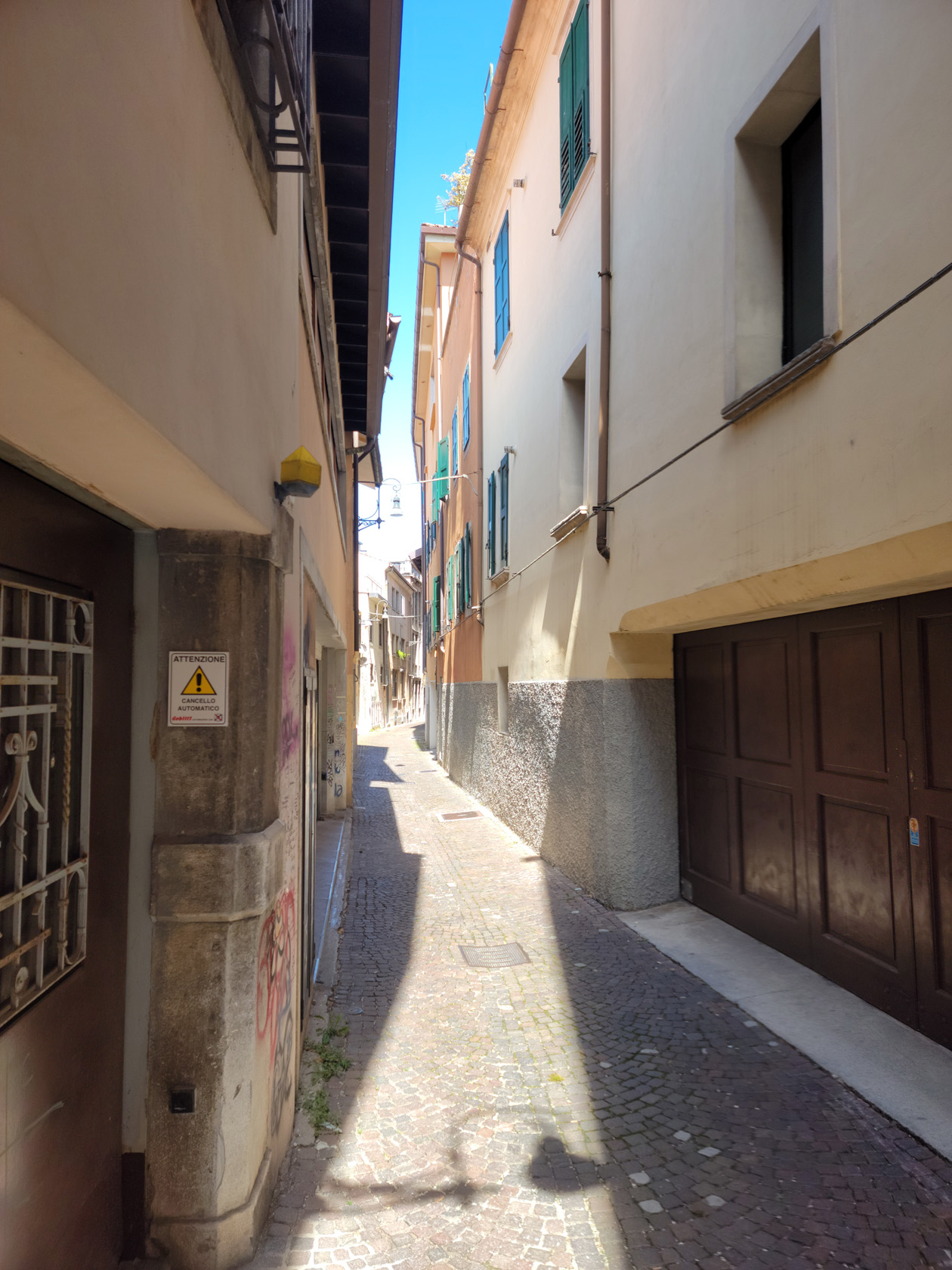
Udine – Narrow City Streets
Udine – via Mercatovecchio
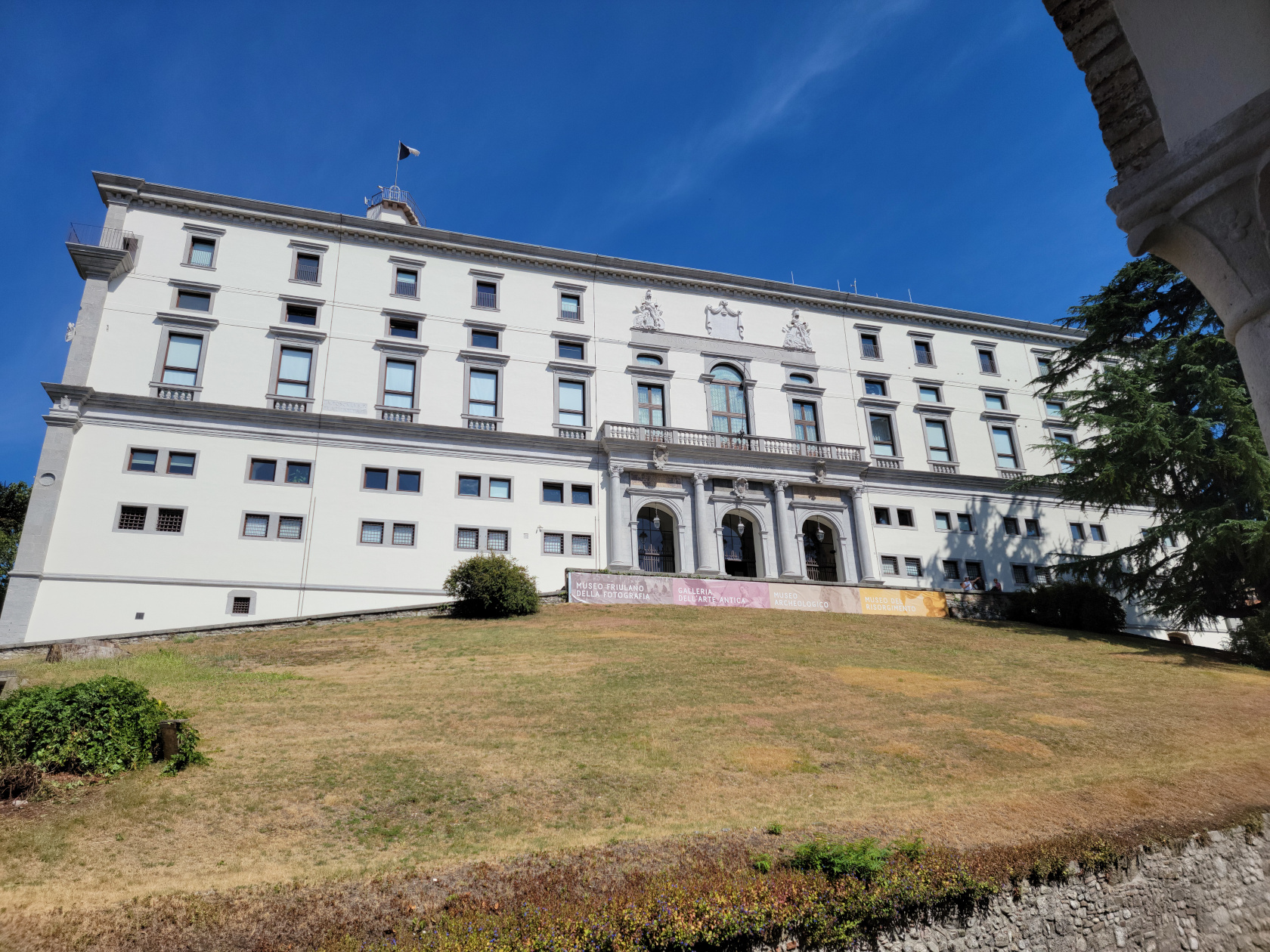
Udine Castle
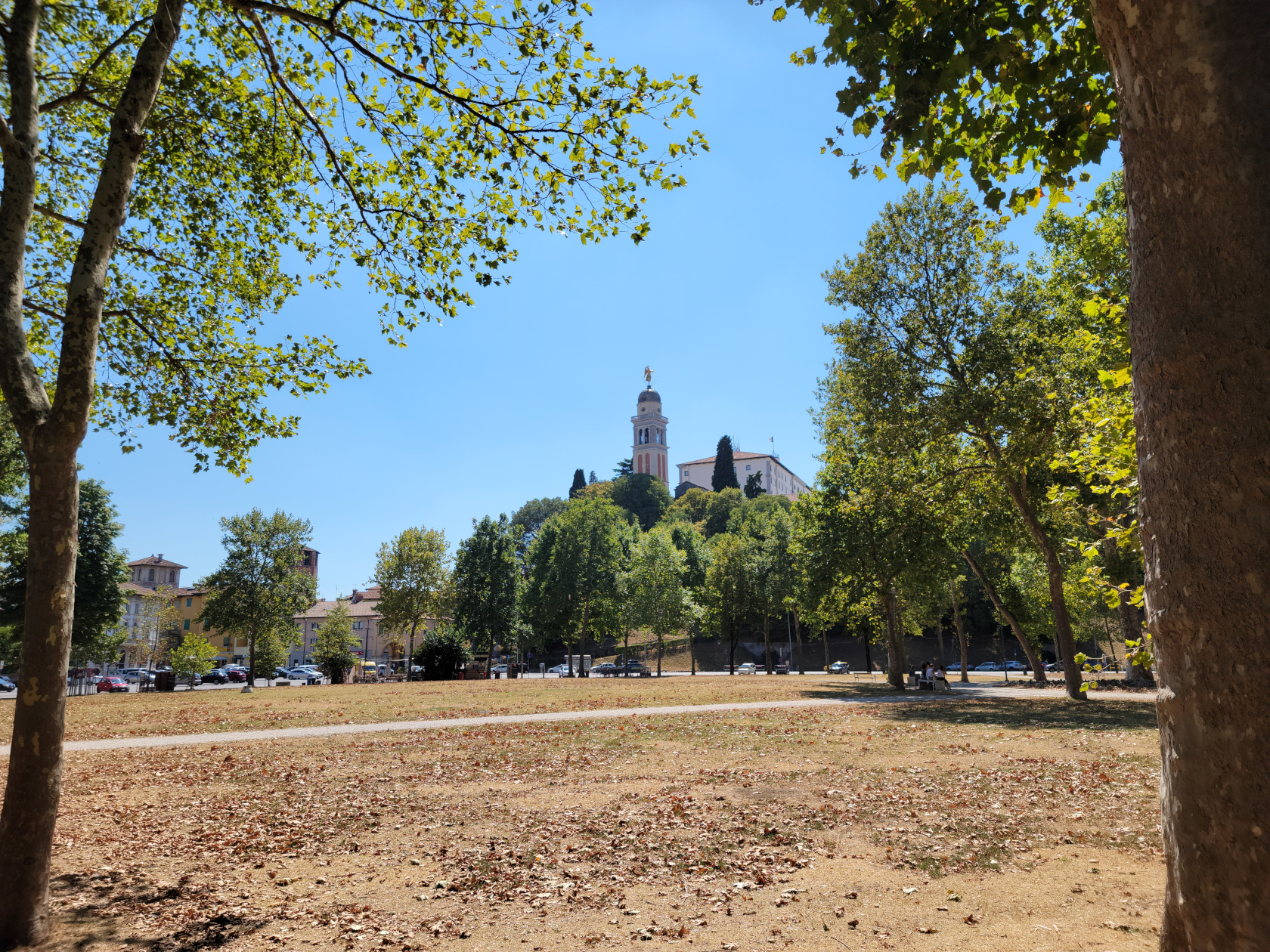
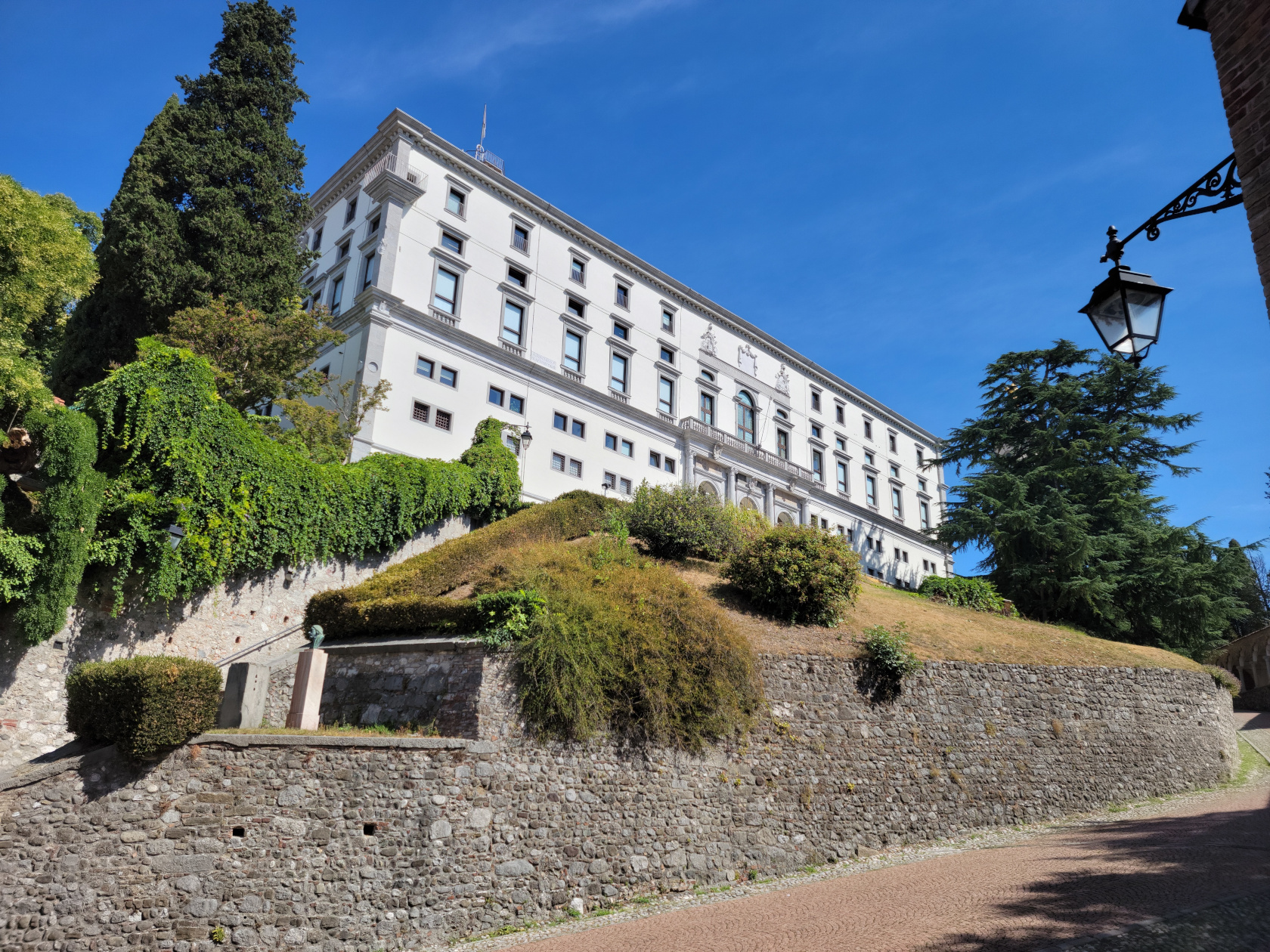
Destroyed in the sixteenth century by a violent earthquake, the Udine Castle was rebuilt soon afterwards and stands today housing several museums. It actually sits atop an artificial hill, by all accounts ancient and predating Rome in nature, and is the highest and largest artificial hill in Europe.
Udine – Udine Castle
Udine – Udine Castle
The Civic Museum of the Risorgimento
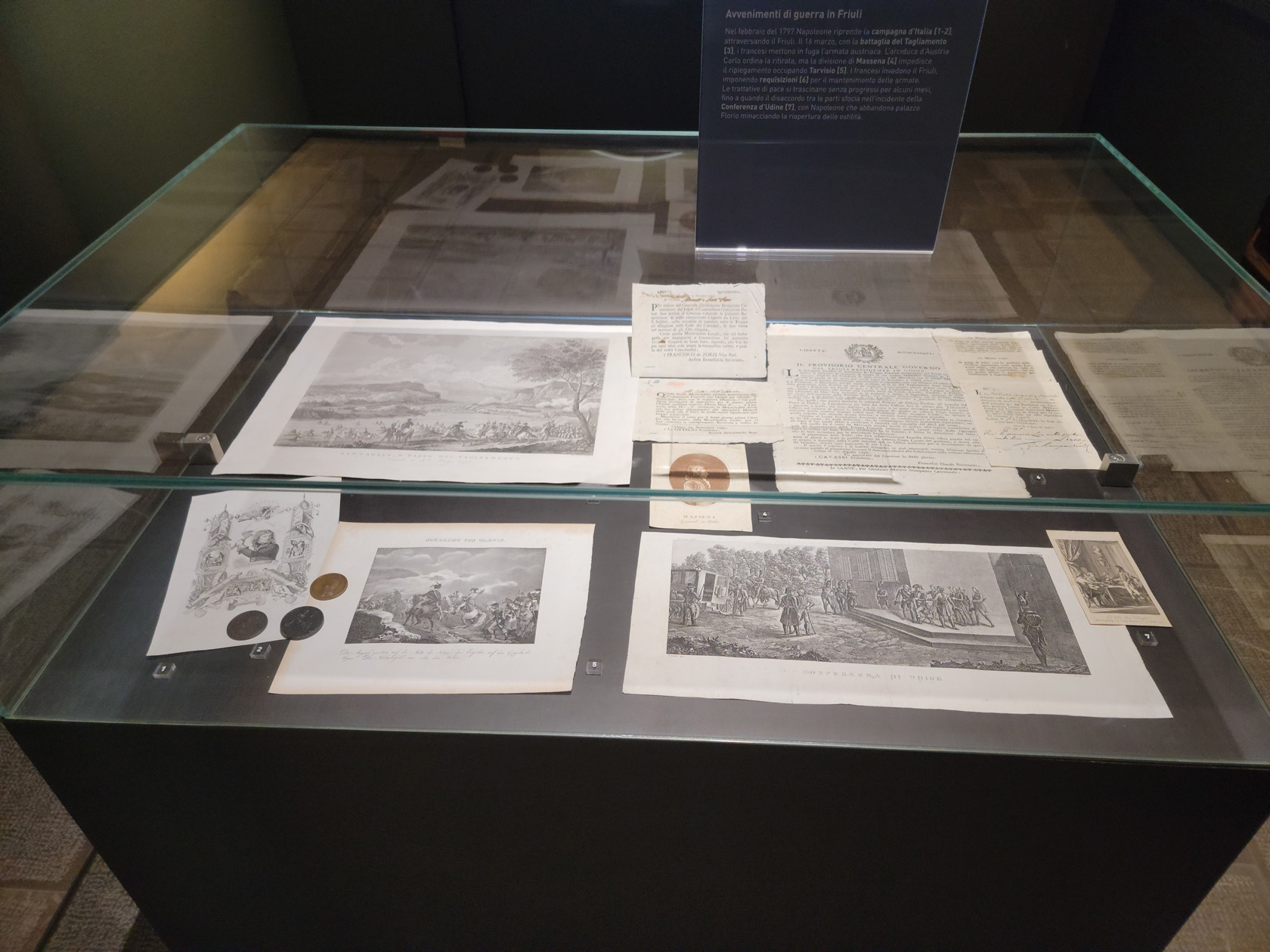
This museum has artifacts from local historic events following the fall of Venice, up to the time of the mid 1800s. Including documents and written accounts of the annexation of Friuli to the Kingdom of Italy in 1866.
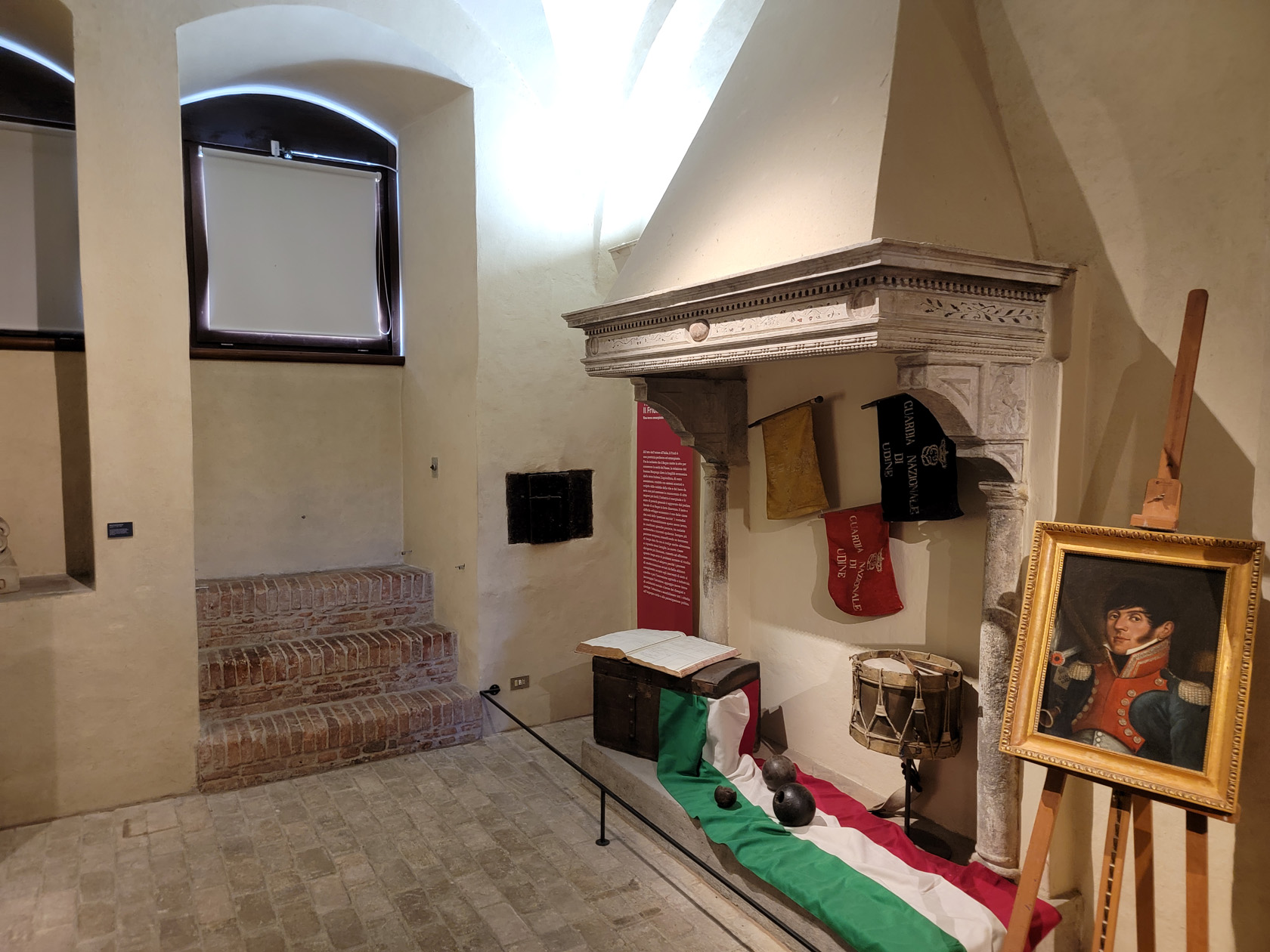
Udine – Udine Castle Museum – Friulian Artifacts
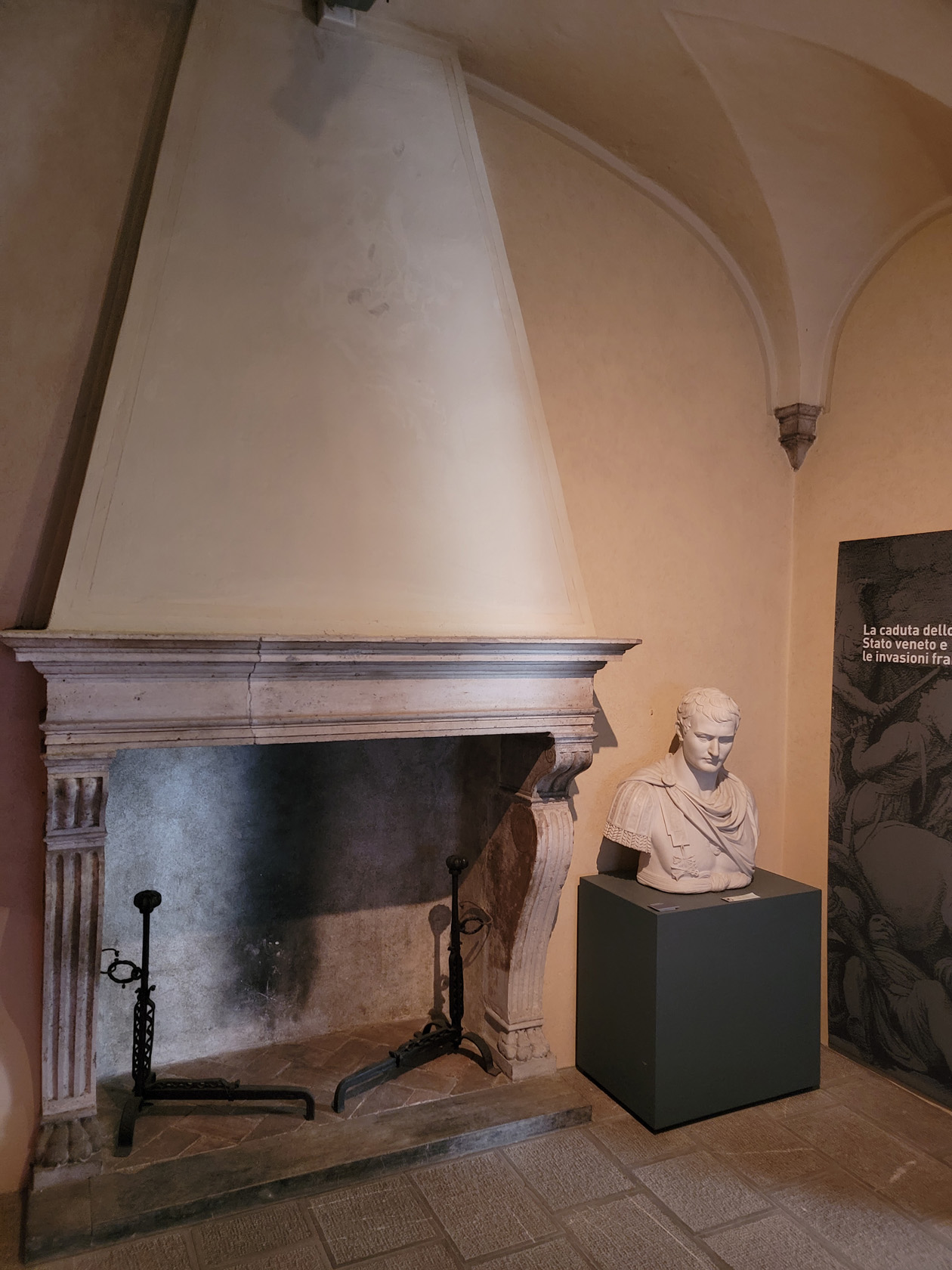
Udine – Udine Castle Museum – Old Fireplace
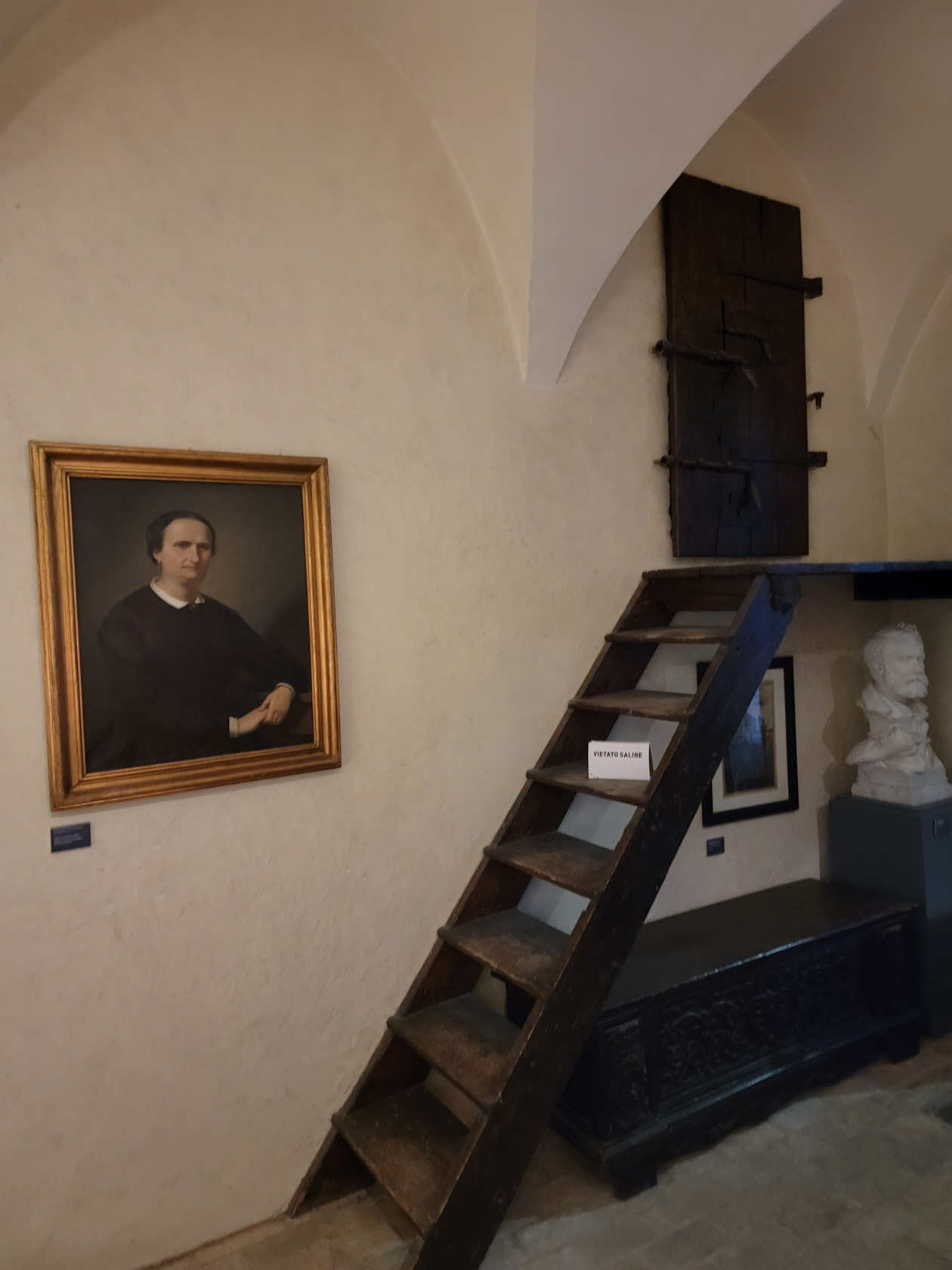
Udine – Udine Castle Museum – Storage Closet
Udine – Udine Castle Museum – Display
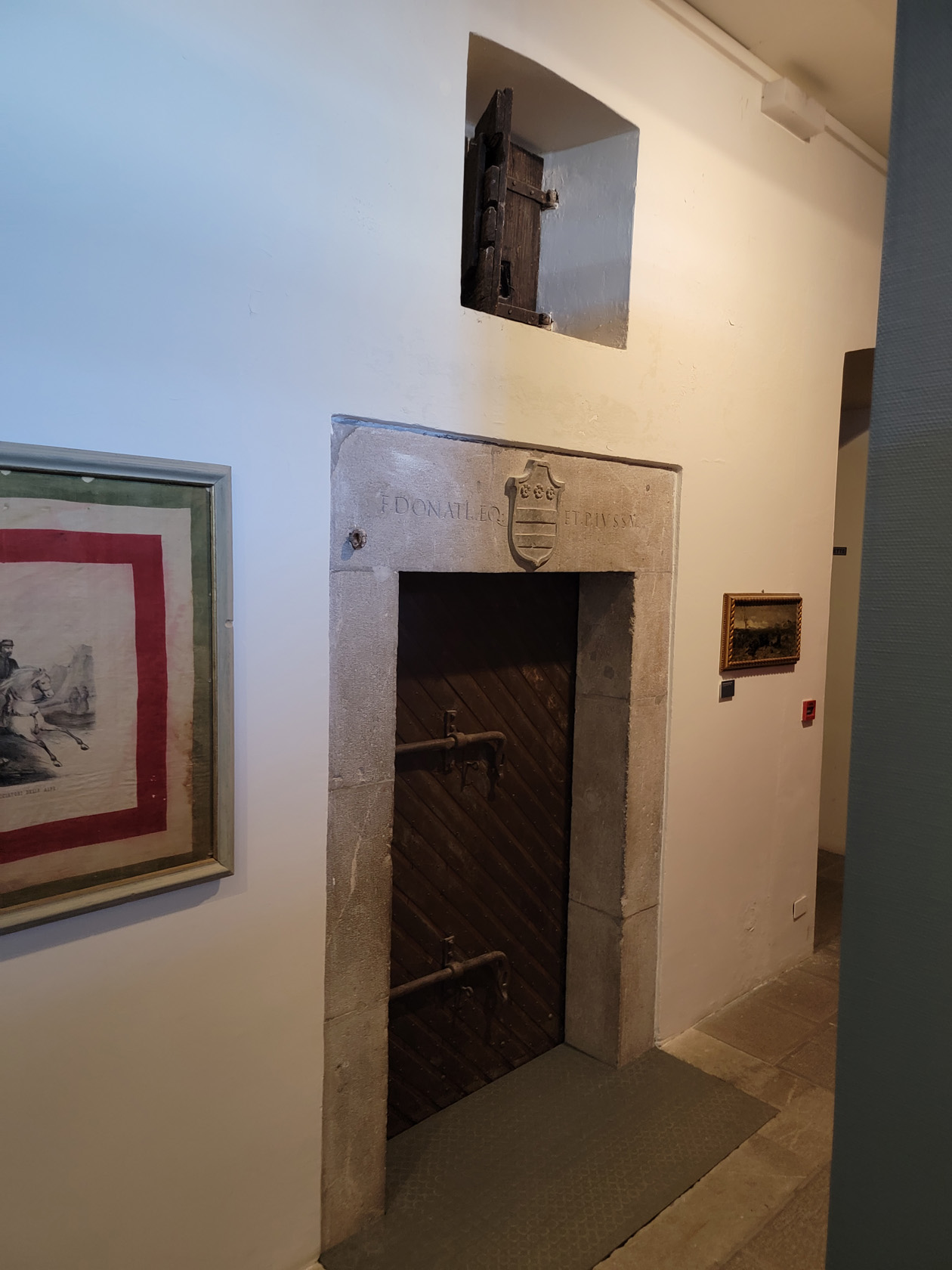
Udine – Udine Castle Museum – Unusual Doors
The Archaeological Museum
This museum contains an impressive ancient coin collection and other artifacts from ancient and Roman times. Including amphorae, old oil lamps and other funerary objects. Though a small collection, it was rather interesting to learn where each was found locally and their relative histories.
Udine – Udine Castle Museum – Roman Stones
Udine – Udine Castle Museum – Roman Artifacts
Udine – Udine Castle Museum – Another Exhibit
Gallery of Ancient Art
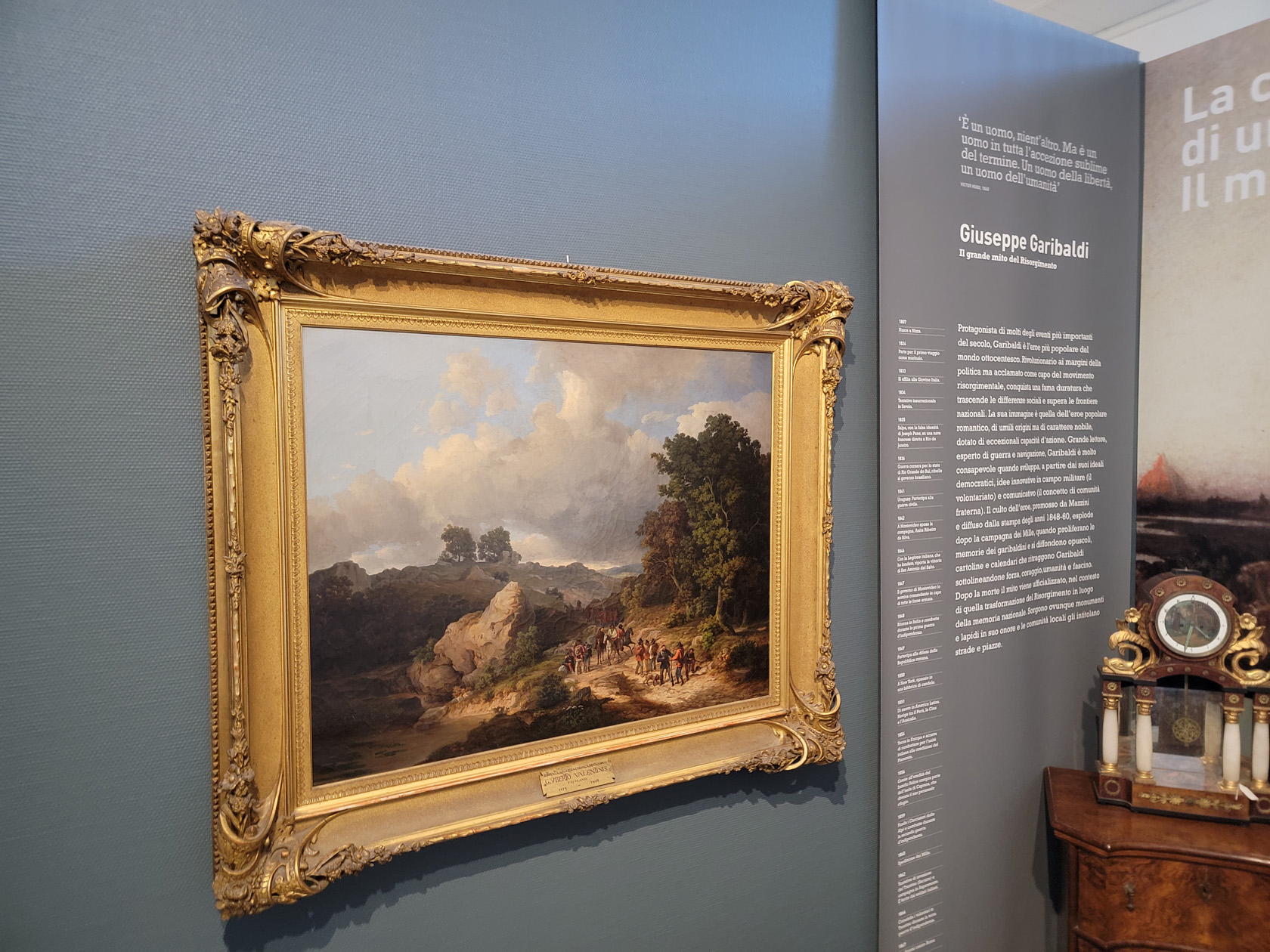
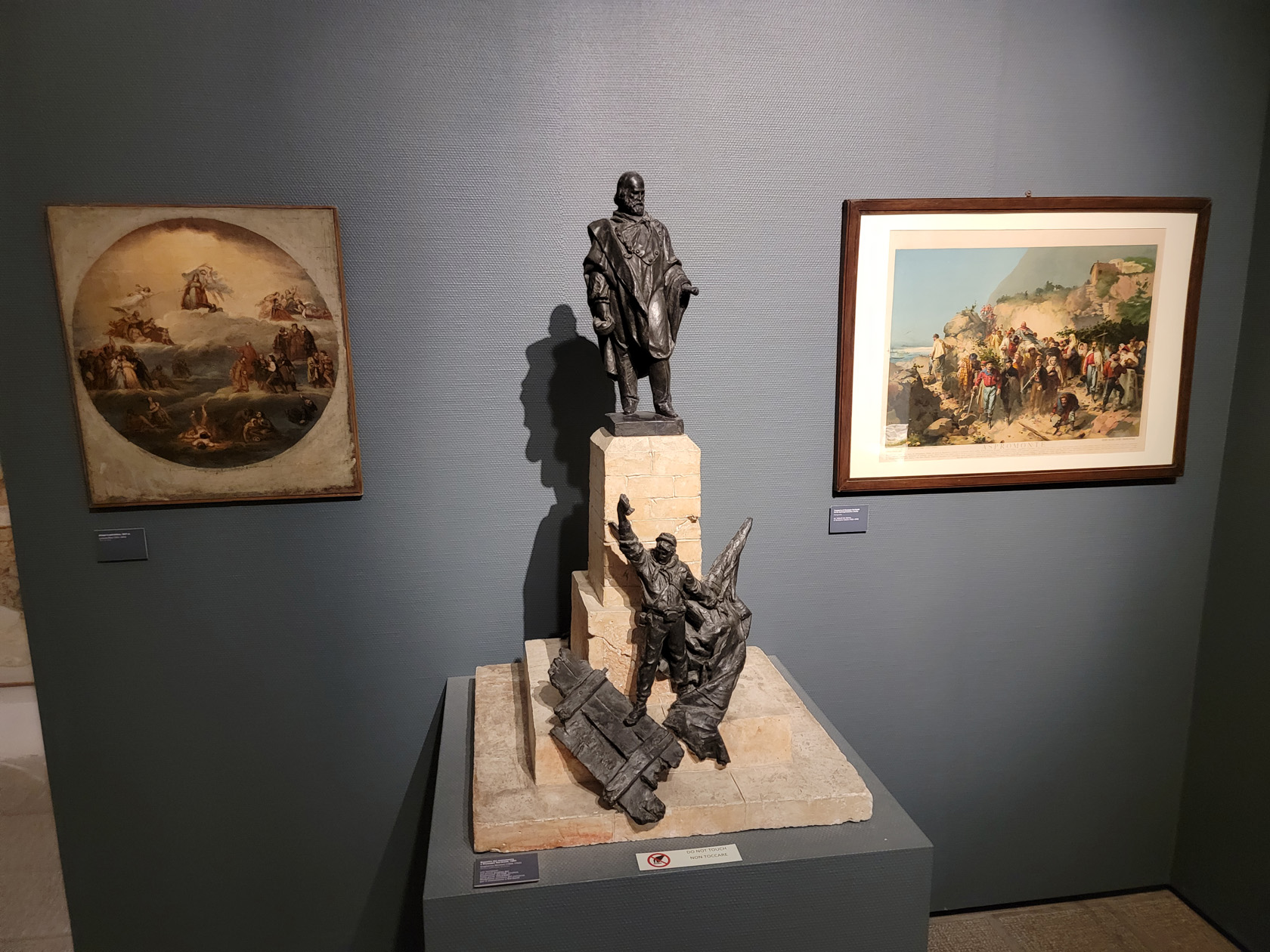
A gallery of art comprising works of local artists from the fourteenth to the nineteenth centuries. Most of the work appear religious in nature. Some of those that caught my eye in particular are the following.
Udine – Udine Castle Museum – Painting – Giuseppe Garibaldi
Udine – Udine Castle Museum – Bronze of Soldiers
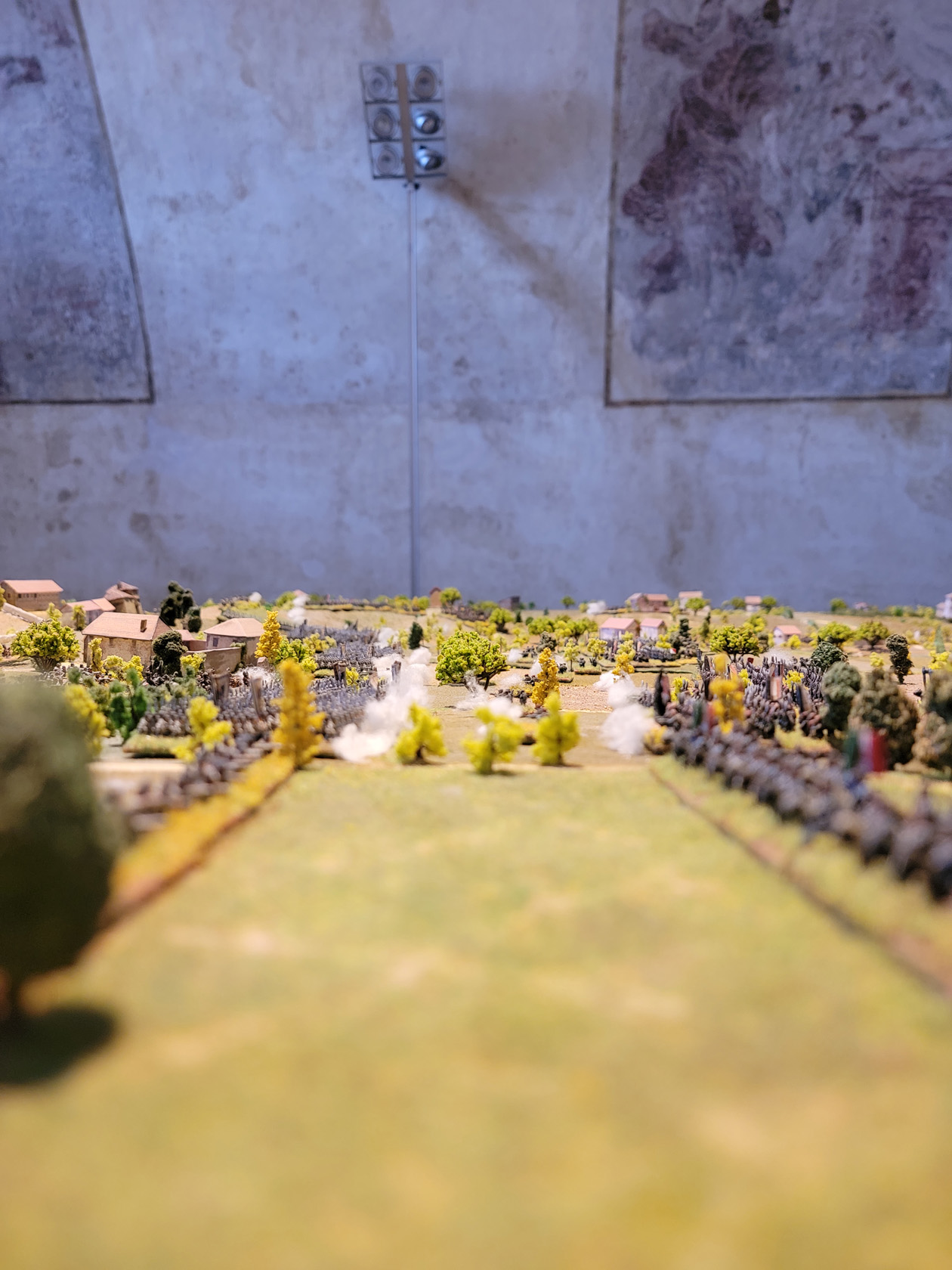
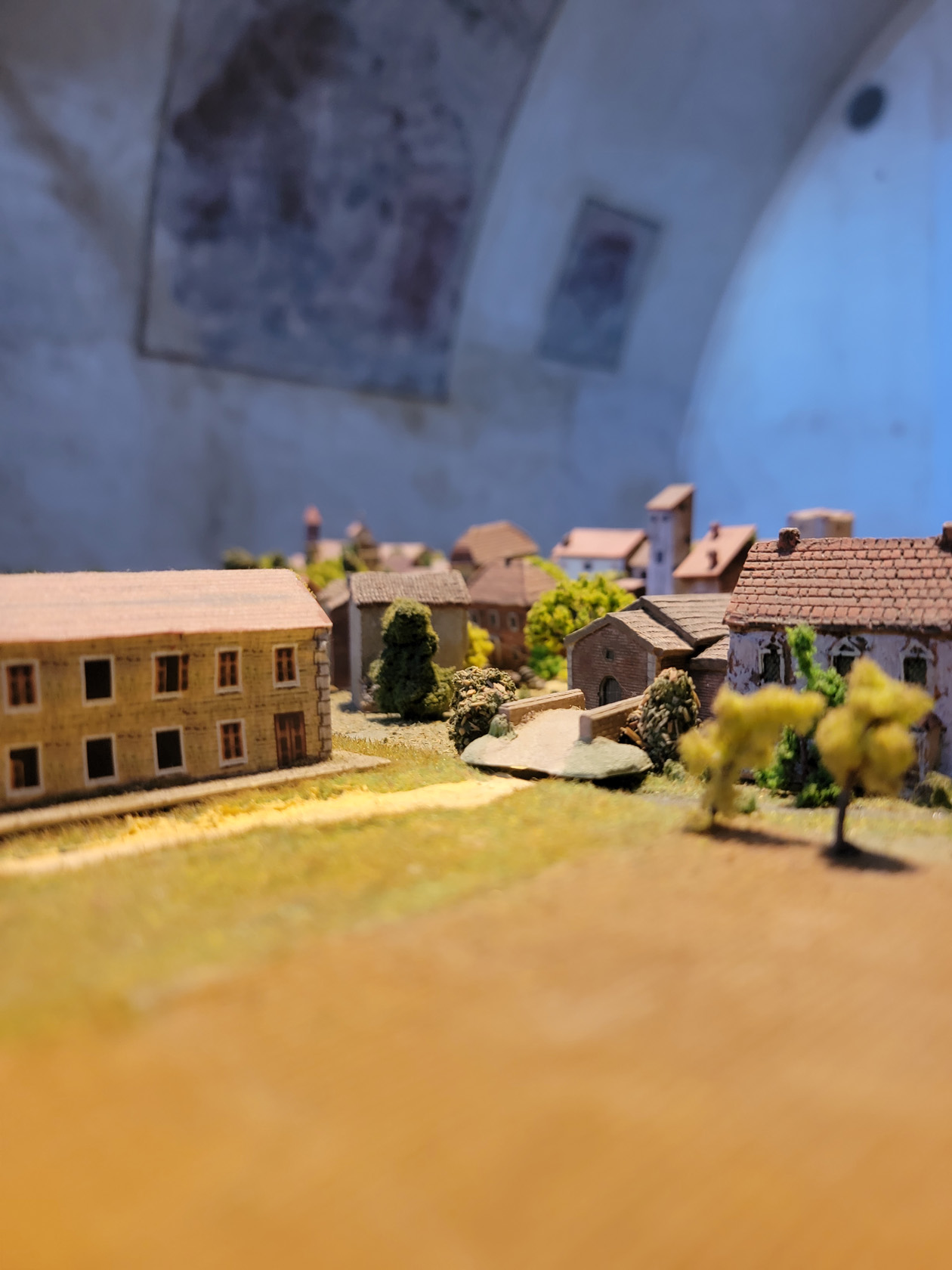
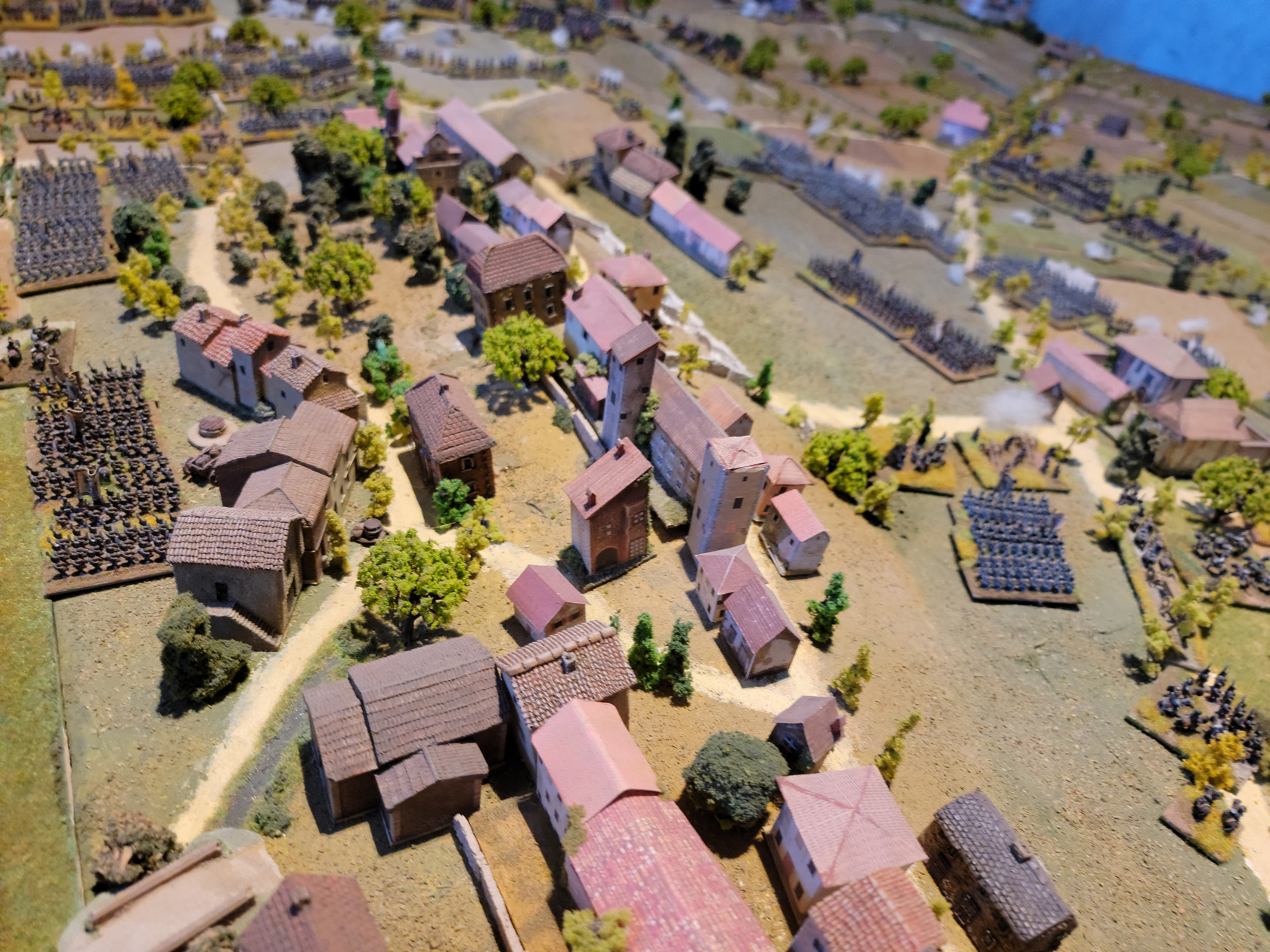
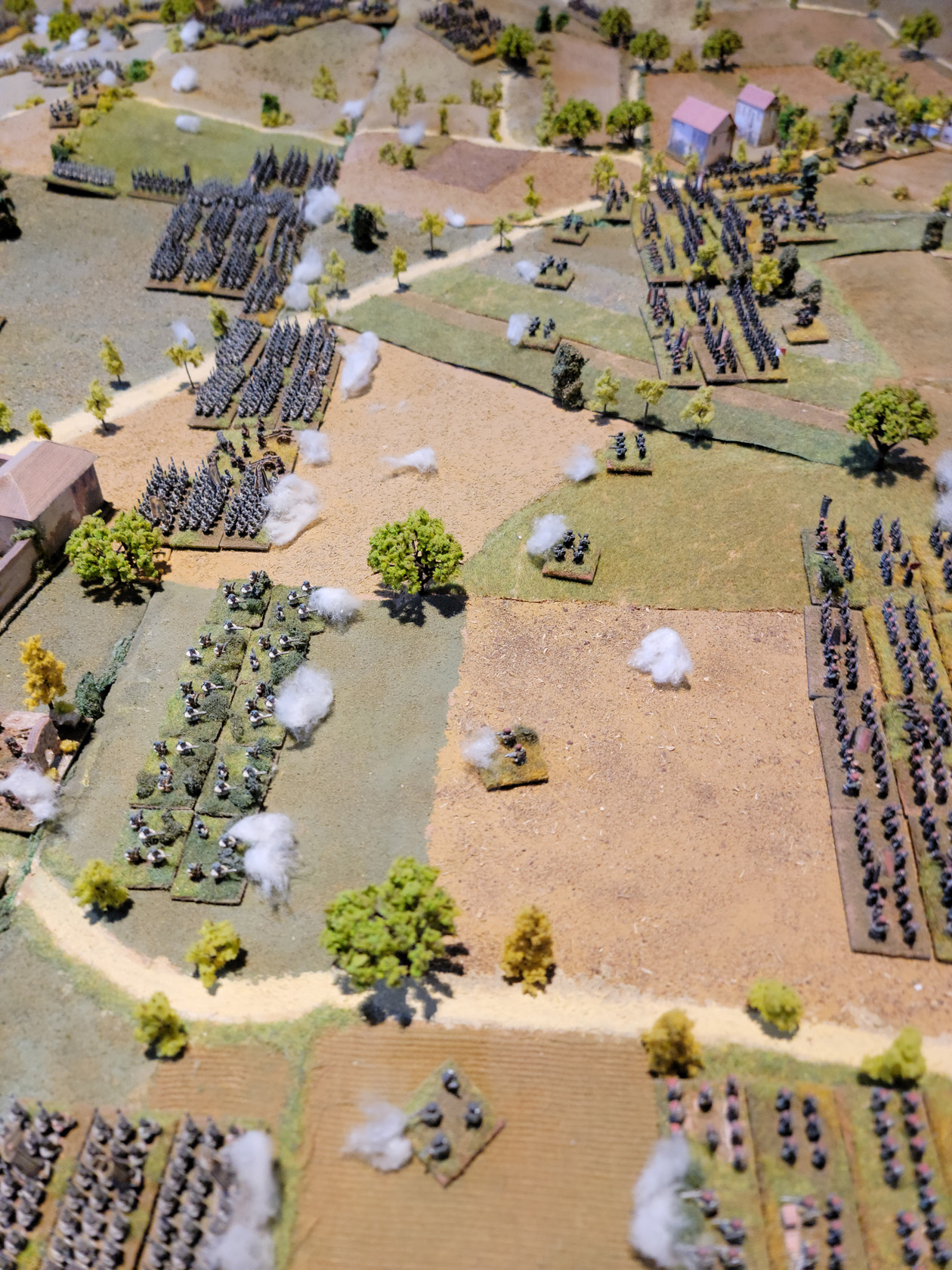
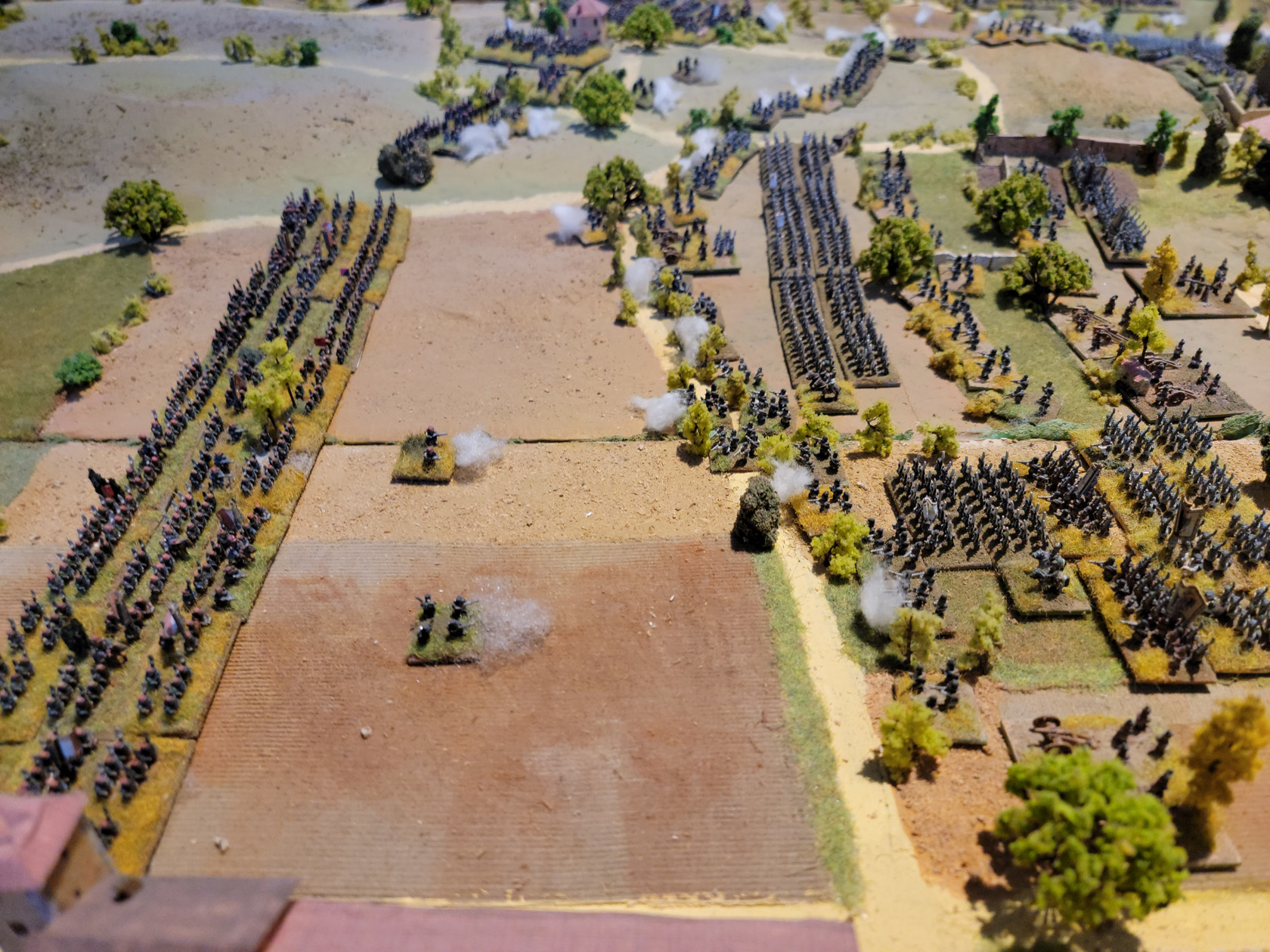
Diorama of the Battle of Montebello
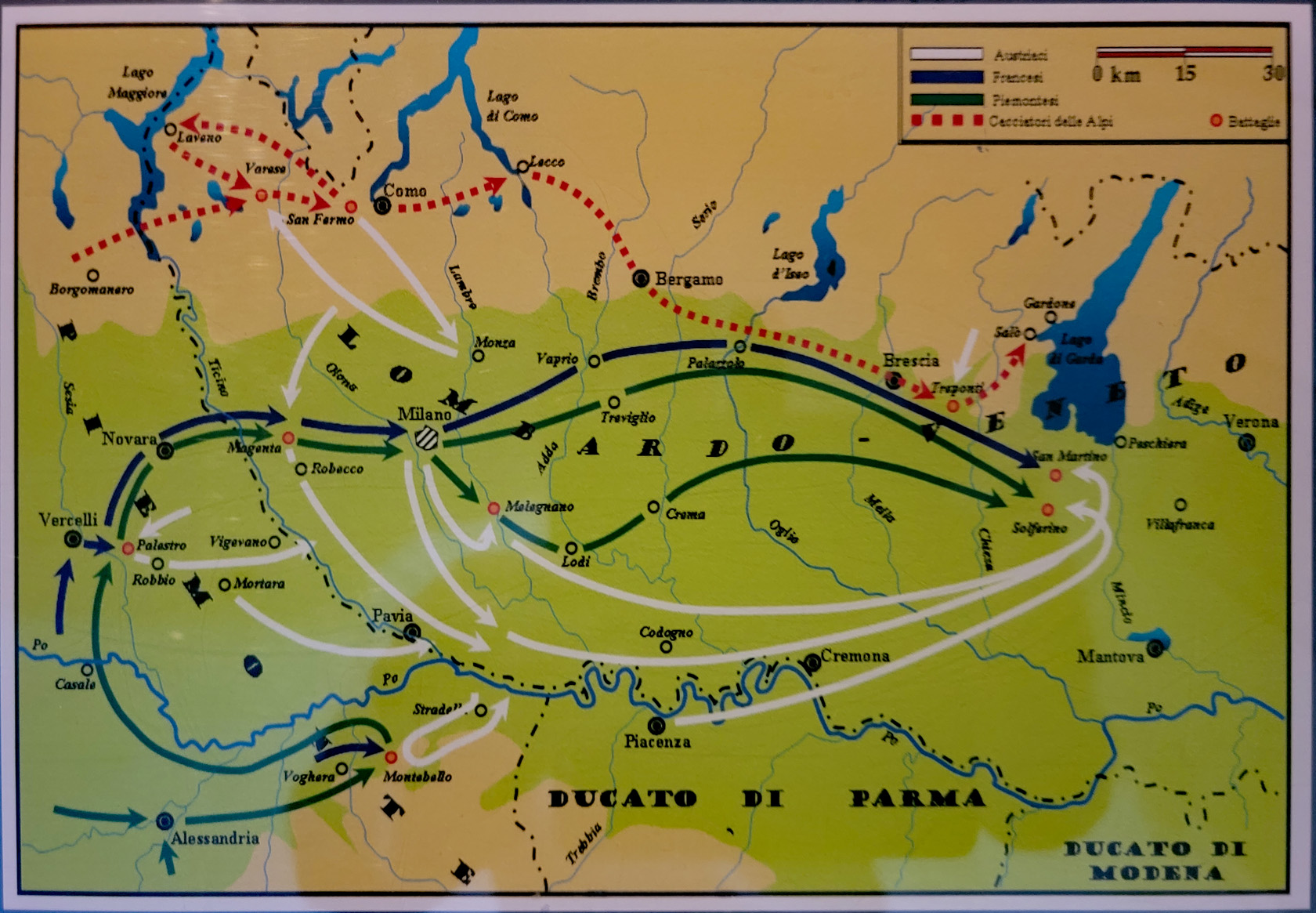
Complete with a map showing the order of battle, this diorama clicks all the right boxes for the model builder at heart.
Udine – Udine Castle Museum – Diorama – Order of the Battle of Montebello
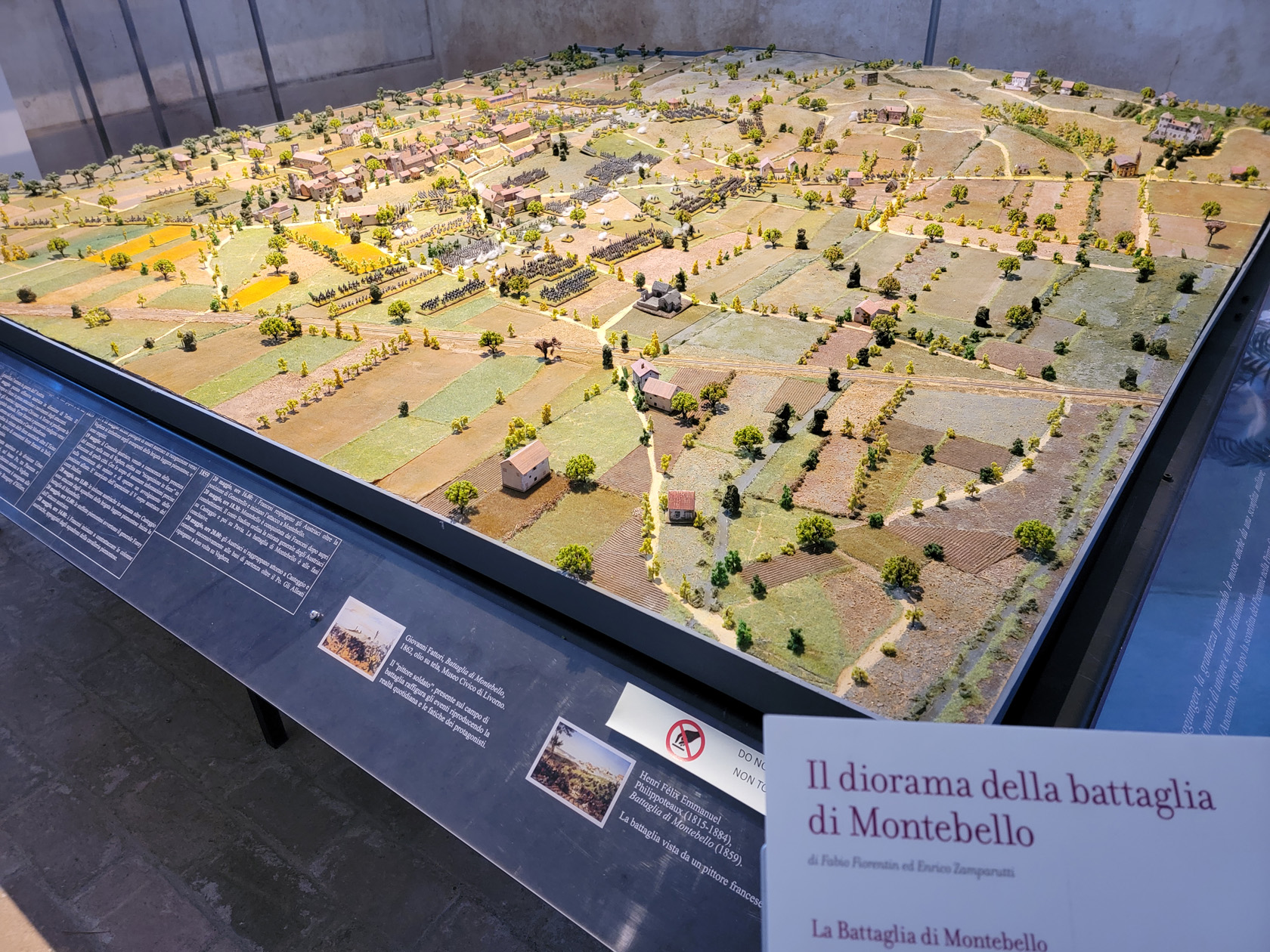
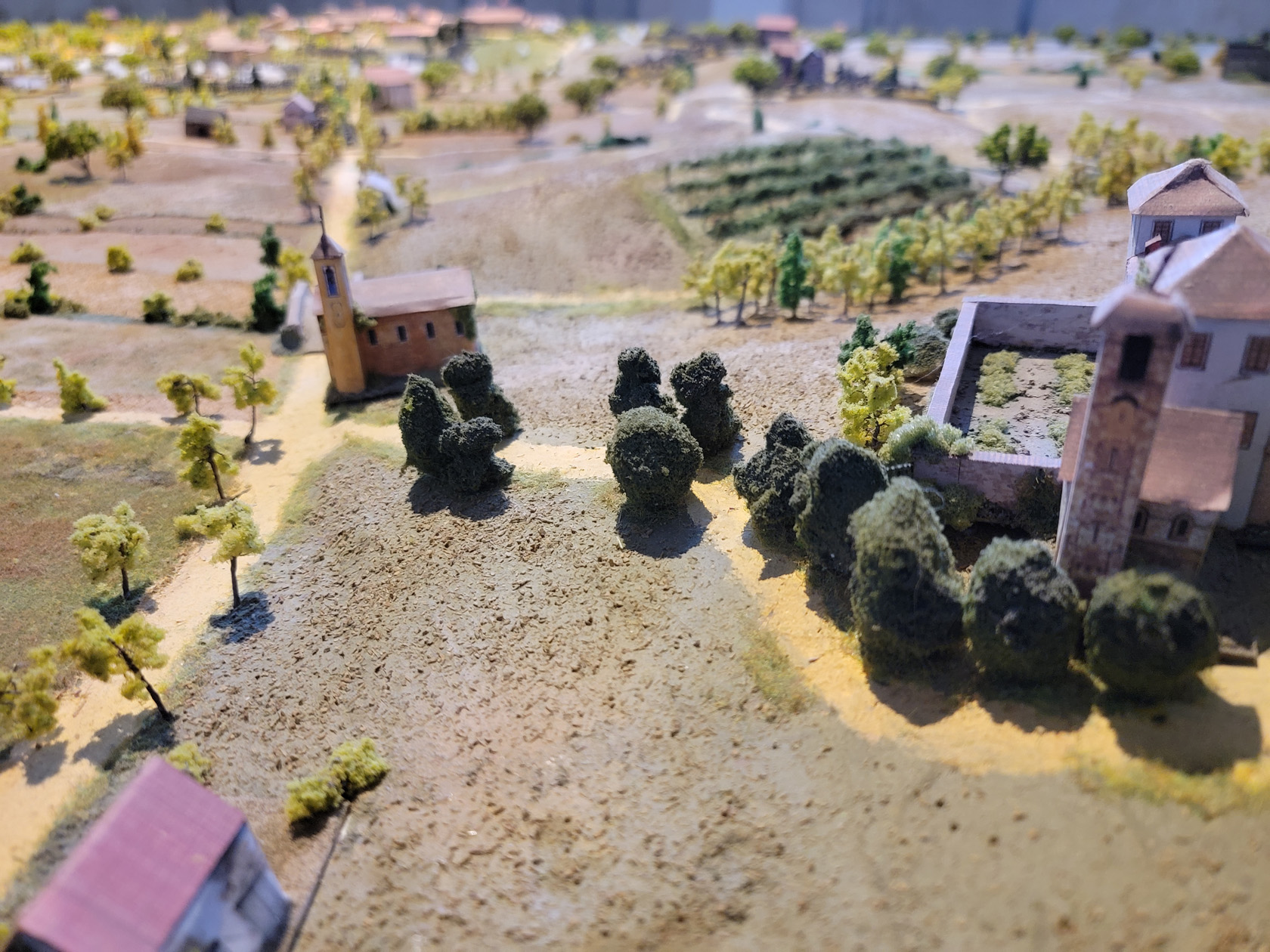
The museum has an extraordinary diorama of the Battle of Montebello. For anyone that is or was a model builder, or a warfare historian, one can stand and just marvel at it for some time.
Udine – Udine Castle Museum – Diorama – Battle of Montebello
Udine – Udine Castle Museum – Diorama – Battle of Montebello
Udine – Udine Castle Museum – Diorama – Battle of Montebello
Udine – Udine Castle Museum – Diorama – Battle of Montebello
Udine – Udine Castle Museum – Diorama – Battle of Montebello
Udine – Udine Castle Museum – Diorama – Battle of Montebello
Udine – Udine Castle Museum – Diorama – Battle of Montebello
Churches
There are several noteworthy churches in the area, though we were not actually able to visit all of them inside.
Chapel of Palazzo del Monte di Pietà
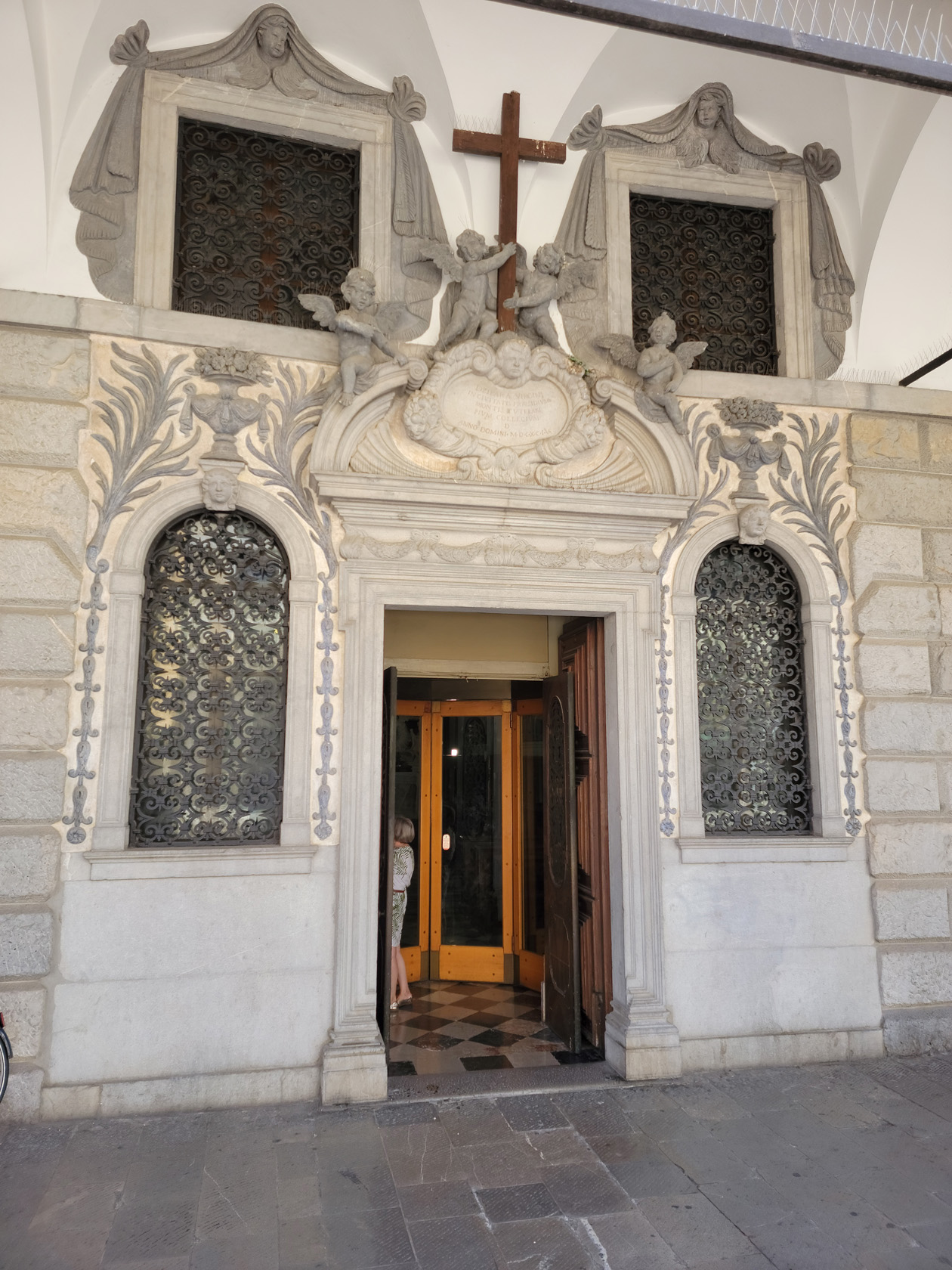
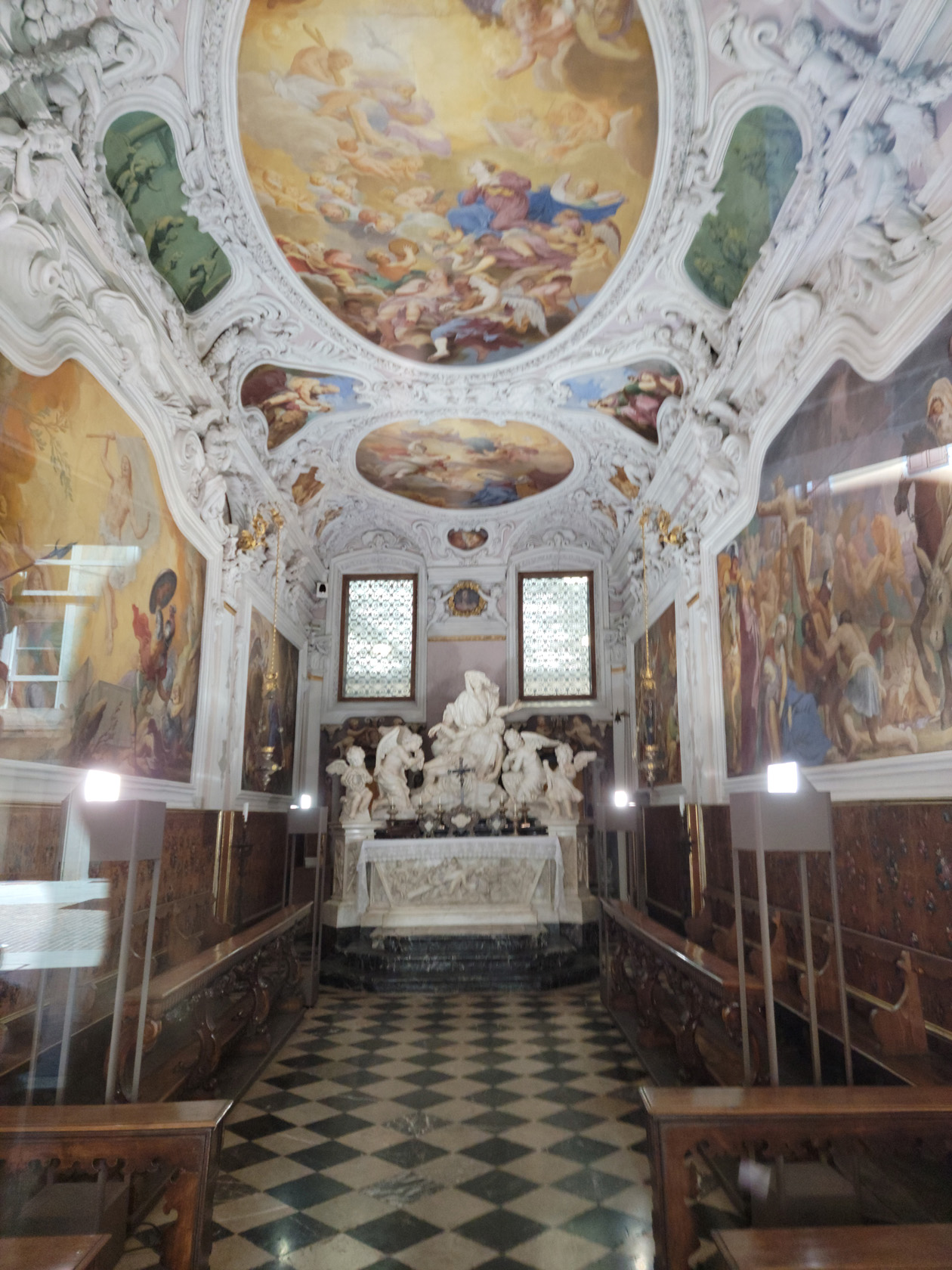
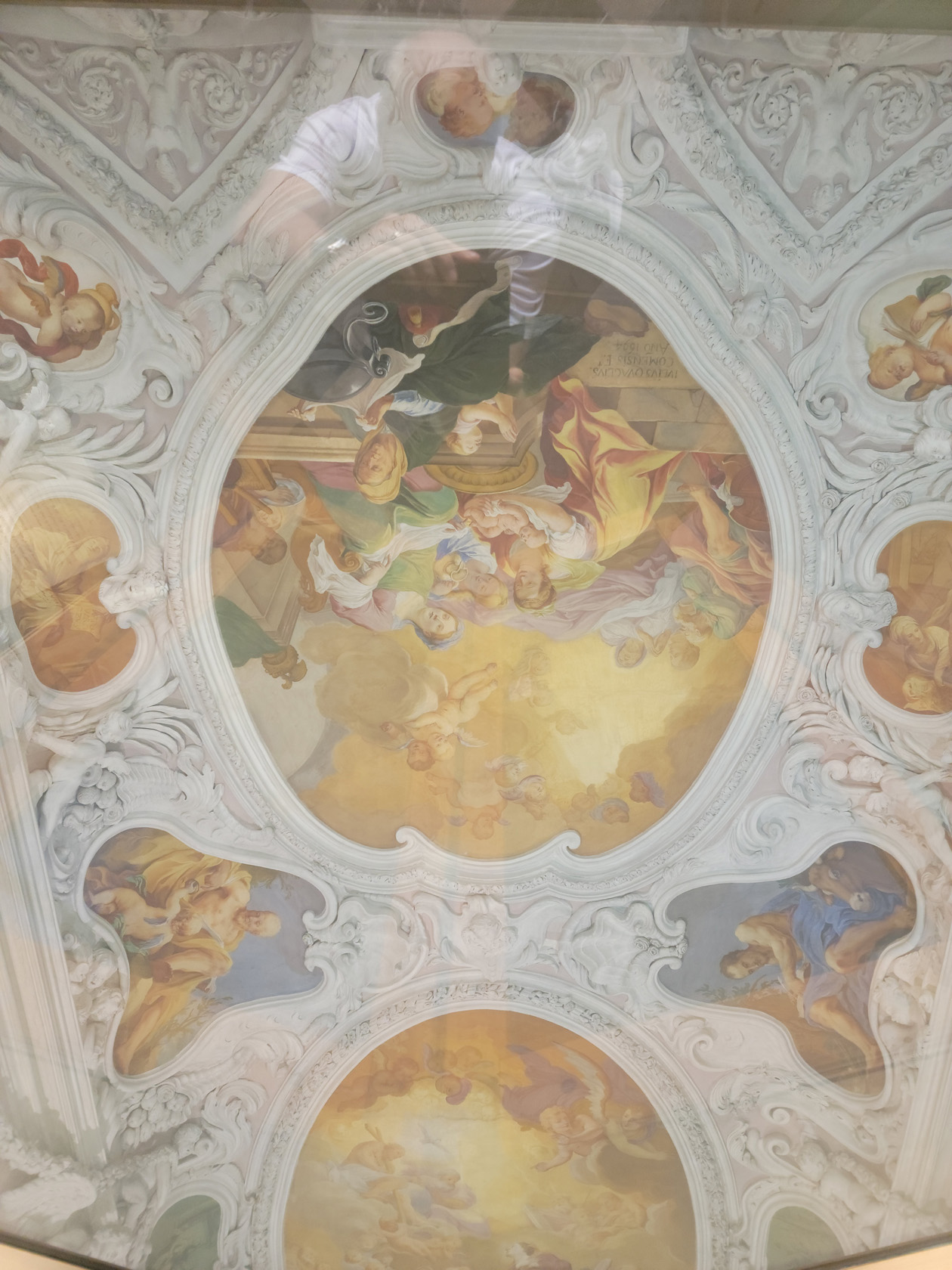
A chapel, which has beautiful frescoes and is now actually part of the bank Intesa Sanpaolo, is in the Palazzo del Monte di Pietà. Often walked right by tourists, if they are not paying attention, this chapel is a gem, see for yourself.
Udine – Palazzo del Monte di Pieta – Doorway
Udine – Palazzo del Monte di Pieta – Altar of the Pieta
Udine – Palazzo del Monte di Pieta – Ceiling
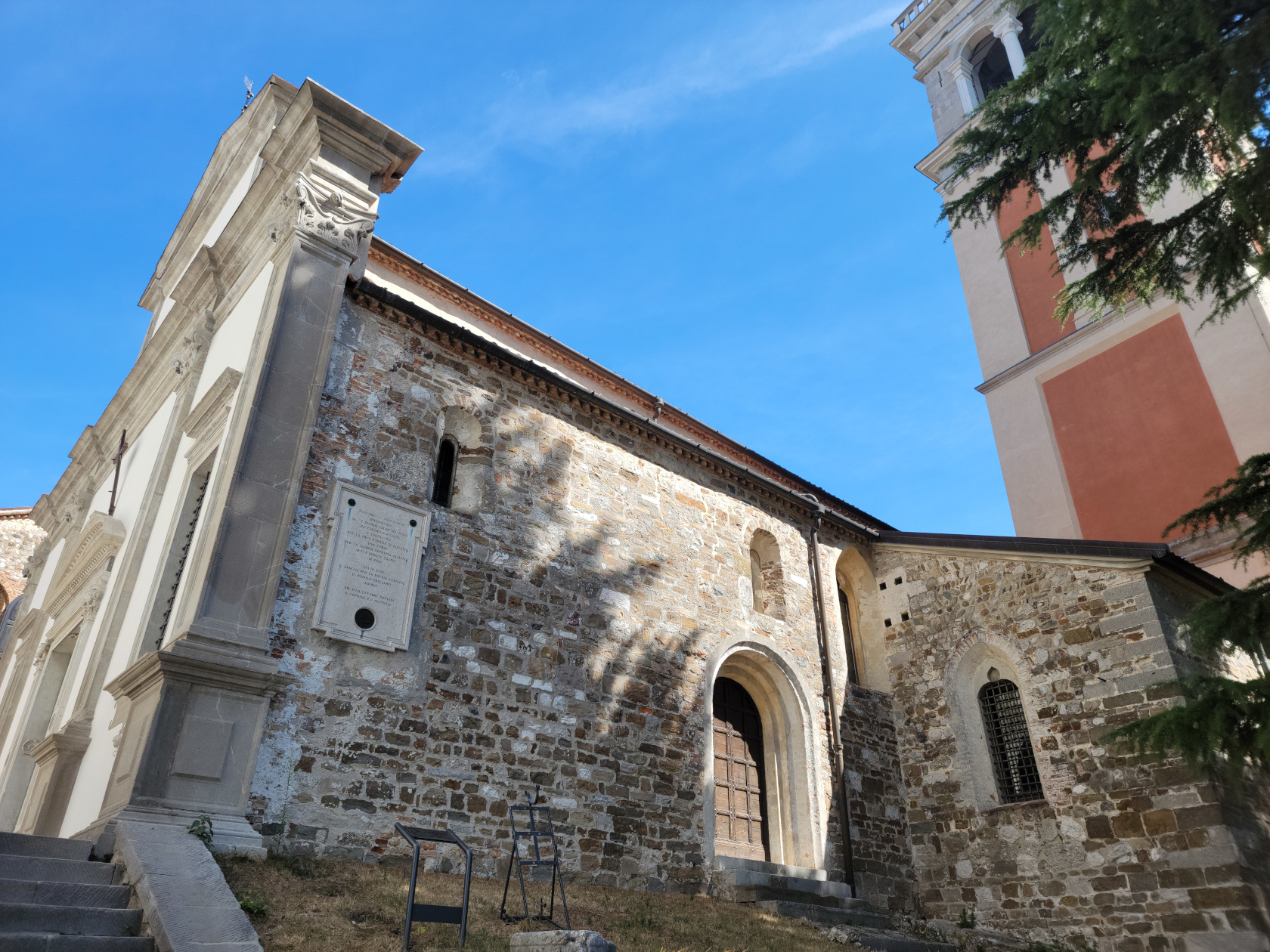
Church of Saint Maria di Castello
A church that is at the top of the hill and adjacent to the Castel is the Saint Maria di Castello. Complete with bell tower, a remarkable example
Udine – Church of Saint Maria
Cathedral Santa Maria Annuziata
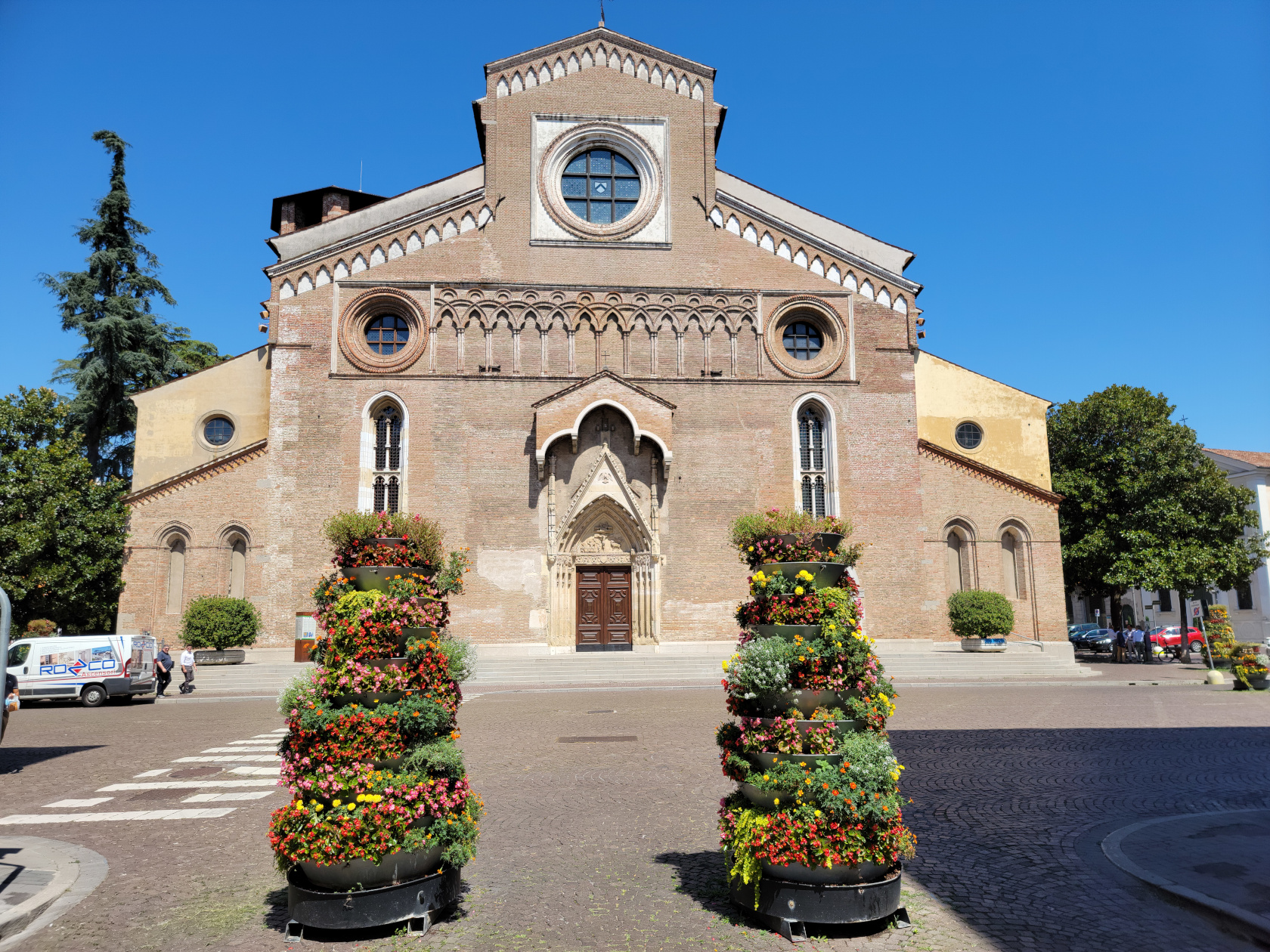
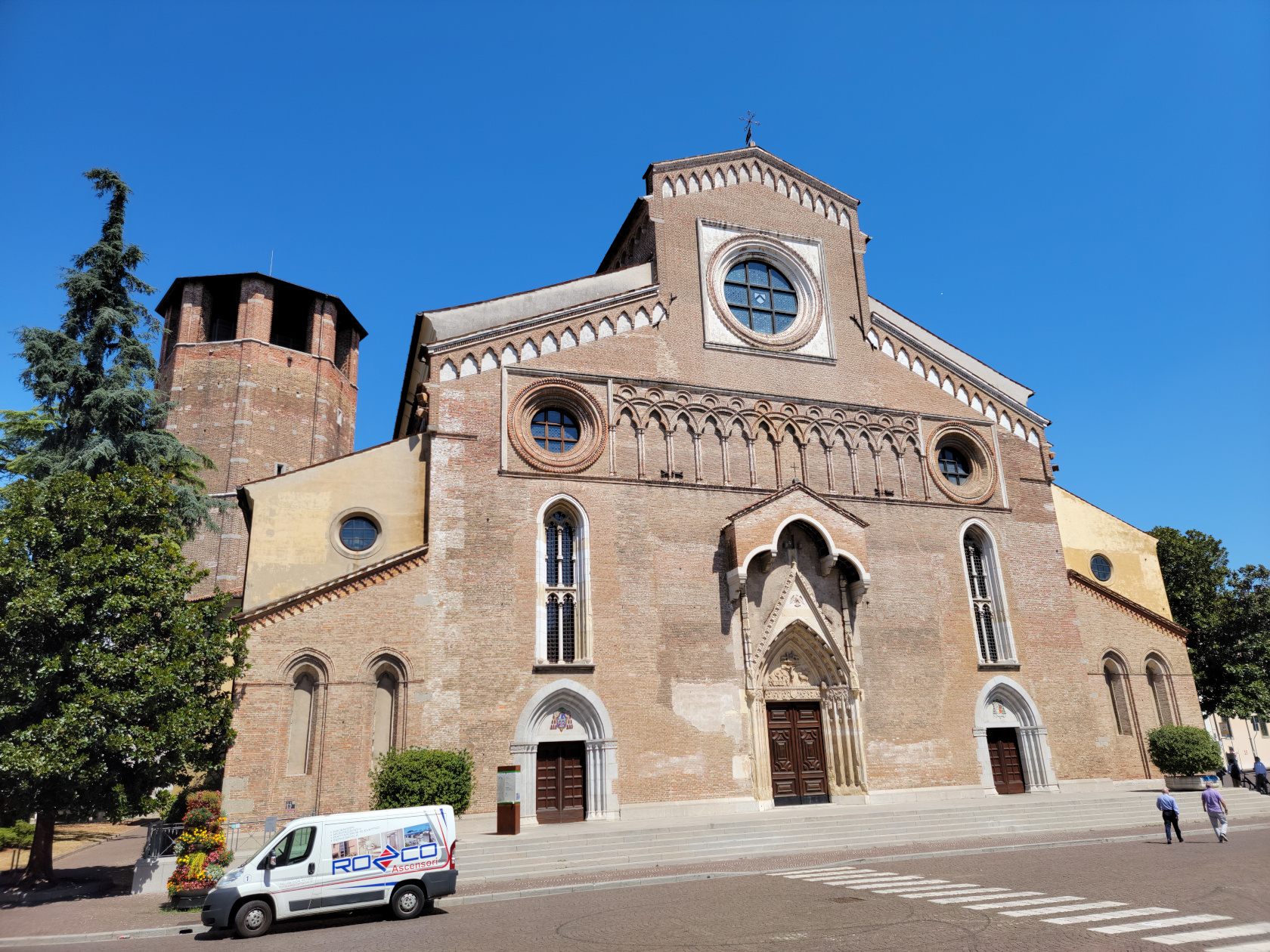
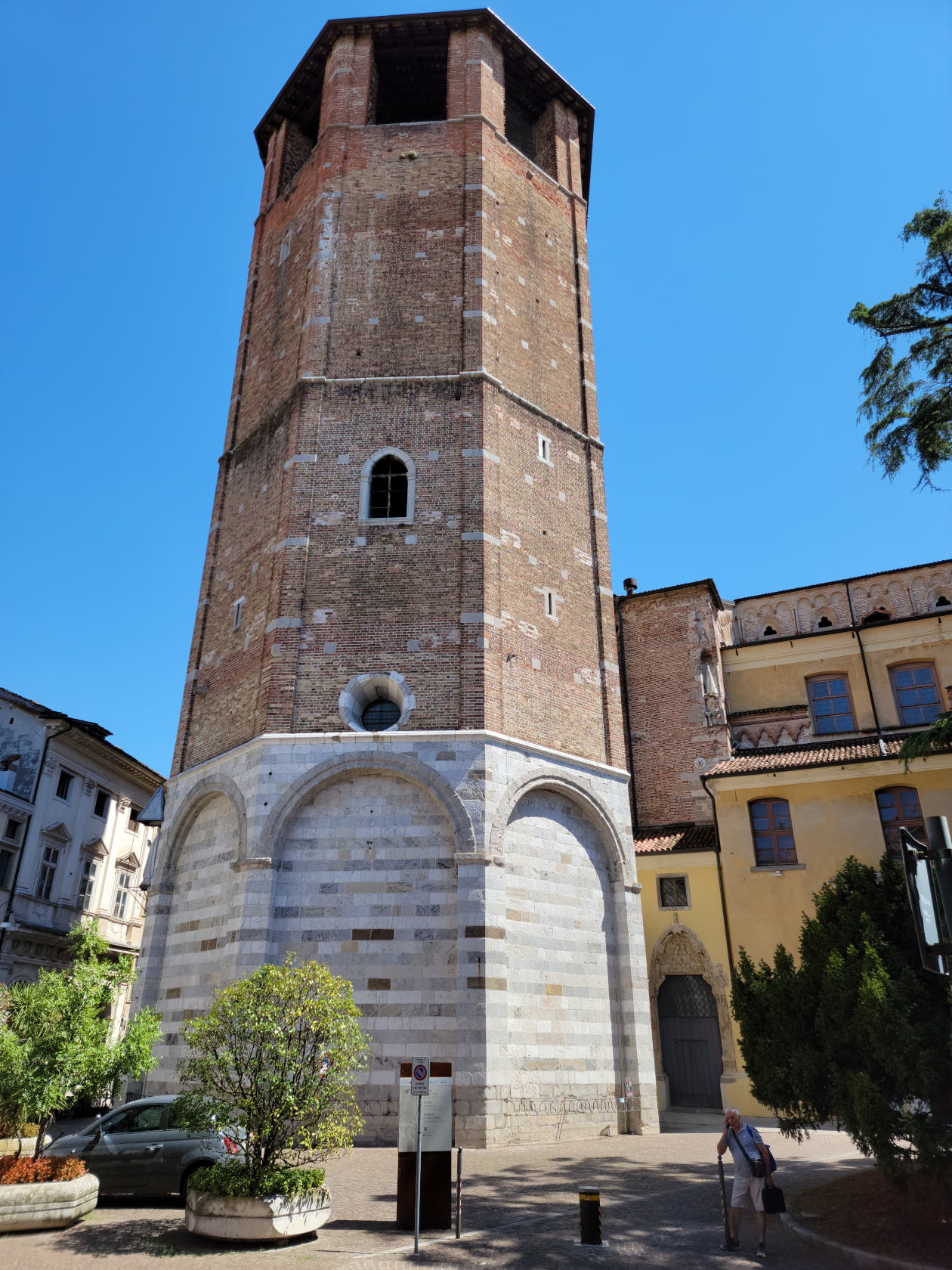
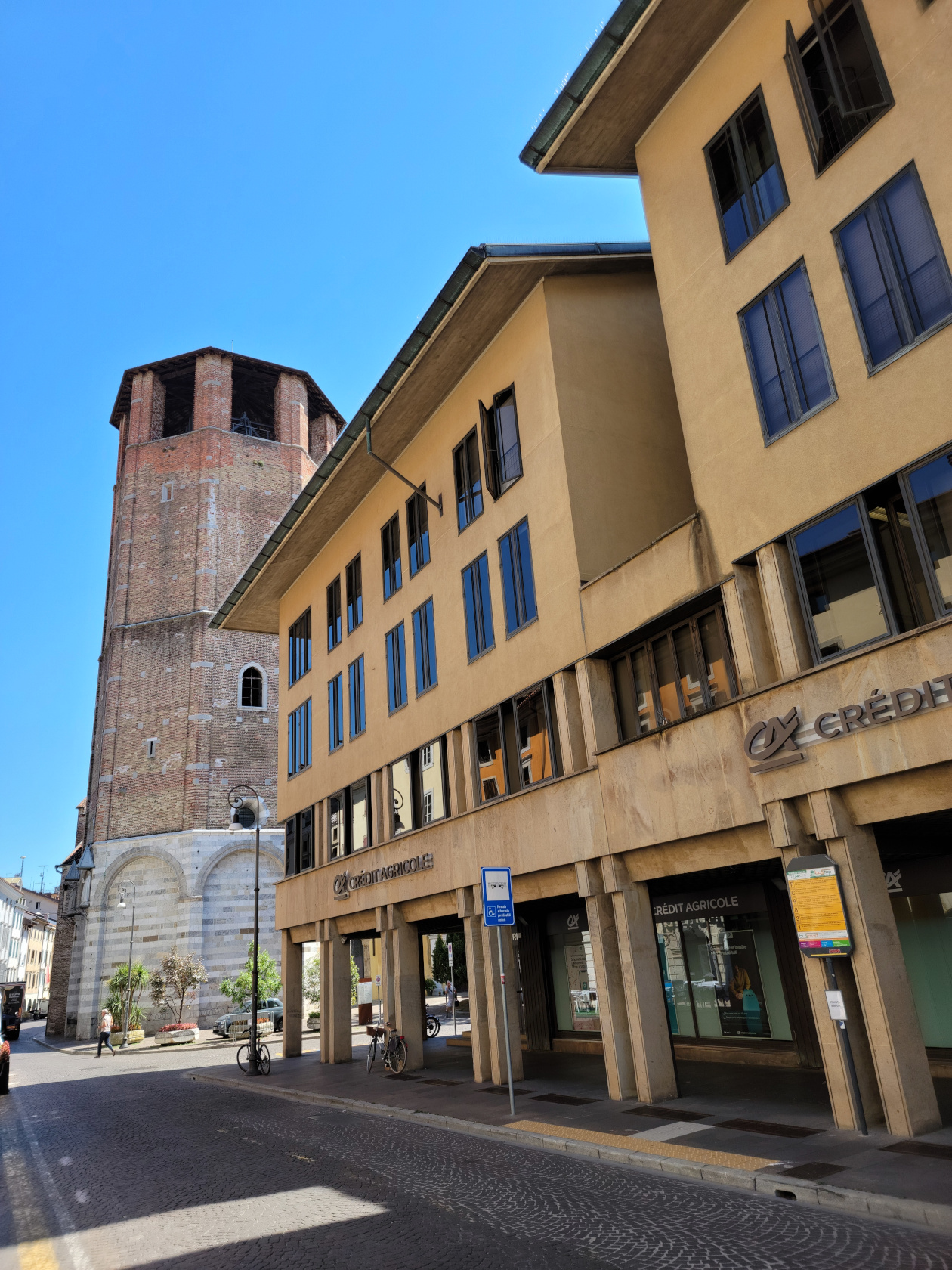
The Cathedral of Santa Maria Annuziata is known for its octagonal bell tower. It can be seen from the castle hill, along with the church which is a major landmark in the city. Formerly consecrated as the Cathedral of Santa Maria Maggiore in 1335, it has three naves and chapels along the sides. Since it was not open at the time, we were only able to get some photographs of the outside.
Udine – Cathedral Santa Maria Annunziata
Udine – Cathedral Santa Maria Annunziata
Udine – Cathedral Santa Maria Annunziata
Udine – Cathedral Santa Maria Annunziata
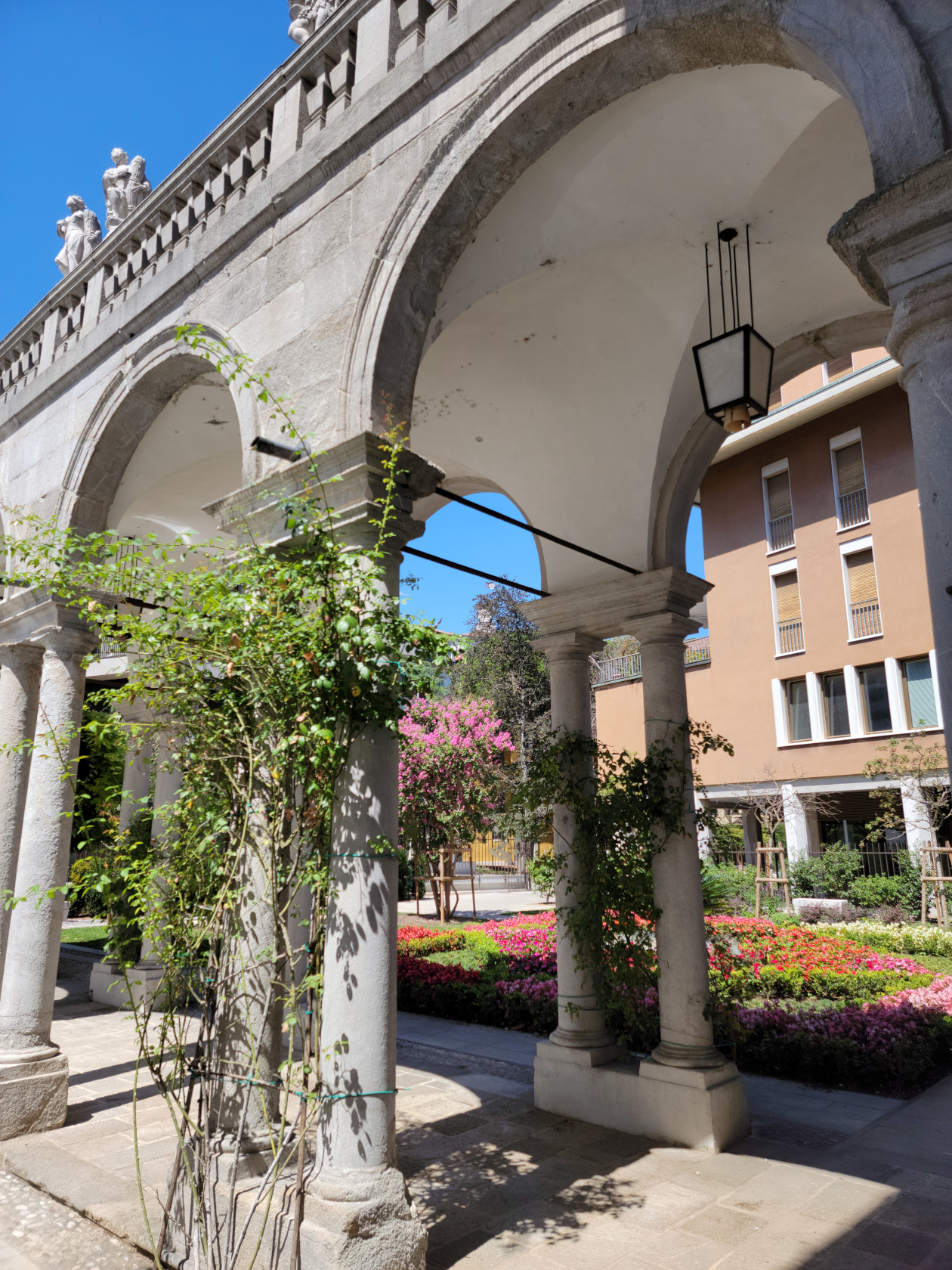
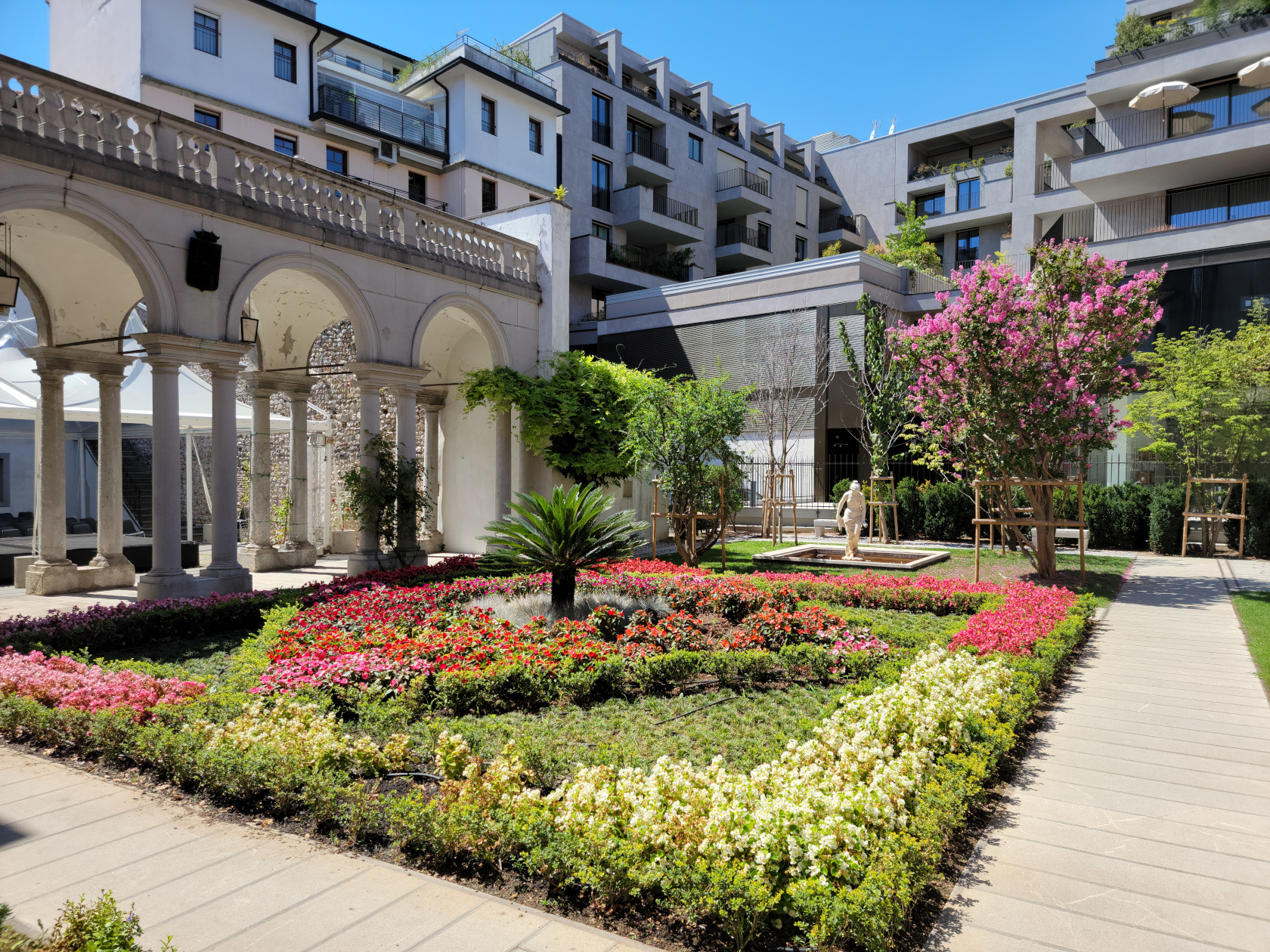
The Corte di Palazzo Morpurgo is also close by the front of the cathedral, so just wandering across the street from the front of the church should bring you there.
Udine – Corte di Palazzo Morpurgo
Udine – Corte di Palazzo Morpurgo
Hotels
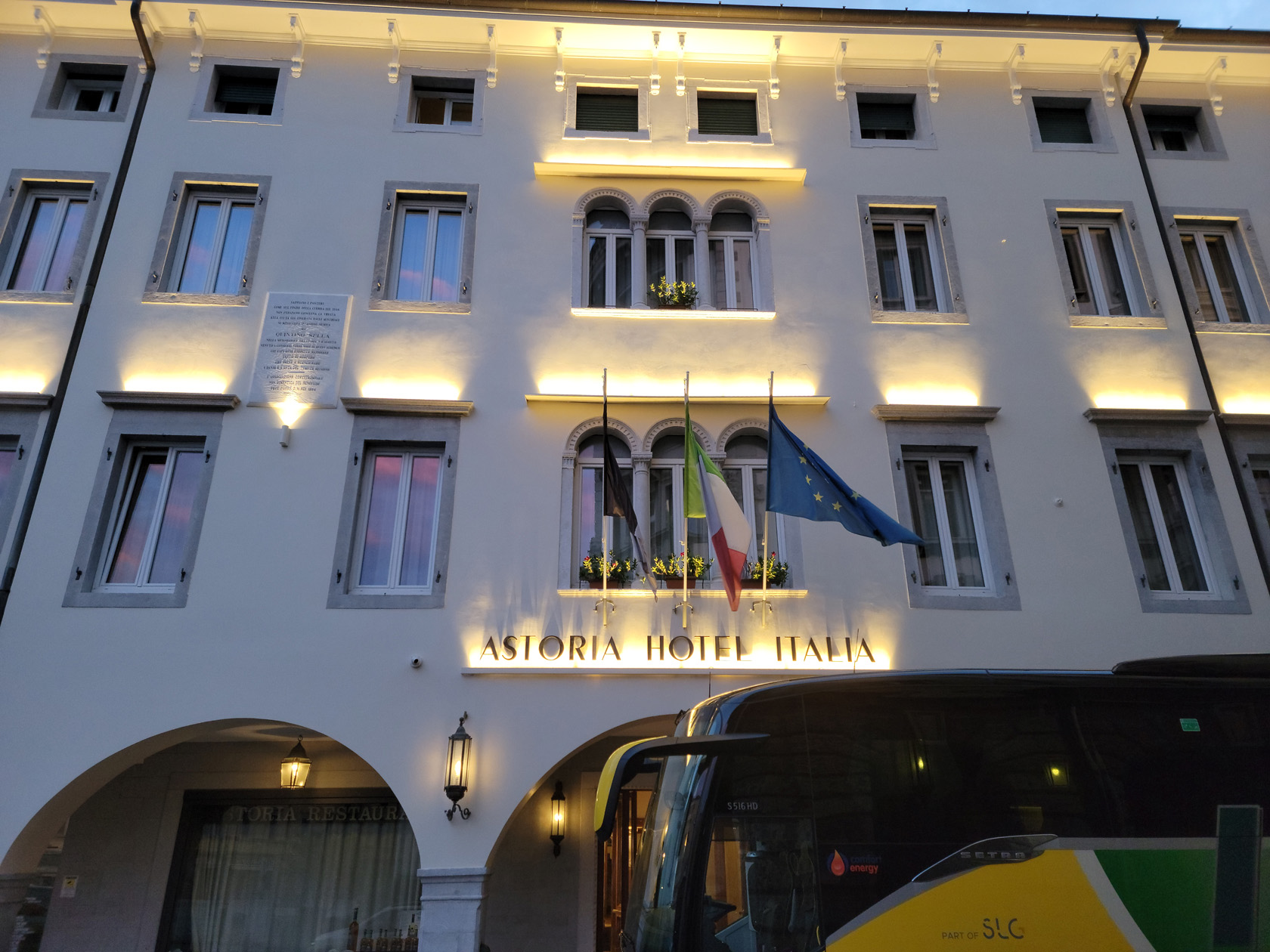
We chose the Astoria Hotel Italia for its old world charm, eschewing some of the more contemporary offers that were available. When we travel, it’s one of those things that can set off one place from another.
The Astoria Hotel Italia
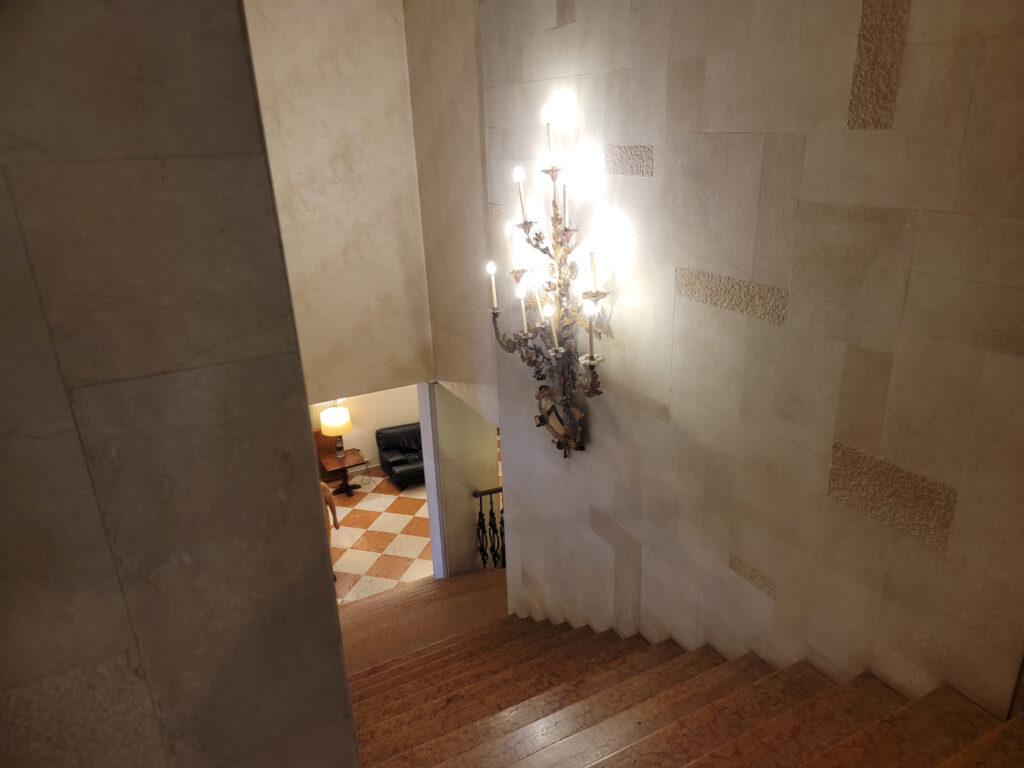
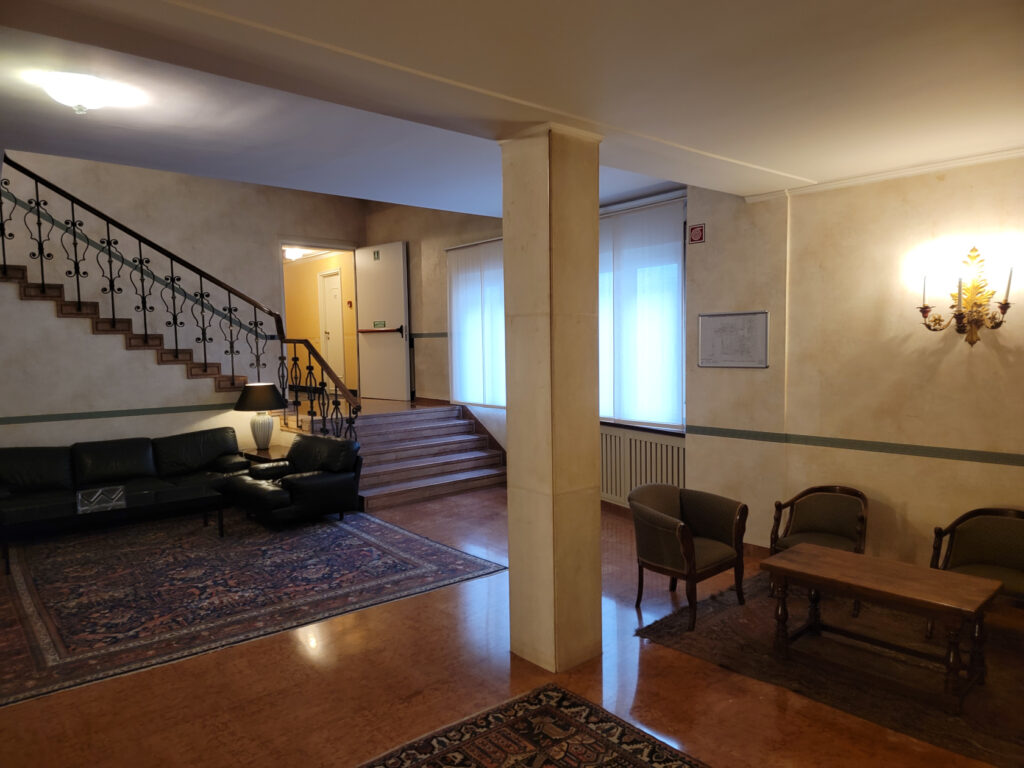
The hotel Astoria Italia has maintained itself as though it fits into the landscape. It sports new amenities, like contemporary and renovated bathrooms (a must), while keeping some of that old world charm. I disagree with putting contemporary style beds in such old rooms, which they clearly want to preserve, but I am probably in the minority (I rather prefer, if its old keep old, like it came out of the nineteenth century, then you get that step-back-in-time feel).
Udine – Astoria Hotel
In any case, our hotel was great and provided a very central place from which to explore the rest of the old city.
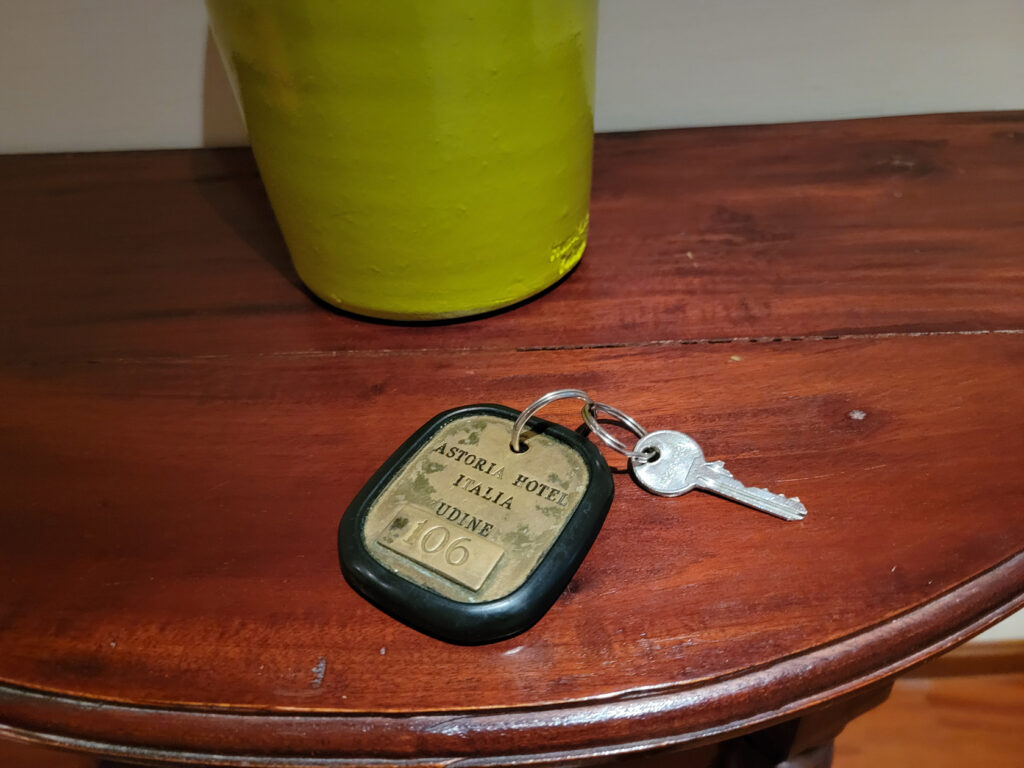
Udine – Astoria Hotel – Old Room Keys – The Old Fashioned Way
Udine – Astoria Hotel Italia
Udine – Astoria Hotel Italia
Udine – Astoria Hotel Italia
Restaurants
The restaurants in Udine serve typical northern Italian fare, with some twists for Tyrolean and other close neighbors. It is a fairly cosmopolitan city and one can find Sushi and other worldly franchise food here, so selecting a place to eat should not be an issue.
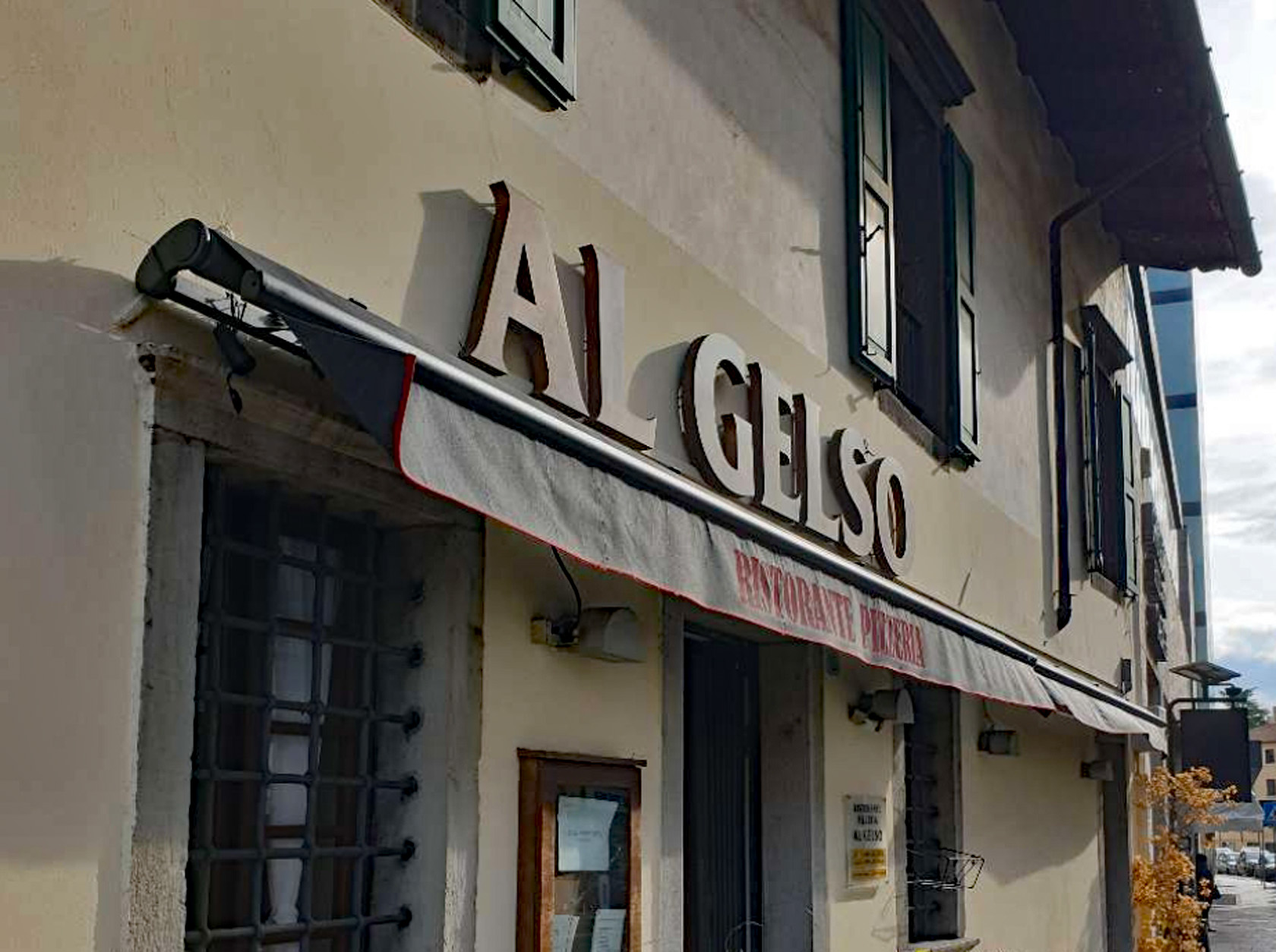
Ristorante Pizzeria Al Gelso
This restaurant was right around the corner from our hotel, in fact, it is actually adjacent to it (without us knowing). We walked around the corner anyways and entered it from the garden seating direction each time, even though there was a main entrance on the main street. The food is excellent, all with that home-cooked taste, and there’s pizza for those who are unsure what they want, everyone likes pizza!
Ristorante Pizzeria Al Gelso – Front
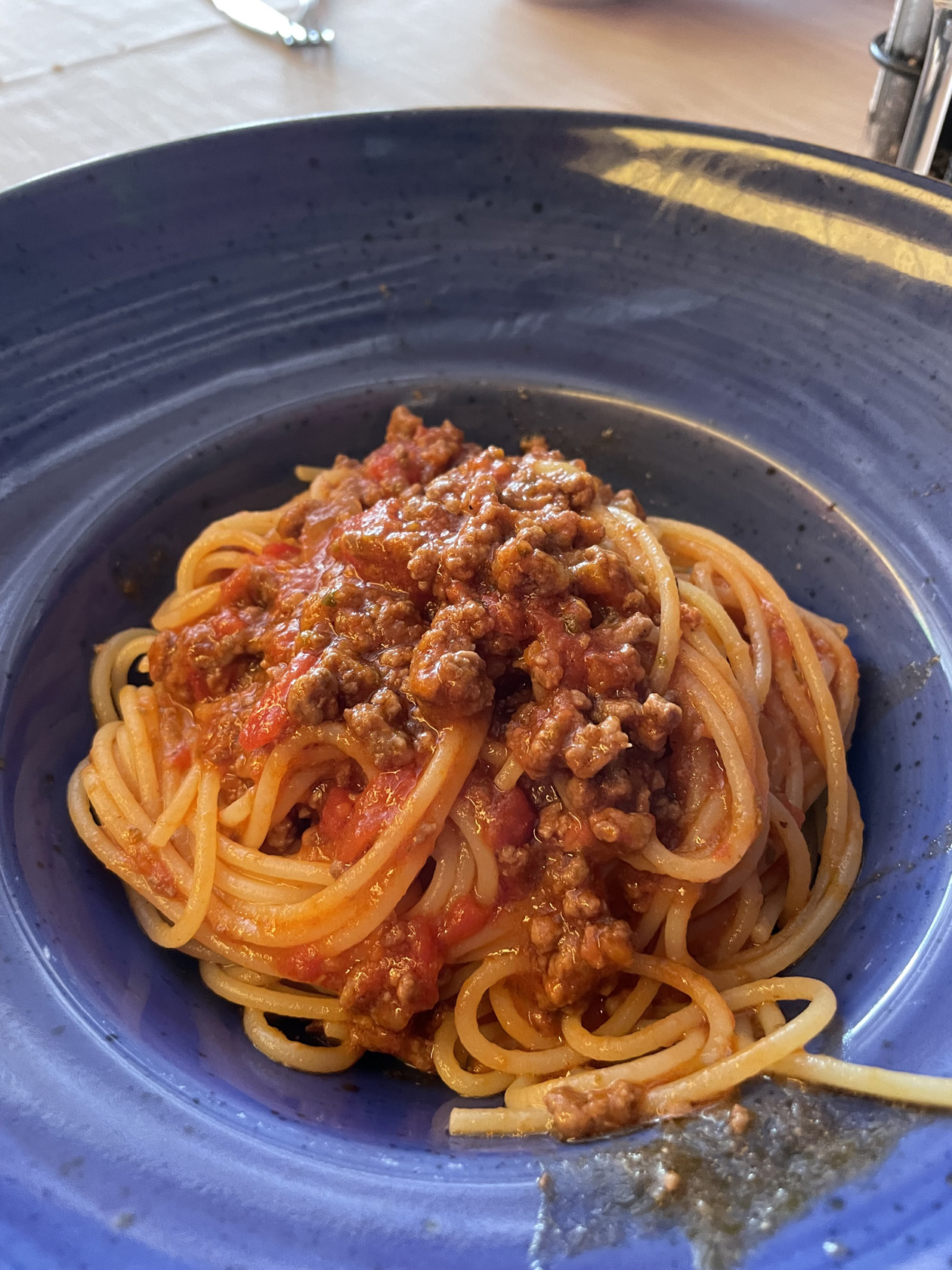
Ristorante Pizzeria Al Gelso – Spaghetti al Ragu
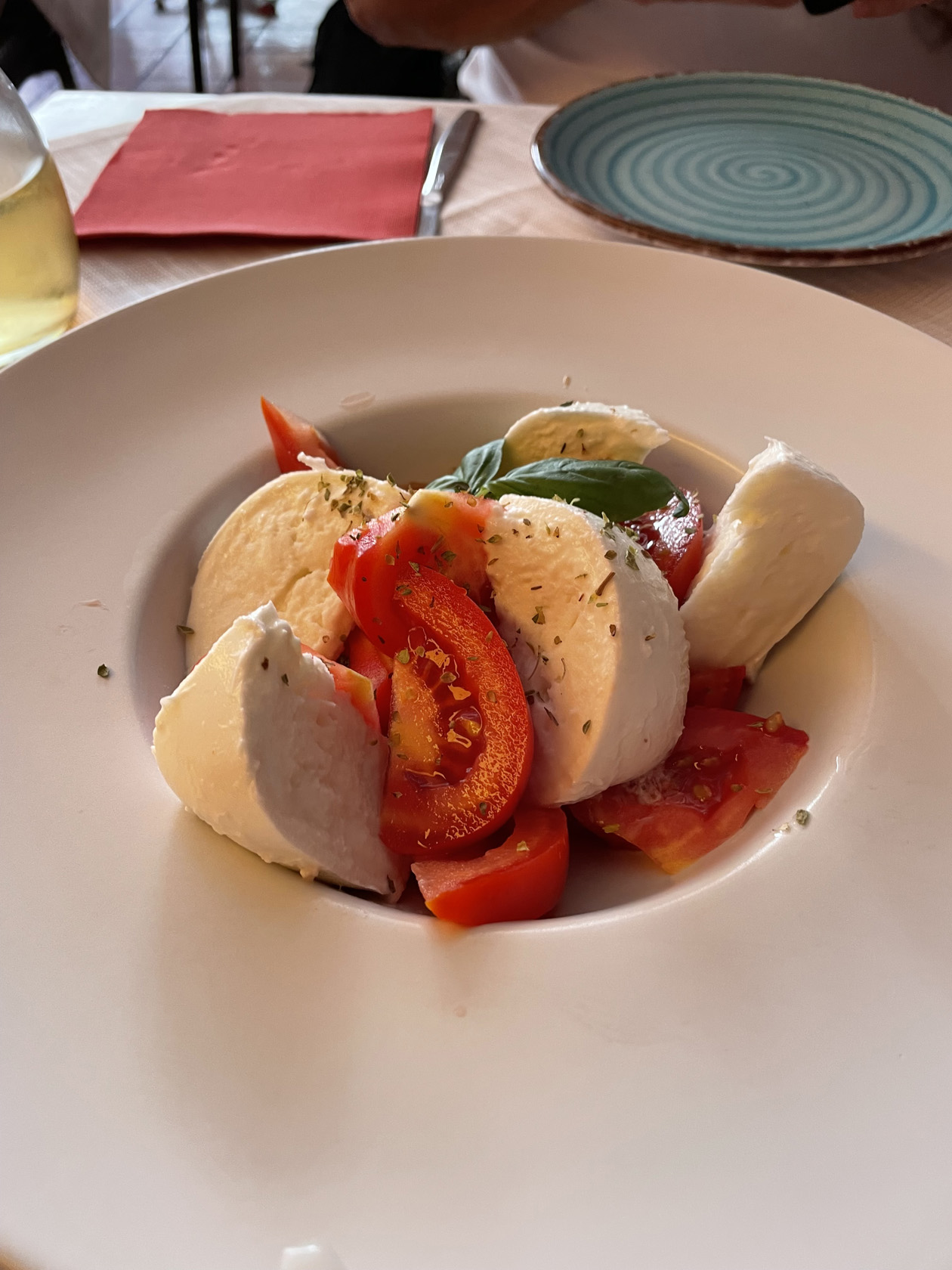
Ristorante Pizzeria Al Gelso – Caprese Salad
Osteria Alla Ghiacciaia
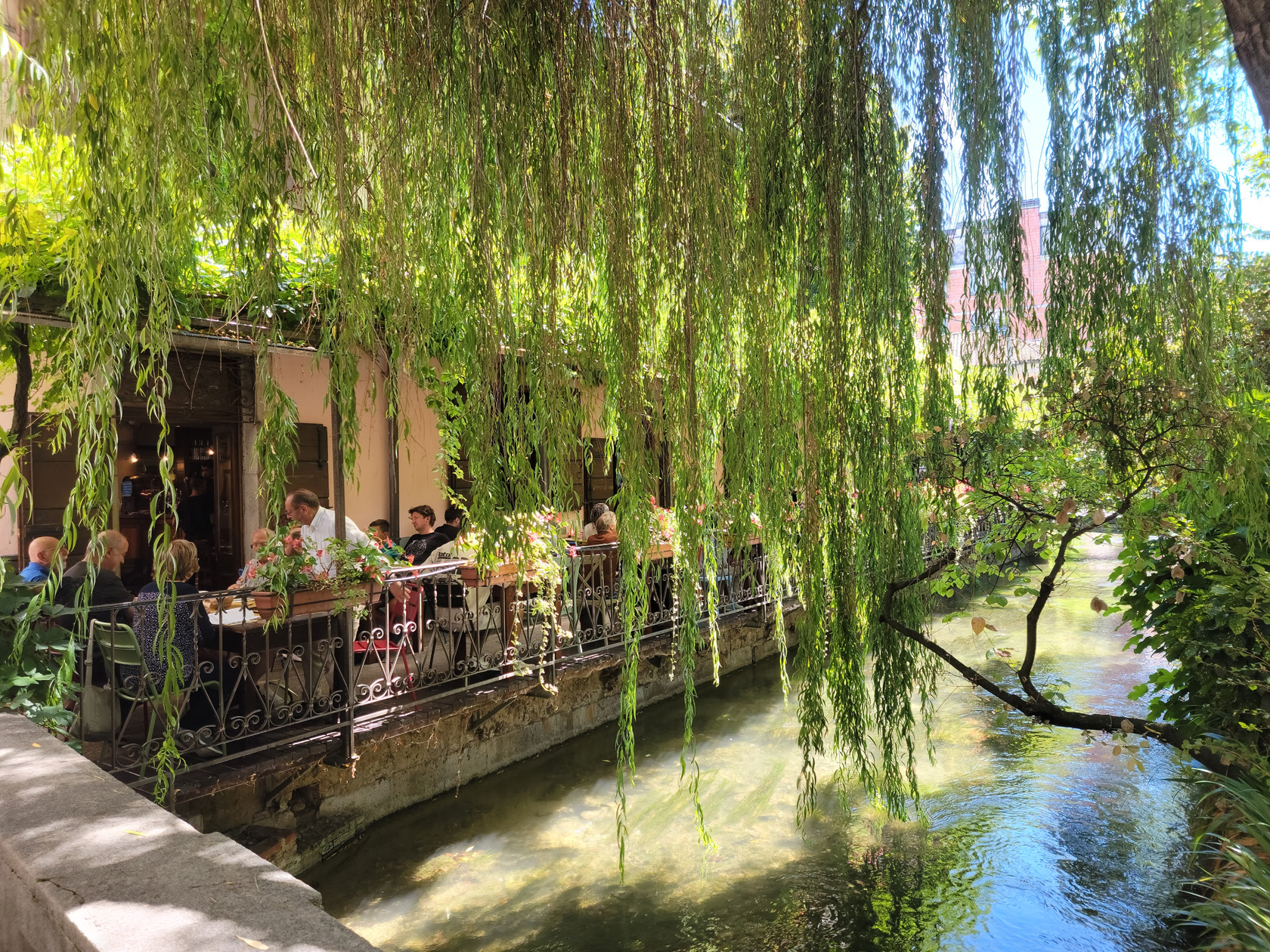
A lazy and very relaxing restaurant right next to the canal, a perfect place for lunch or dinner.
Udine – Osteria Alla Ghiacciaia – Seating by the canal
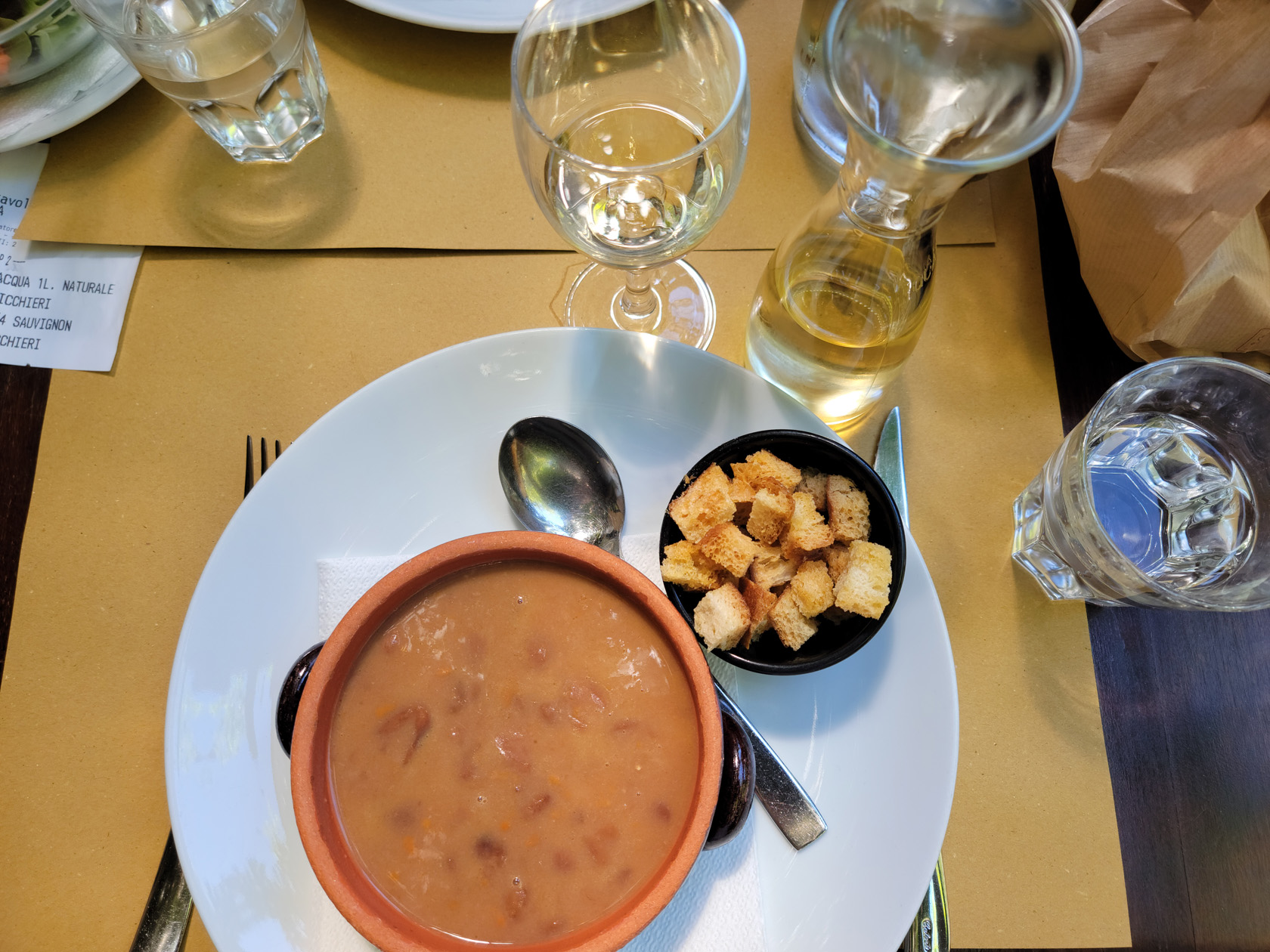
We really enjoyed our lunch here, watching the darning-needles, or dragon-flies, flit back and forth over the stream. Although this restaurant becomes very busy for lunch, the service was especially good and punctual, so anyone having problems waiting (which is most common in Italy), it might be a place to visit. The food is very good, fresh and delicately spiced. We kept it simple, bean soup for a started, followed by salads, just to keep things a bit light.
Udine – Osteria Alla Ghiacciaia – Bean Soup
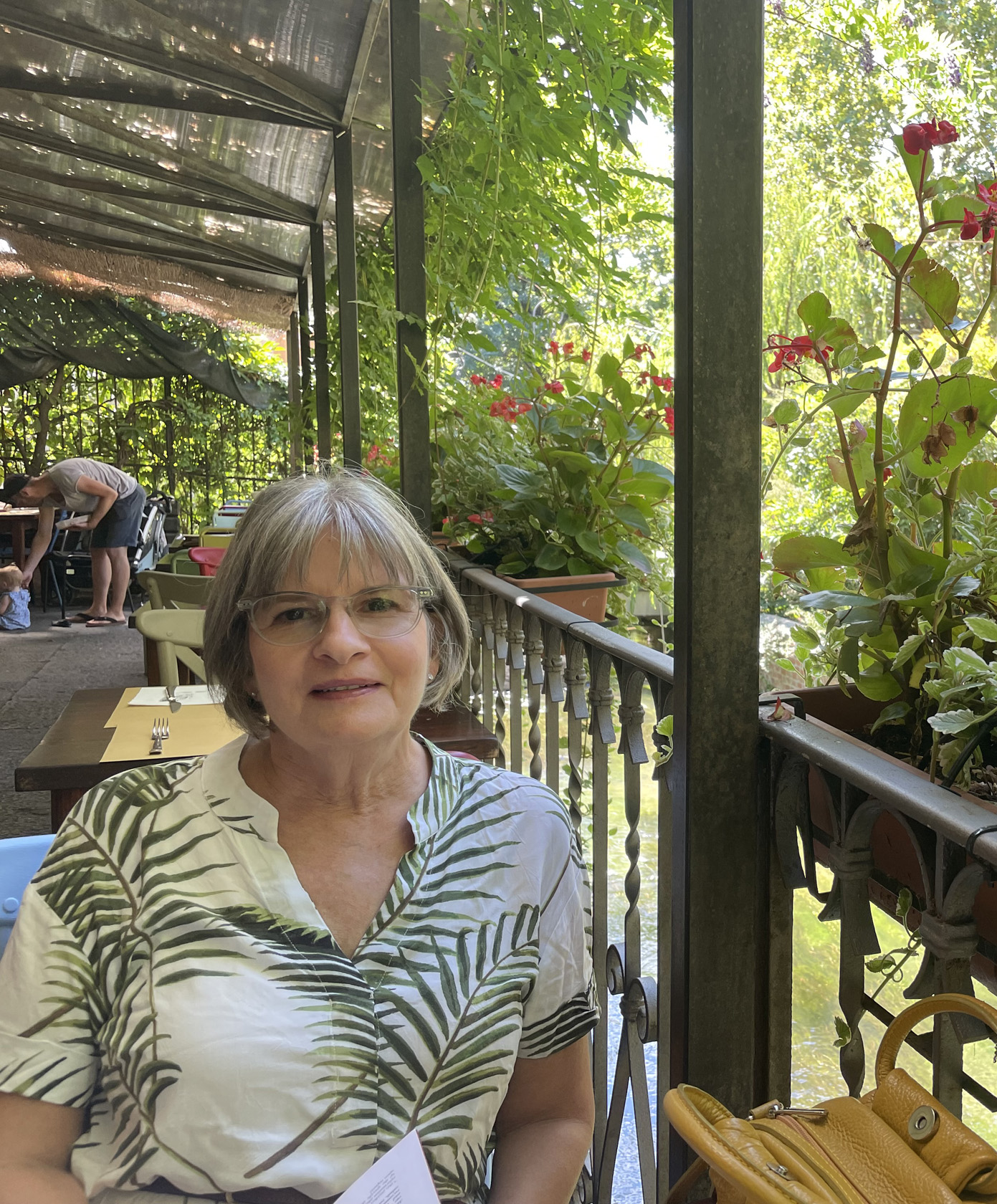
Udine – Osteria Alla Ghiacciaia – Patti
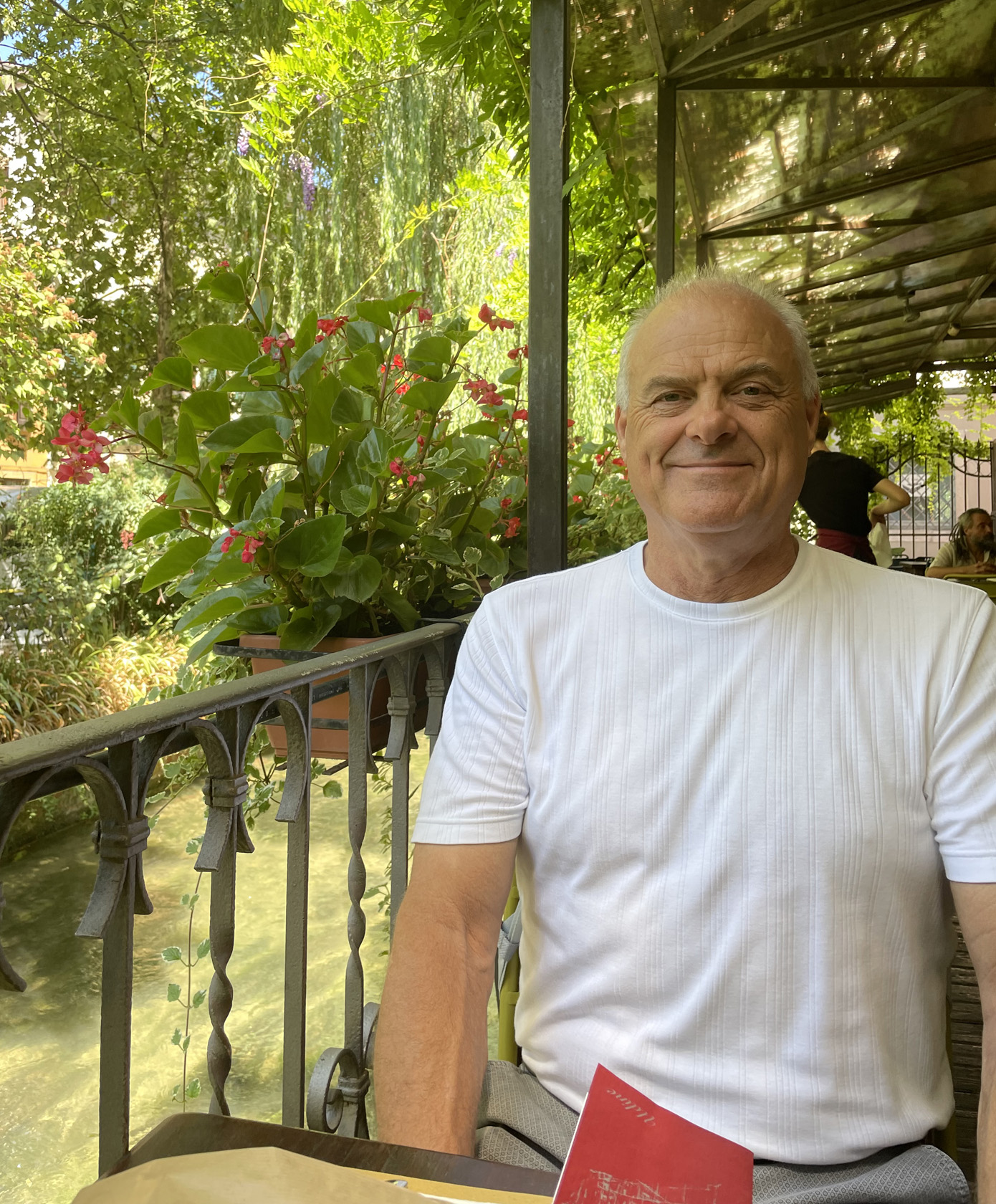
Udine – Osteria Alla Ghiacciaia – Erick
Trattoria Antica Maddalena
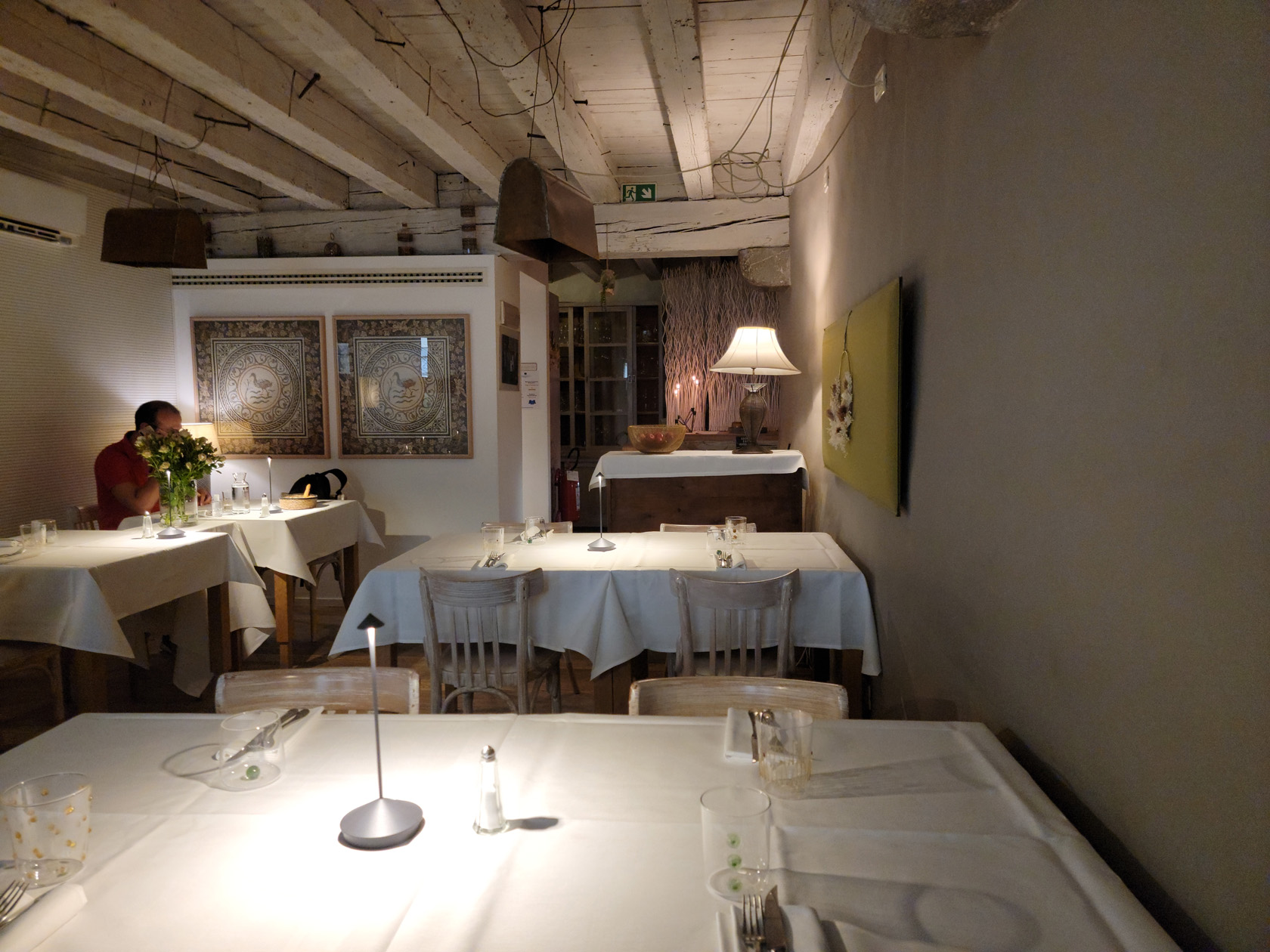
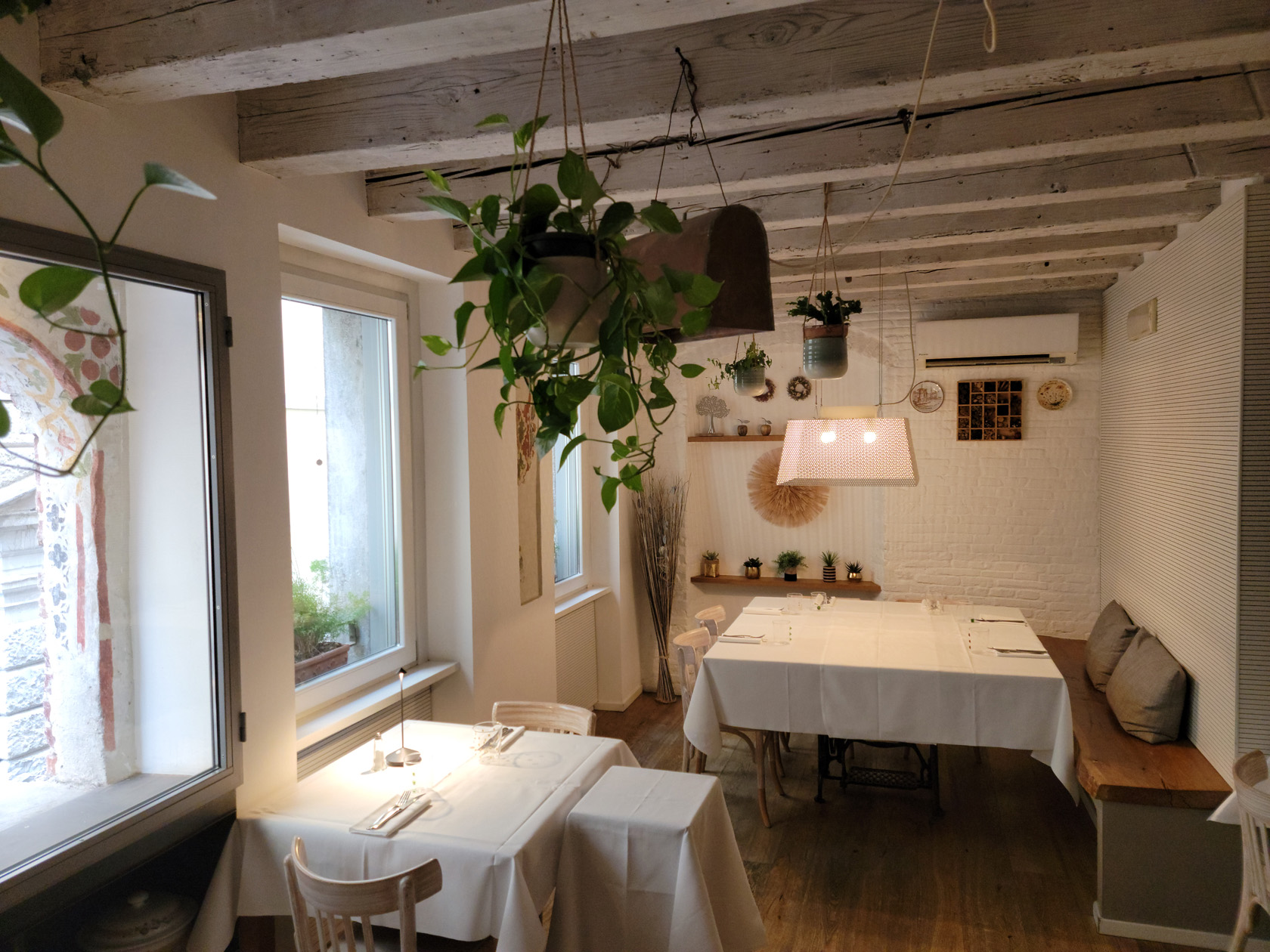
This trattoria has a bit of an upscale palette, with a menu and prices to match. As our last evening in Udine, we chose it for its high ratings and interesting looking menu. Unfortunately I forgot to take a photograph of the outside of the establishment, but have a few of the upstairs. You may want to book reservations if you want to sit outside, when we arrived the outside and downstairs seating were completely booked. So act early, if you want to enjoy this restaurant and its food with a street view!
Udine – Trattoria Antica Maddalena – Inside
Udine – Trattoria Antica Maddalena – Inside
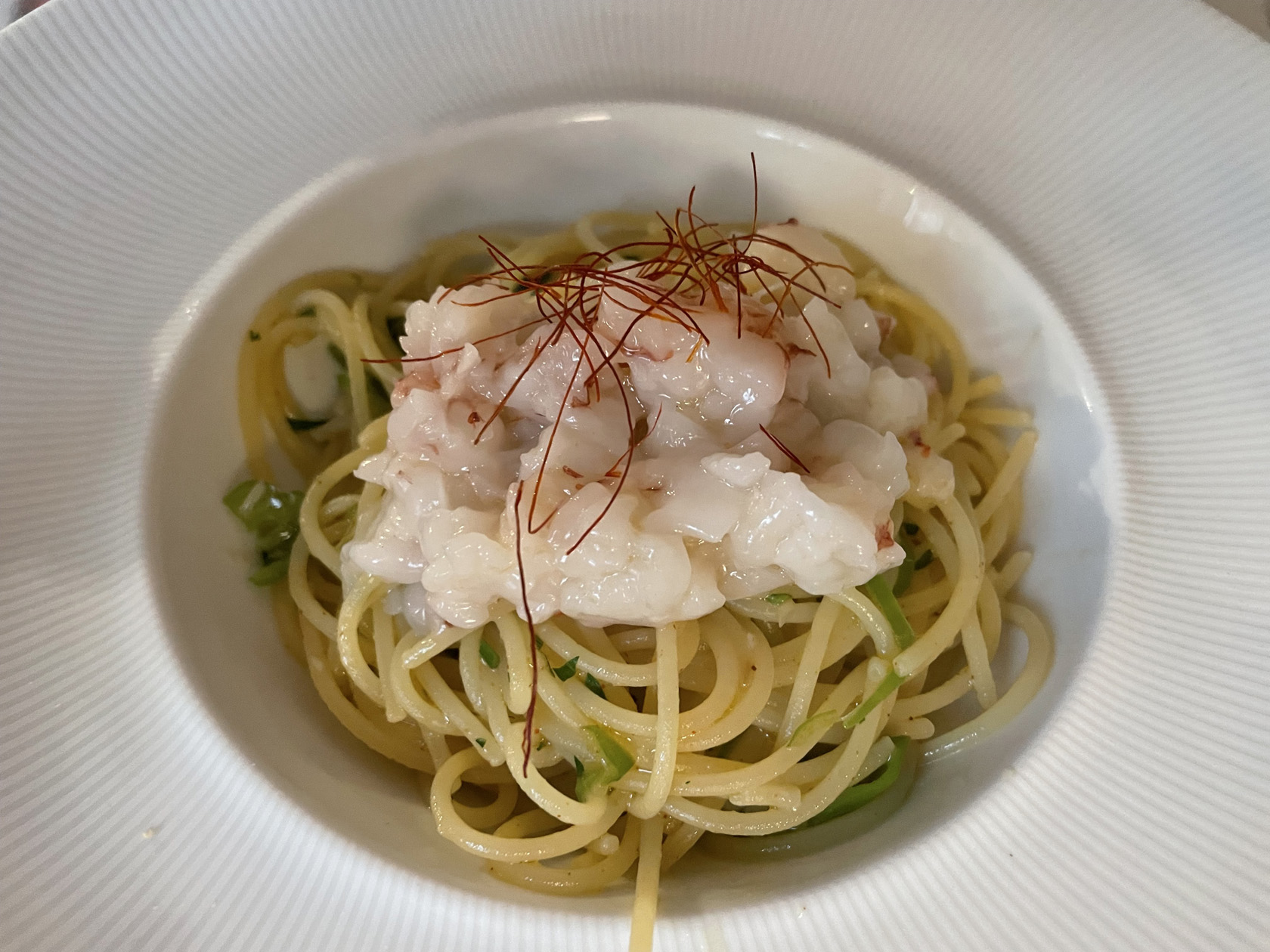
Udine – Trattoria Antica Maddalena – Spaghetti with Garlic Cream Sauce, Peppers and Shrimp Tartare
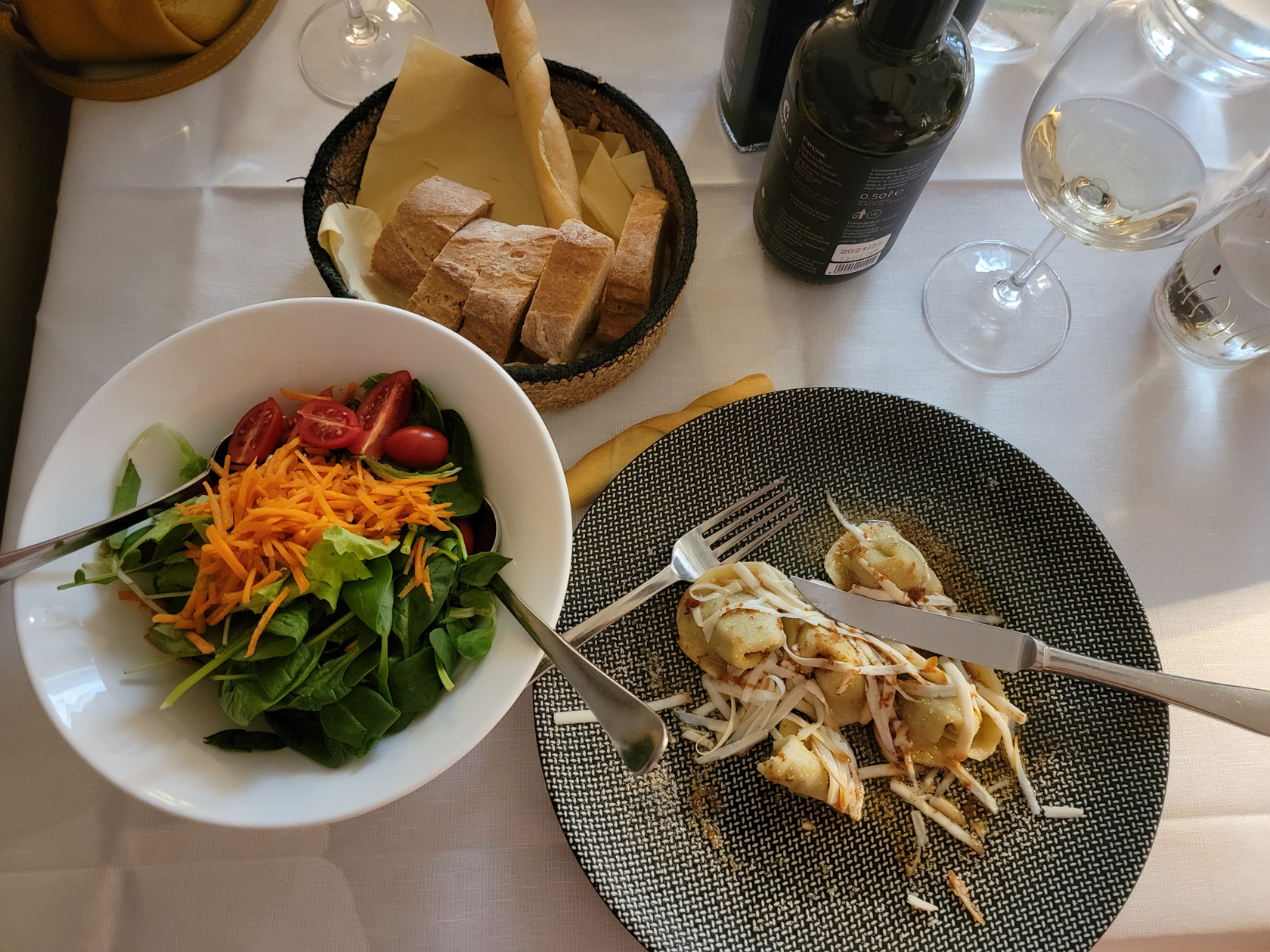
Udine – Trattoria Antica Maddalena – Cheese, Eggplant and Spices Ravioli with Insalata Mista
We leave Udine as the endpoint in our latest trip, which has taken us from one part of Italy – Trieste, through Slovenia and a little bit of Austria, back to Italy and underrated Udine. Though we both ate too much, we really enjoyed this trip and had several surprises along the way, which made it all that more memorable.
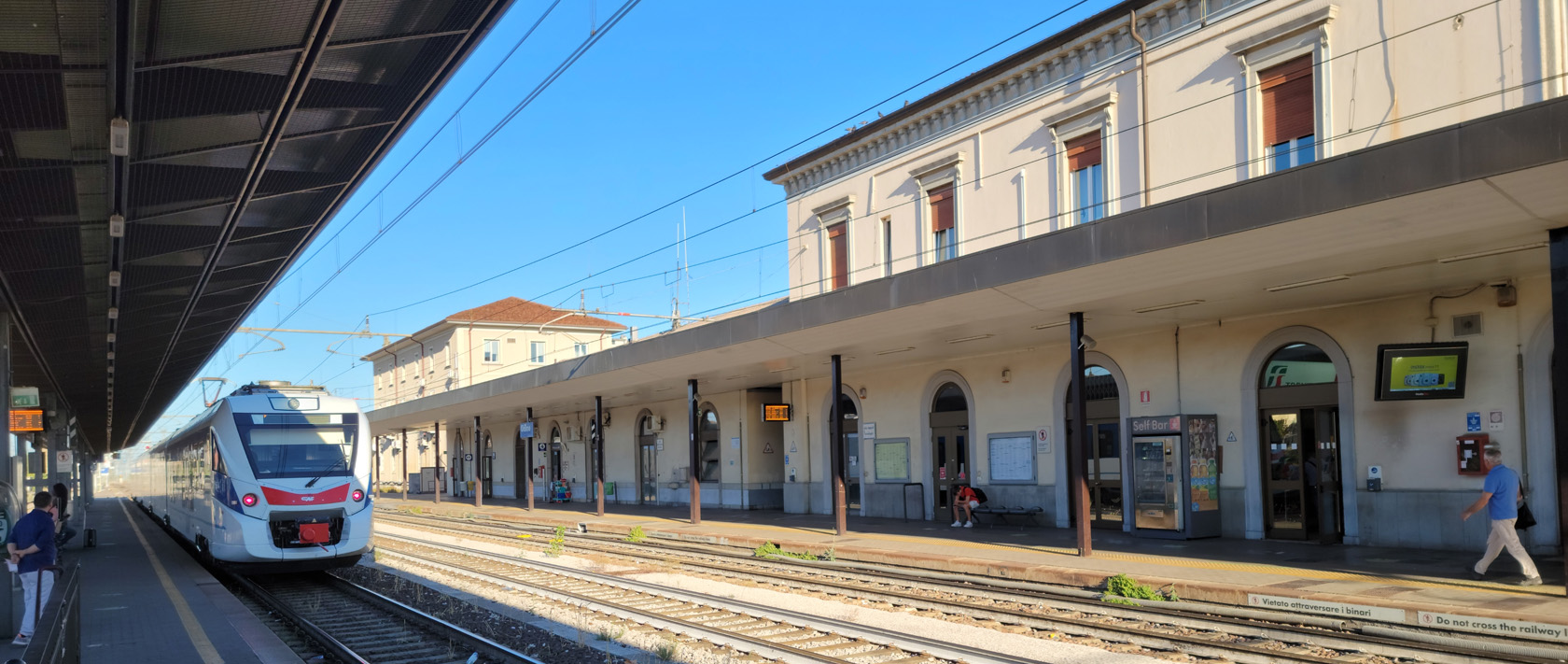
Udine – Main Train Station
So, if you are ever on a train traveling east from Milan, perhaps to Venice, Austria or Slovenia, you may want to stop at Udine to see what it has to offer. We stopped on our way back and were not disappointed, we think you wont be either. Happy travels!
We had little slated for our last full day in Ljubljana, but we did want to see the cathedral and Tivoli Park, both of which we had missed in our former romps around town. I guess that is all that remains of our stay here, which we thoroughly and unexpectedly enjoyed.
The Roman Wall
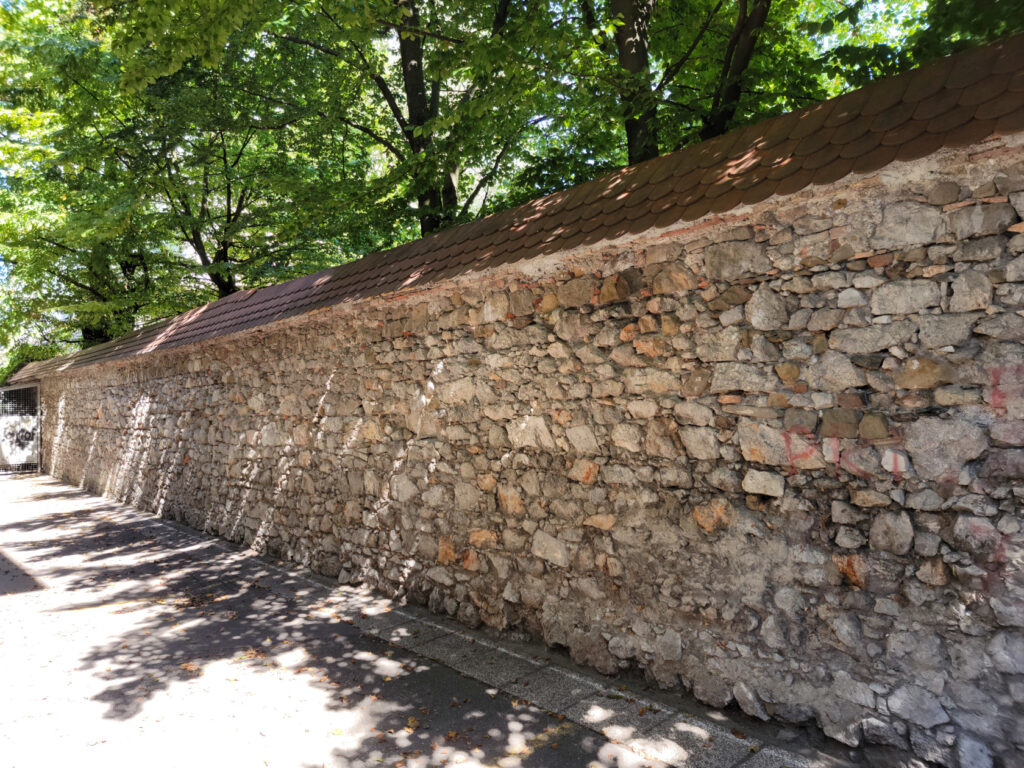
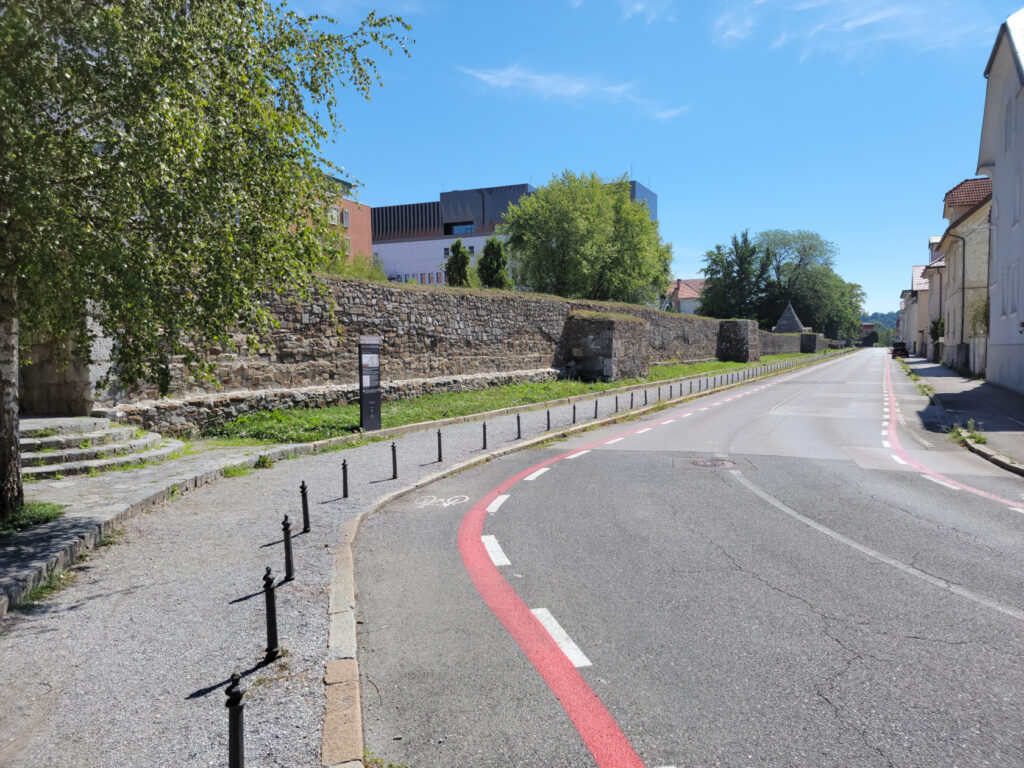
Back in Roman times the settlement which became this city was called Emona. In order to protect Emona, the Romans built a wall around it, like most other Roman towns of that era.
Ljubljana – Park near Roman Wall
Ljubljana – Old Roman or Emona Wall
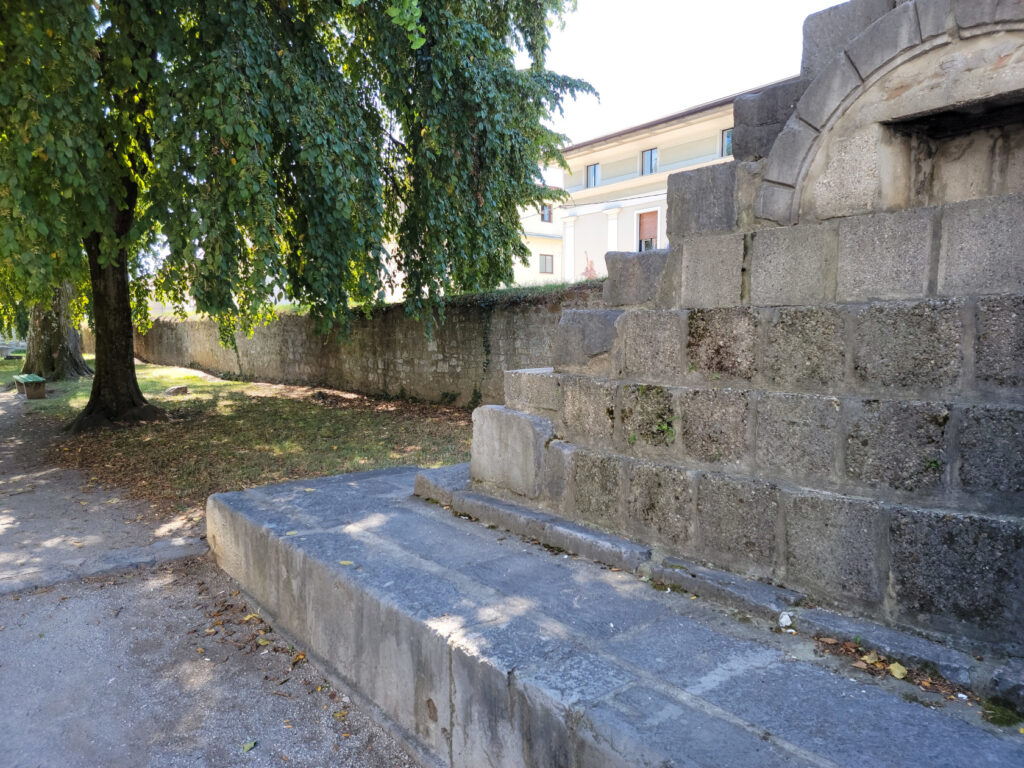
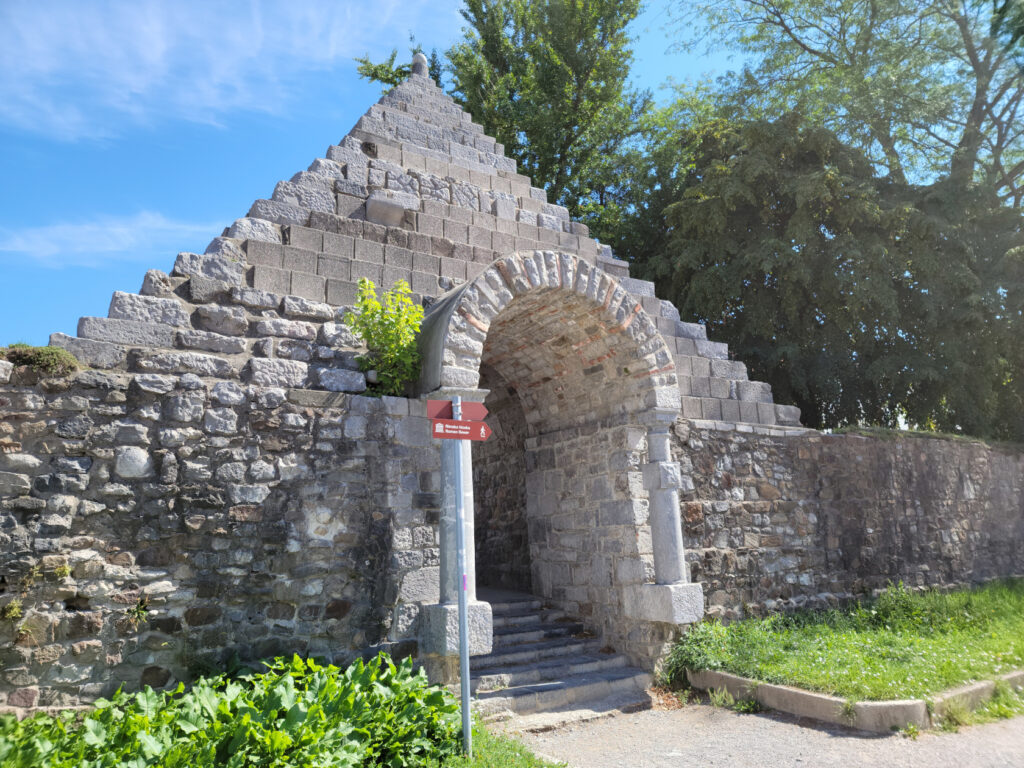
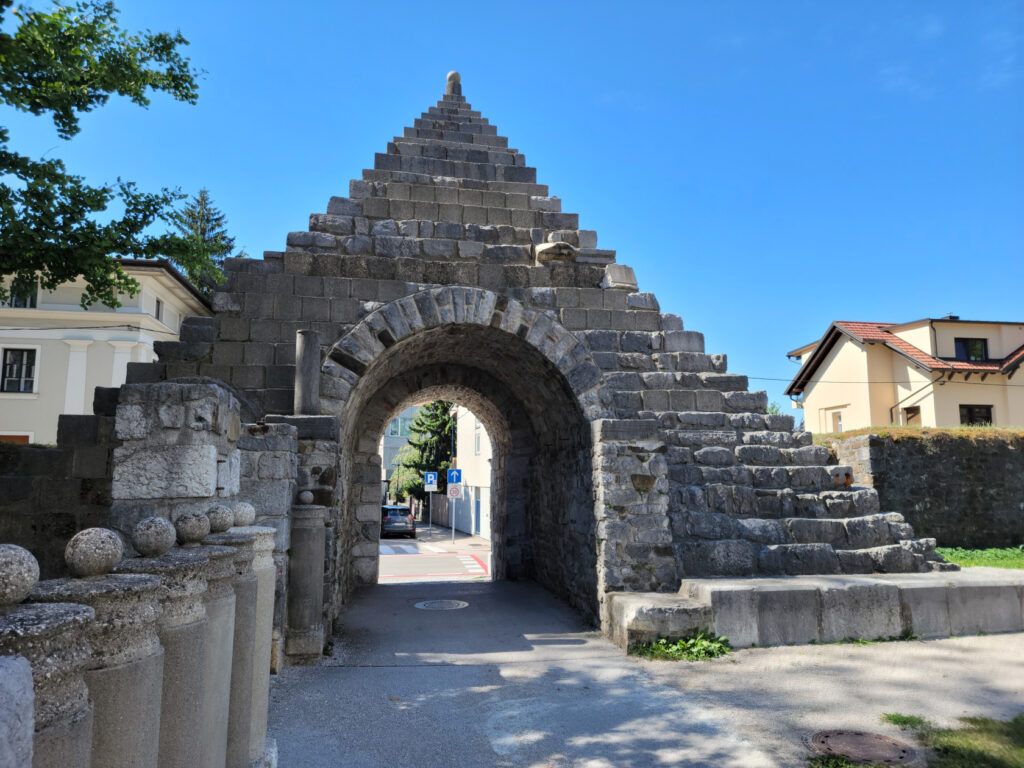
Ljubljana – Old Roman Wall and Plecnik’s 1938 Pyramid
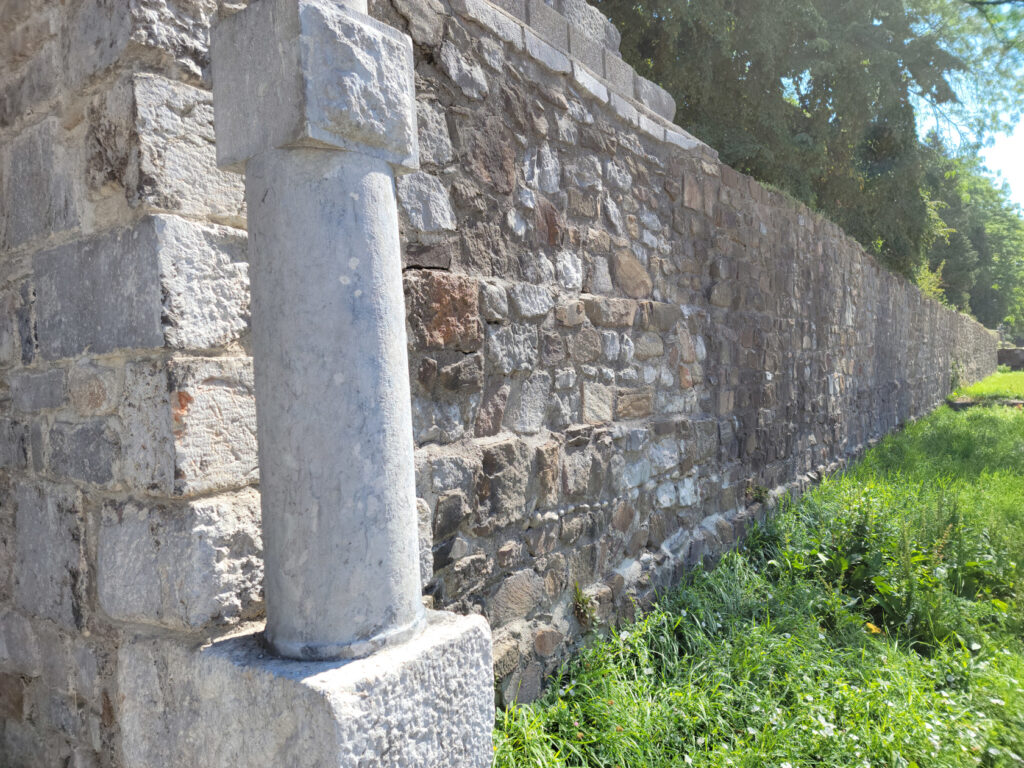
Ljubljana – Old Roman Wall
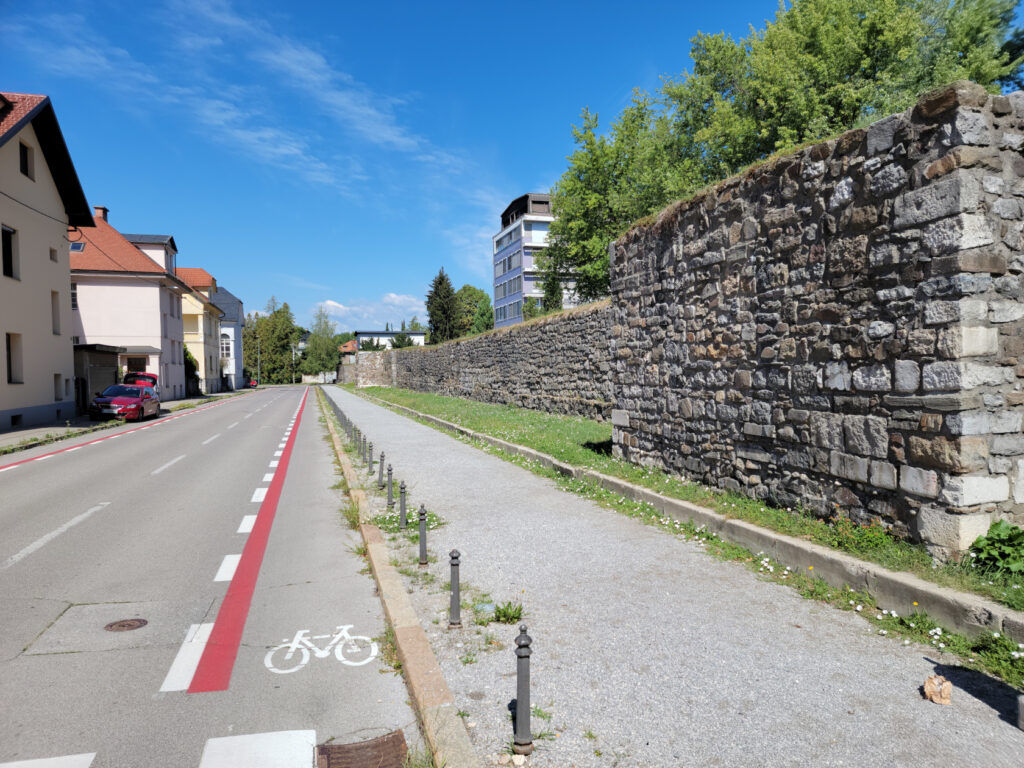
Ljubljana – Old Roman Wall
Ljubljana – Old Roman Wall
This wall was reconstructed in the early nineteenth century, along with a pyramidal feature for one of its gates.
Ljubljana – Old Roman Wall and Plecnik’s 1938 Pyramid
Ljubljana – Old Roman Wall and Plecnik’s 1938 Pyramid
The Ljubljana Cathedral
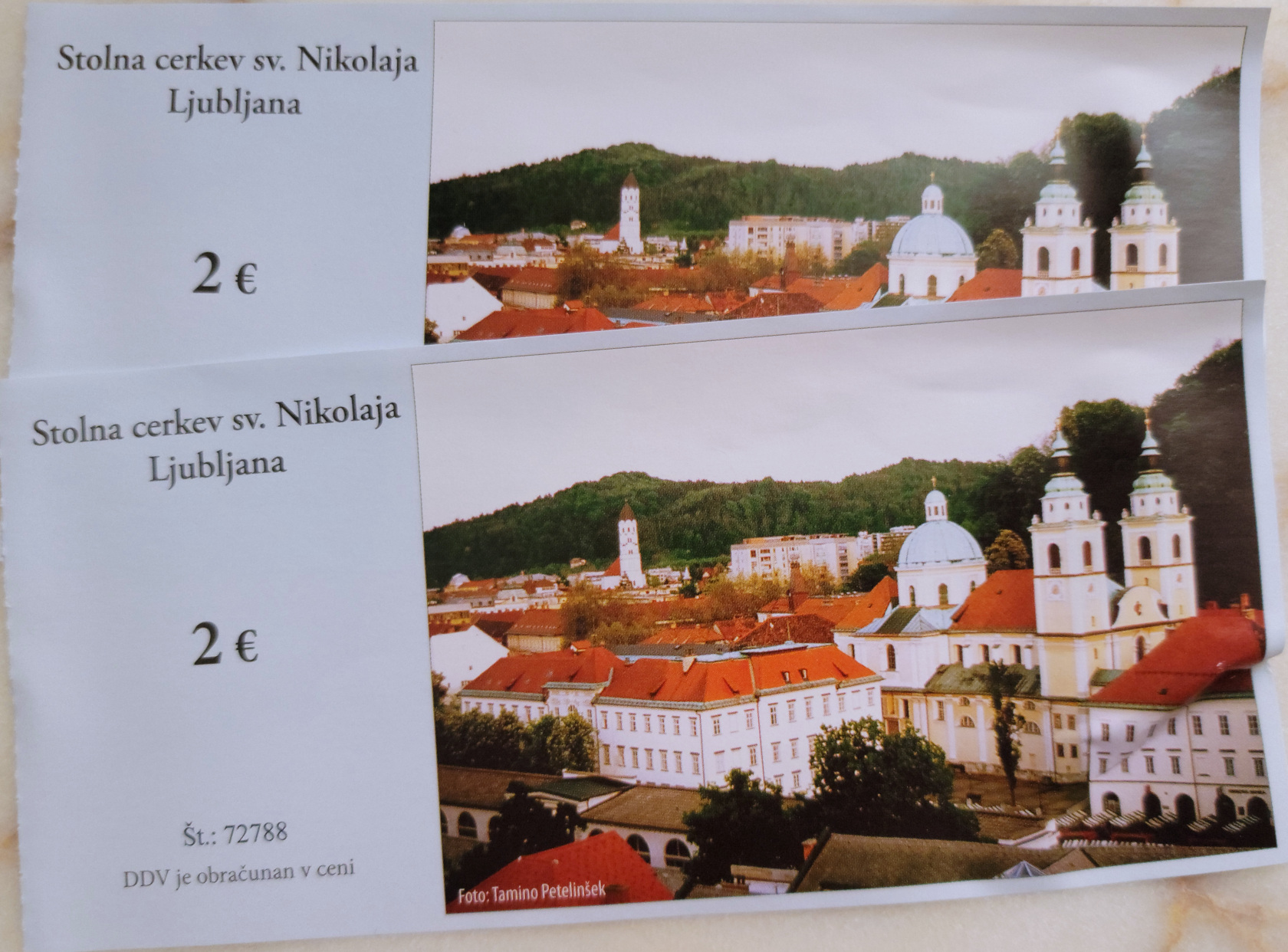
Ljubljana – Ljubljana Cathedral – Tickets For Two
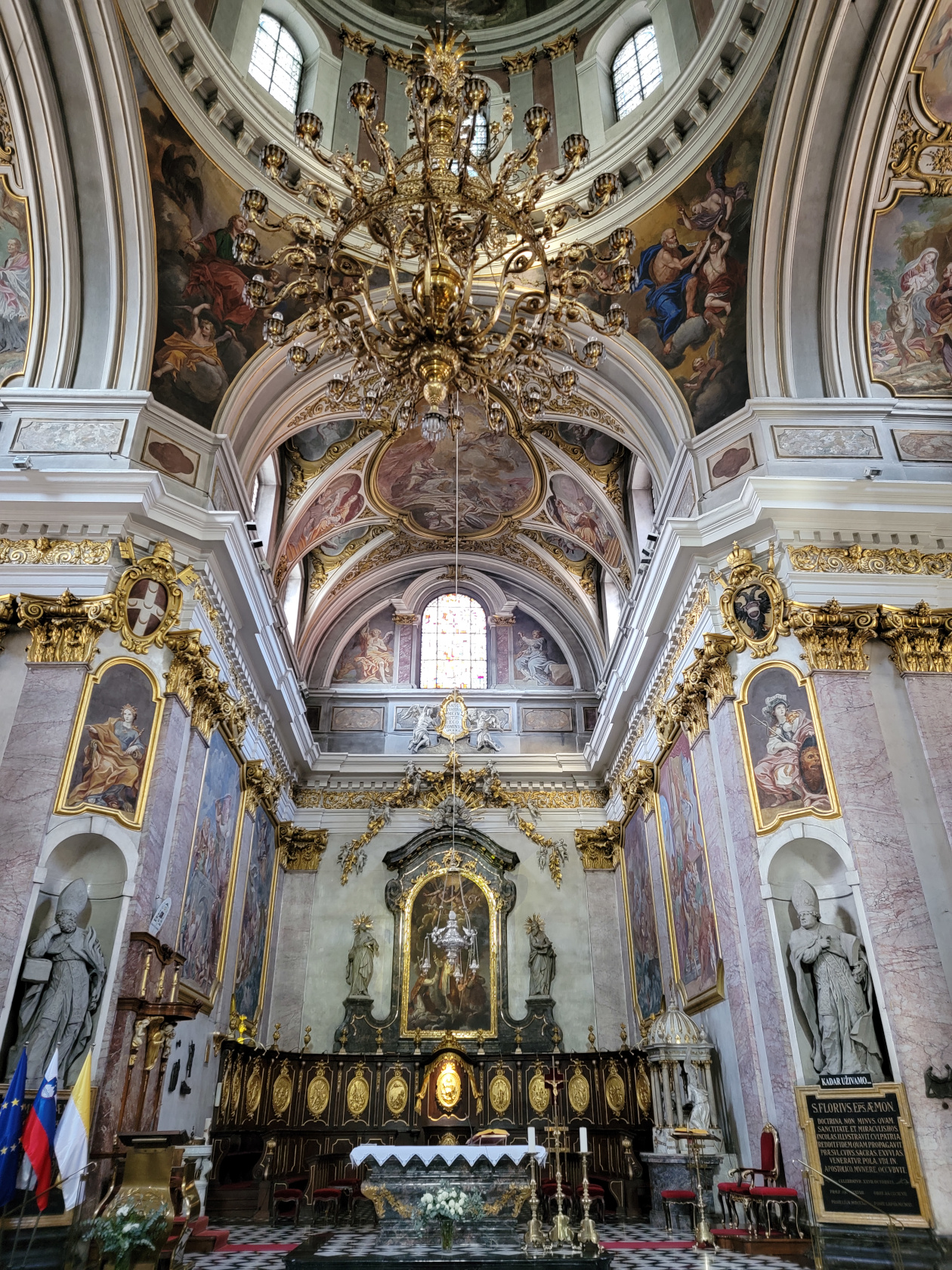
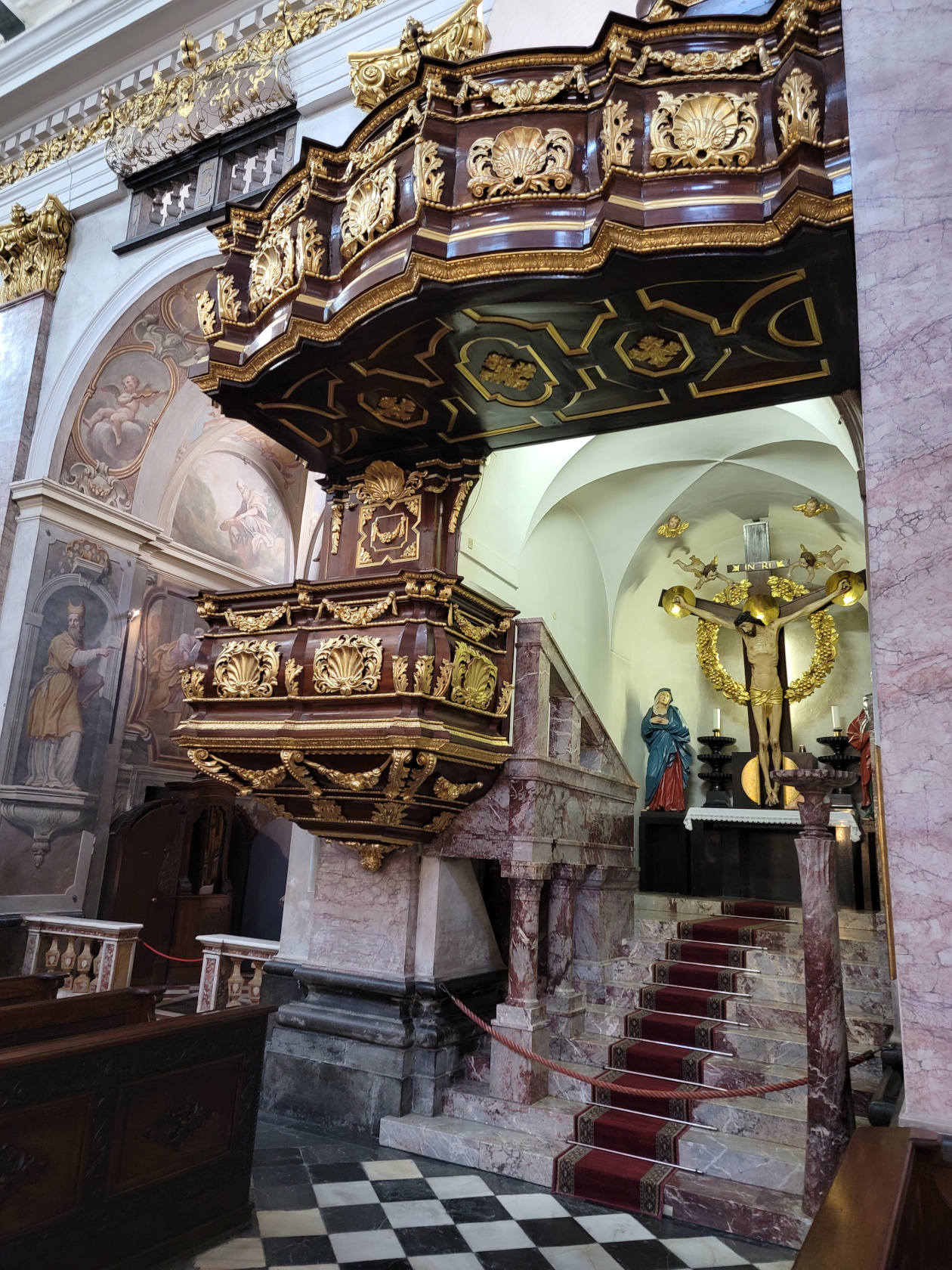
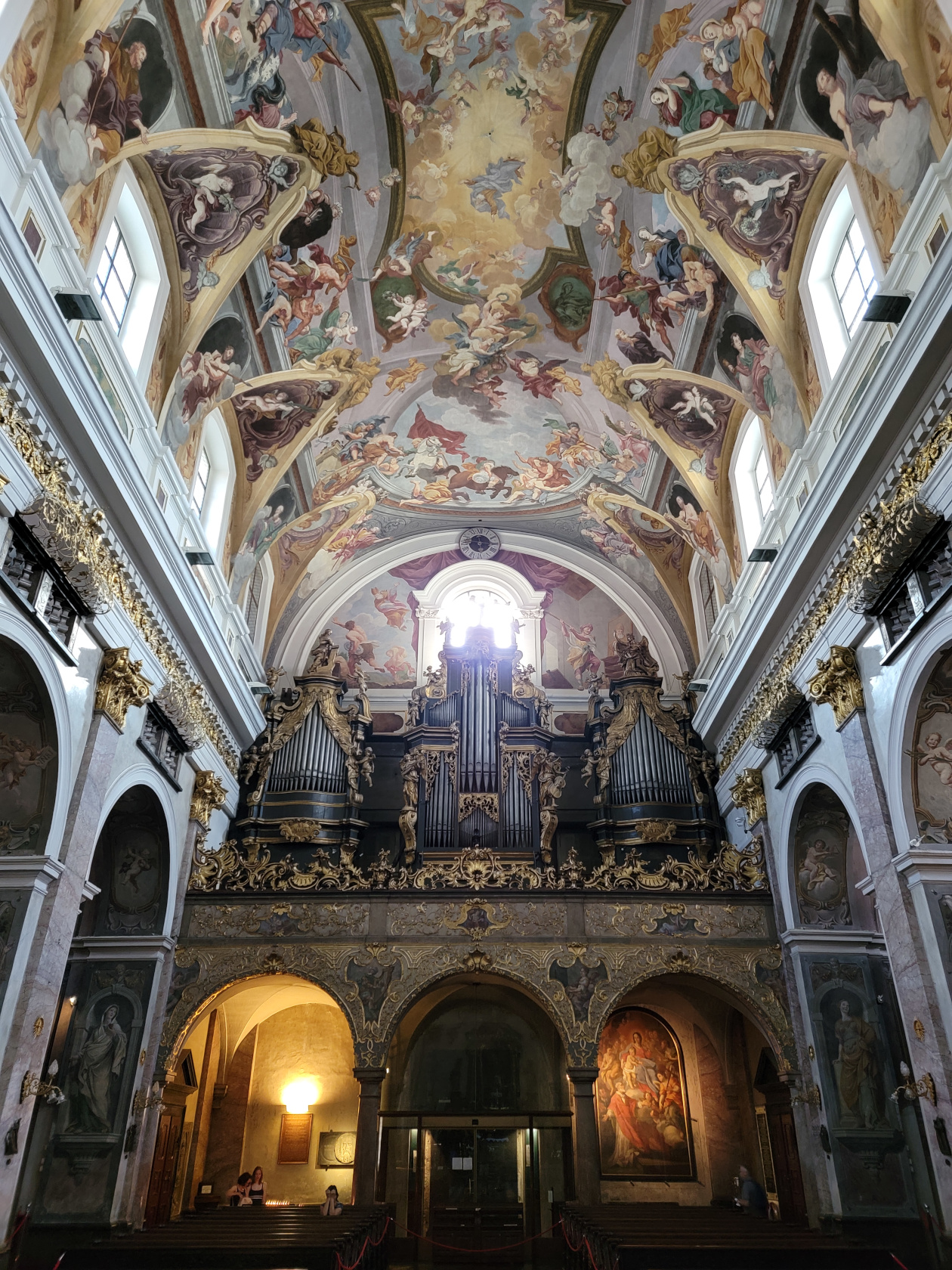
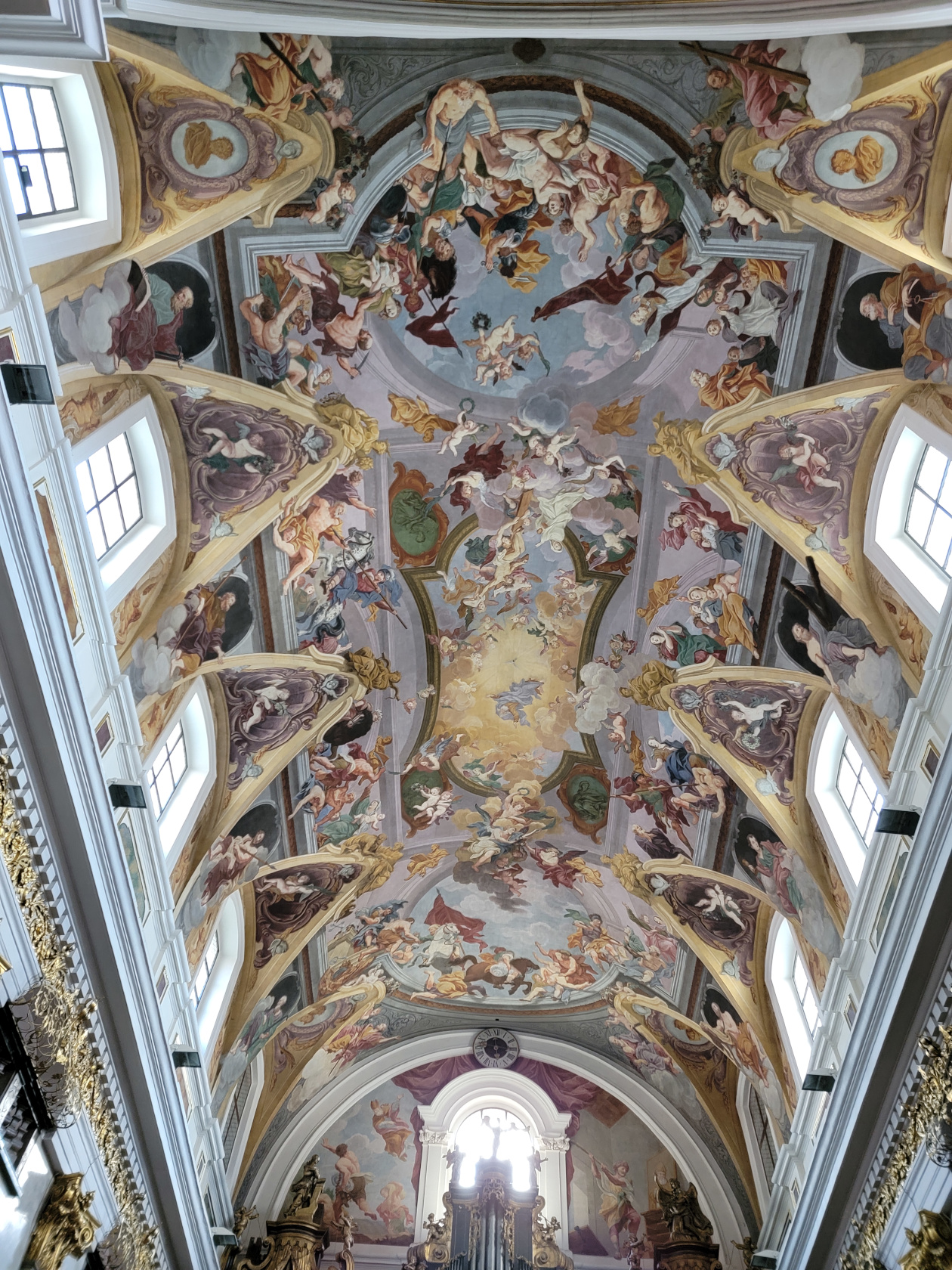
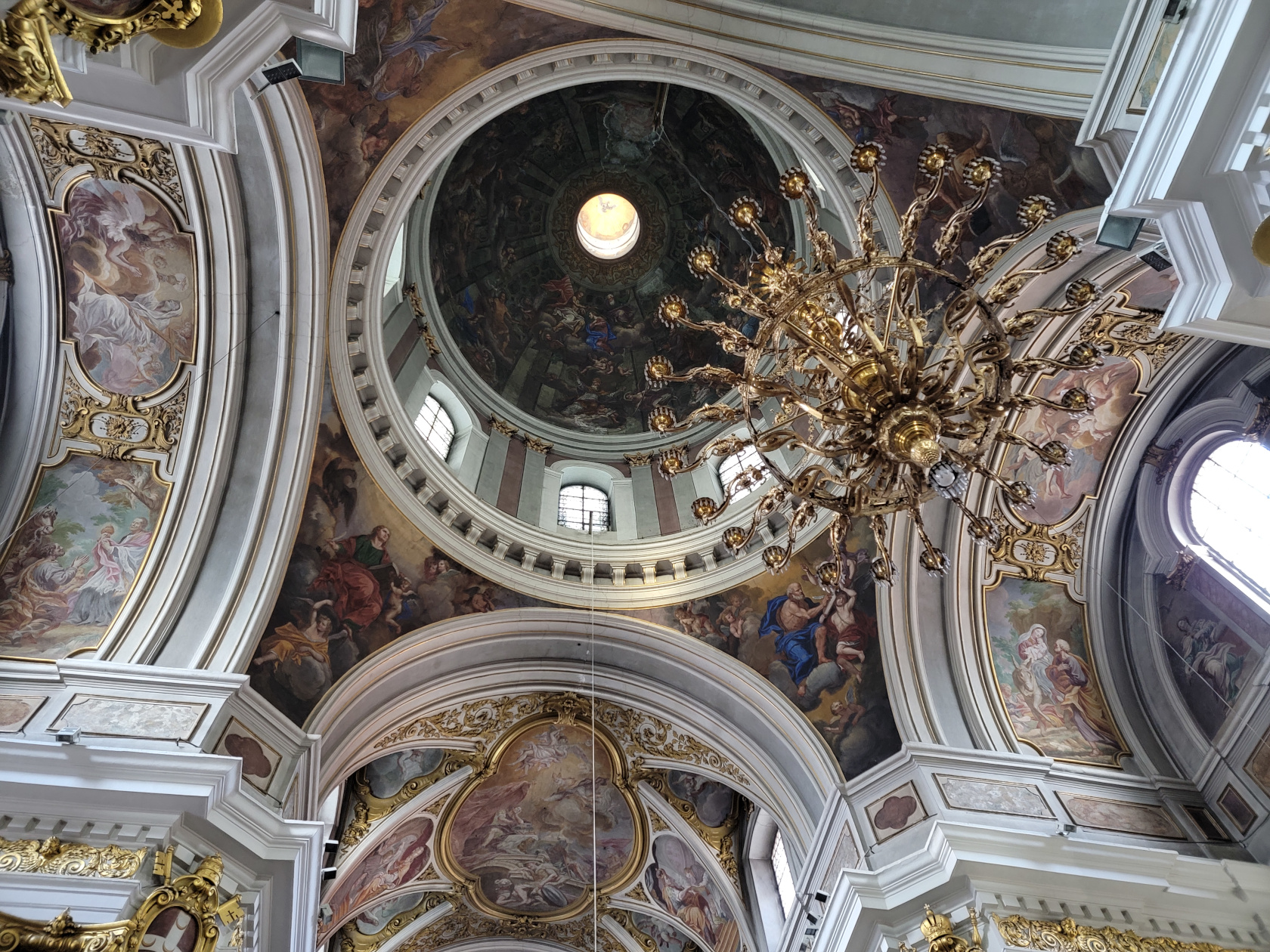
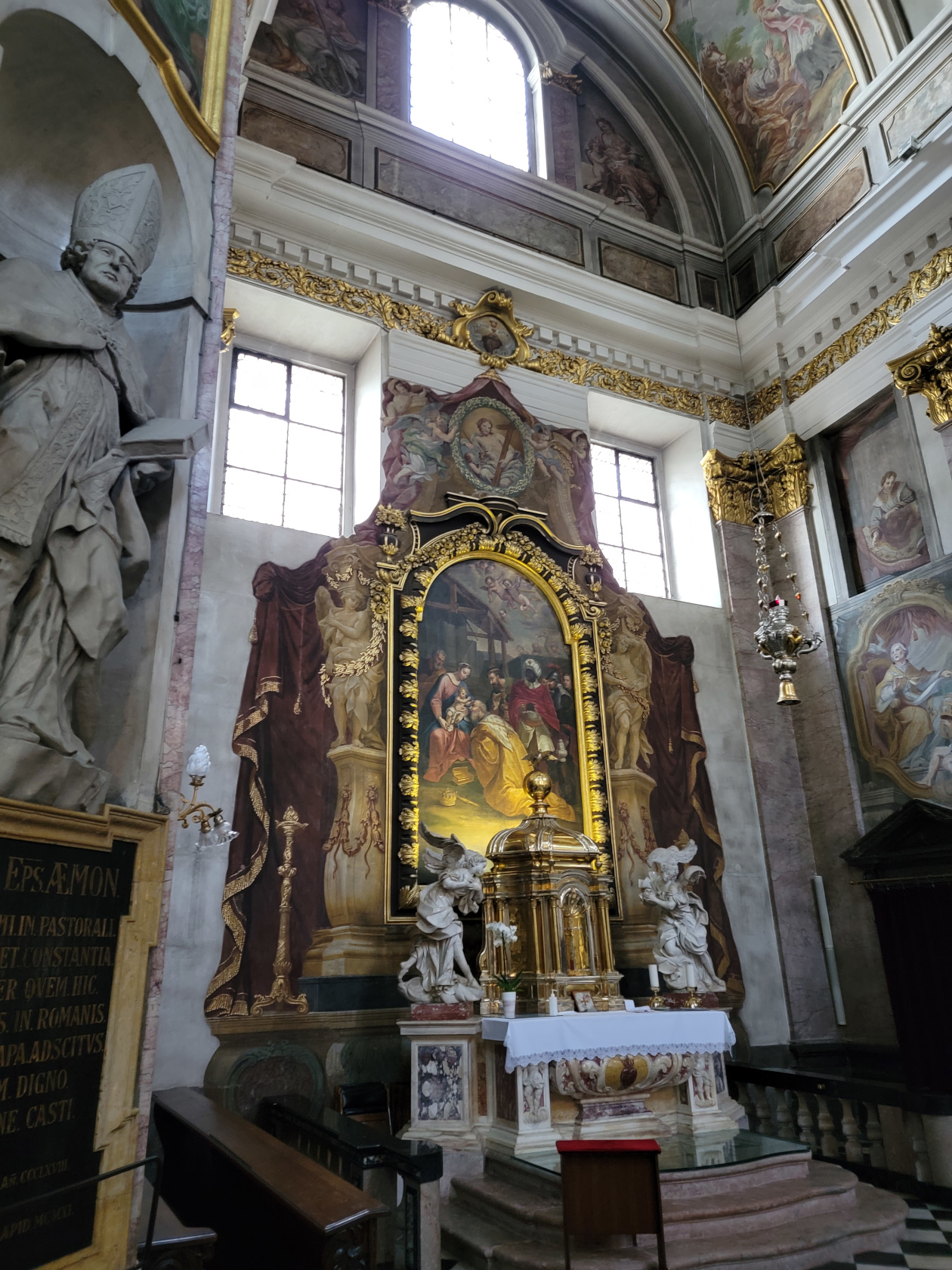
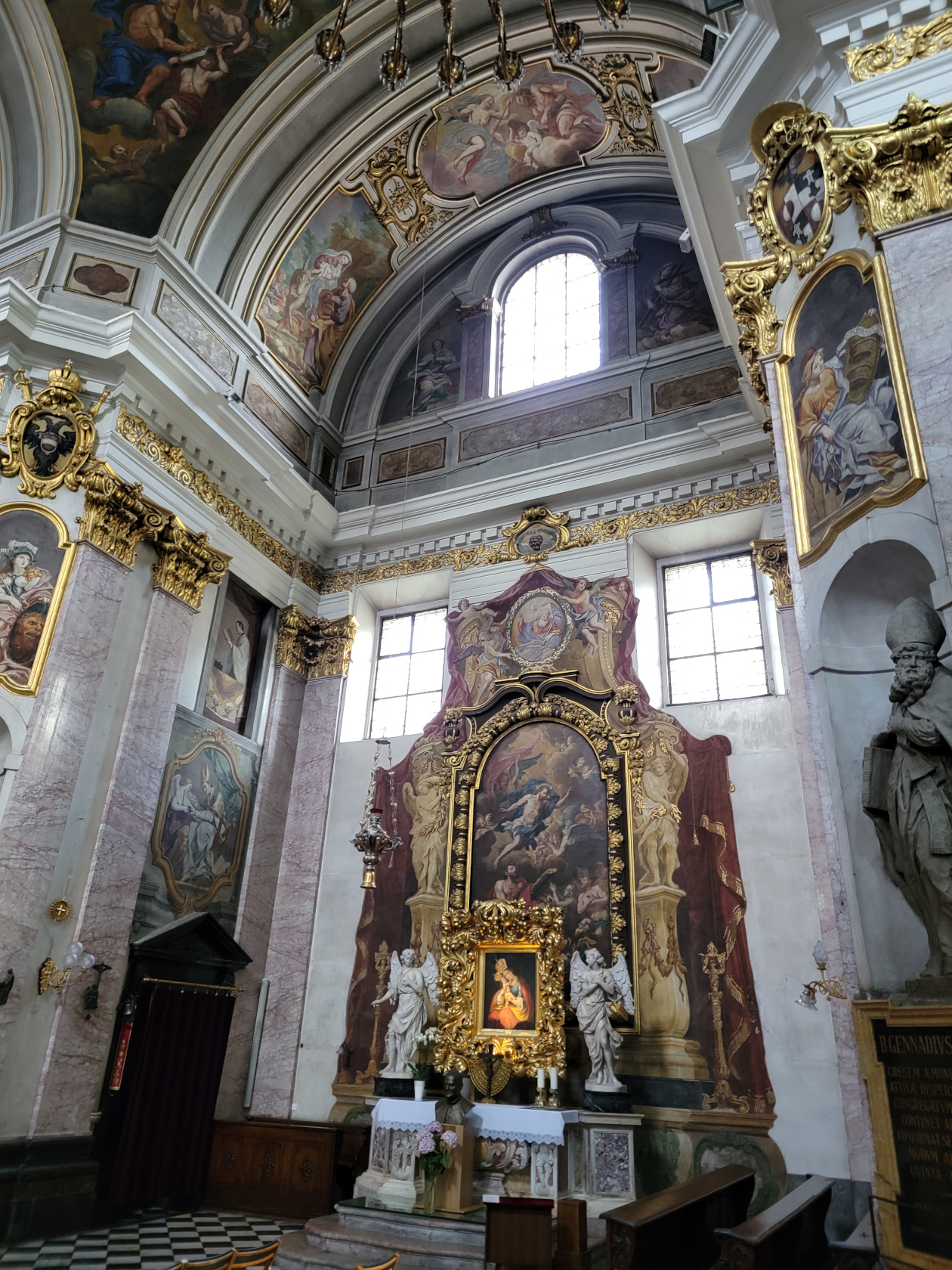
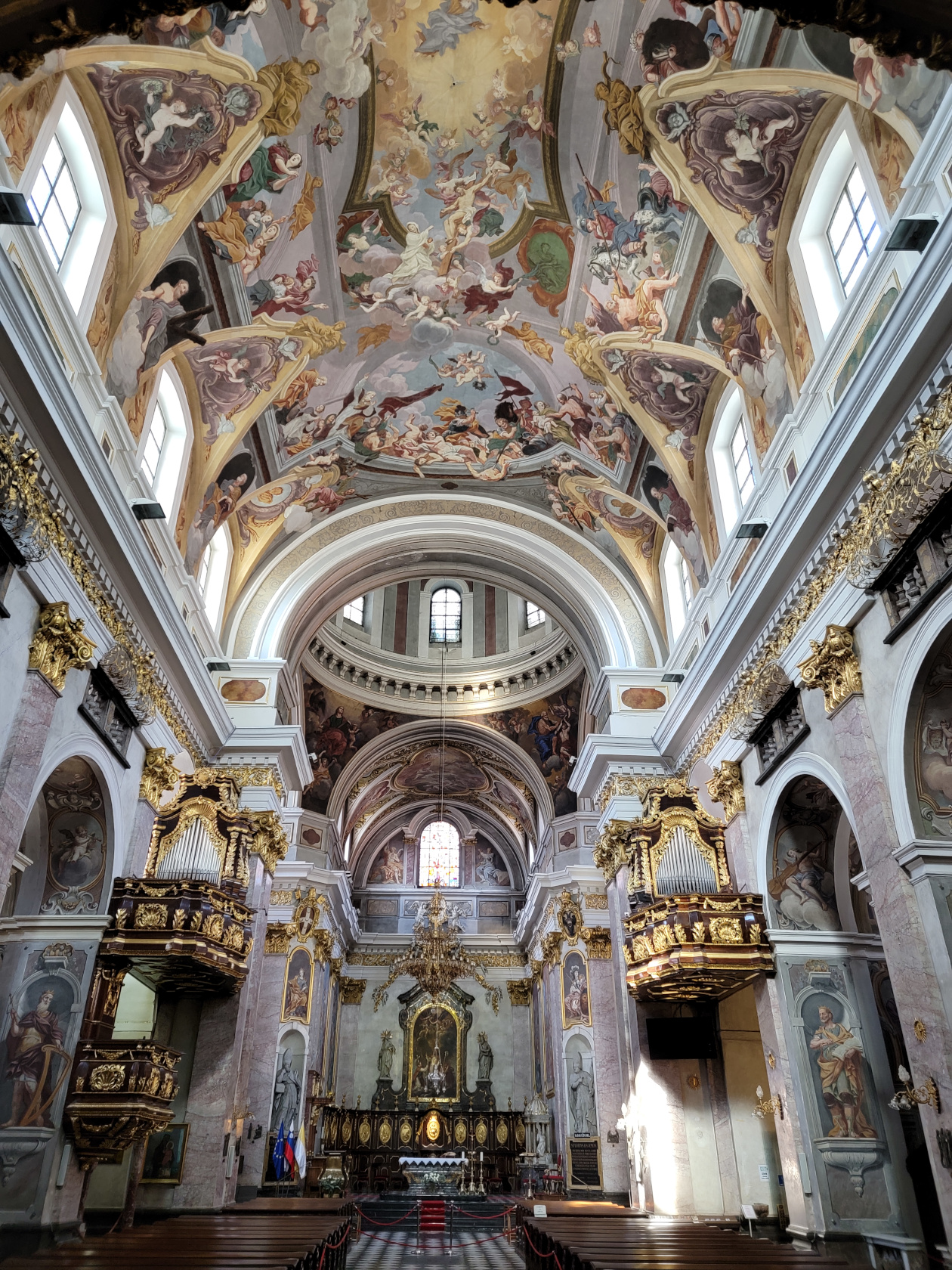
The Ljubljana Cathedral is not always open to the public, so you have to check the side door for the times. There is a 2€ fee per person to see the cathedral, so be prepared pay, if you want a peek.
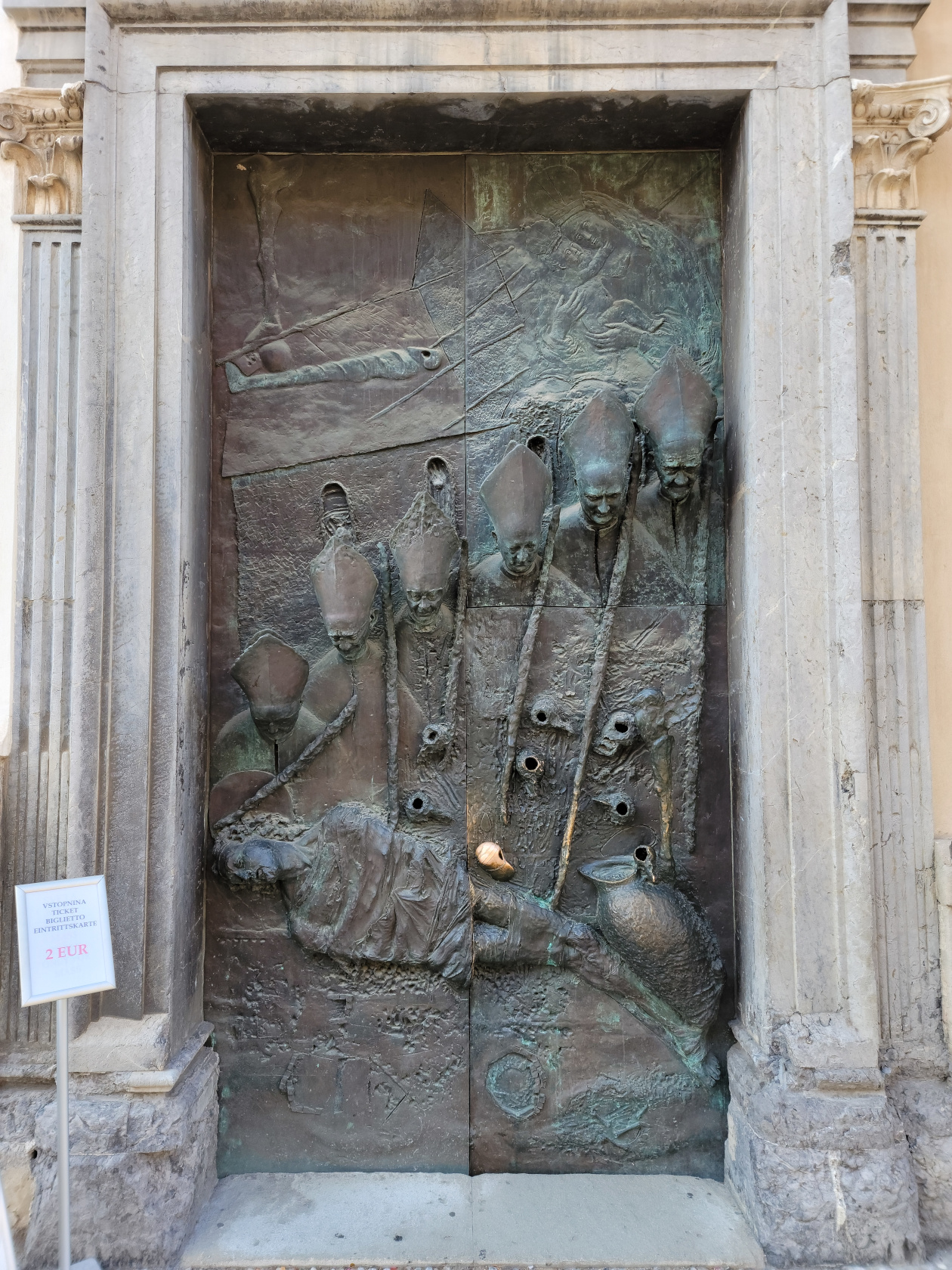
Ljubljana – Ljubljana Cathedral – Bronze Door
Ljubljana – Ljubljana Cathedral
Ljubljana – Ljubljana Cathedral
Ljubljana – Ljubljana Cathedral
Ljubljana – Ljubljana Cathedral
Ljubljana – Ljubljana Cathedral
Ljubljana – Ljubljana Cathedral
Ljubljana – Ljubljana Cathedral
Ljubljana – Ljubljana Cathedral
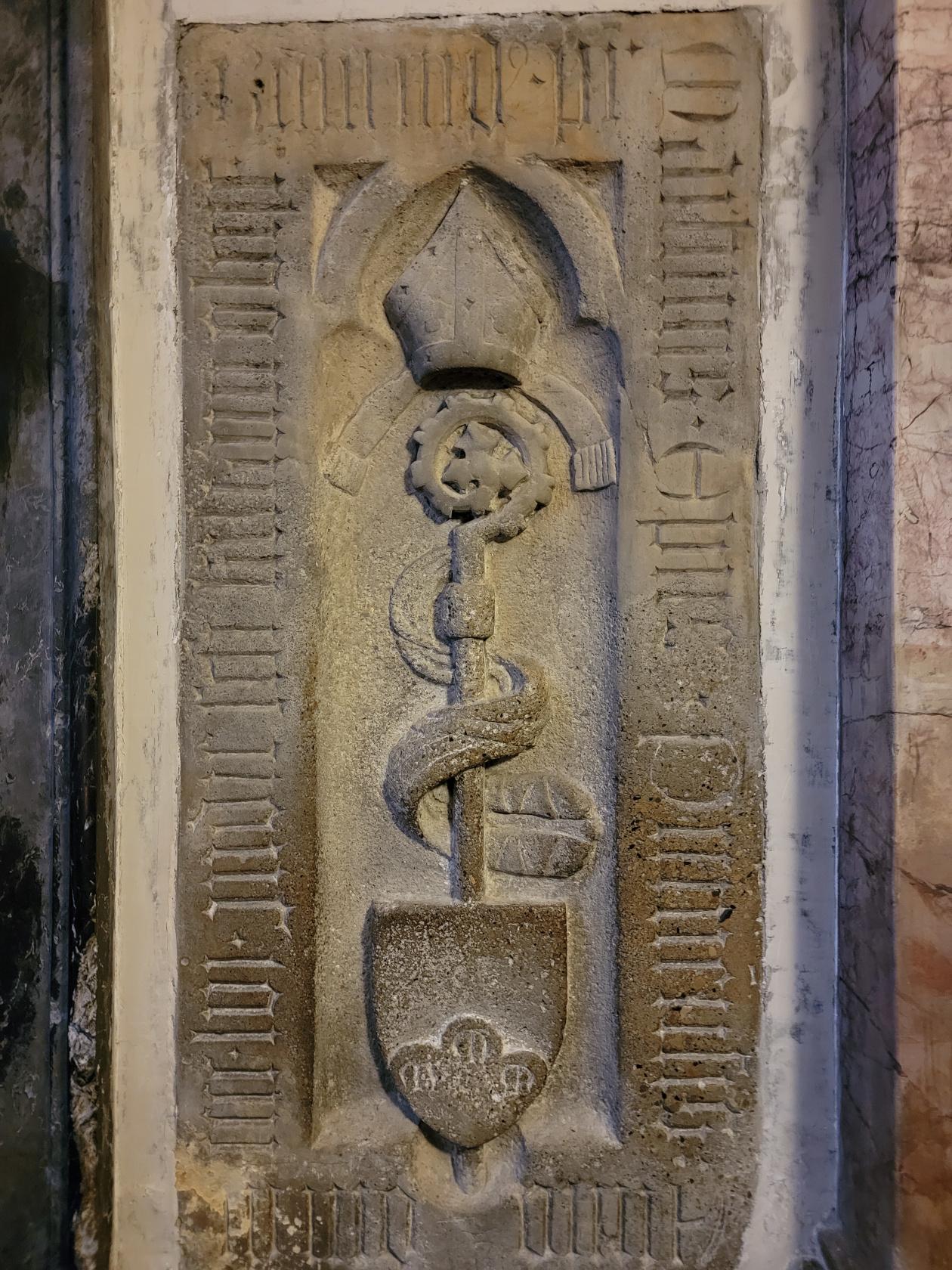
Ljubljana – Ljubljana Cathedral – Old Papel Seal
Ljubljana – Ljubljana Cathedral
Ljubljana – Ljubljana Cathedral
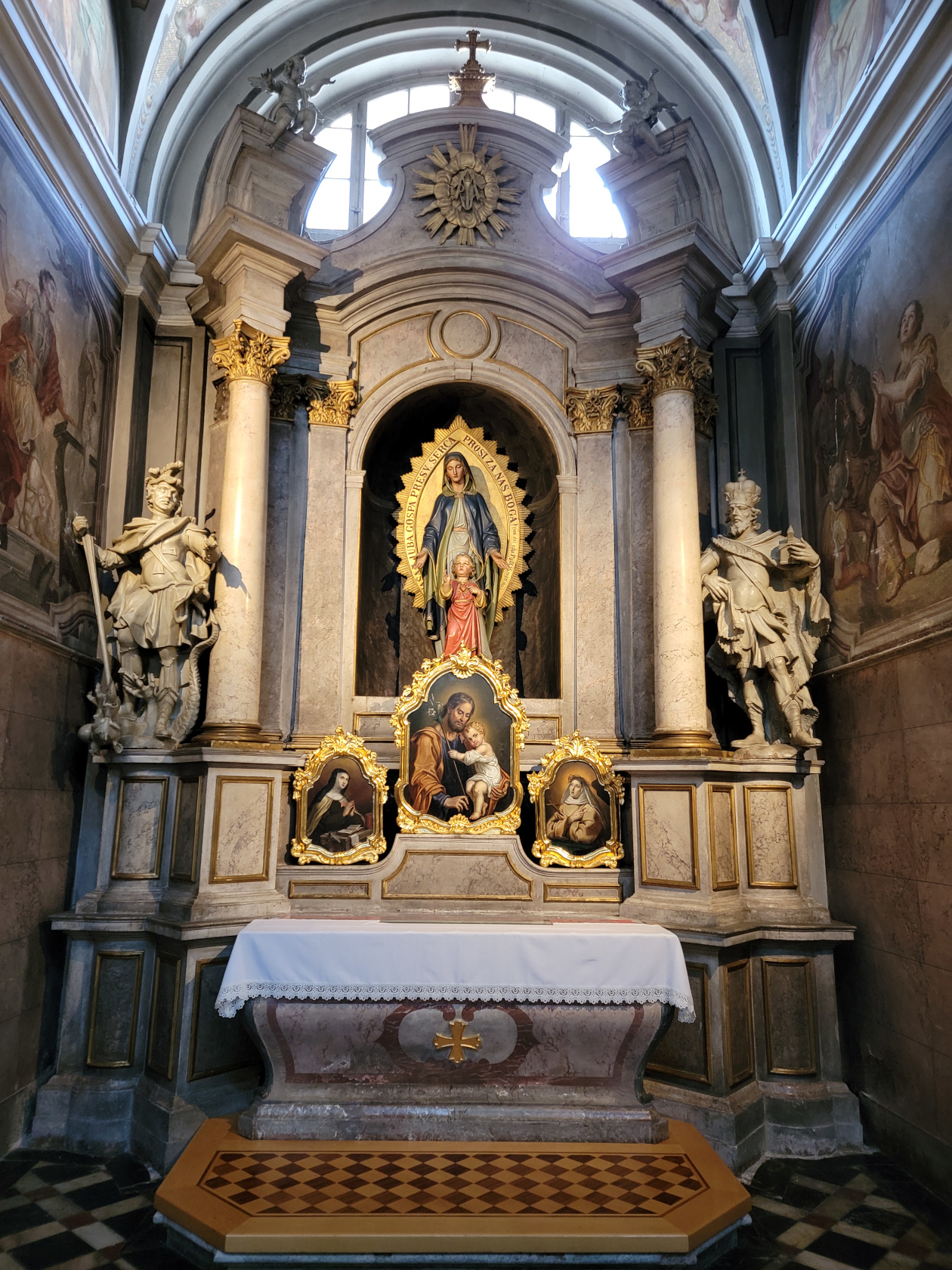
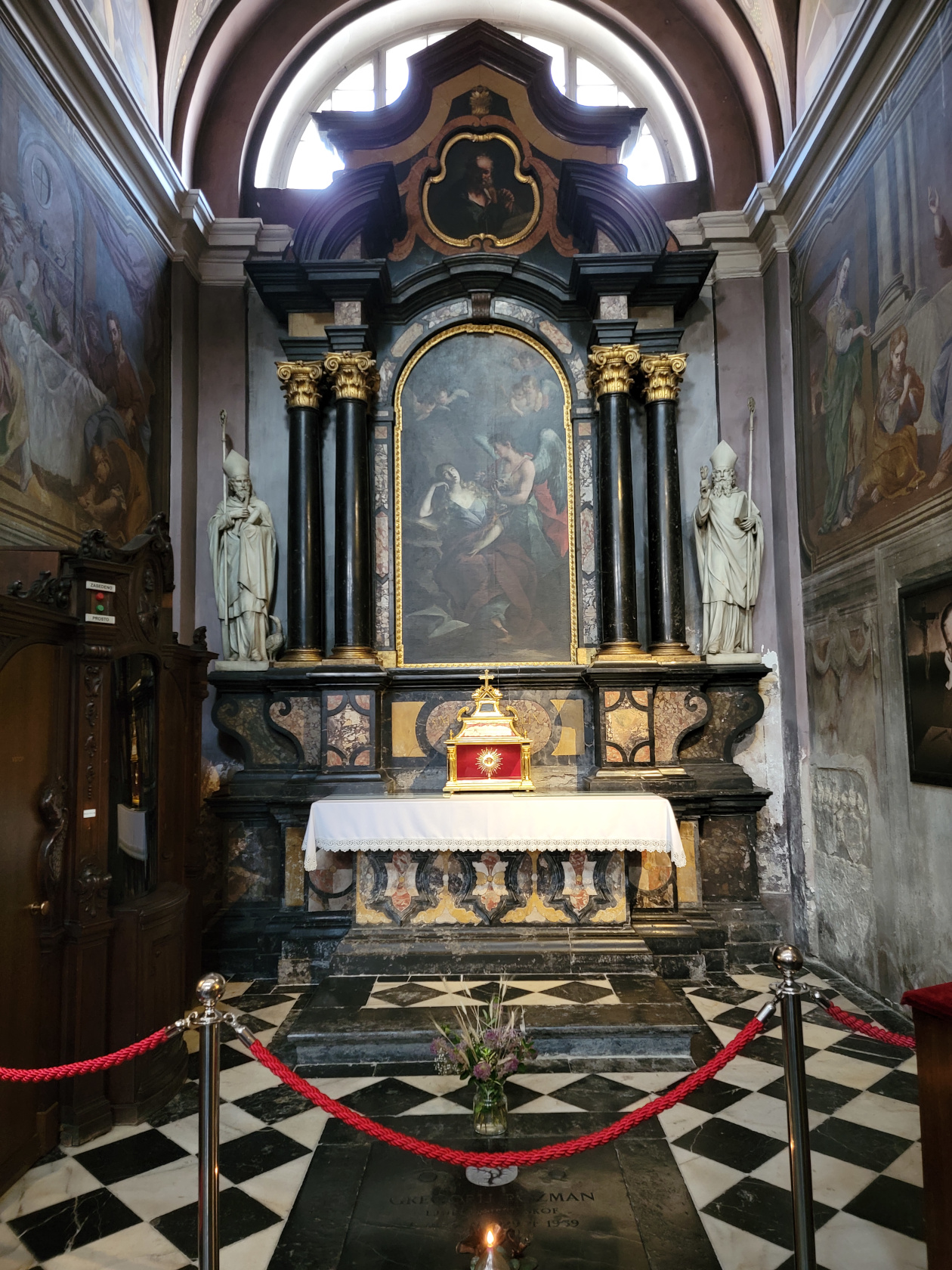
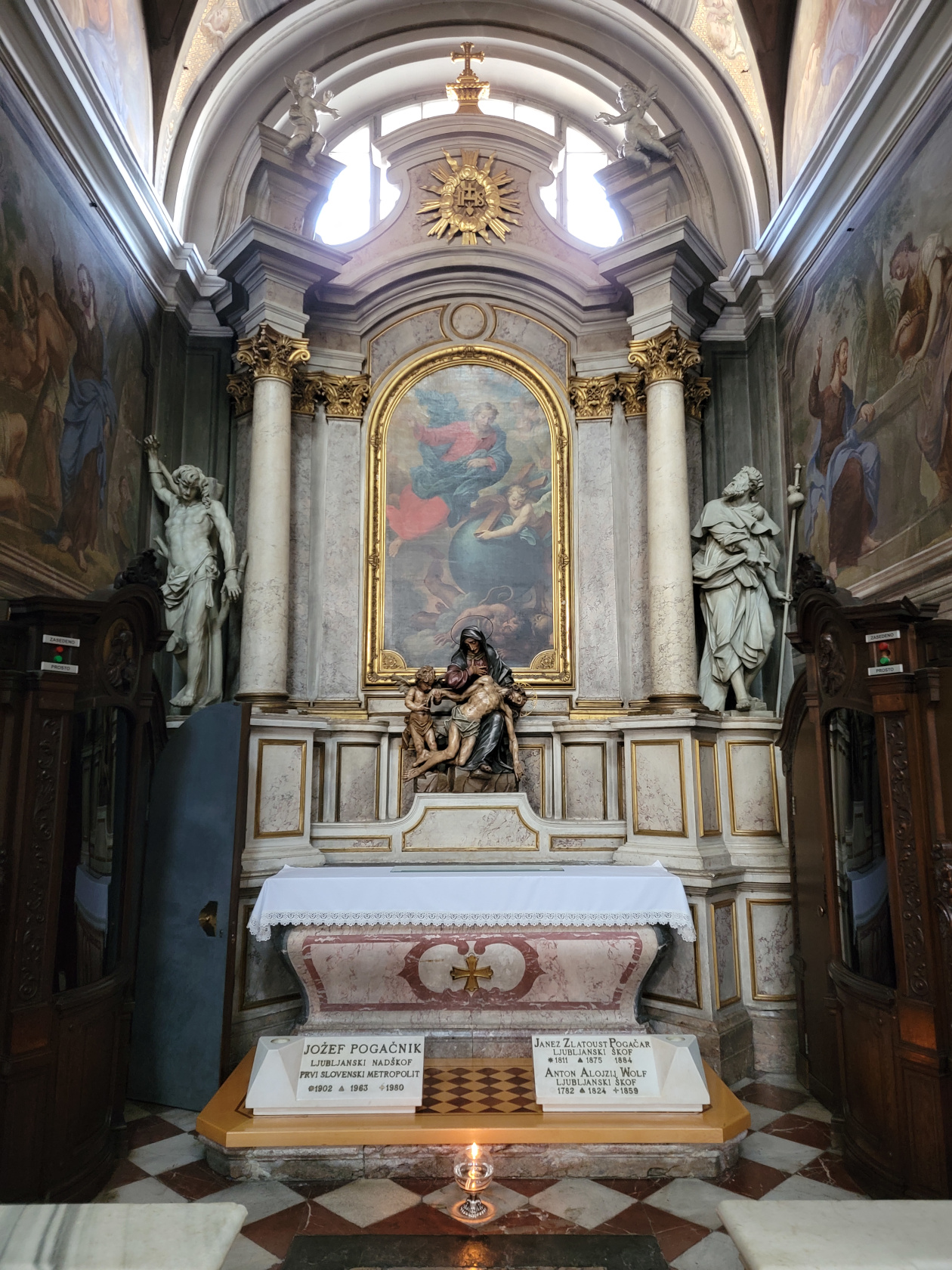
Ljubljana – Ljubljana Cathedral
Tivoli Park
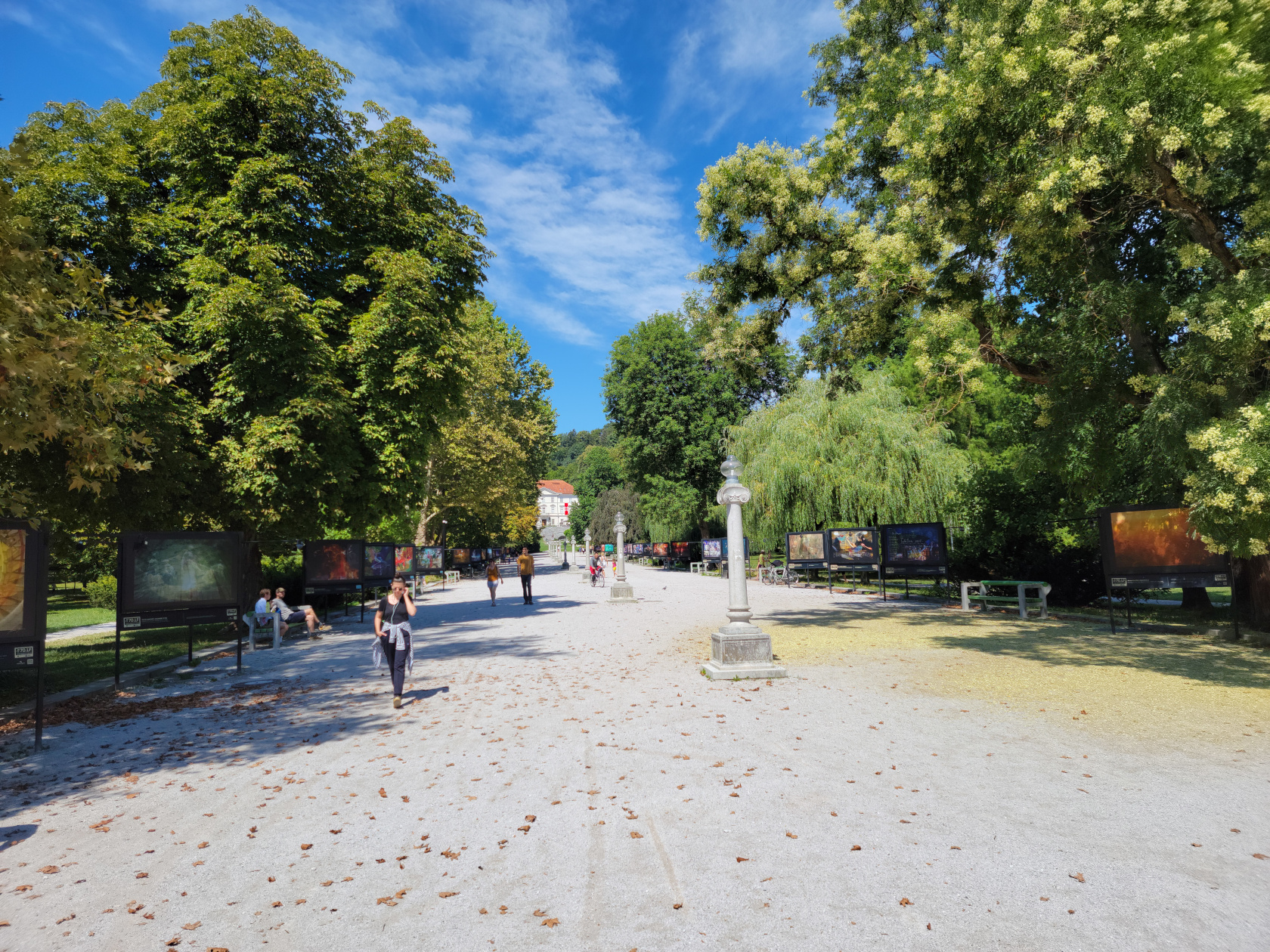
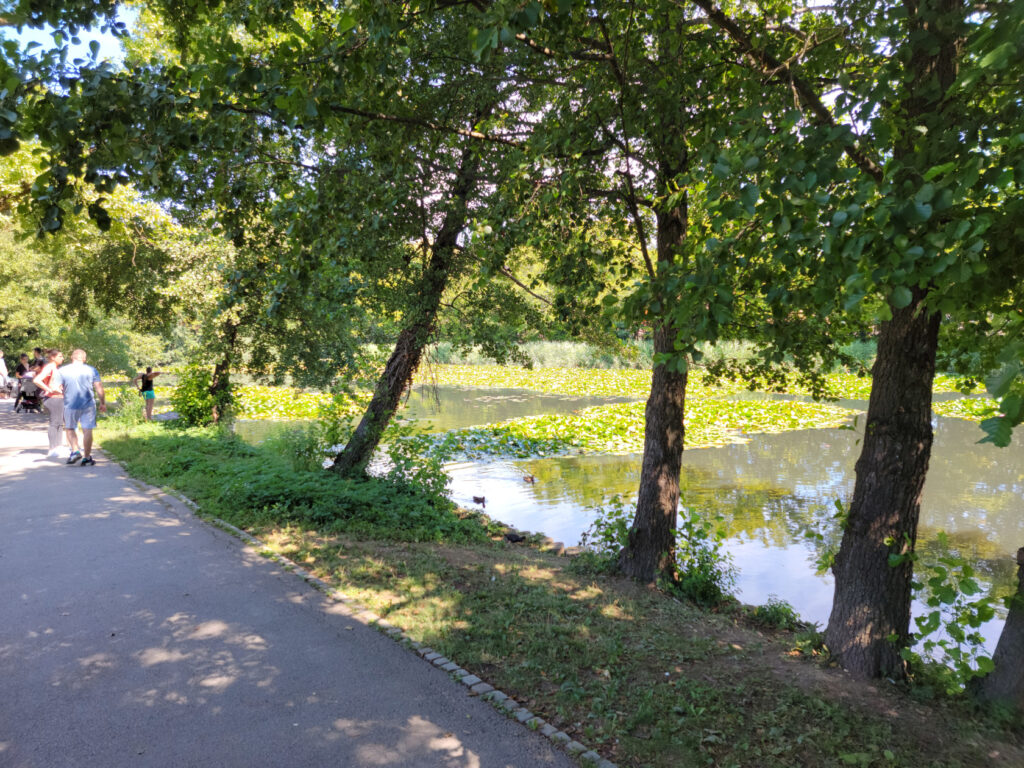
Tivoli Park, also known as Tivoli City Park, is pretty large and covers a huge hill that is some four hundred meters in height, so be prepared for some serious walking. For the less ambitious, you may walk around its edges and have just as much fun, without getting tired or sweaty.
Ljubljana – Tivoli Park
We went on a Sunday, so it was pretty busy with native Ljubljanians and Sloveniens enjoying the cafes and park facilities.
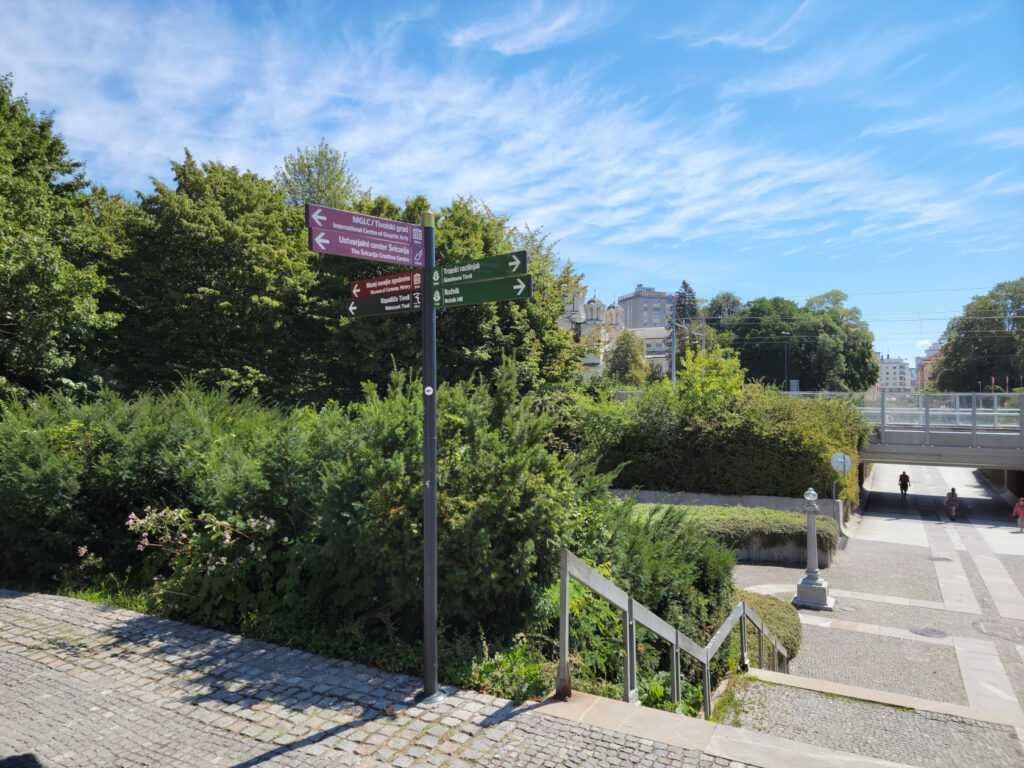
Ljubljana – Tivoli Park Entrance
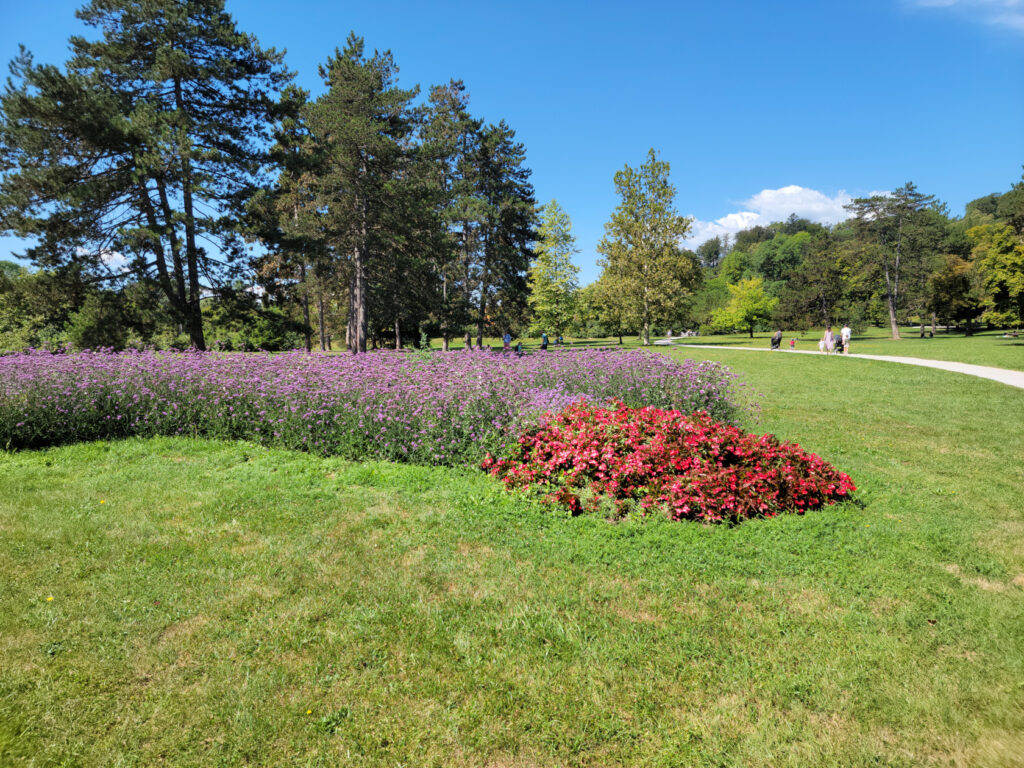
Ljubljana – Tivoli Park
Ljubljana – Tivoli Park
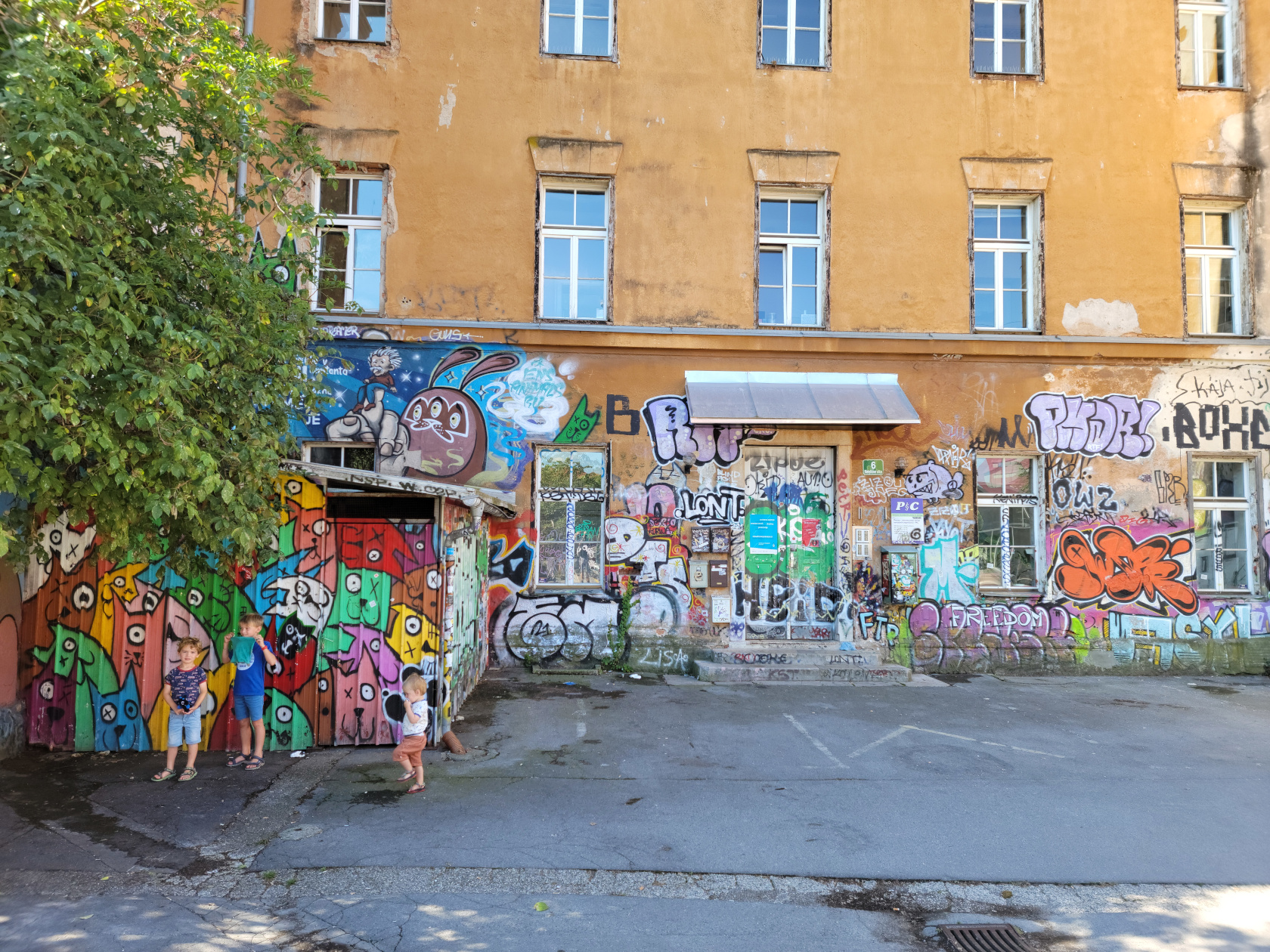
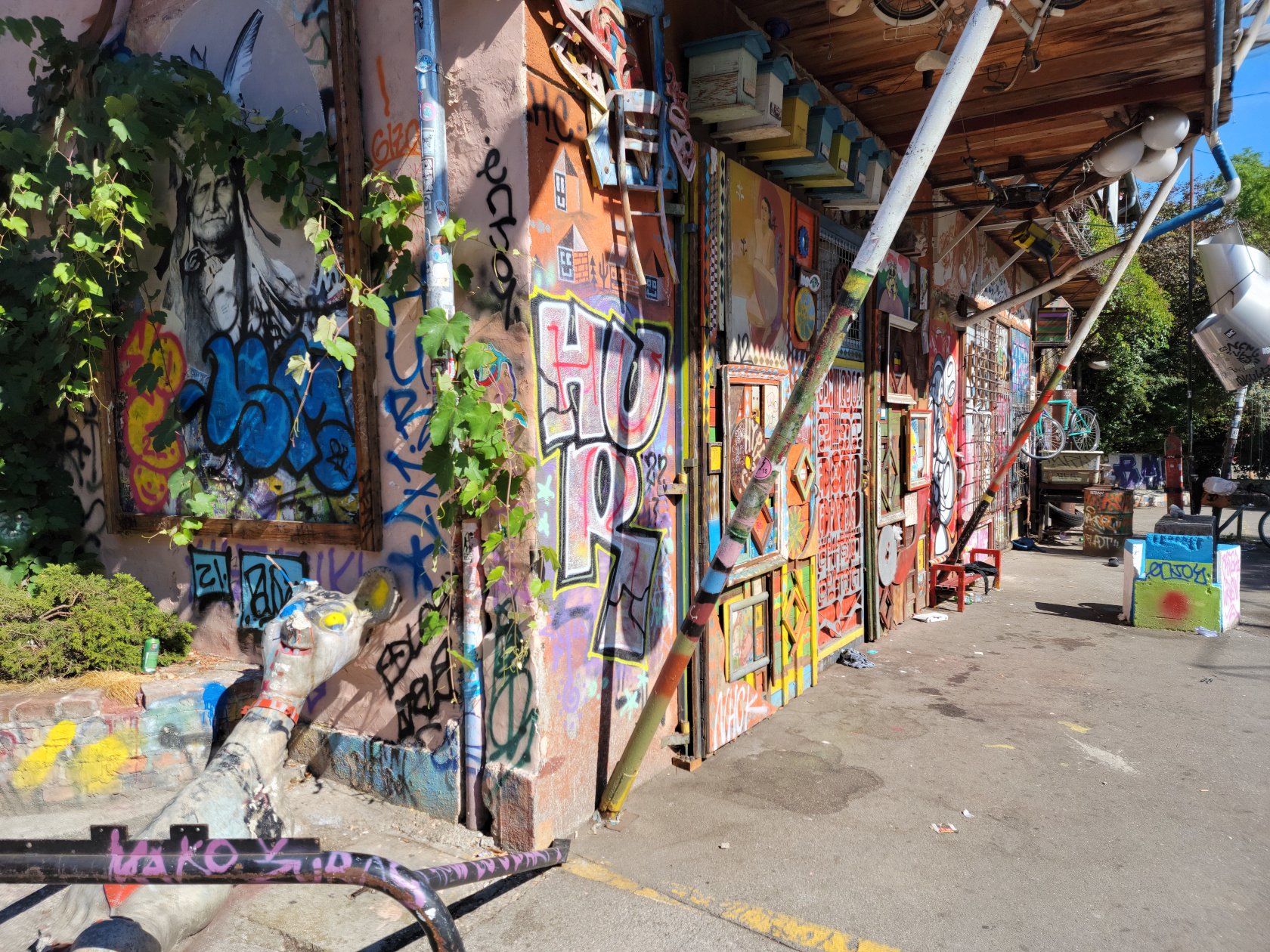
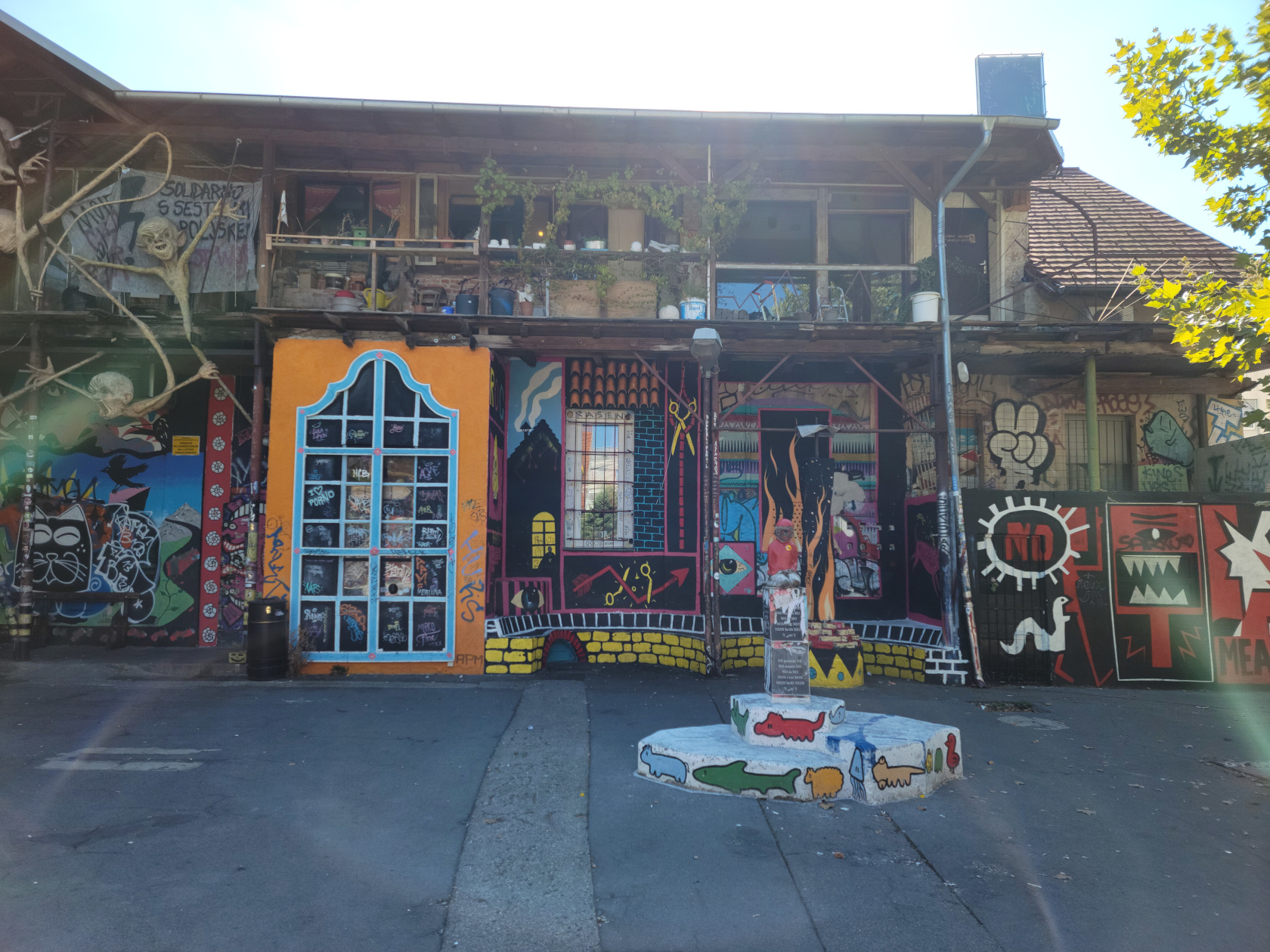
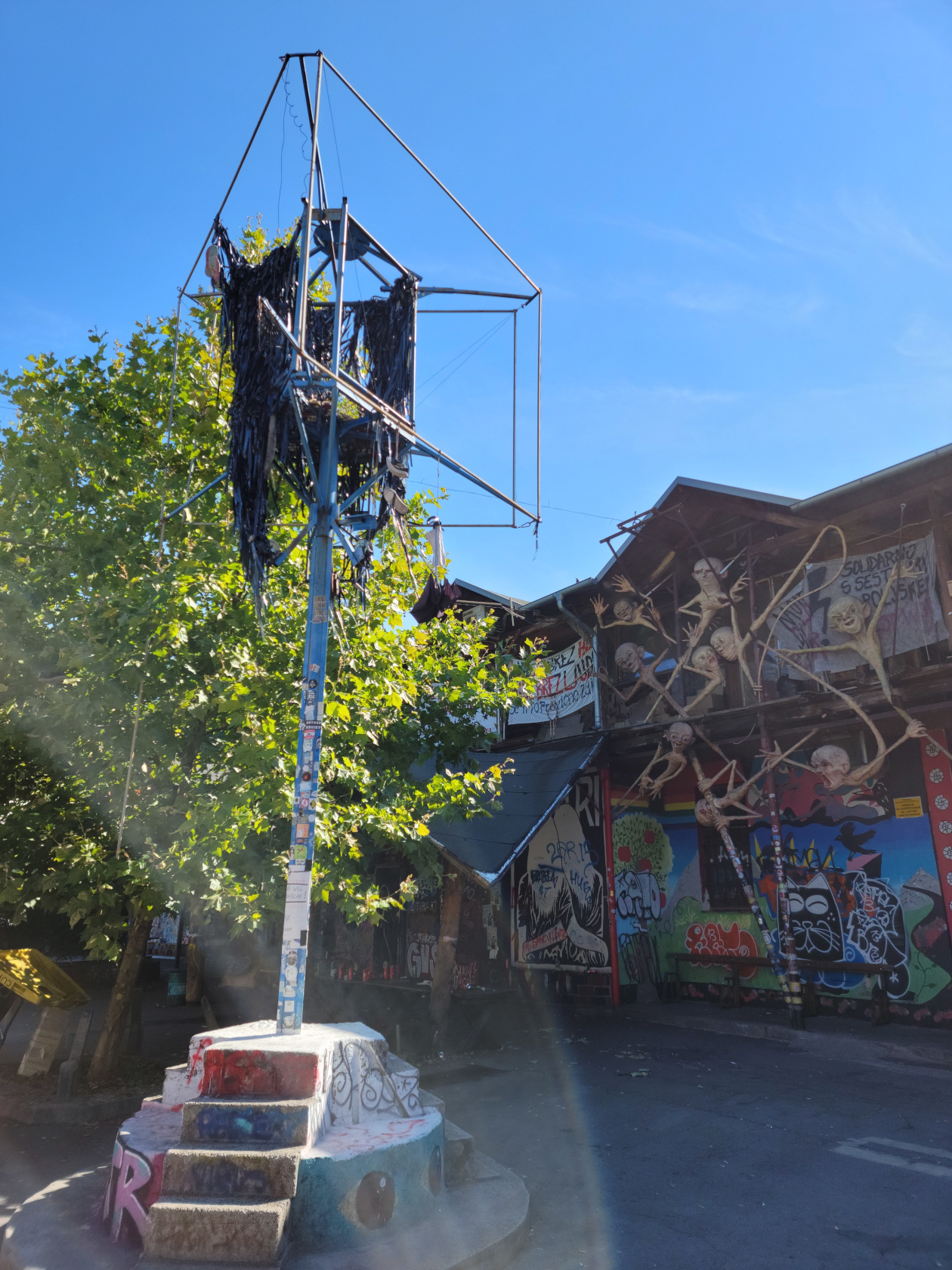
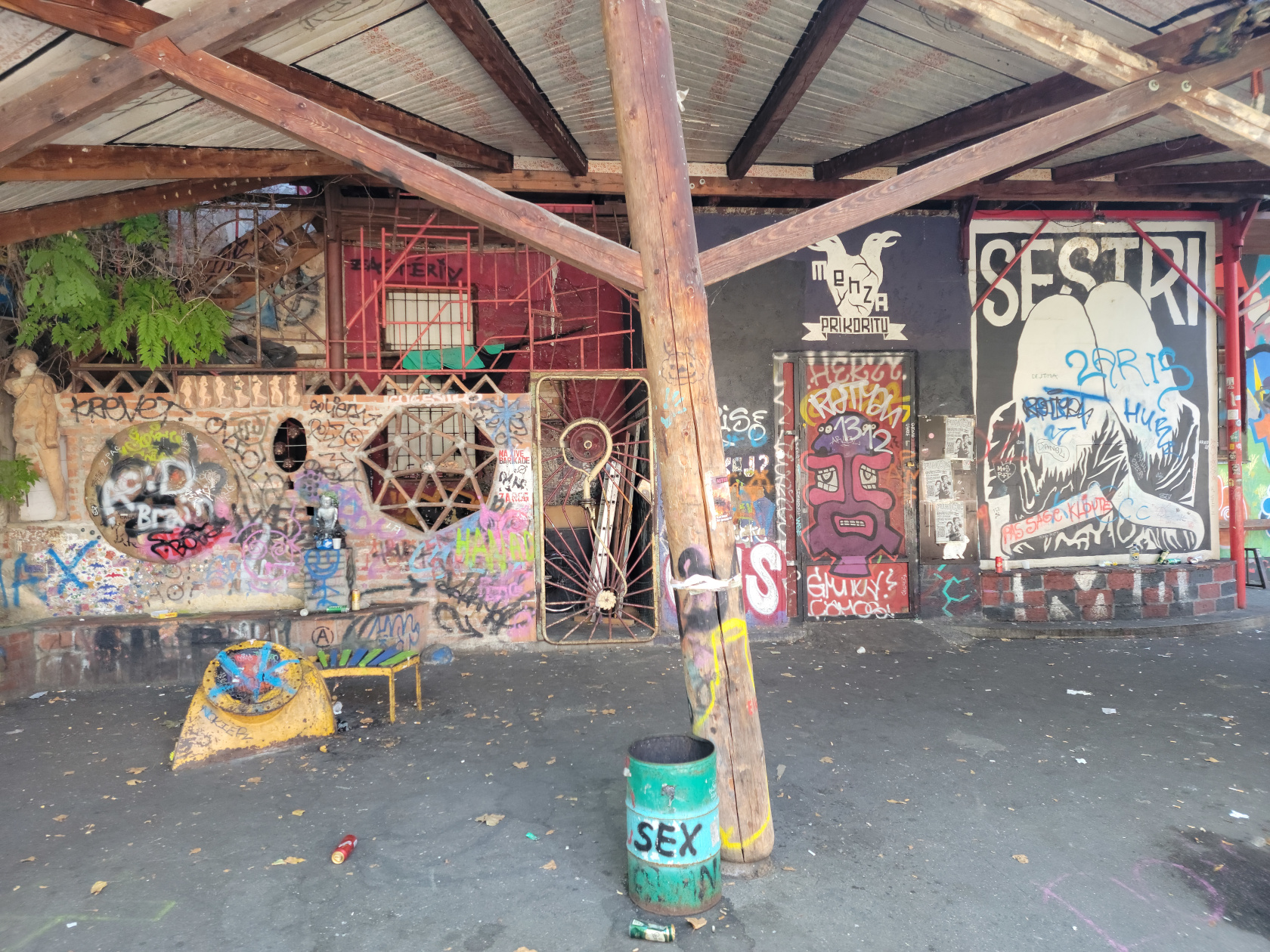
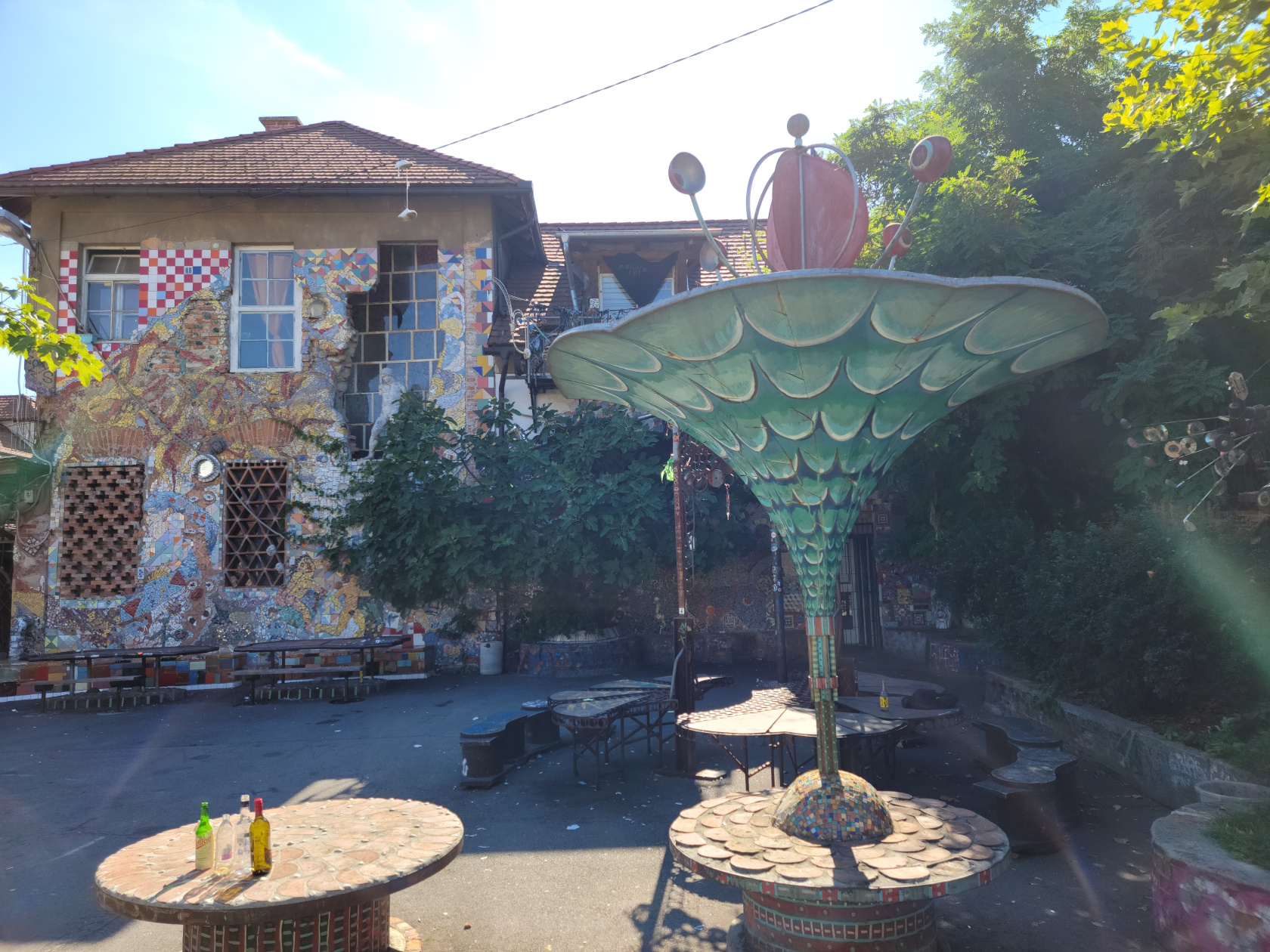
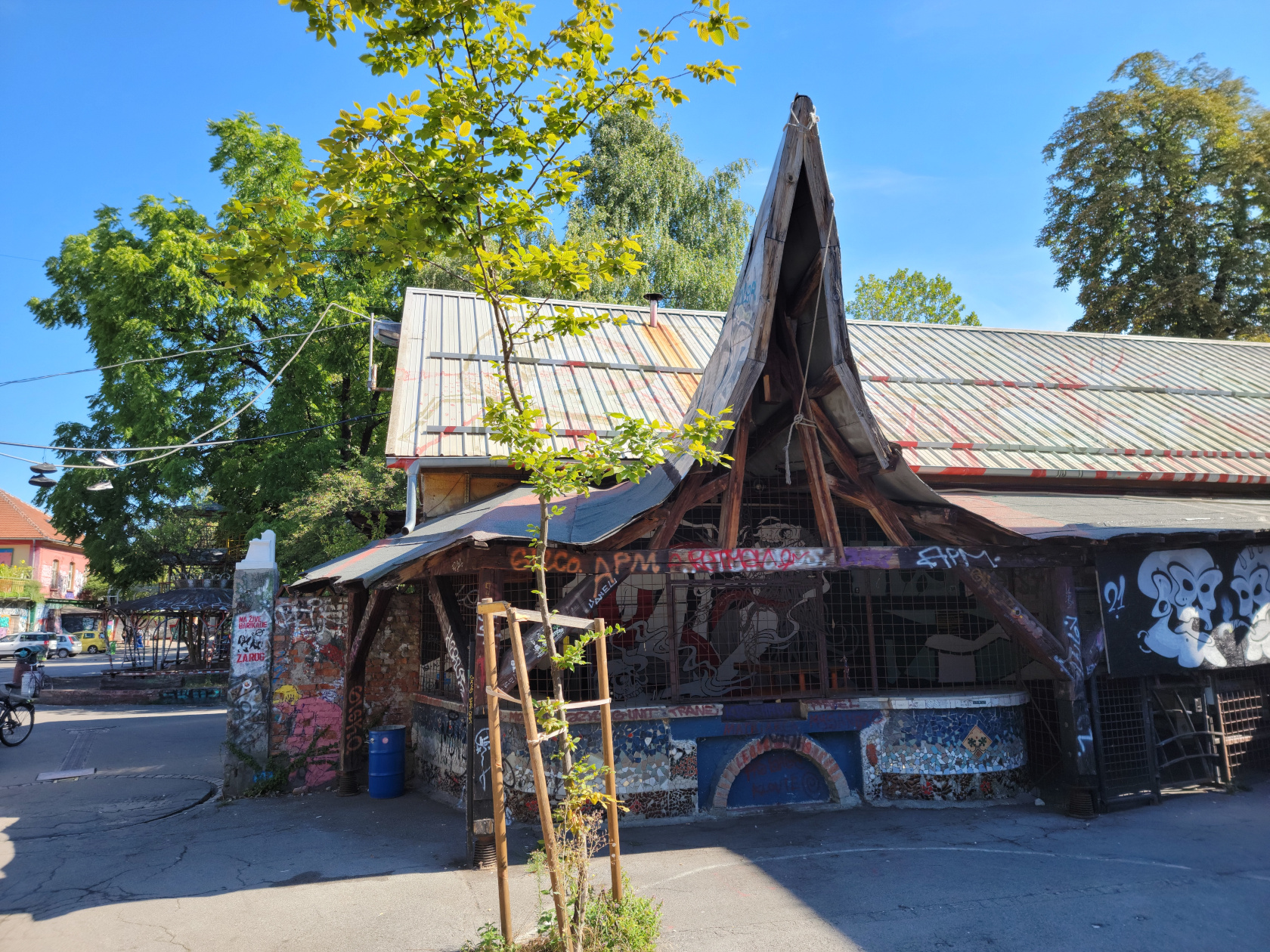
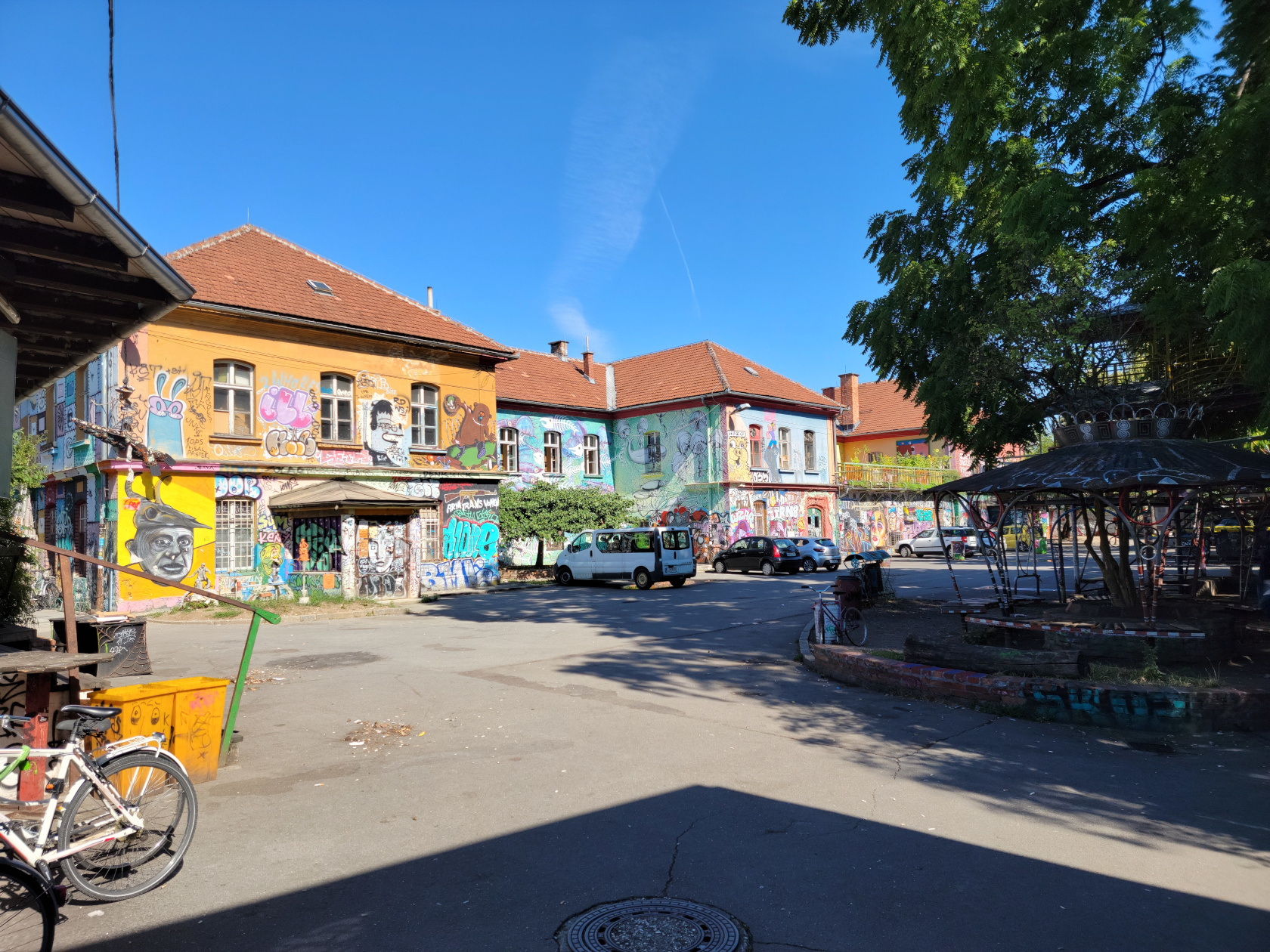
Graffiti Block
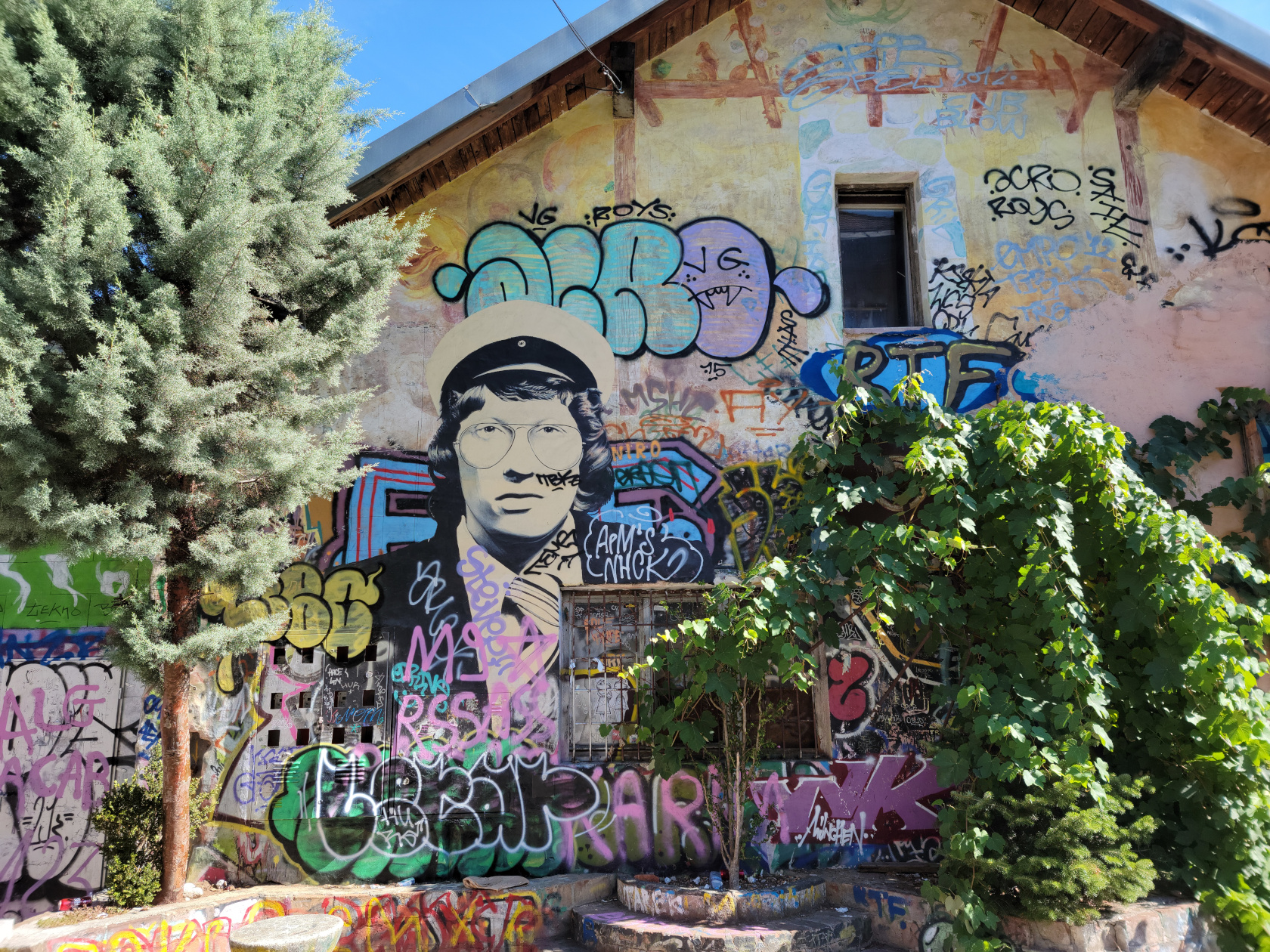
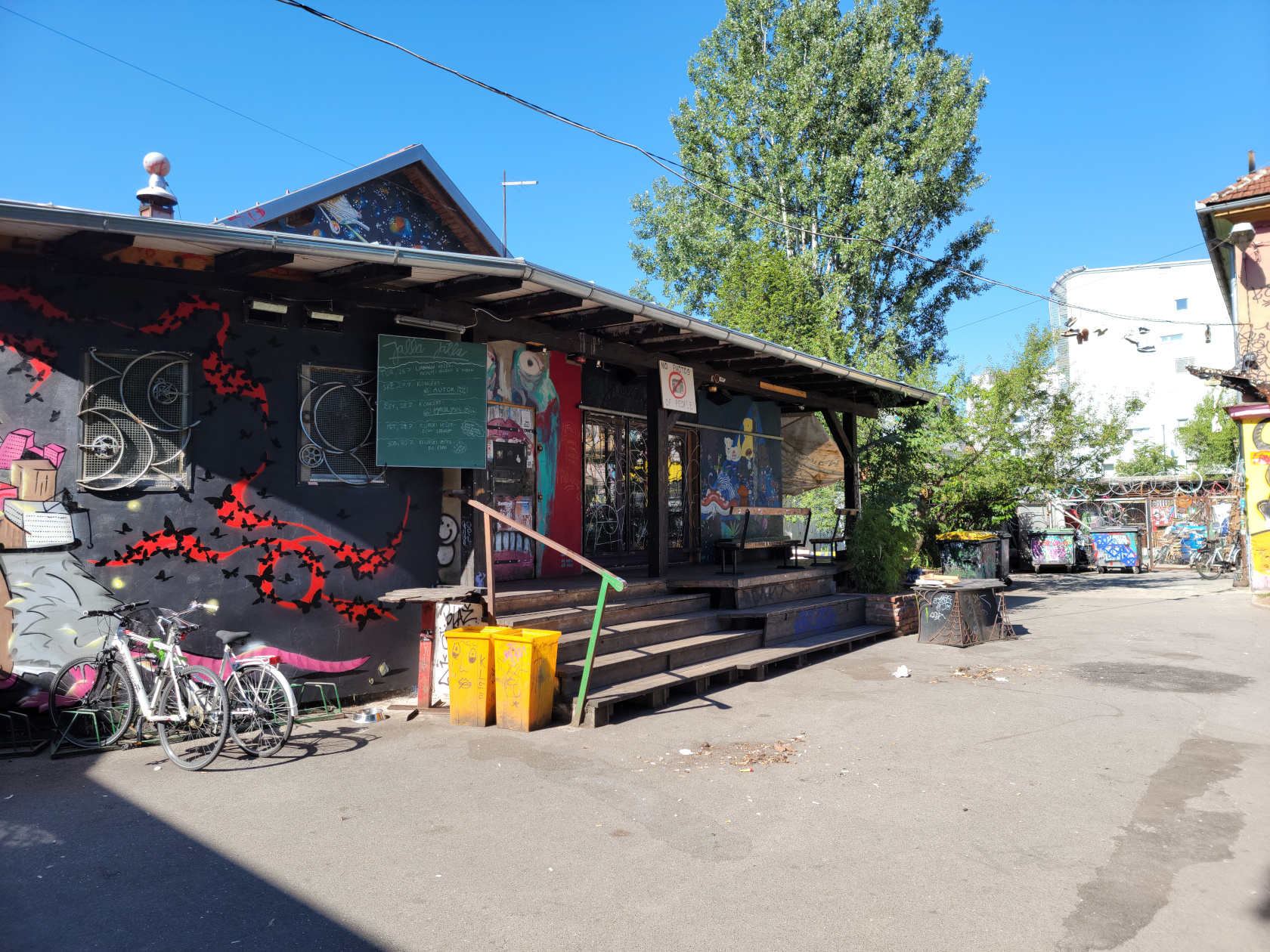
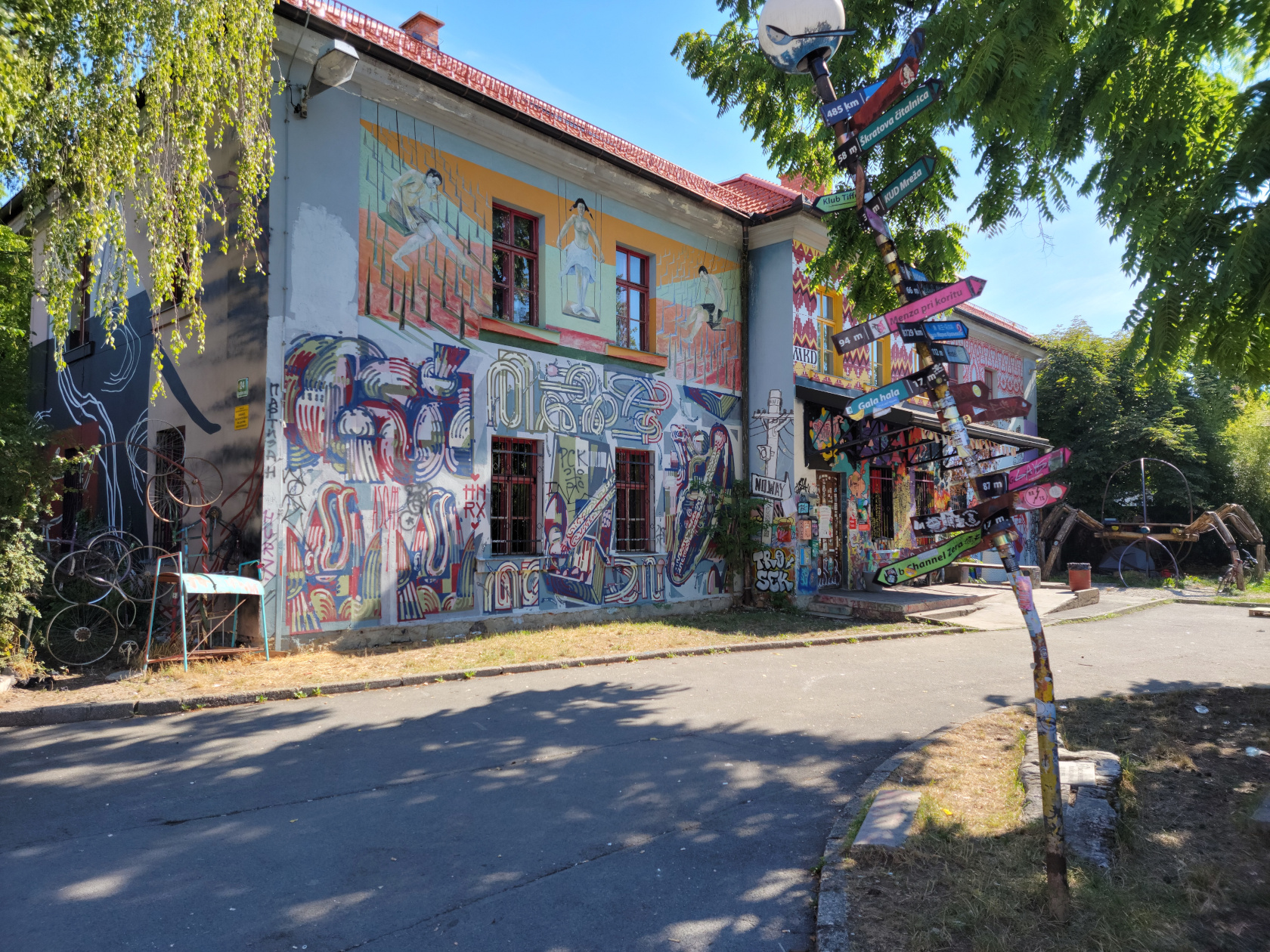
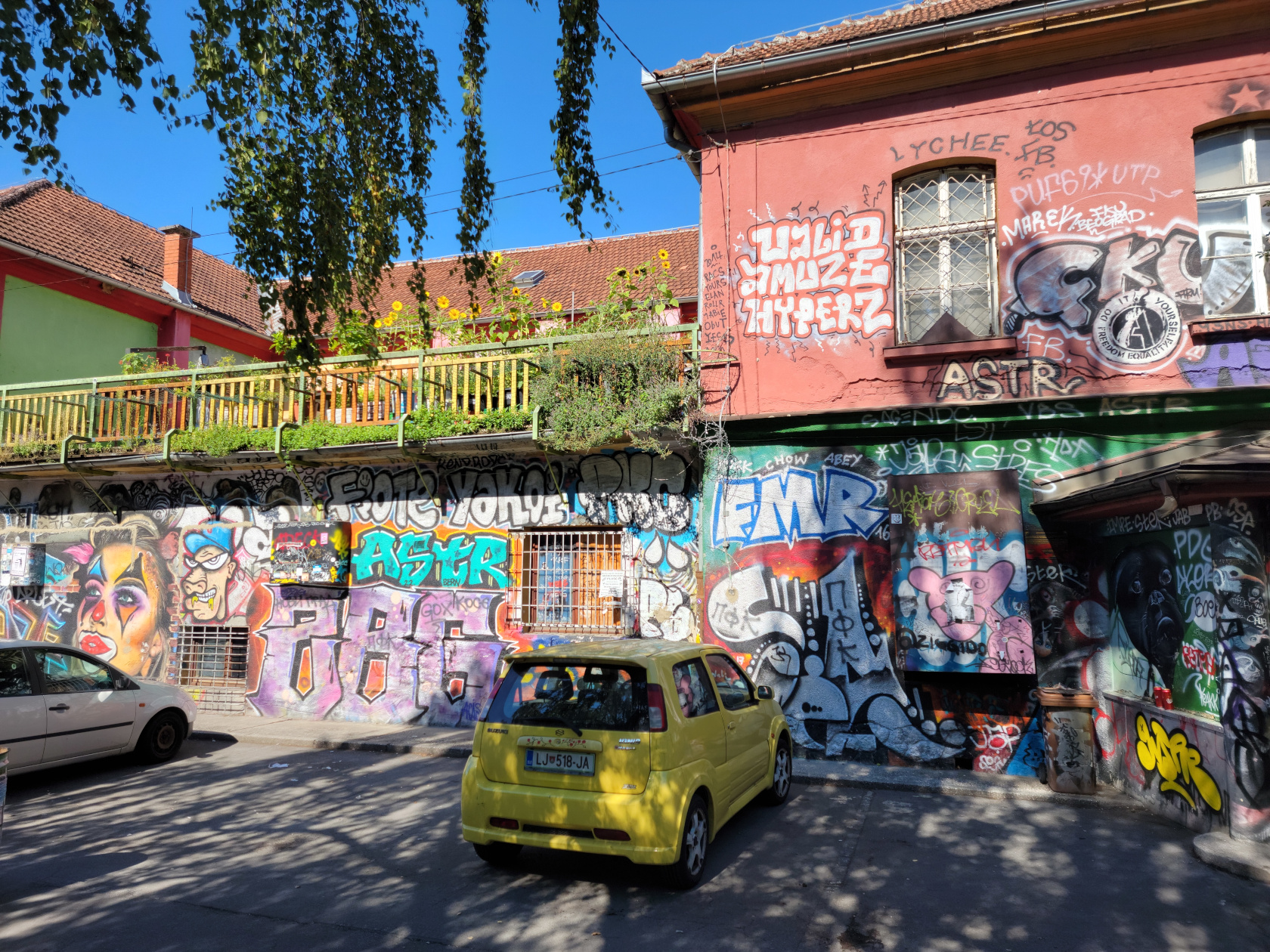
Ljubljana – Graffiti Block
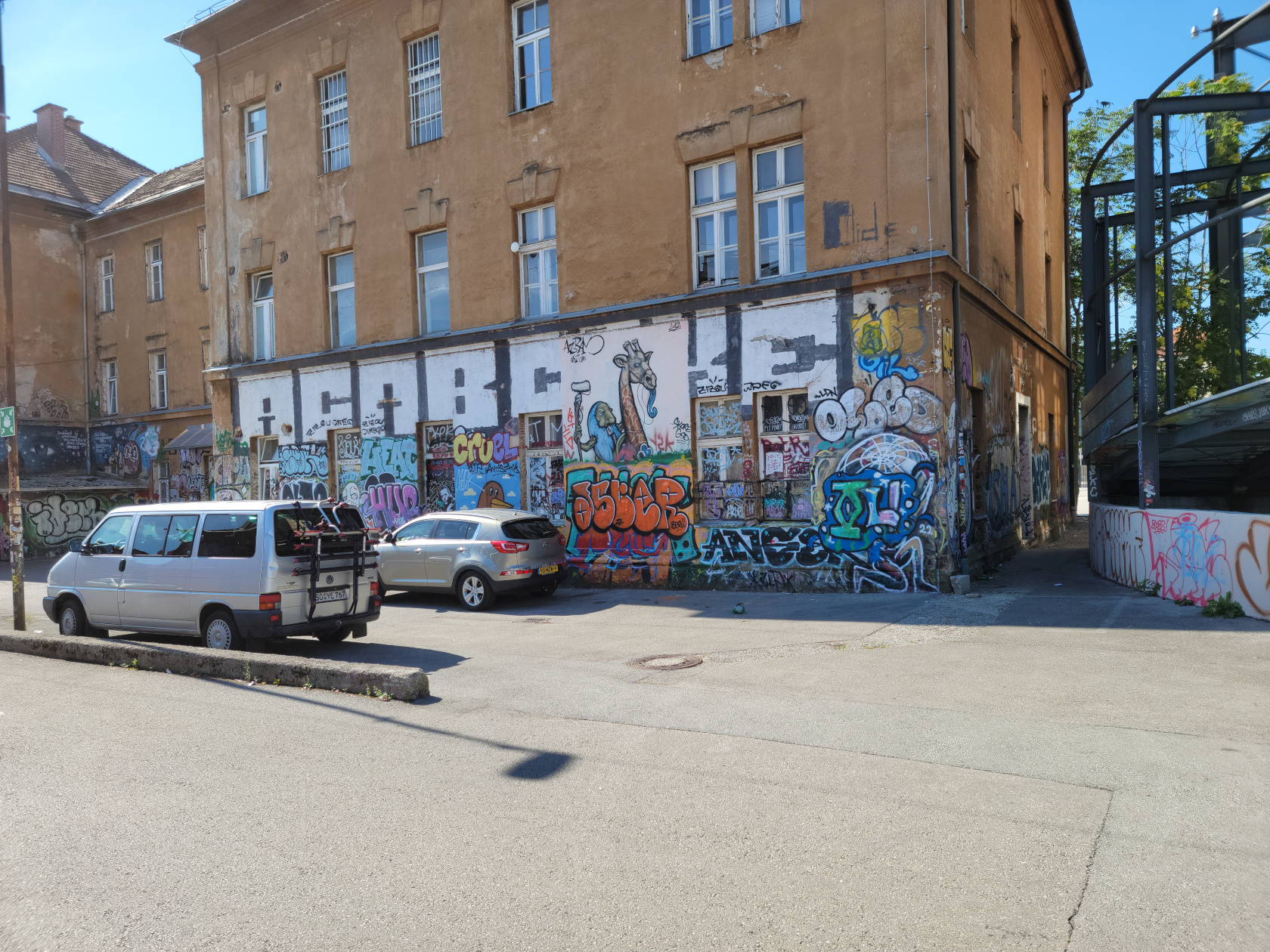
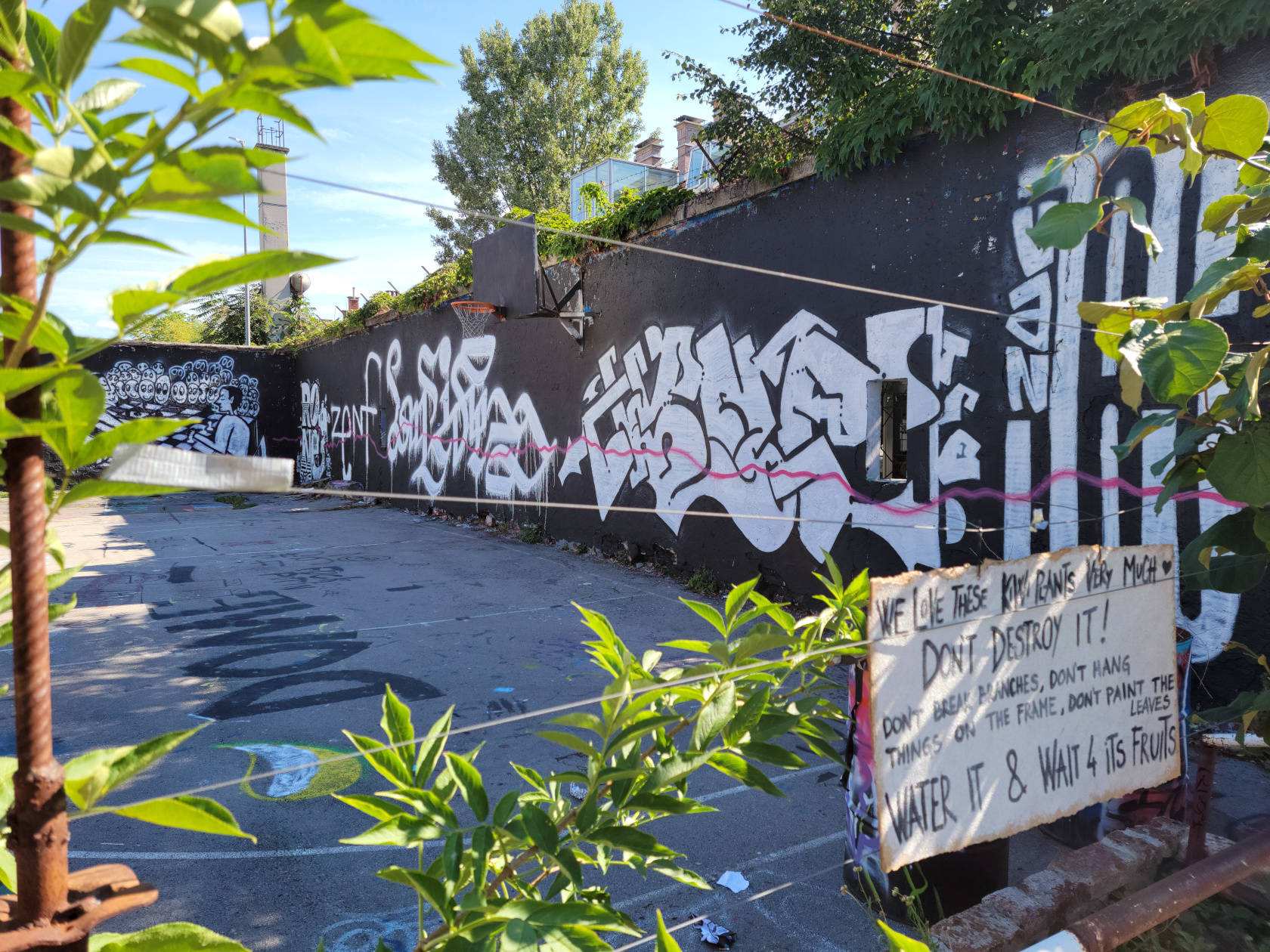
Graffiti Block, also known as the Metelkova Art Museum, is about a block housing a collection of graffiti and alternative art works for public viewing. Since, “A picture is worth a thousand words“, I will let my photographs speak for themselves.
Ljubljana – Graffiti Block
Ljubljana – Graffiti Block
Ljubljana – Graffiti Block
Ljubljana – Graffiti Block
Ljubljana – Graffiti Block
Ljubljana – Graffiti Block
Ljubljana – Graffiti Block
Ljubljana – Graffiti Block
Ljubljana – Graffiti Block
Ljubljana – Graffiti Block
Ljubljana – Graffiti Block
Ljubljana – Graffiti Block
Ljubljana – Graffiti Block
Restaurants
Foculus Restaurant
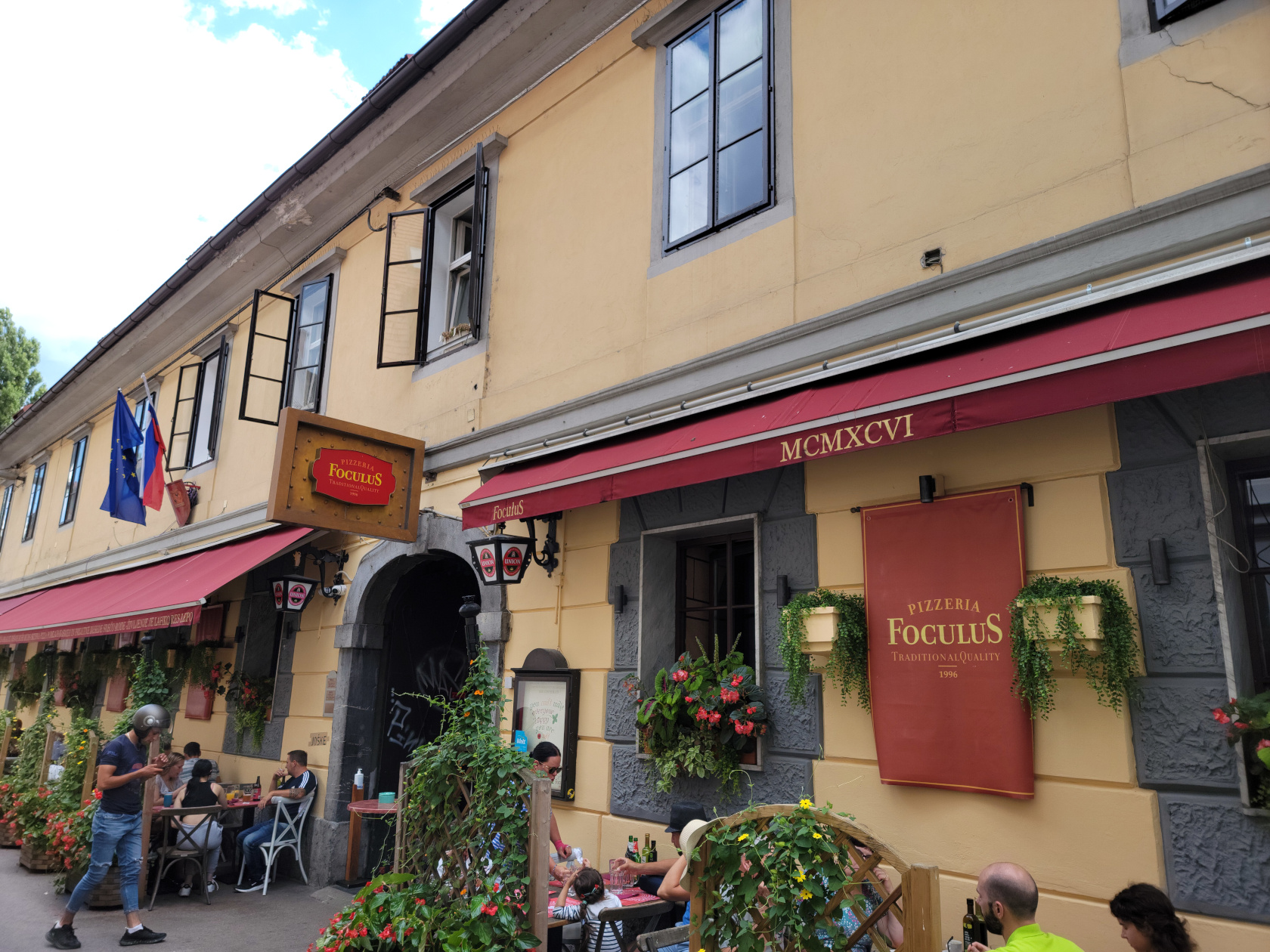
Ljubljana – Foculus Restaurant
Apparently a trendy little pizzeria on the edge of the city not far from the park, but far enough from the center and river so that it is not much affected by all the crowds. We stopped for lunch and something light, so we both ordered salads, which were very good. The prices were very reasonable too!
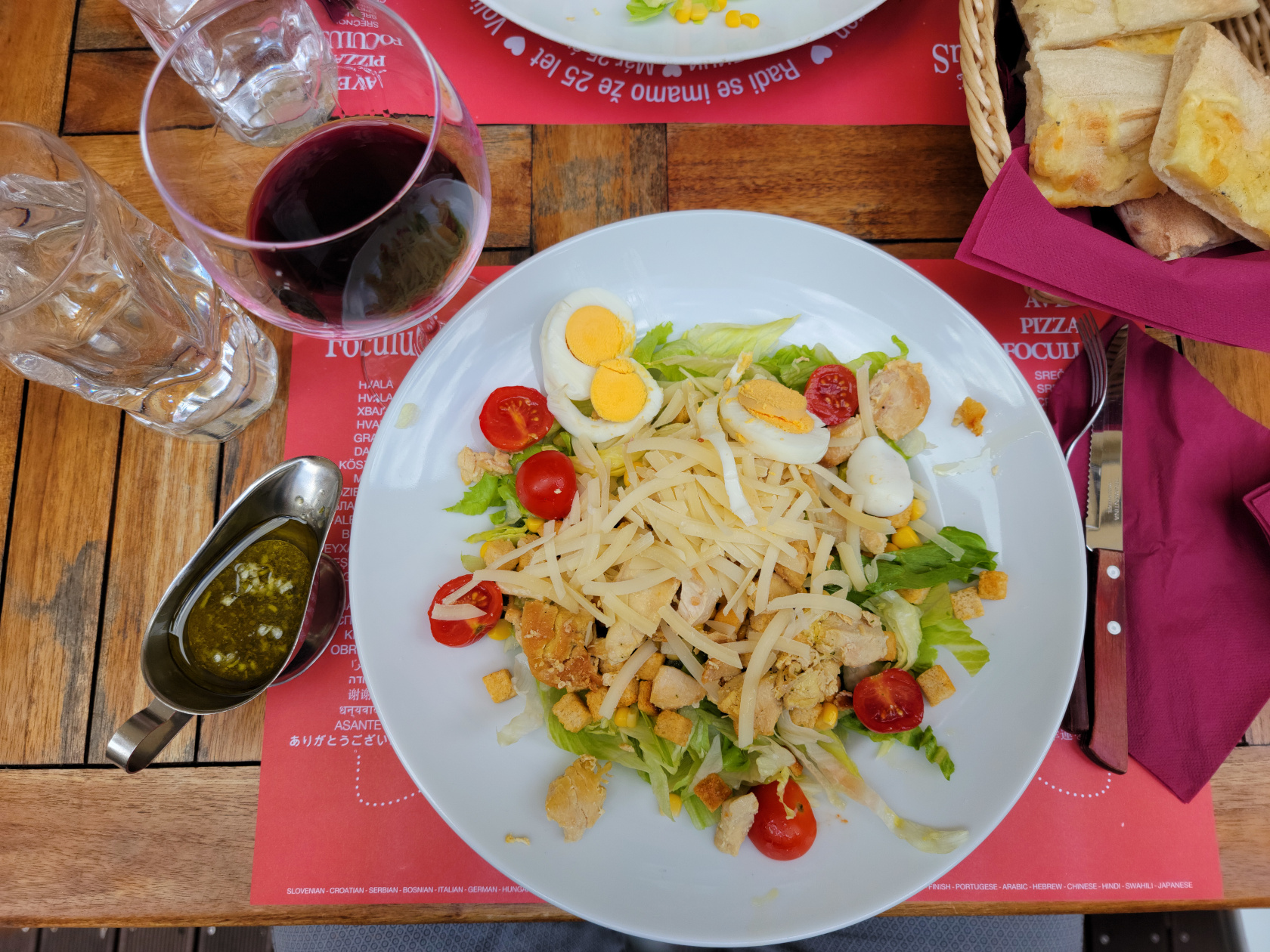
Ljubljana – Foculus Restaurant – Chicken Salad
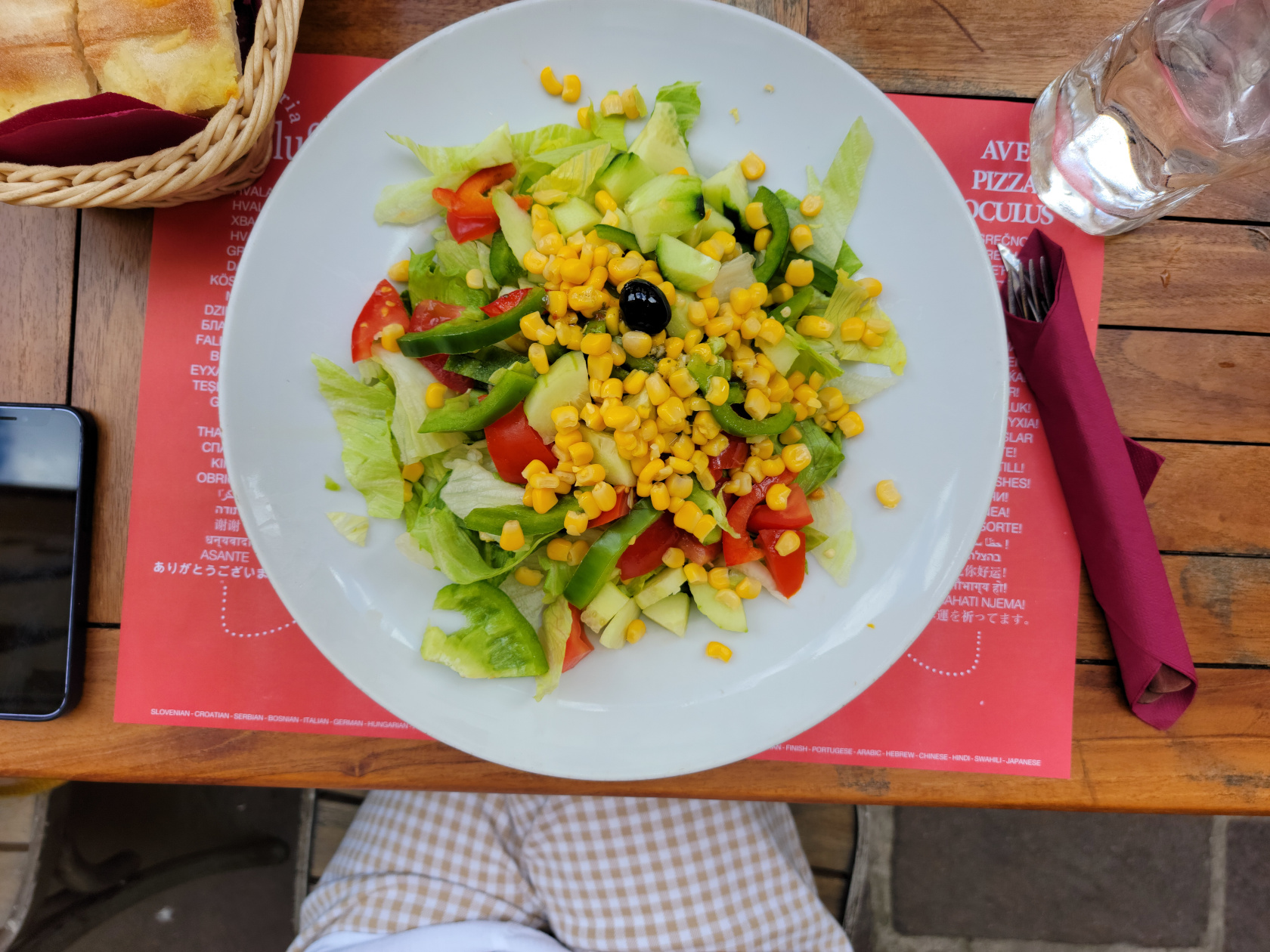
Ljubljana – Foculus Restaurant – Mixed Salad
Epilog
Well that was our trip to Slovenia. I admitted to my wife many times that I didn’t expect much, but was very pleasantly surprised. If you ever get a chance to go, please do so. The people in the city are very nice and almost all speak English very well, so don’t let your lack of language skills deter you, go!
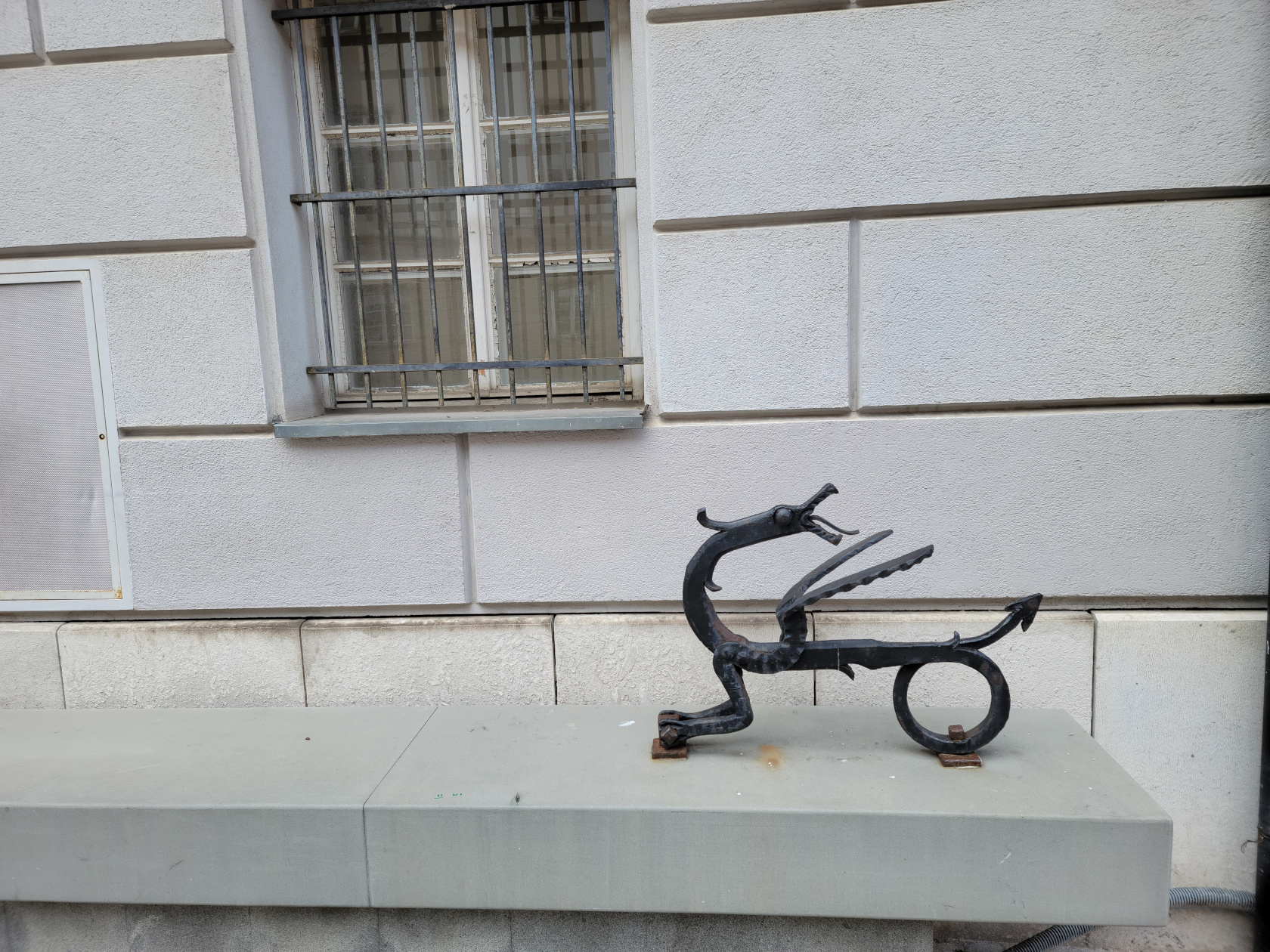
Ljubljana – Mini Dragon – Try and find them all
Some remaining photographs of this great city, enjoy…
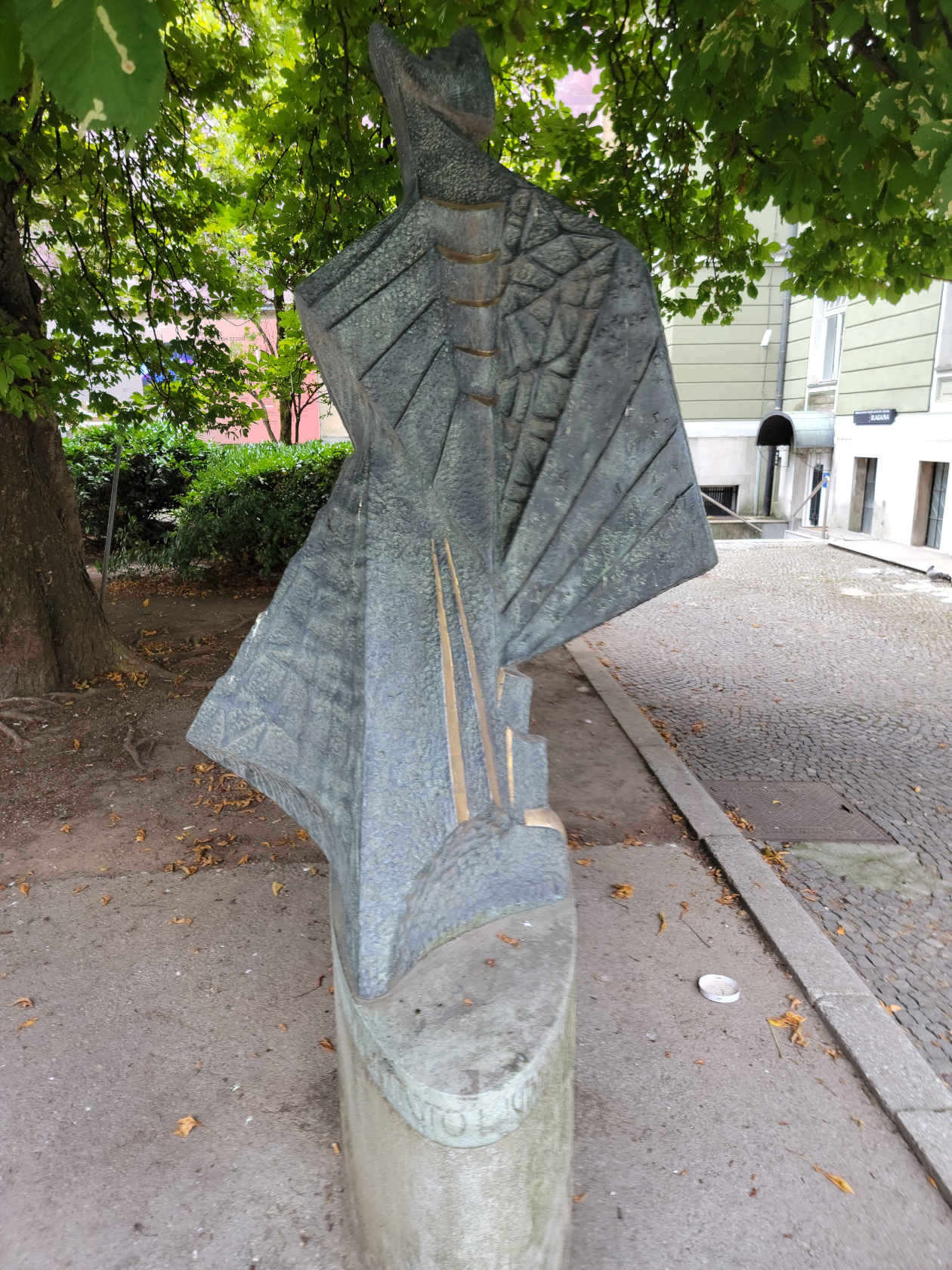
Ljubljana – Another Bronze
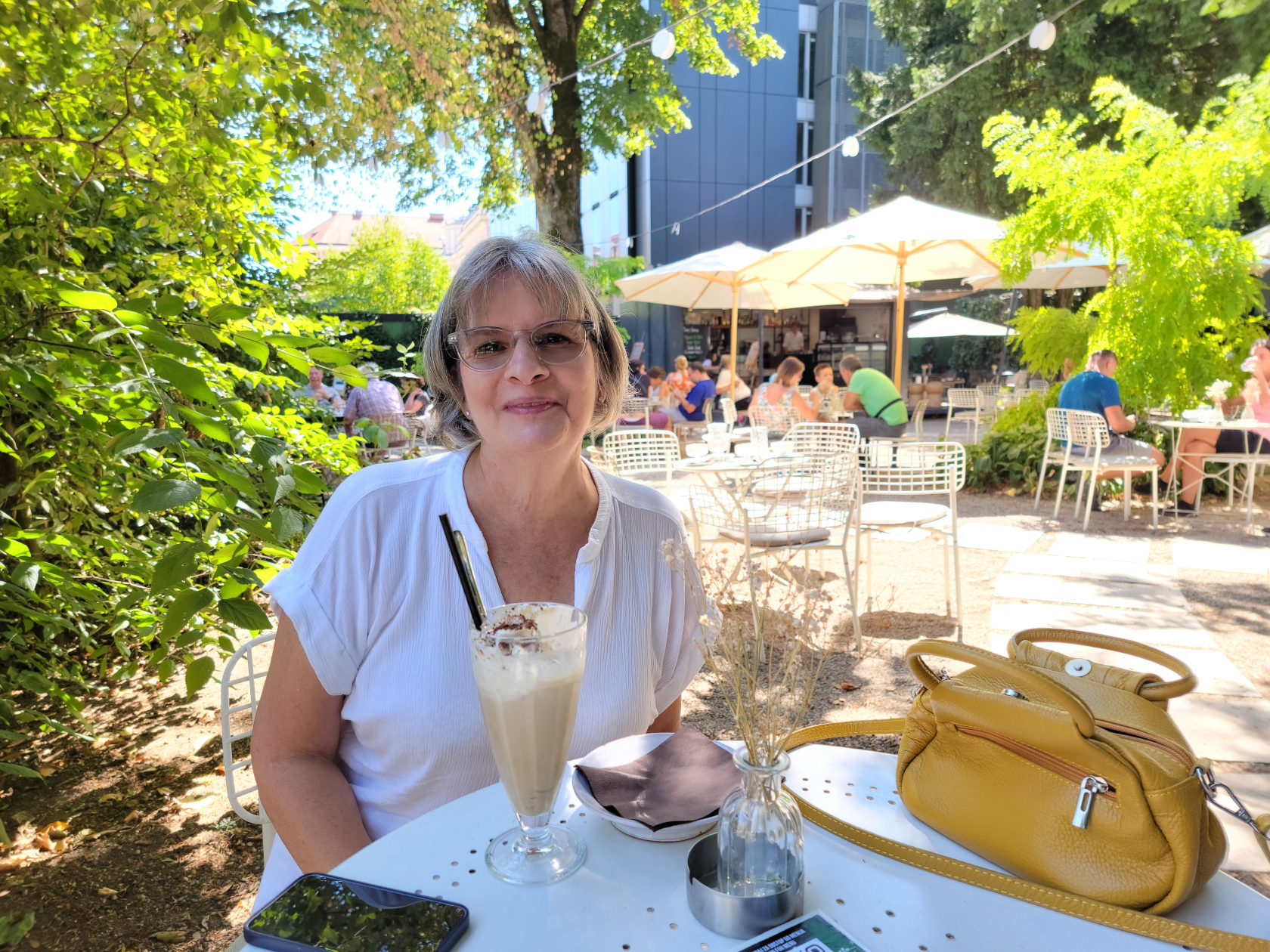
Ljubljana – Patti enjoying an iced coffee
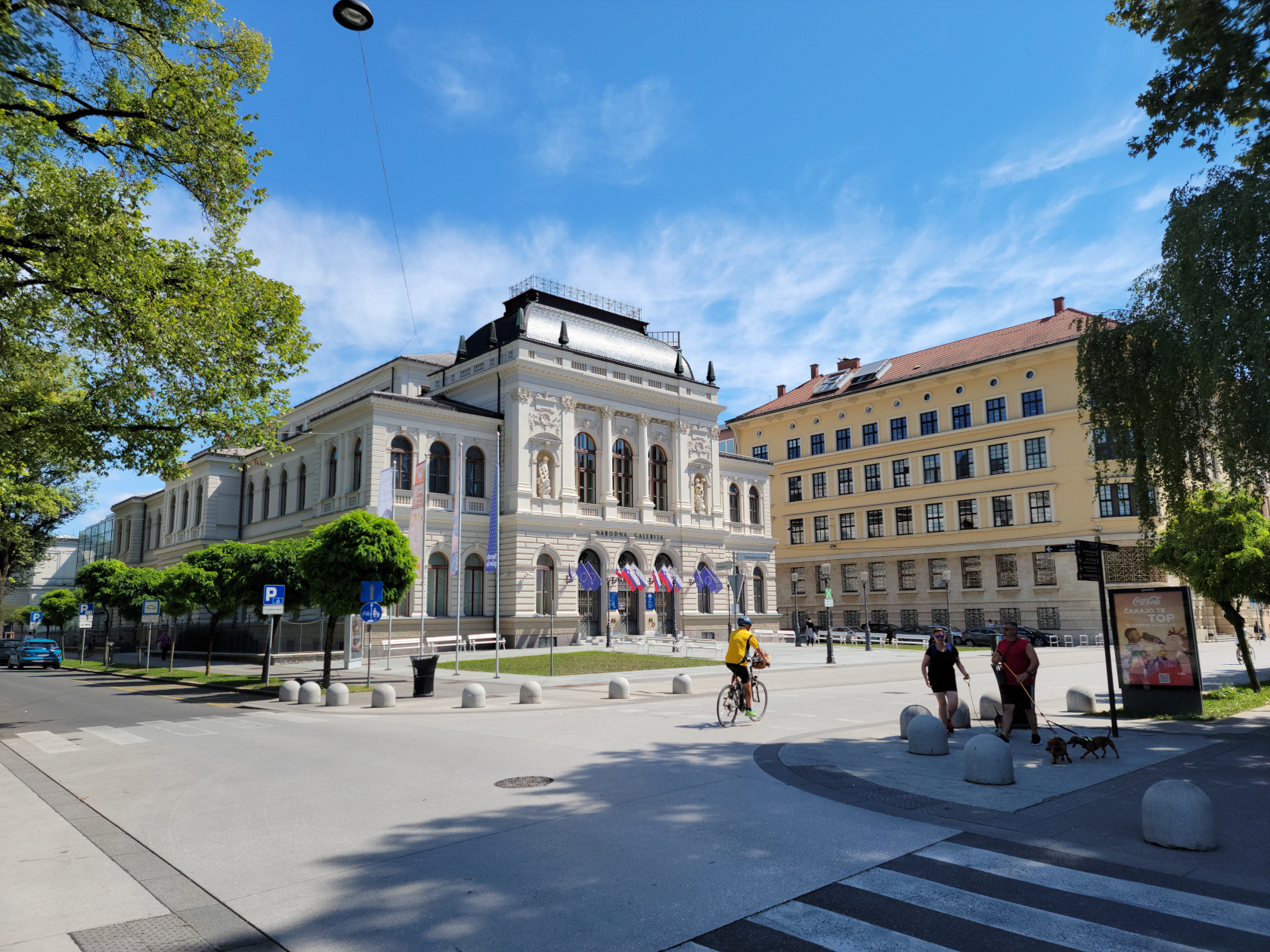
Ljubljana – Galleria Building
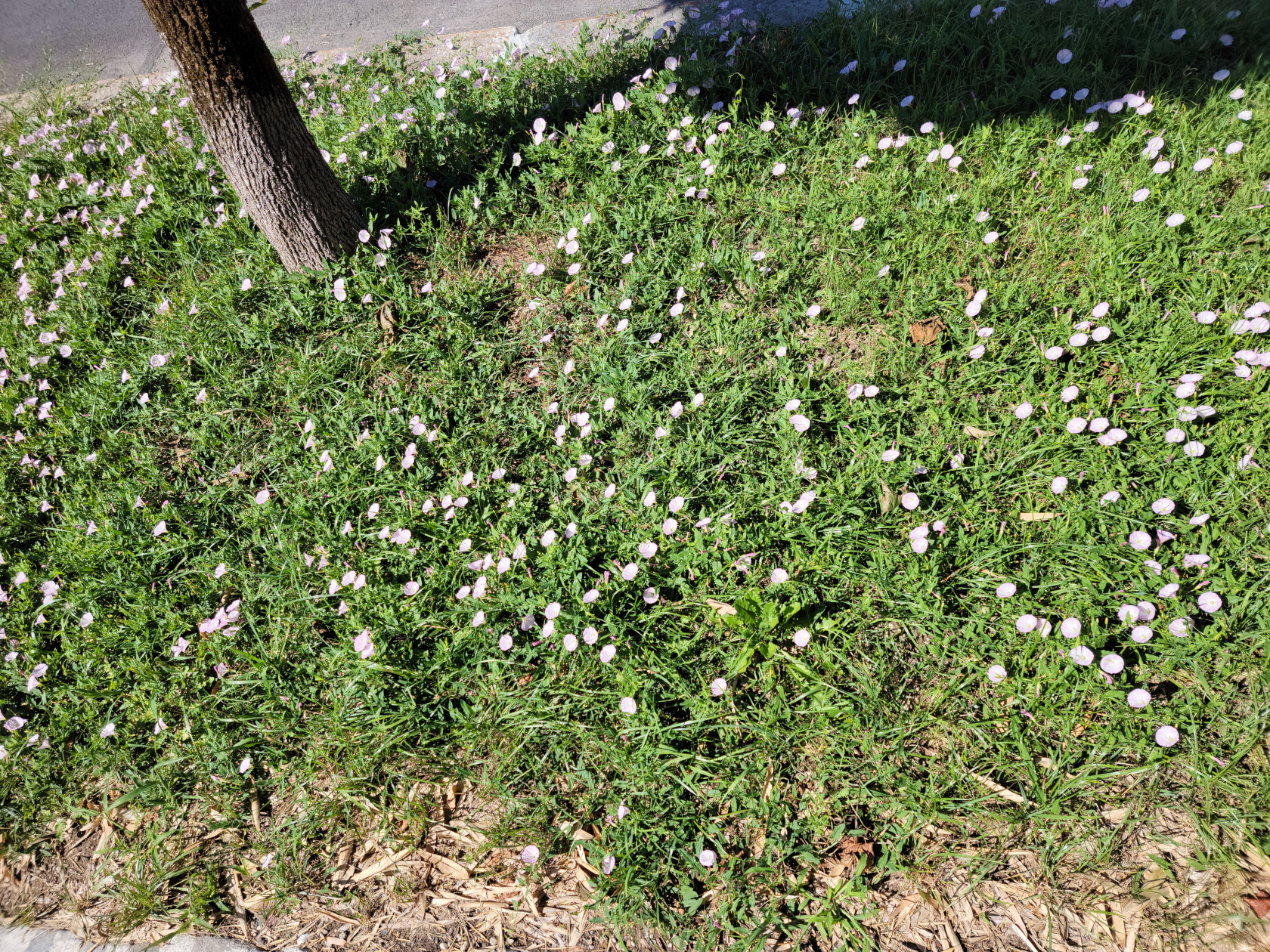
Ljubljana – City Flowers in the Grass – No Herbicides Here!
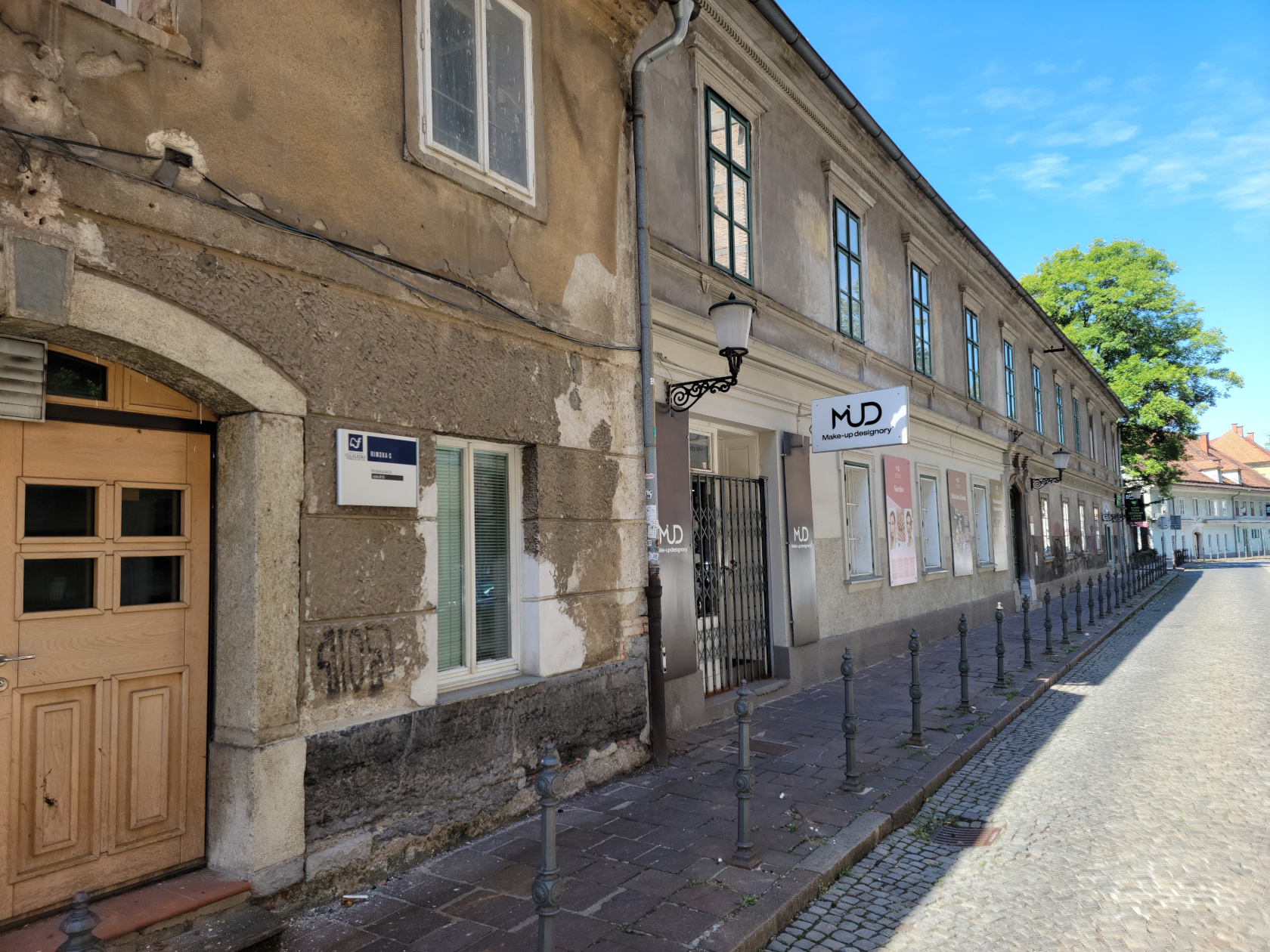
Ljubljana – Very old section of town, formerly Emona
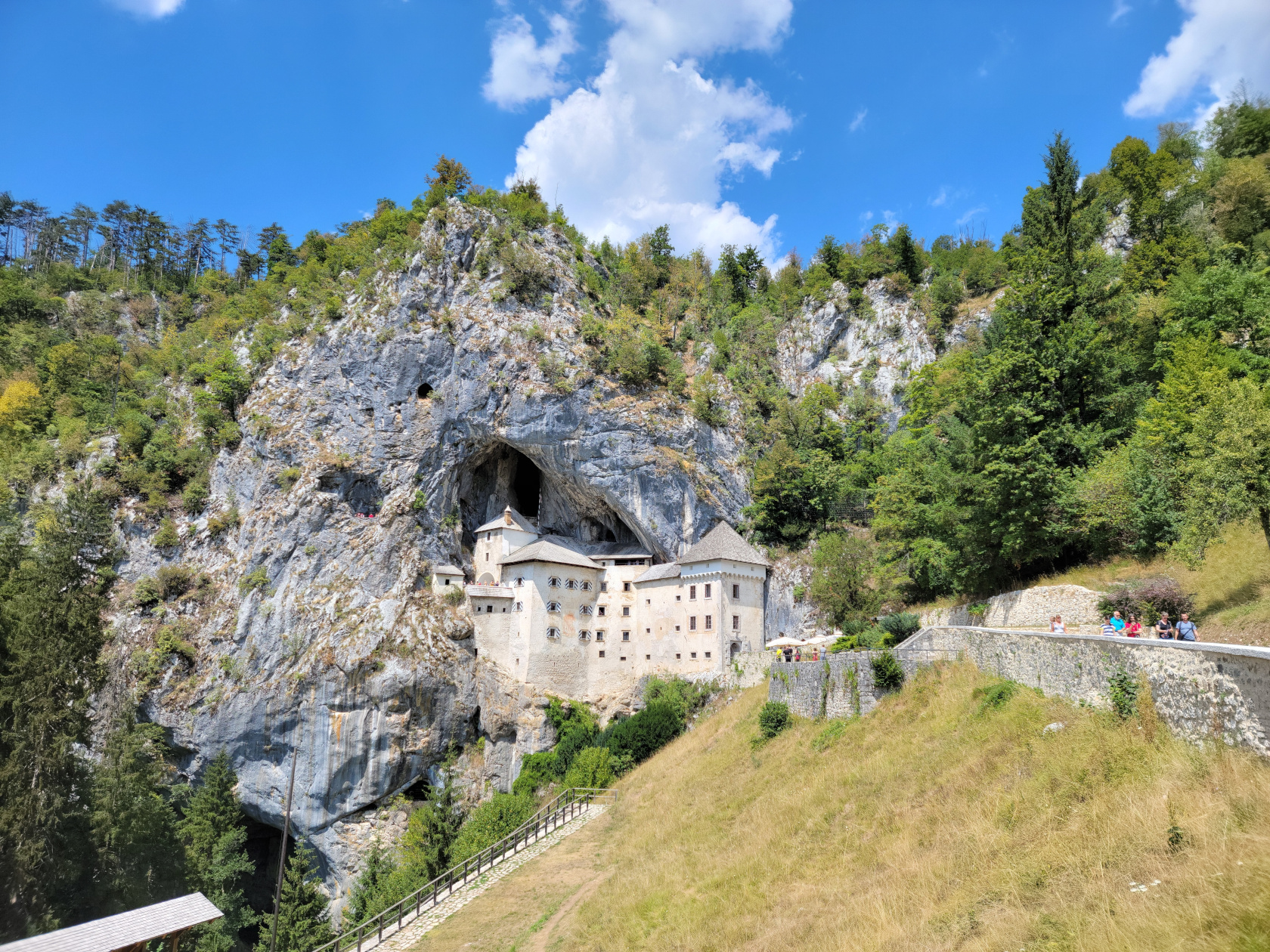
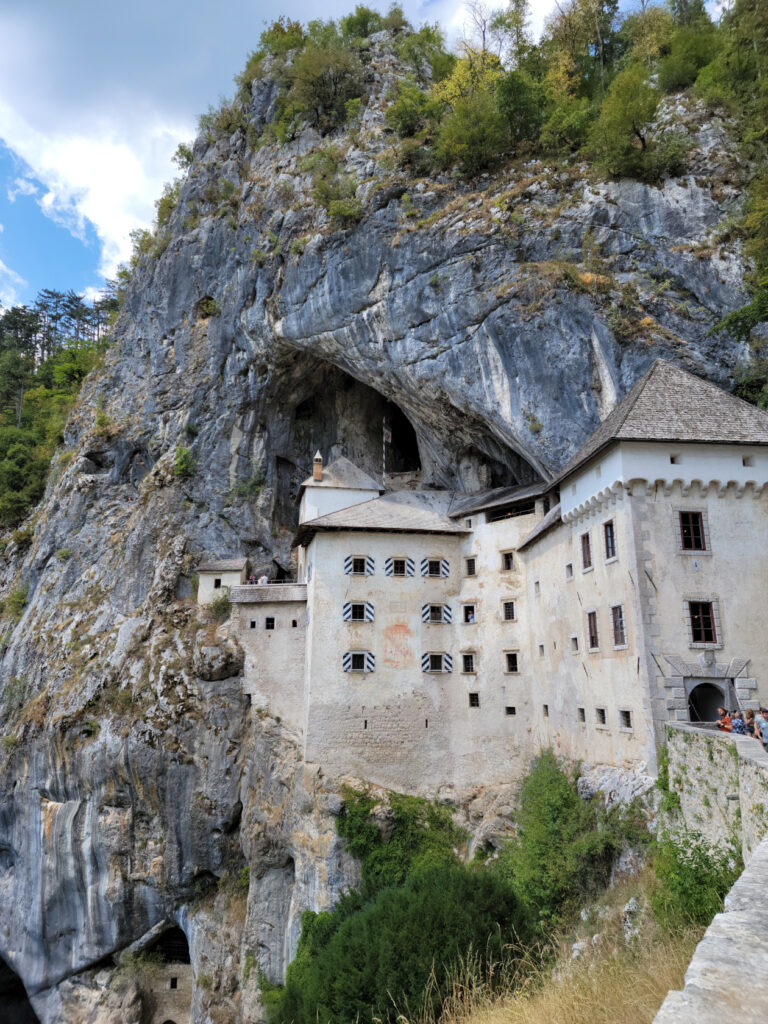
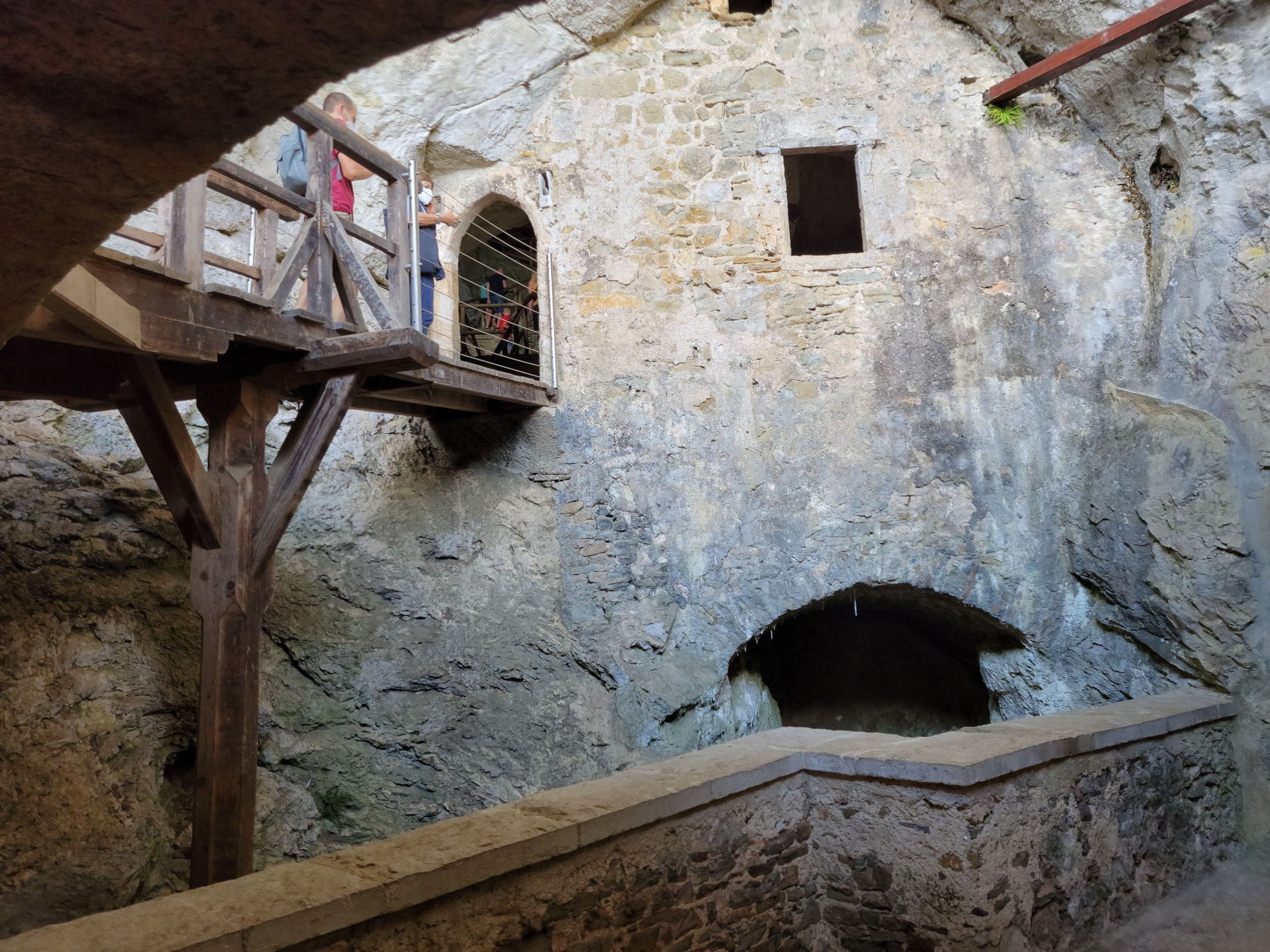
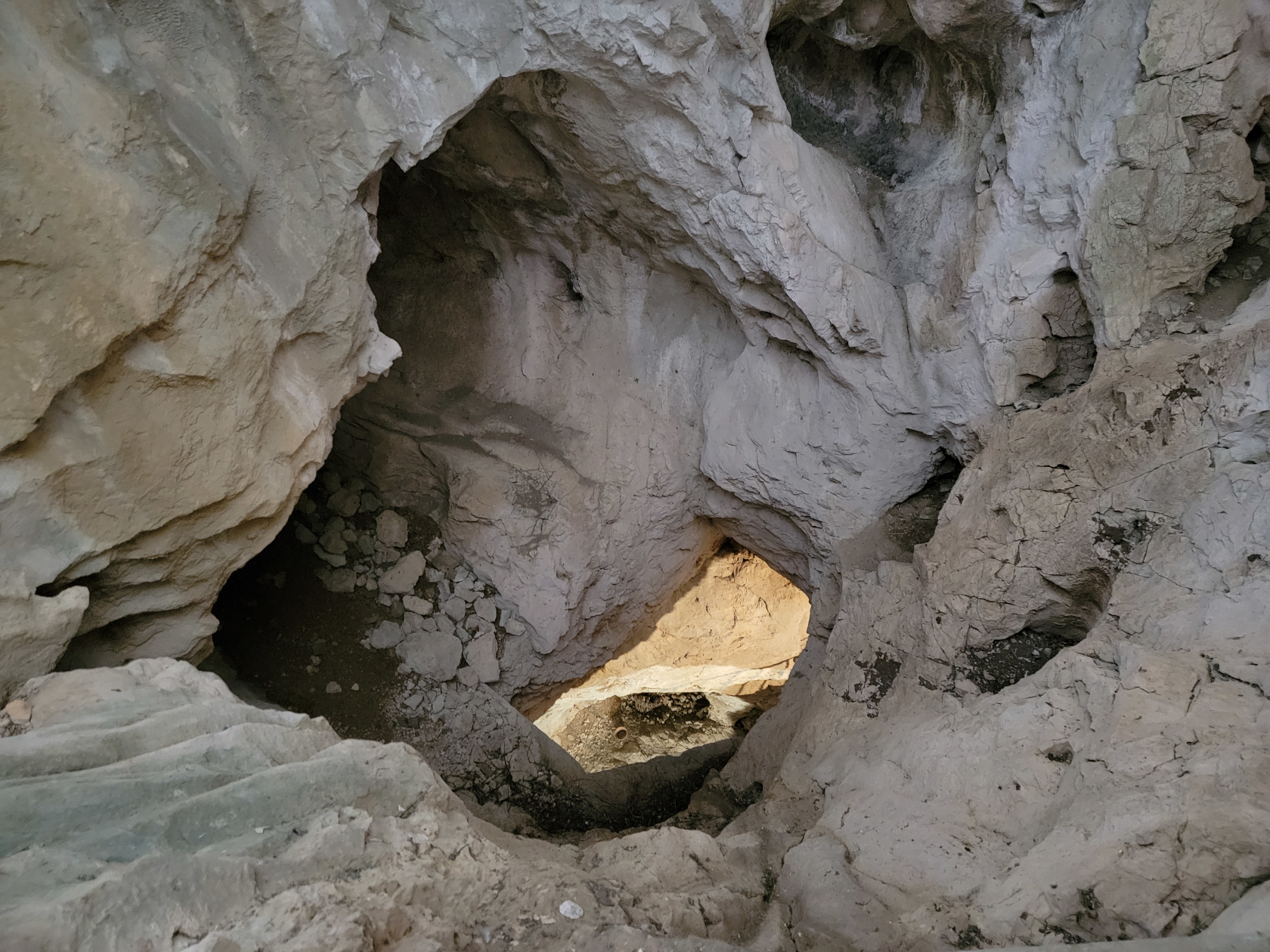
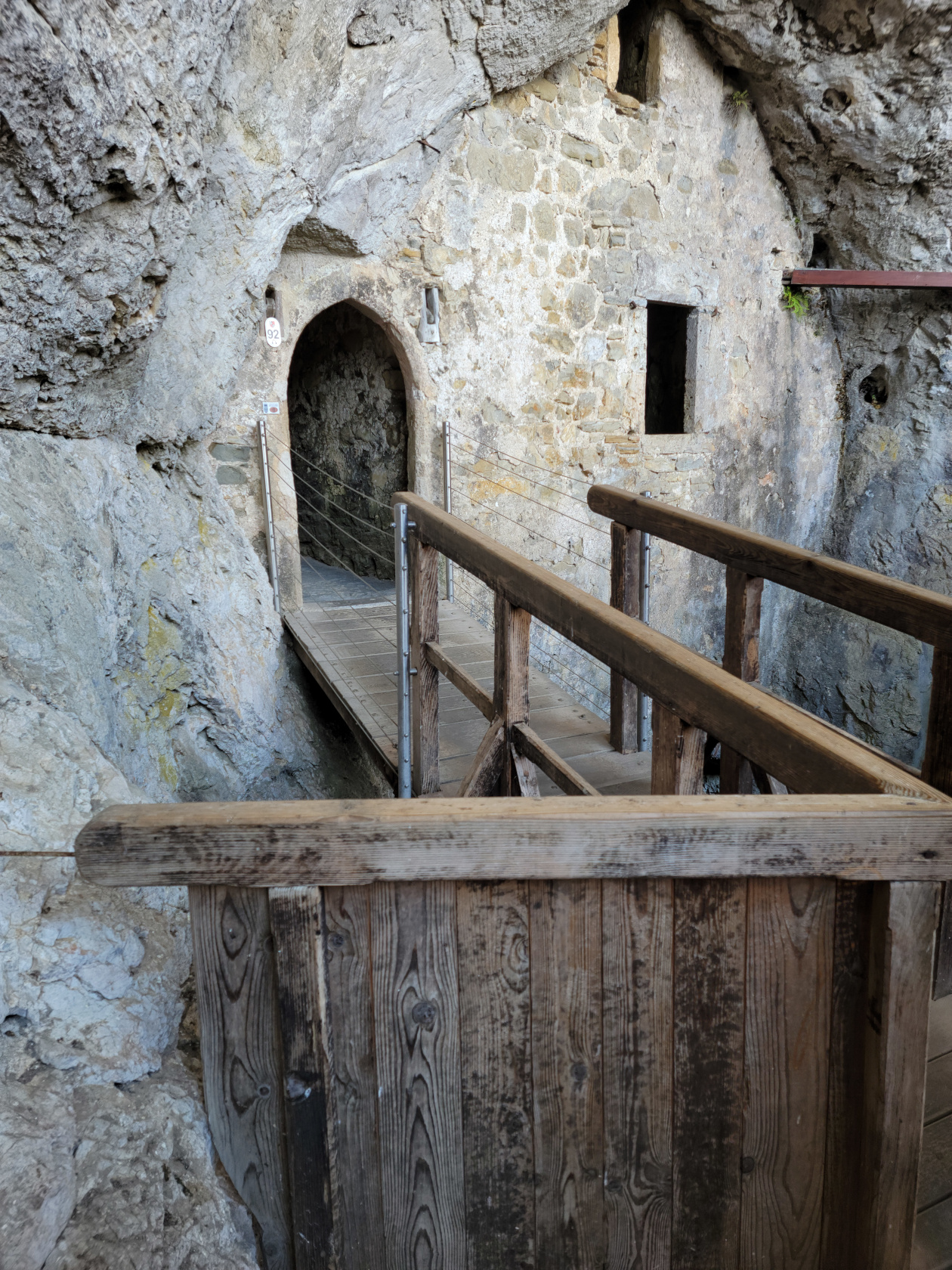
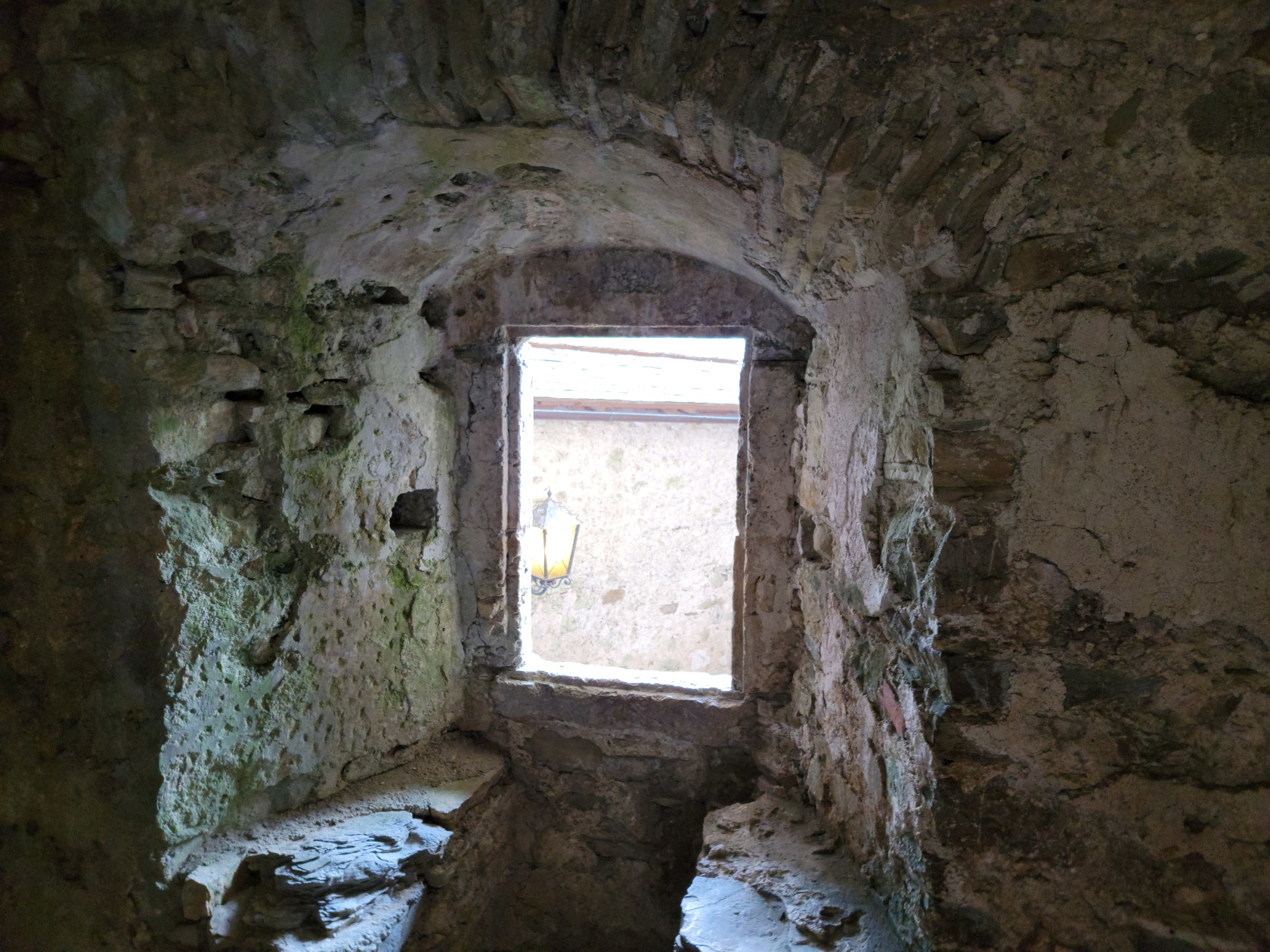
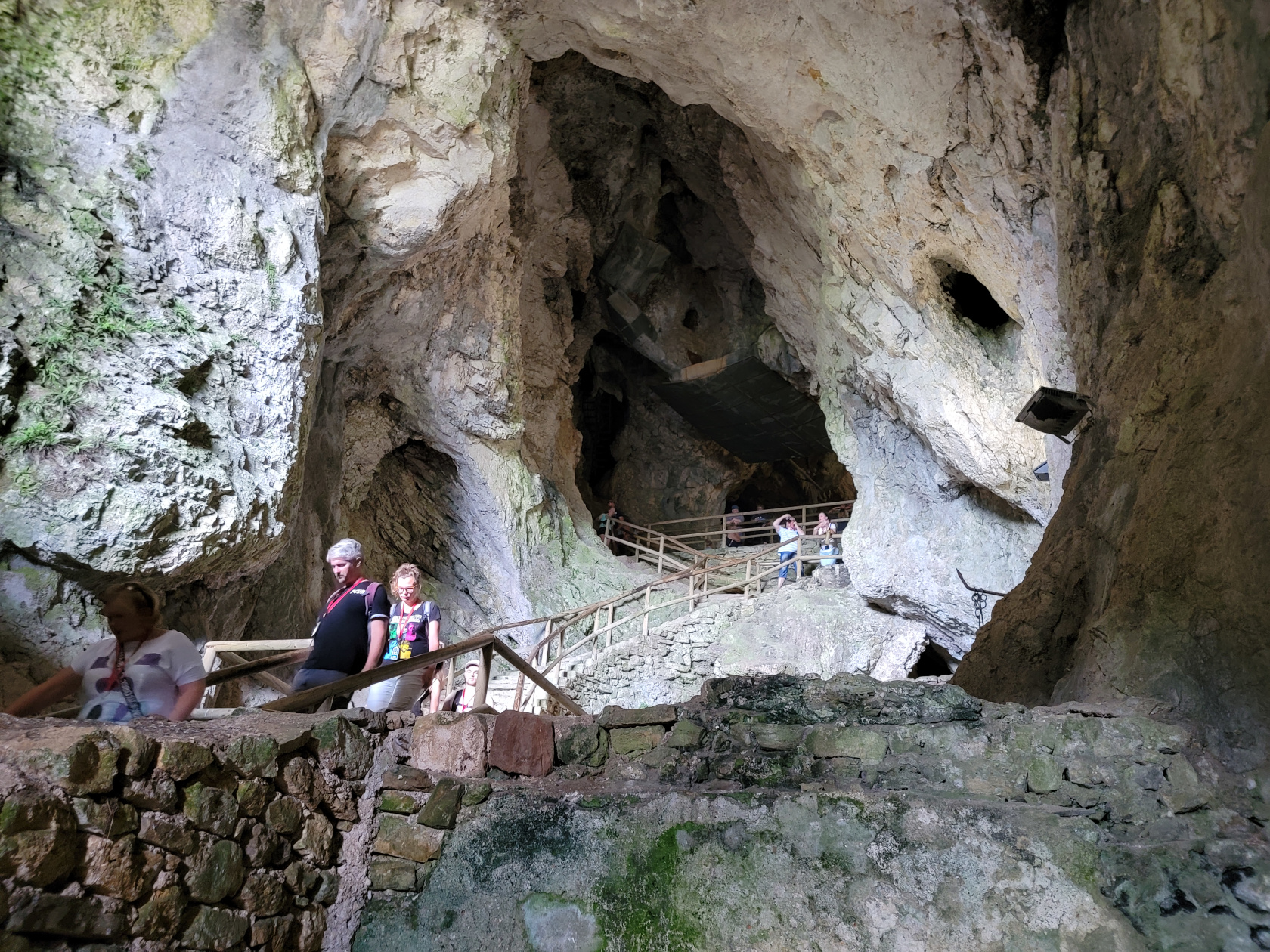
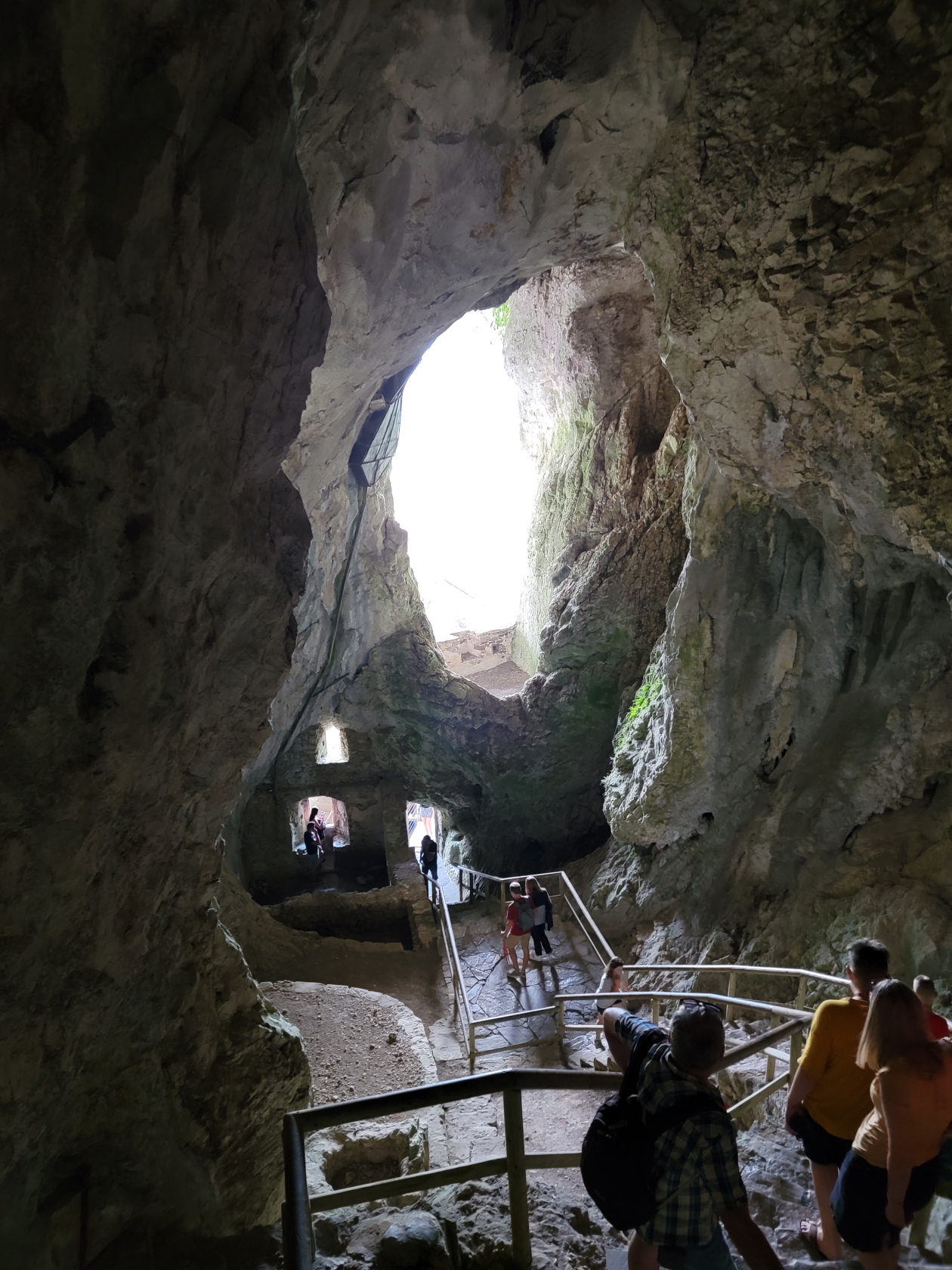
Nestled in the side of a cliff, at the face of a cave is the Predjama Castle in Predjama, Slovenia. The original castle is actually built in the cave, remains of which can still be seen. It was originally built by the knight Erasmus of Luegg, and was later destroyed in a siege by the Hapsburg when they attacked it as retribution. The castle that is there now was built later in 1570, and though it has been obviously renovated numerous time, it is as it would have appeared. It is therefore a castle within a castle.
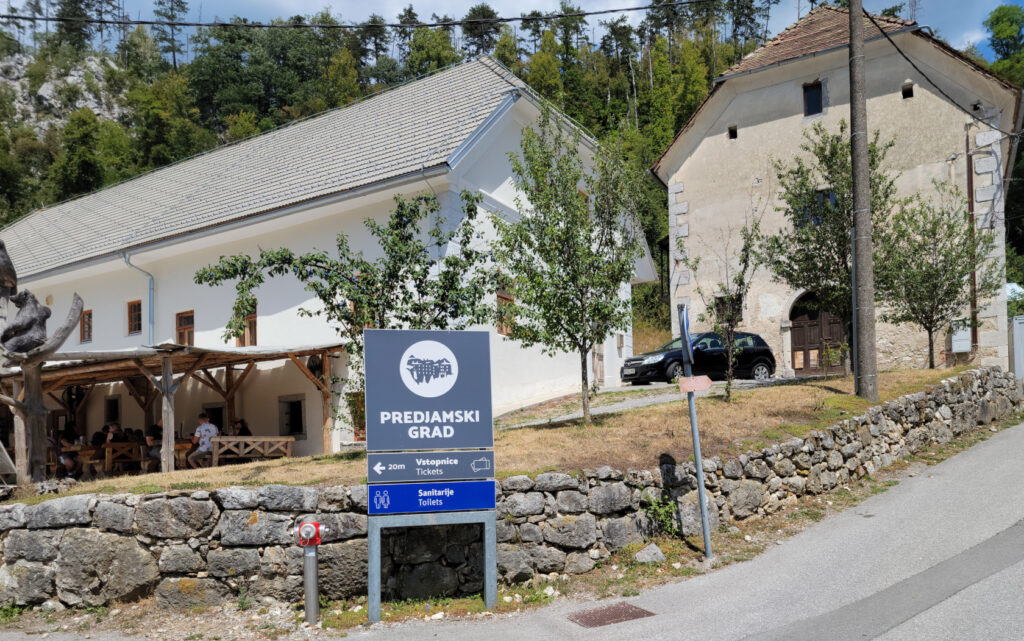
Predjama Castle – Entrance to Castle
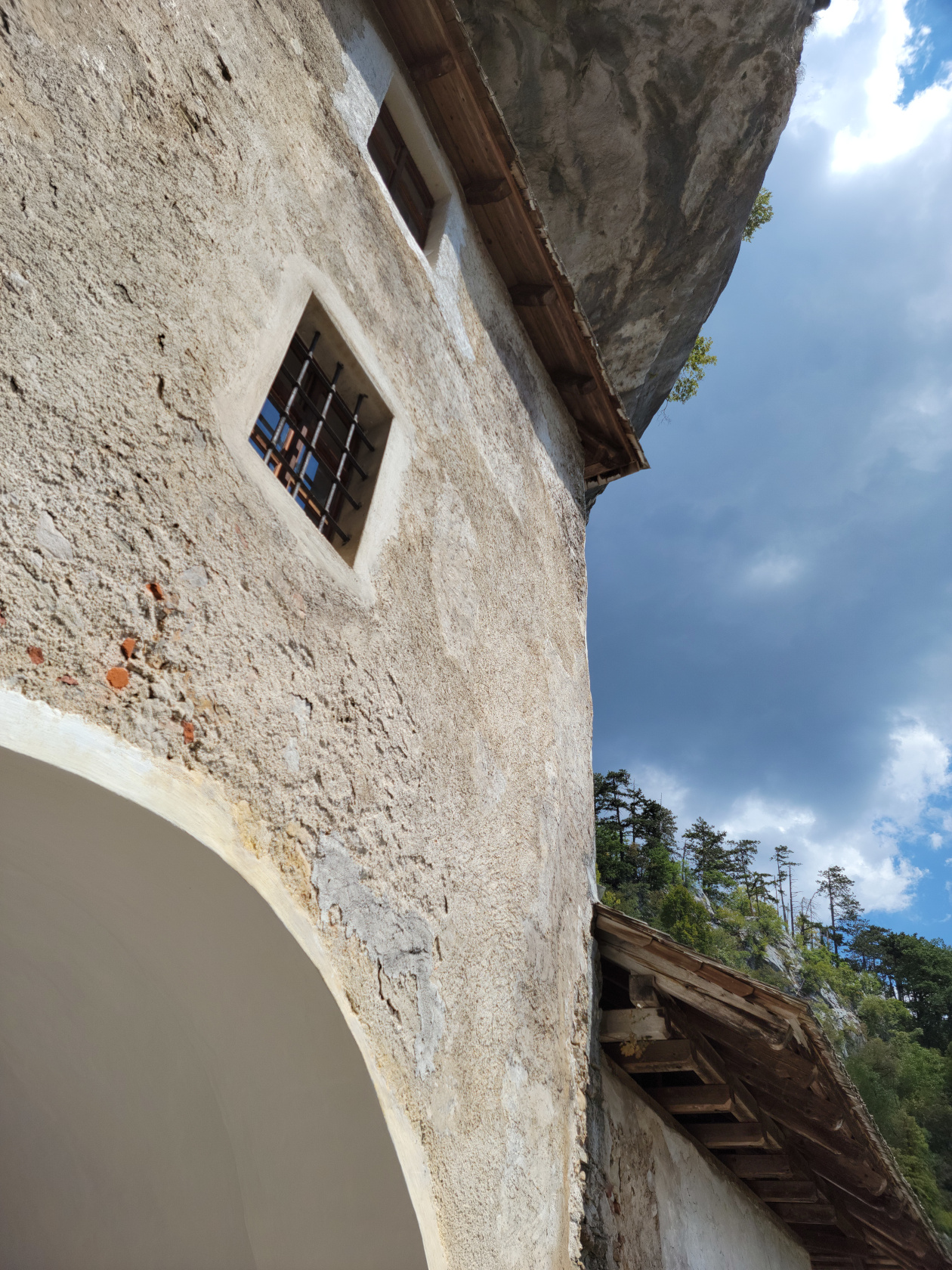
Predjama Castle – Outside of Castle
Legend has it, Erasmus was ostensibly killed when a large catapult rock smashed the bathroom he was sitting in at the time. Apparently betrayed by someone in the castle who knew when and where the knight was at all times.
The Outside Castle
Our tour guide also stated, that during its use after its 1570 reconstruction, there were two draw-bridges, one by the existing outside door you enter, and one connecting the outside castle to the one inside the cave.
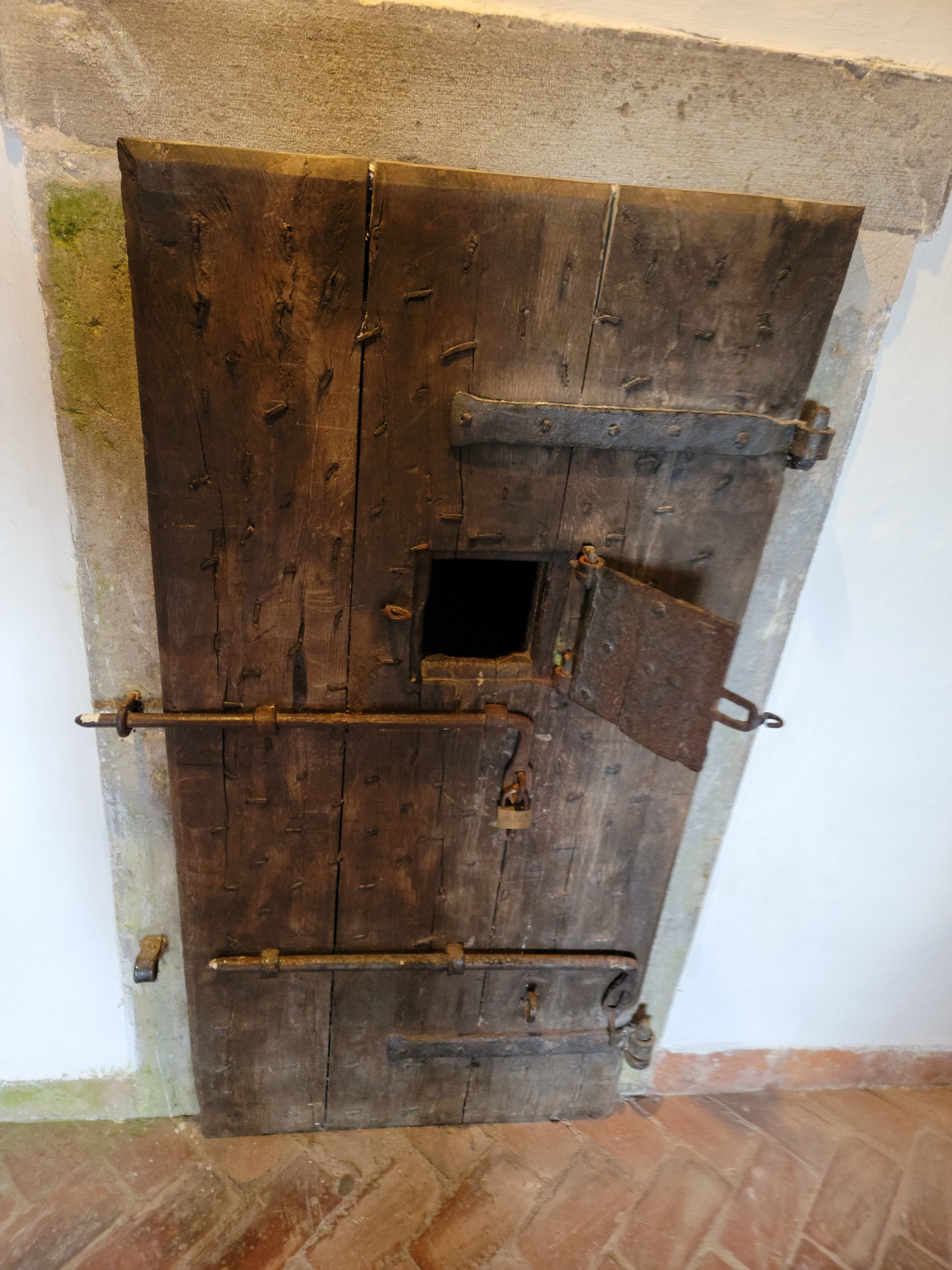
Predjama Castle – Prison Cell
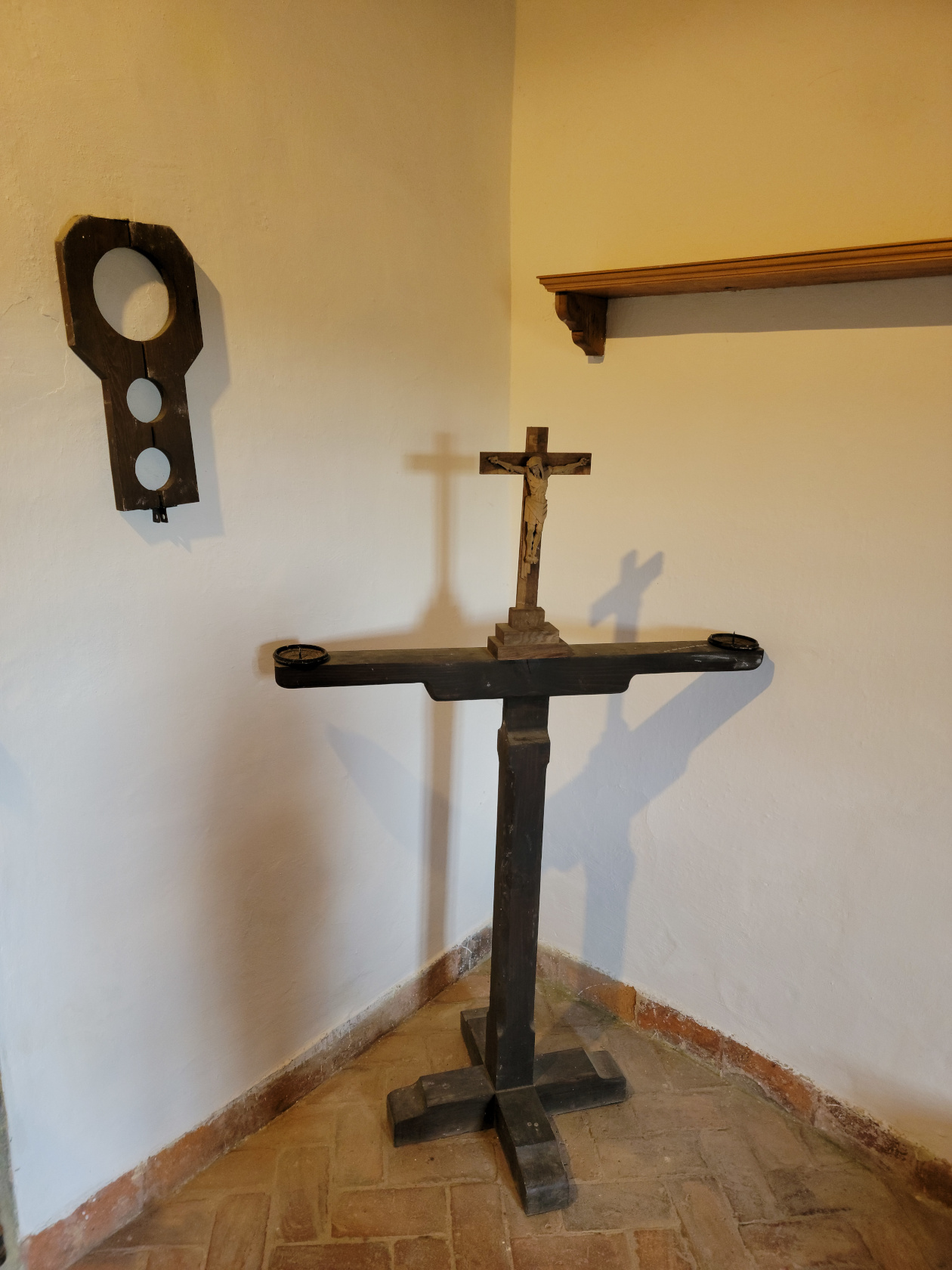
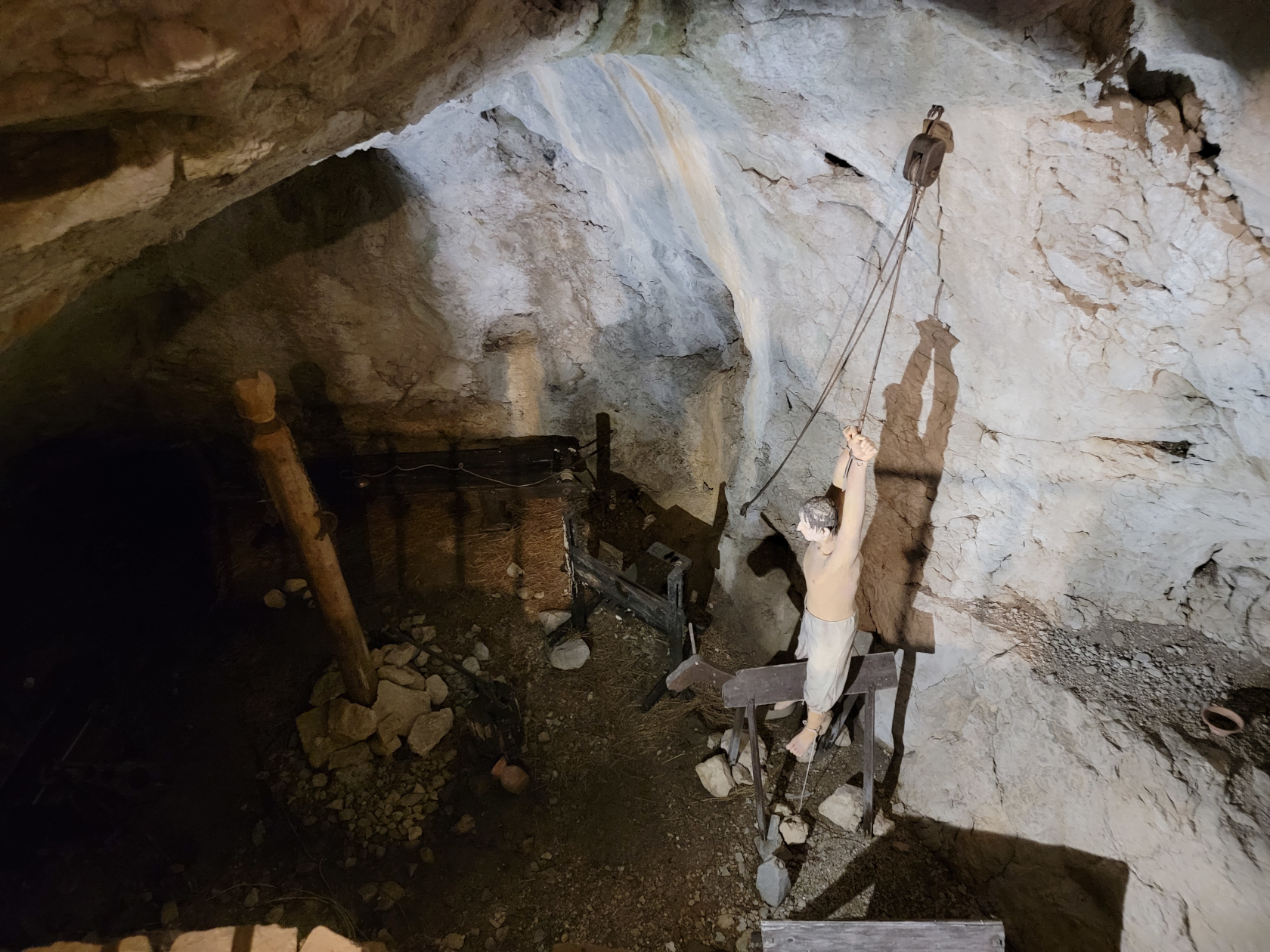
Predjama Castle – Torture Devices
Predjama Castle – Torture Chamber
Predjama Castle – Game Room
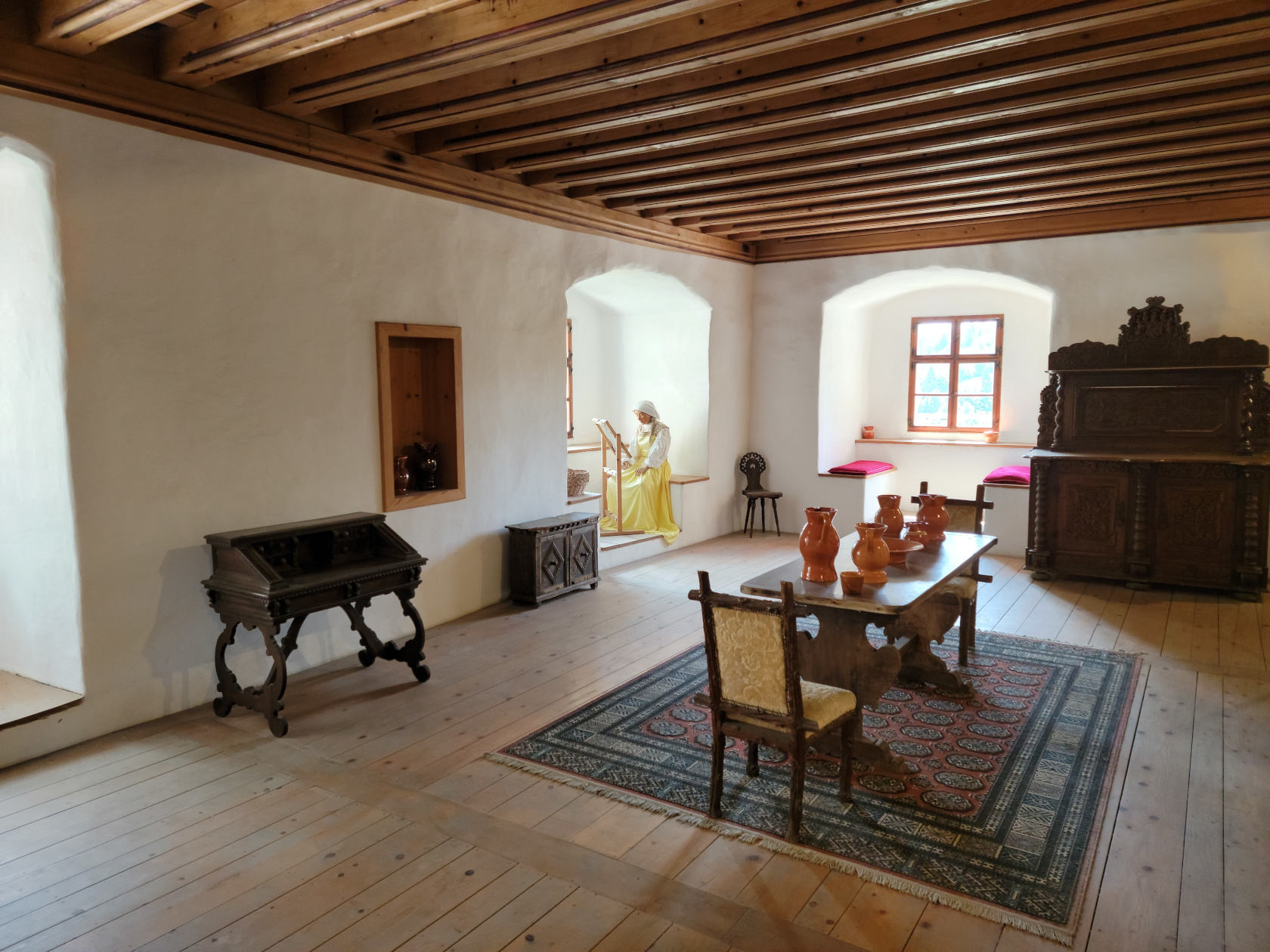
Predjama Castle – Dining Room
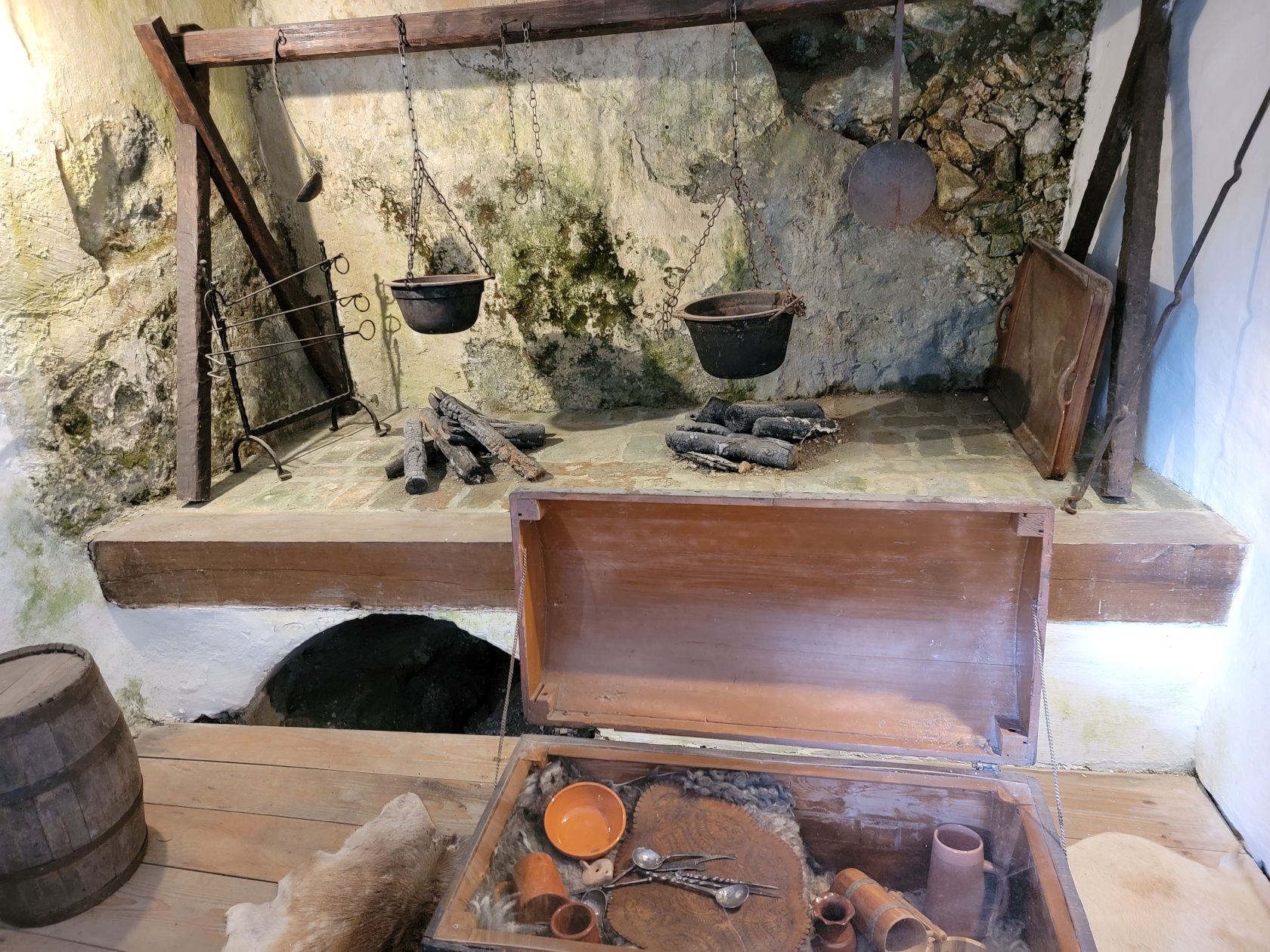
Predjama Castle – Kitchen
Predjama Castle – Castle Cliff Overhang
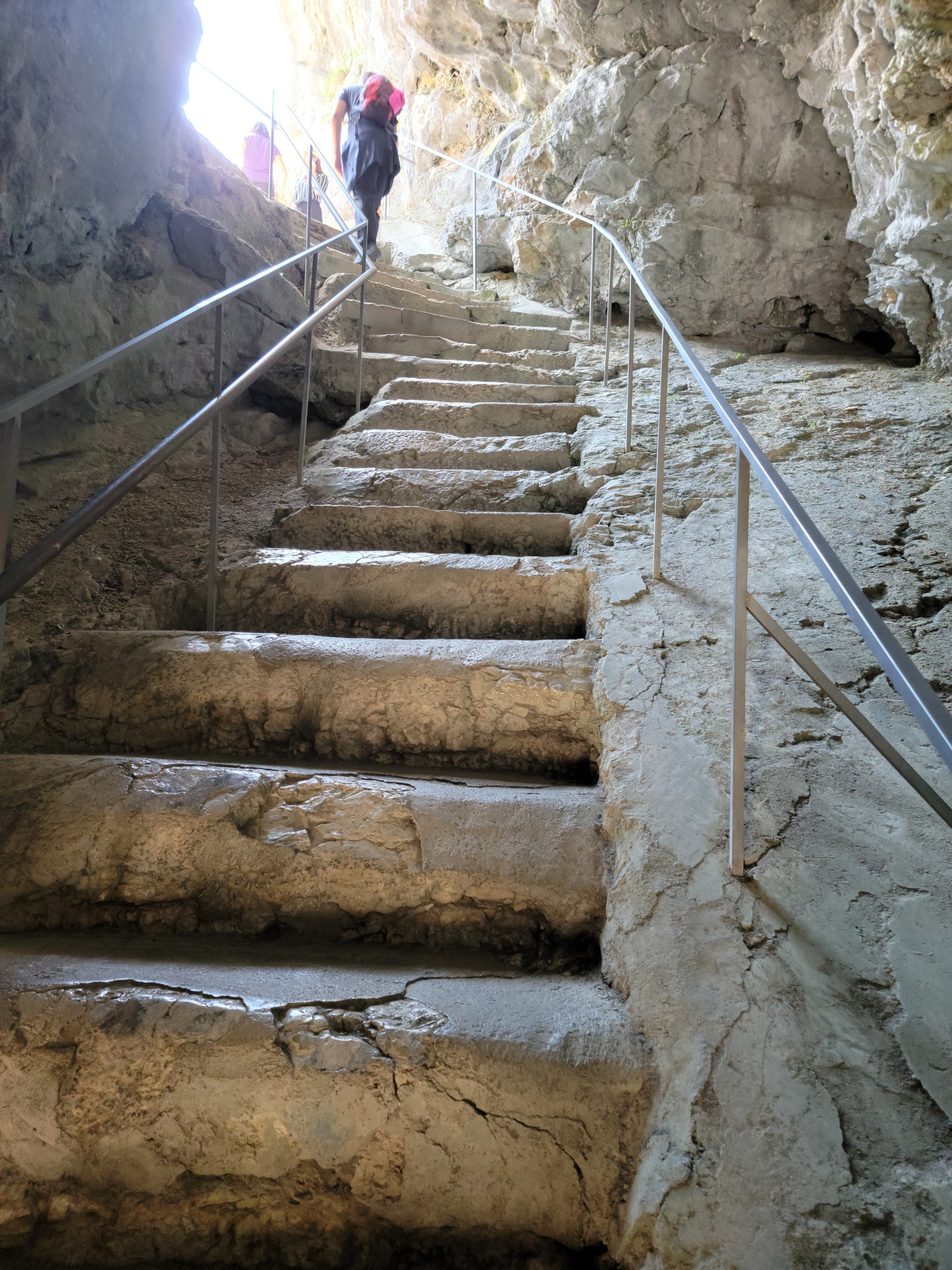
Predjama Castle – Stone Stairs
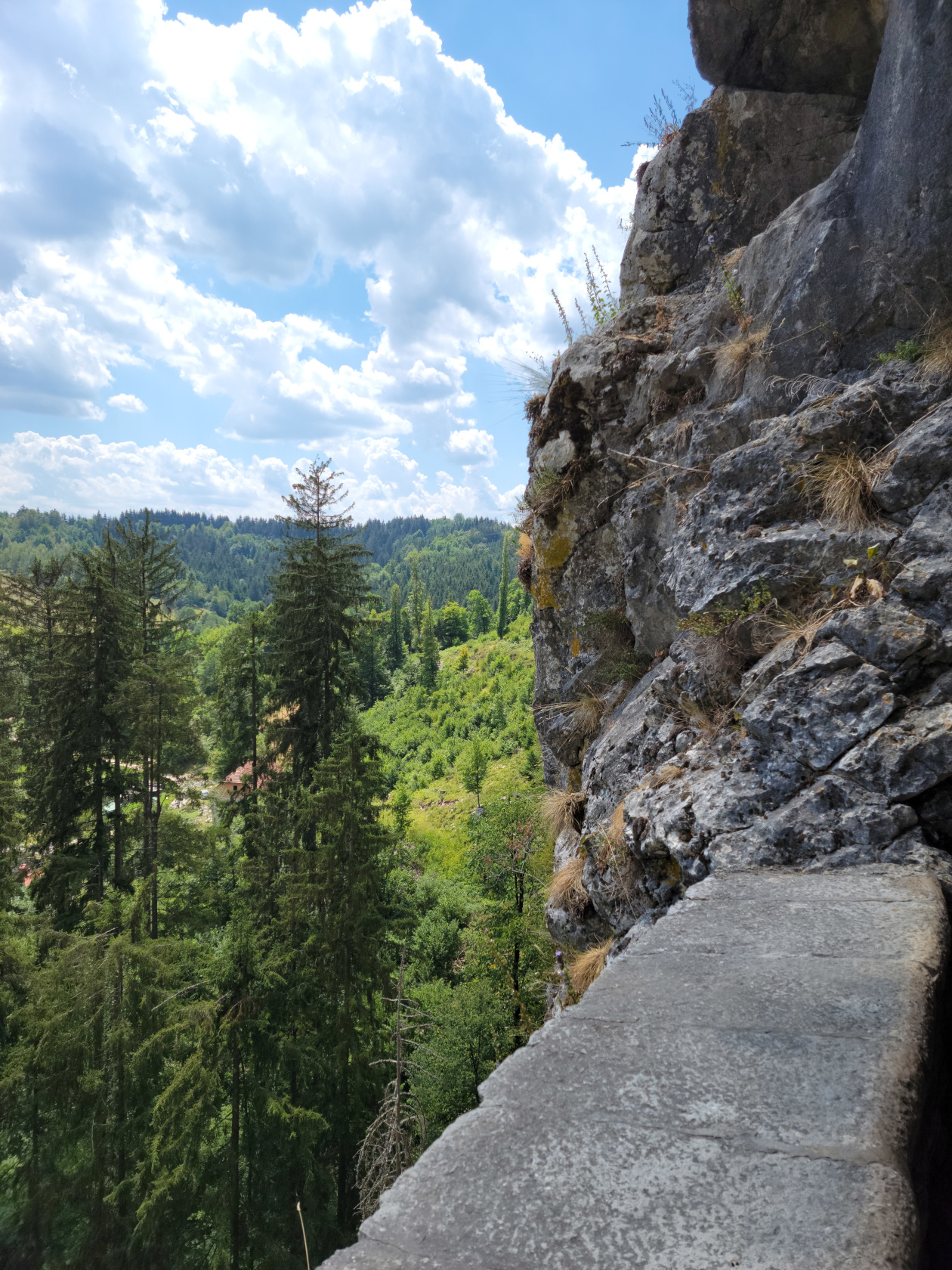
Predjama Castle – View from Outlook
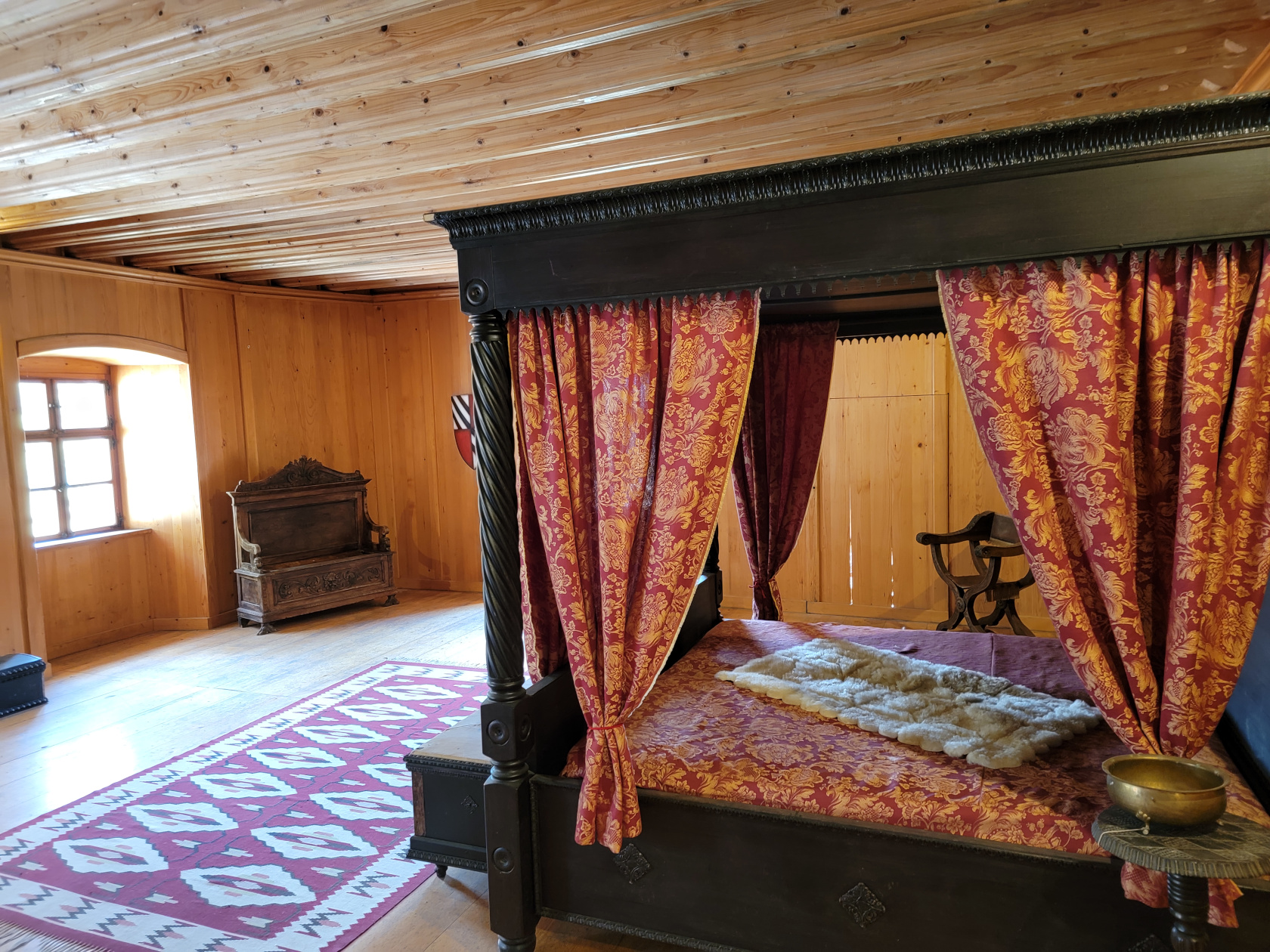
Predjama Castle – Bedroom
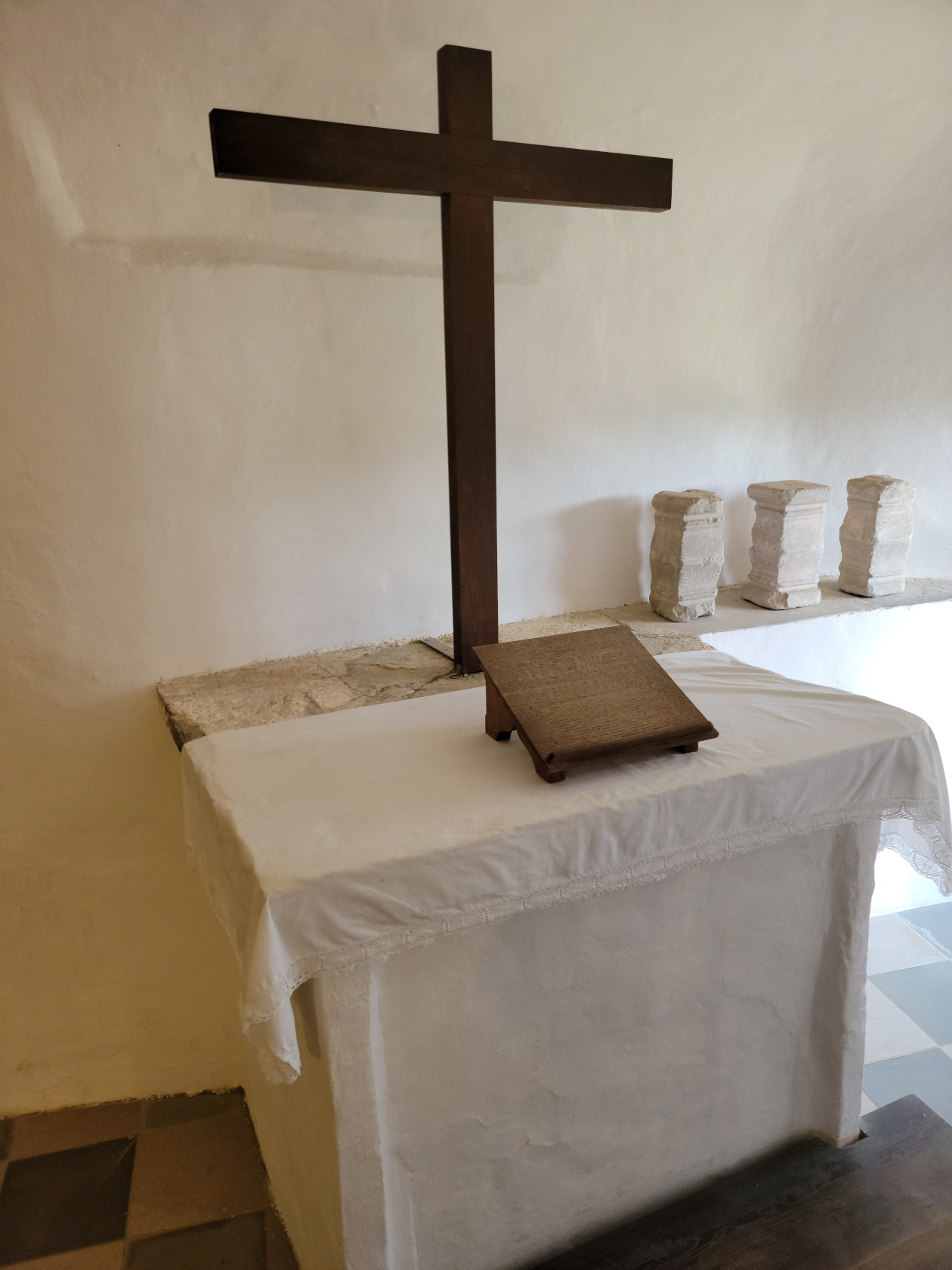
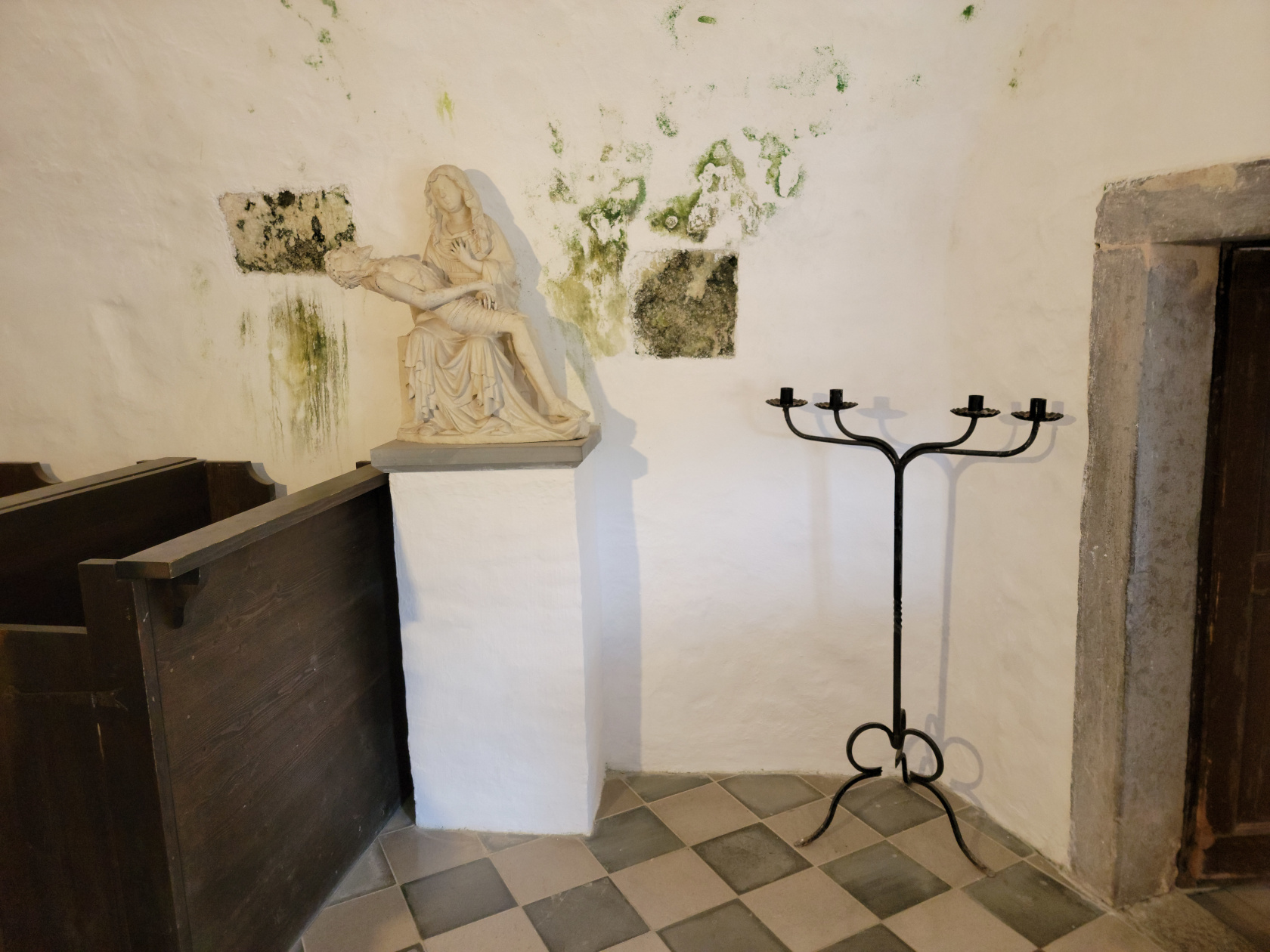
Predjama Castle – Chapel
Predjama Castle – Chapel
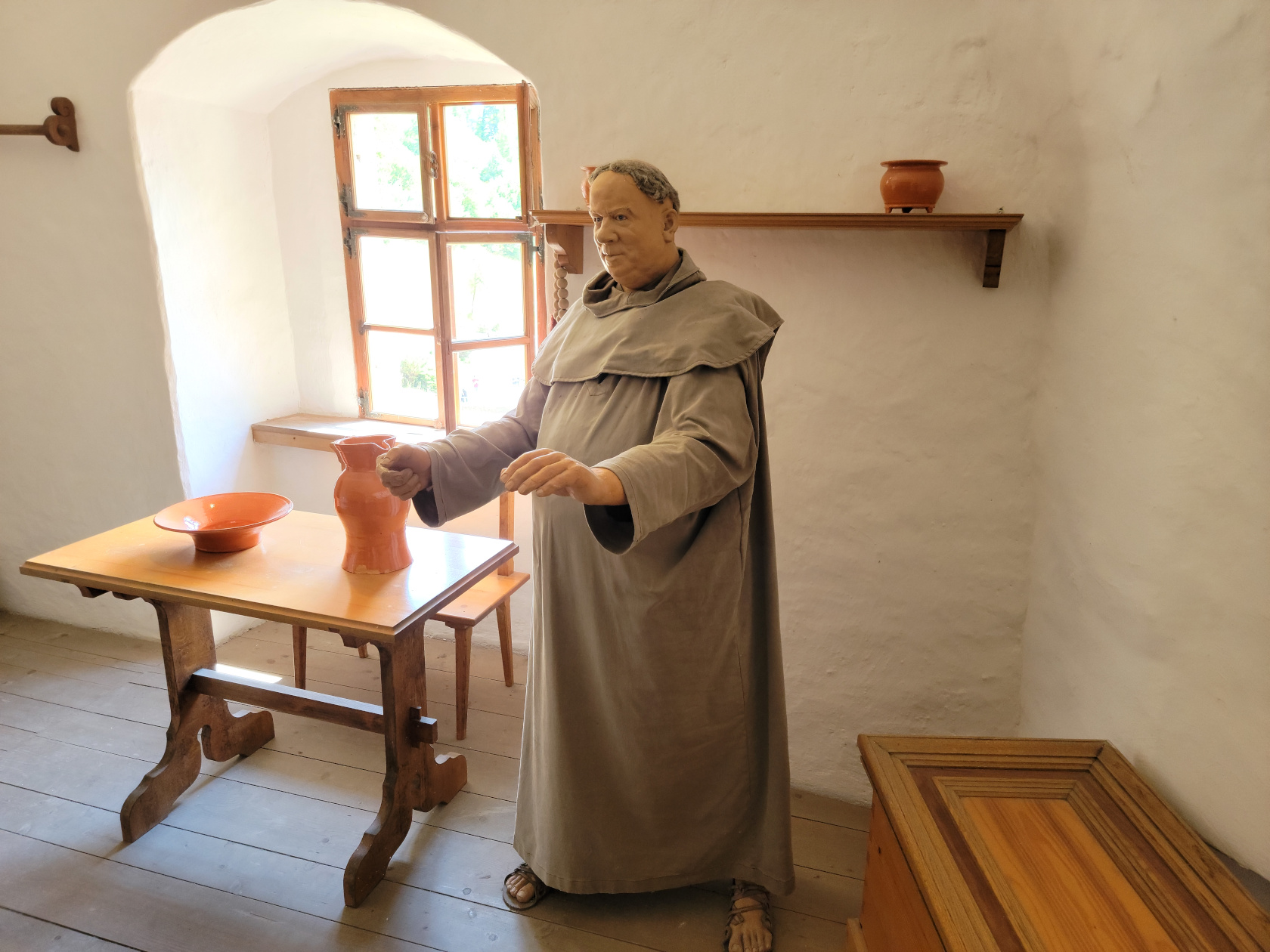
Predjama Castle – Pastor’s Room
Predjama Castle – Walkways
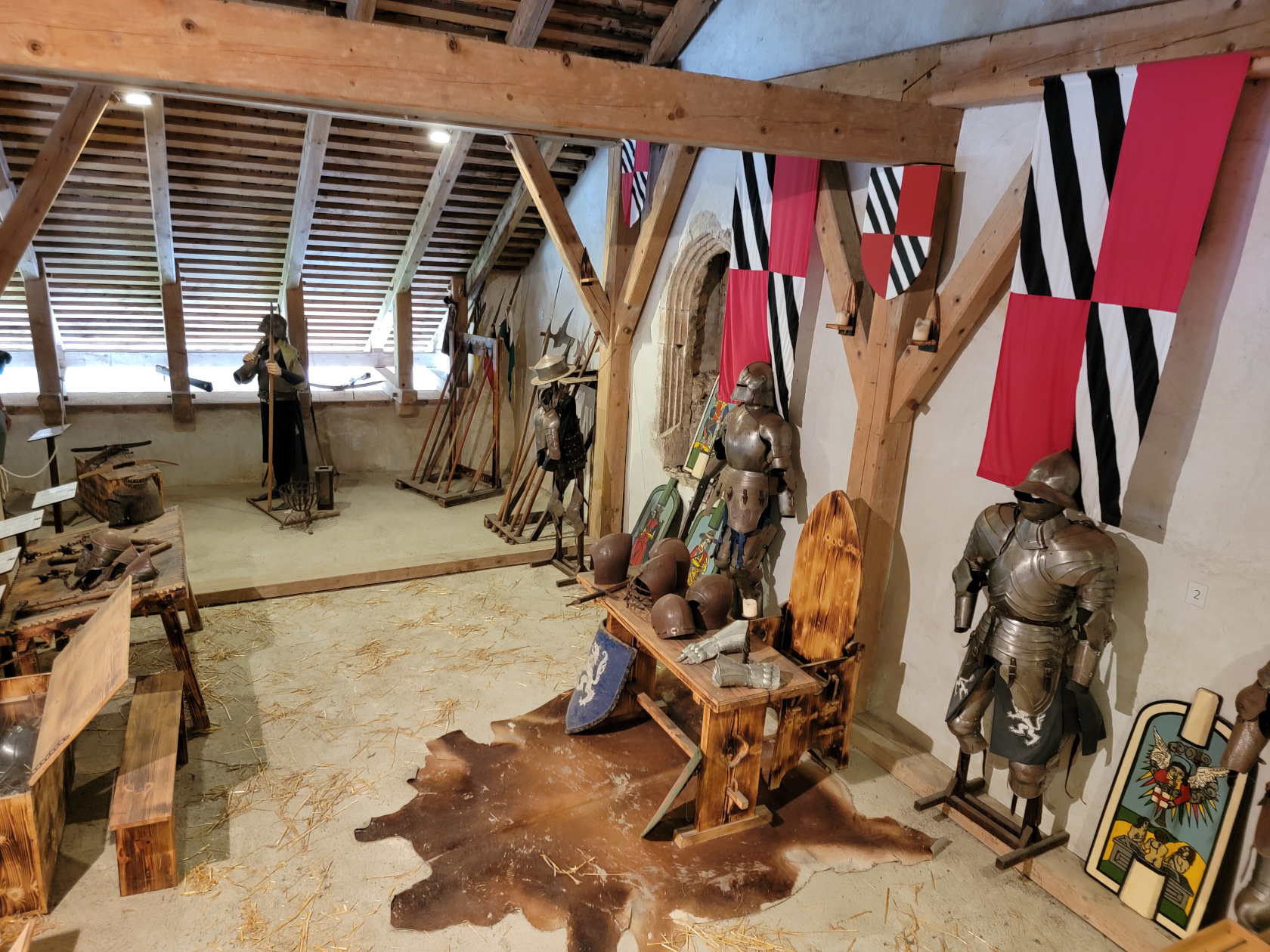
Predjama Castle – Armory
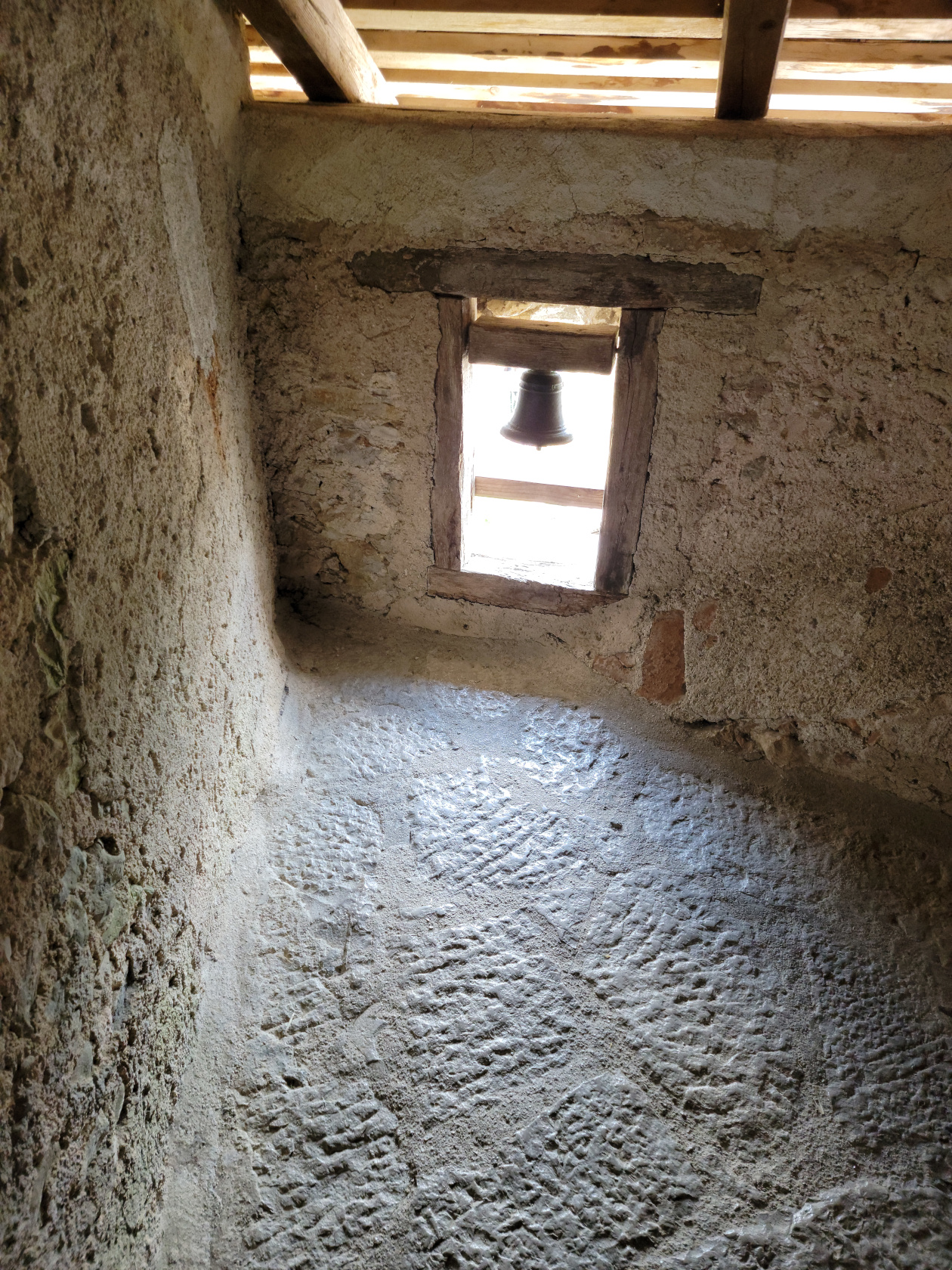
Predjama Castle – Alarm Bell
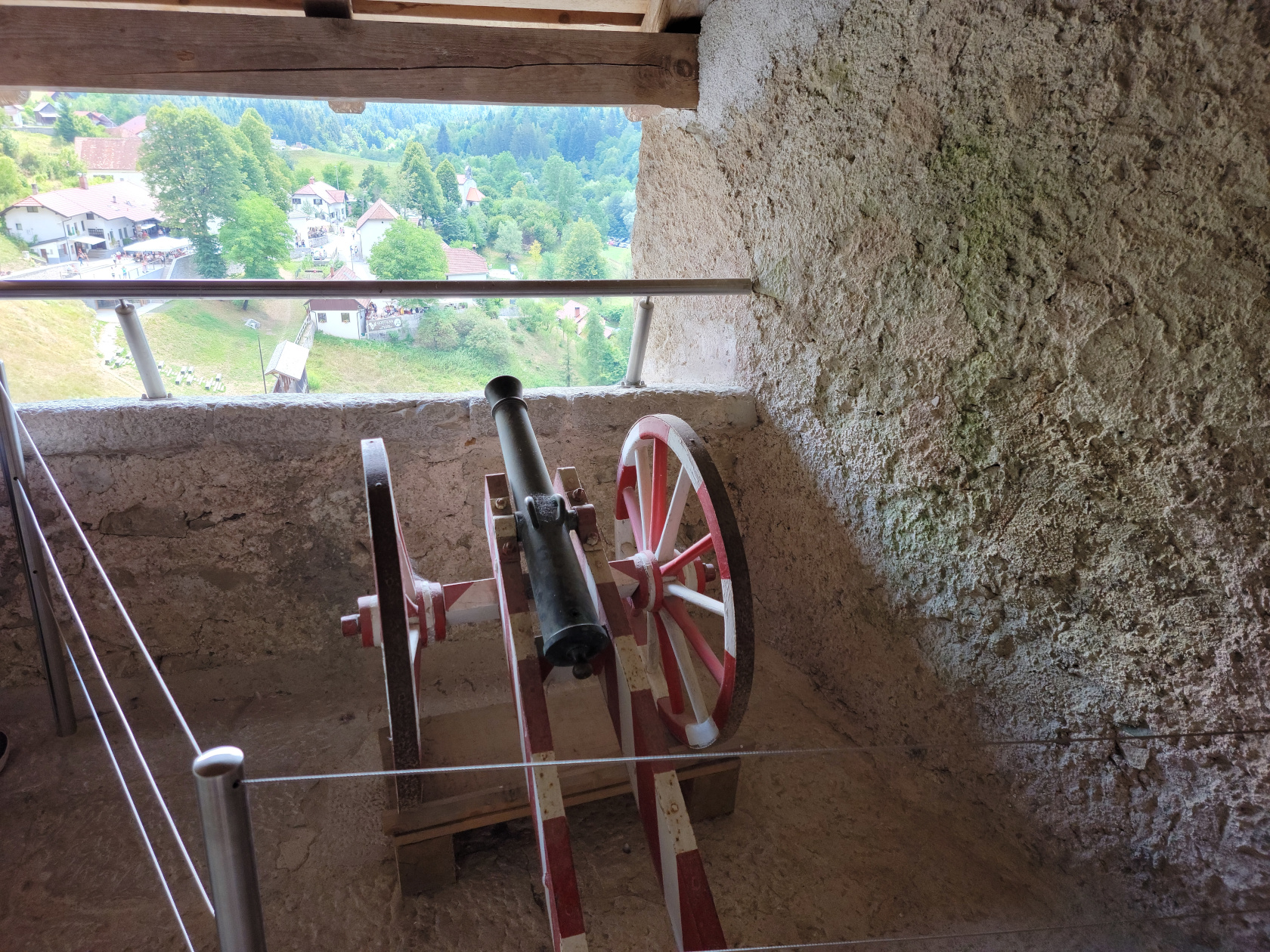
Predjama Castle – Cannon Position
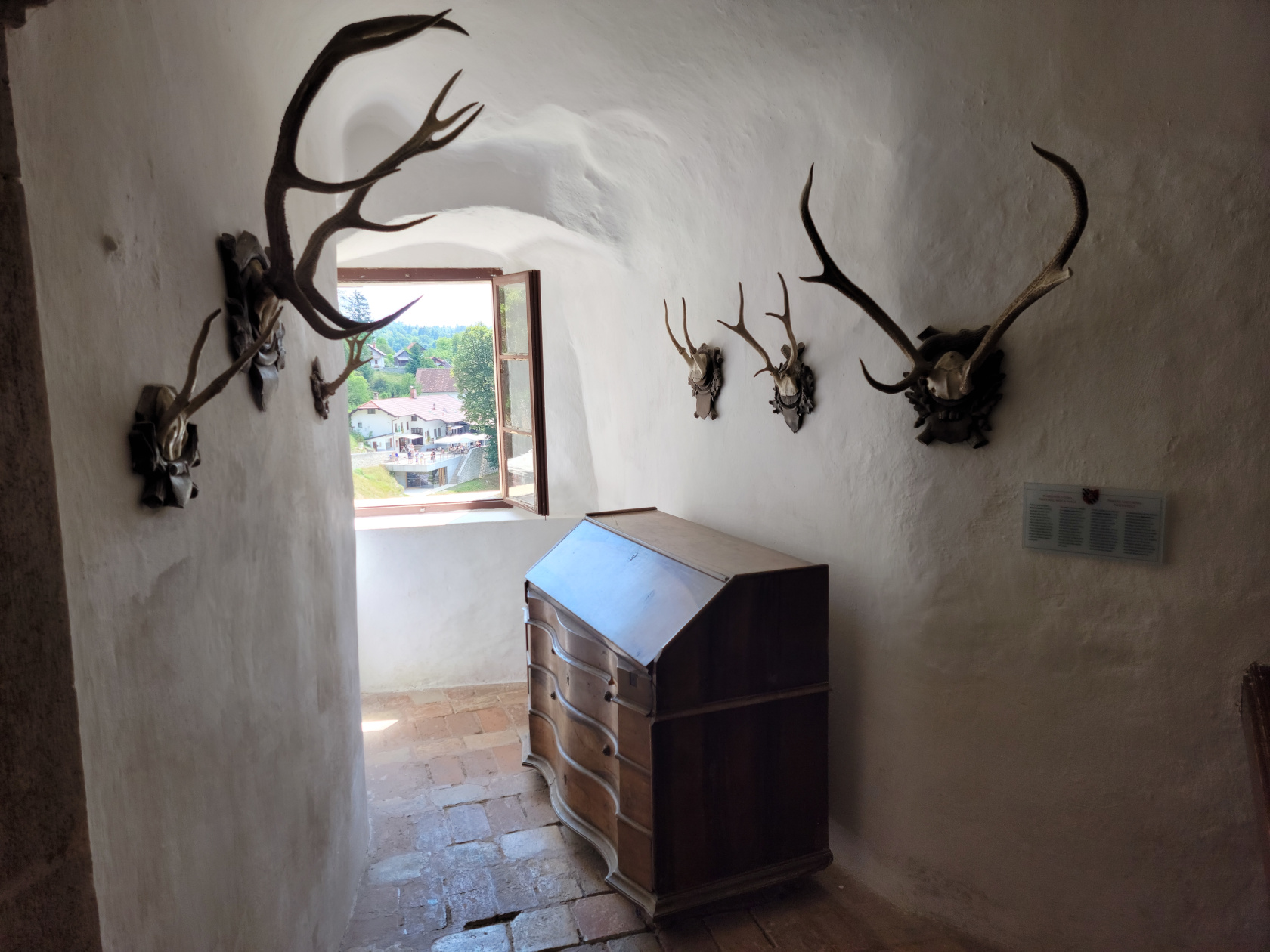
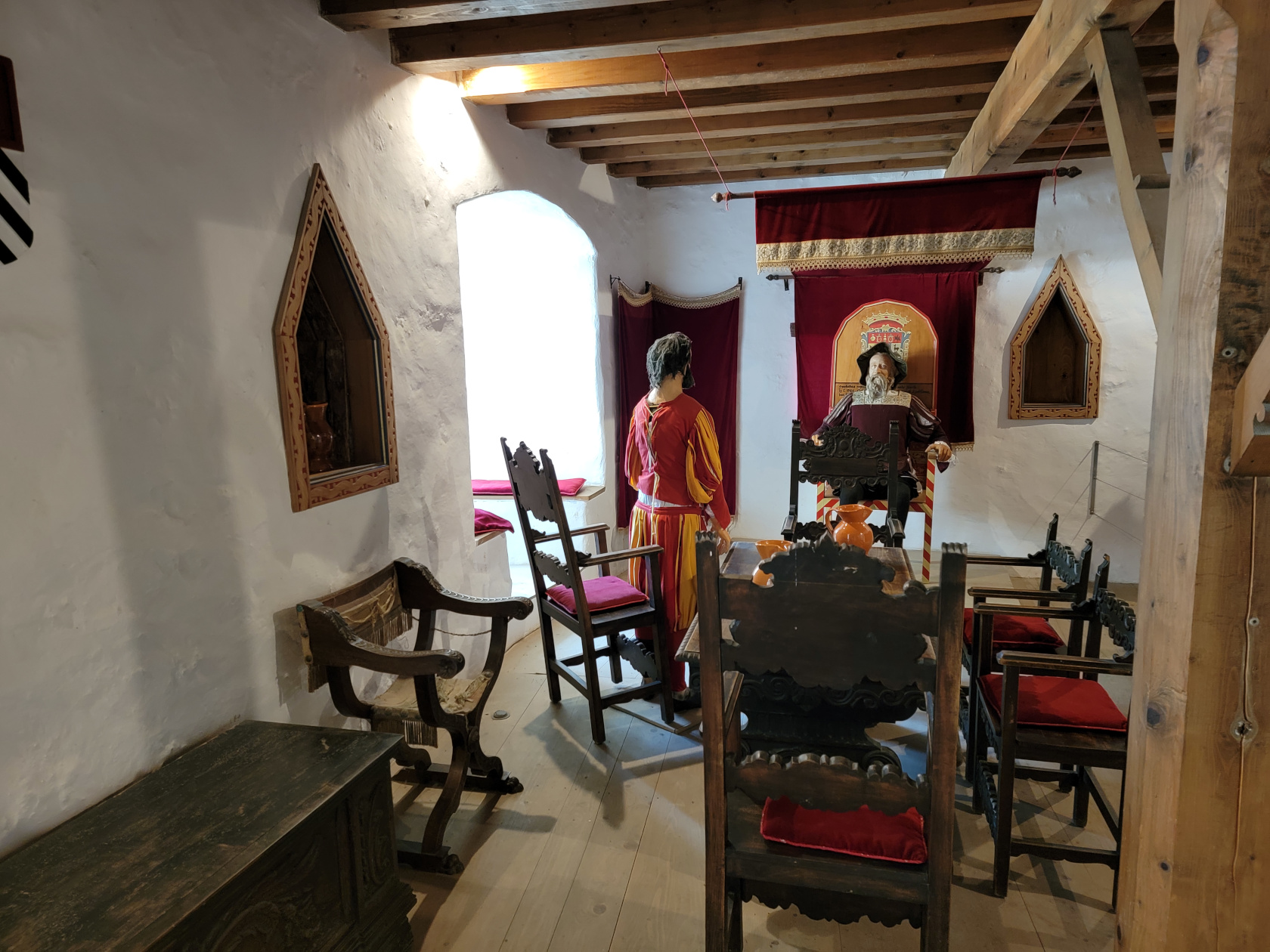
Predjama Castle – Nobles Room
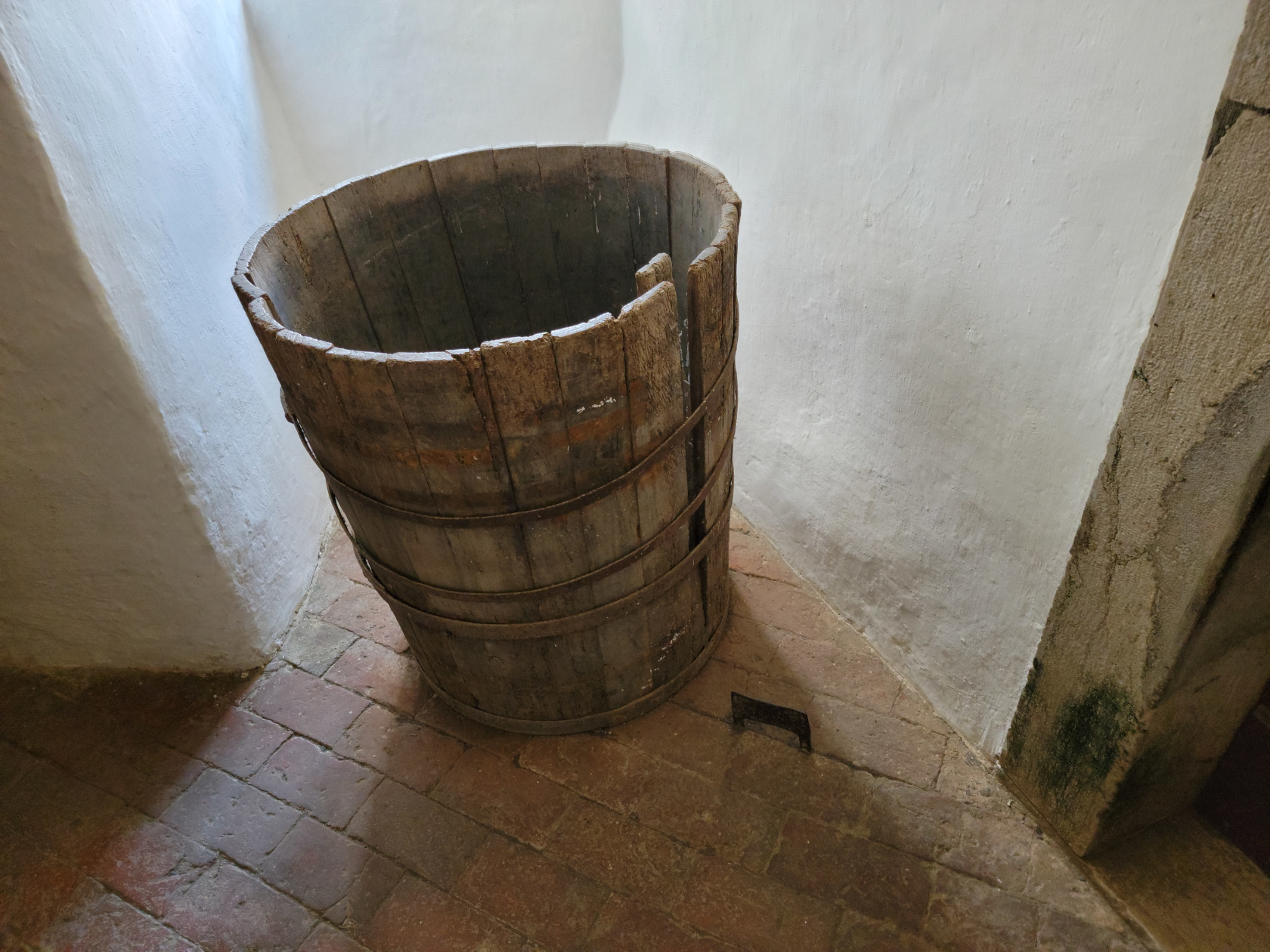
Predjama Castle – Water Cask and Secret Floor Compartment
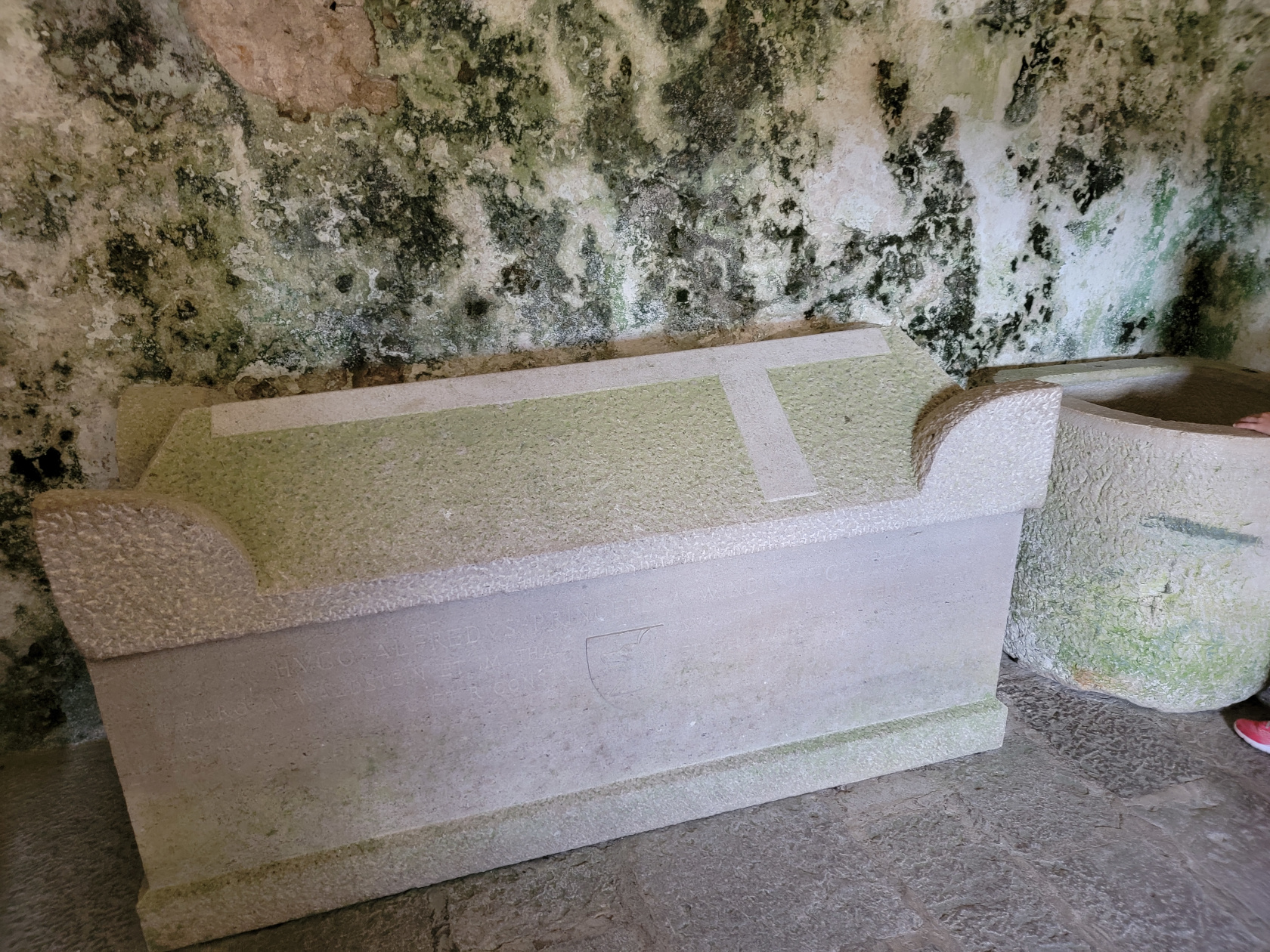
Predjama Castle – Empty Tomb
The Inside Cave Castle
The plan was, when the castle was attacked and broken into, the residence would run across the inside draw-bridge to the protection of the cave, which was well stocked with supplies, water and of course weapons, to defend themselves.
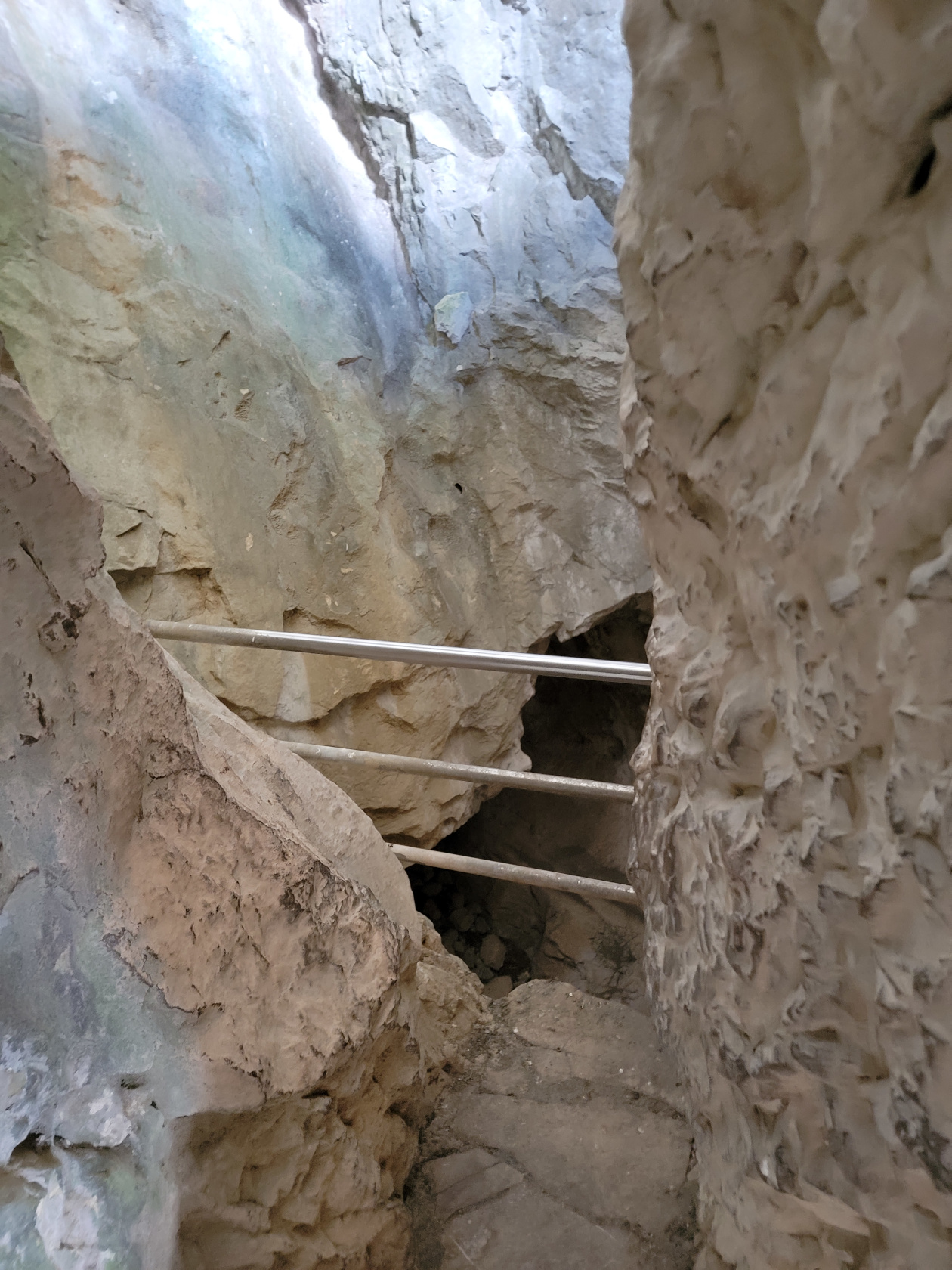
Predjama Castle – Another Cave Entrance
Predjama Castle – More Caves
Predjama Castle – Walkway
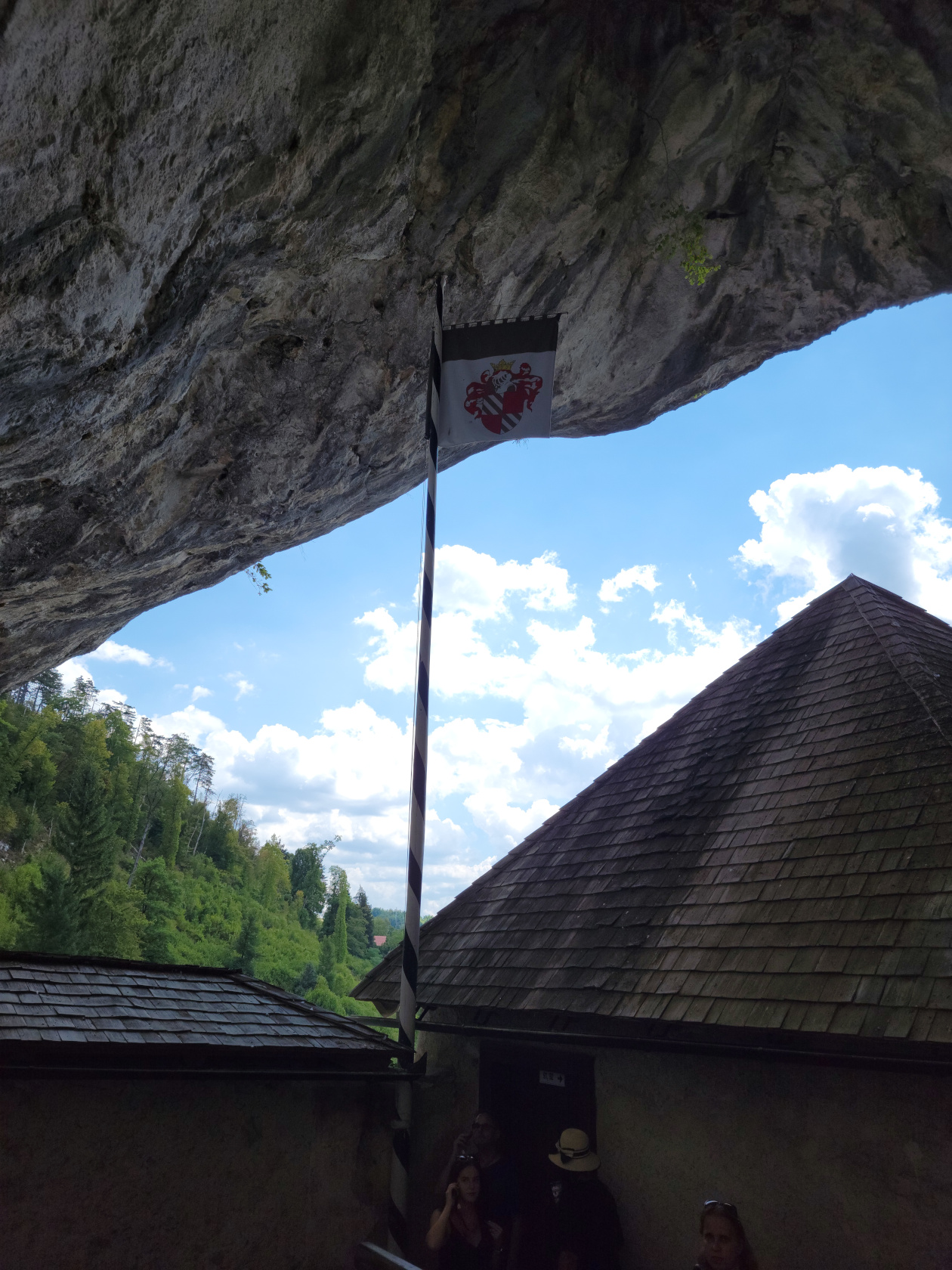
Predjama Castle – Flag
Predjama Castle – Cave Castle
Predjama Castle – Cave Castle Outlook
Predjama Castle – Cave Castle
Predjama Castle – Cave Castle
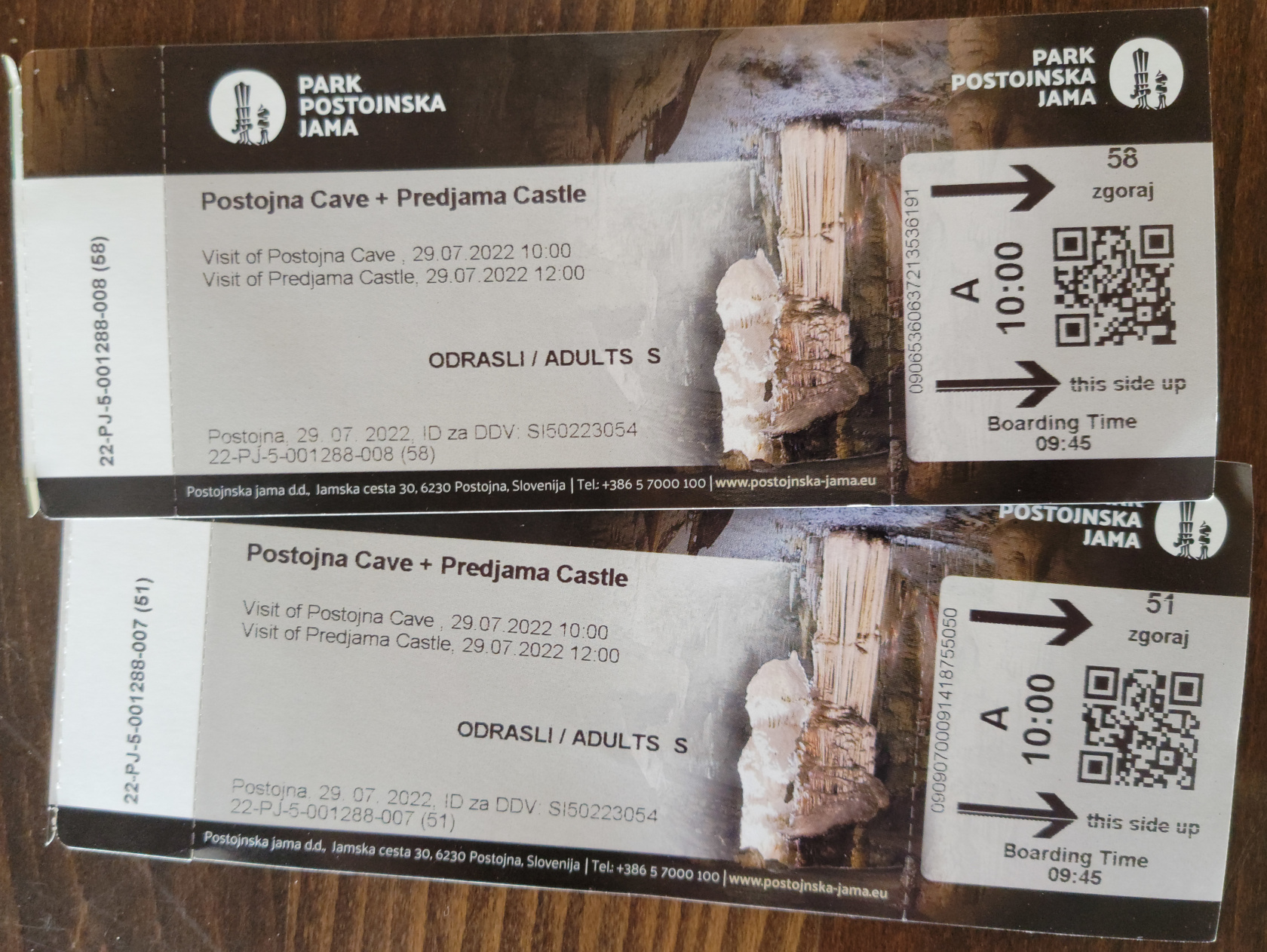
So, if you are in Bled or Ljubljana and looking for a day trip, you can probably visit this castle along with a tour of the Prostonja Cave. You can usually purchased a ticket for both, since they are associated with one another. We purchased our’s at the cave entrance, but you can probably purchase them at the castle entrance too.
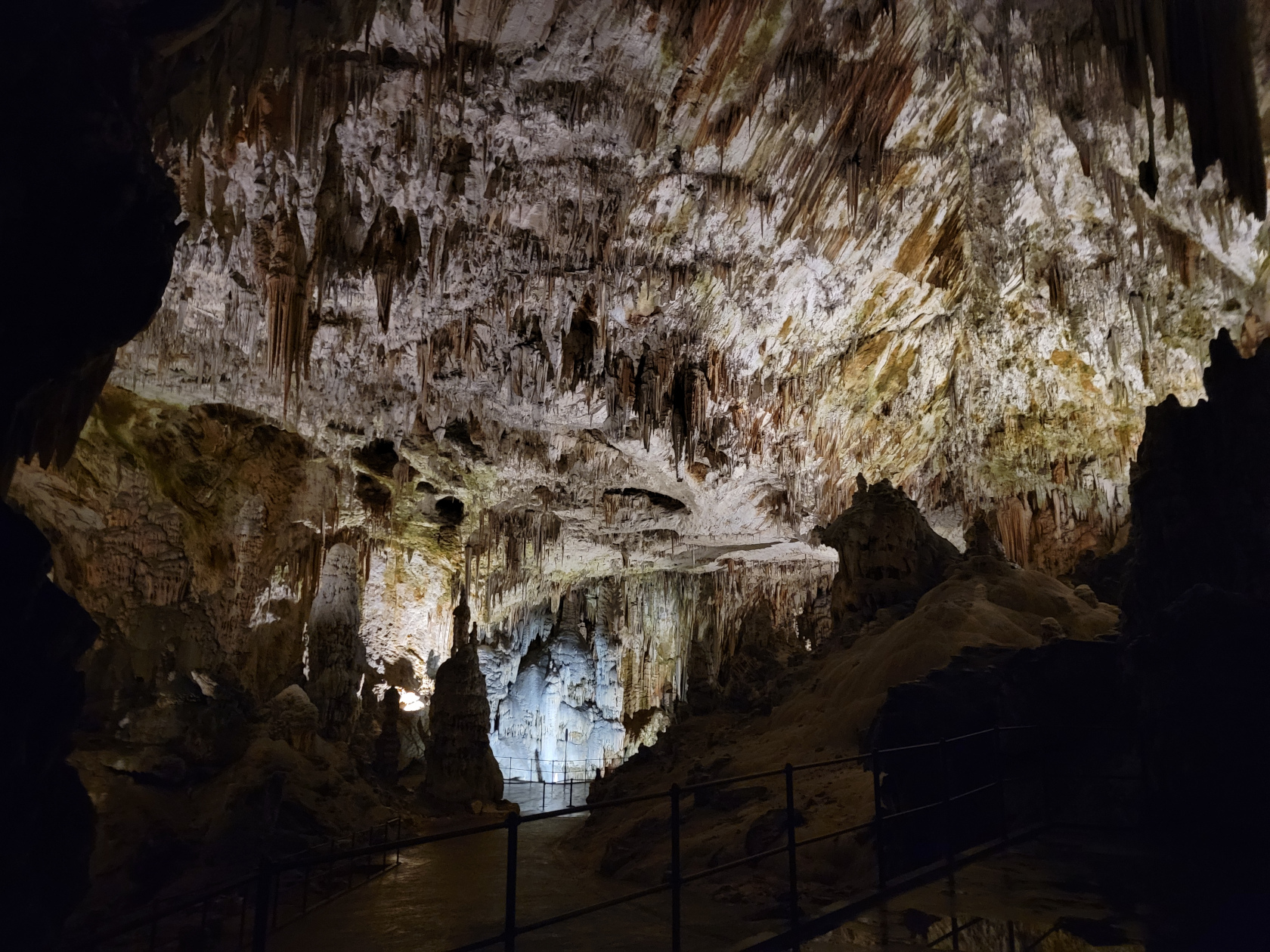
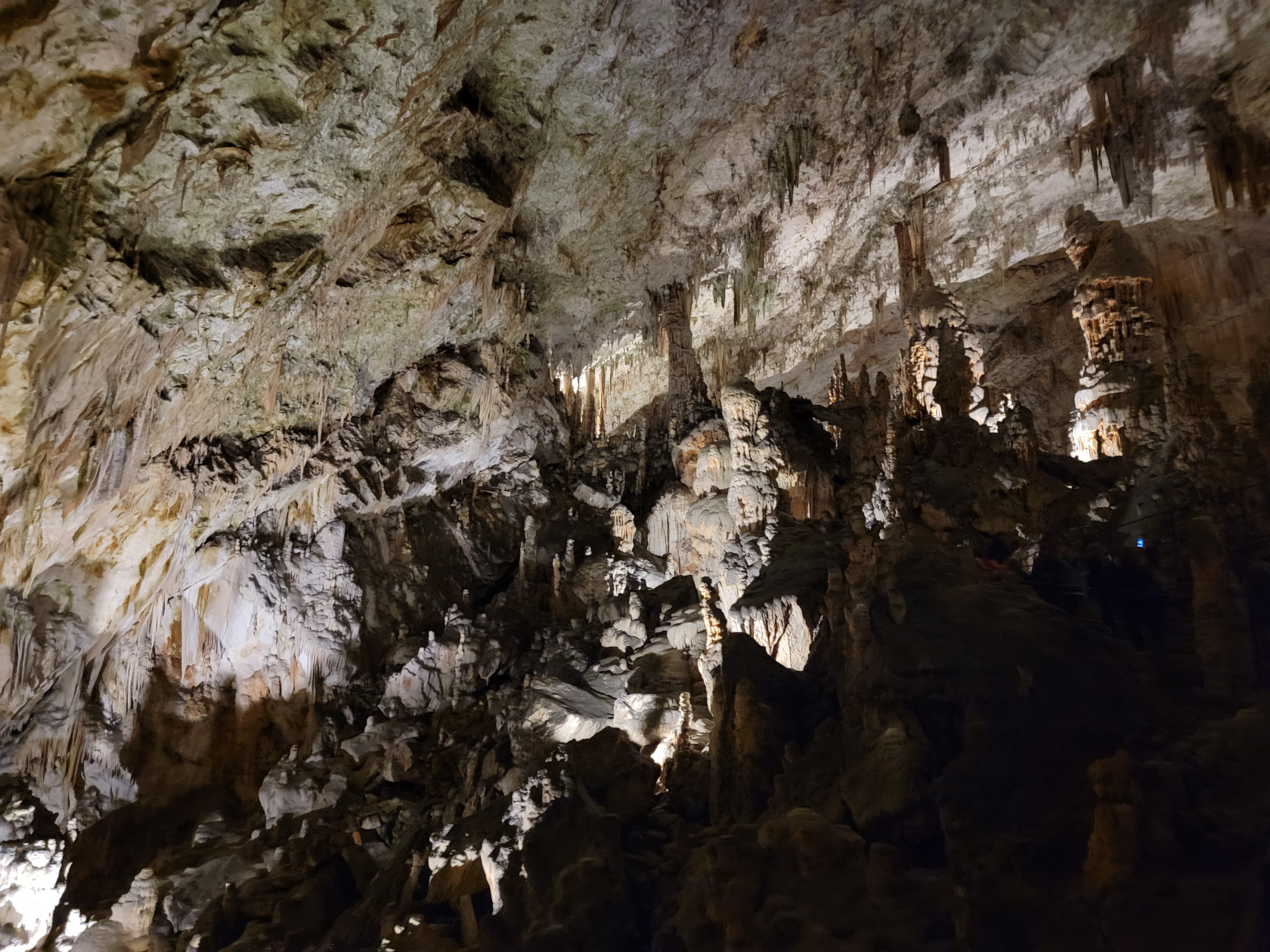
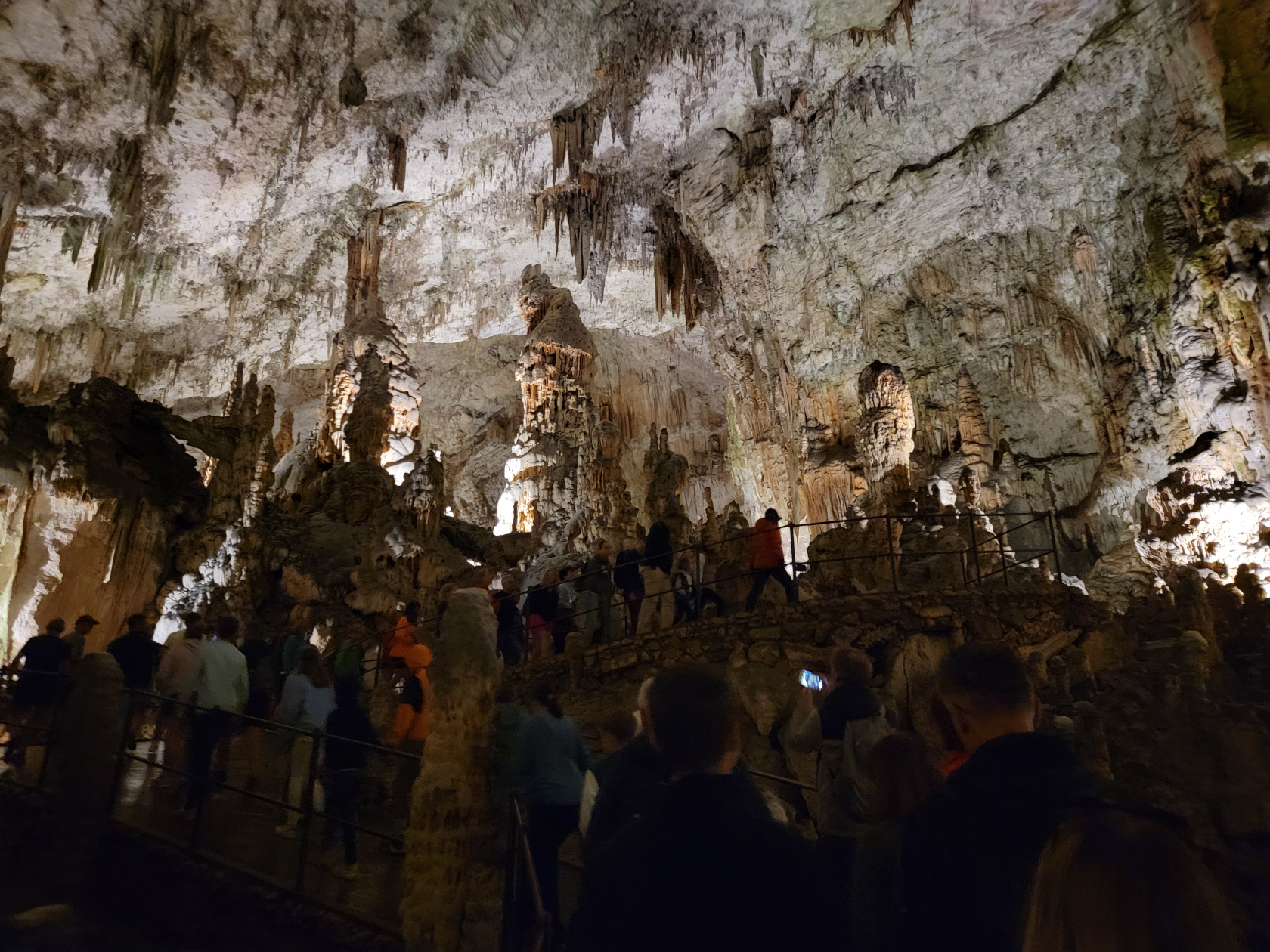
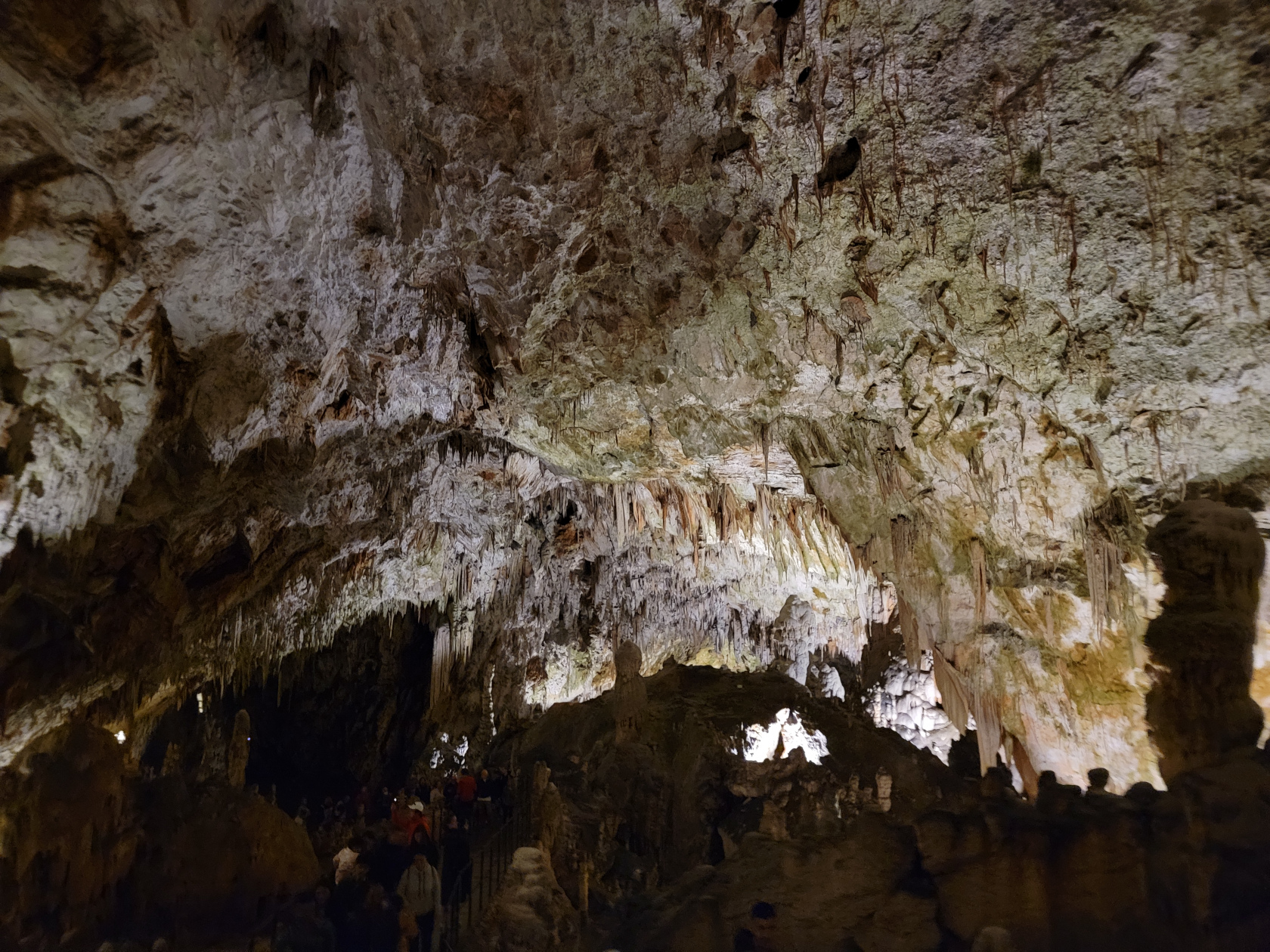
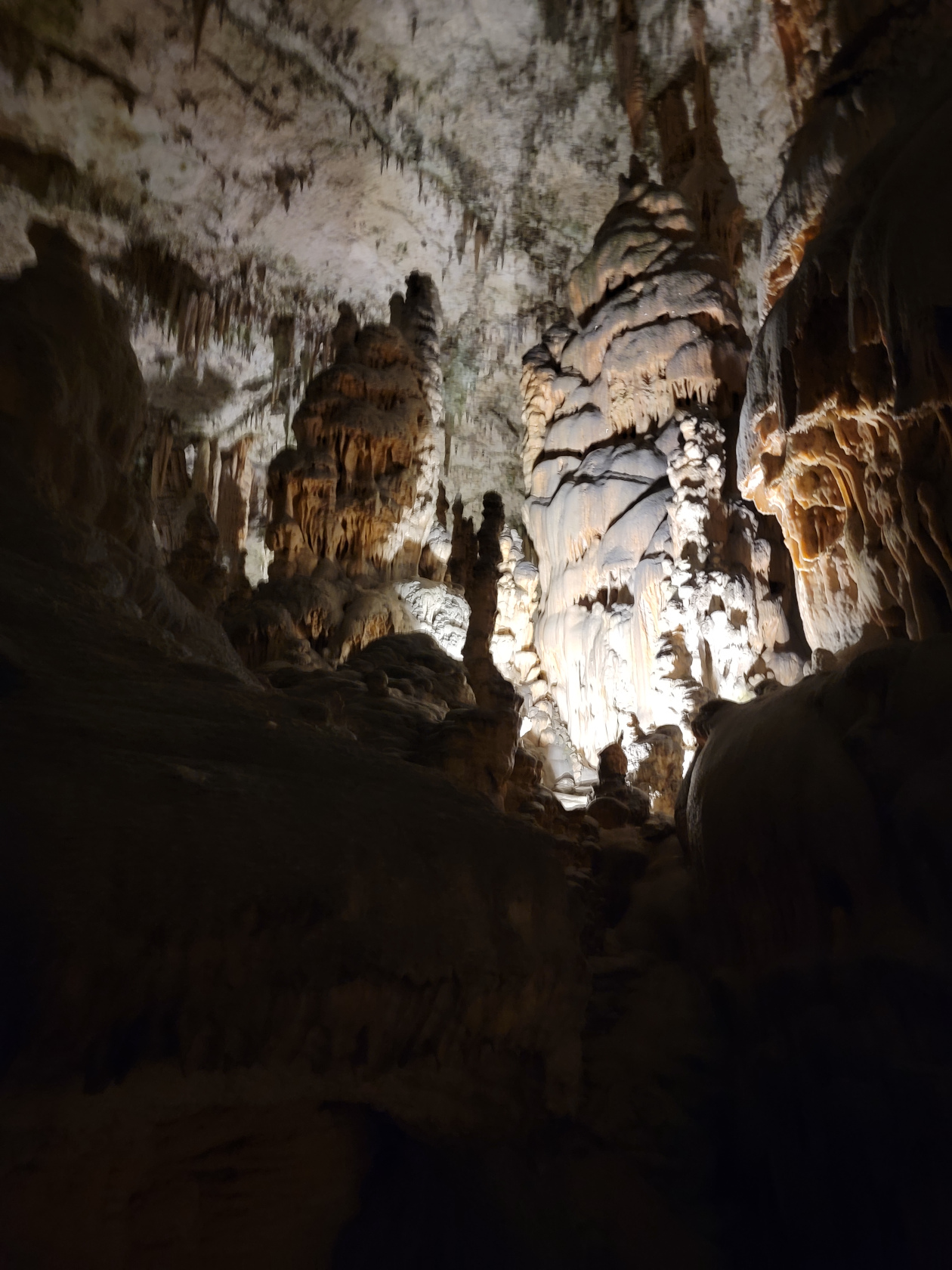
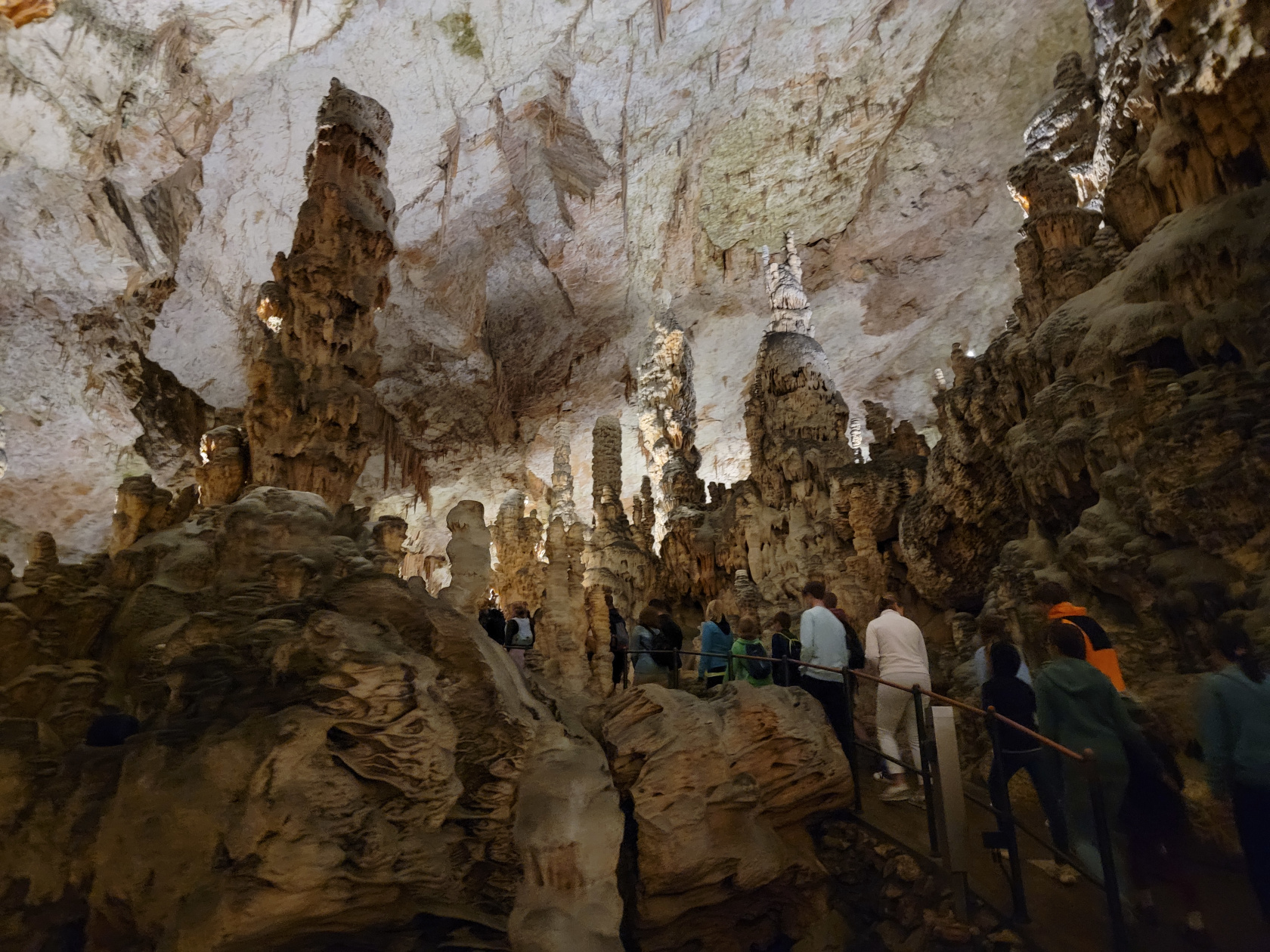
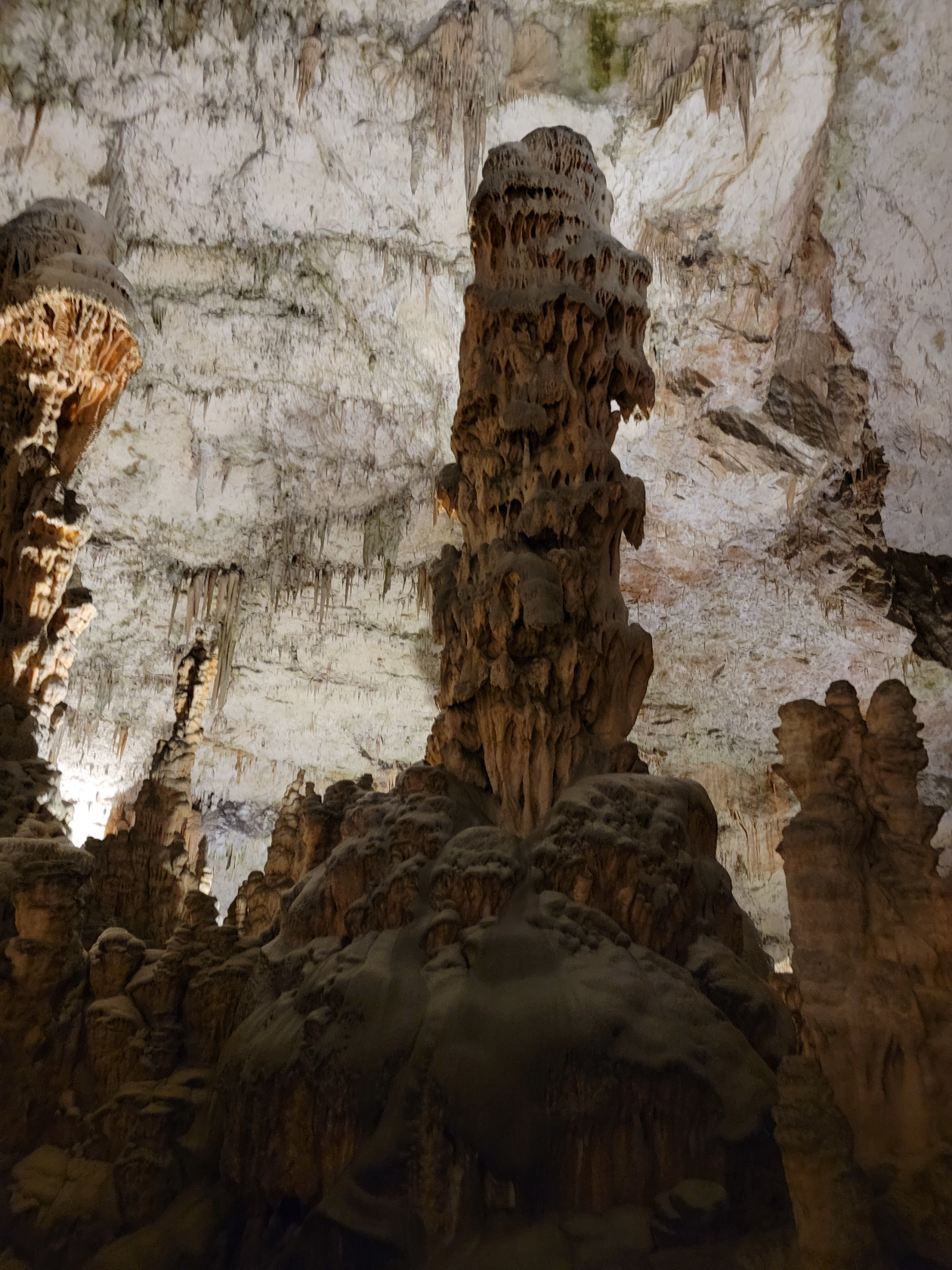
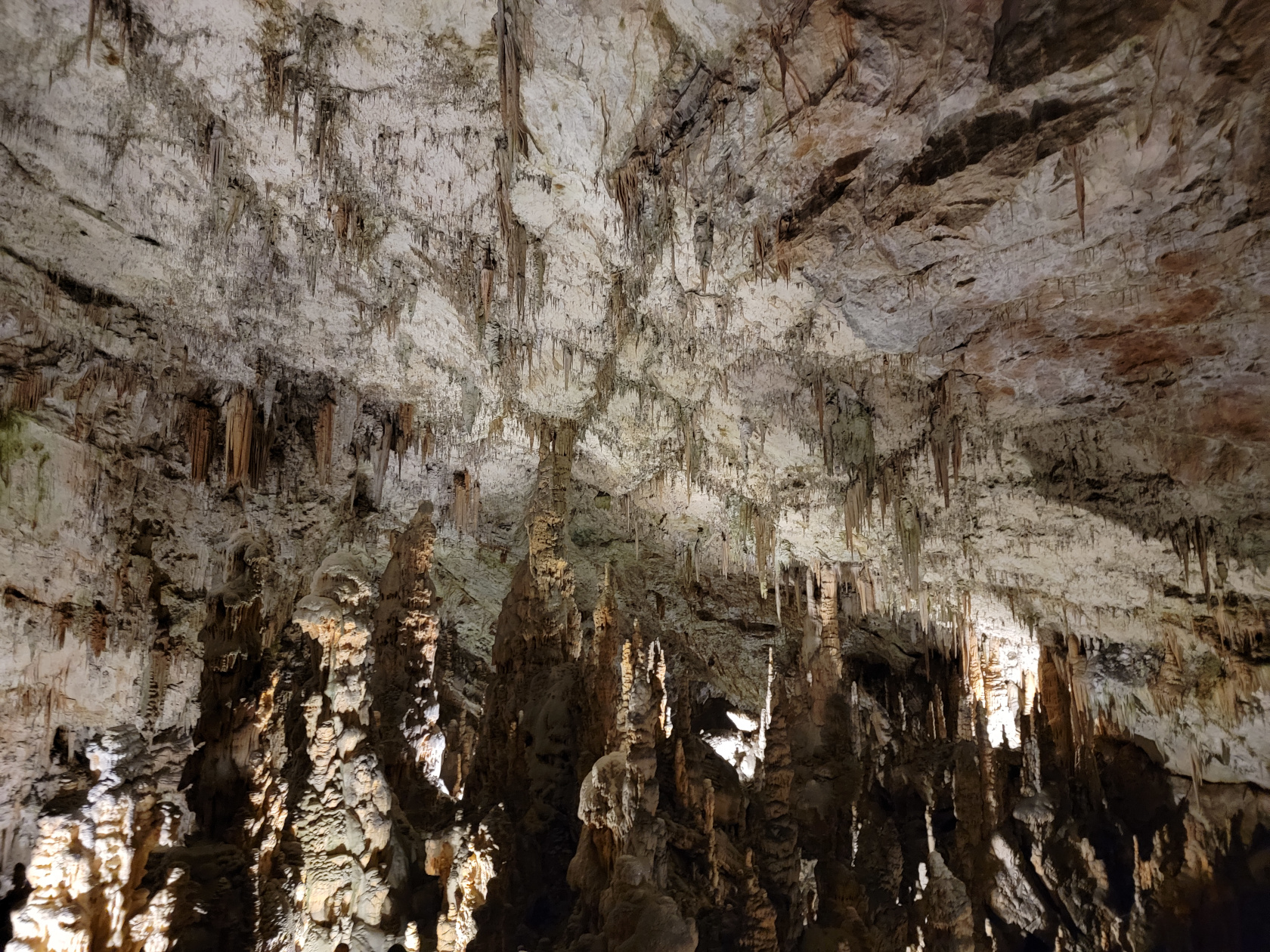
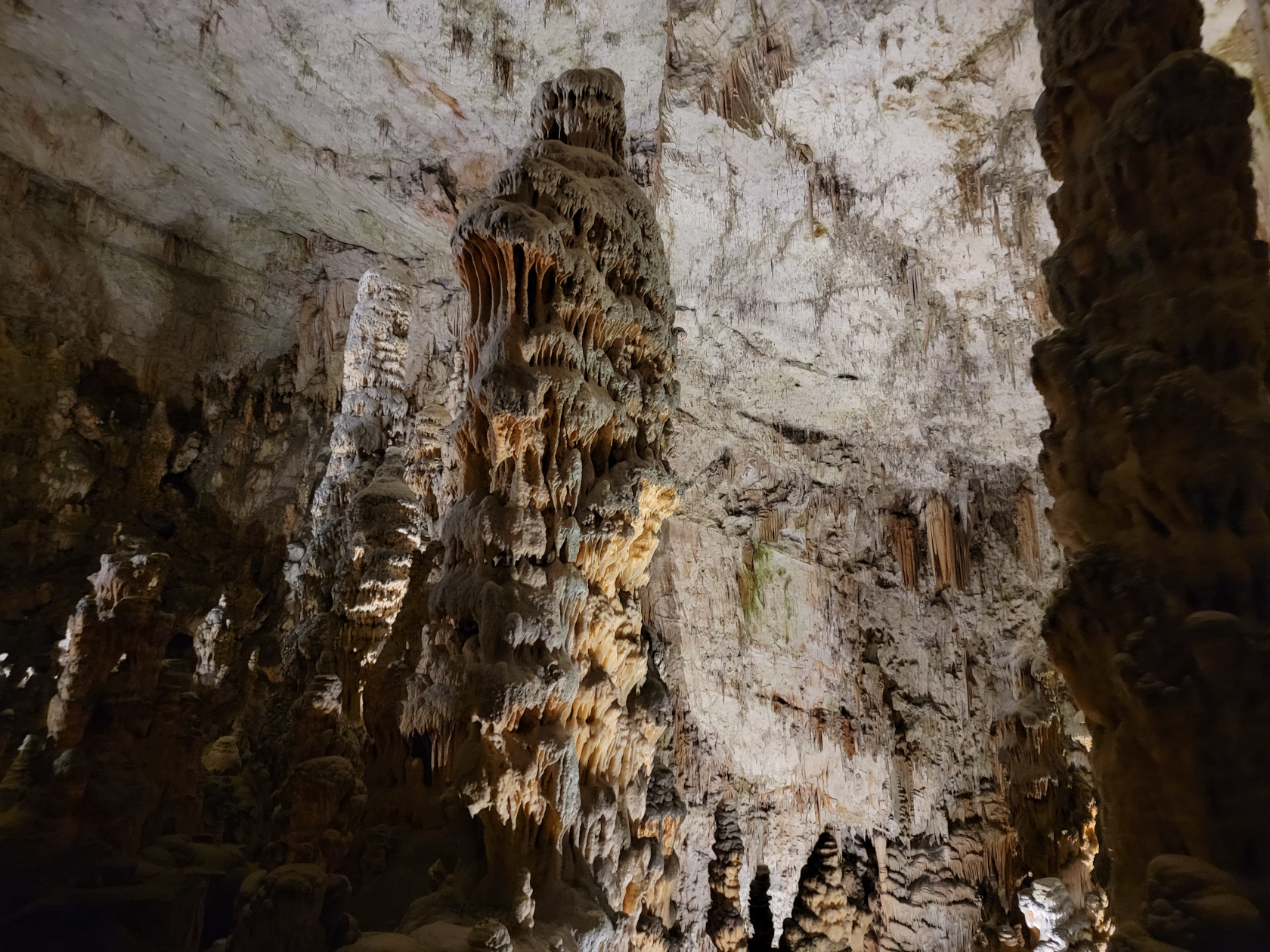
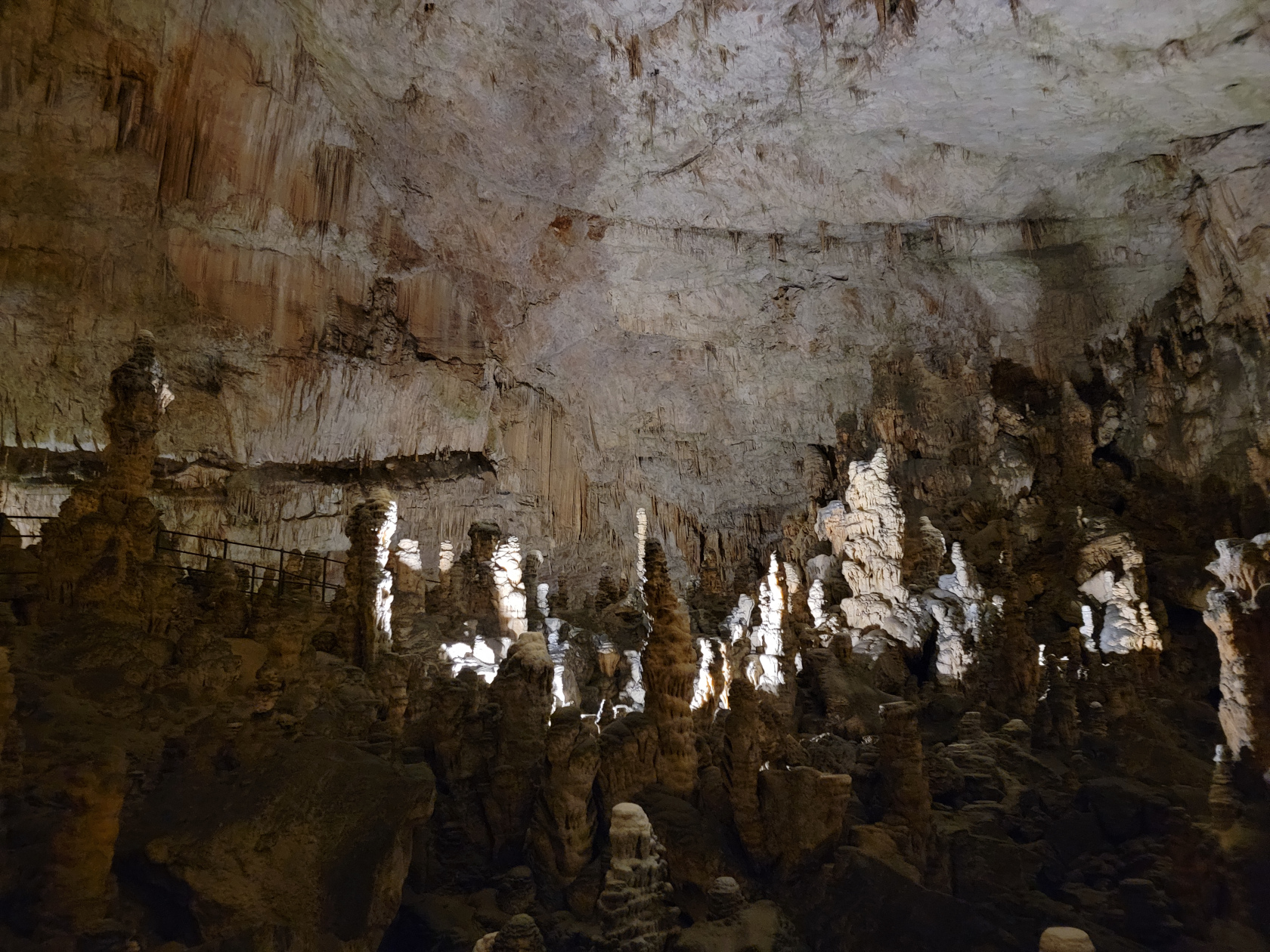
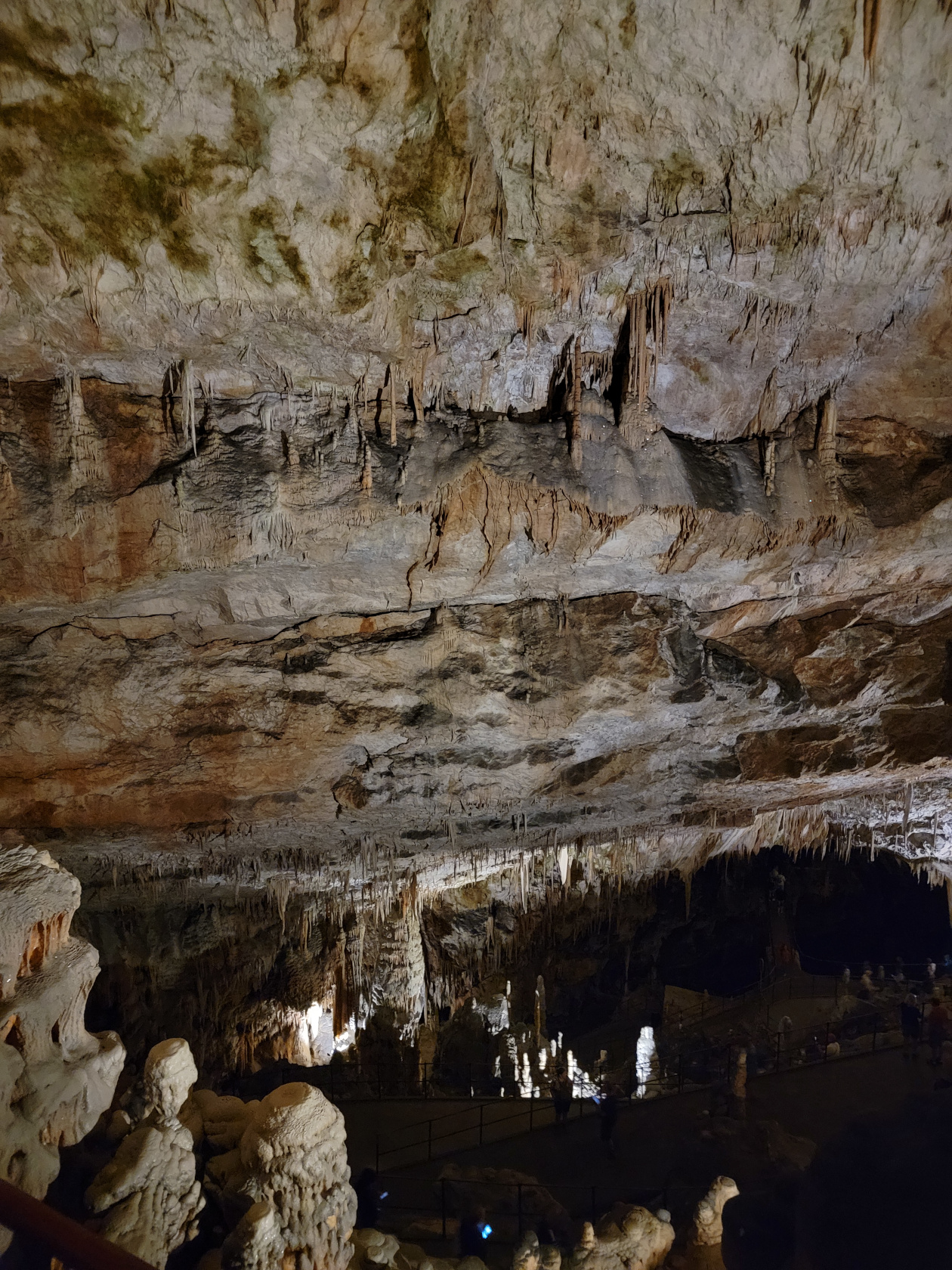
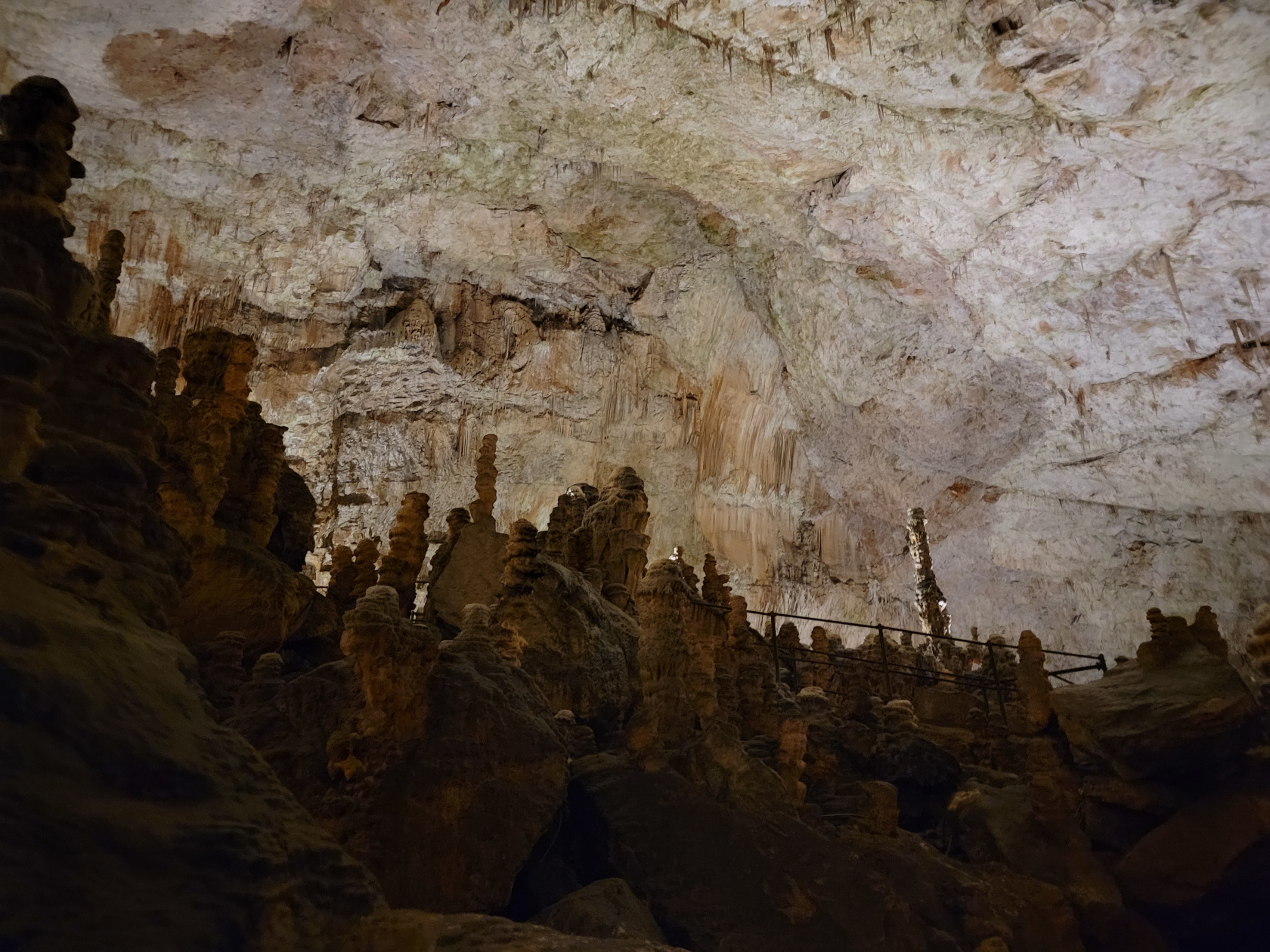
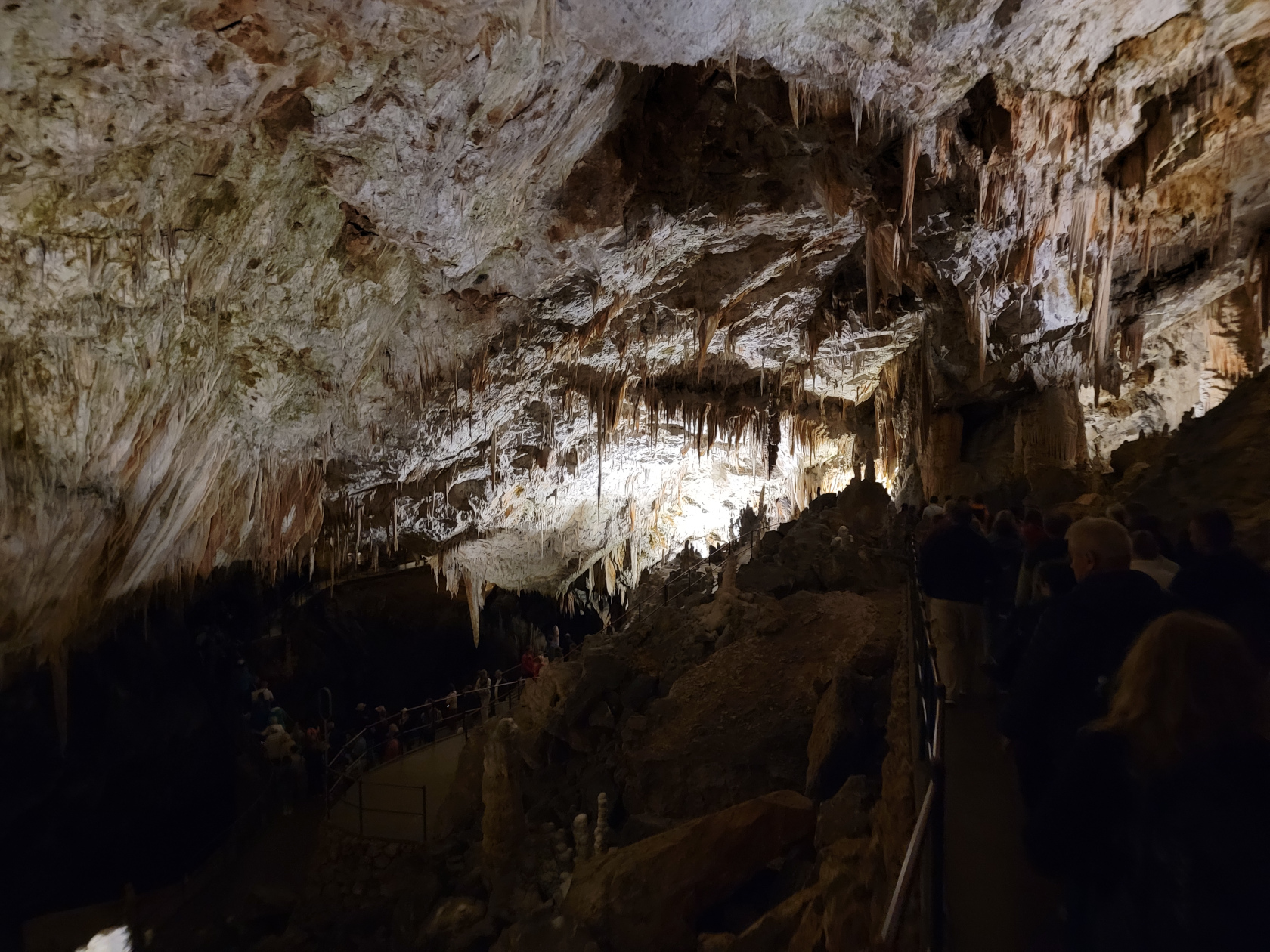
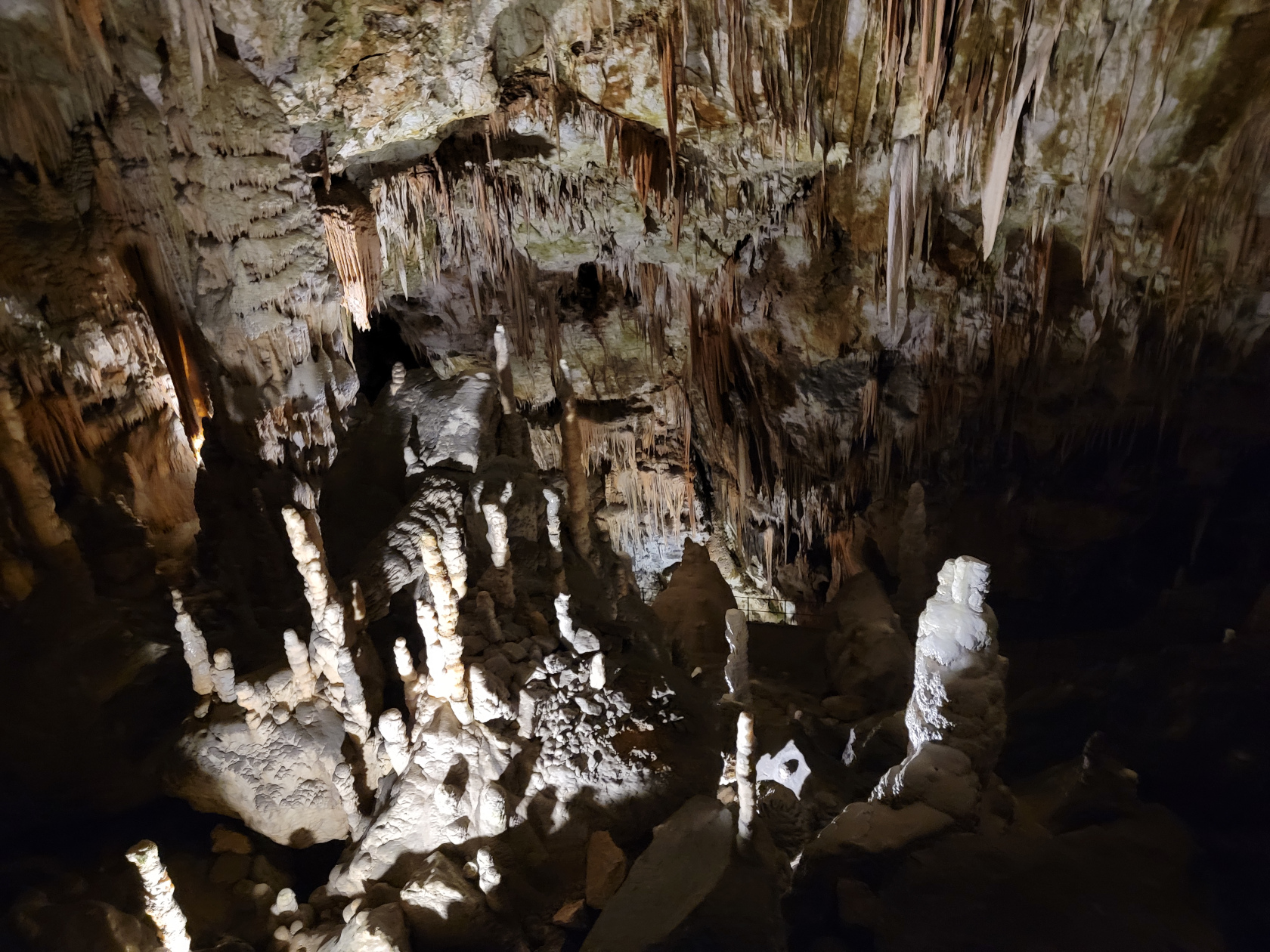
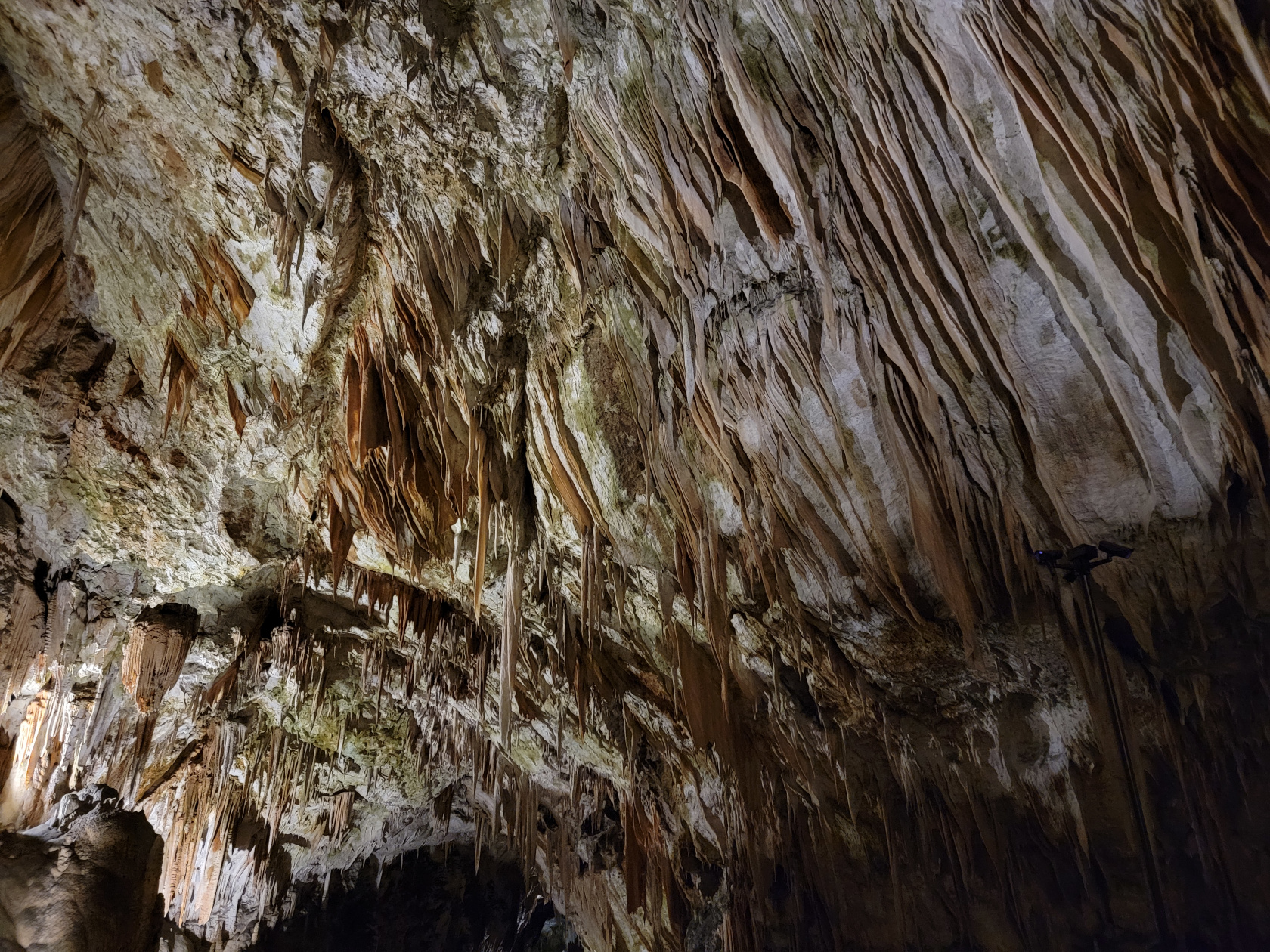
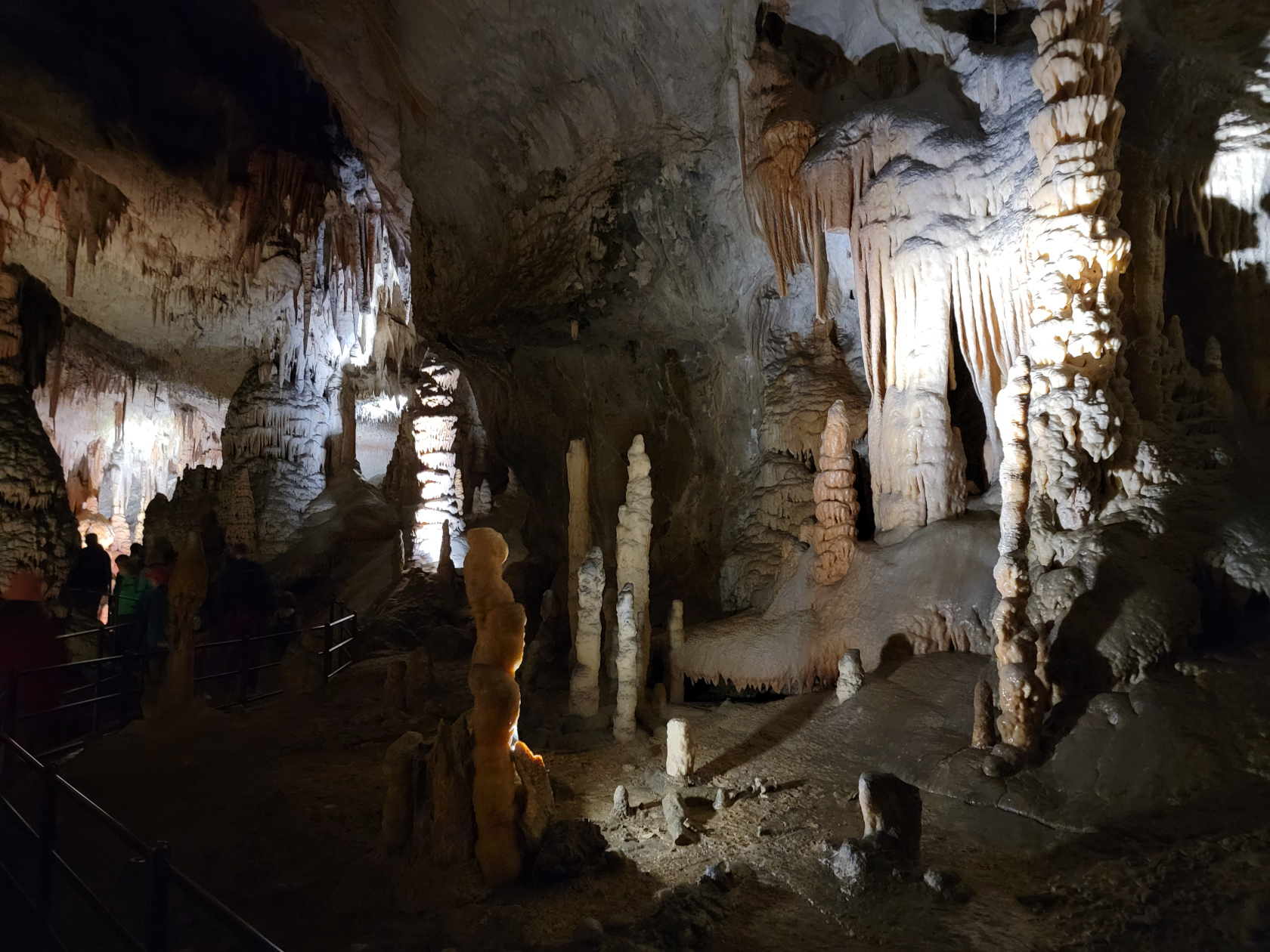
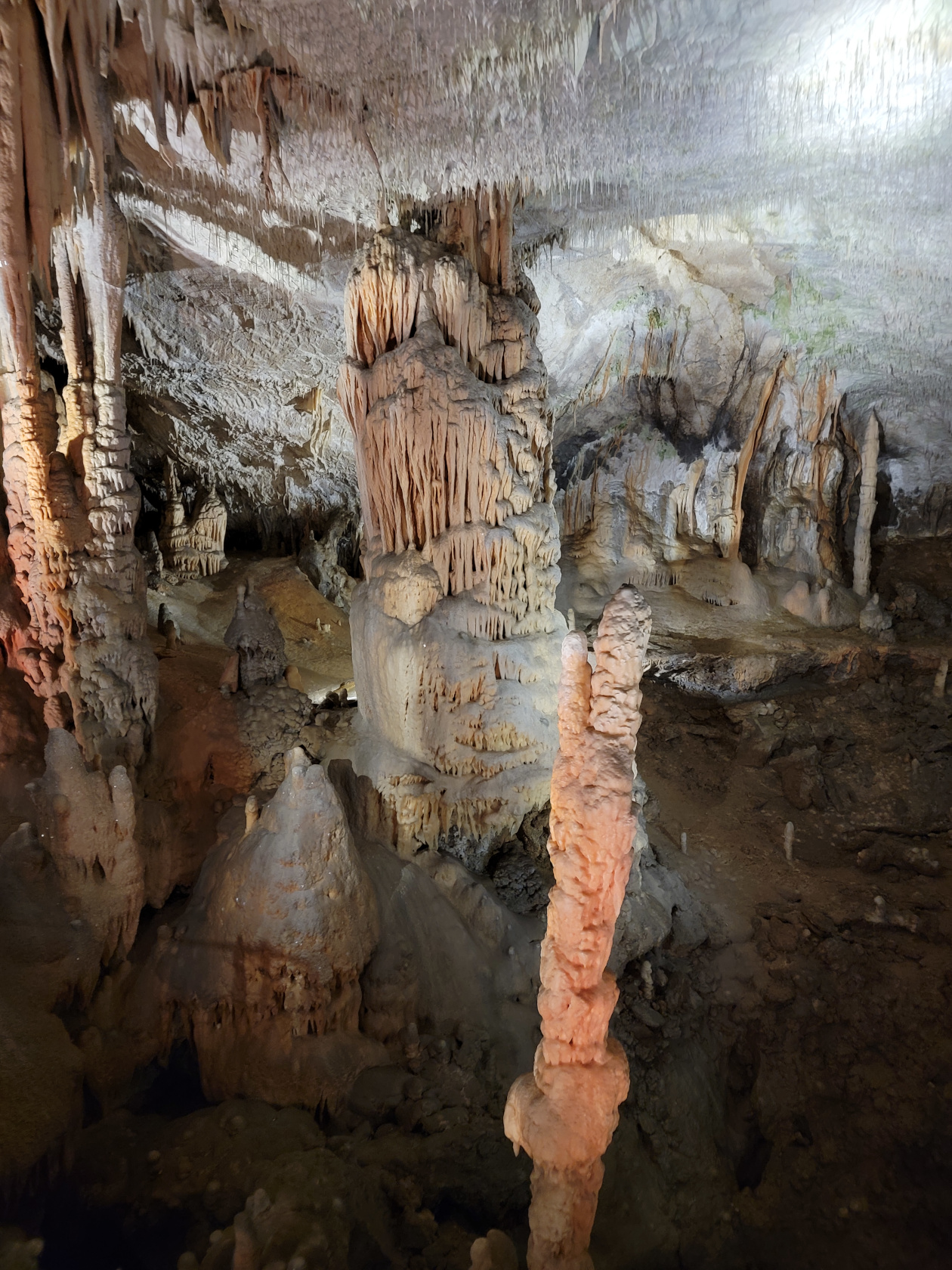
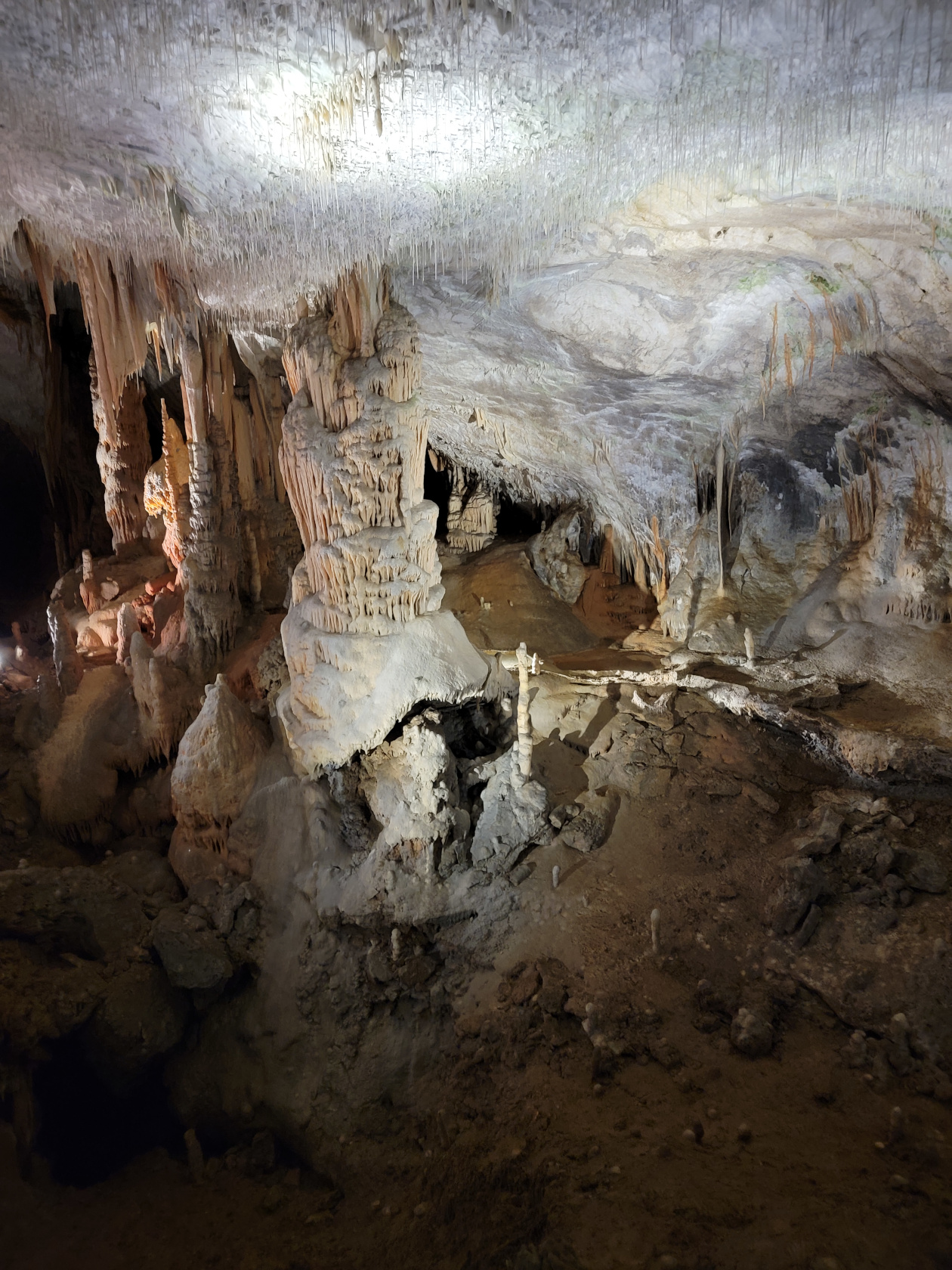
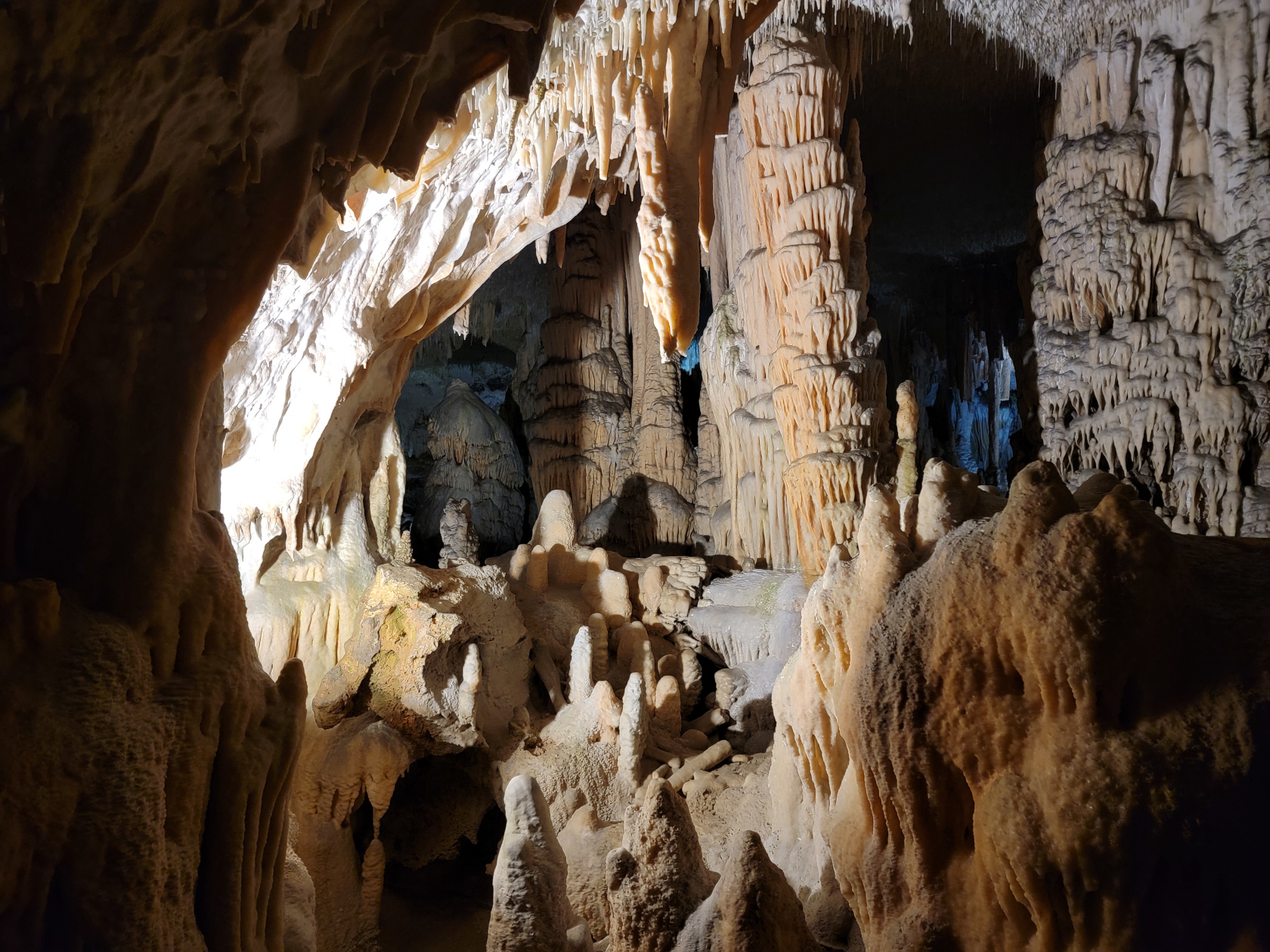
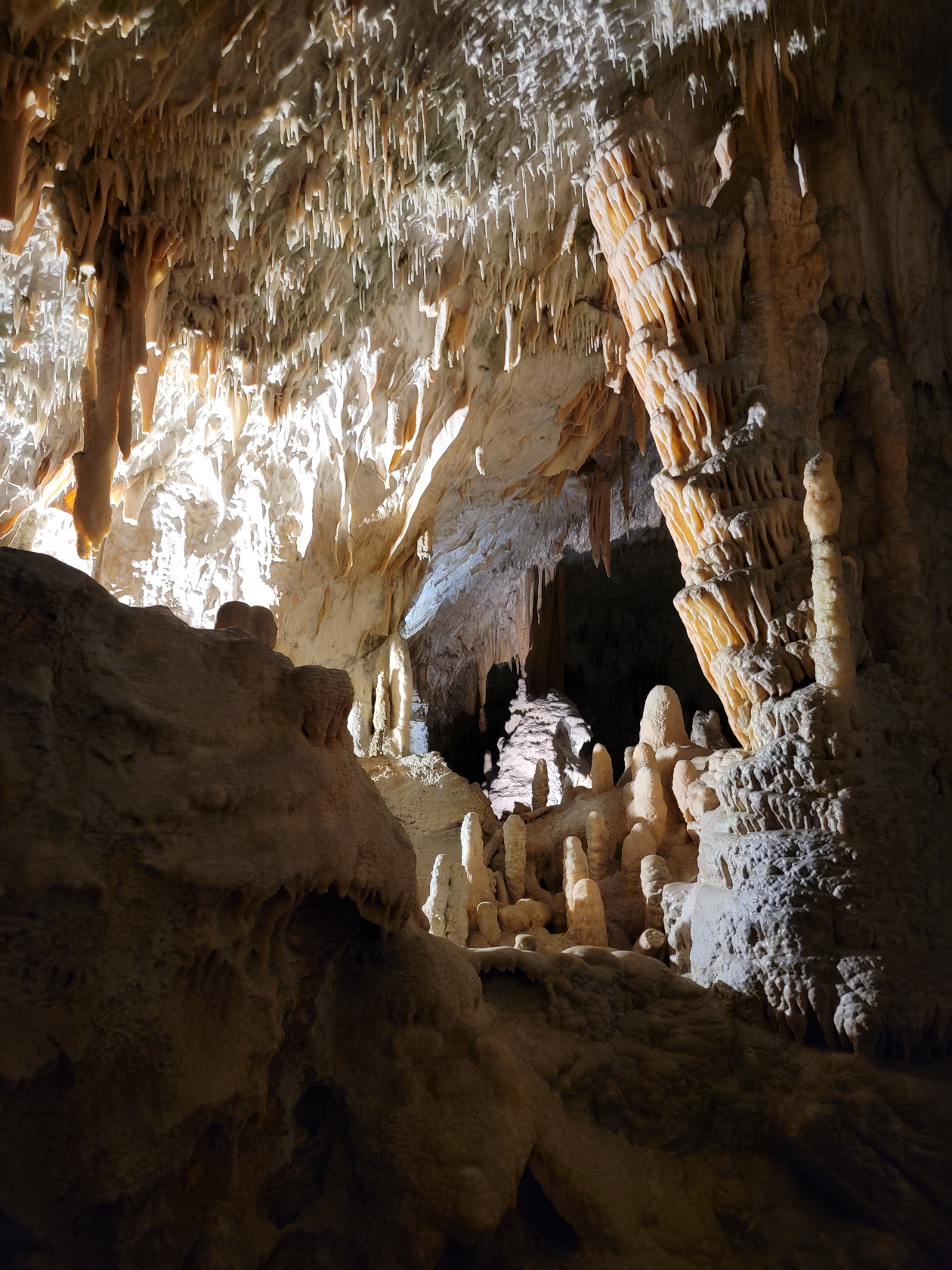
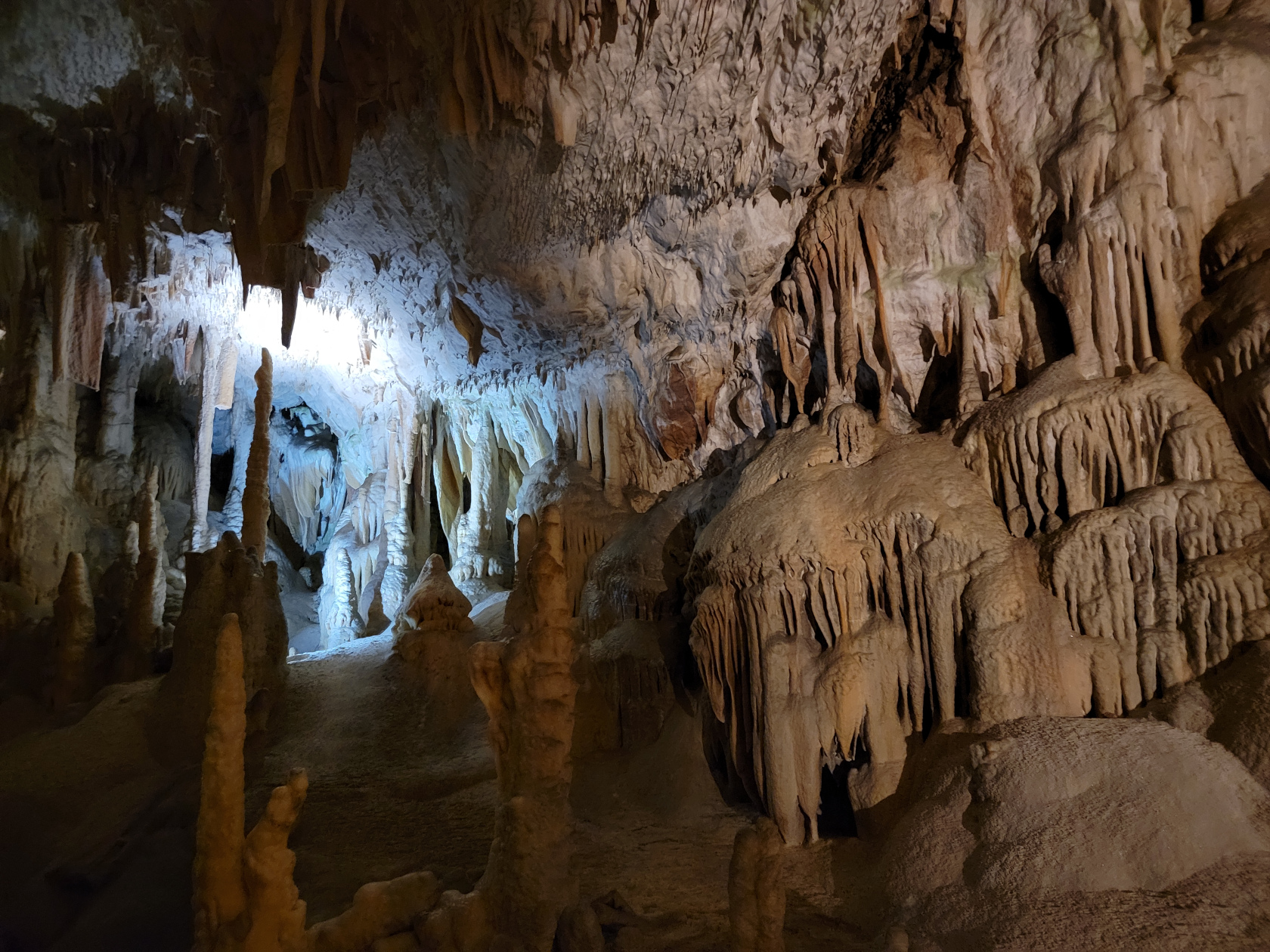
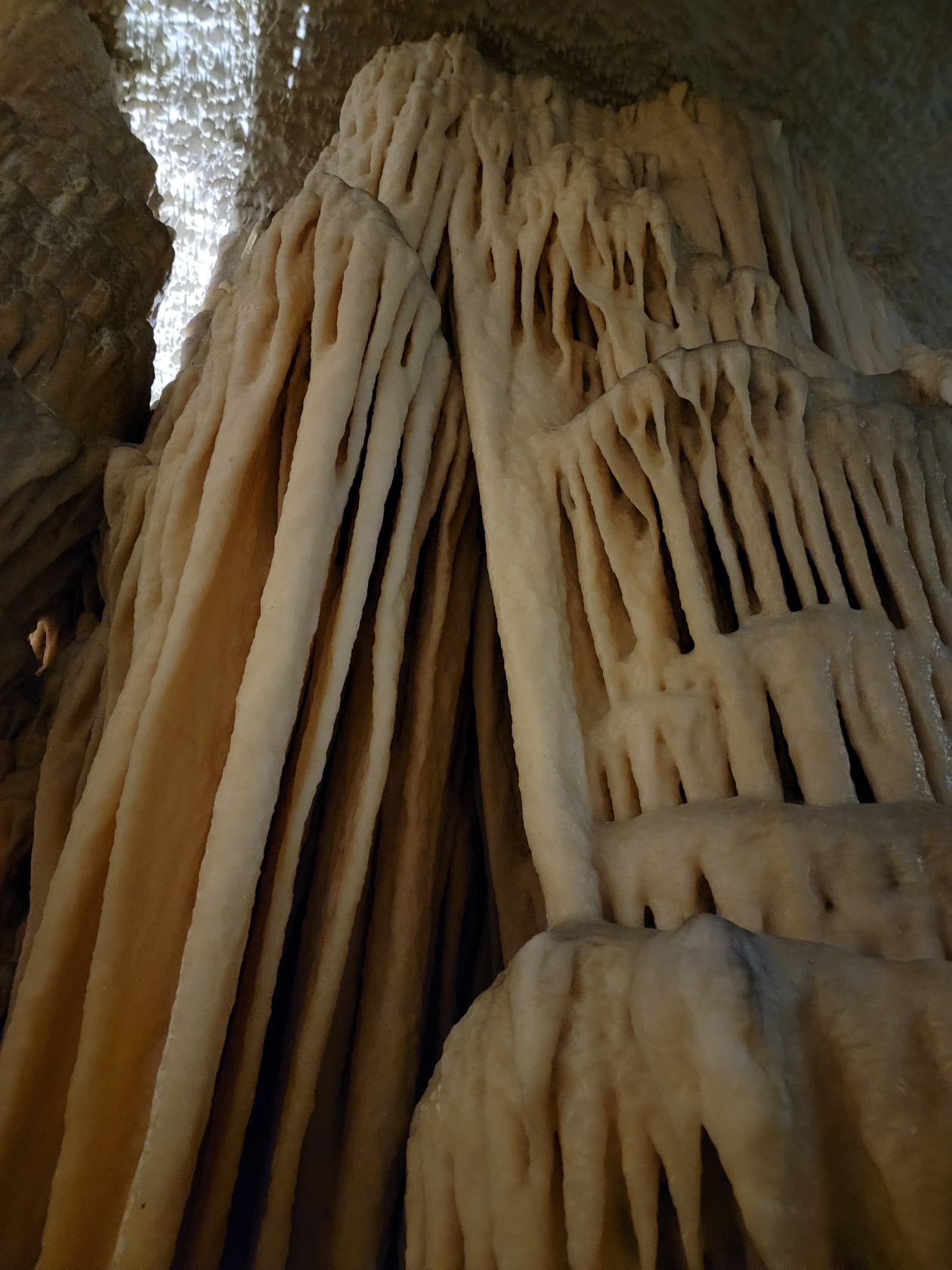
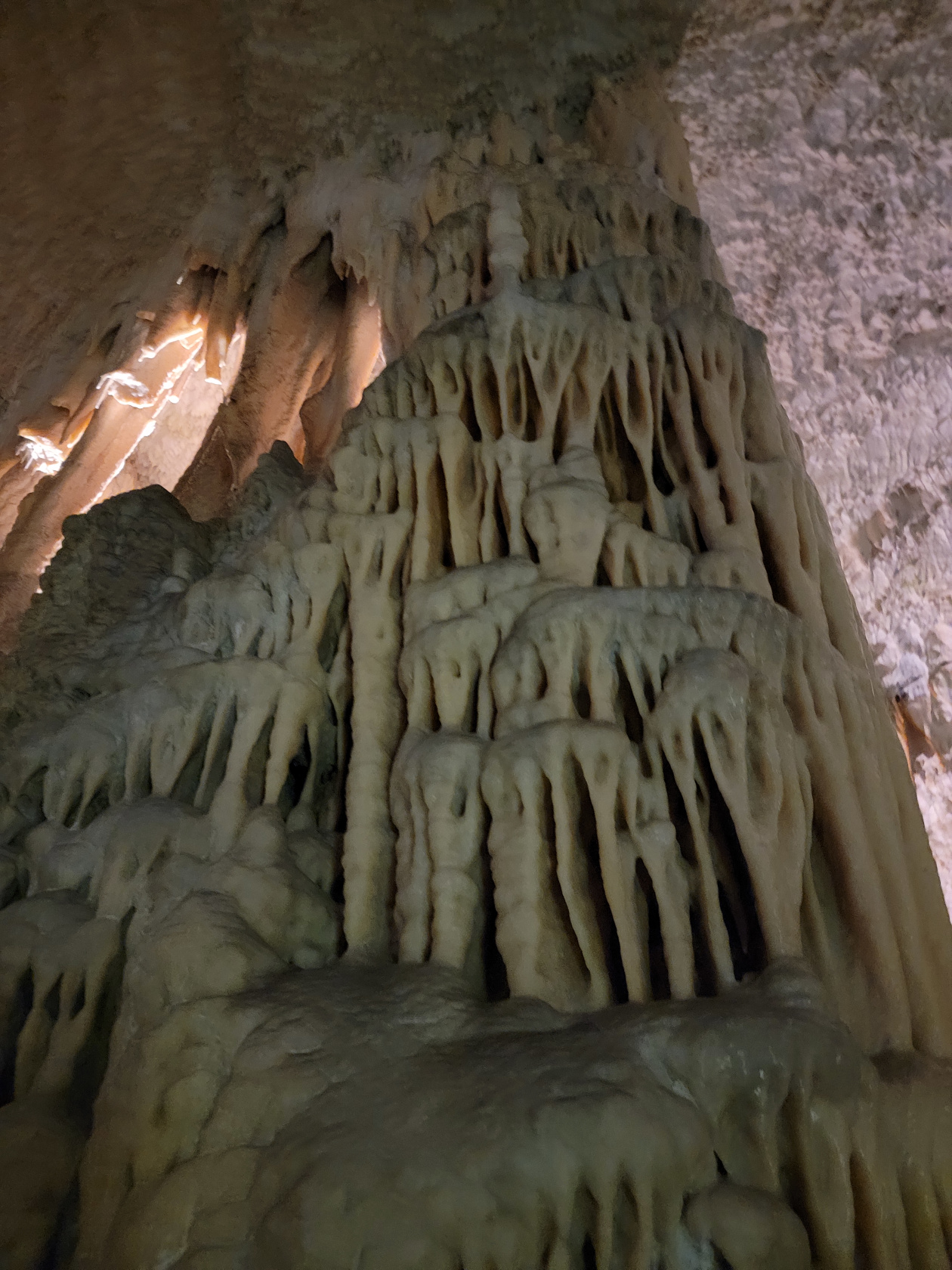
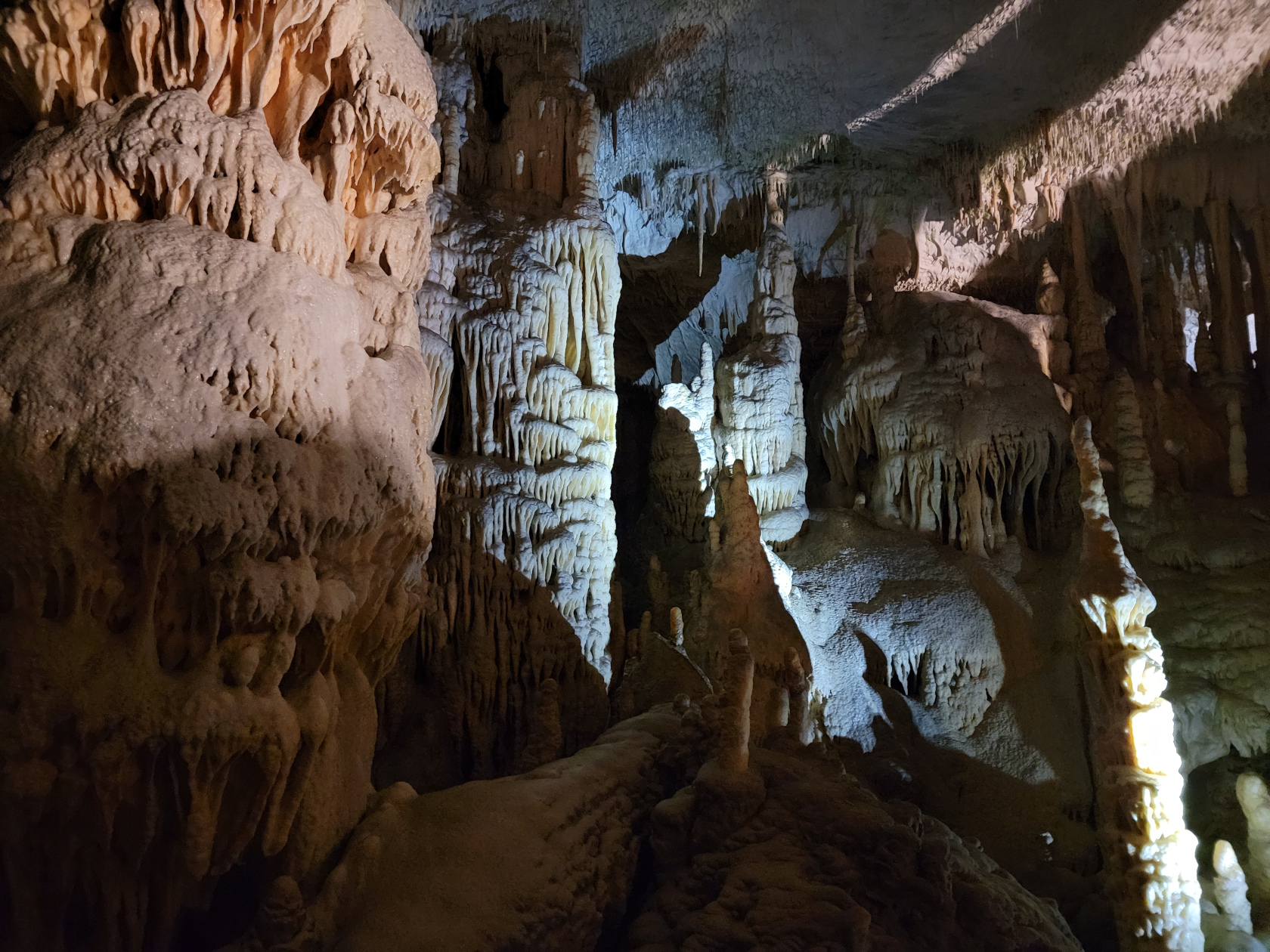
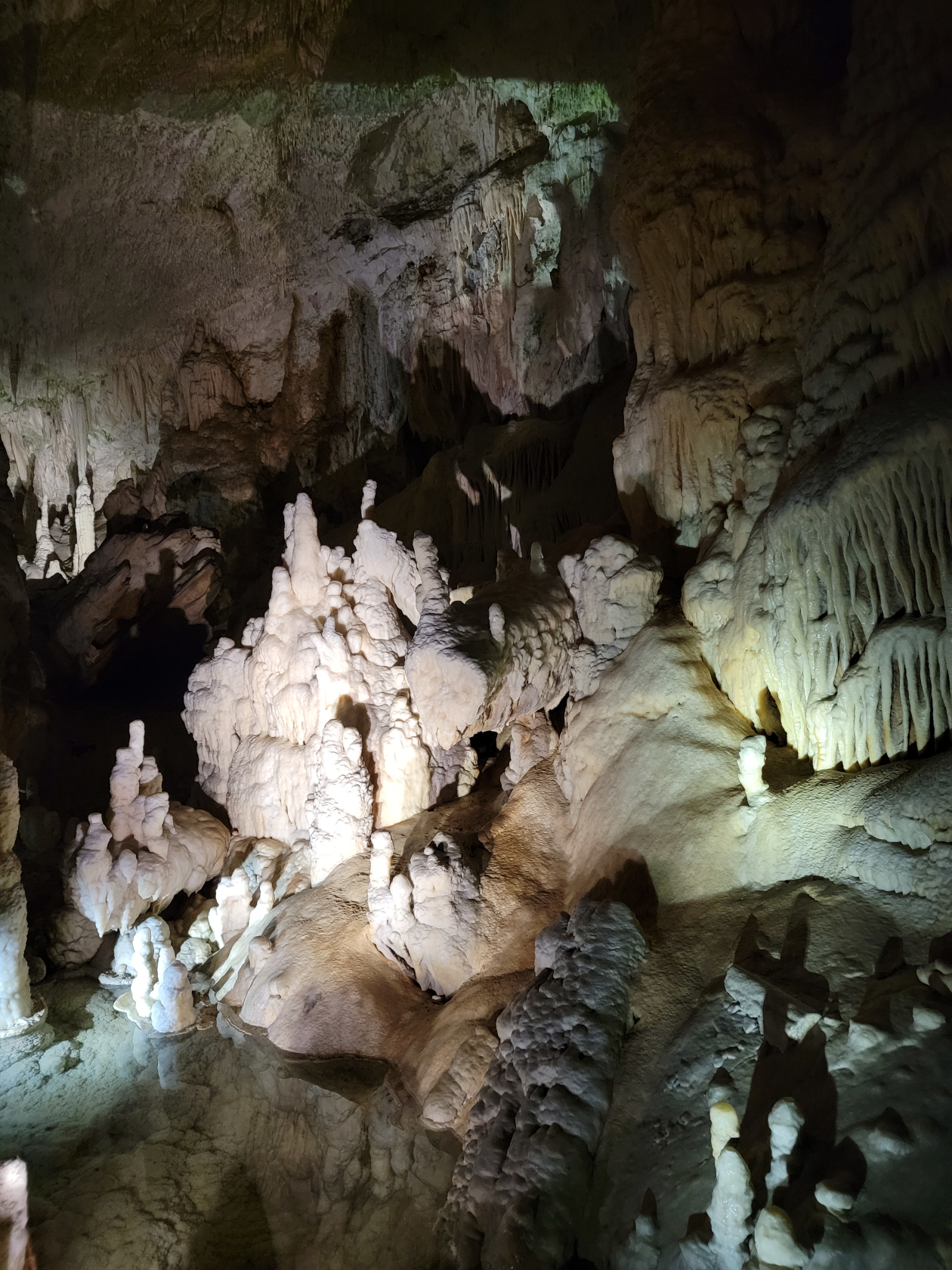
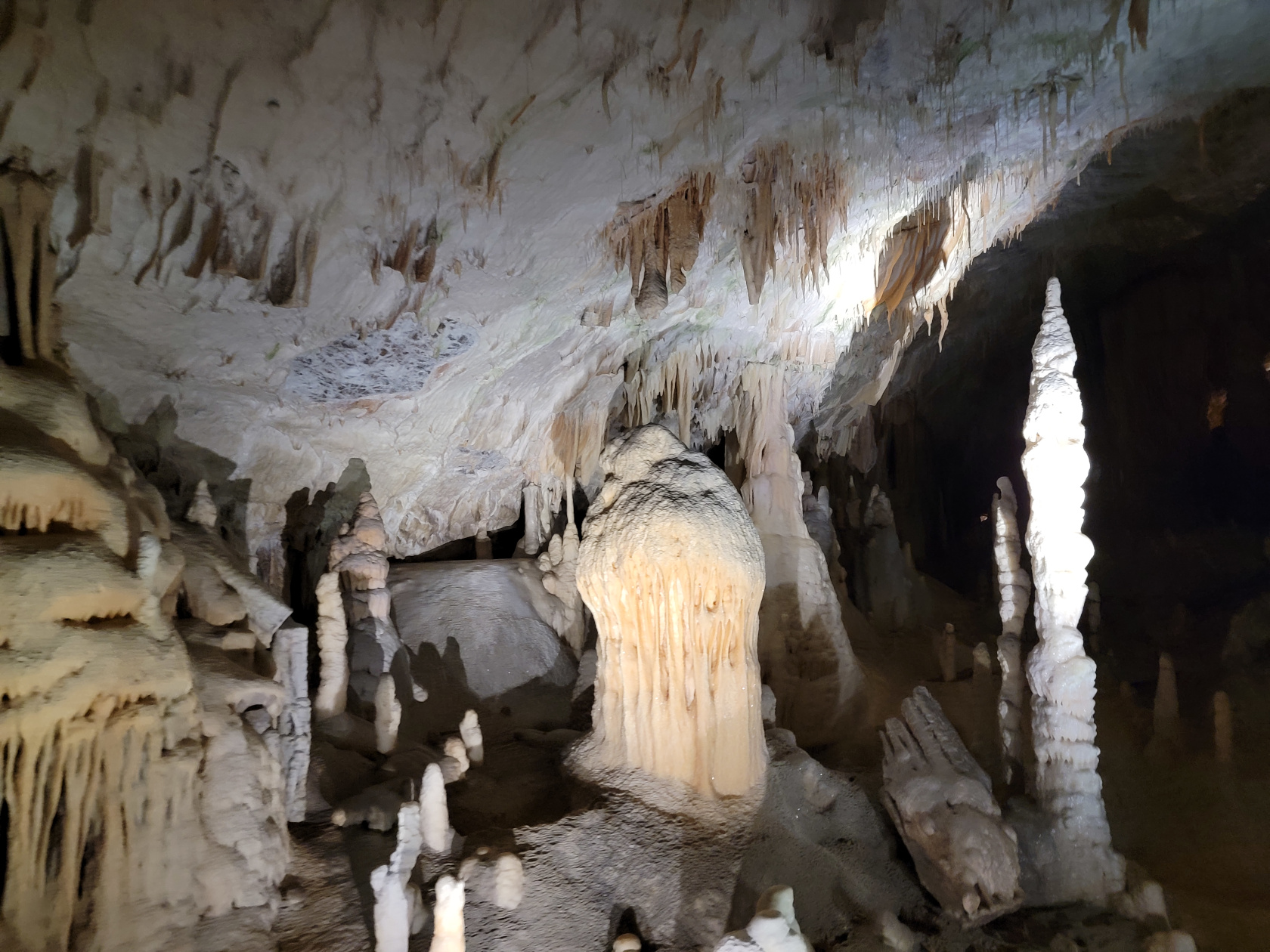
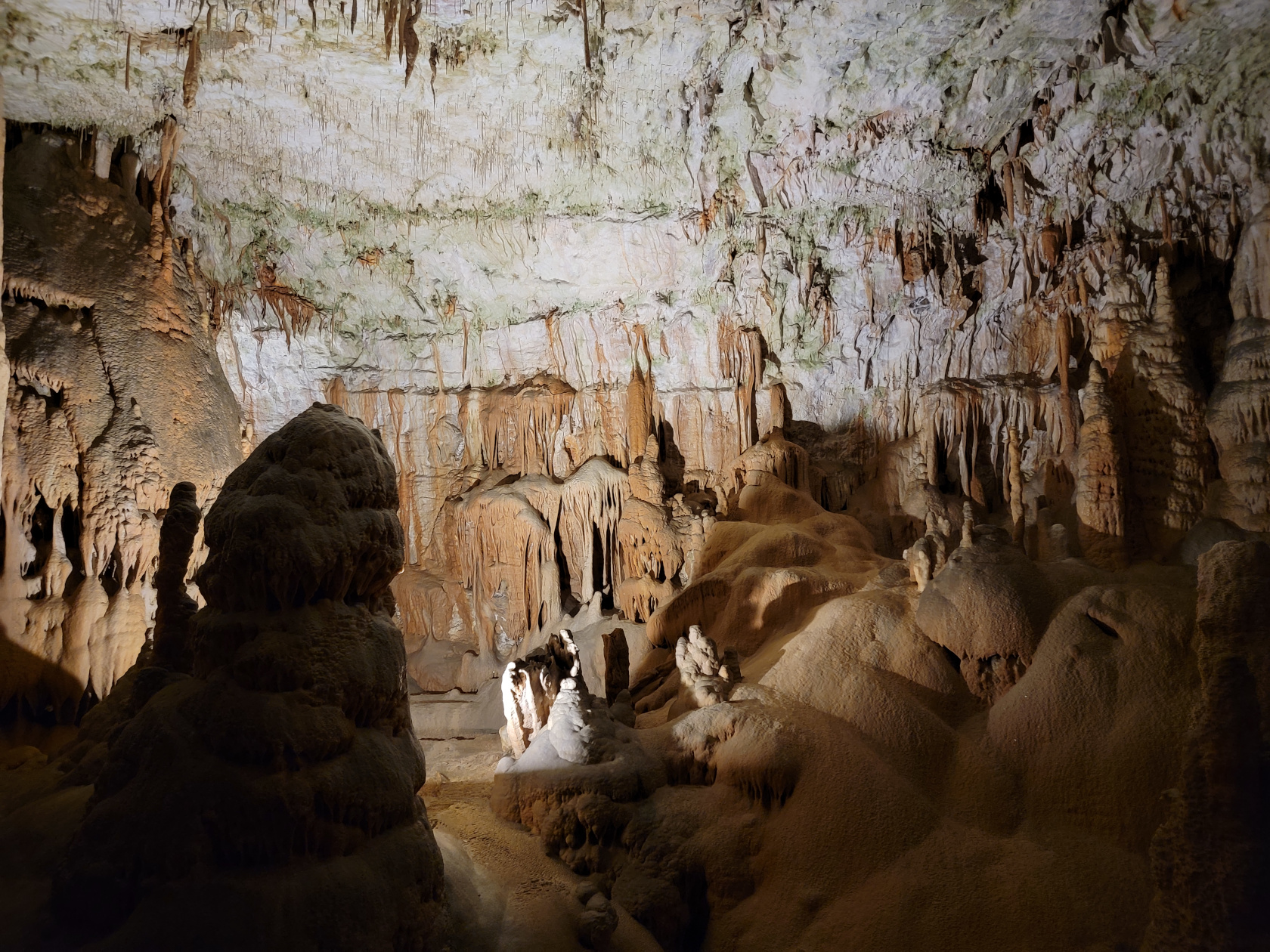
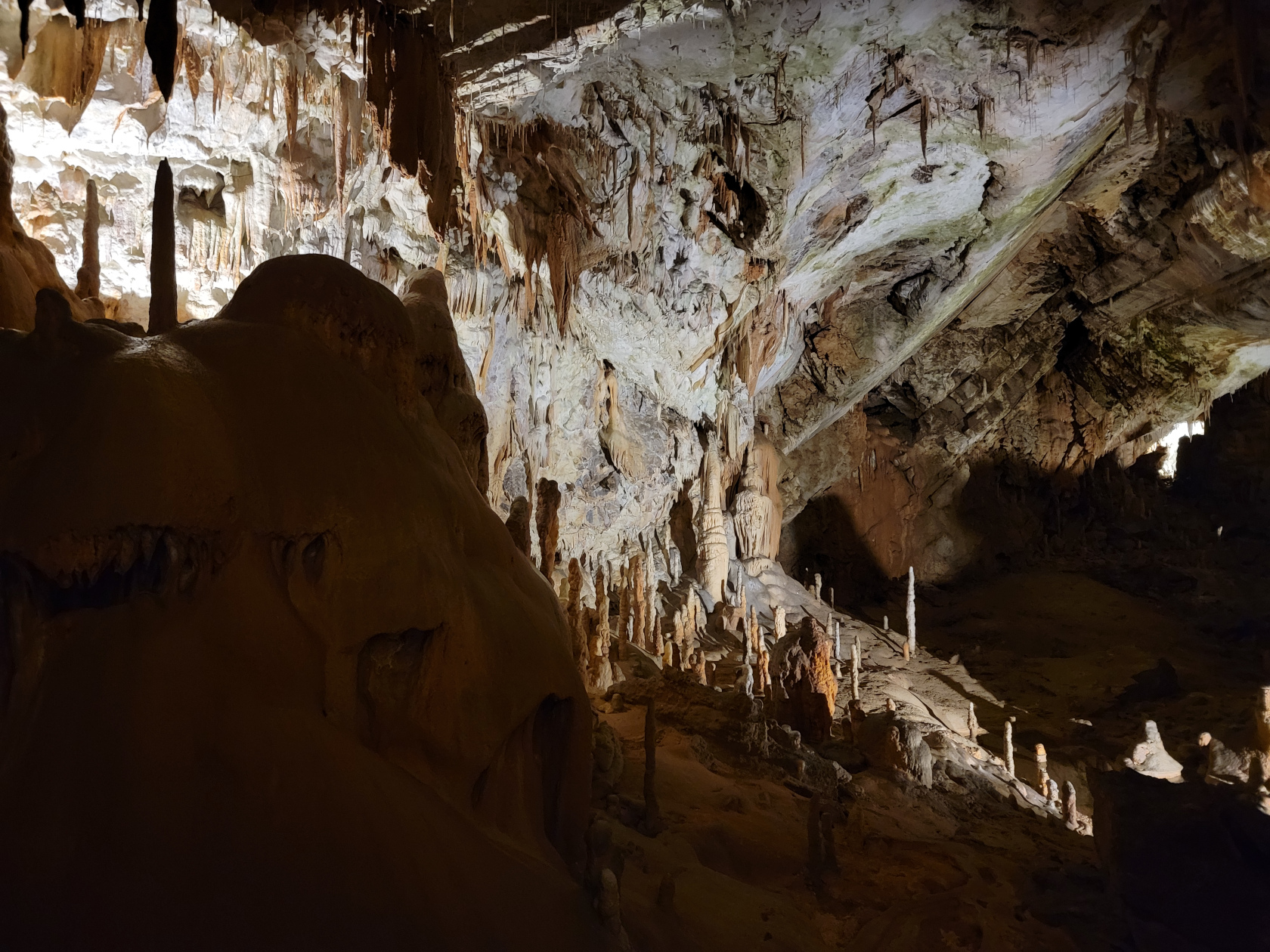
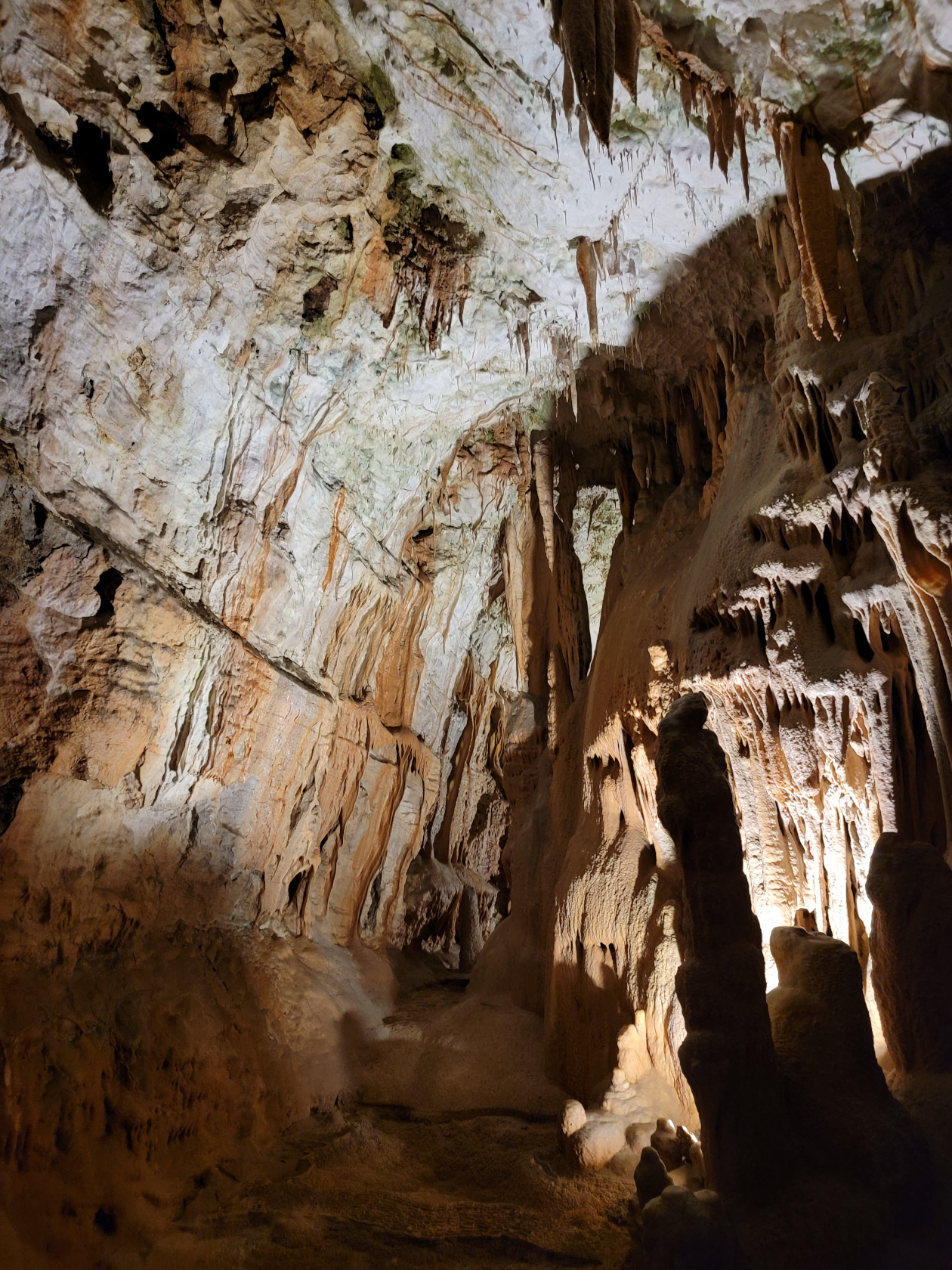
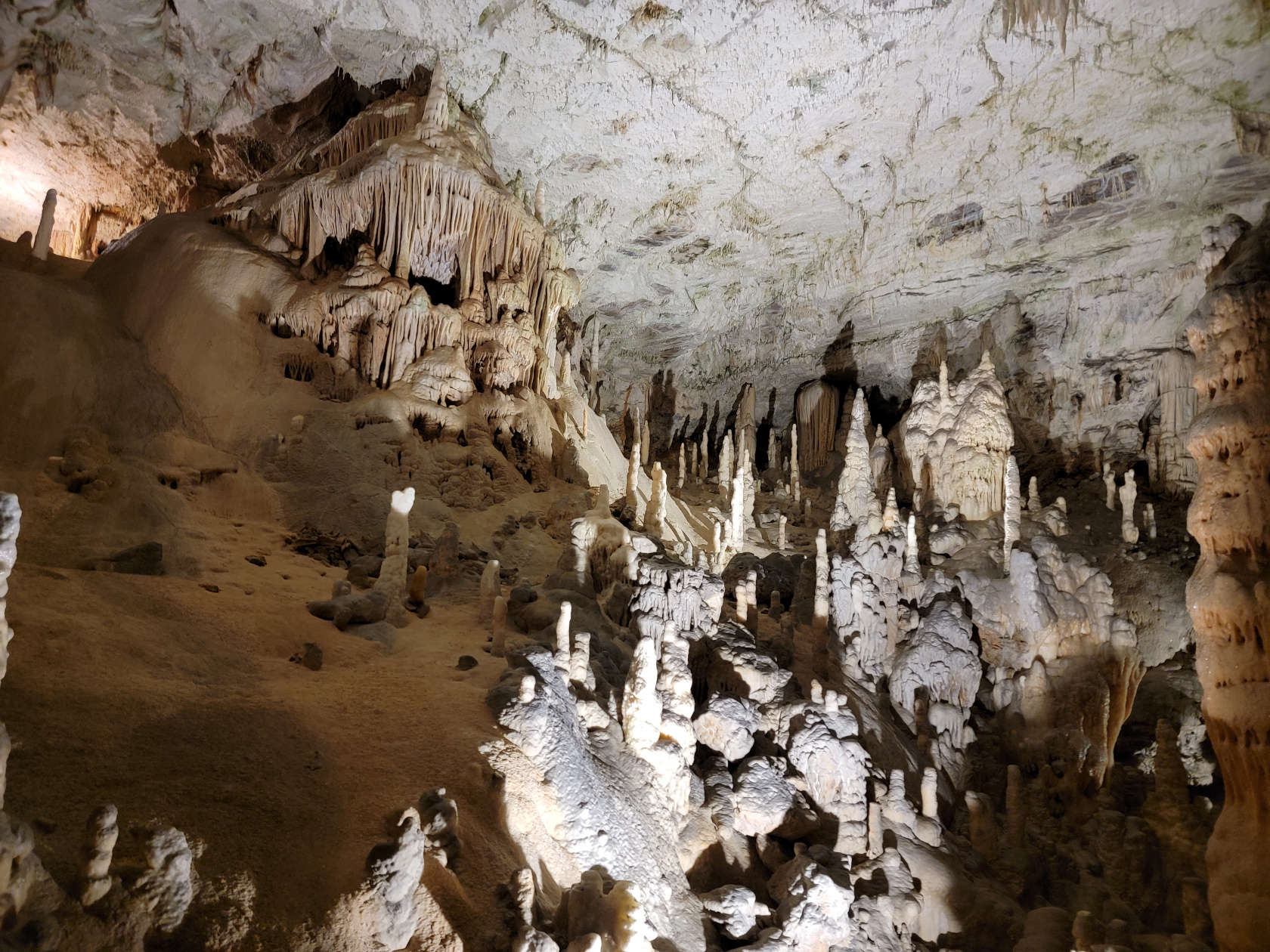
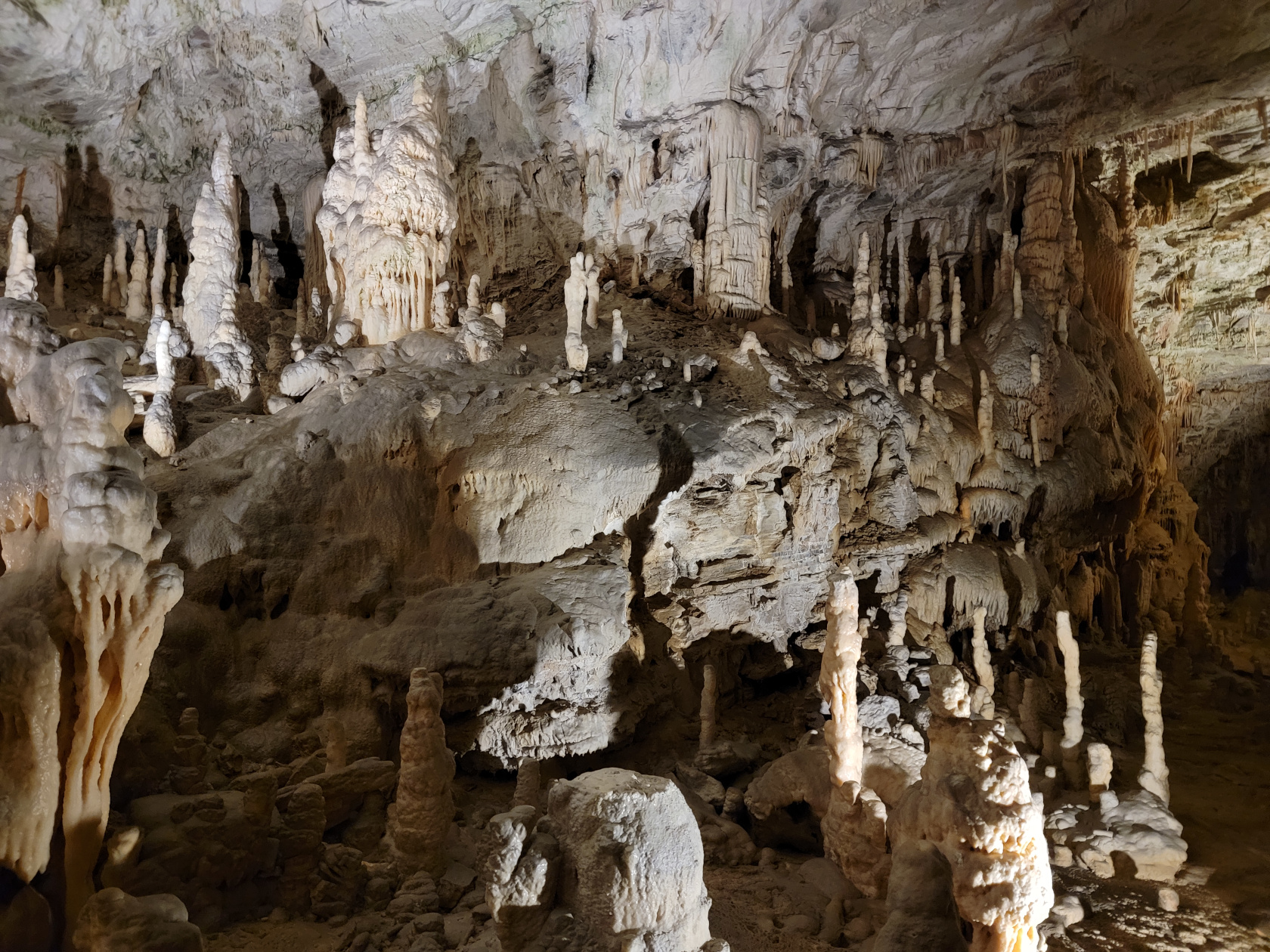
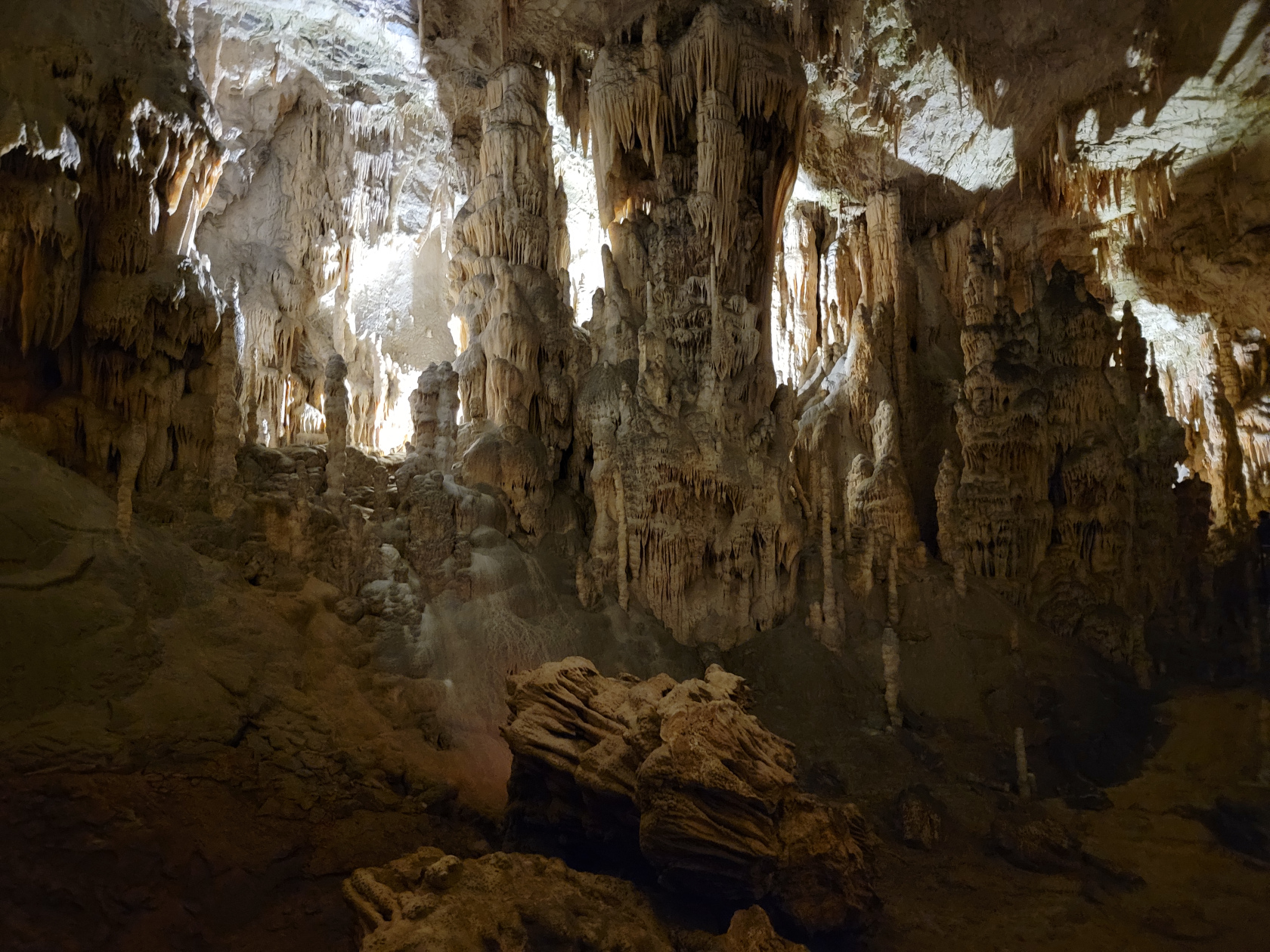
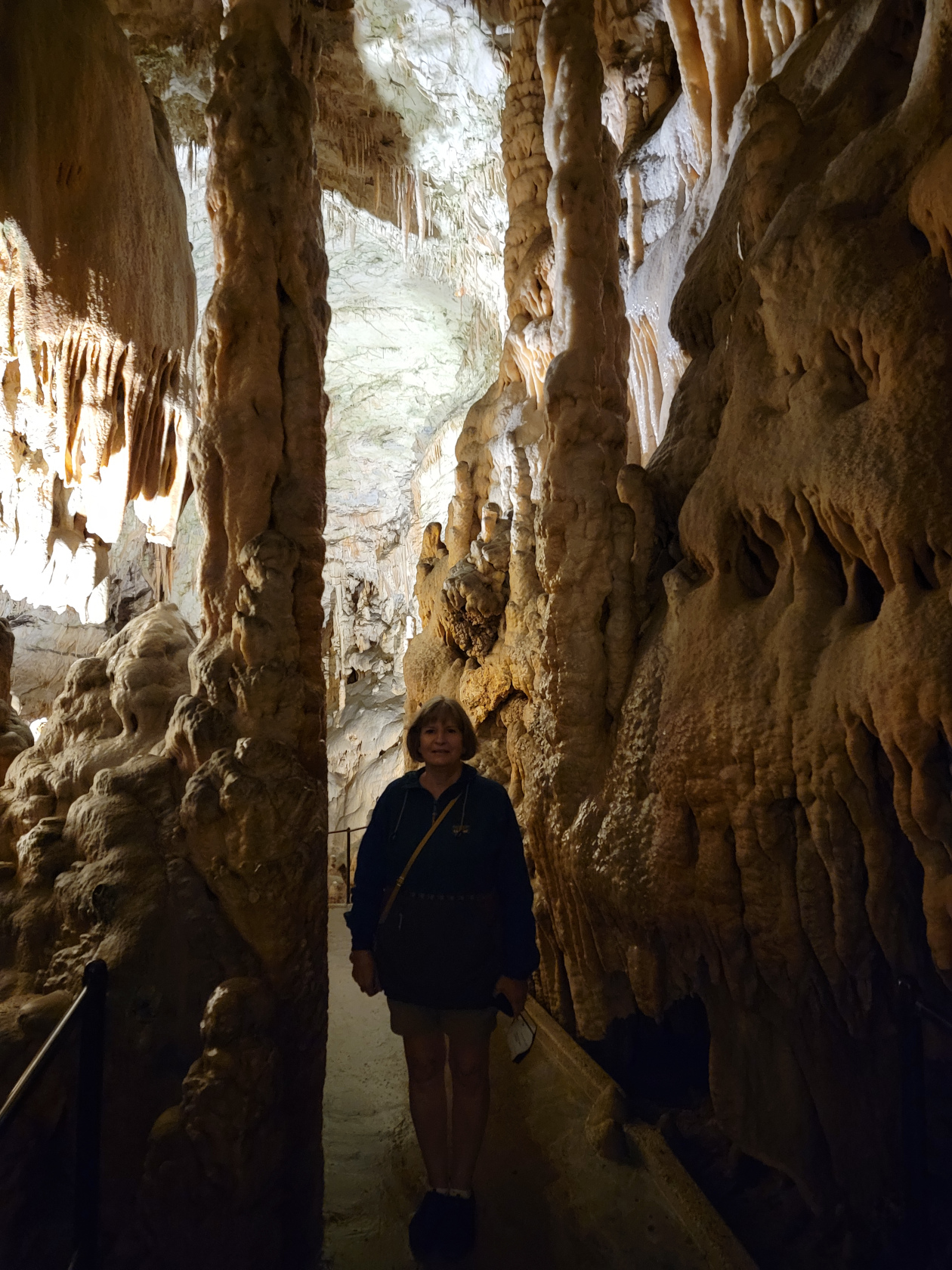
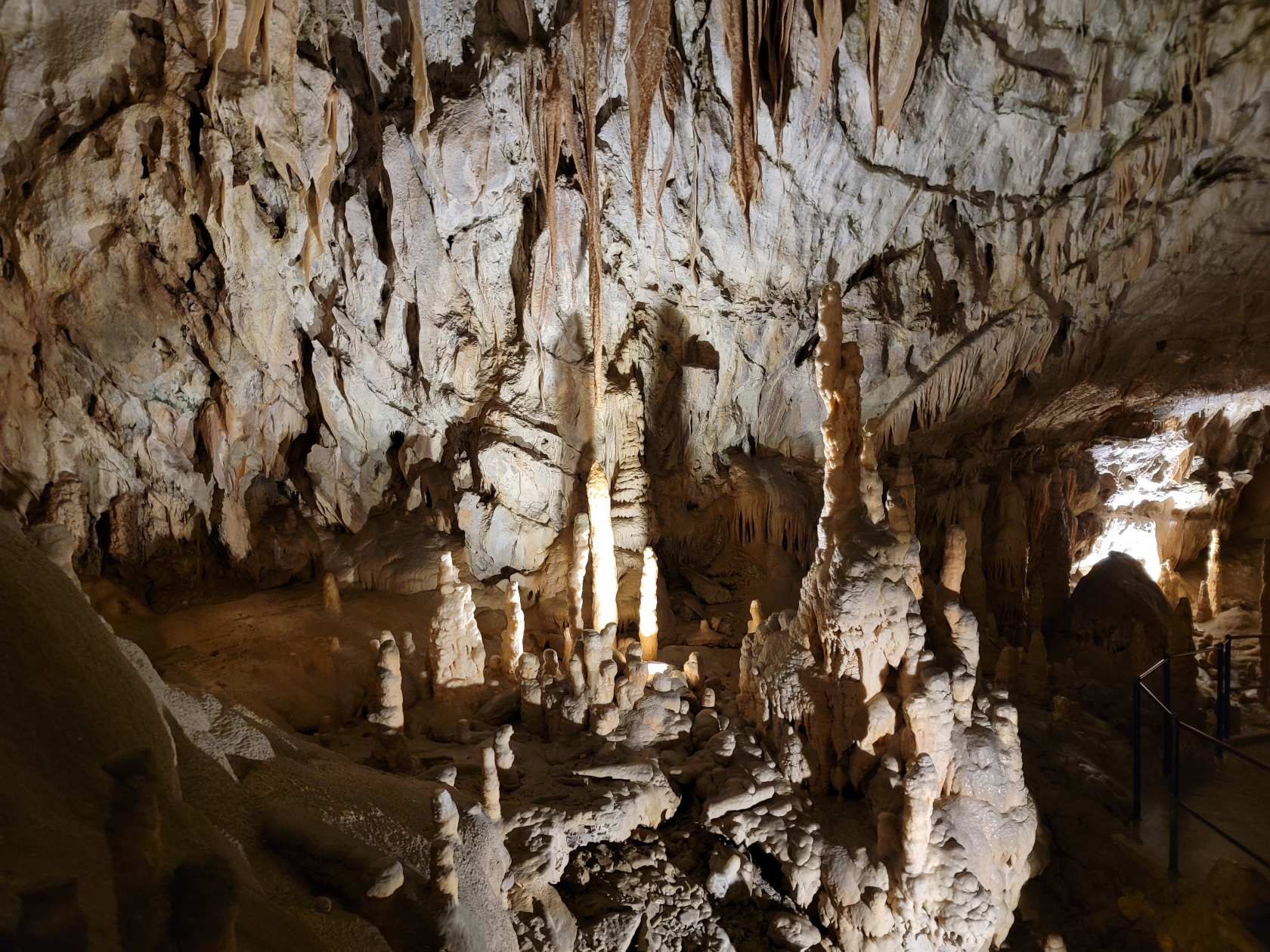
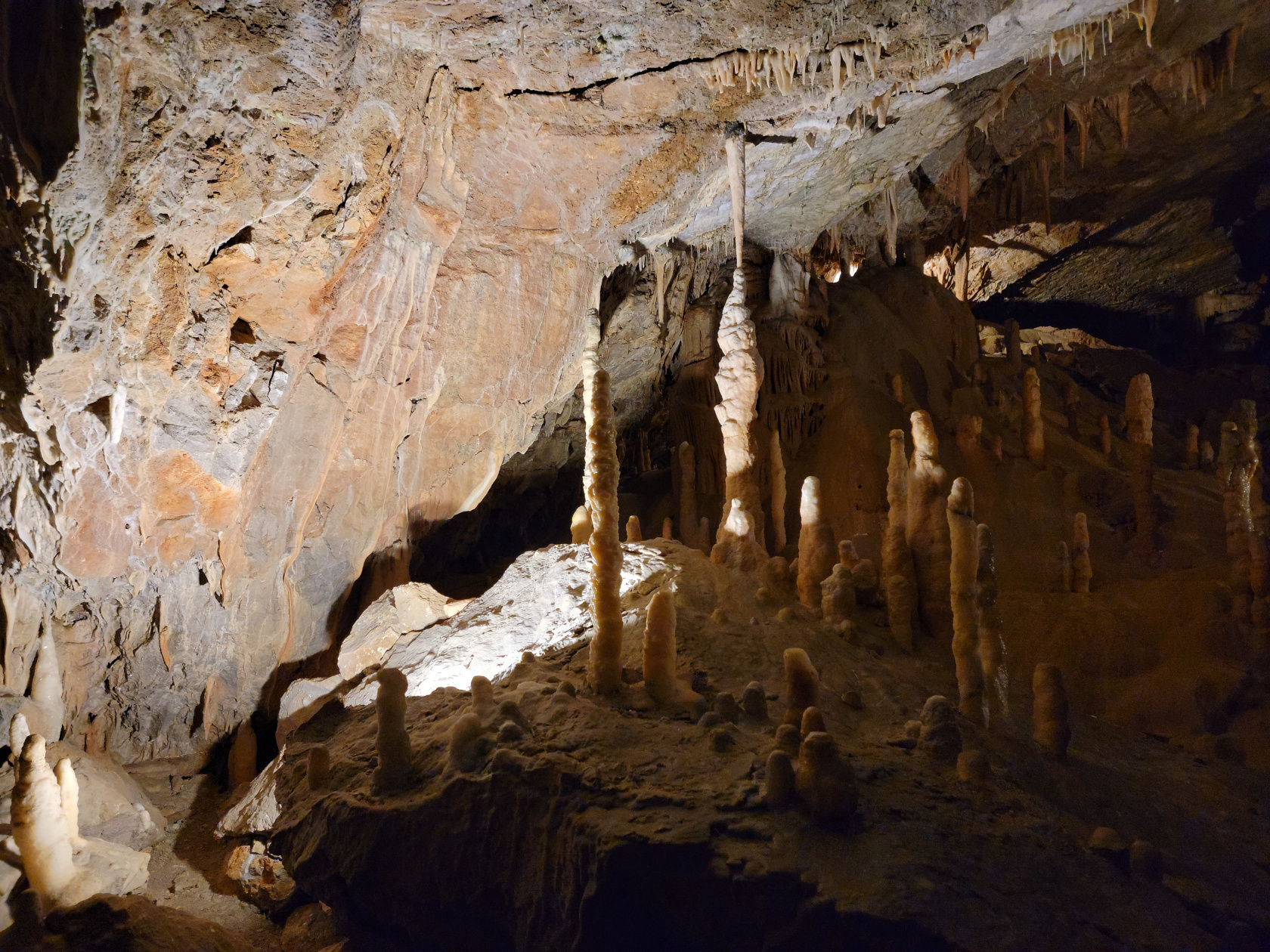
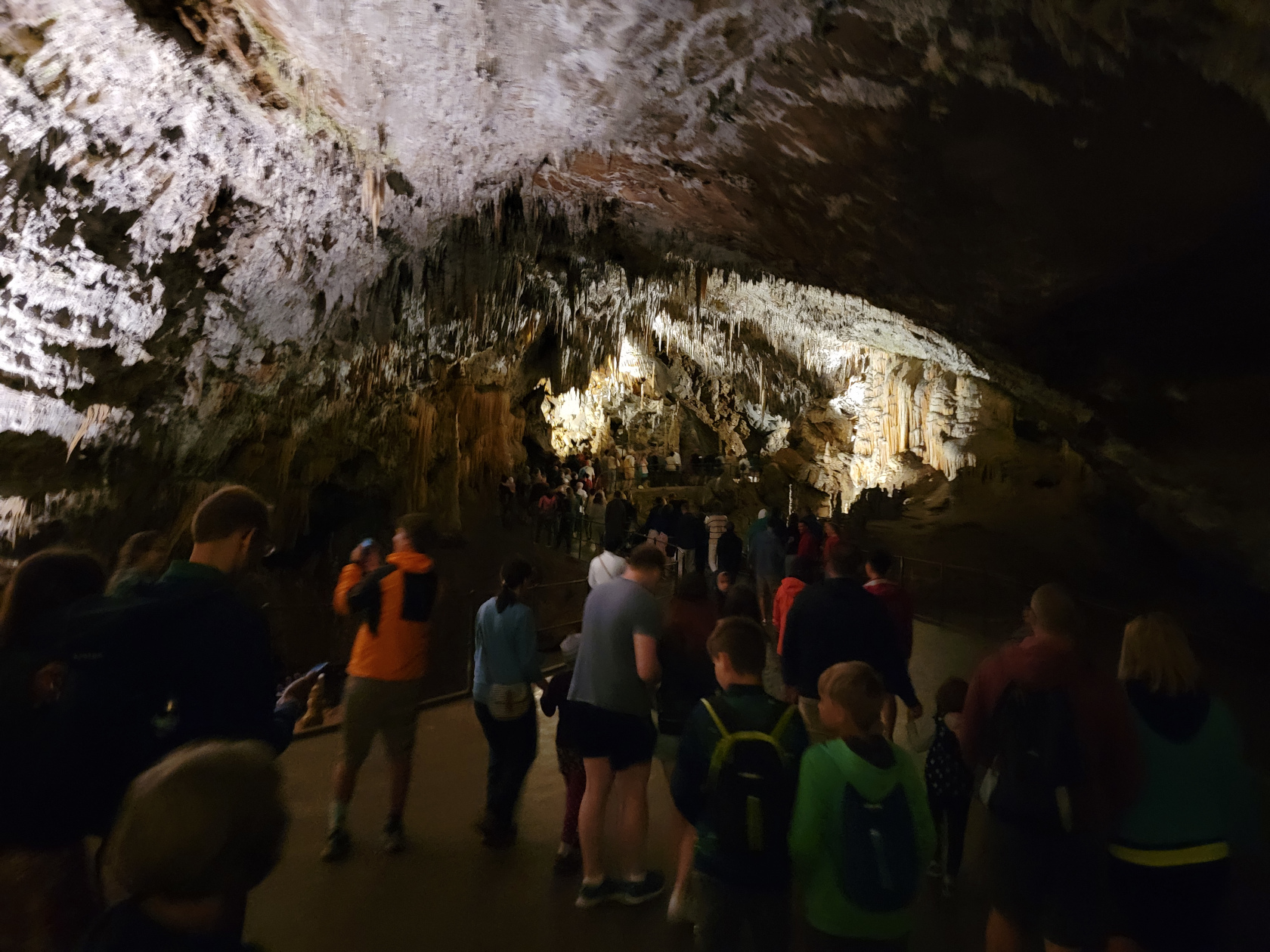
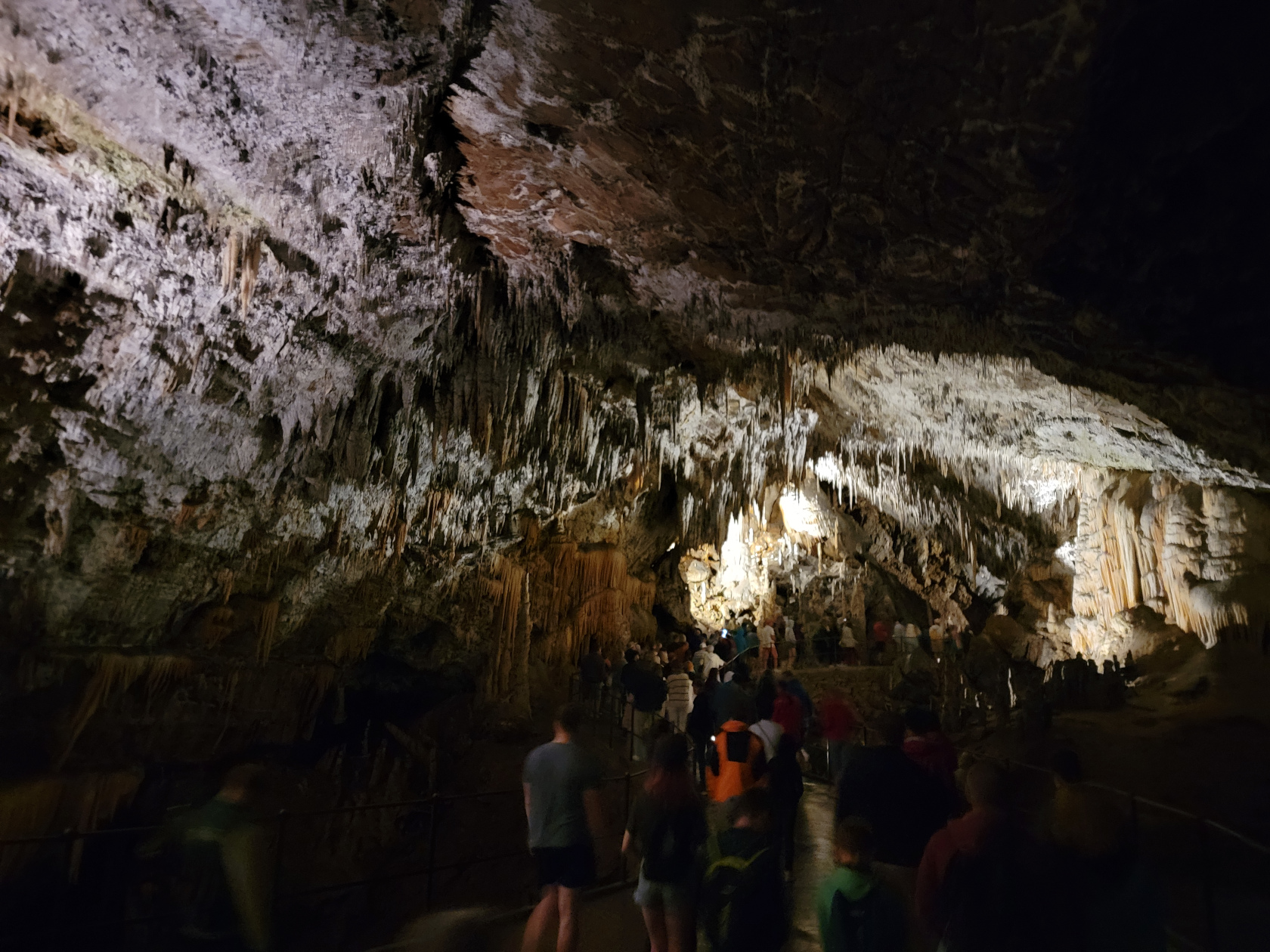
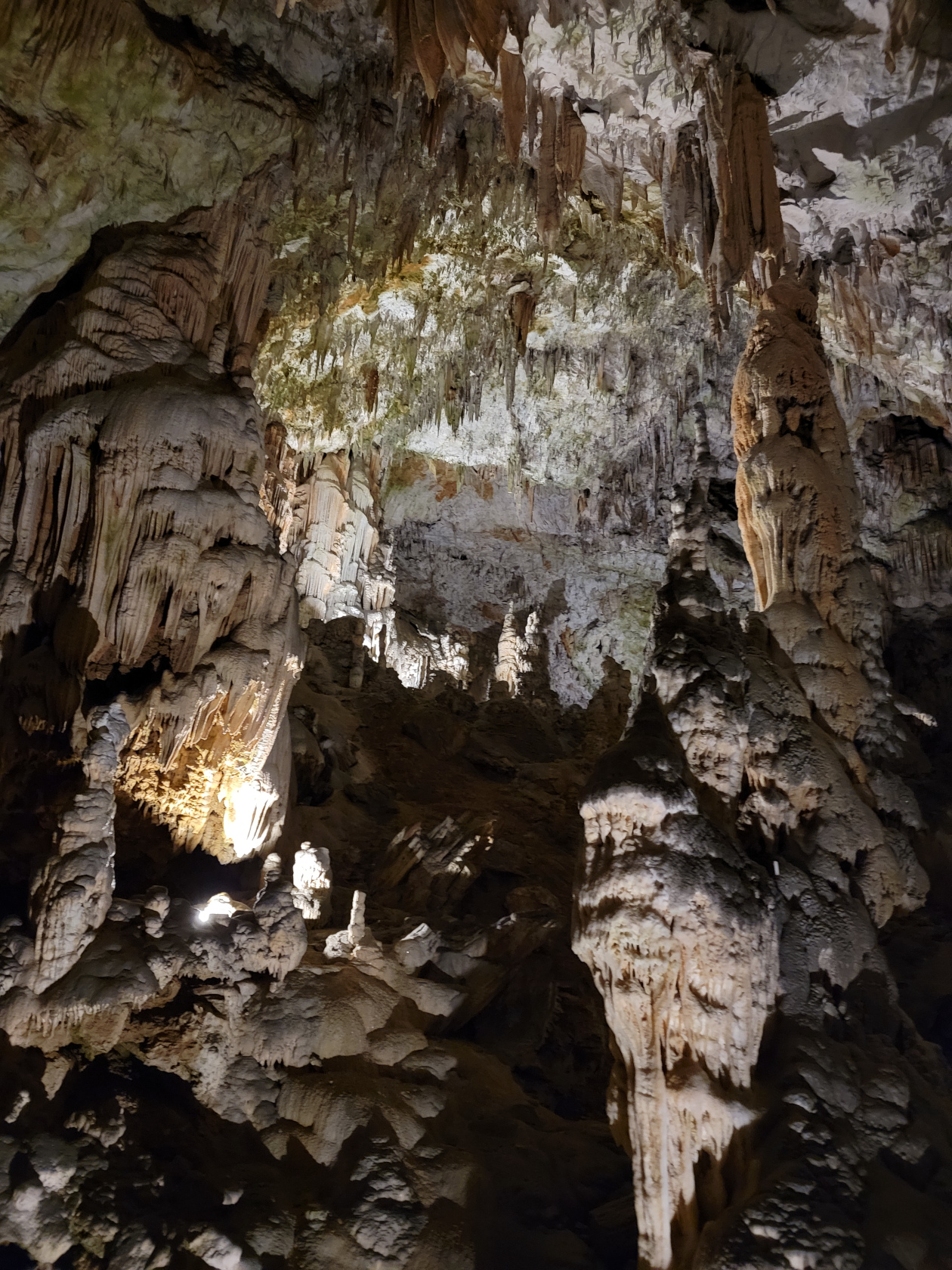
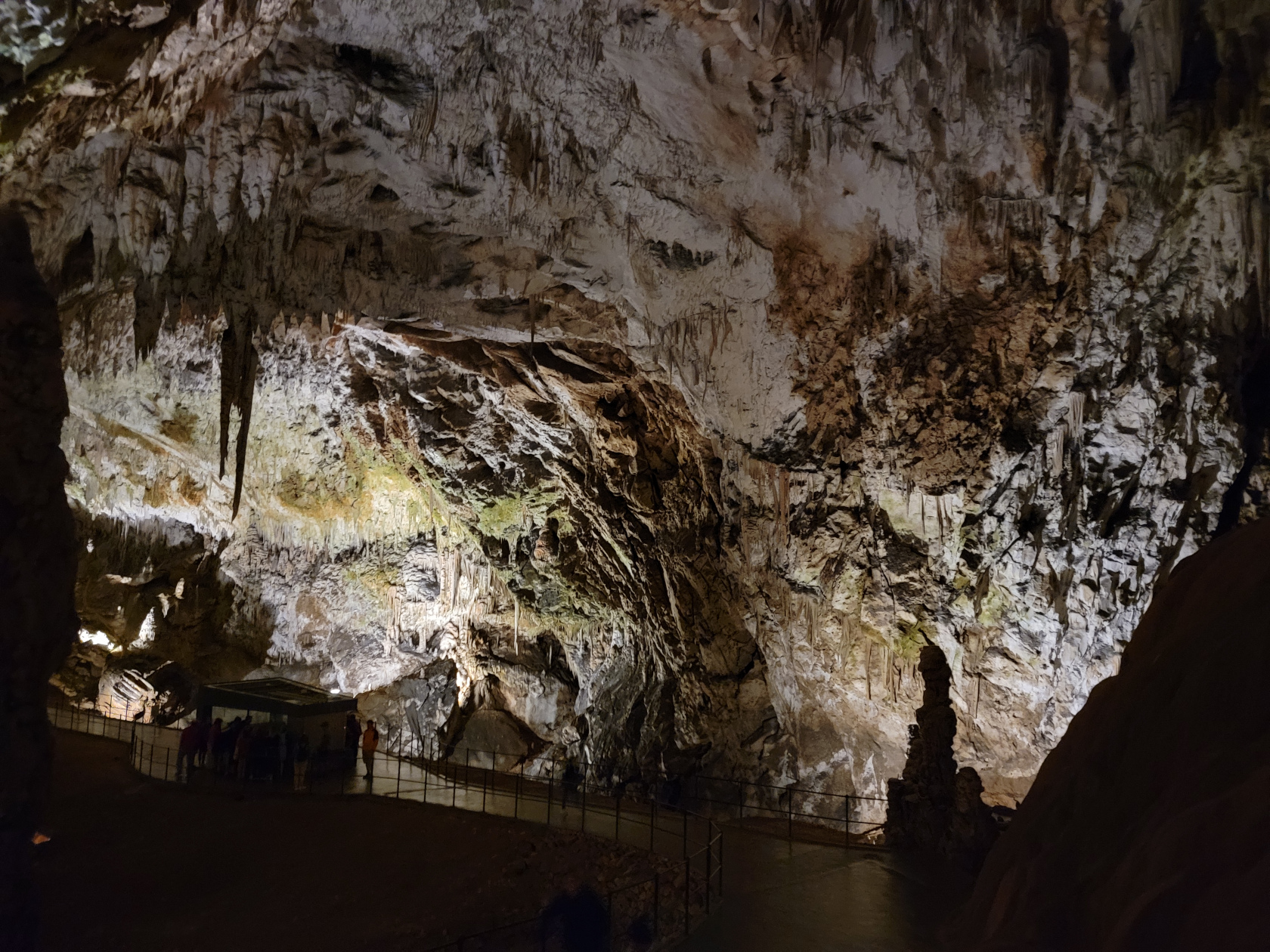
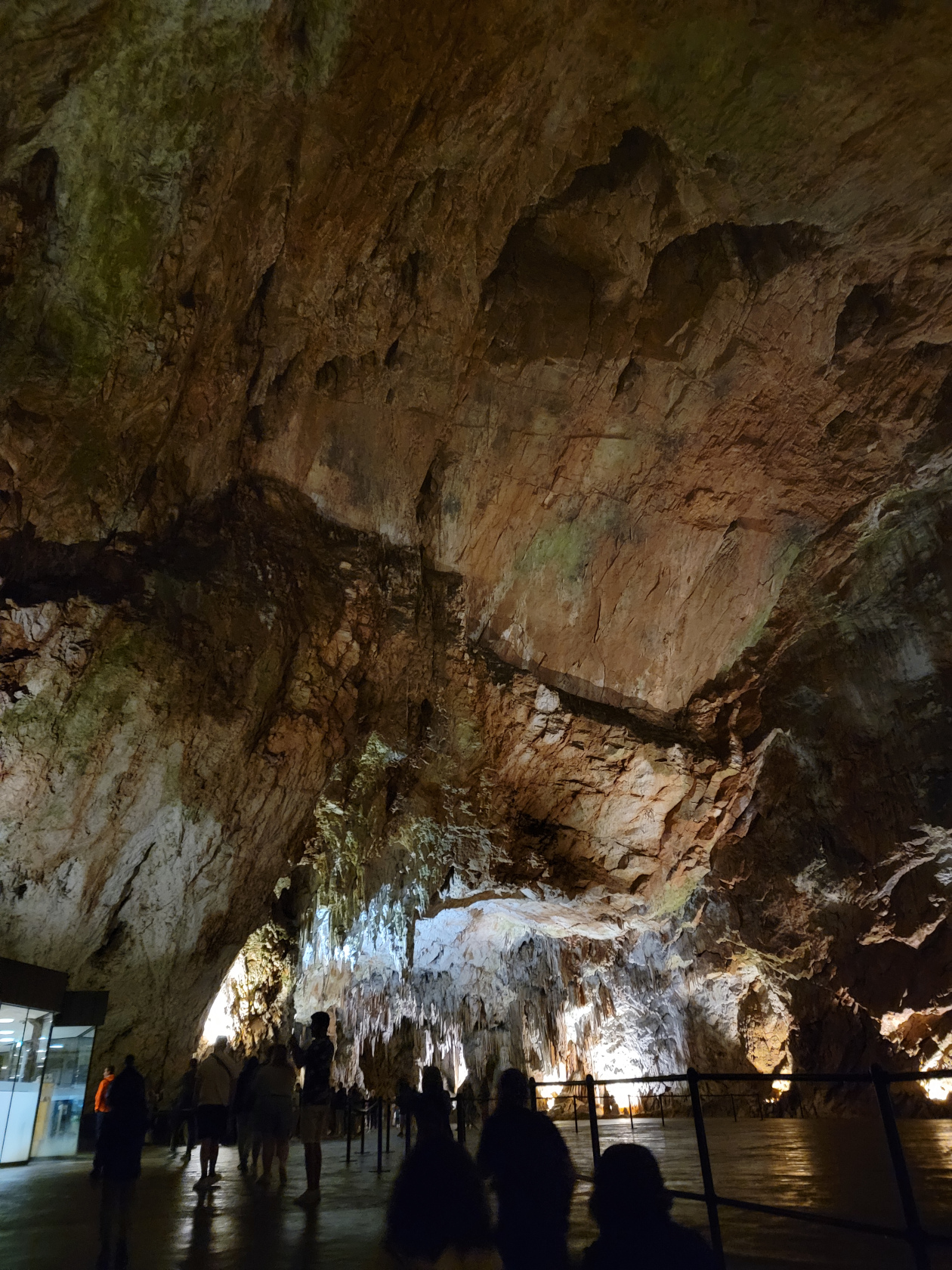
The Postonja Cave, an enormous network karst cave and cavern system, is located forty-five minutes to an hour from Ljubljana driving south on E61 towards Trieste, Italy. The best way to get there is driving, but you can take a bus or hire a tour (which is what we did). Our coach tour cost us 93€ each and we were eight people total, a very manageable group size.
The Cave Tour
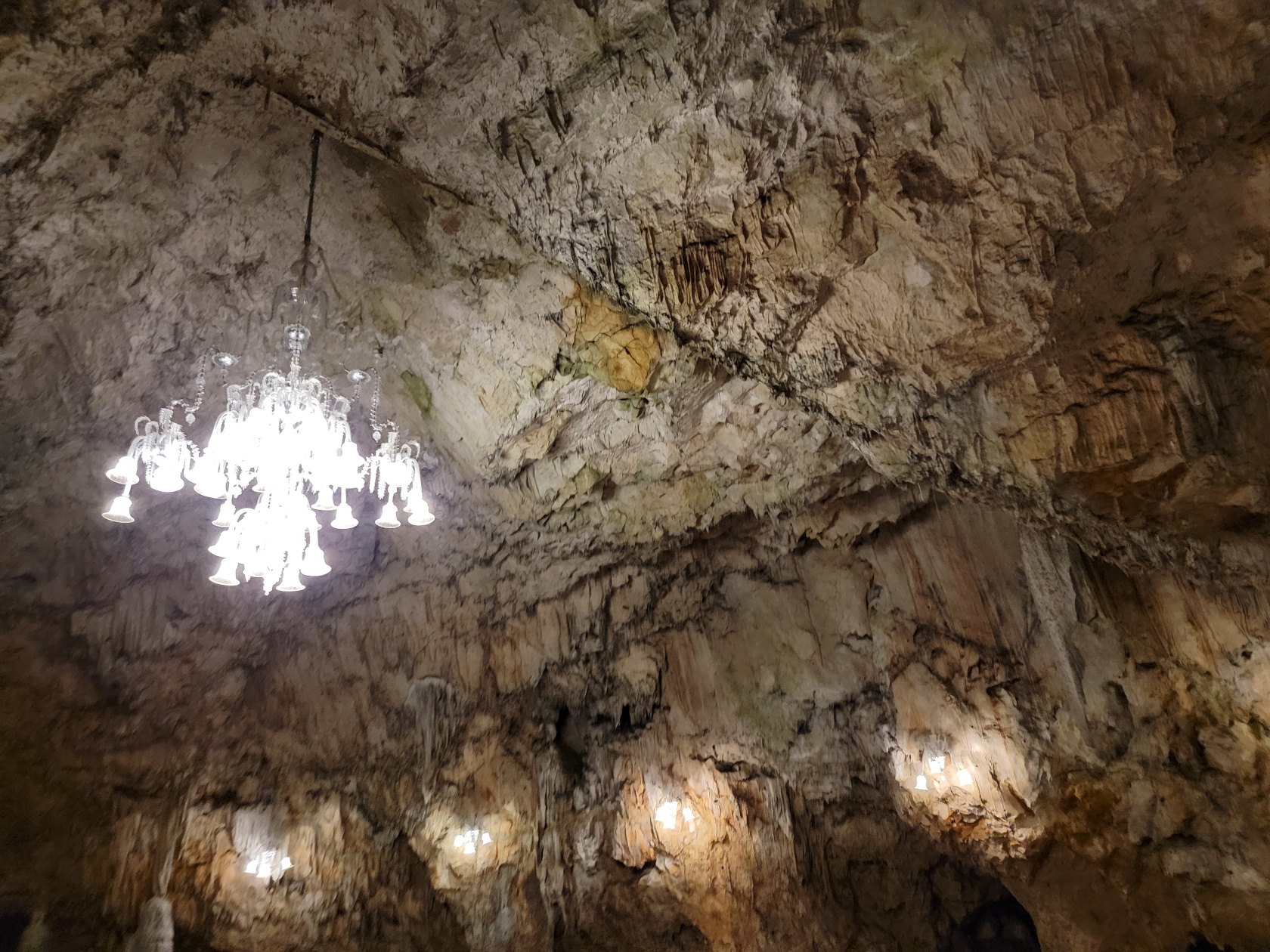
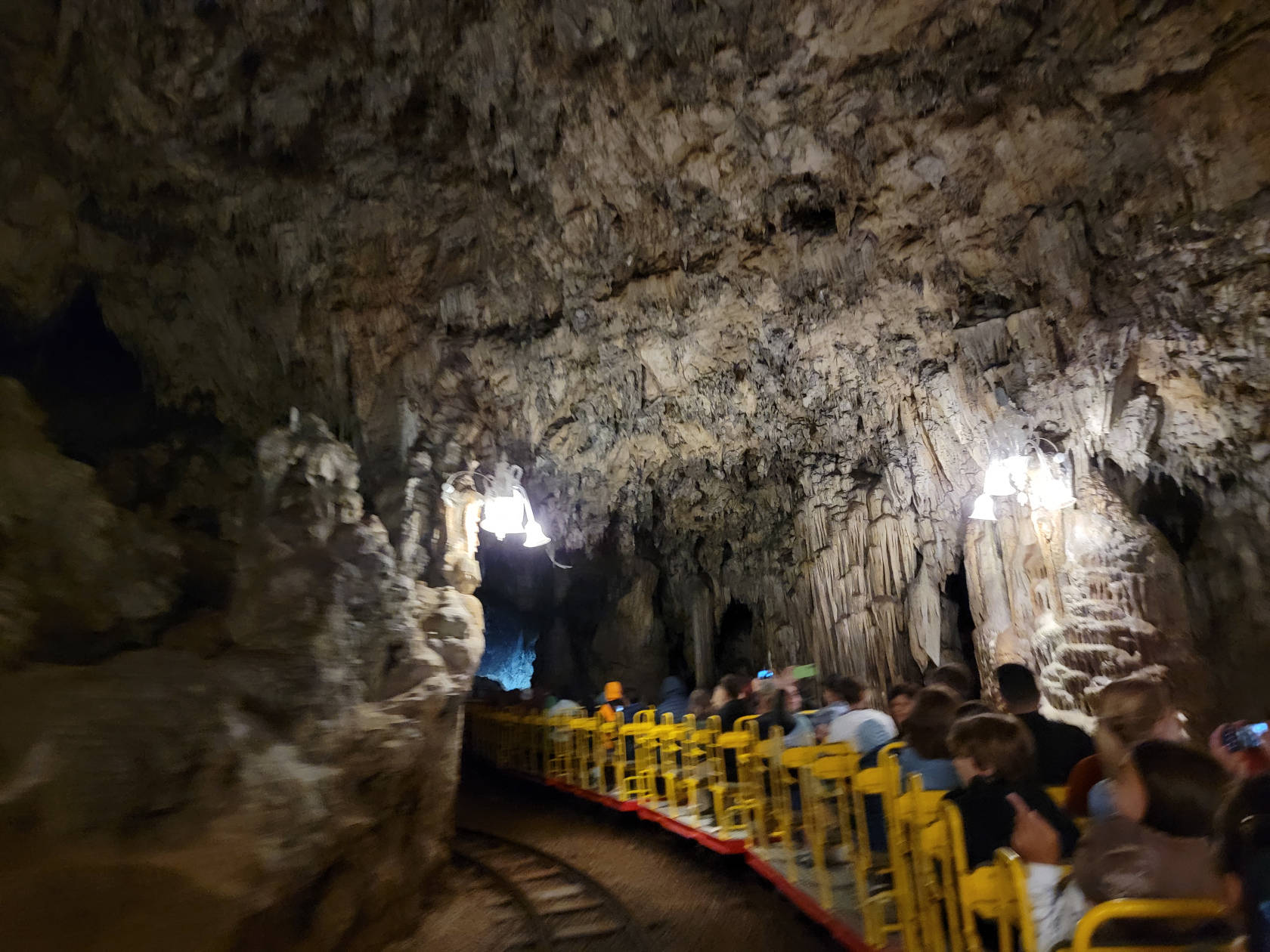
The tour is fairly well managed and is split into a train ride tour, which brings you deep into the mountain; and, a walking tour inside the cave system, which explains the geology and processes going on in the cave itself. They also explain some of the fauna that lives in the cave, as well as the ecology. The entire tour from entrance to exit is about one and a half hours. The temperature in the cave system is around 50°F, so bring a jacket or sweater, if you are inclined to get cold. I wore a short-sleeved shirt and was fine, though the train ride was a bit chilly due to the breeze.
Postonja Caves – Tickets For Two
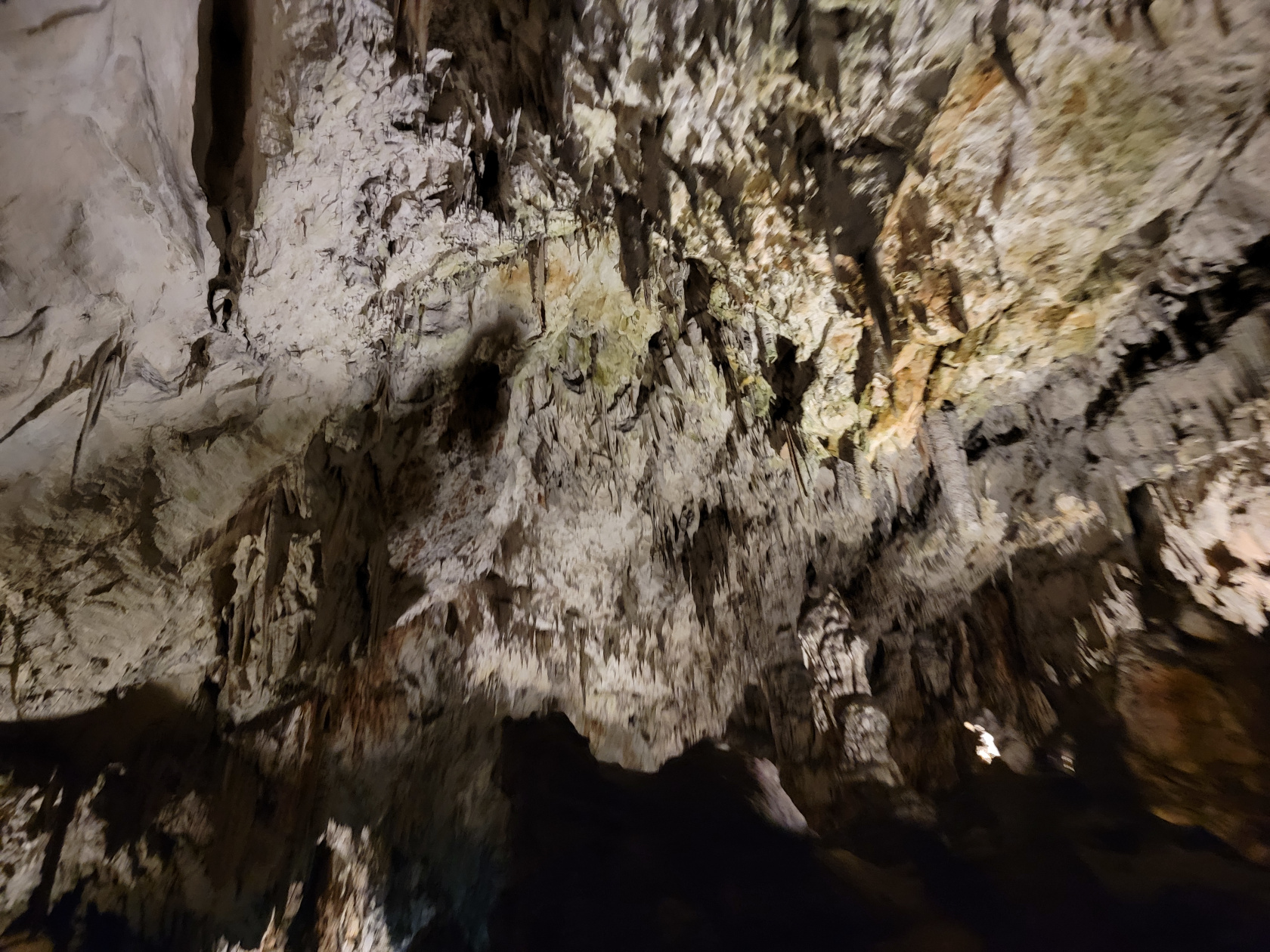
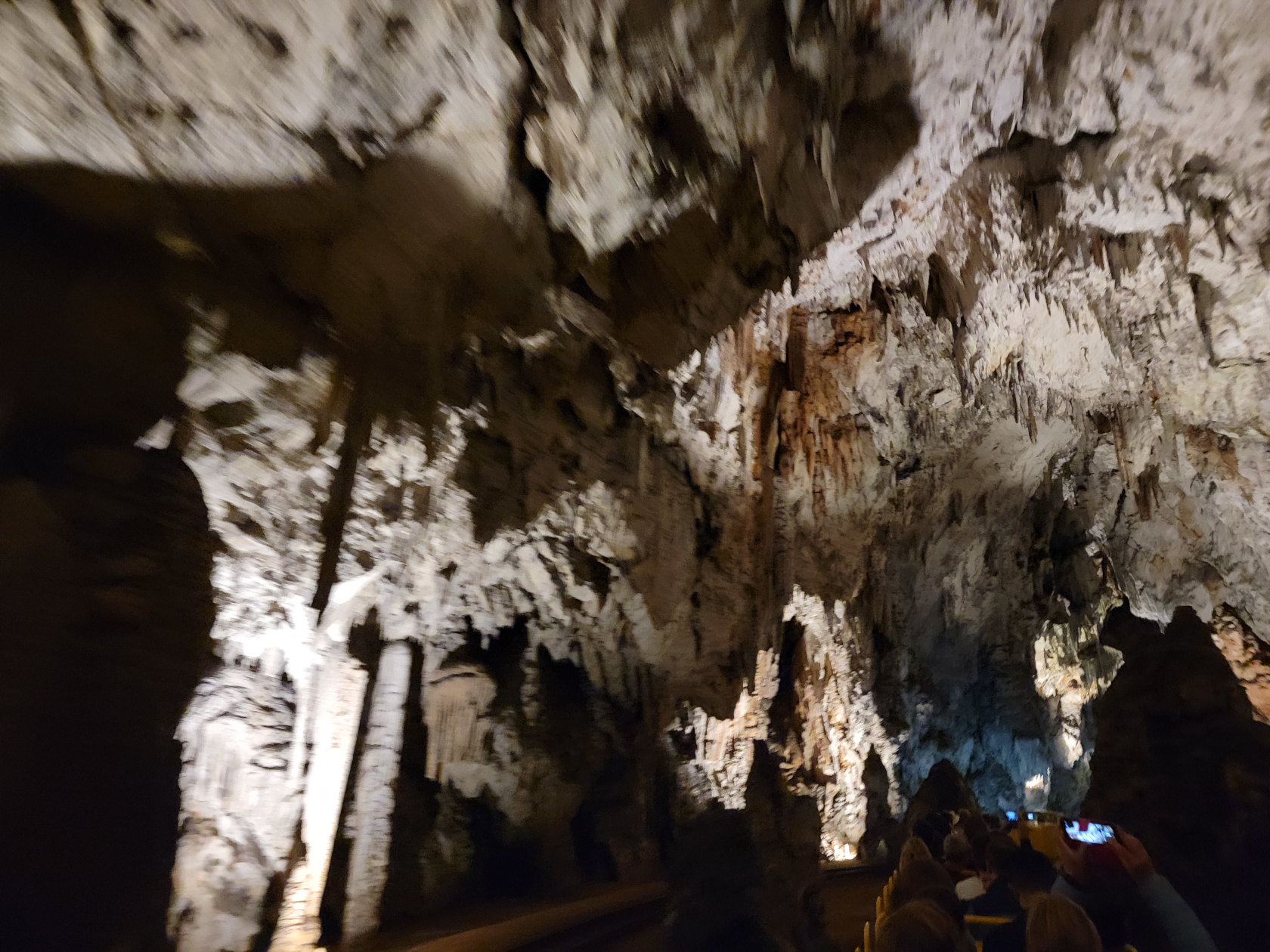
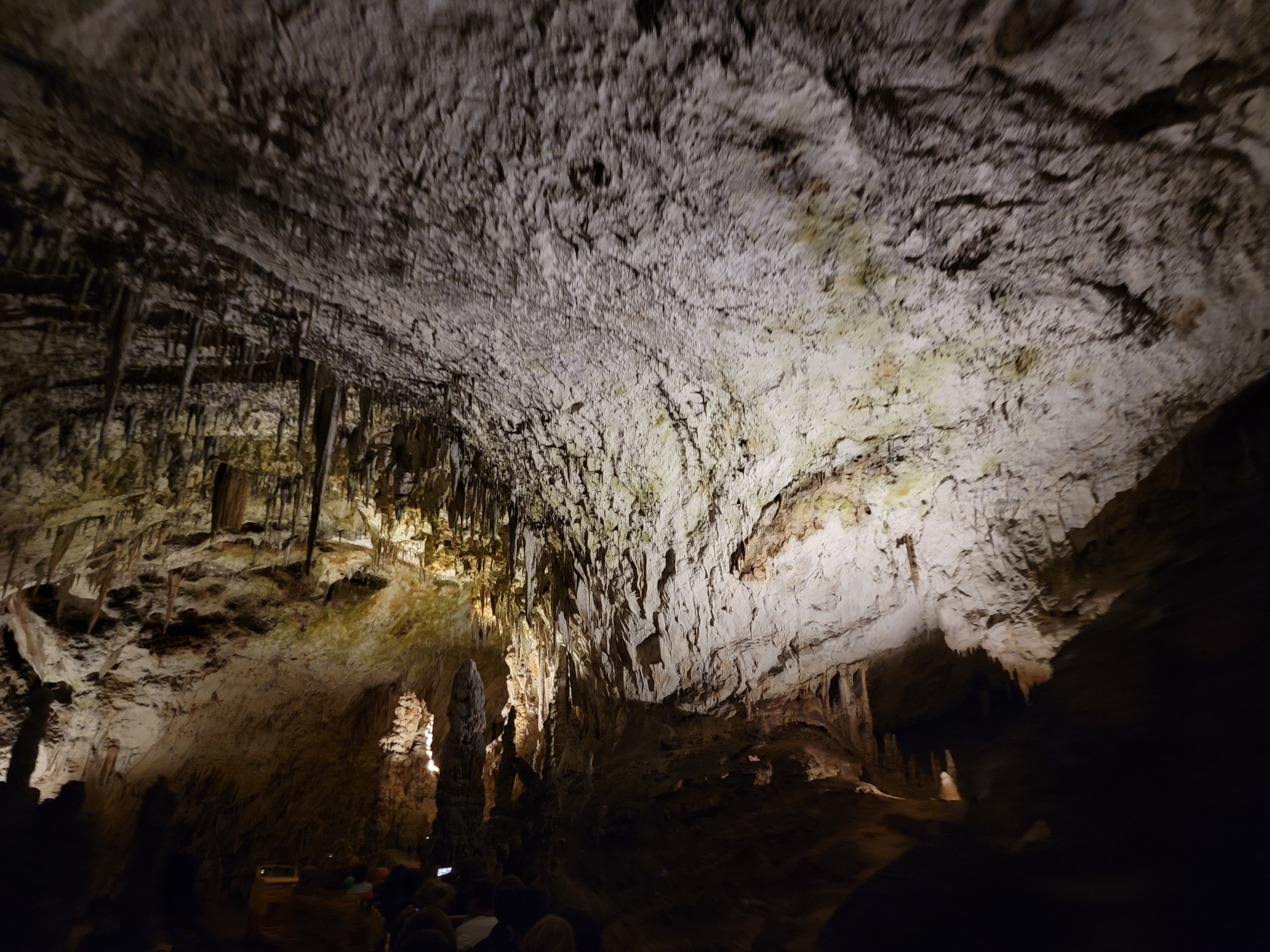
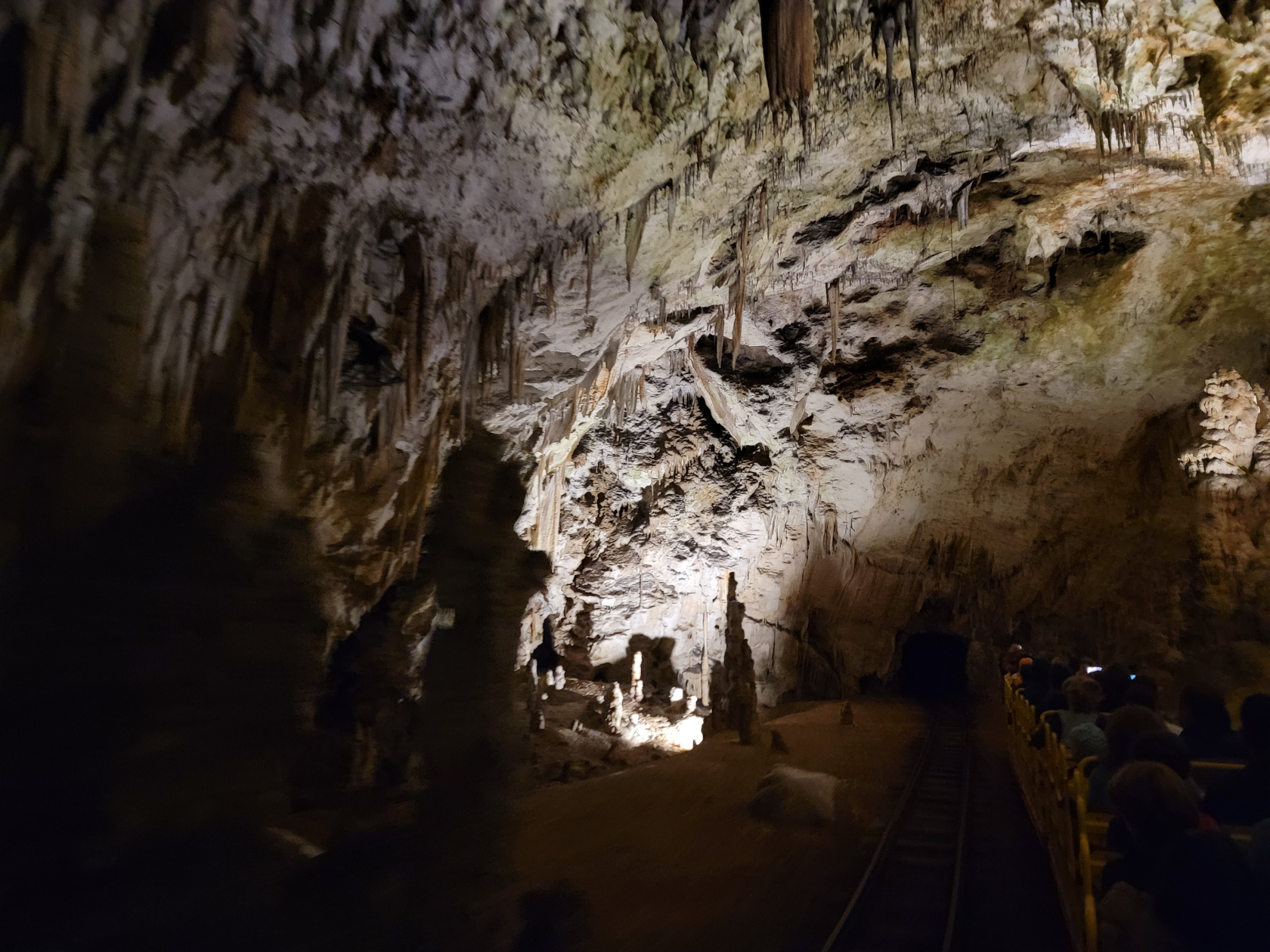
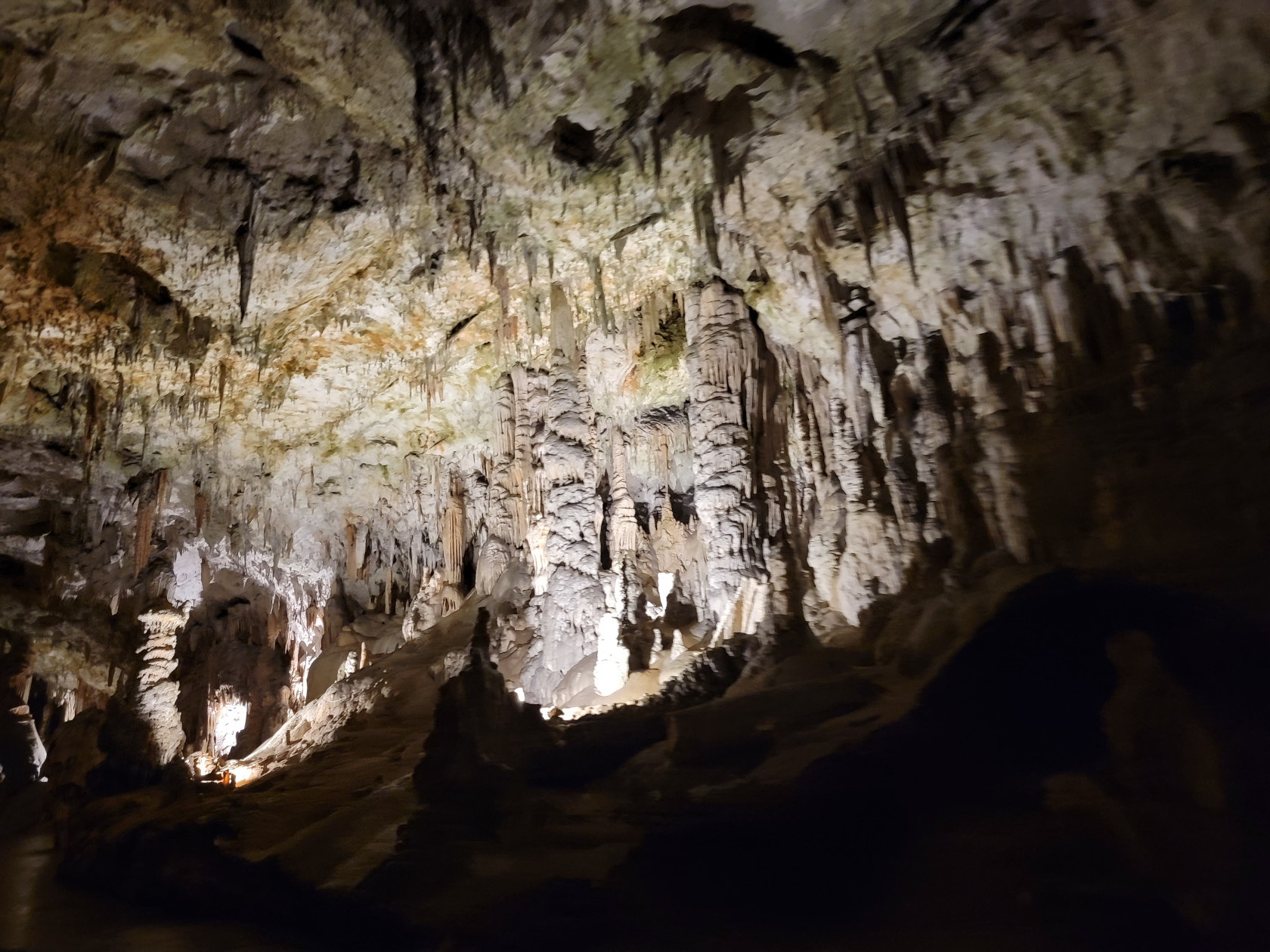
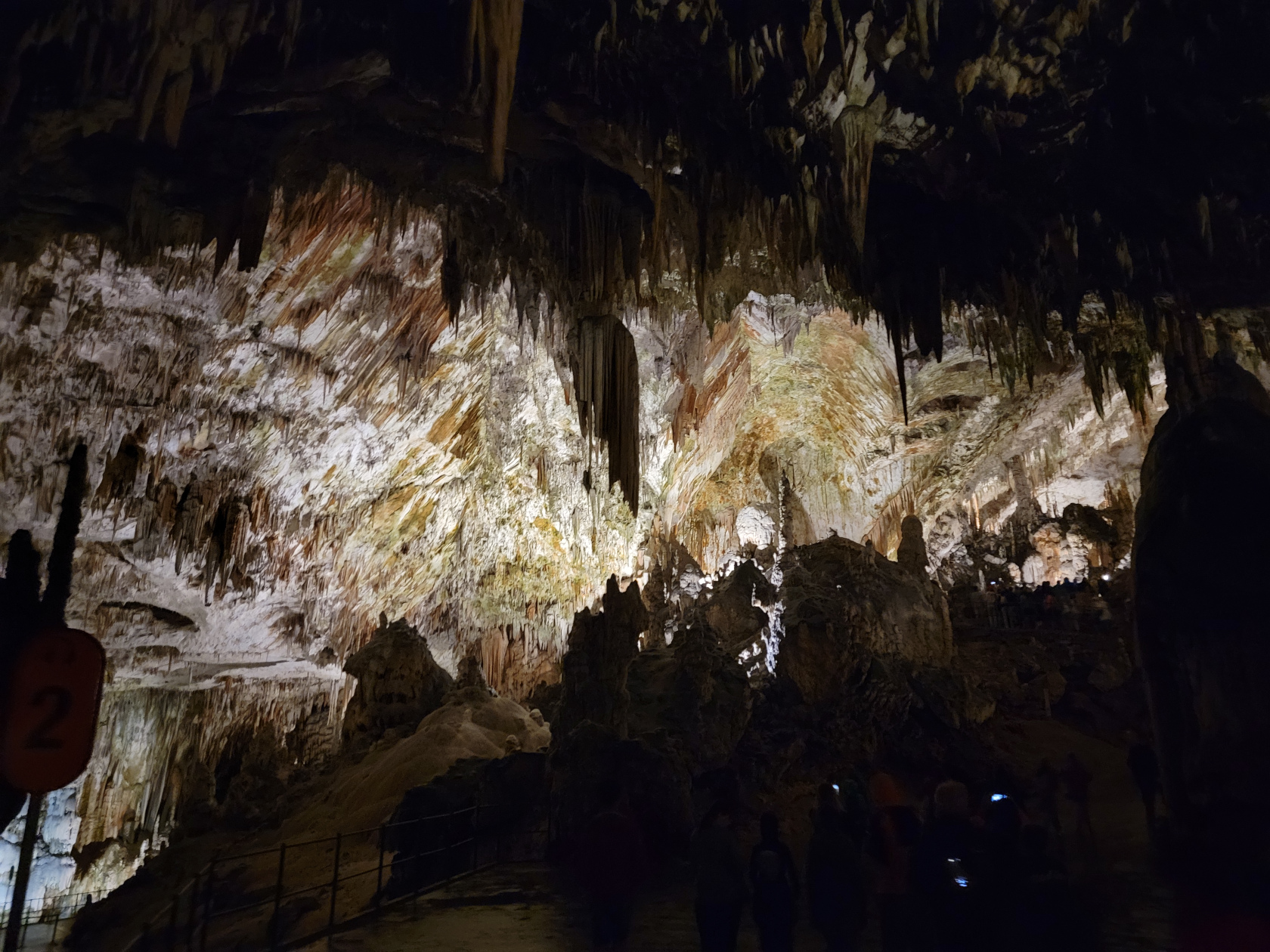
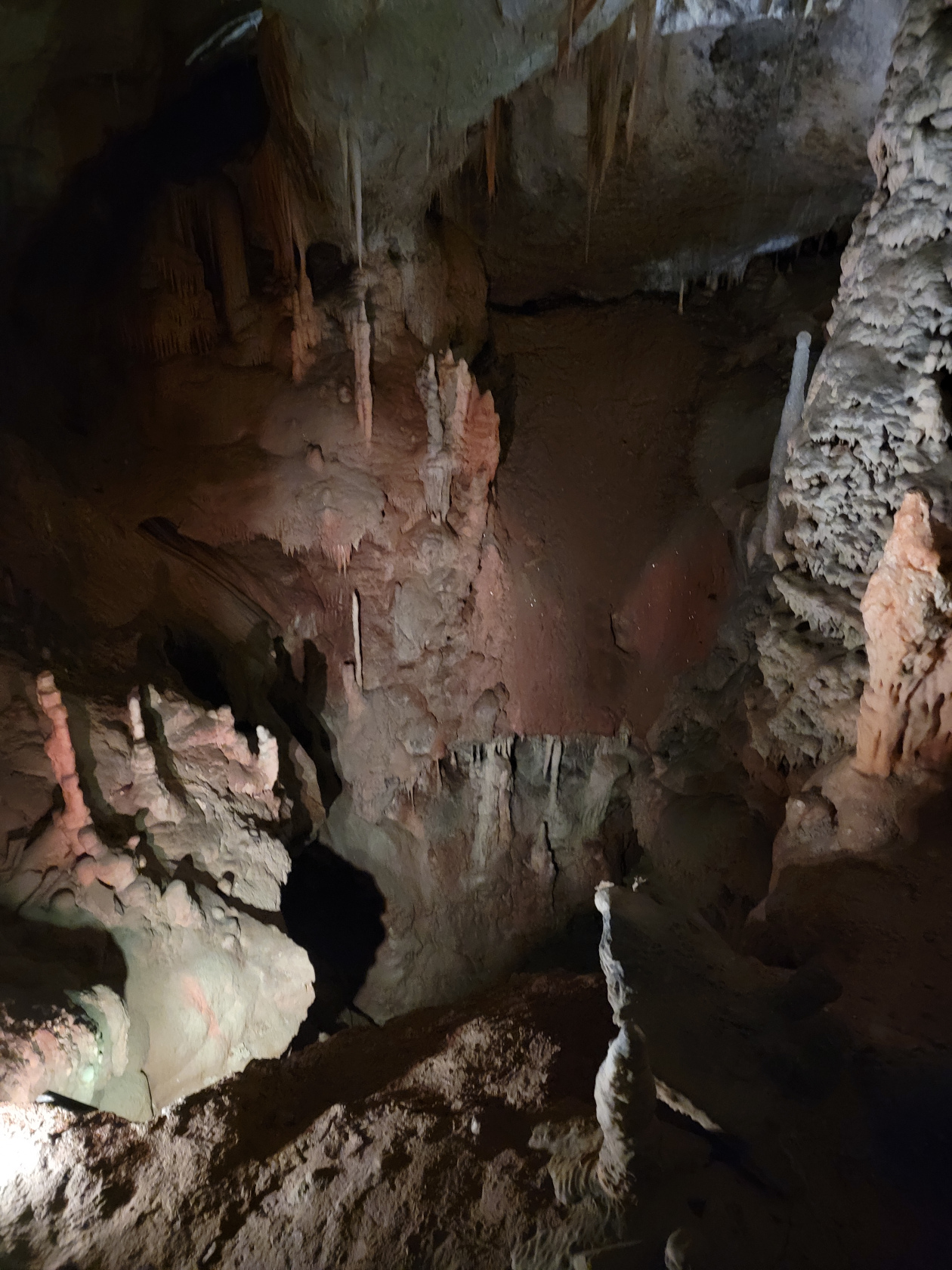
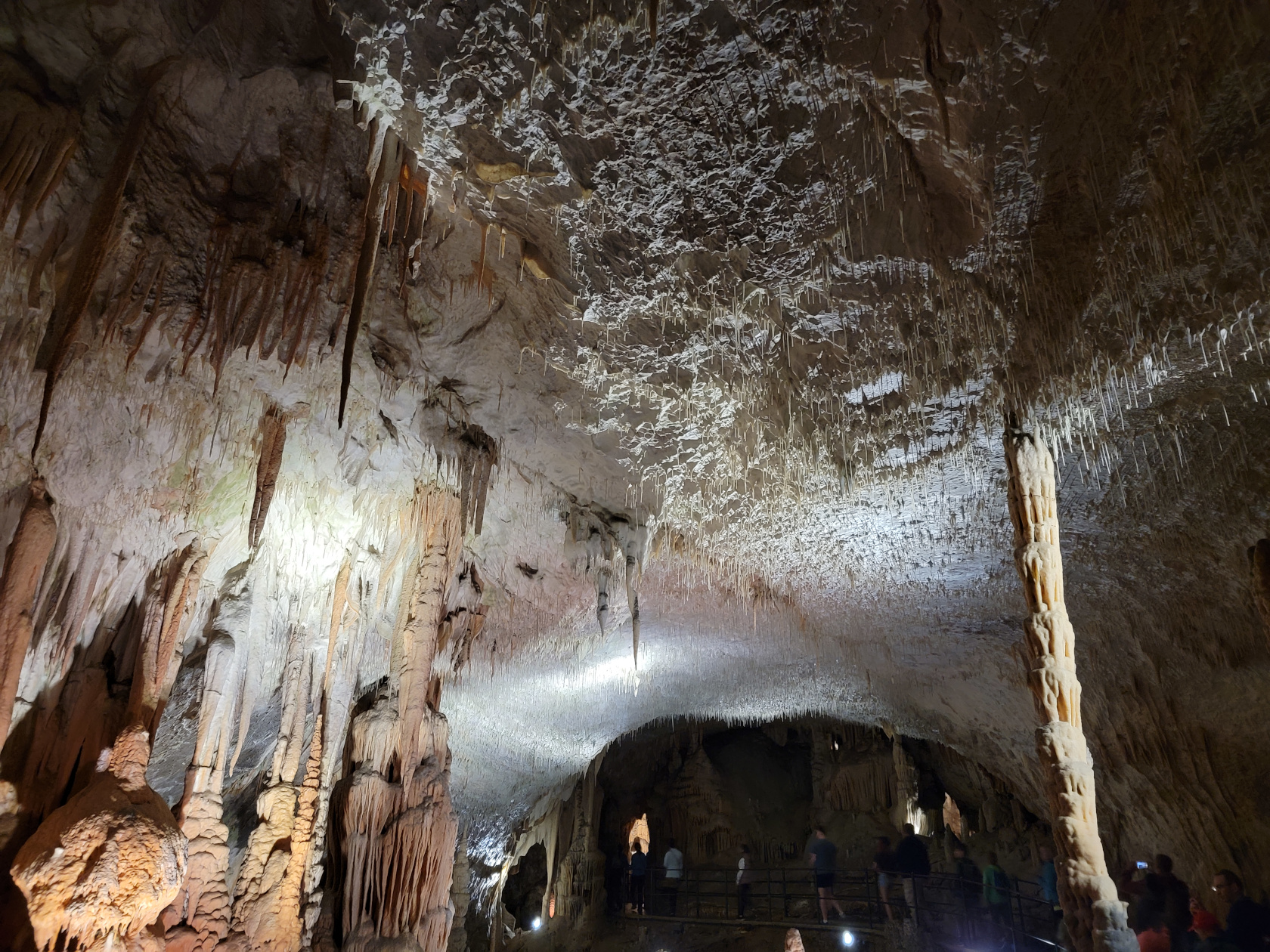
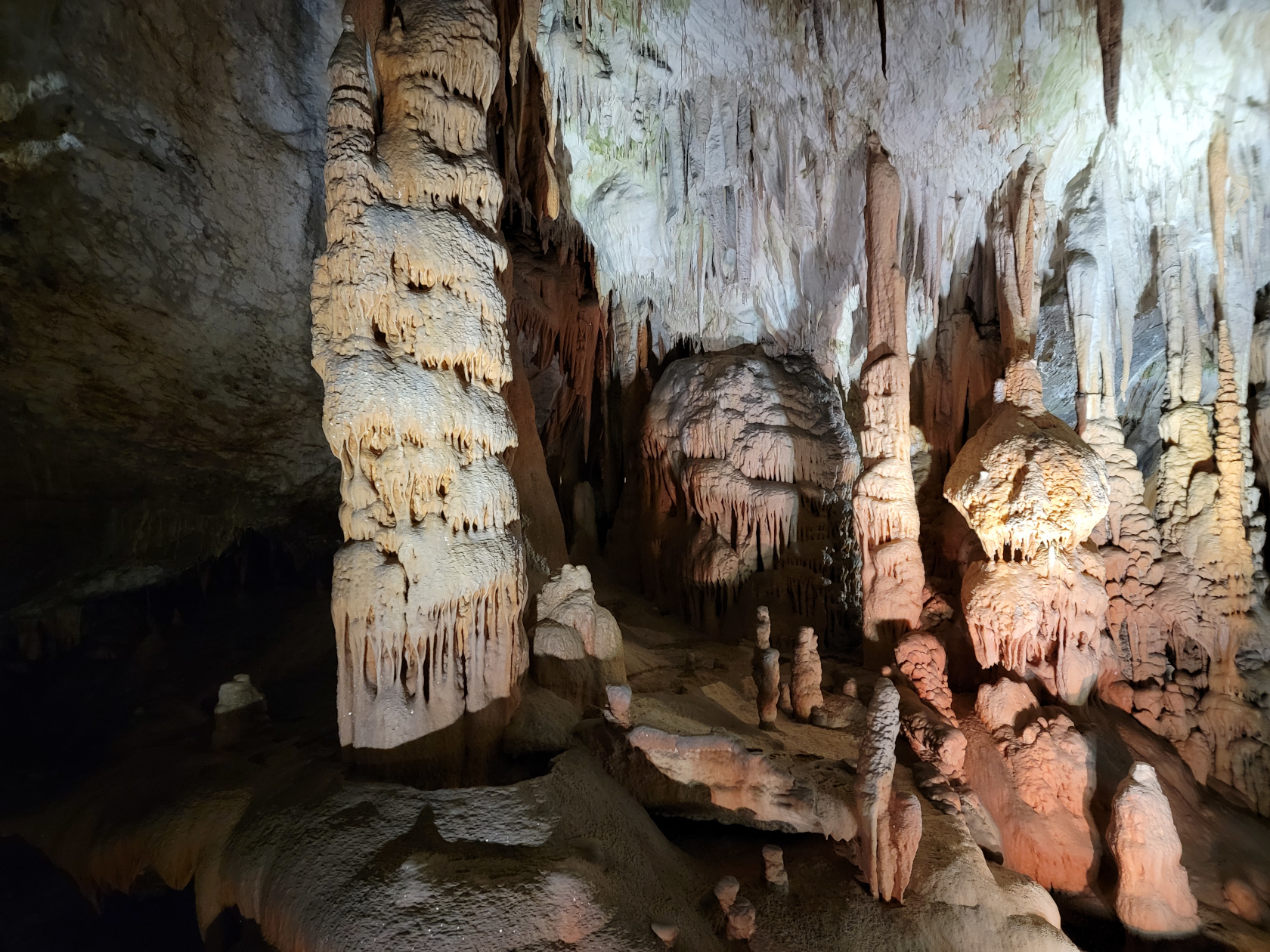
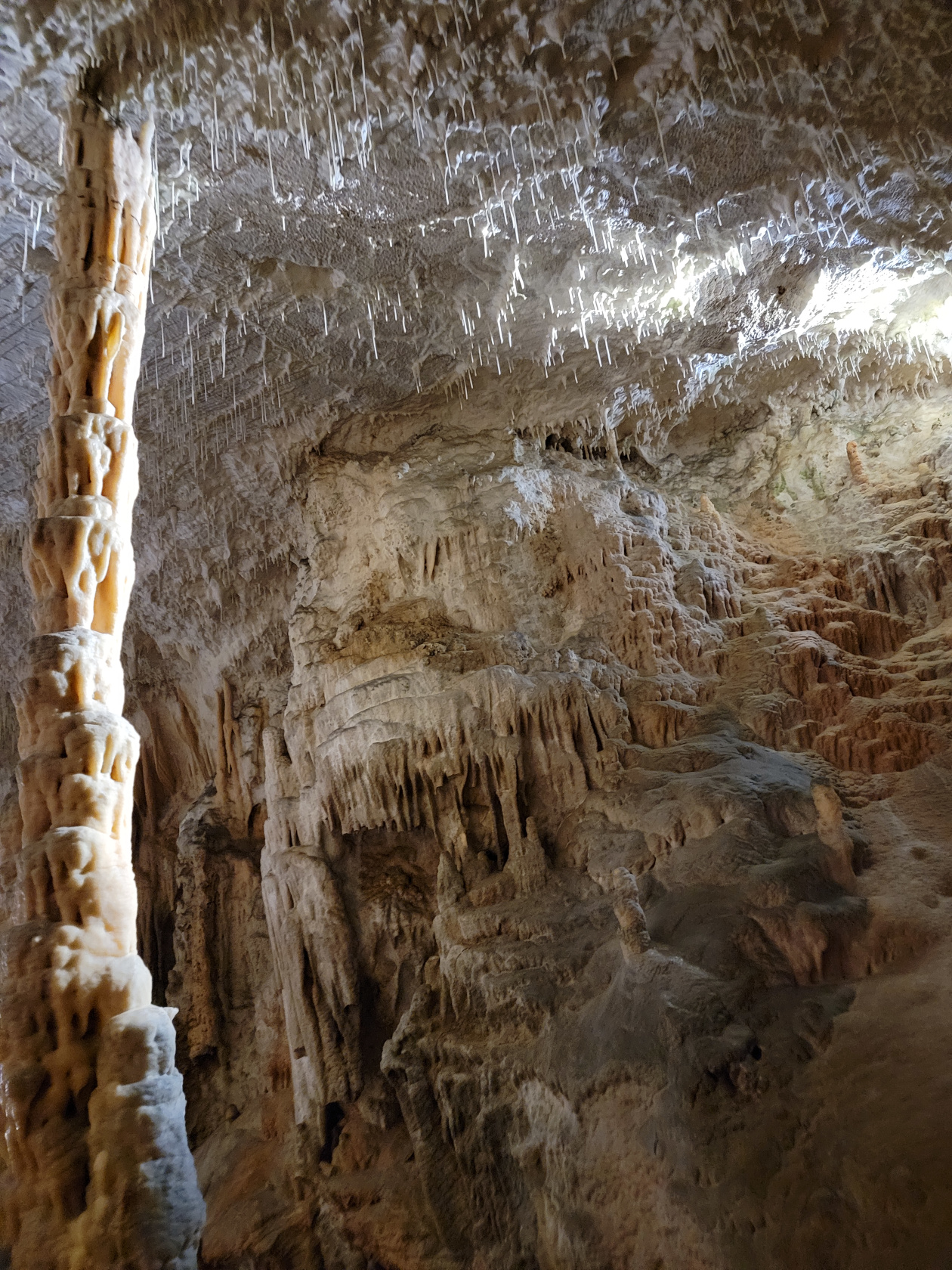
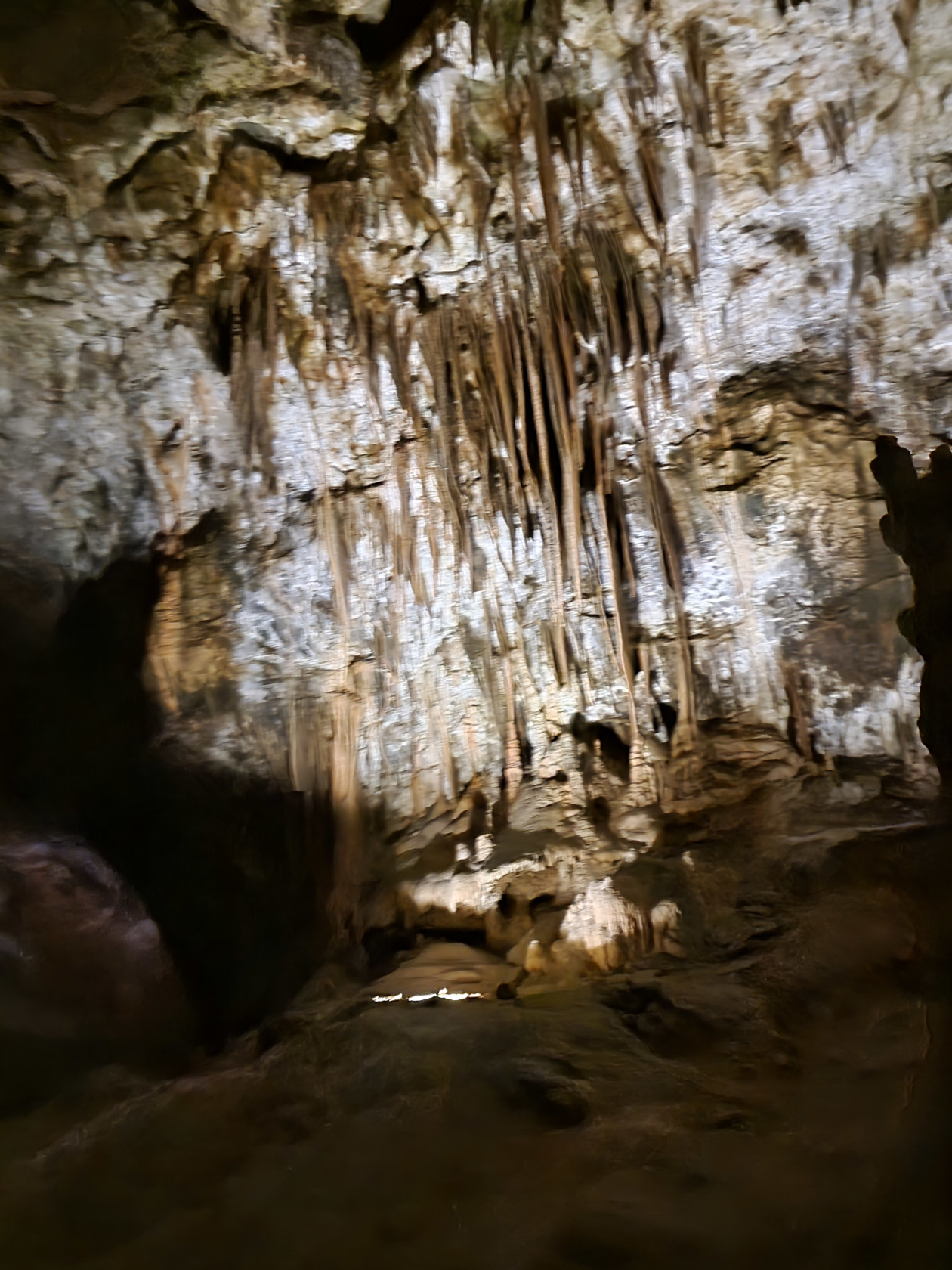
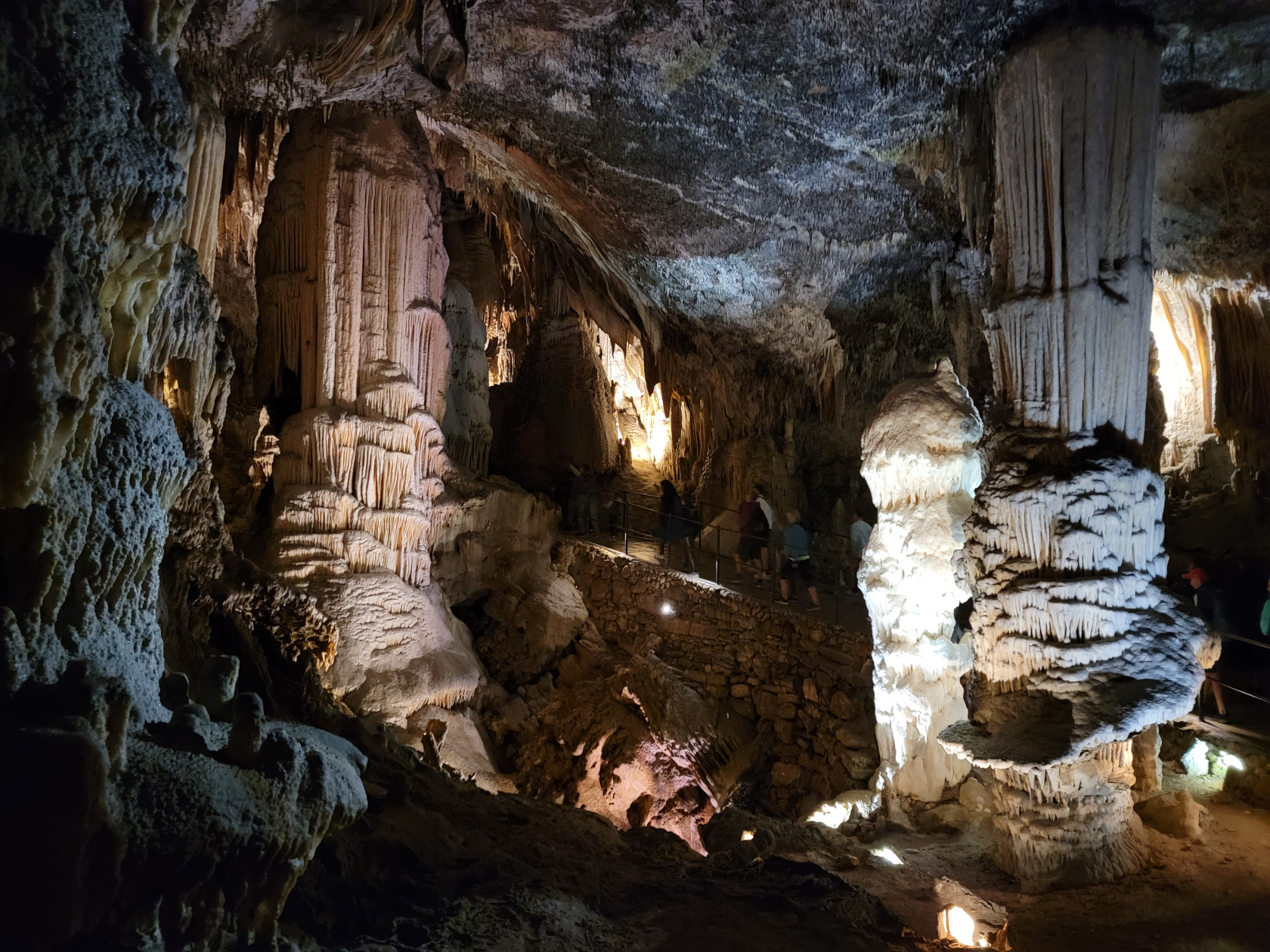
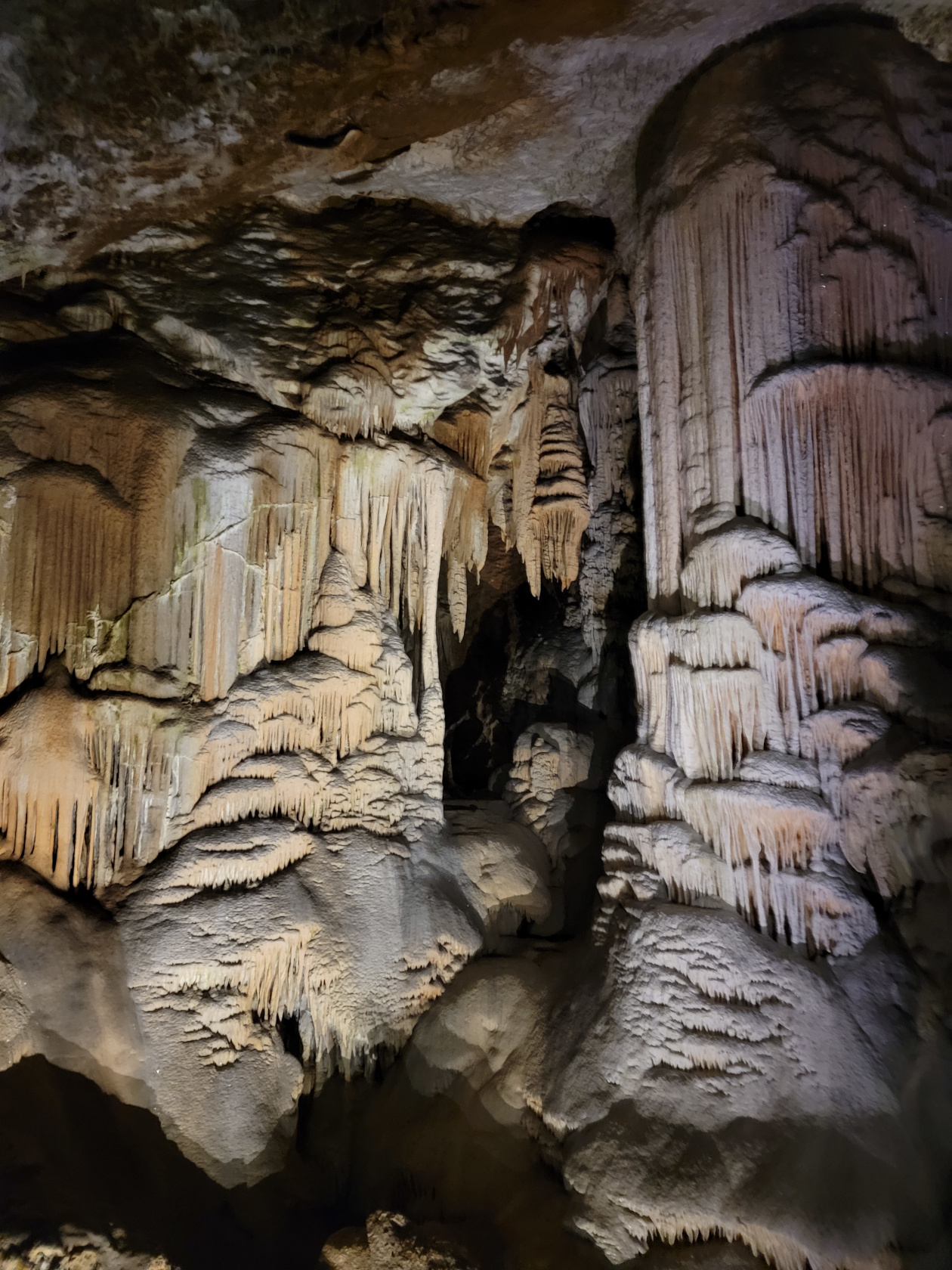
Below is a set of short video clips recording the train tour, and a slideshow of the walking tour. Both are in order of when they were taken. I took more than enough photographs because it is such an amazing thing to see and how often does anyone actually go underground for anything?
If you ever get a chance to go, it is well worth the trip. It is one of the largest cave networks in the world, and the second longest in the country of Slovenia.
The Train Ride Tour
The Walking Tour
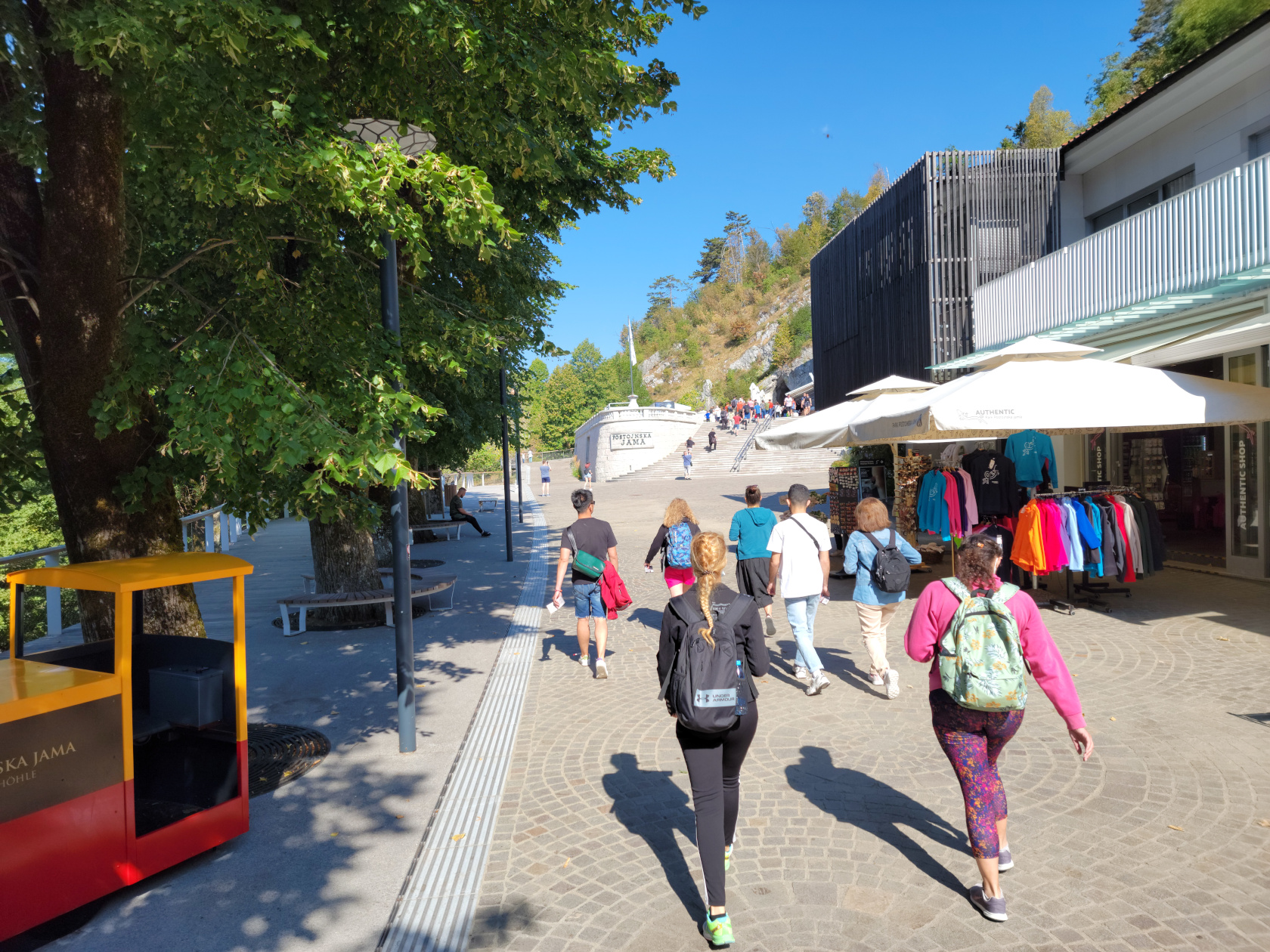
Postonja Caves – walking to the caves
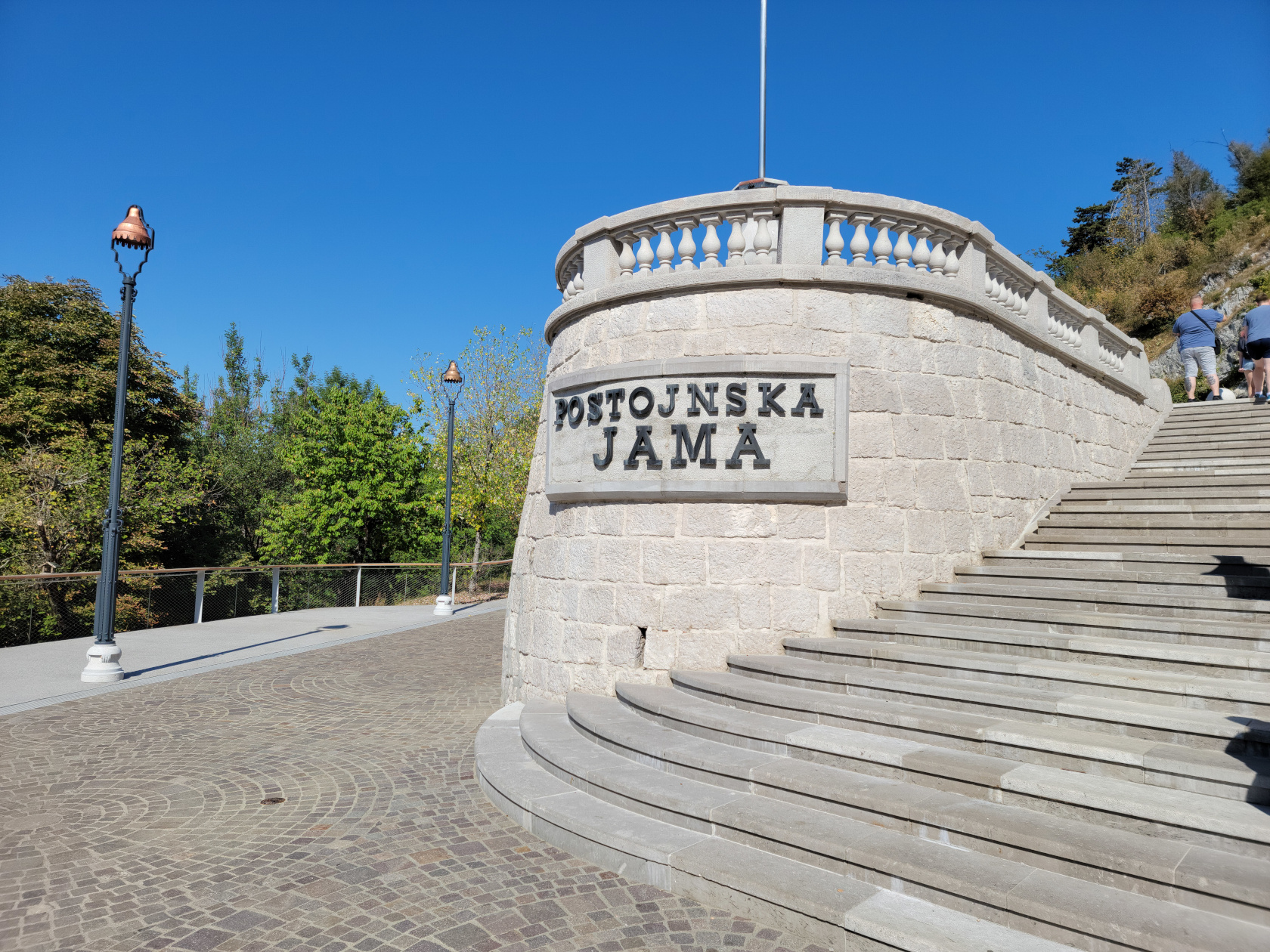
Postonja Caves – Entrance
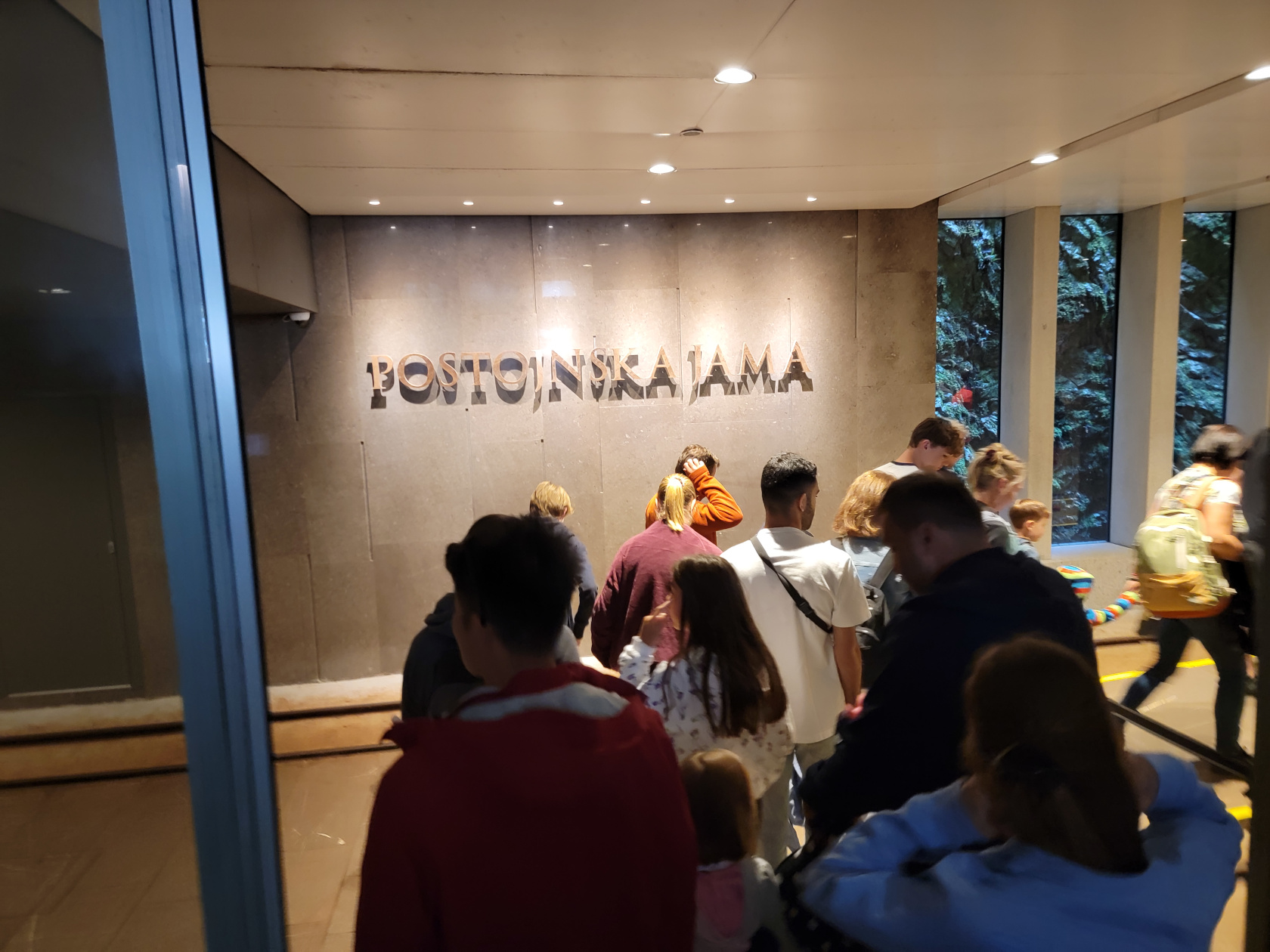
Postonja Caves – Inside boarding trains
Postonja Caves – The Ride into the Caves
Postonja Caves – The Ride into the Caves
Postonja Caves – The Ride into the Caves
Postonja Caves – The Ride into the Caves
Postonja Caves – The Ride into the Caves
Postonja Caves – The Ride into the Caves
Postonja Caves – The Ride into the Caves
Postonja Caves – The Ride into the Caves
Postonja Caves – The Ride into the Caves
Postonja Caves – The Ride into the Caves
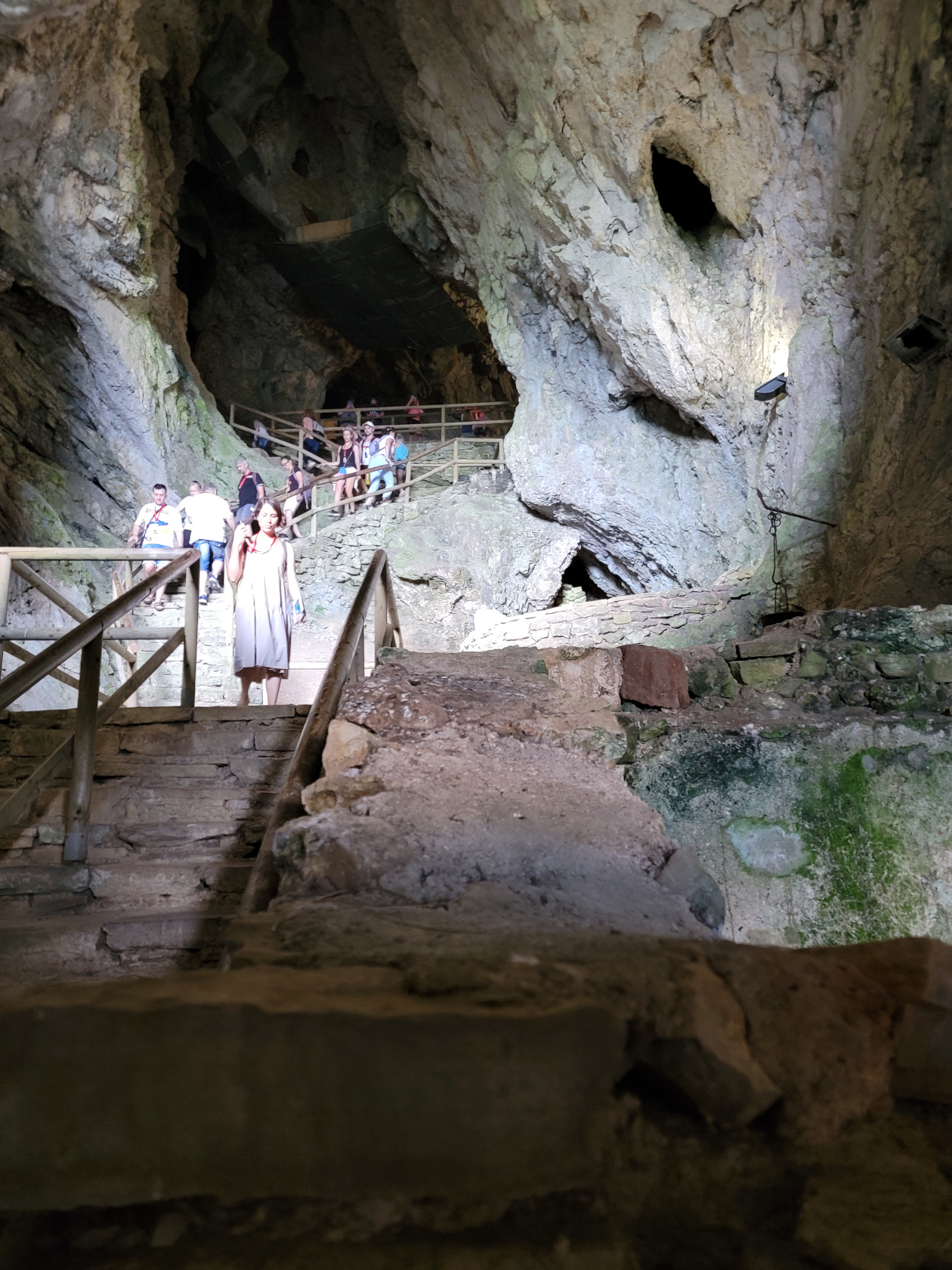
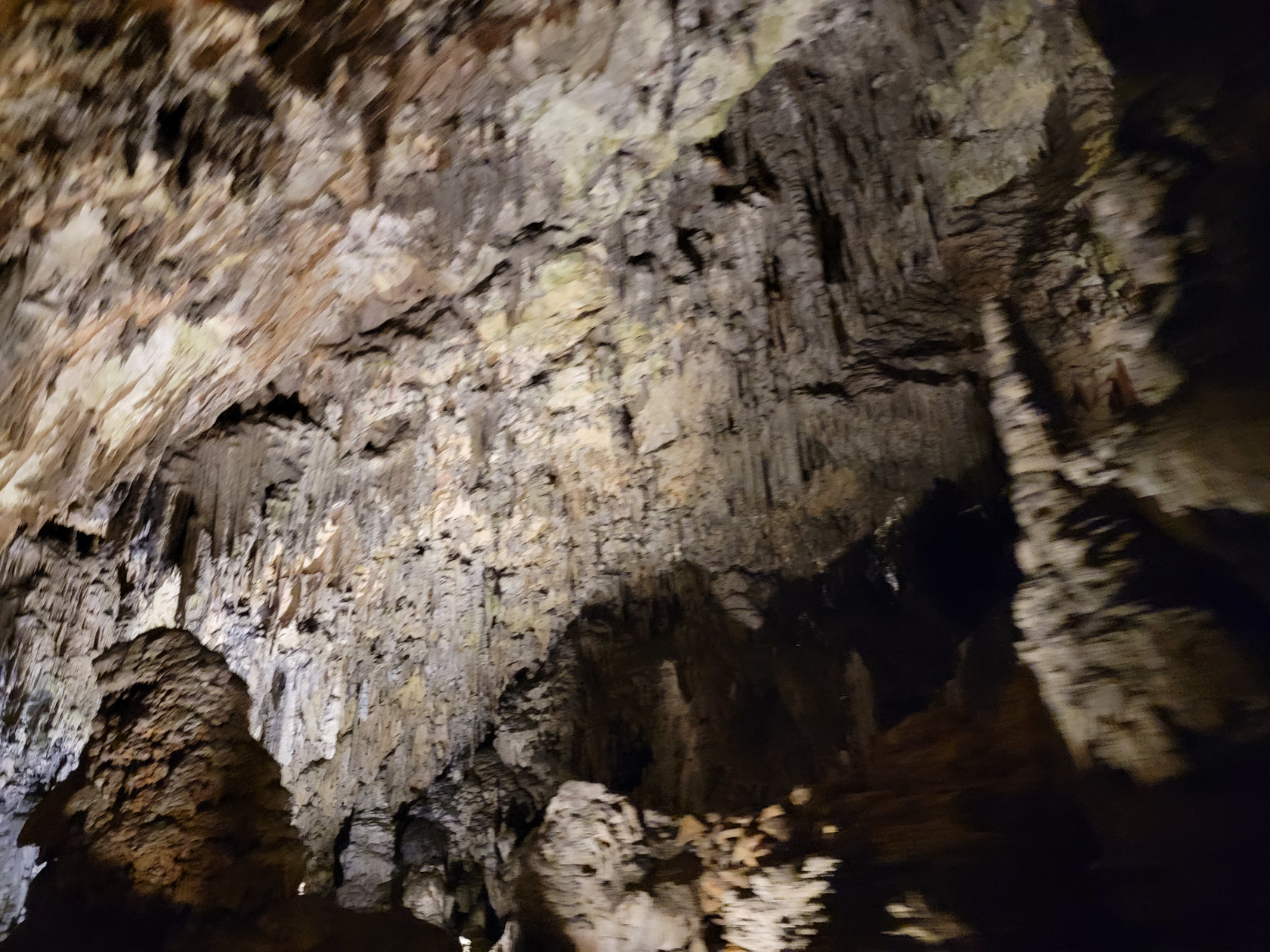
Postonja Caves – The Caves
Postonja Caves – The Caves
Postonja Caves – The Caves
Postonja Caves – The Caves – Large Stalagmites
Postonja Caves – The Caves – Large Stalagmites
Postonja Caves – The Caves – Large Stalagmites
Postonja Caves – The Caves – Spaghetti Stalagtites
Postonja Caves – The Caves – Large Stalagmite
Postonja Caves – The Caves – Large Stalagmites and Spaghetti Stalagtites
Postonja Caves – The Caves – Large Stalagmites and Spaghetti Stalagtites
Postonja Caves – The Caves – Stalagmites and Spaghetti Stalagtites
Postonja Caves – The Caves – Spaghetti Stalagtites
Postonja Caves – The Caves – Large Cavern
Postonja Caves – The Caves – Large Stalagcurtains
Postonja Caves – The Caves – Large Stalagmites
Postonja Caves – The Caves
Postonja Caves – The Caves – Spaghetti Stalagtite Cavern
Postonja Caves – The Caves – Large Column
Postonja Caves – The Caves – Column and Spaghetti Stalagtites
Postonja Caves – The Caves – Large Stalagmites, Column and Spaghetti Stalagtites
Postonja Caves – The Caves
Postonja Caves – The Caves
Postonja Caves – The Caves – Large Stalagmites – Leaning Tower
Postonja Caves – The Caves
Postonja Caves – The Caves – Calcification
Postonja Caves – The Caves – Calcification
Postonja Caves – The Caves – Column Calcification
Postonja Caves – The Caves
Postonja Caves – The Caves
Postonja Caves – The Caves
Postonja Caves – The Caves
Postonja Caves – The Caves
Postonja Caves – The Caves
Postonja Caves – The Caves
Postonja Caves – The Caves
Postonja Caves – The Caves – Patti
Postonja Caves – The Caves
Postonja Caves – The Caves – Mini Columns
Postonja Caves – The Caves – Meeting Cavern
Postonja Caves – The Caves – Meeting Cavern
Postonja Caves – The Caves
Postonja Caves – The Caves – Bridge and Groom Stalagmites
At the base of the Southern Limestone Alps[1]They are additionally known as the Julian Alps., or Karawanken Mountains, sits the small town and lake of Bled . It is almost a must see place to go on a day trip from Ljubljana, especially if you have enough time. Since we have the time, we usually overbook our stays at places that are totally unknown to us. For Ljubljana specifically, and Slovenia in general, we were happy that we did, since it afforded us a day trip such as the one to Bled. Slovenia really is a great place to visit!
Bled – entrance from parking lot – panorama
Lake Bled – Getting There
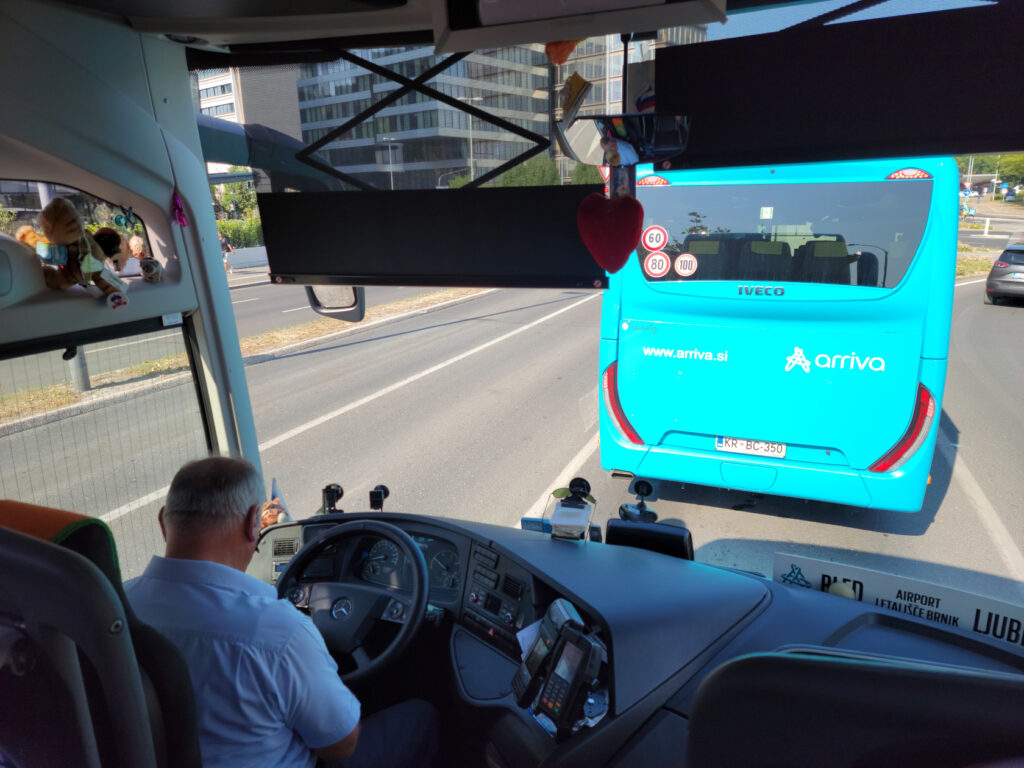
To get to the lake you must travel northwest from Ljubljana, there is the E61 that can be taken by car or bus. The trip normally takes forty-five minutes by car, and up to an hour and a quarter by bus, but can take longer if there is an accident or construction on the highway. Upon the suggestion of the information booth by the Triple Bridge we took the bus, even though we now think the train may be faster. The bus is packed, so if you are worried about Covid-19, and you should, you should be prepared to wear you FFp2 mask.
It should be noted, the bus takes two different routes going to and coming from the lake, each taking about the same time. There is of course the train, which may actually take less time gong to and fromm Bled, but then you have about a twenty or so minute walk from the town of Bled Train Station to the lake. The bus on the other hand goes all the way to the lake, even though we chose to get off at the Blen Union station.
Bus Ride to Bled – Starting out
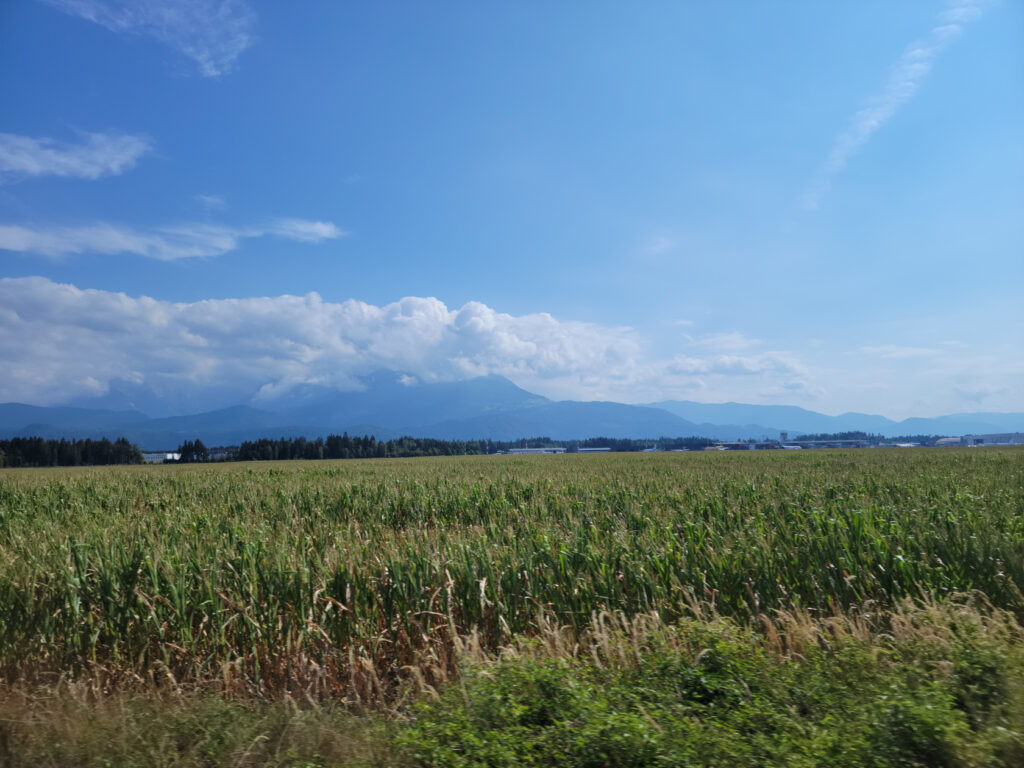
Bus Ride to Bled – Mountains along the way
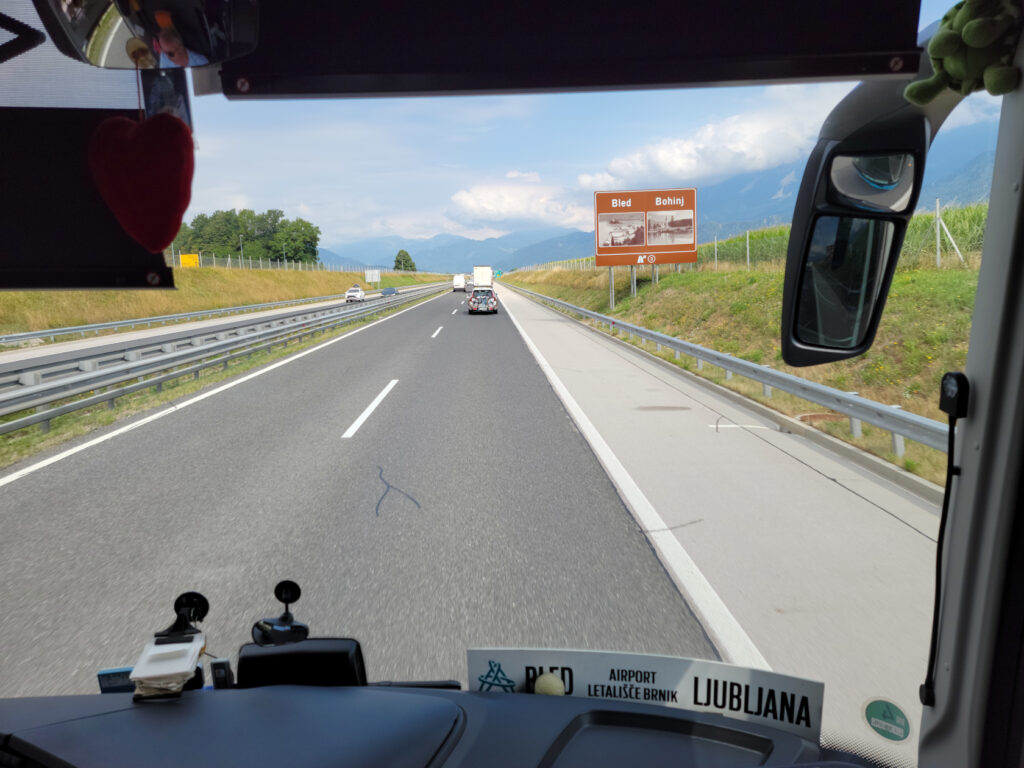
Bus Ride to Bled – Sign for Bled
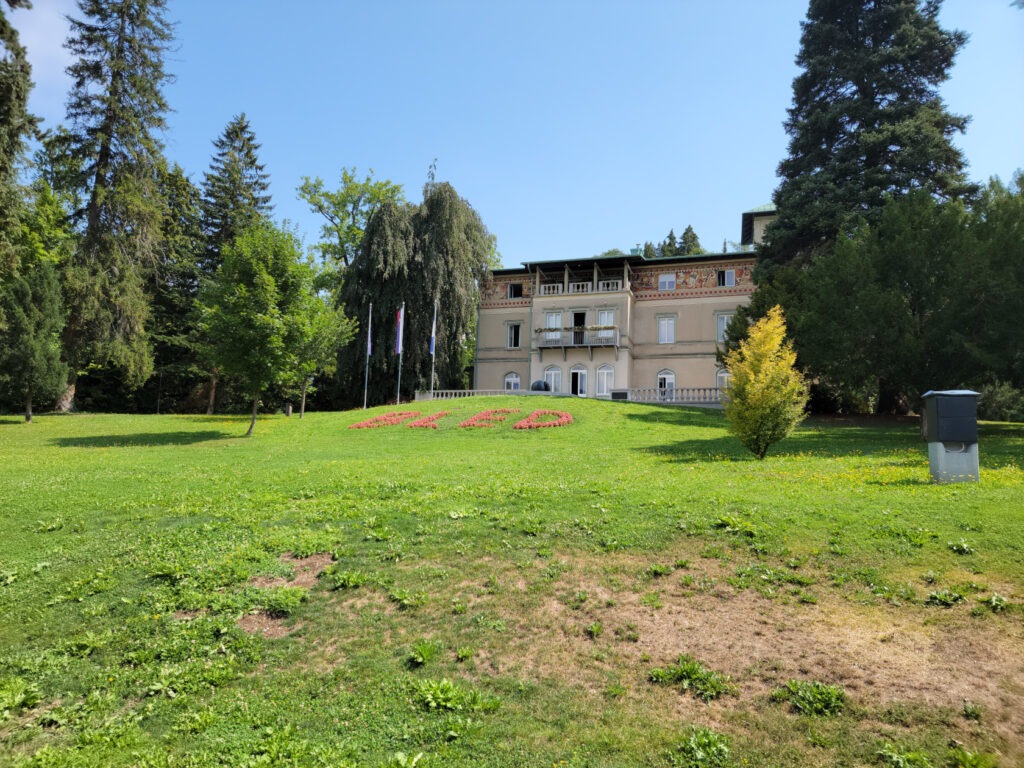
Bled – Upravna enota Radovljica
Lake Bled – The Trail
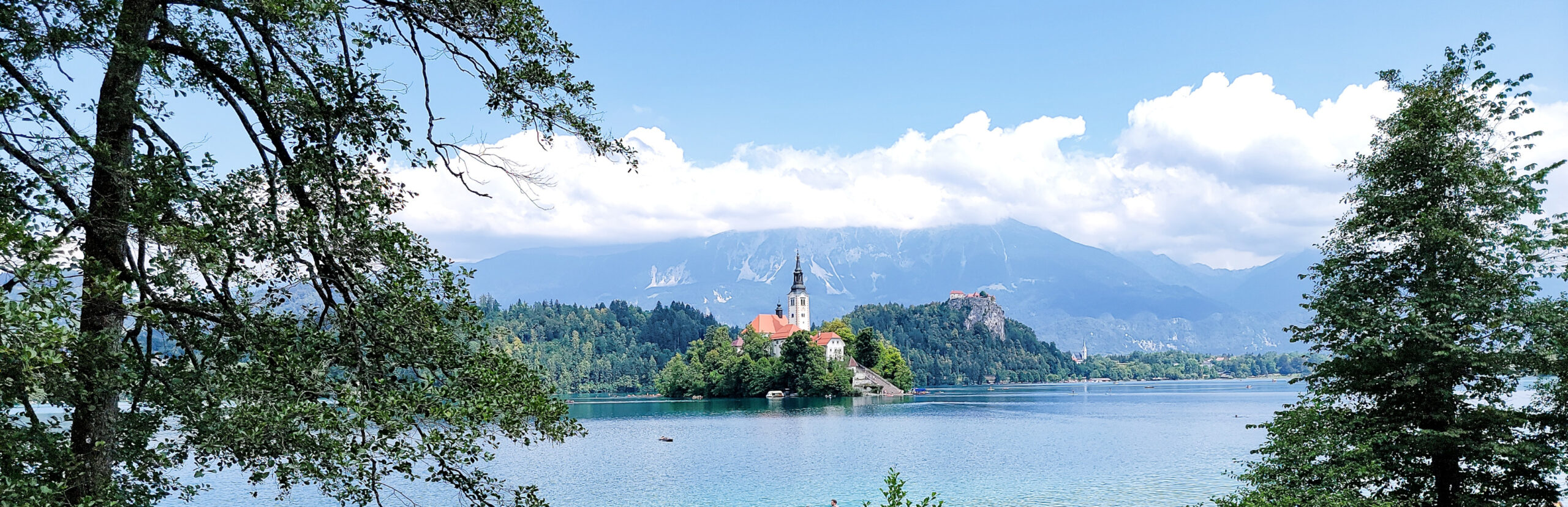
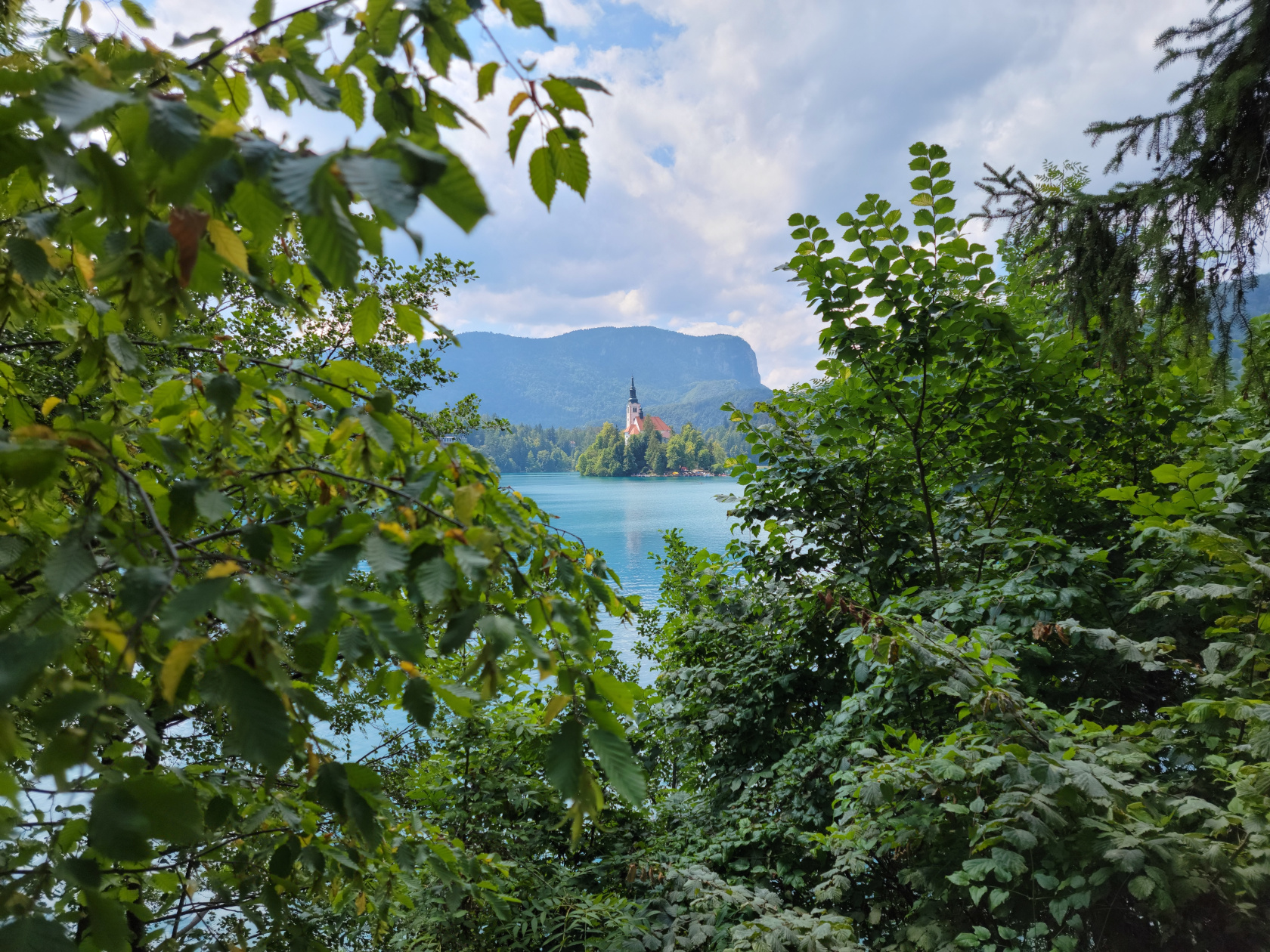
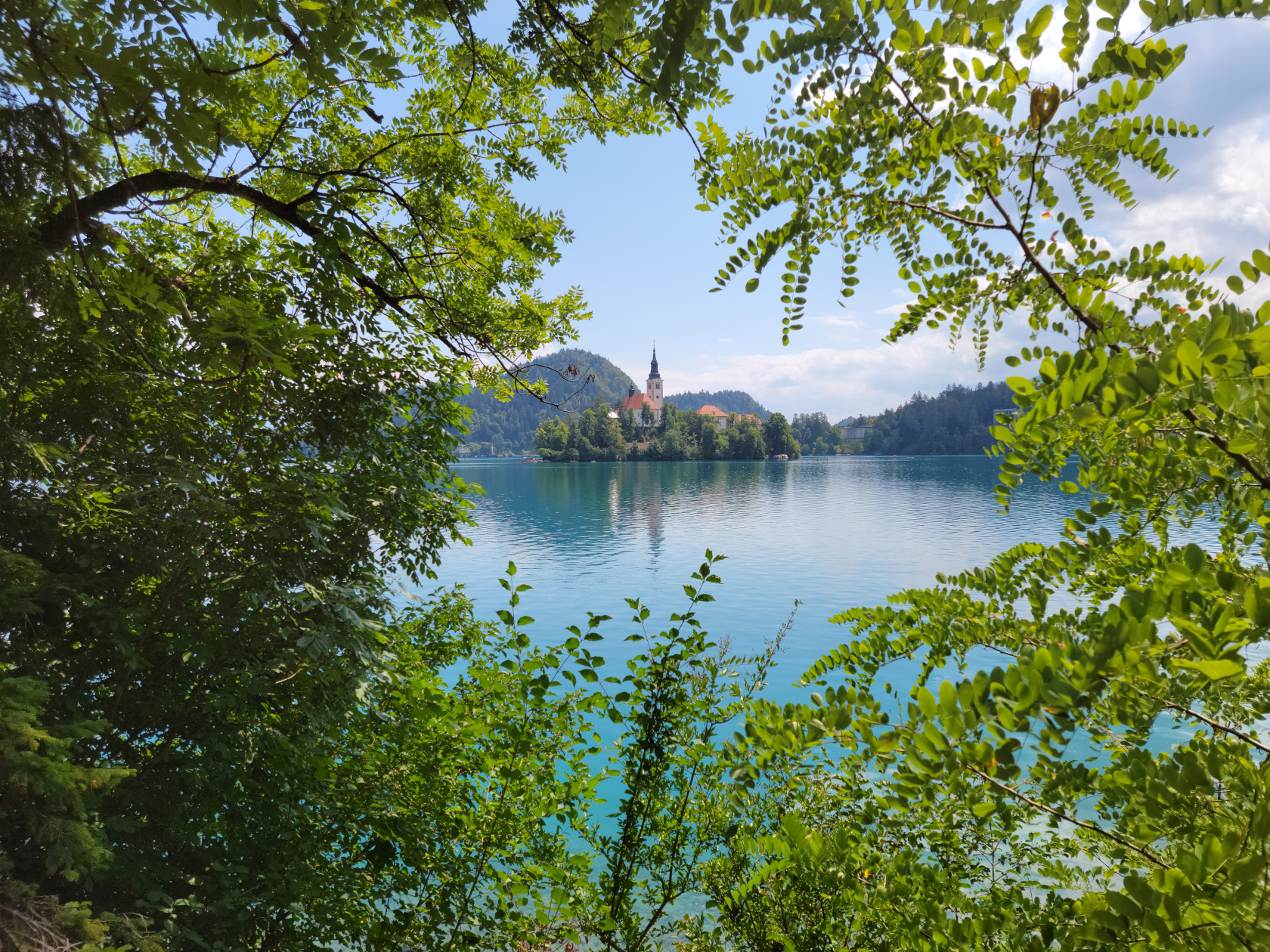
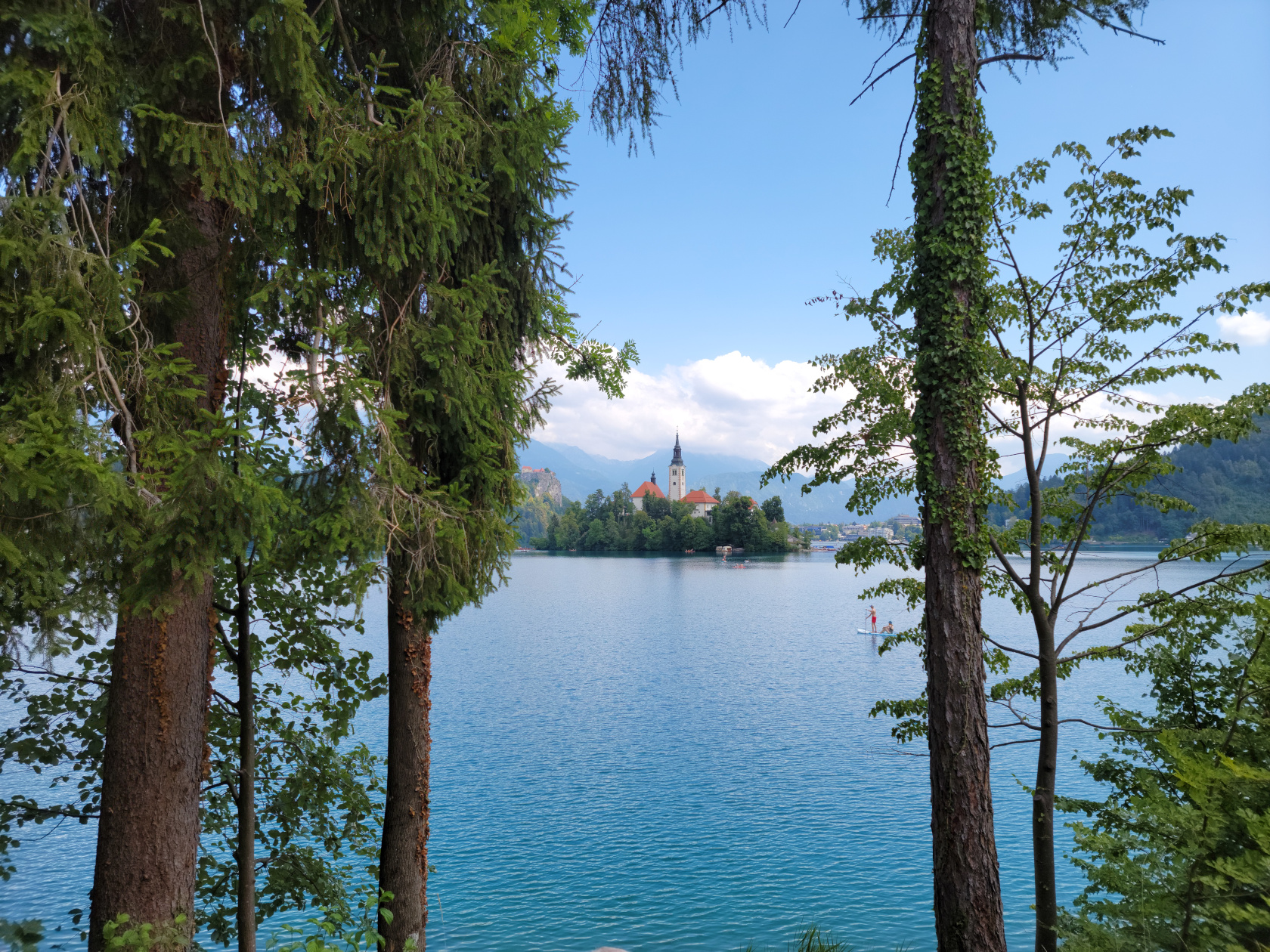
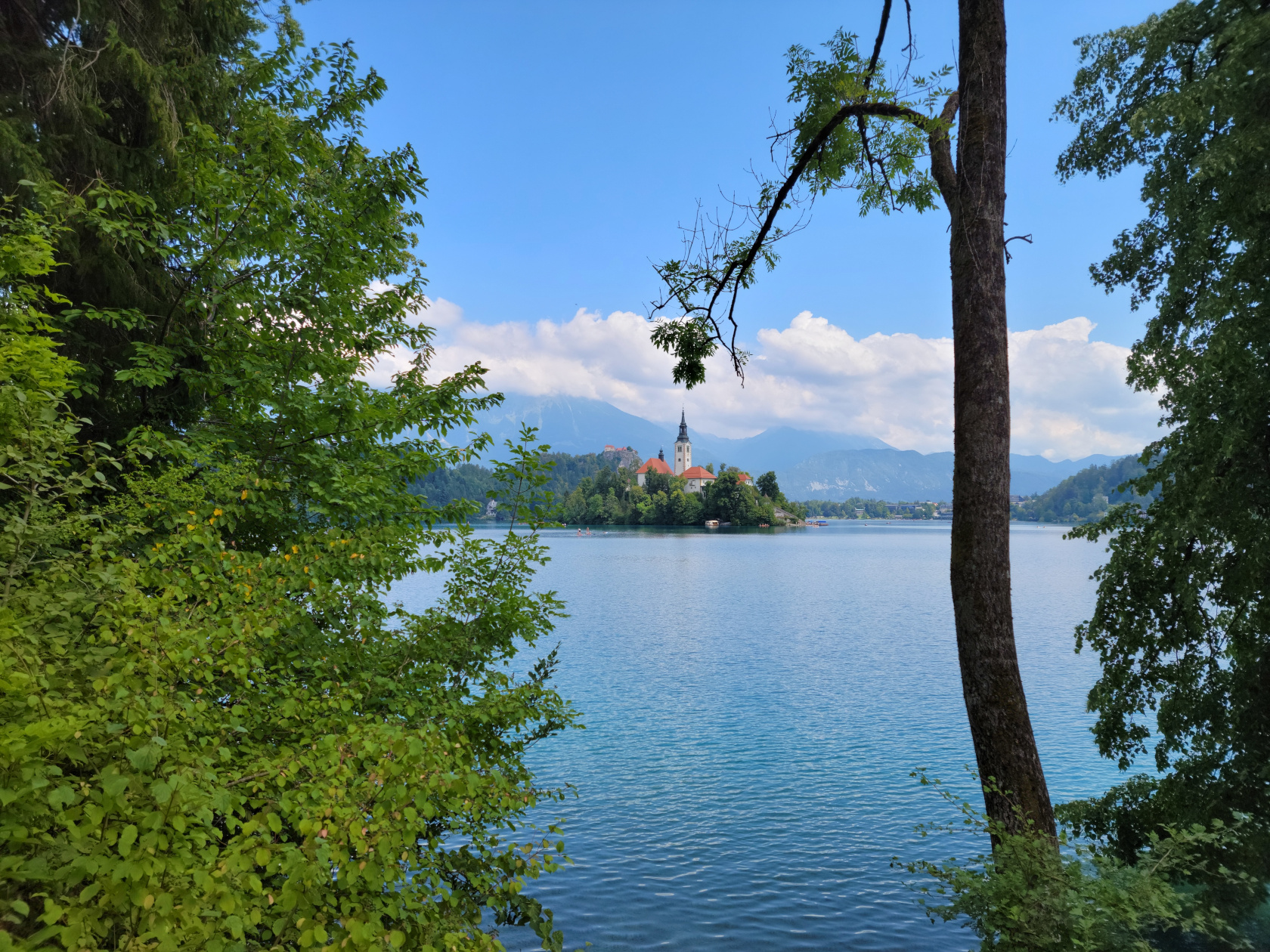
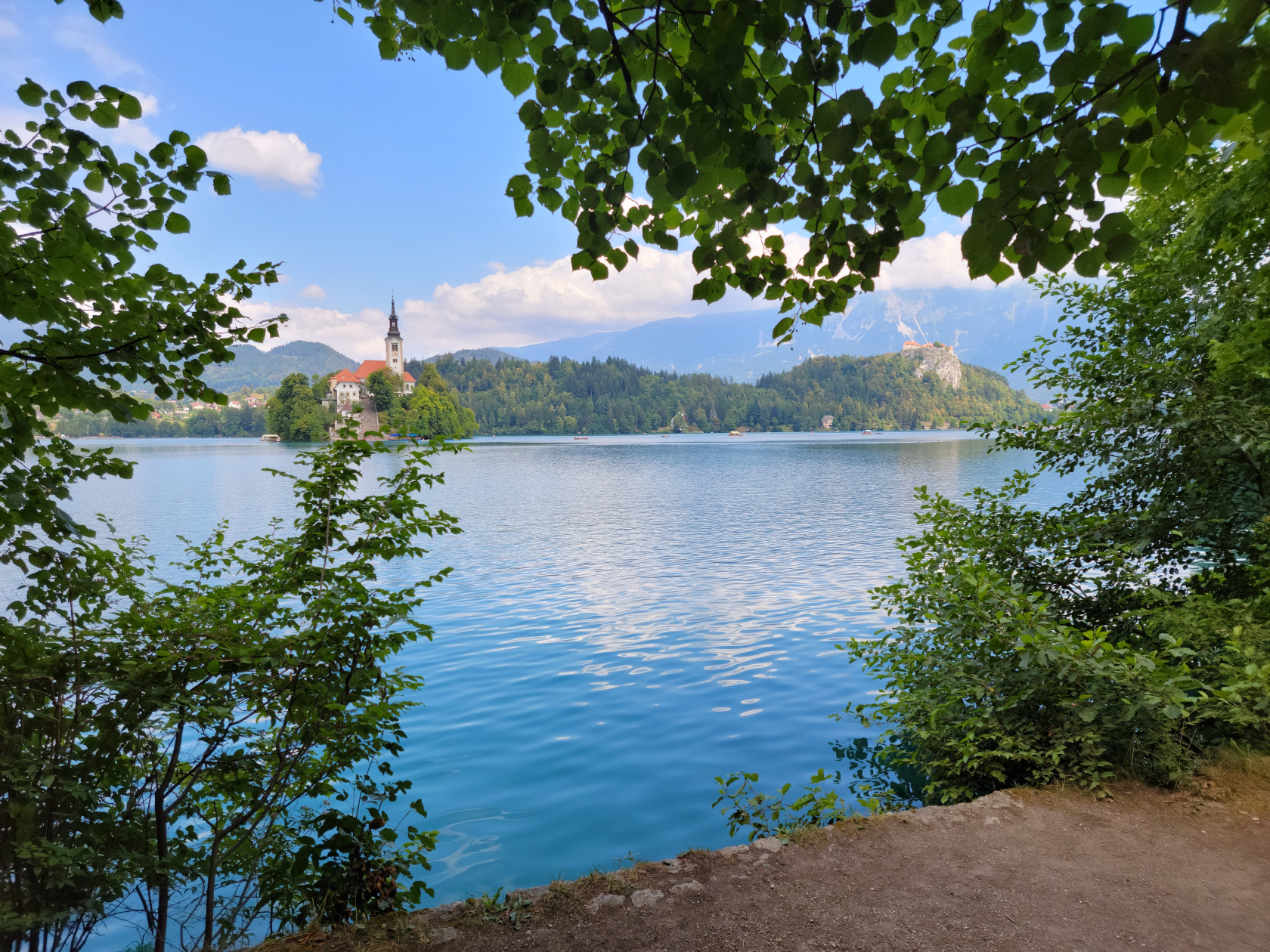
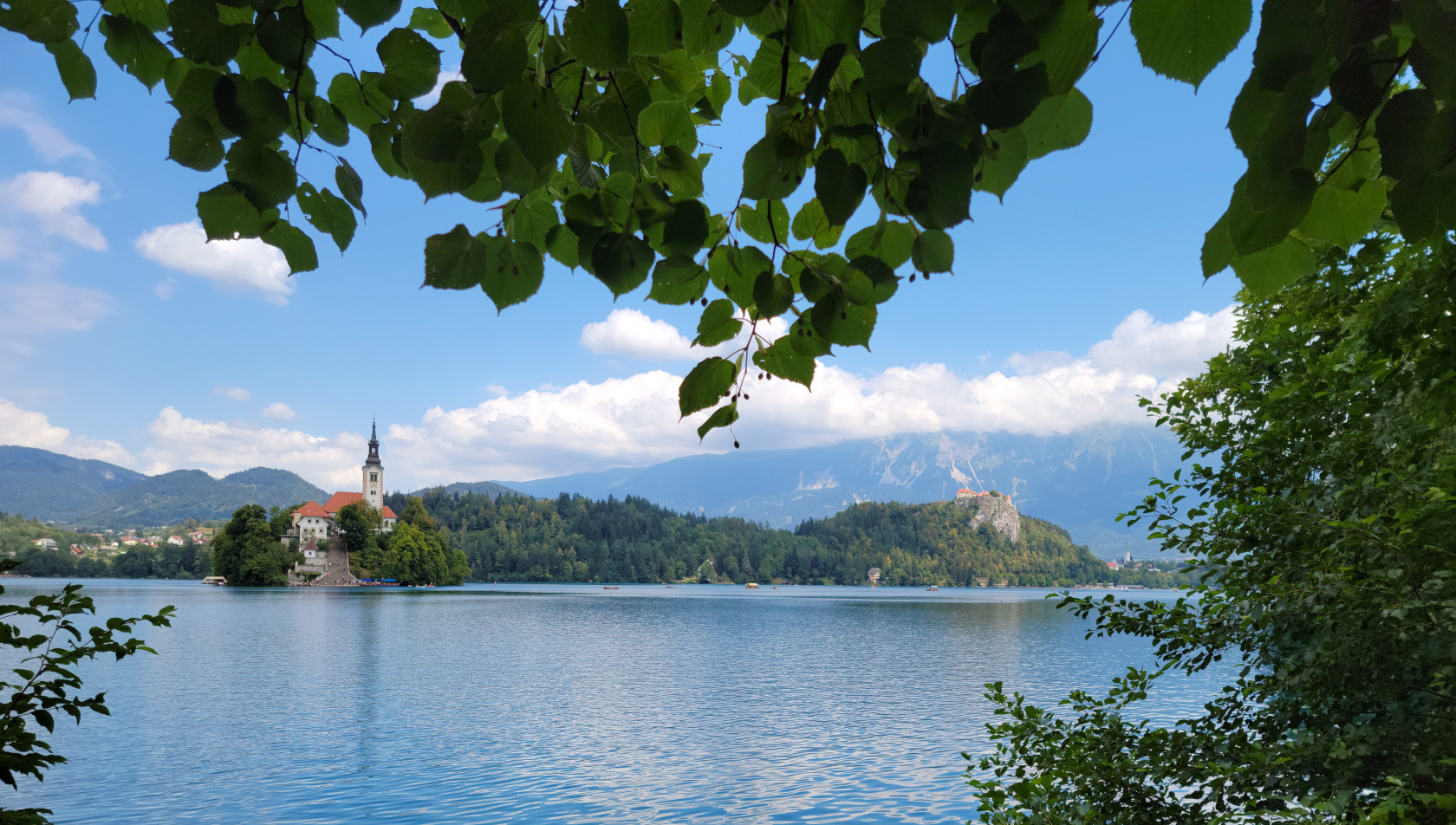
Bled – Assumption of Mary Church on Slovenia’s only island
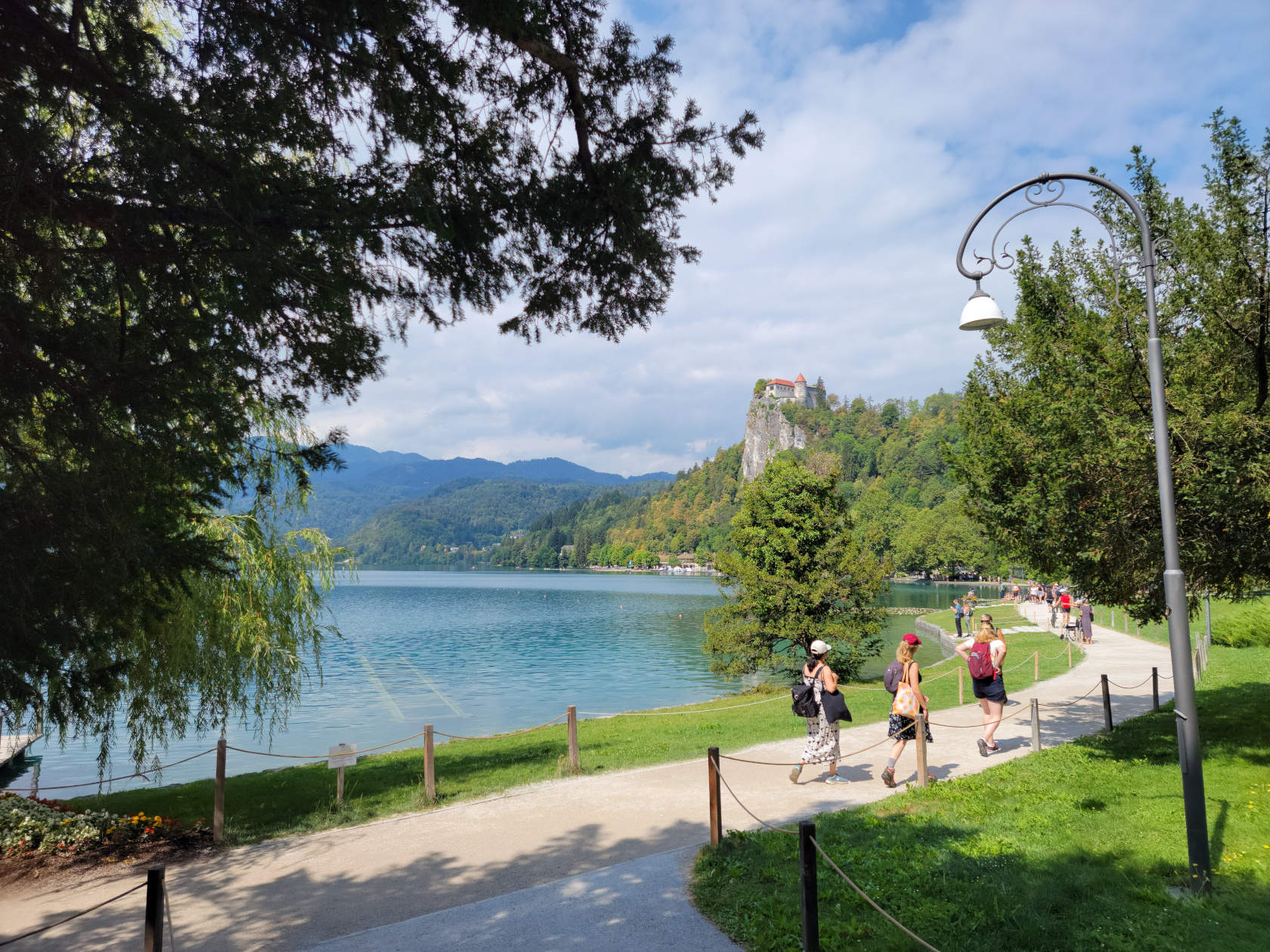
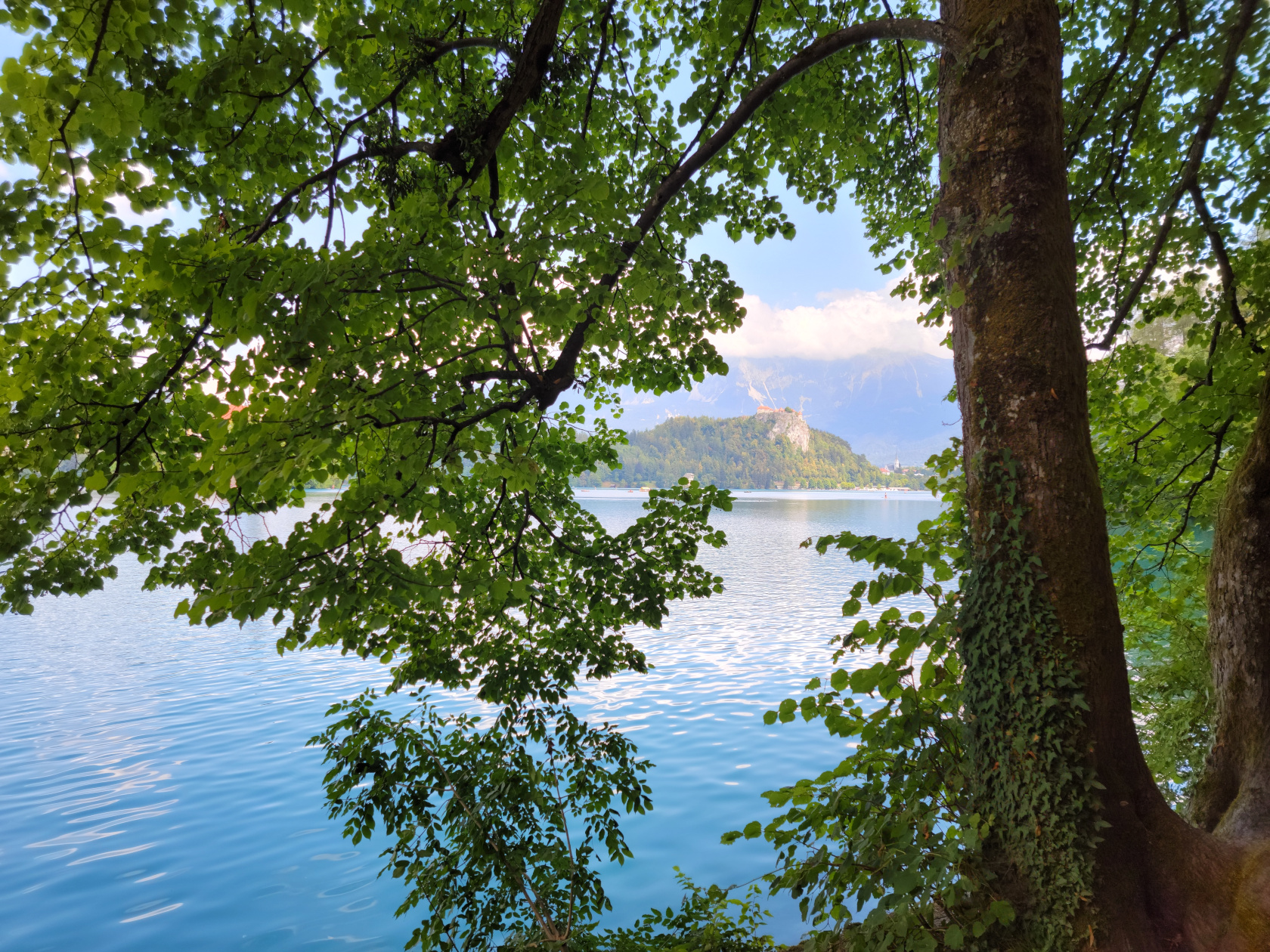
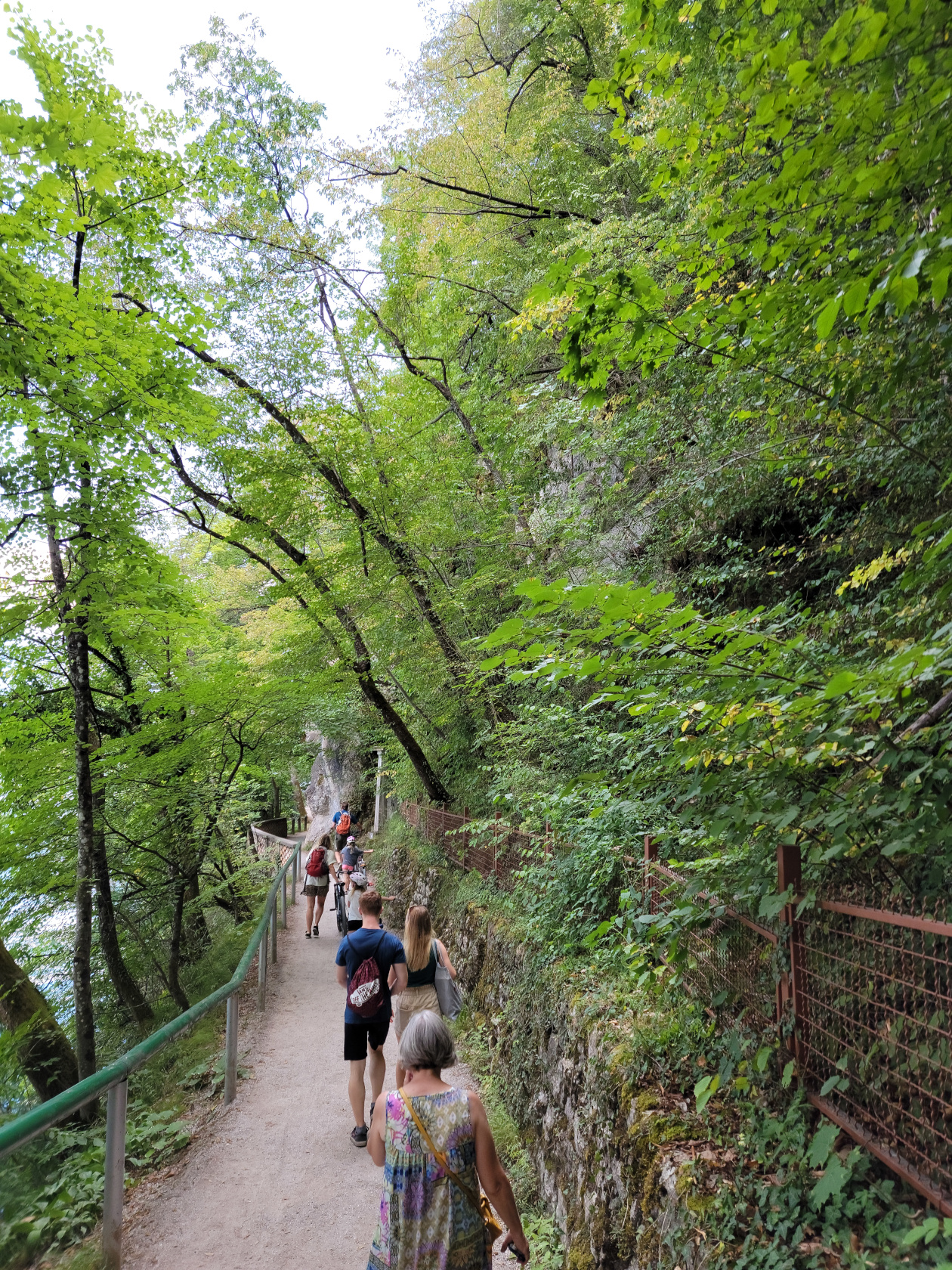
There is an excellent trail that totally circumnavigates the lake, going through several tourist beach and cafe points, any one of which you can take a pause in your walk to get refreshed.
Here is a slideshow of our great afternoon walking the lake shore trail, enjoying the beautiful weather and scenery.
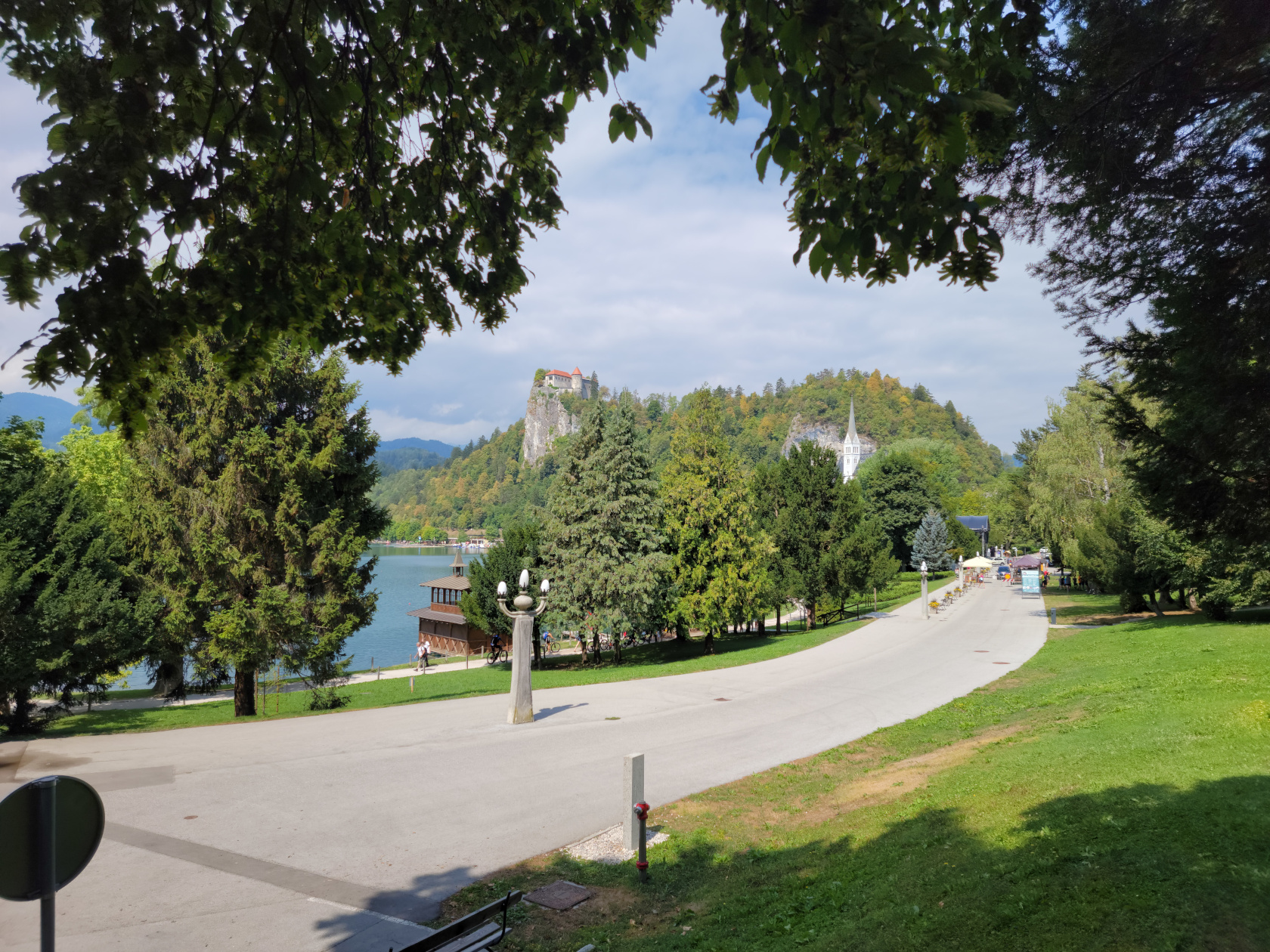
Bled – Bled Castle
Bled – entrance walkway
Bled – Bled Castle
Bled – the Julian Alps in the distance
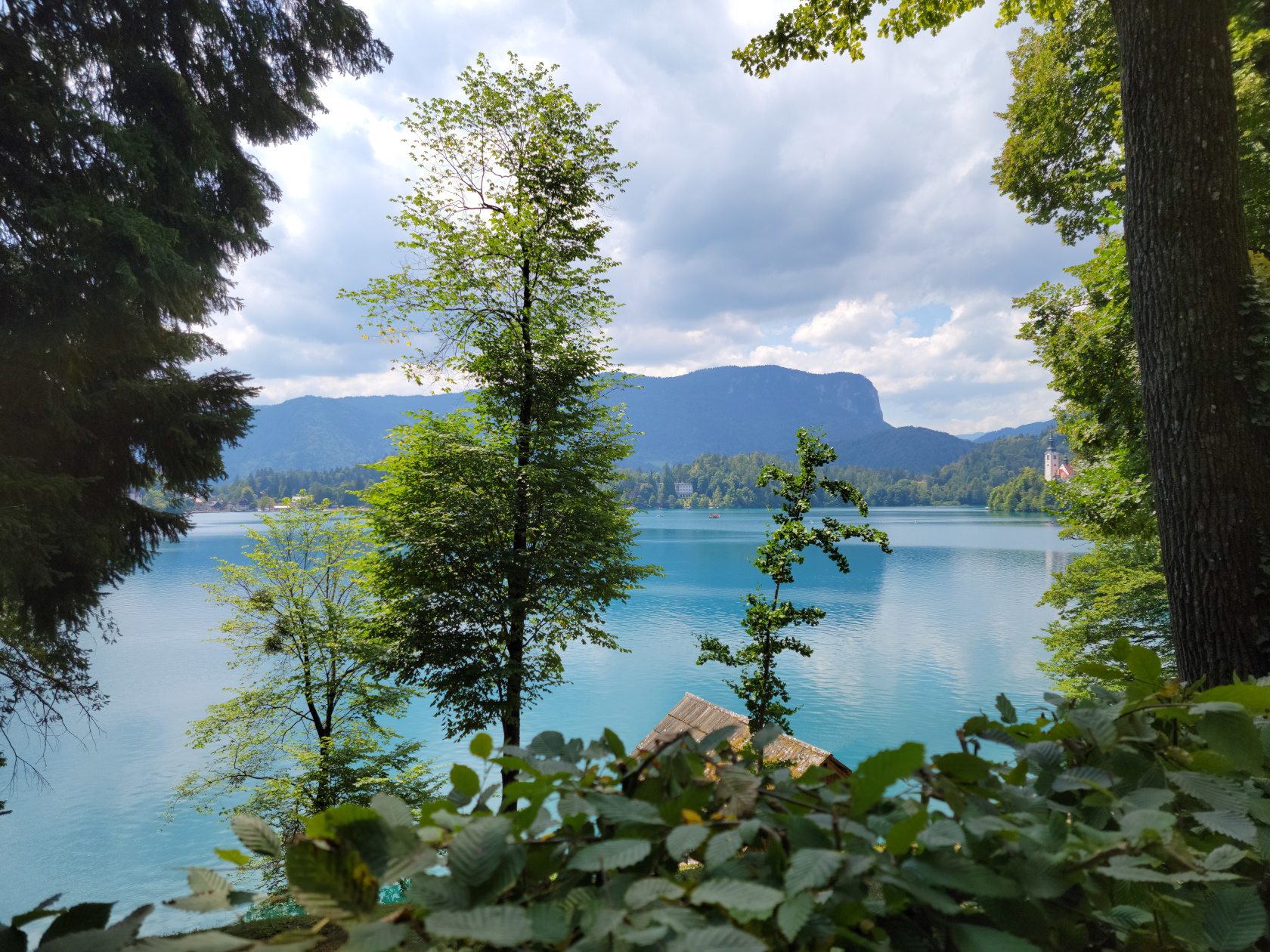
Bled – Lake Bled is surrounded by the Julian Alps
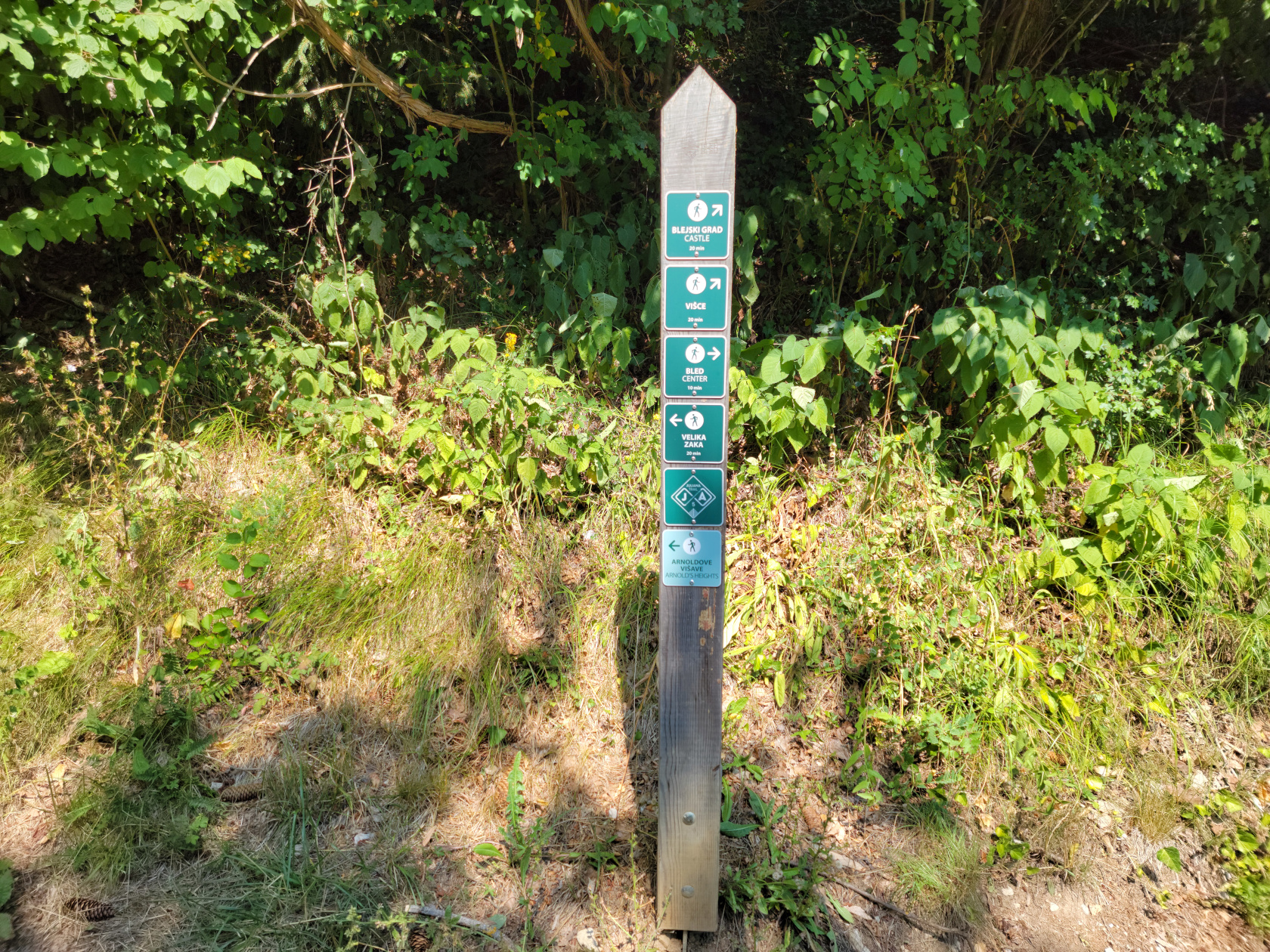
Bled – trail post
Bled – Assumption of Mary Church on Slovenia’s only island
Bled – Assumption of Mary Church on Slovenia’s only island
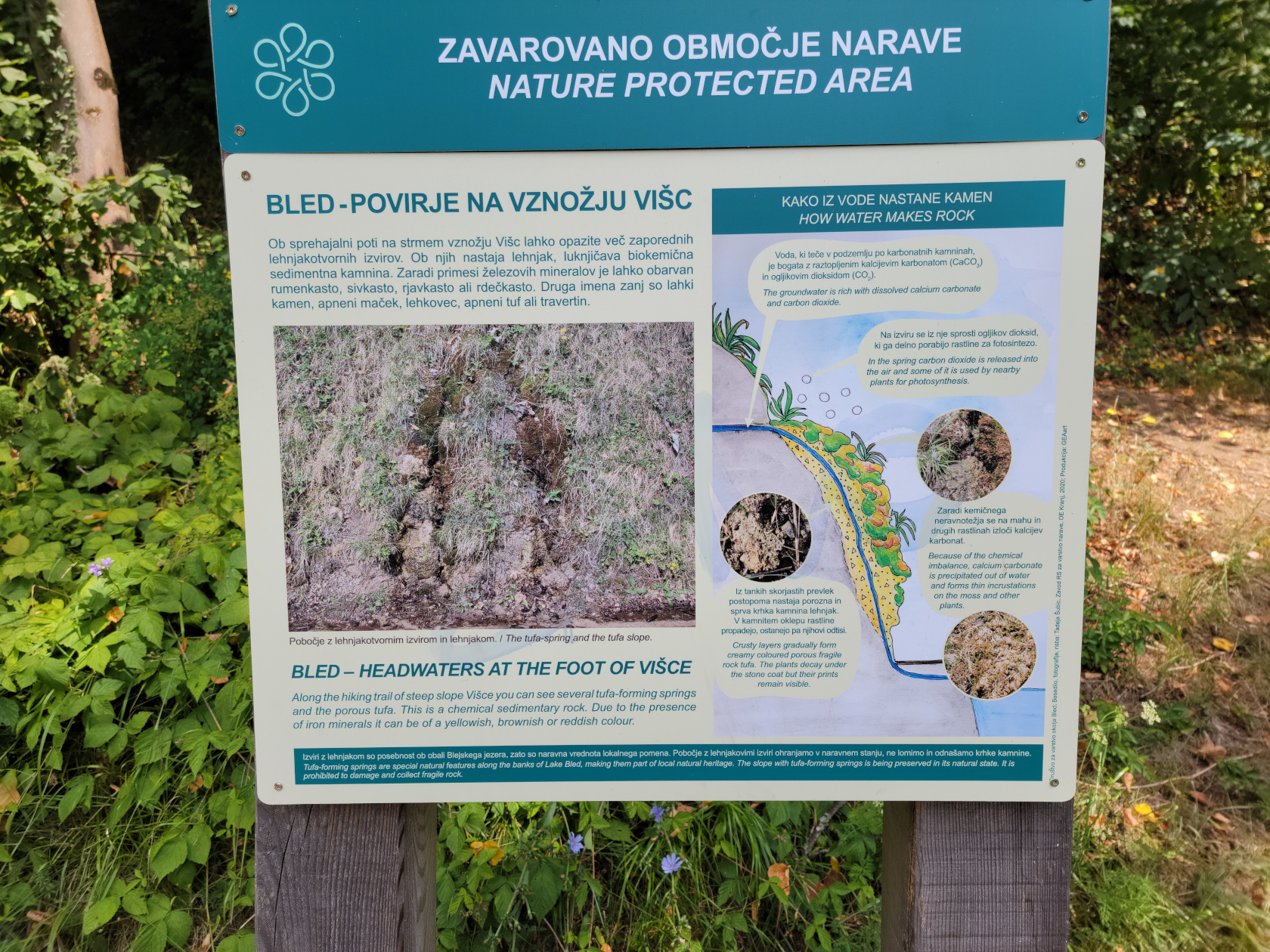
Bled – how the water runs through the rocks
Bled – Assumption of Mary Church on Slovenia’s only island
Bled – Assumption of Mary Church on Slovenia’s only island
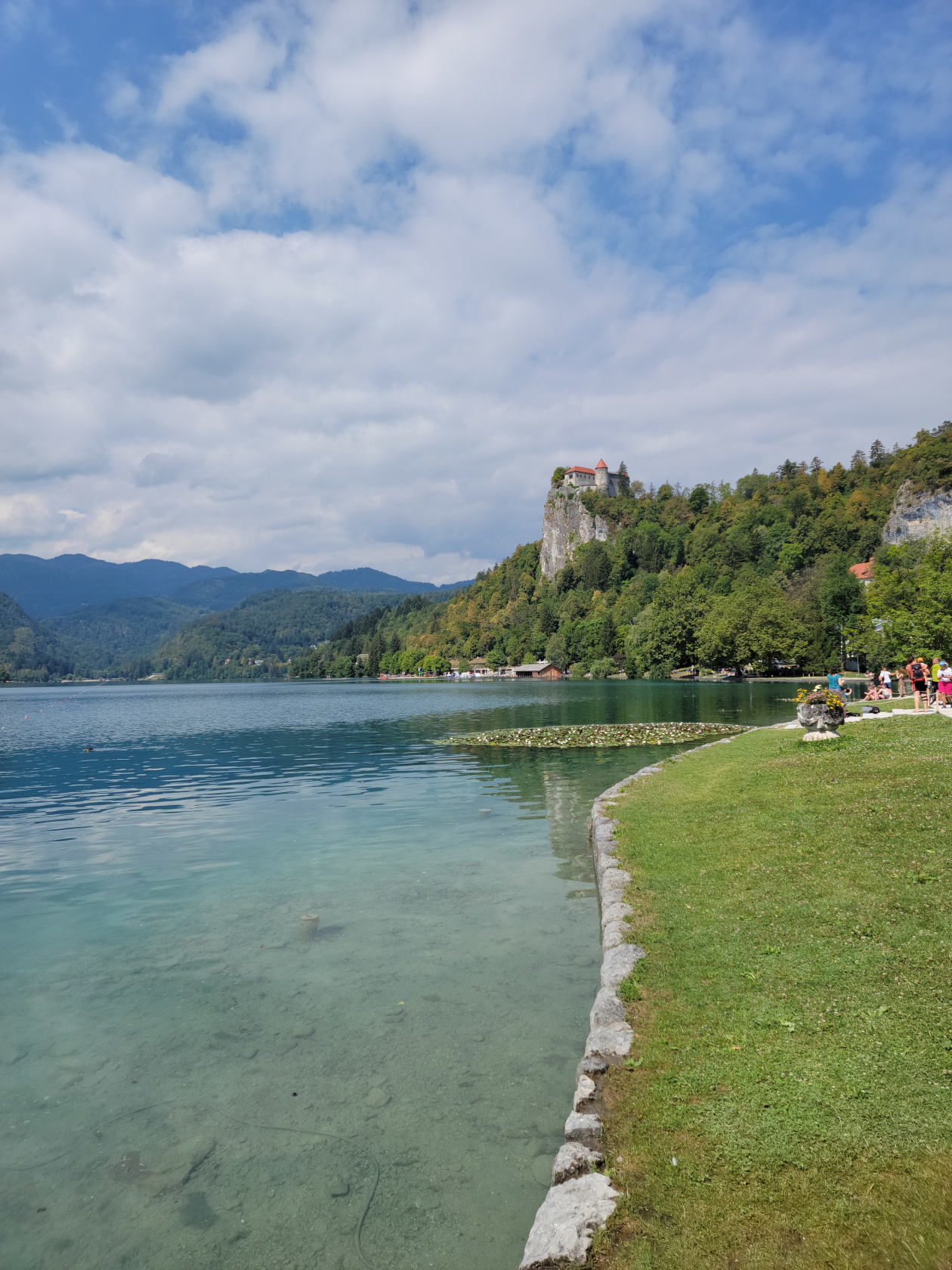
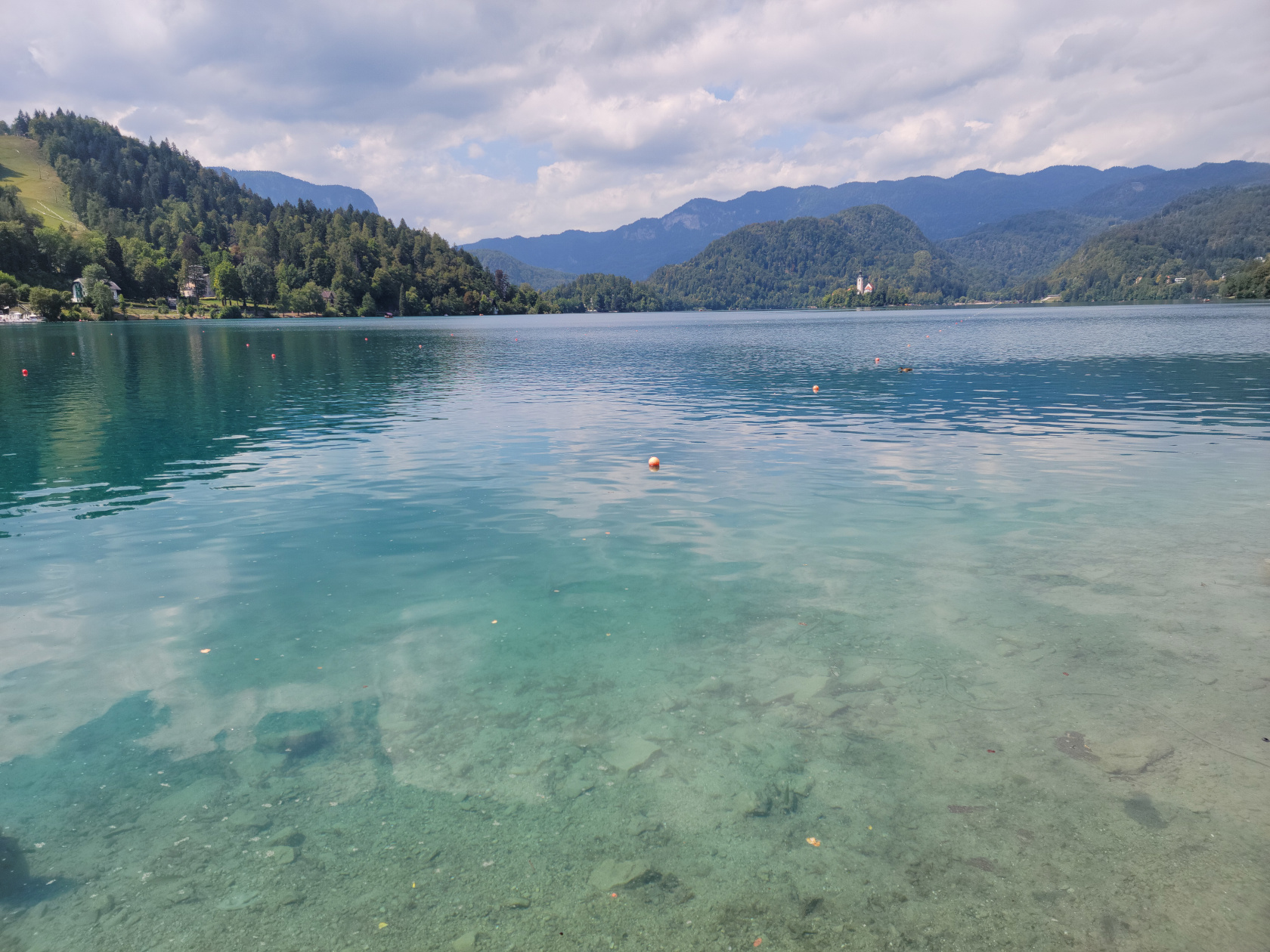
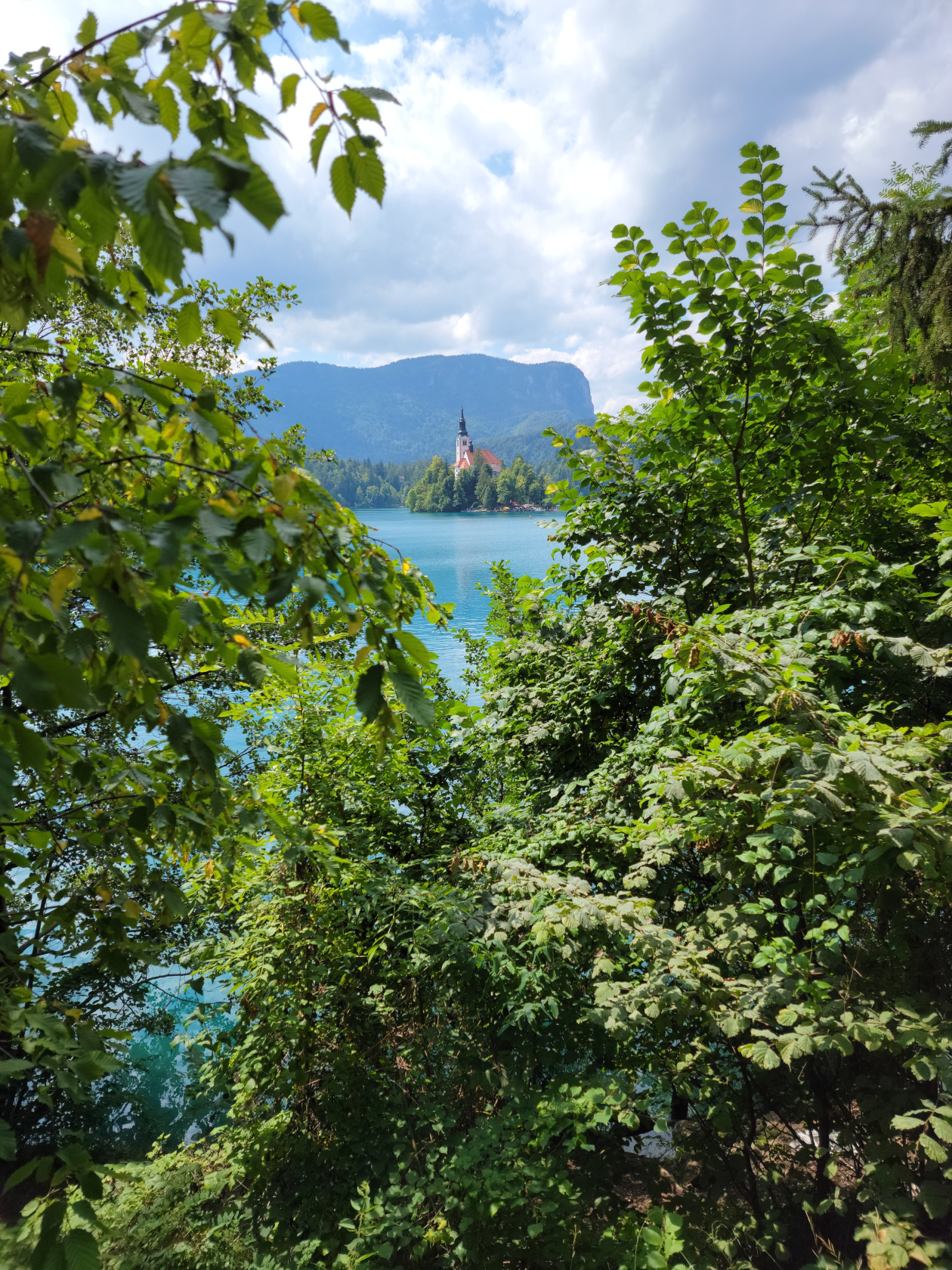
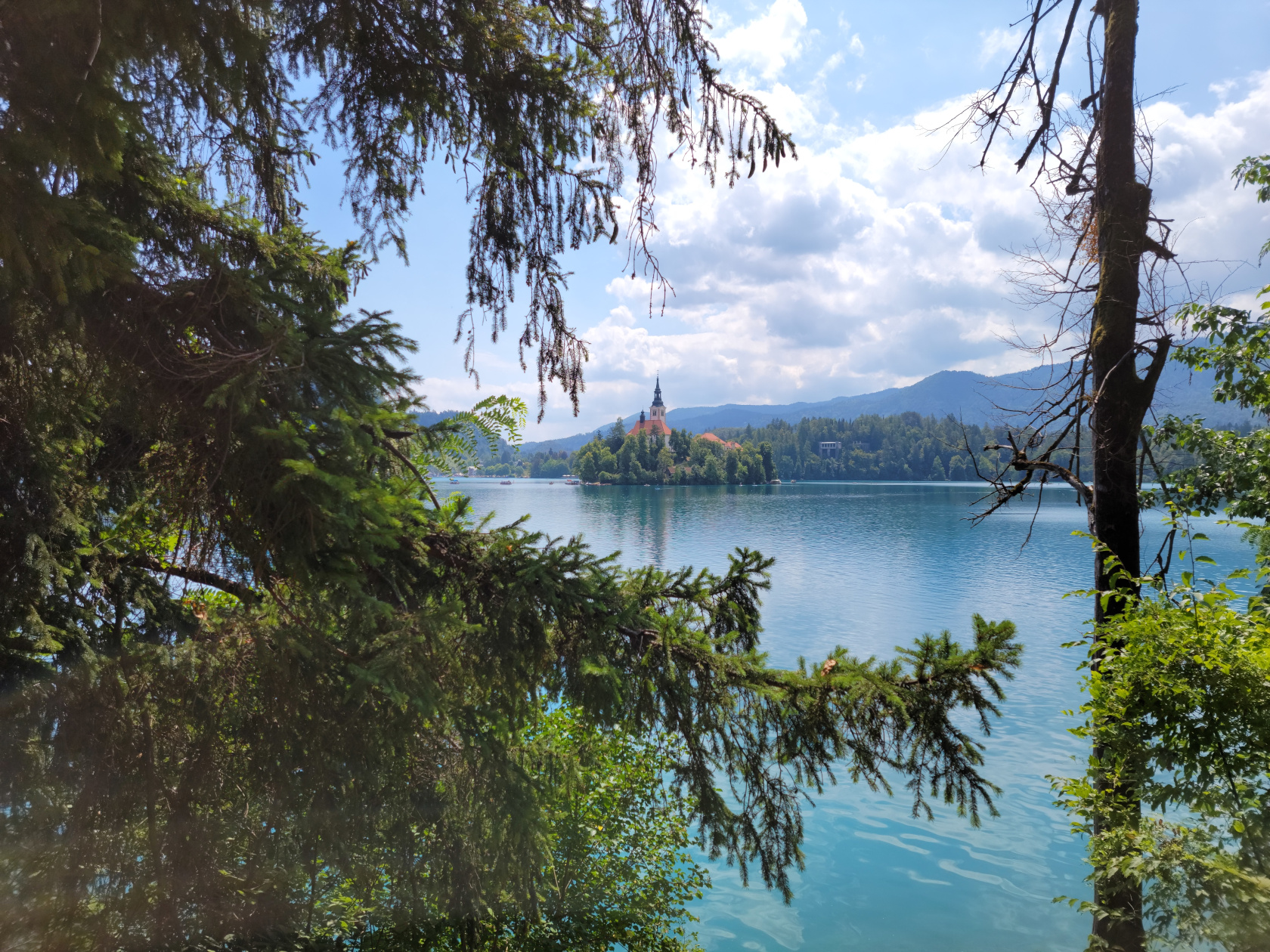
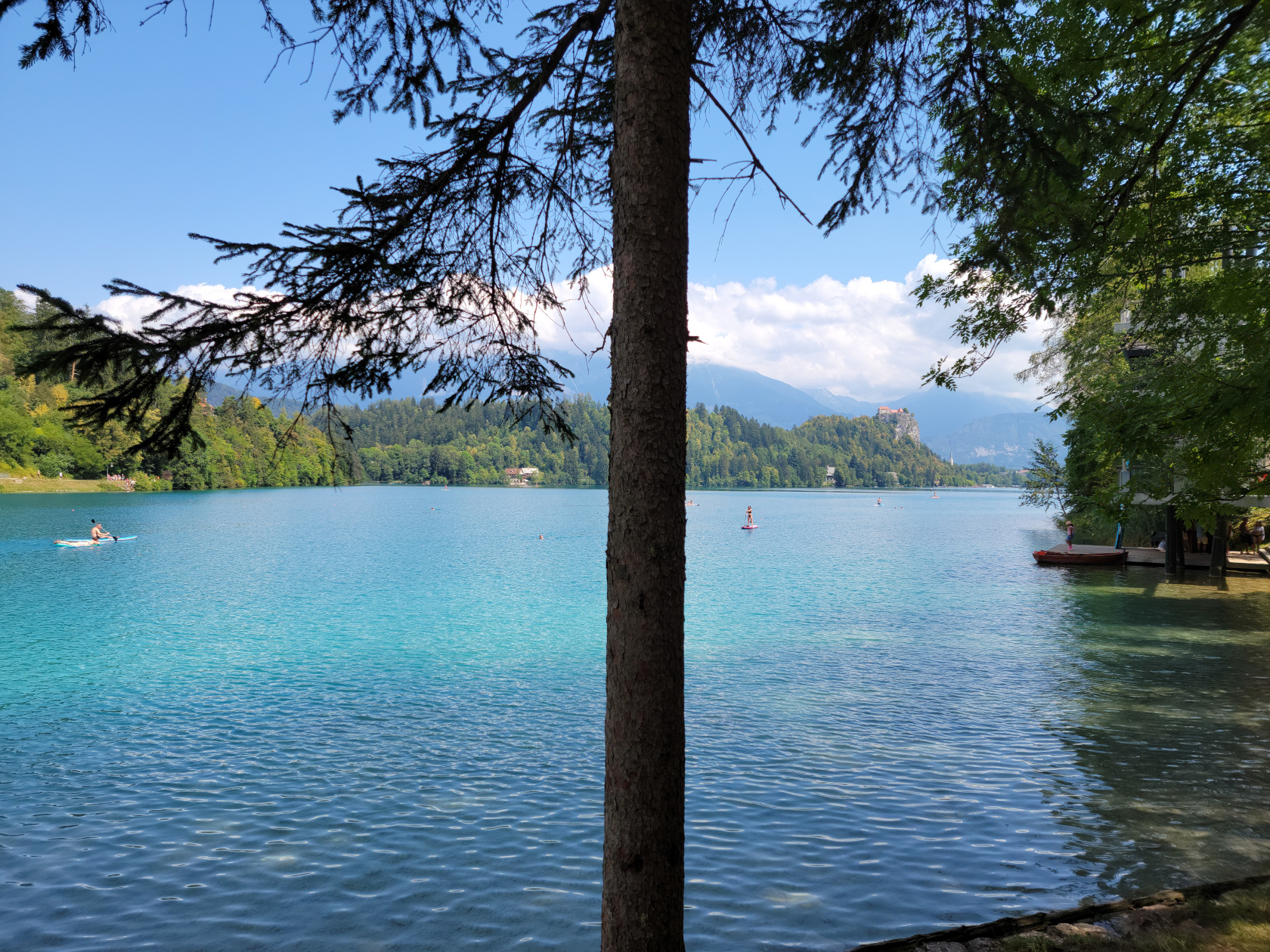
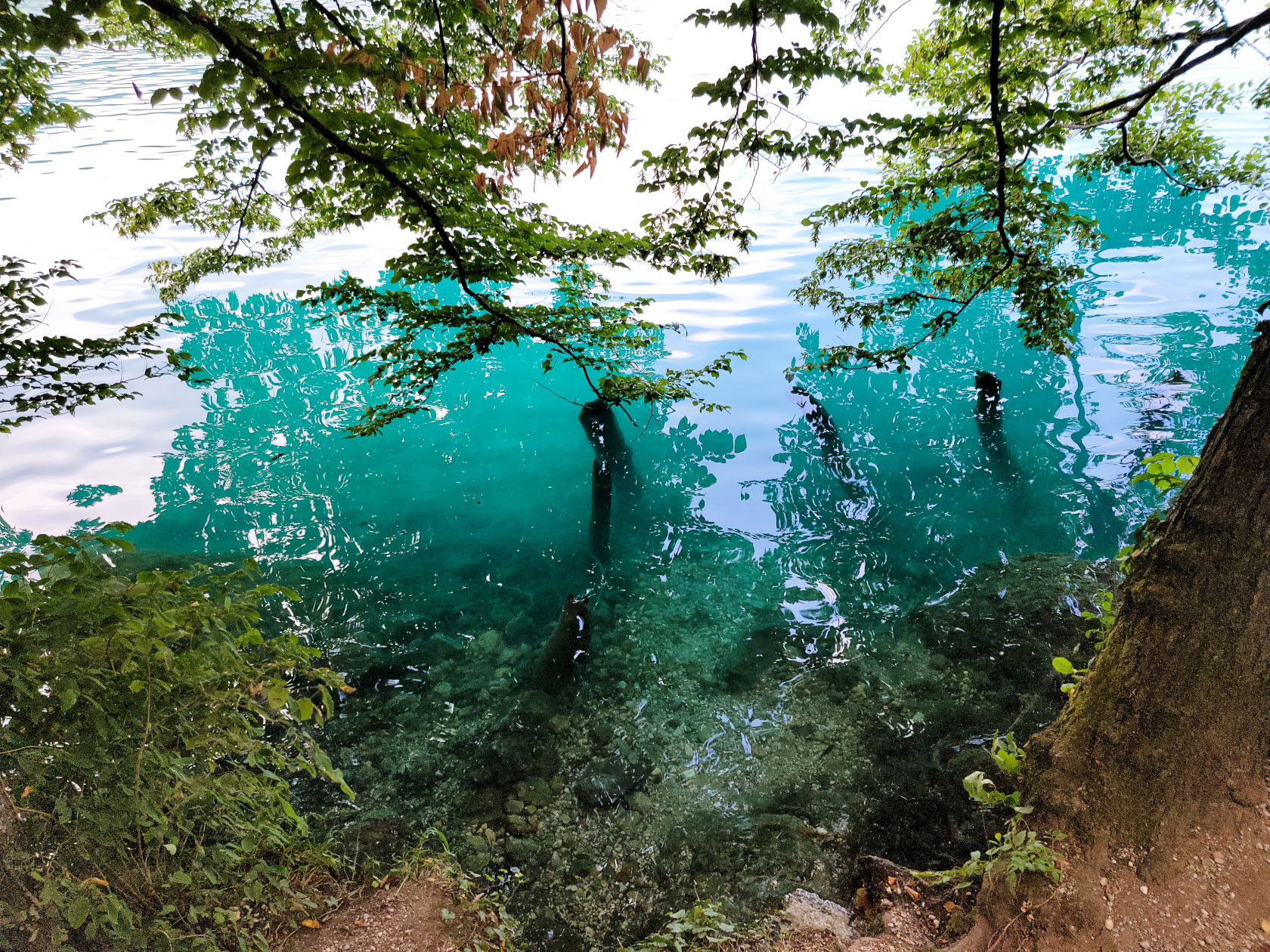
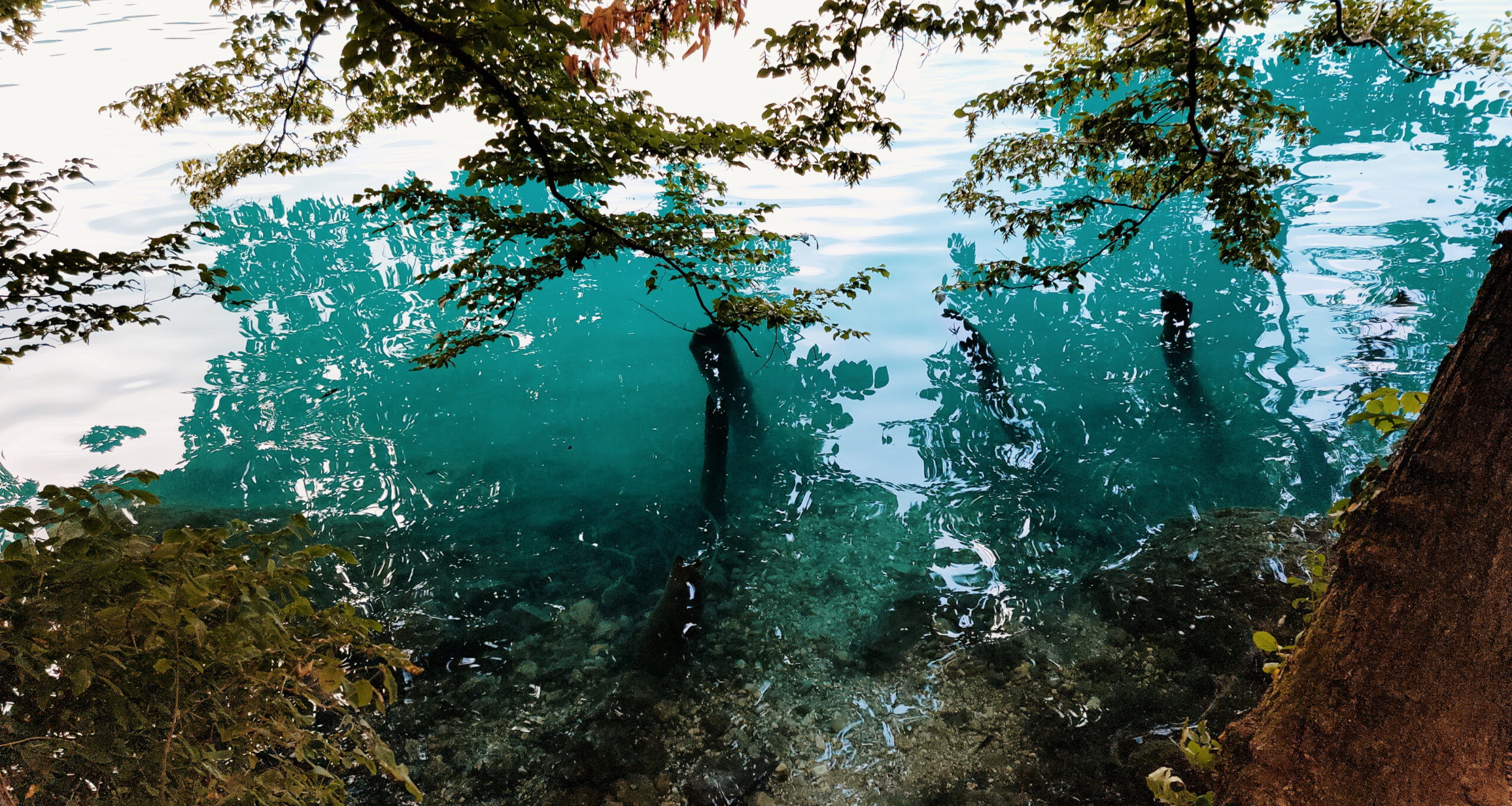
Bled – the lake water is bluish green
Bled – Assumption of Mary Church on Slovenia’s only island
Bled – Assumption of Mary Church on Slovenia’s only island
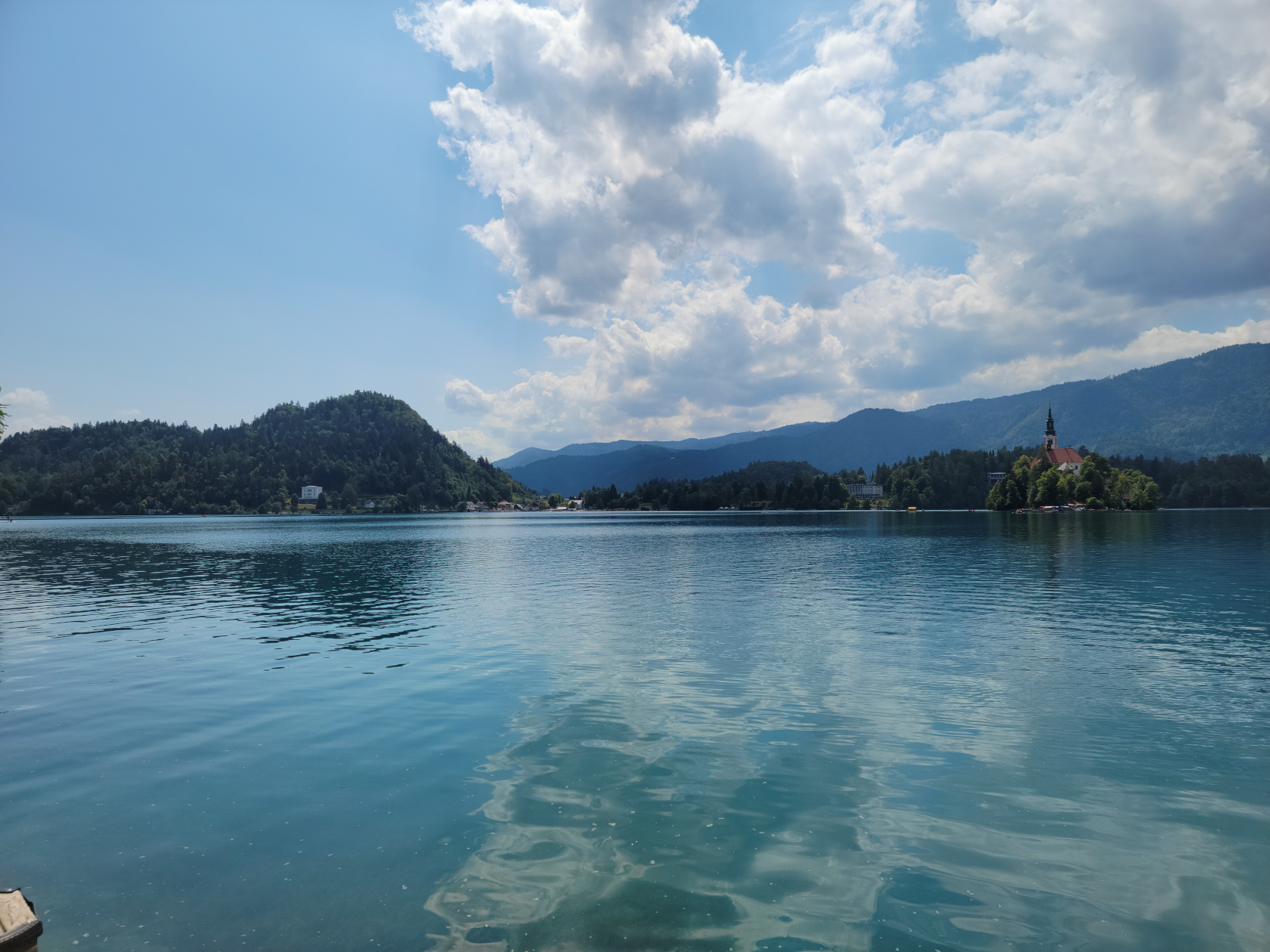
Bled – the beautiful lake Bled
Bled – Assumption of Mary Church on Slovenia’s only island
Bled – walking the trail
Bled – Assumption of Mary Church on Slovenia’s only island
Bled – Blad Castle
Bled – Assumption of Mary Church on Slovenia’s only island
Bled – Slovenia’s only island
Bled – cyan colored water
Bled – cyan colored water
Bled – walking the trail
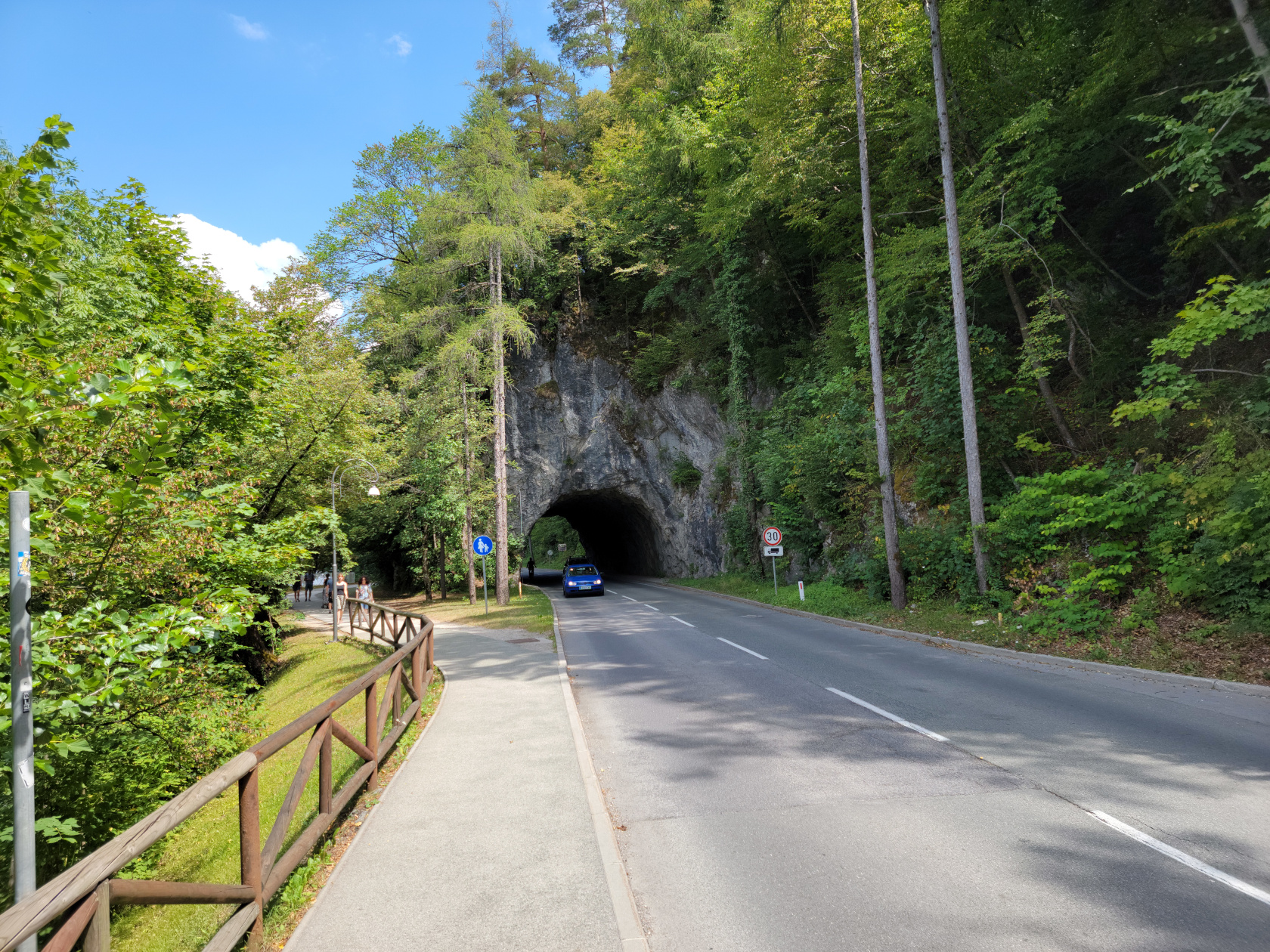
Bled – road tunnel
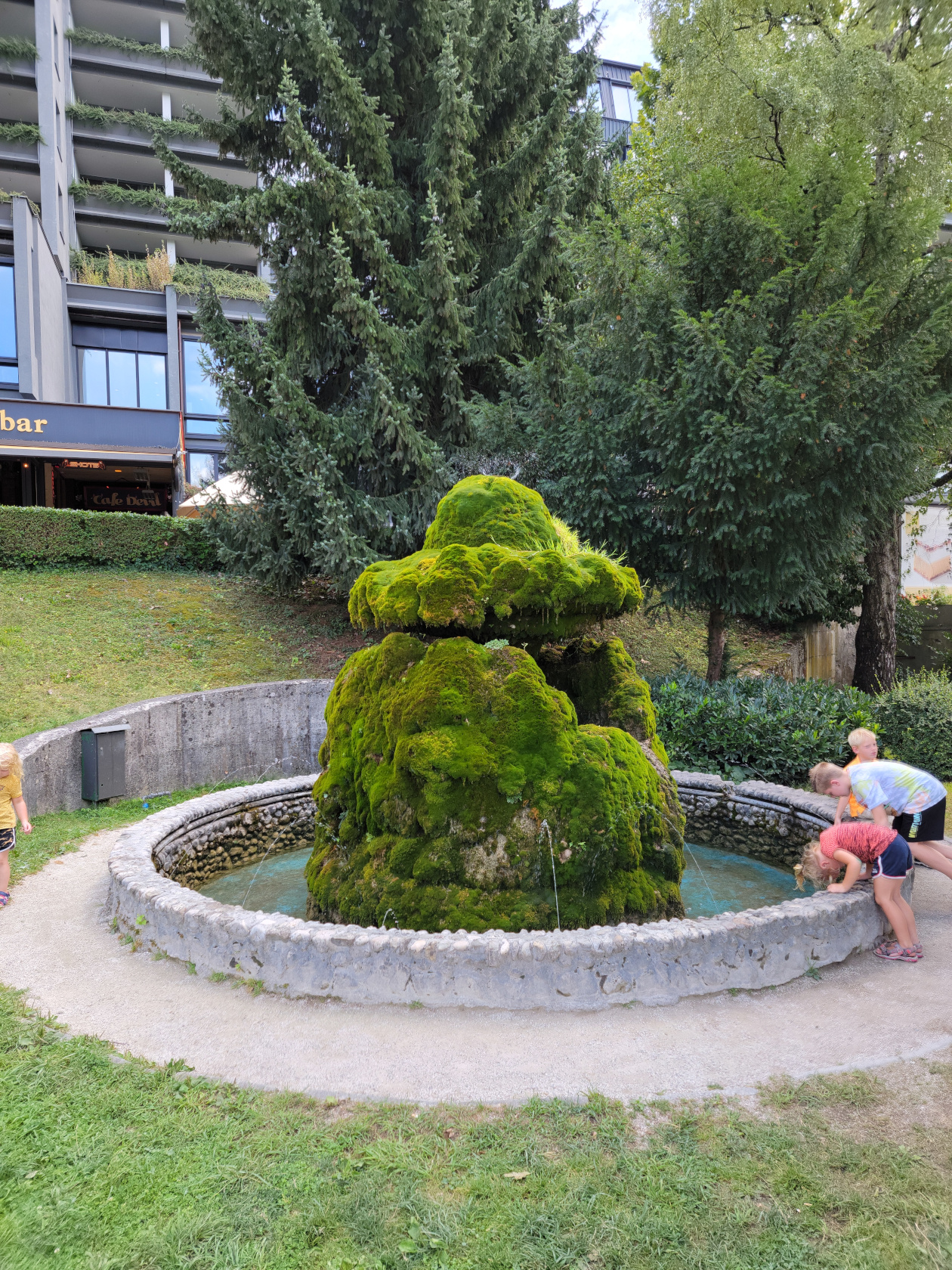
Bled – the moss fountain
Restaurants
Hotel Starkl Restaurant
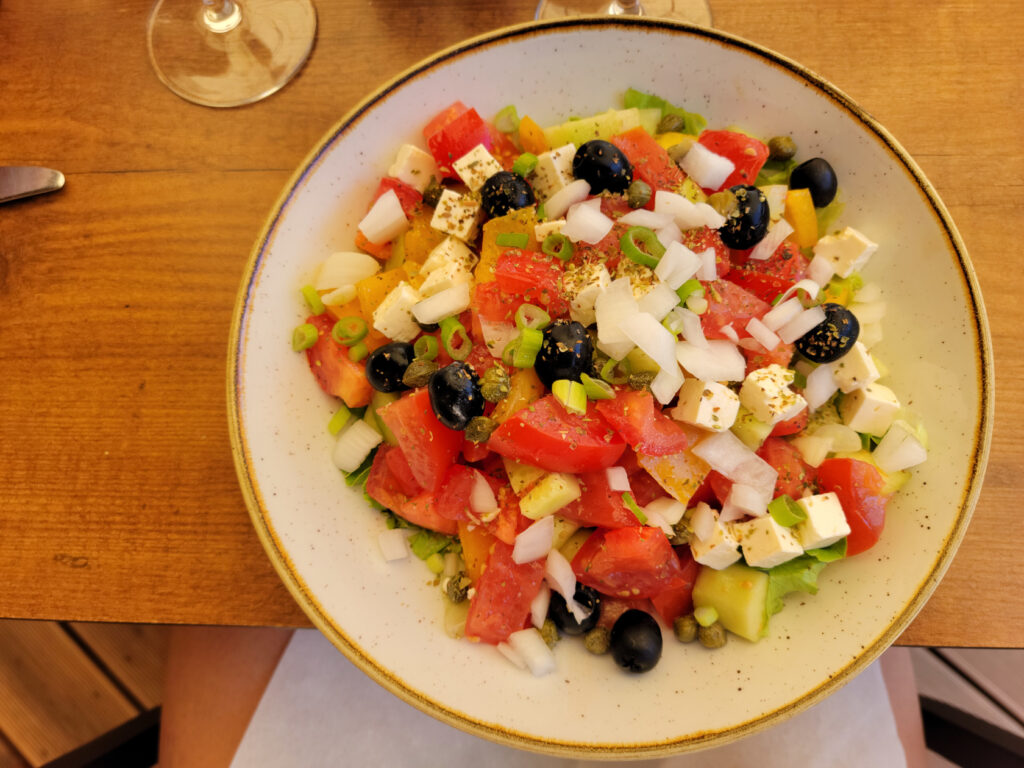
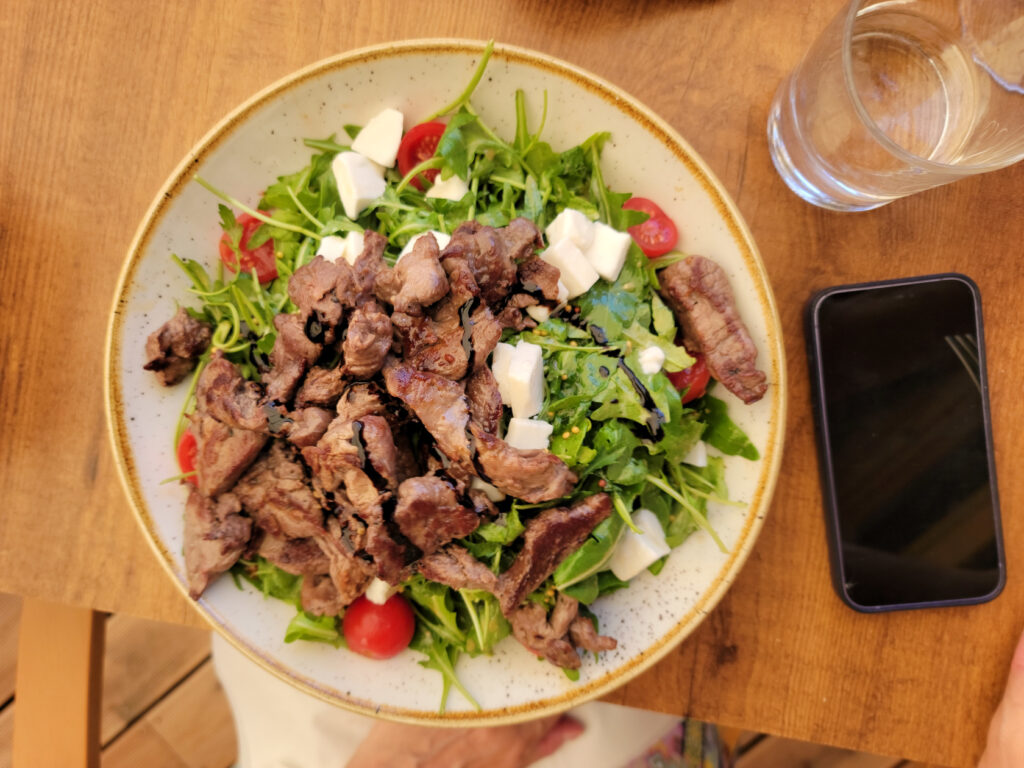
Around 12:30 or so we stopped about three quarters of the way, going anti-clockwise around the lake, at the restaurant Hotel Starkl. It is best to get to any European tourist restaurant thirty to forty-five minutes in advance, because at one o’clock they fill up quickly. Here we purchased simple salads and enough wine and water to enjoy the fabulous weather.
Continuing our Summer Trip of eastern Italy and Slovenia, and after a two and a half hour train ride from Trieste, is the charming city of Ljubljana, Slovenia. Actually, much to my surprise, stepping off the train there was a noticeable cleanliness to it all which rarely, if ever, went away. We even noticed this in some of the more off-beat areas and in other towns, that we ventured to on our day trips.
The Slovenians are no doubt a very orderly, patient people. This can also be witnessed in their driving, since it is very rare, almost uncommon to hear the sound of a horn. When asked, “Why is this?”, most reply with the simple retort, “Well it’s simply rude, and in most cases, unnecessary.”
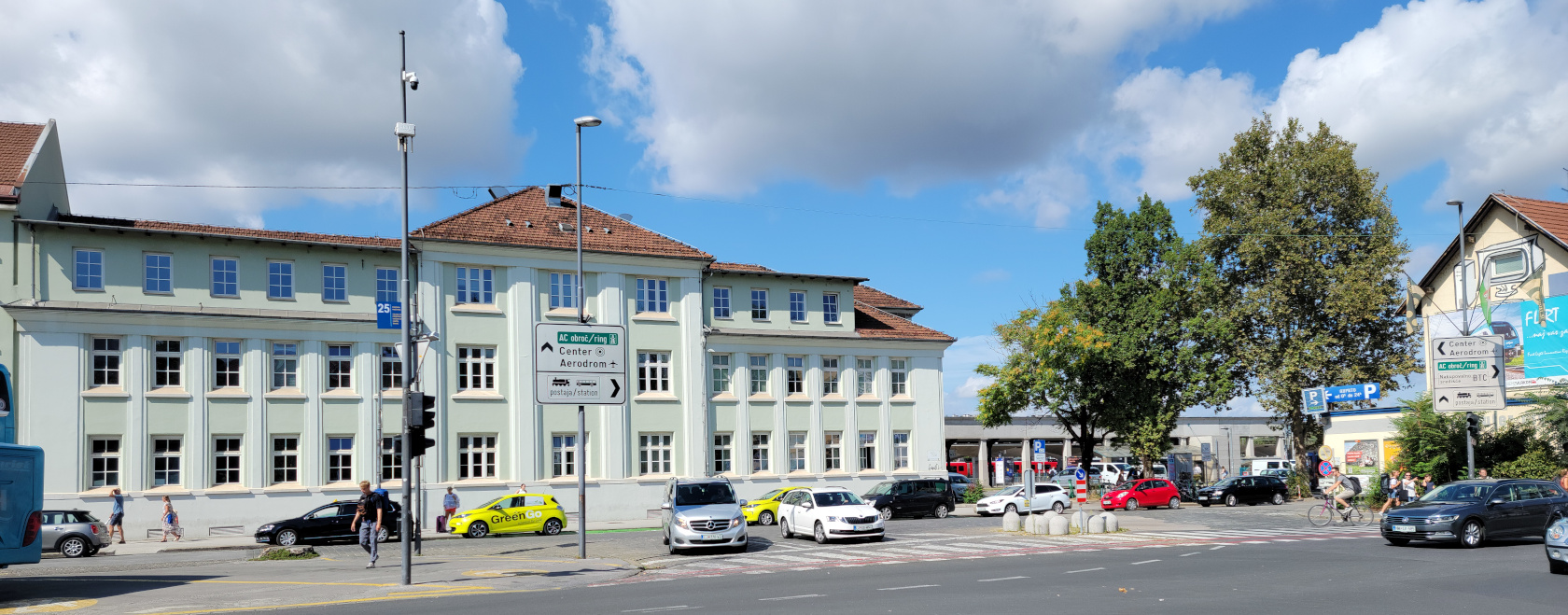
Ljubljana – The Main Train Station
Ljubljana, Lublana and Laybach
Ljubljana is a very old city, dating back to the twelfth and eleventh centuries, though a town called Emona stood here during Roman times. Myths and stories have linked it to Jason and the Argonauts and his struggles, and the killing of the great beast which inhabited the marsh nearby[1]This is where the metaphor of the dragon comes in., which apparently was responsible for the great floods that occurred frequently. It later became synonymous with Ljubljana in the mid-twelfth century.
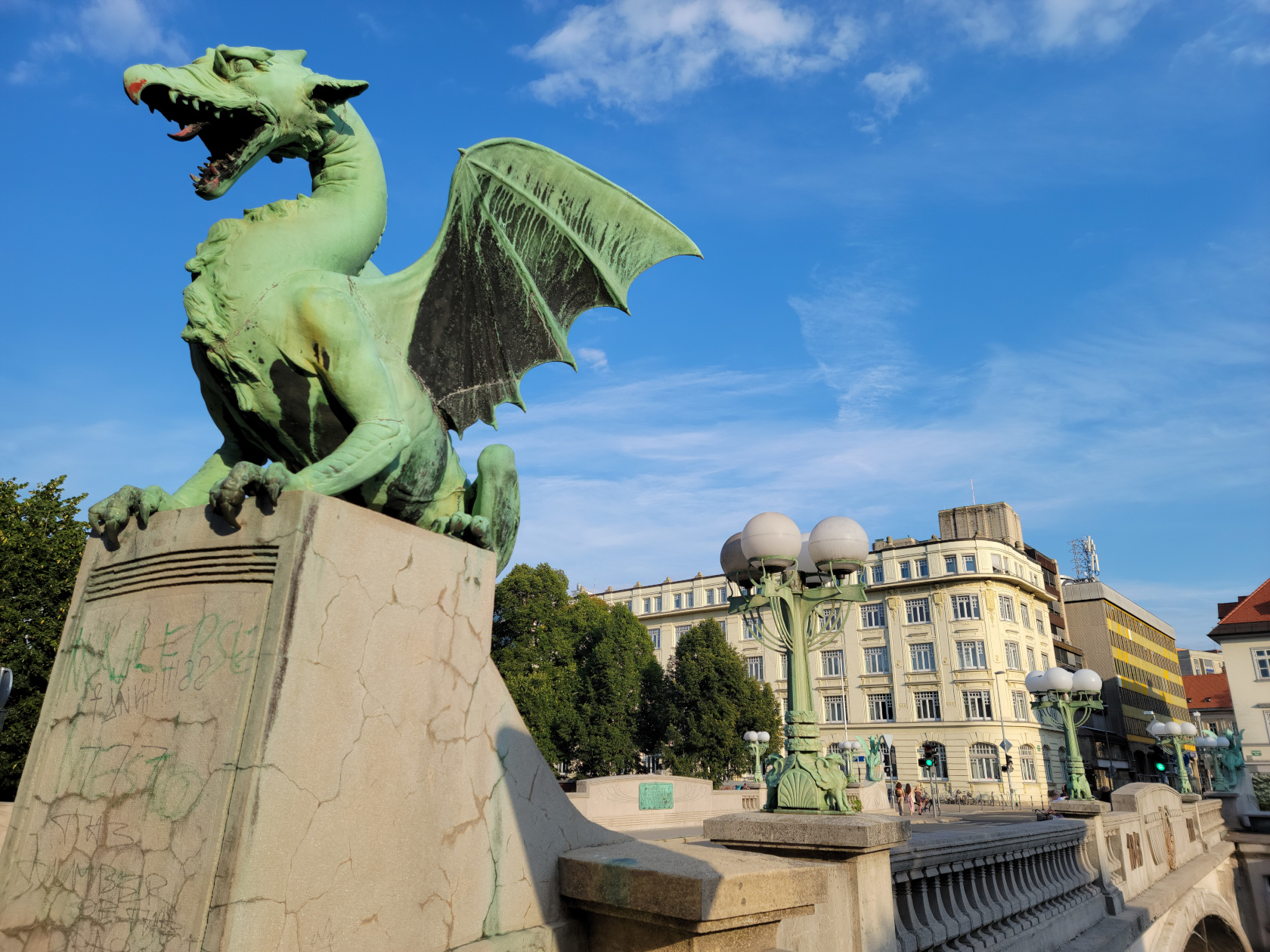
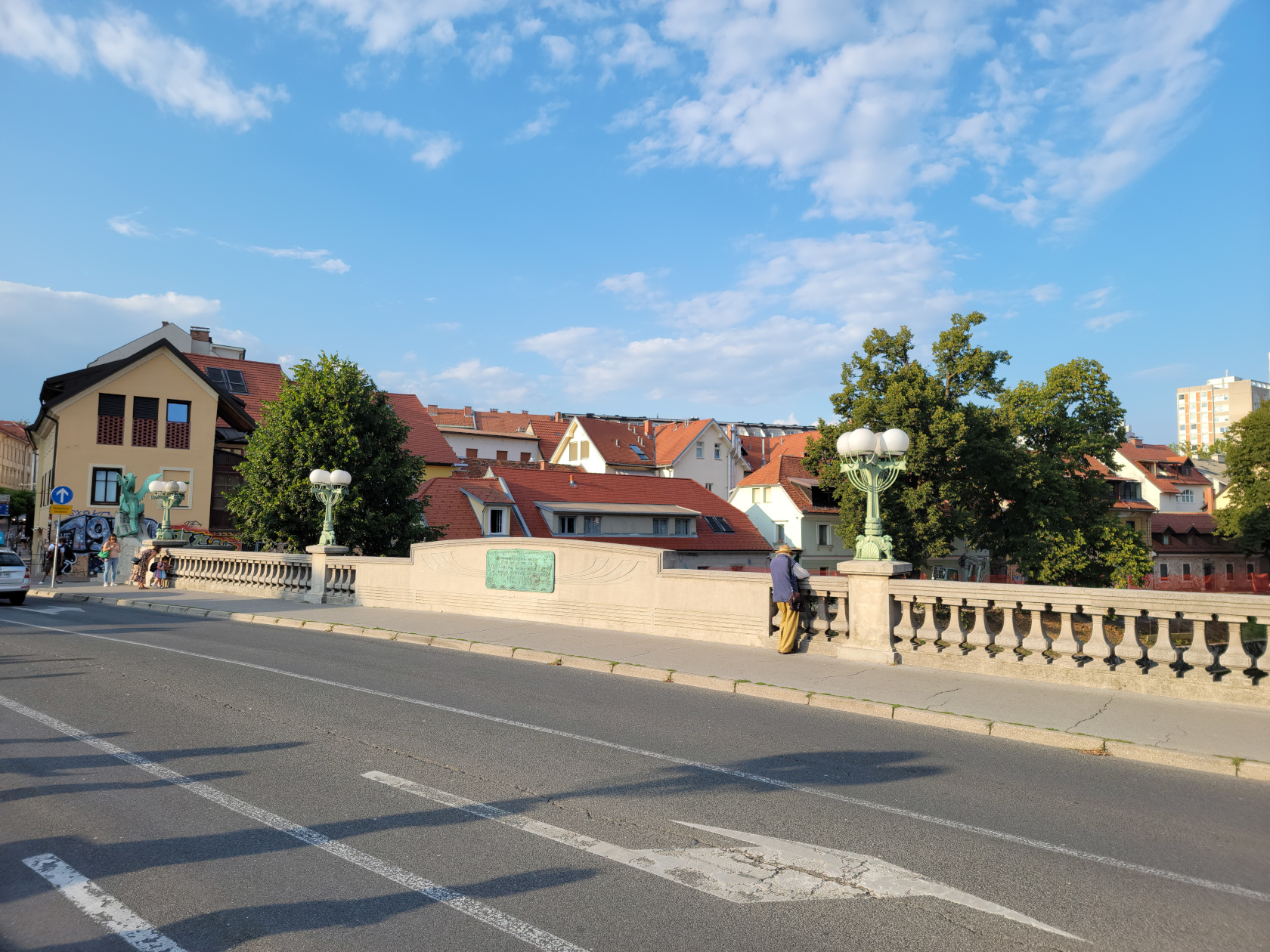
Ljubljana – Ljubljanica River – Dragons Bridge
Bridges In Lubljana
There are several noteworthy bridges in the city, the Dragon Bridge, the Triple Bridge, the Cobbler’s Bridge and the Butcher’s Bridge. There are several others, however these are the ones we spent the most time on and are the most remarkable.
The Dragon’s Bridge
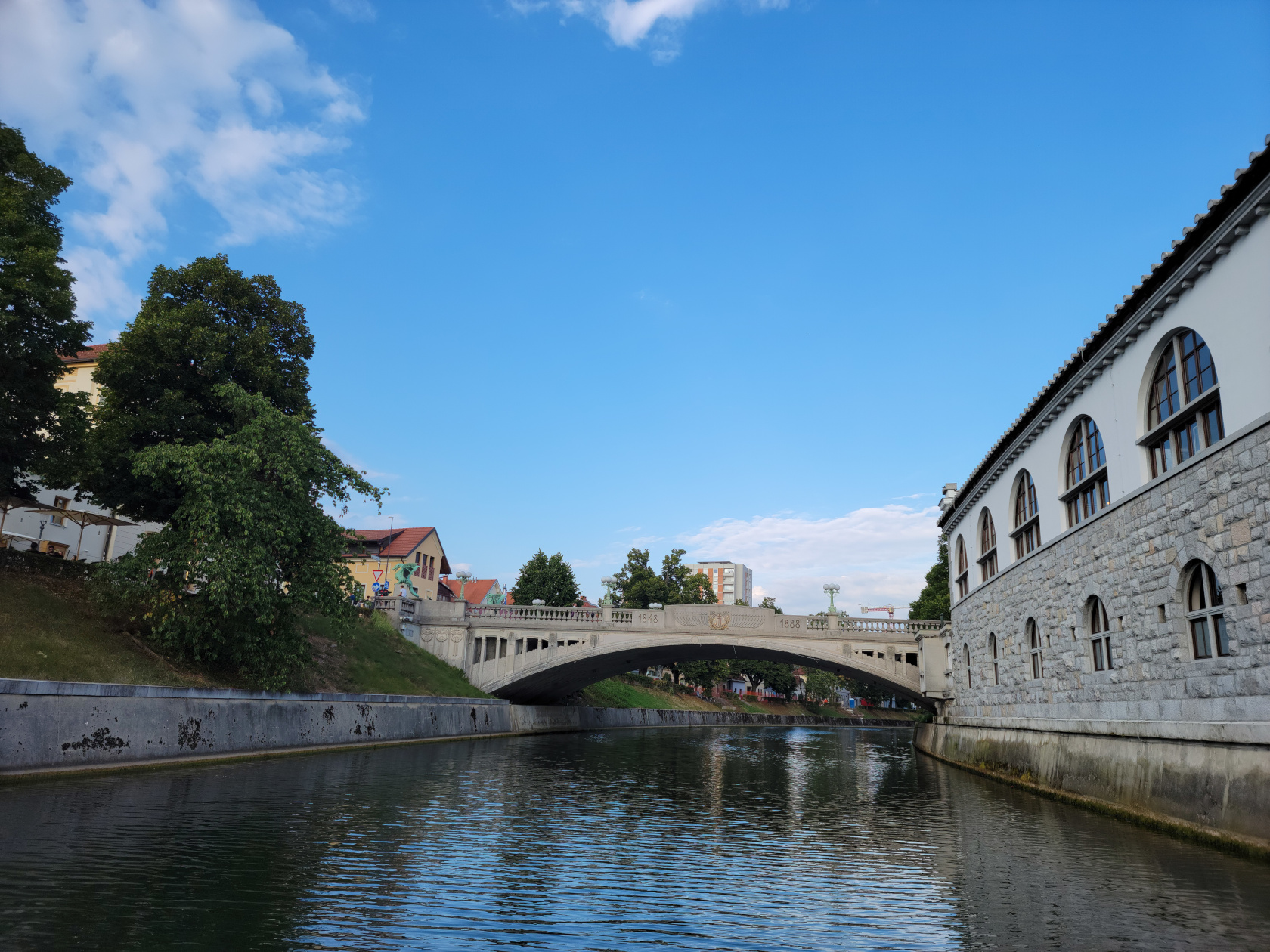
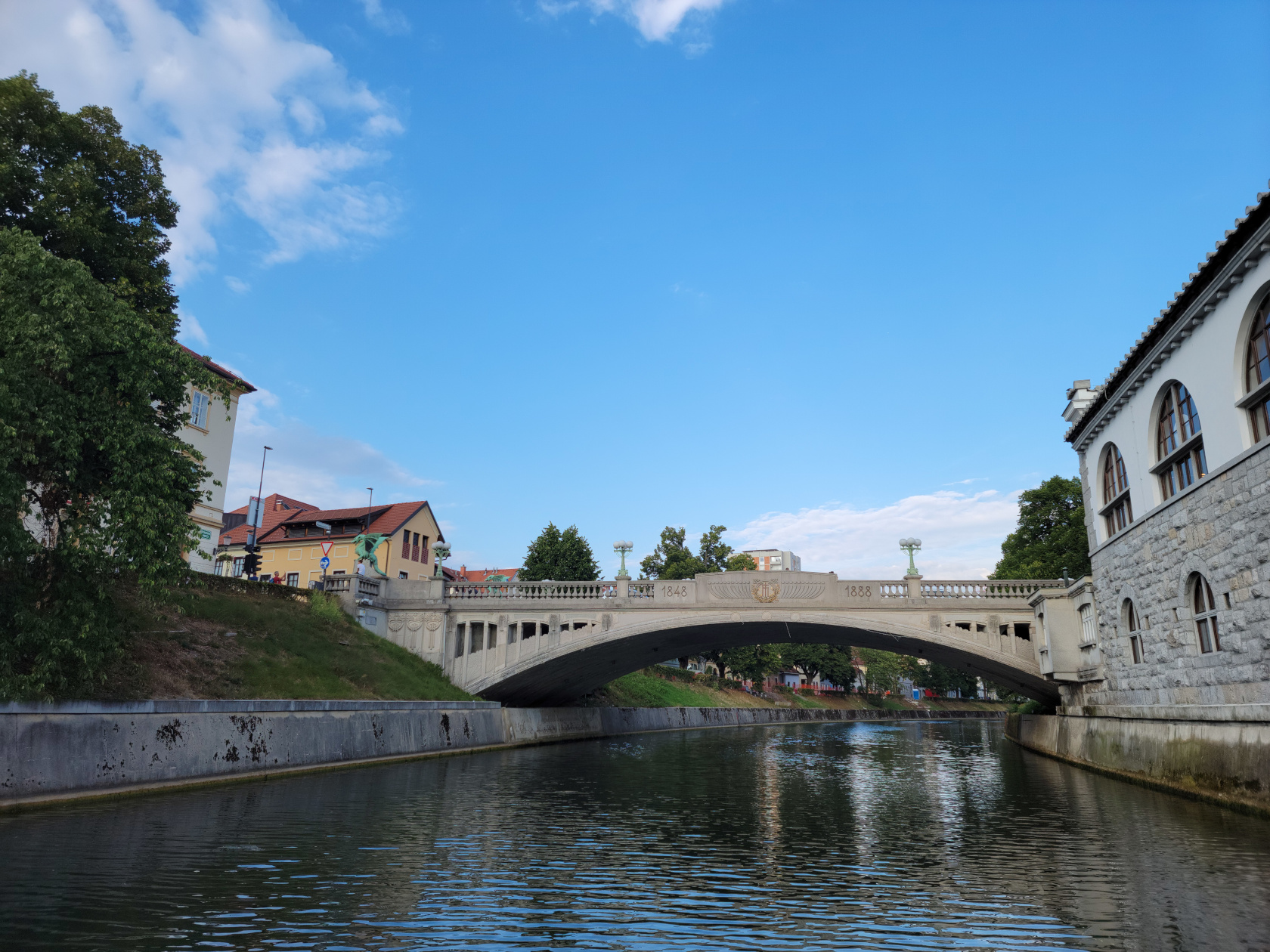
Due to the myth it is probably appropriate that the city have a dragon bridge, one not only to remember Jason’s deeds, but also the ever present danger of the river itself.
Ljubljana – Ljubljanica River – Dragons Bridge
Ljubljana – Ljubljanica River – Dragons Bridge
The Triple Bridge
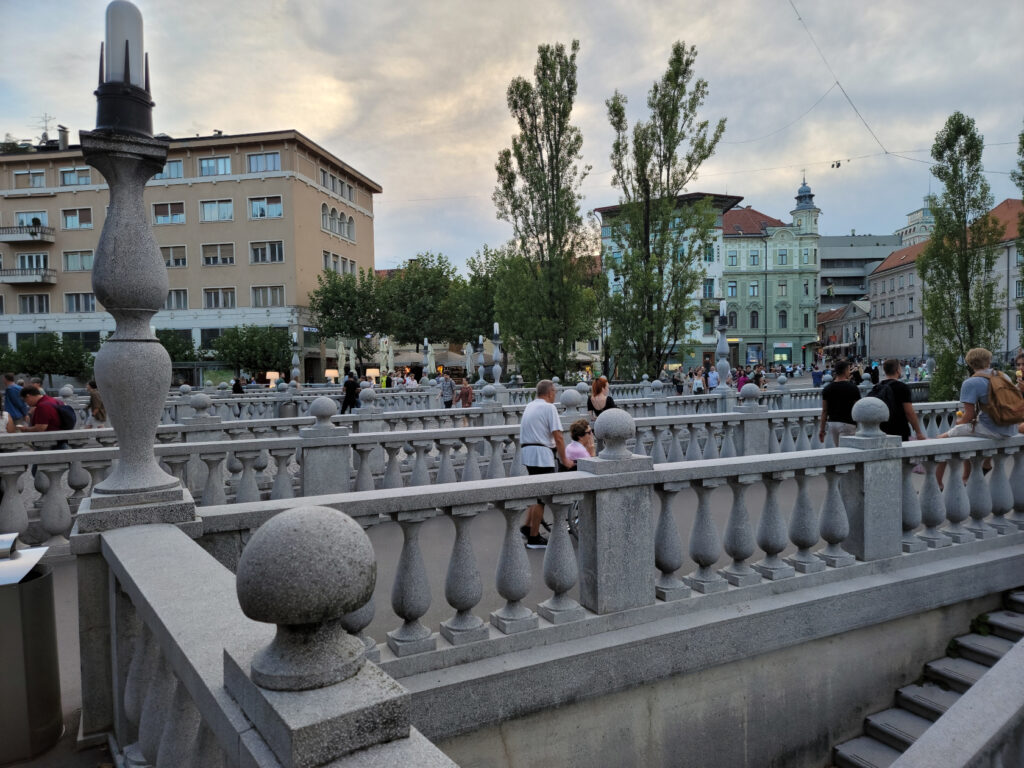
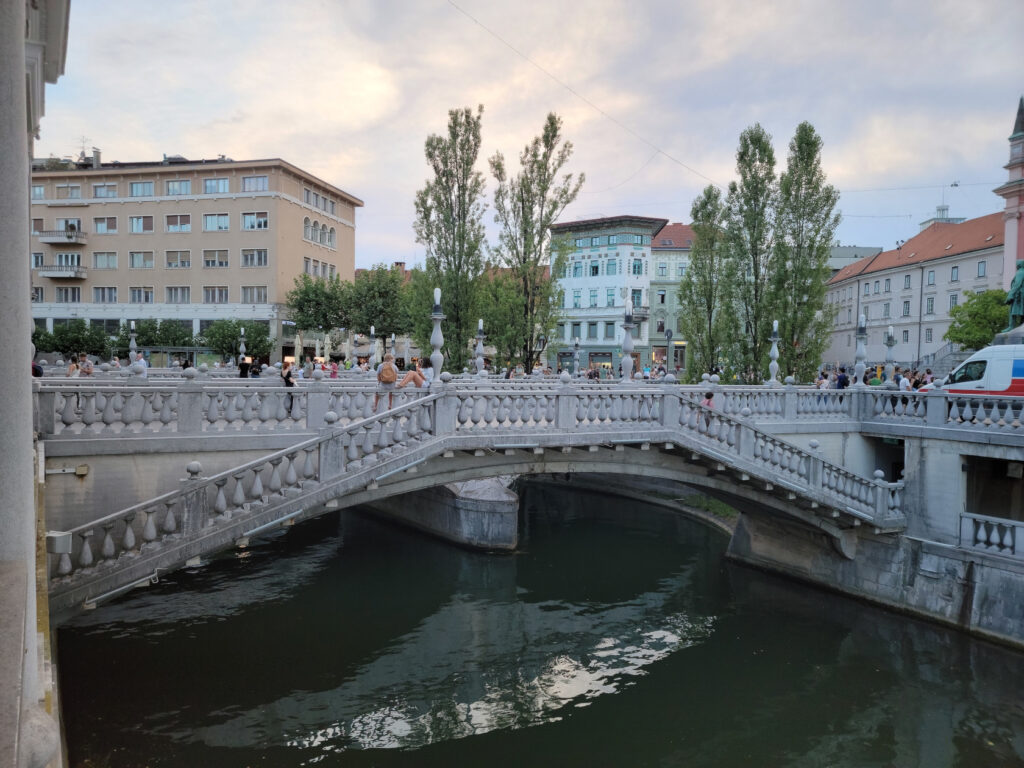
Not far from our hotel and adjacent to Prešeren Square is the Triple Bridge. It was originally one bridge, the central span, but as business and traffic increased the other two side bridges were added for pedestrian traffic.
Ljubljana – The Triple Bridge
Ljubljana – The Triple Bridge
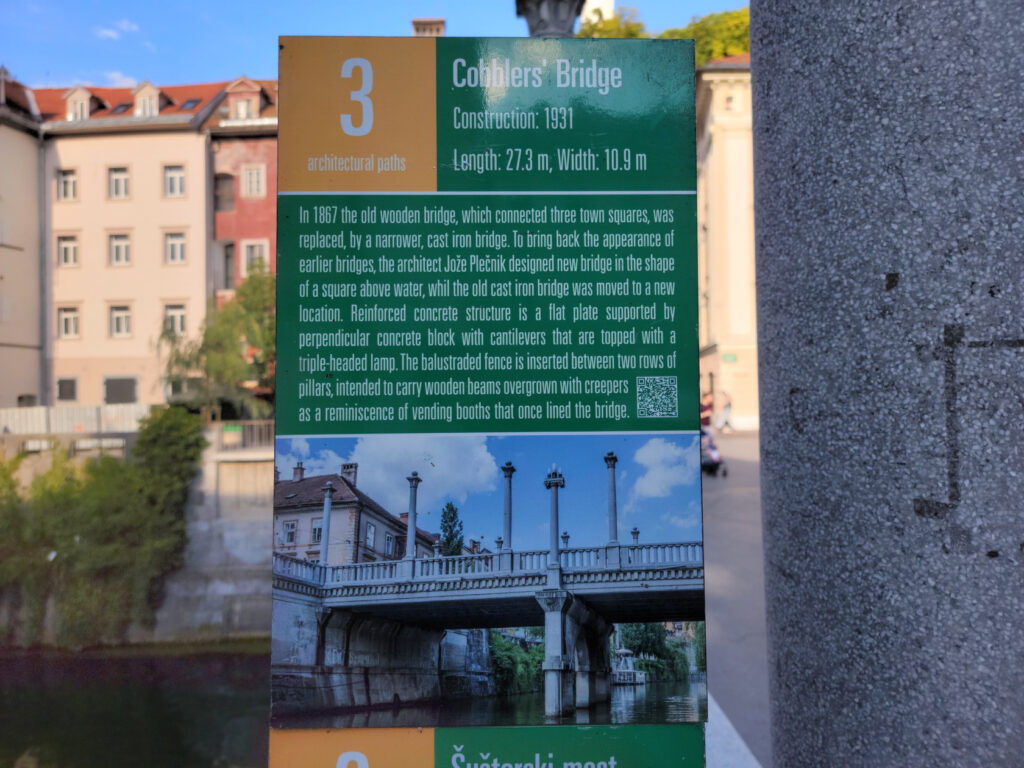
The Cobbler’s Bridge
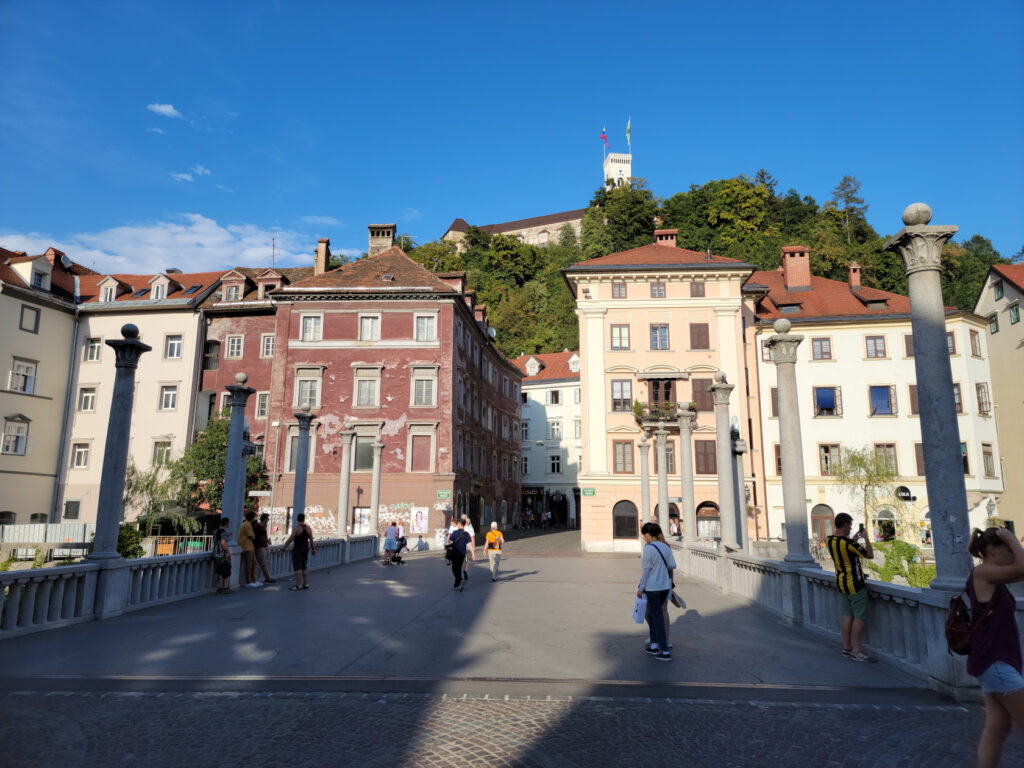
A quaint bridge that connects two important parts of the medieval city.
Ljubljana – Ljubljanica River – Cobblers Bridge
Ljubljana – Ljubljanica River – Cobblers Bridge
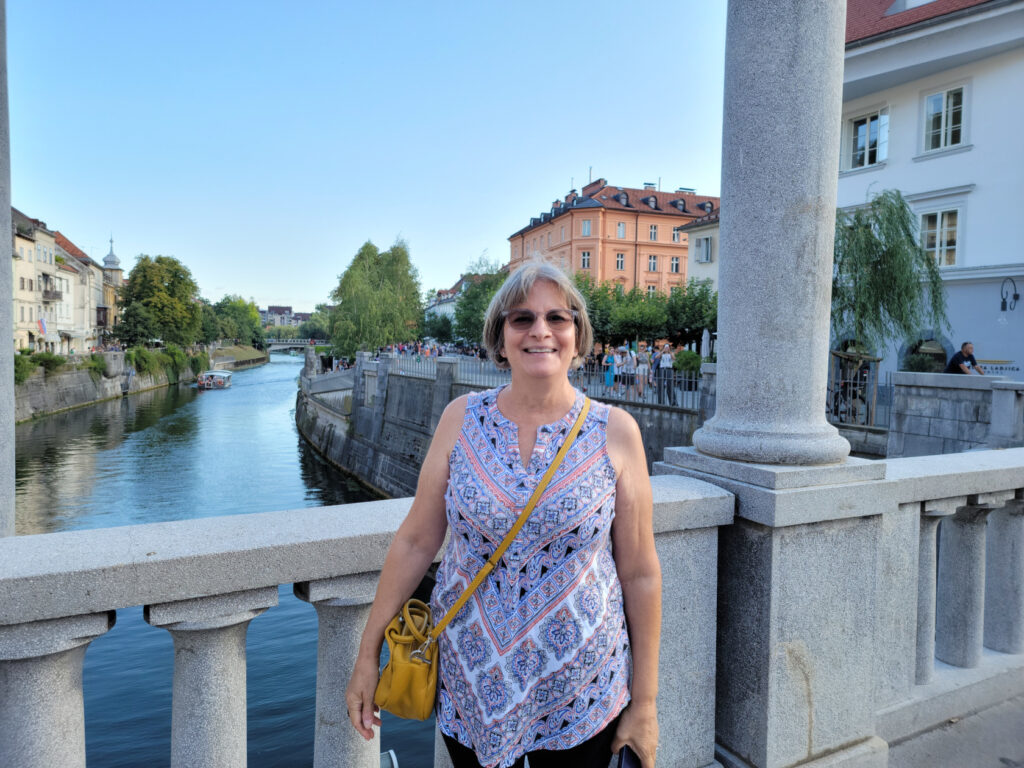
Ljubljana – Ljubljanica River – Patti on Cobblers Bridge
The Butcher’s Bridge
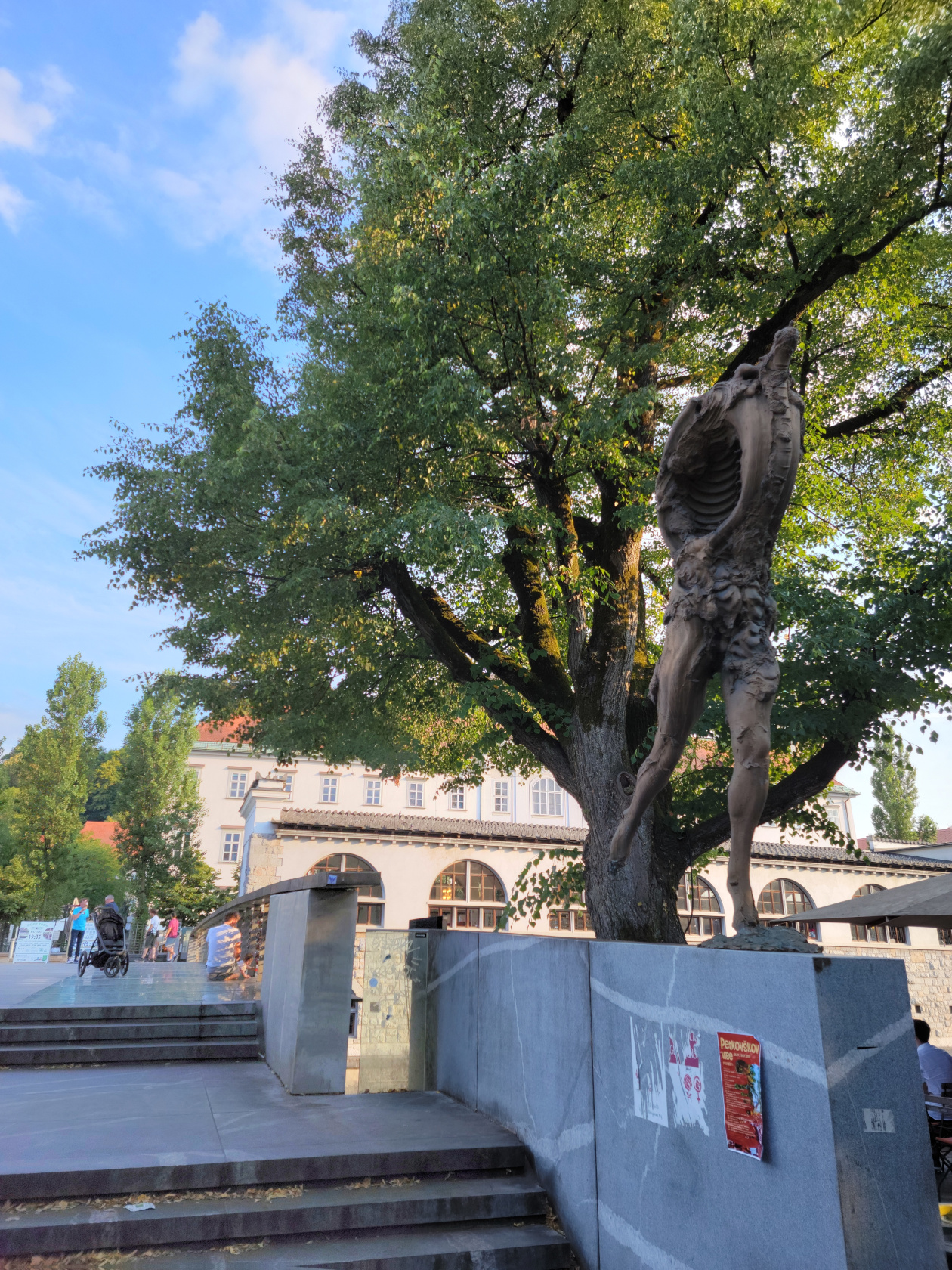
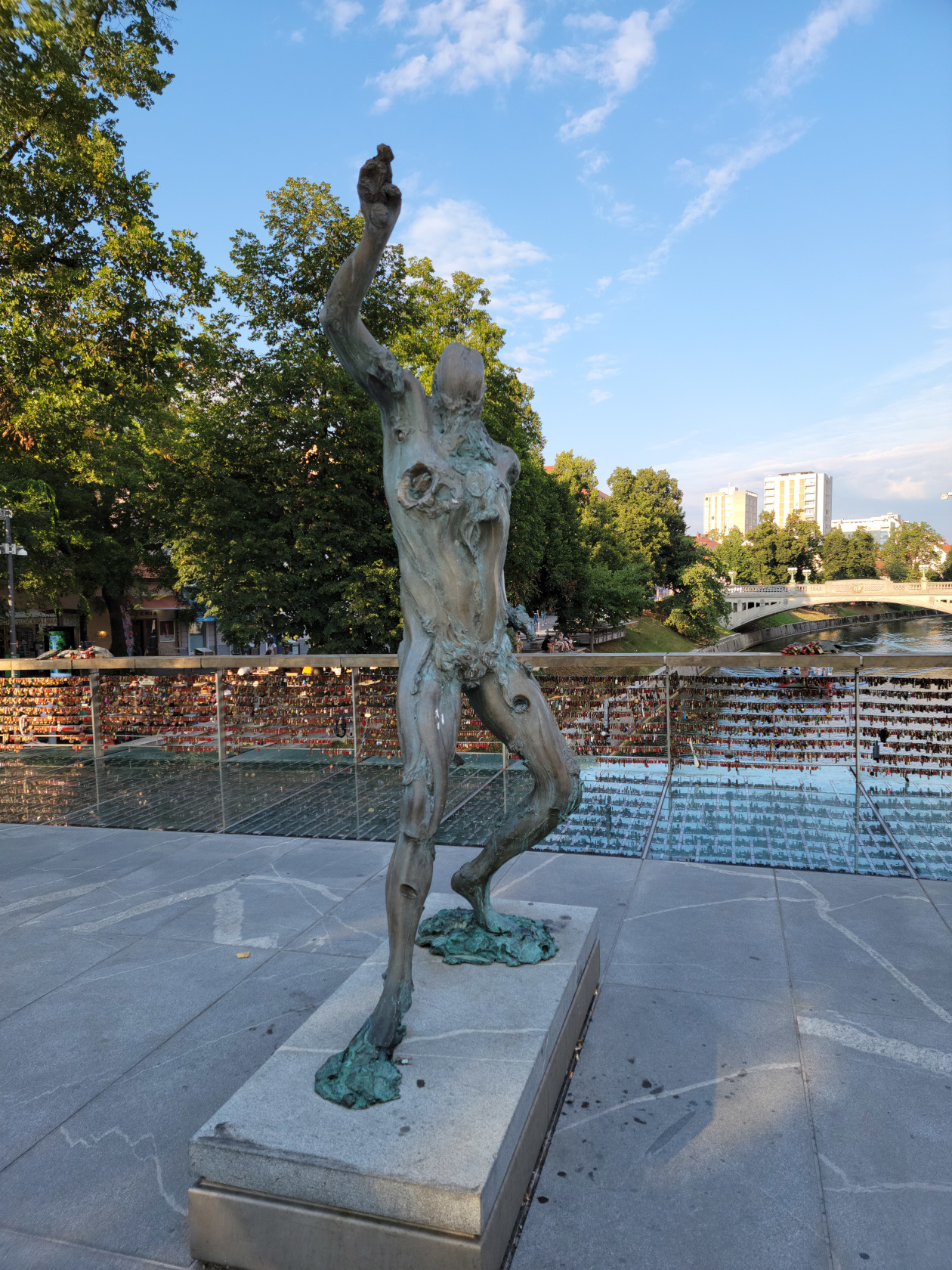
This bridge got its name, since it was near the place that the butchers of the city used to come and wash the carcasses of the animals. The blood and stench of rotting flesh this process brought down through the city must have been appalling. The practice was stopped soon after the residents had had enough of the smell. It is now decorated with locks and bronzes of mythological creatures.
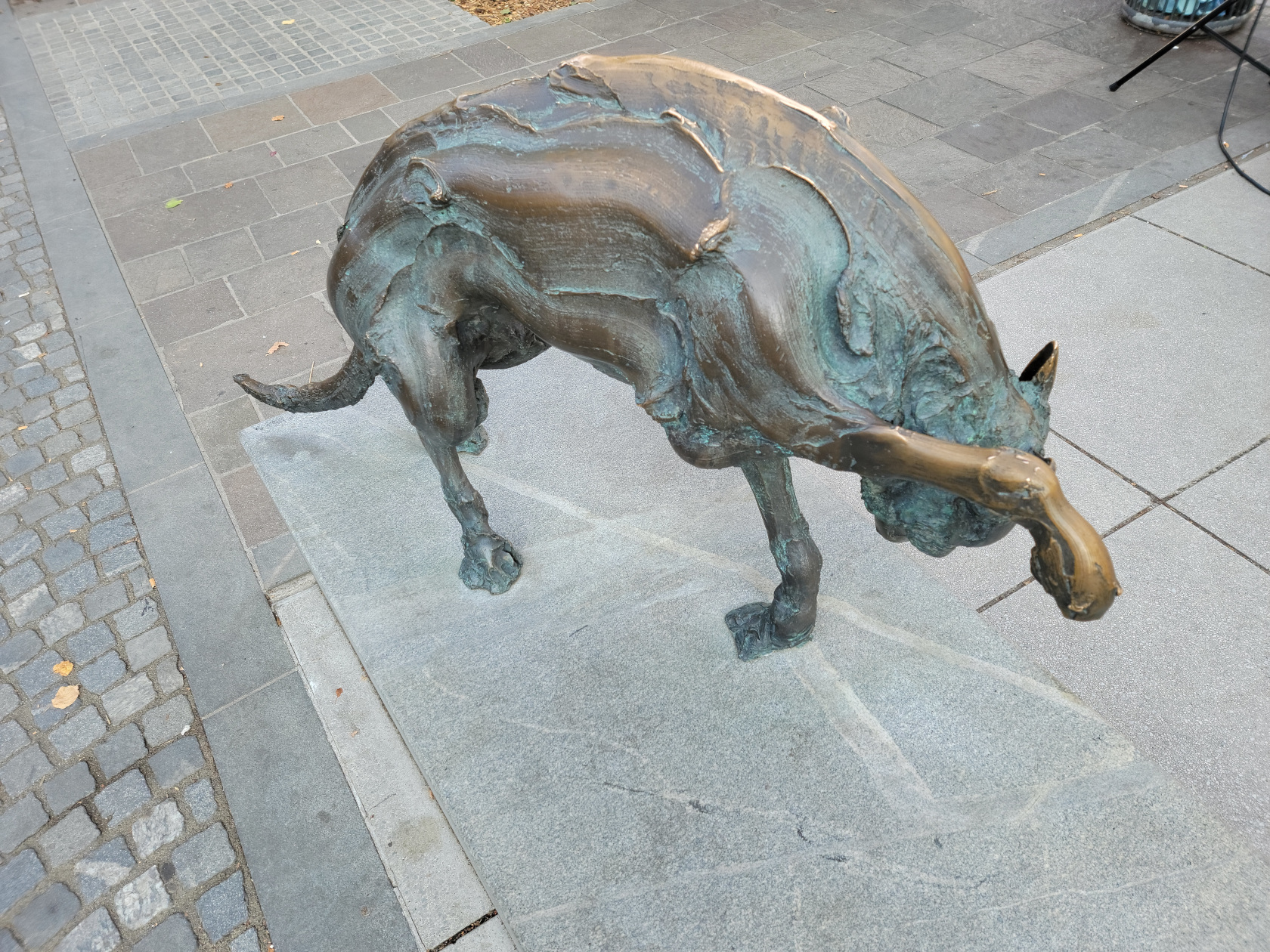
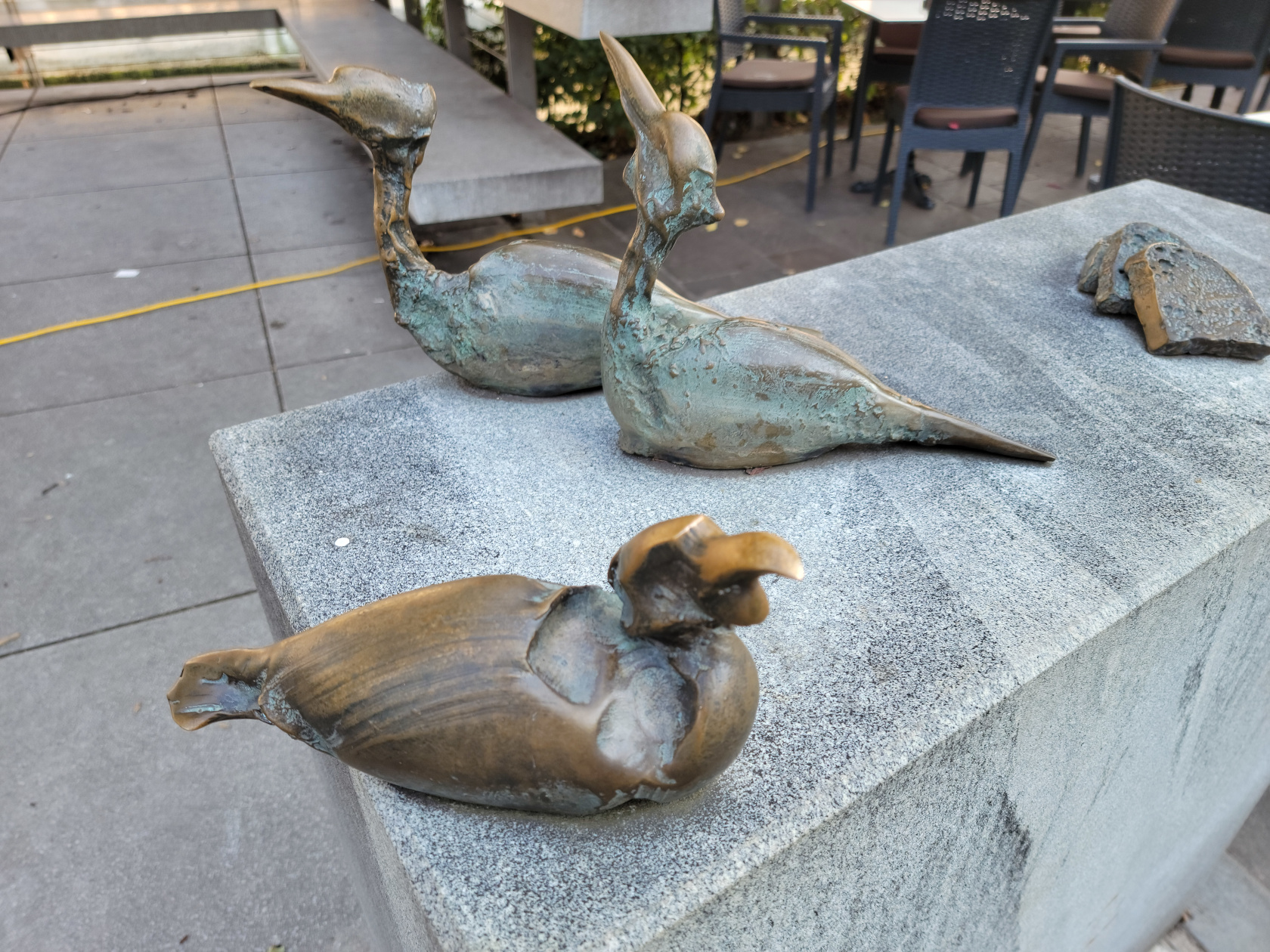
Ljubljana – City Art – Bronze
Ljubljana – City Art – Bronze
Ljubljana – City Art – Bronze
Ljubljana – City Art – Bronzes
Castle Hill
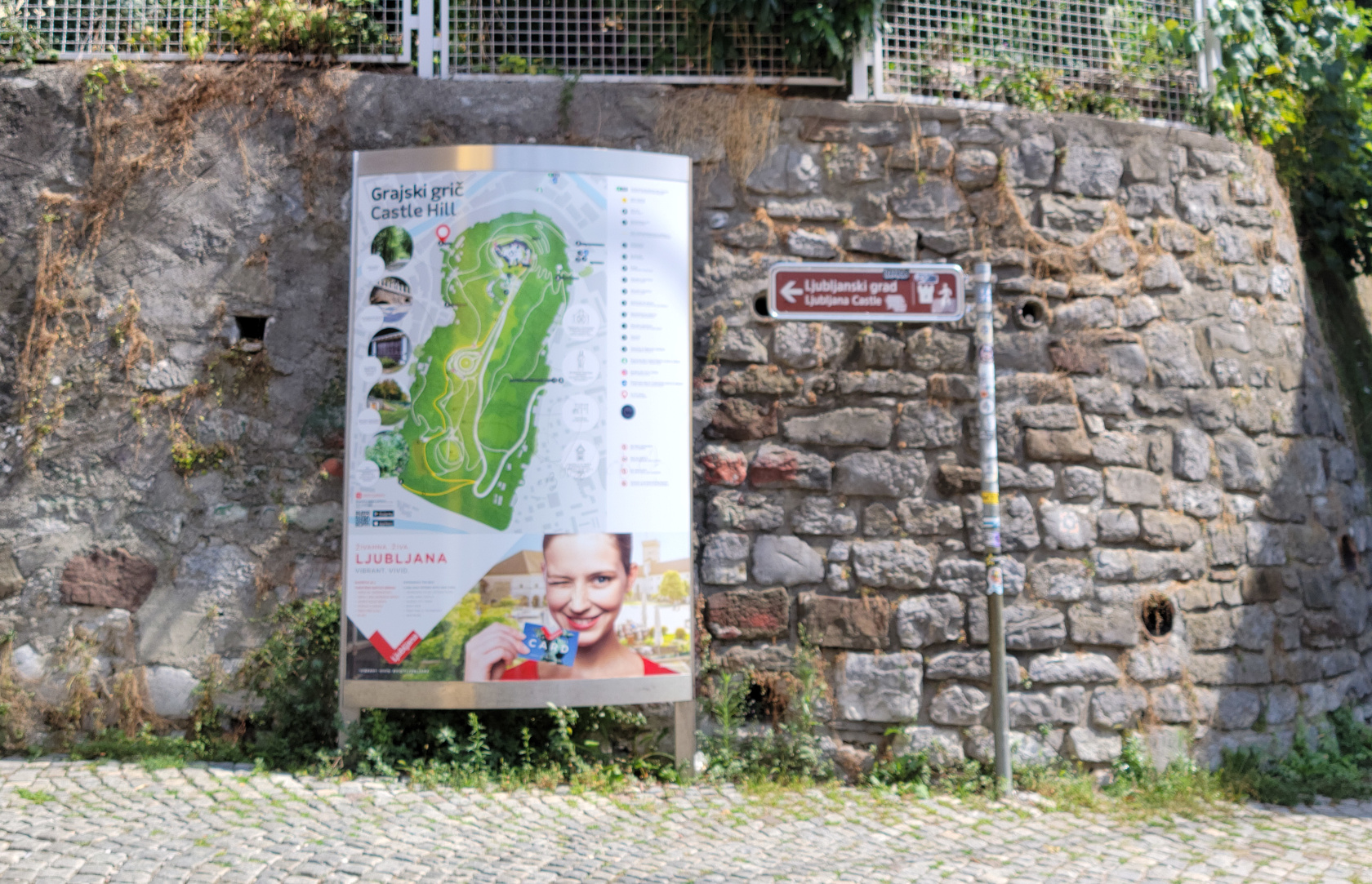
There are two prominent hills in Ljubljana, the one that contains Tivoli Park and Castle Hill, which contains the Ljubljana Castle.
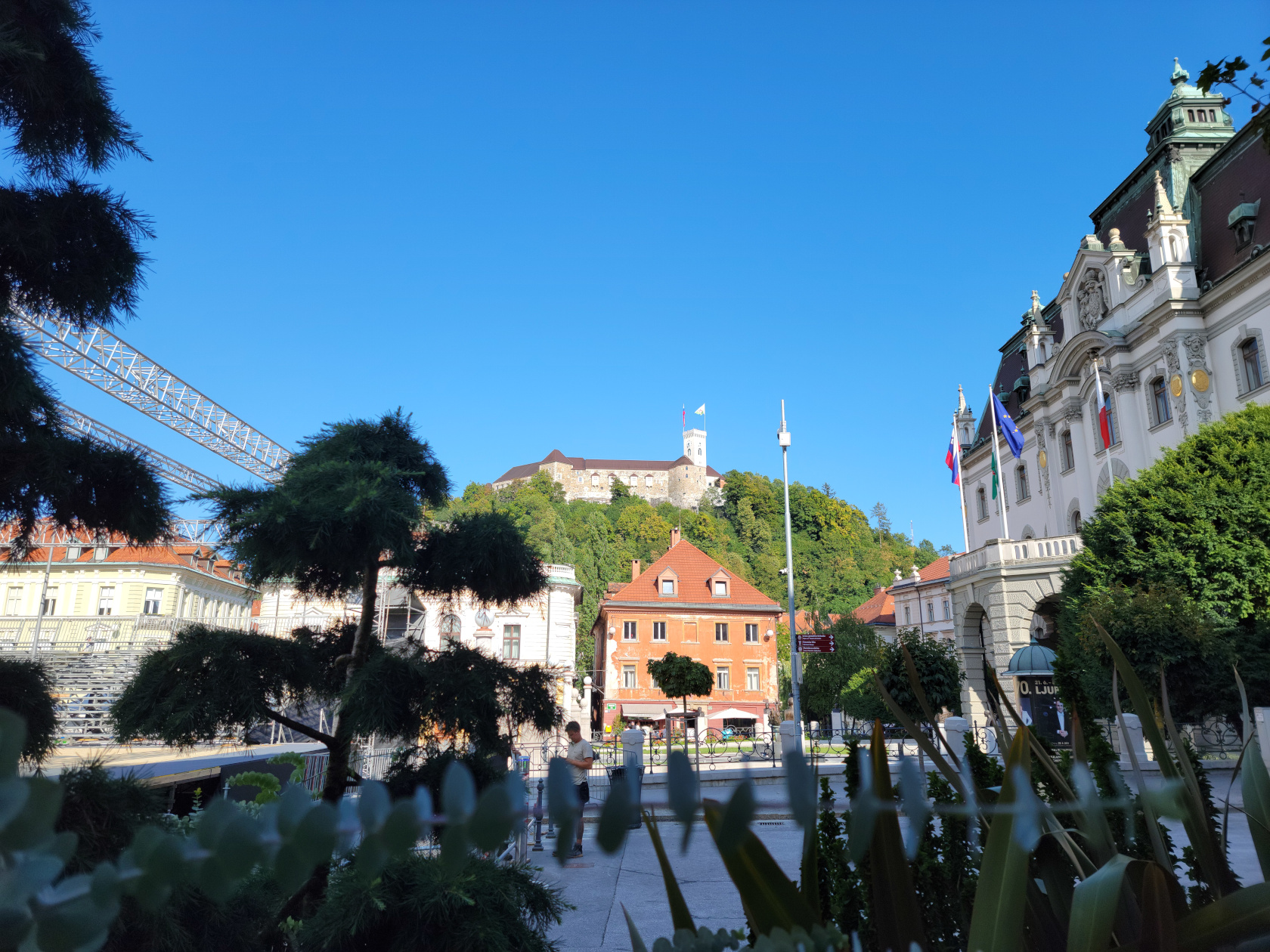
Ljubljana – Ljubljana Castle
Ljubljana Castle
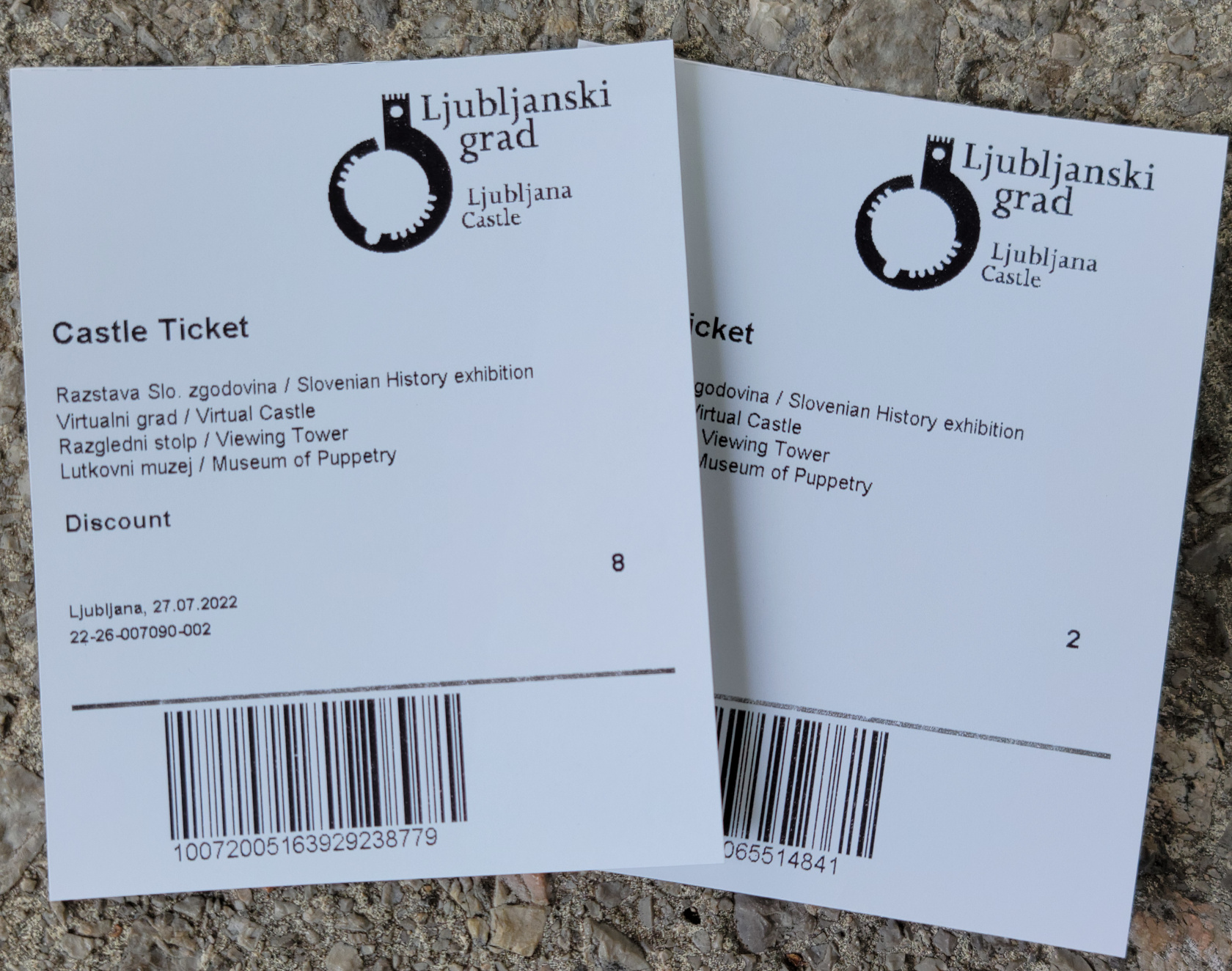
Ljubljana – Ljubljana Castle – Tickets For Two
Perched above the city on the Castle Hill is the Ljubljana Castle. In 1679, Valvasor did an engraving of the Laybach Castle, as it was known in German at the time, showing the castle and many other landmarks of Lublana.[2]There are many spelling variations for this city, due to it being part of many different empires and countries throughout its history.
Ljubljana – Ljubljana Castle
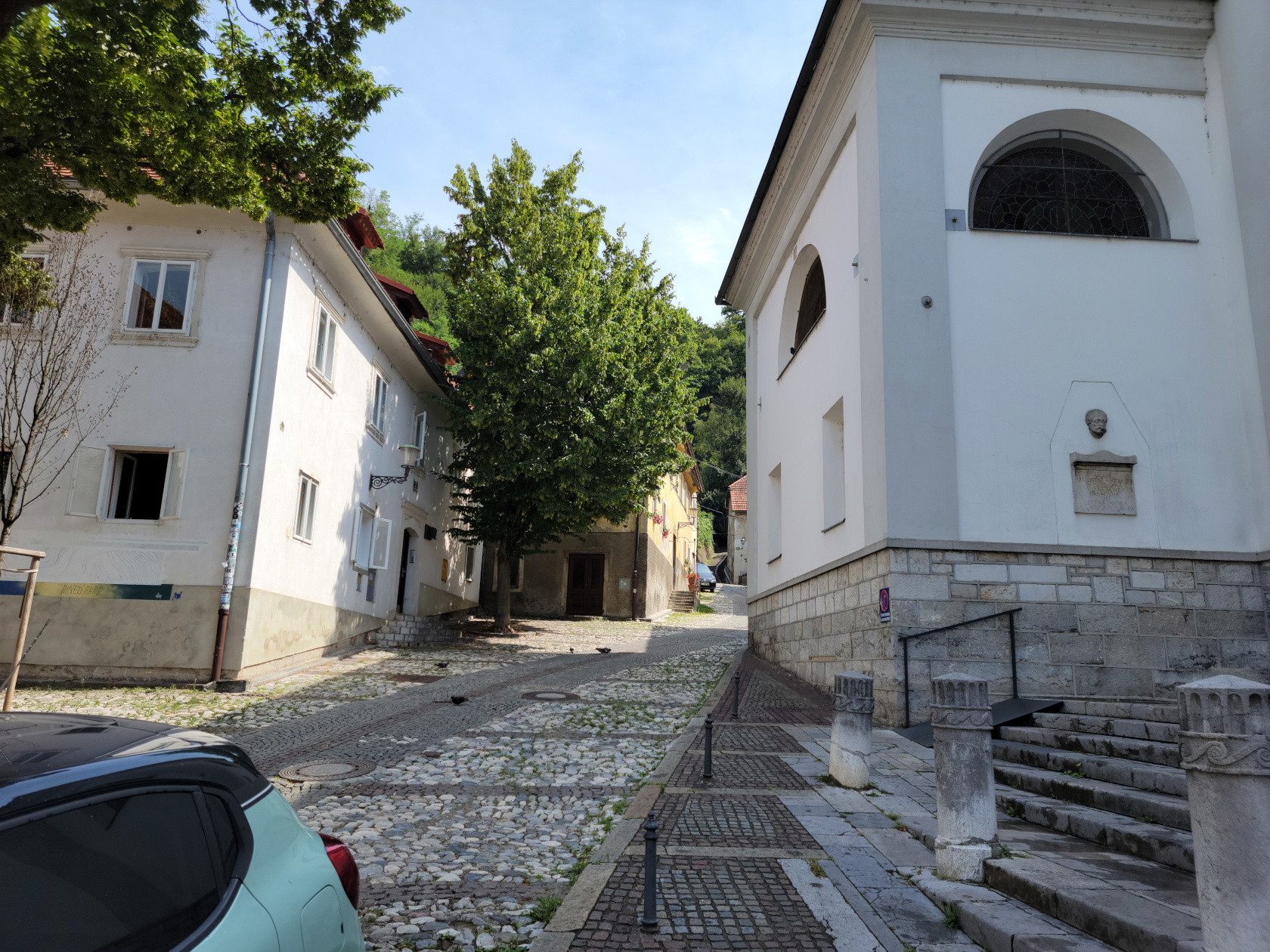
Ljubljana – Ulica na Grad
Ljubljana – Castle Hill – Ulica na Grad
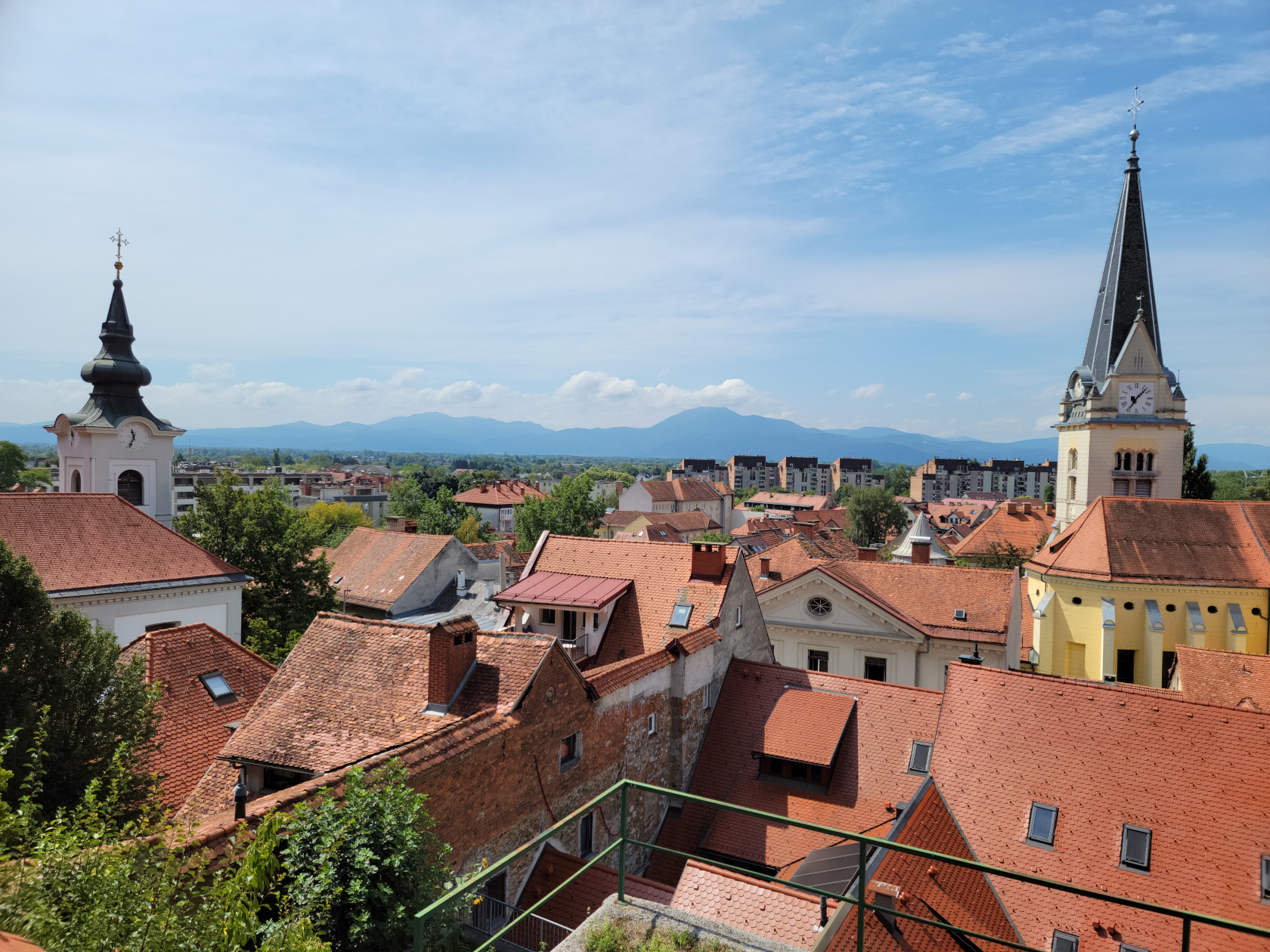
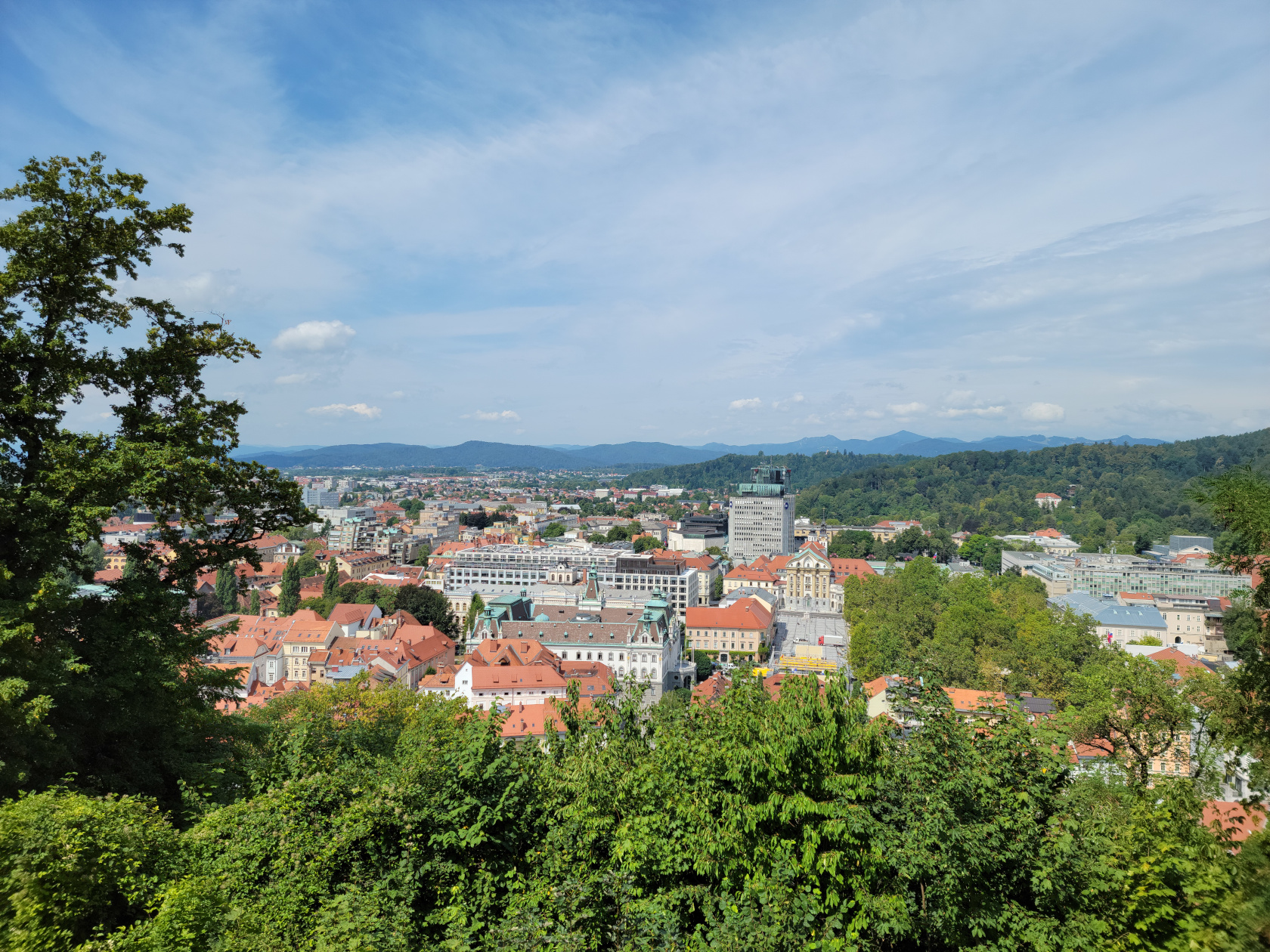
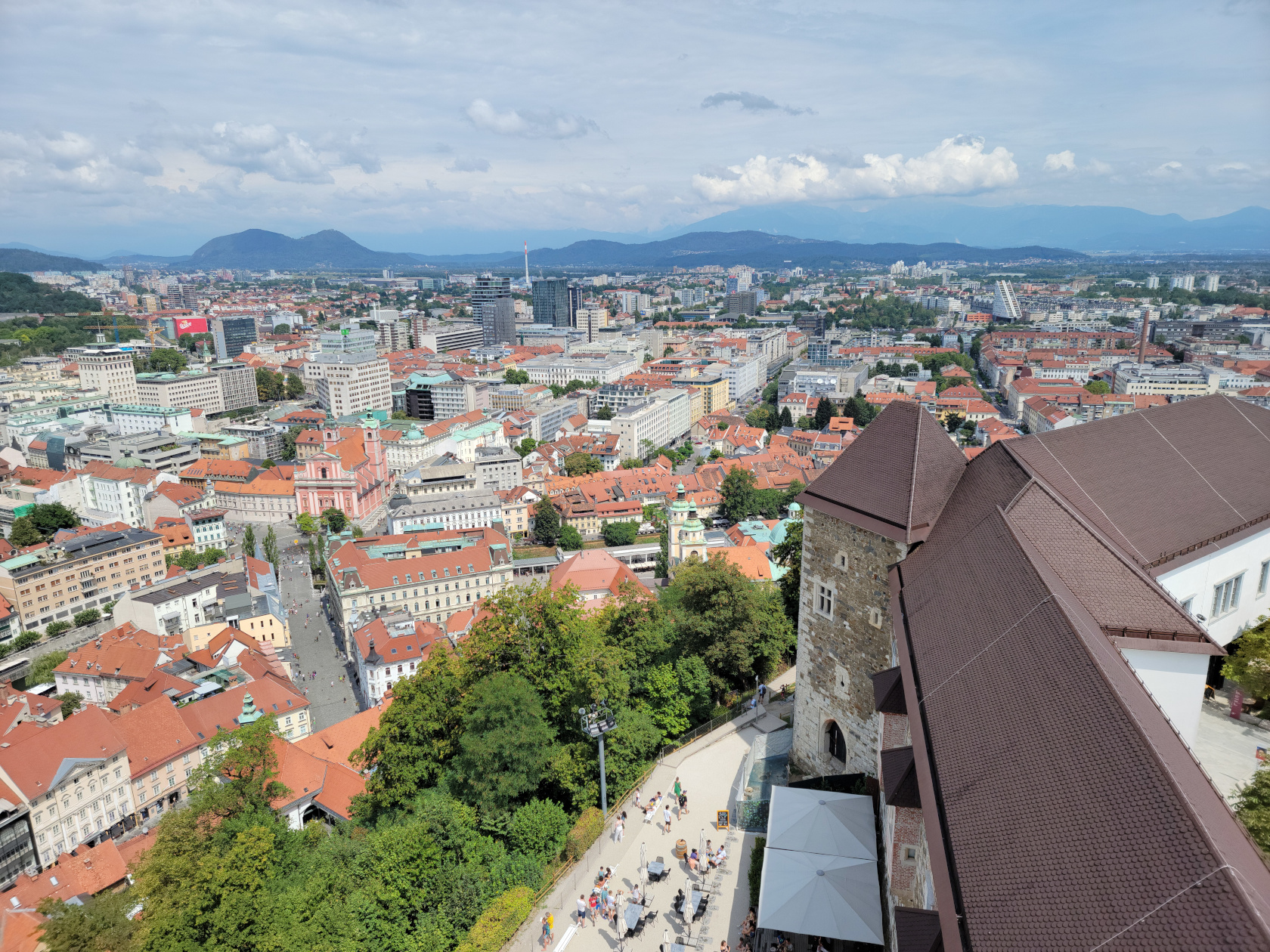
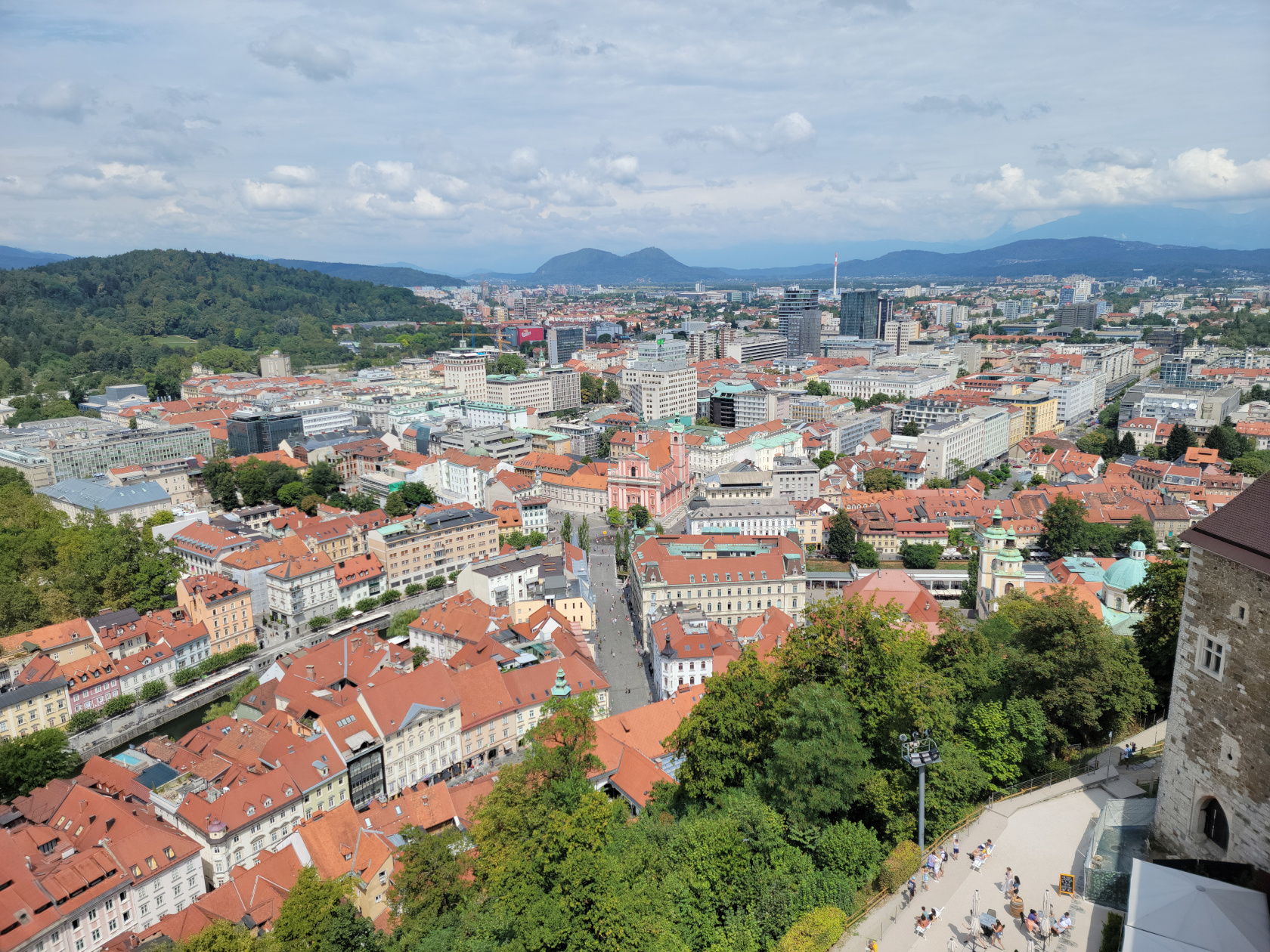
Ljubljana – From Castle Hill
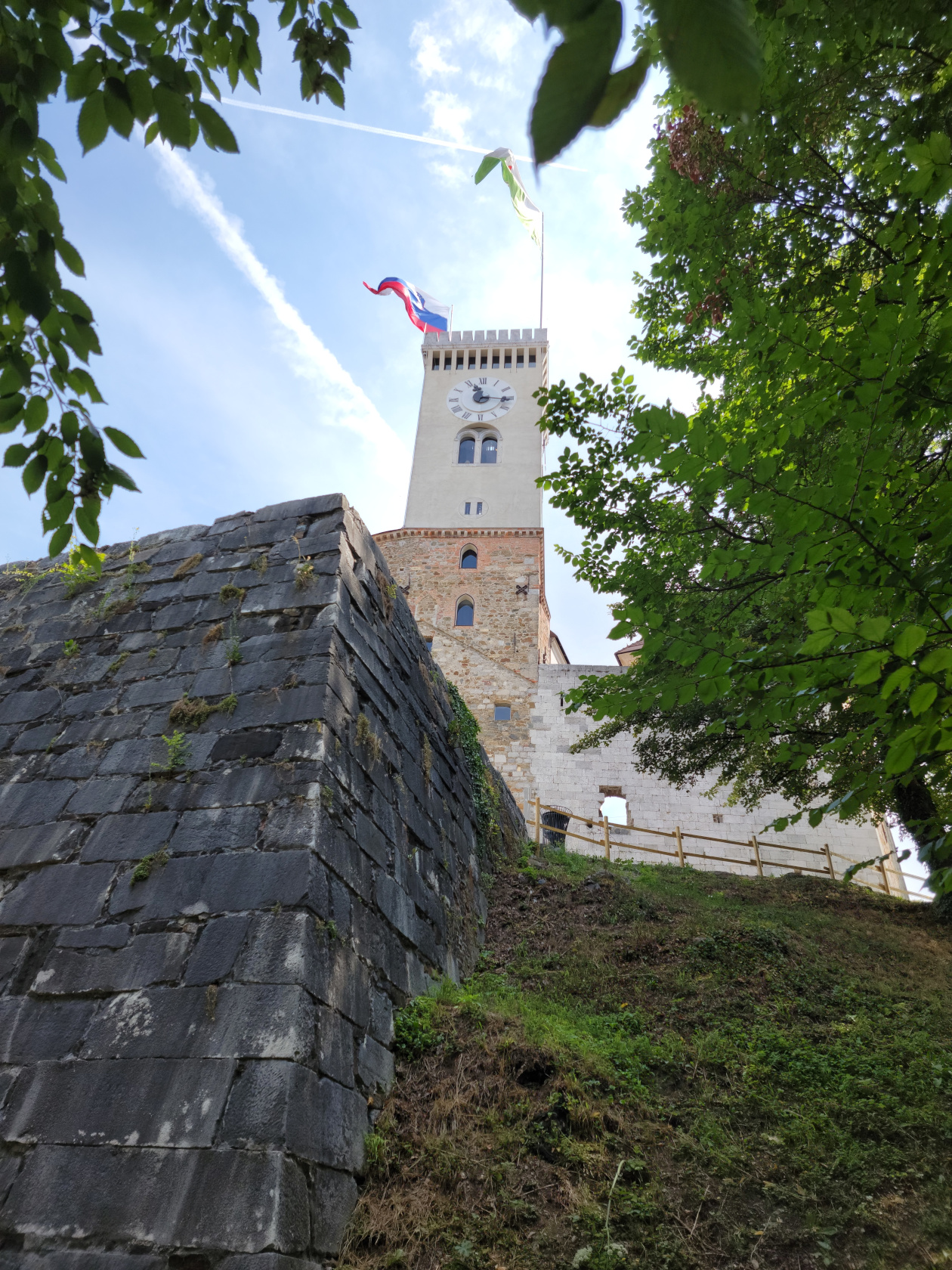
Ljubljana – The Castle
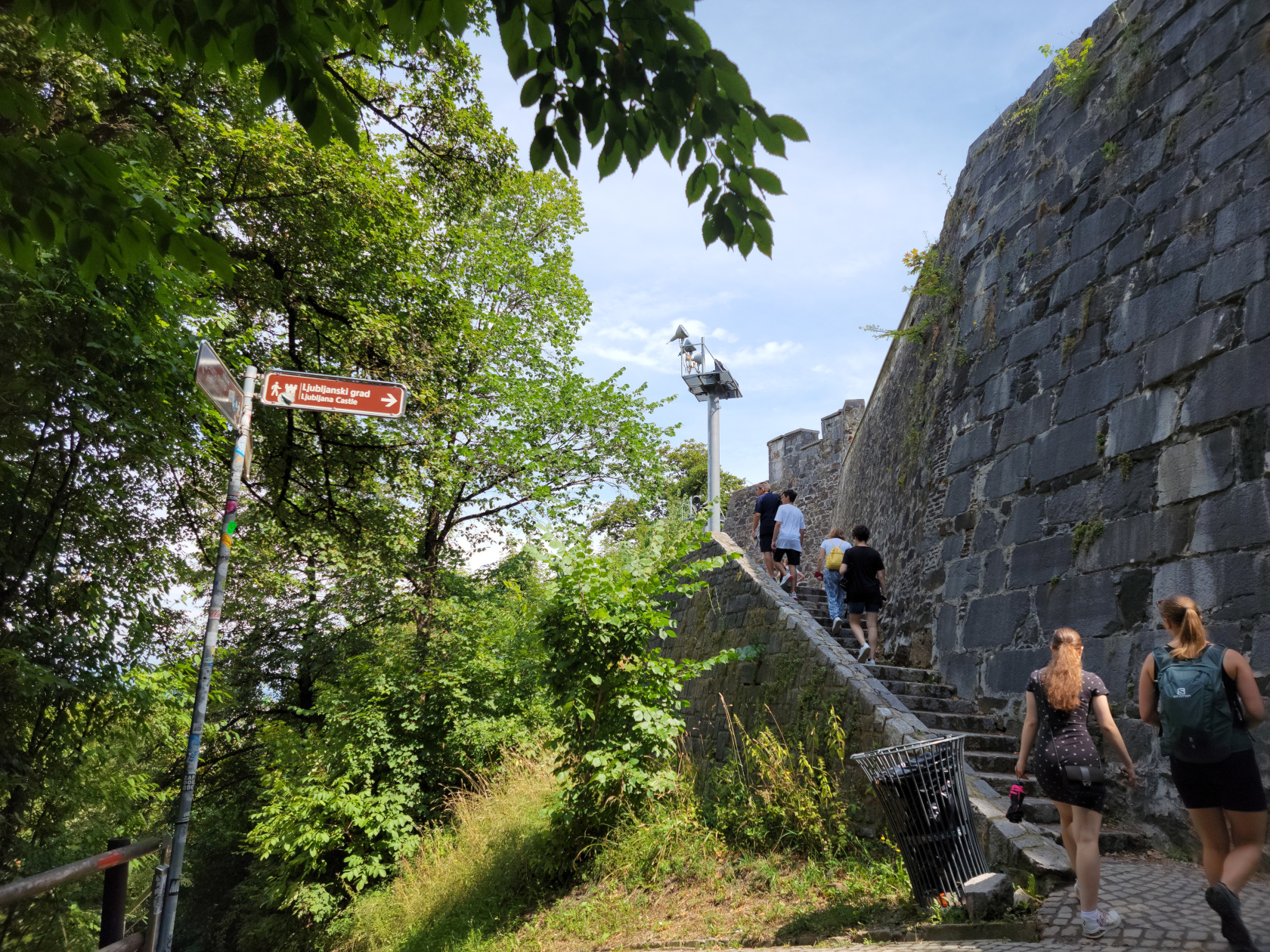
Ljubljana – Climb to Castle
Ljubljana – From Castle Hill
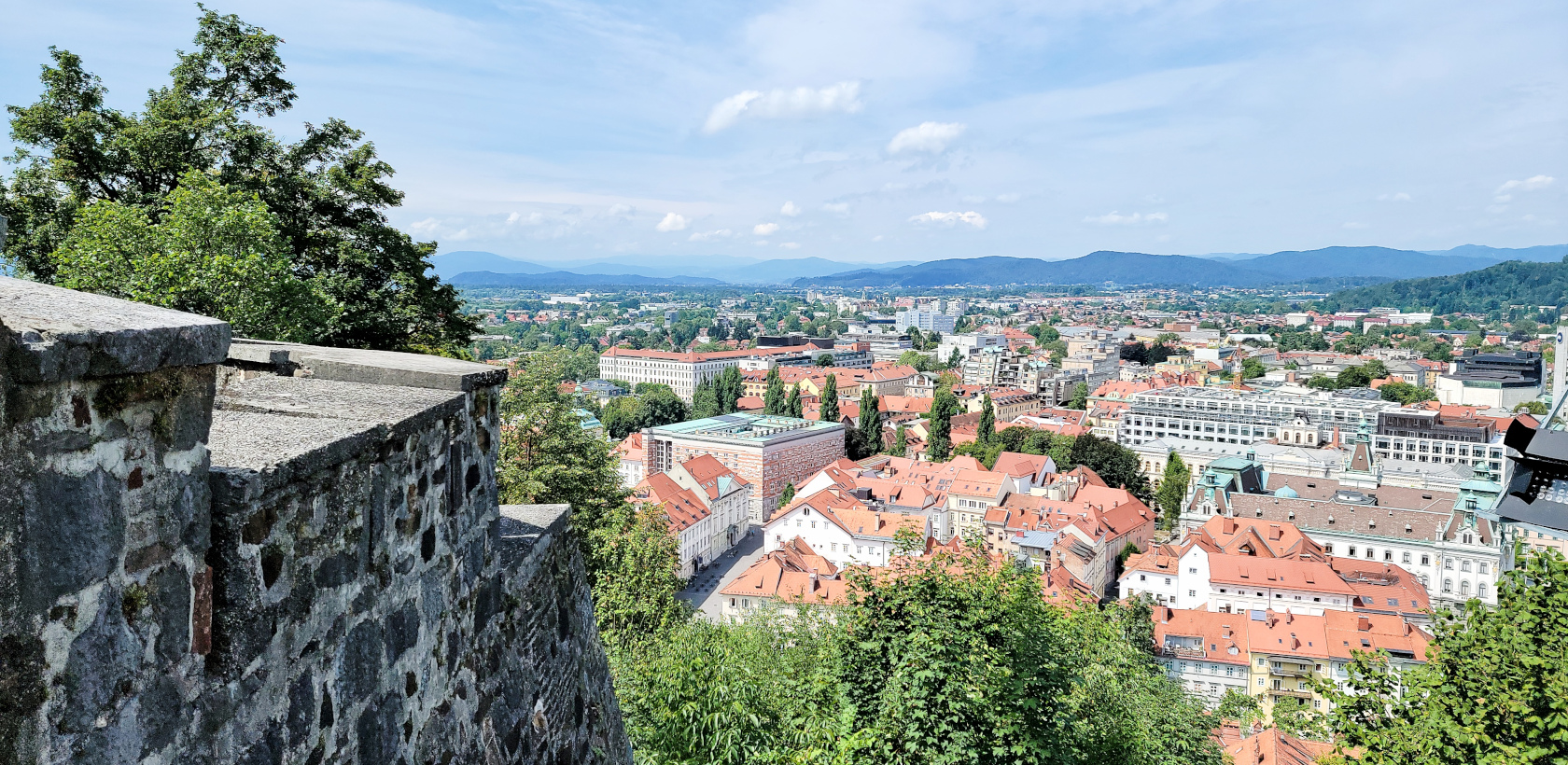
Ljubljana – From Castle Hill
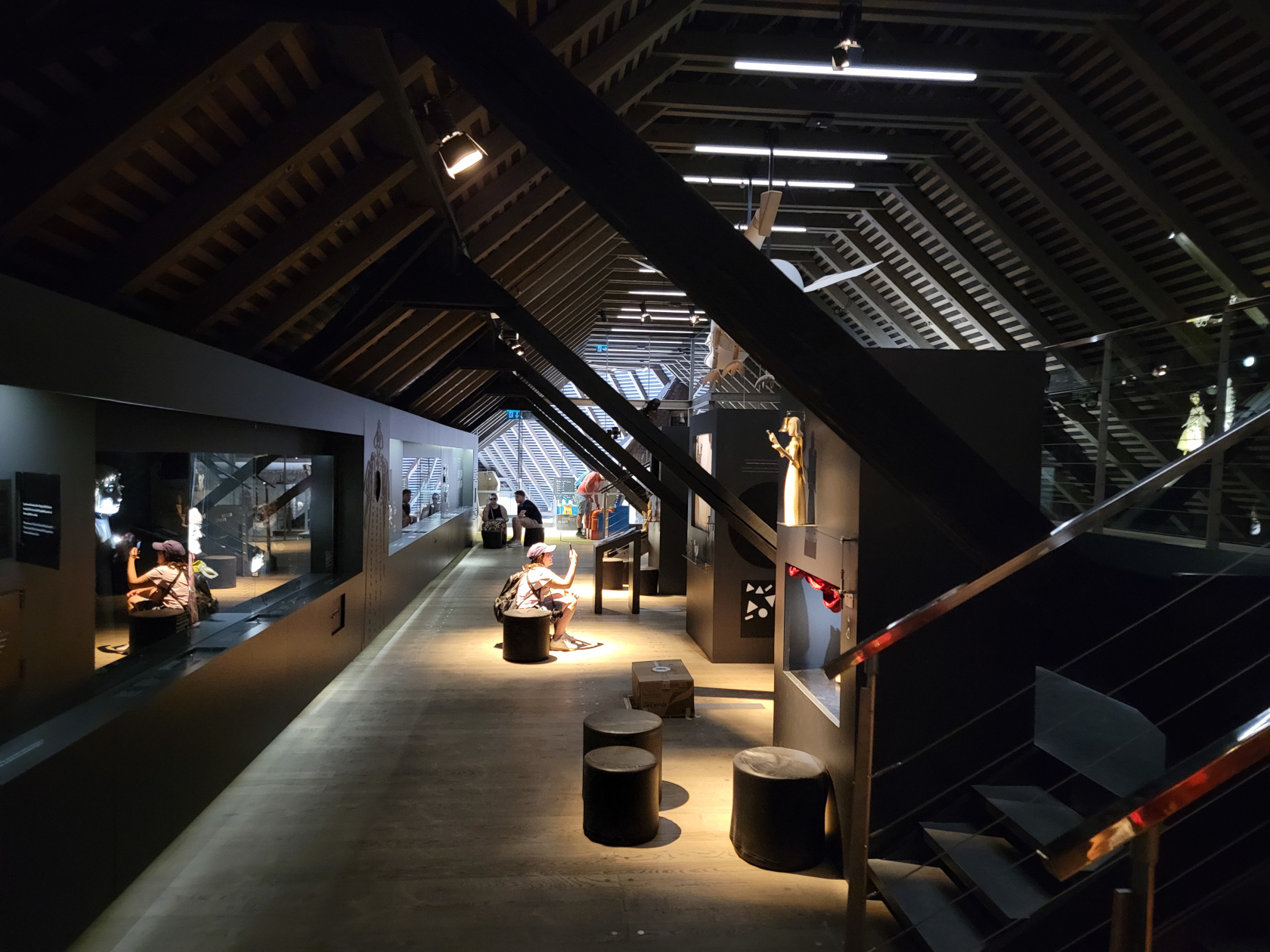
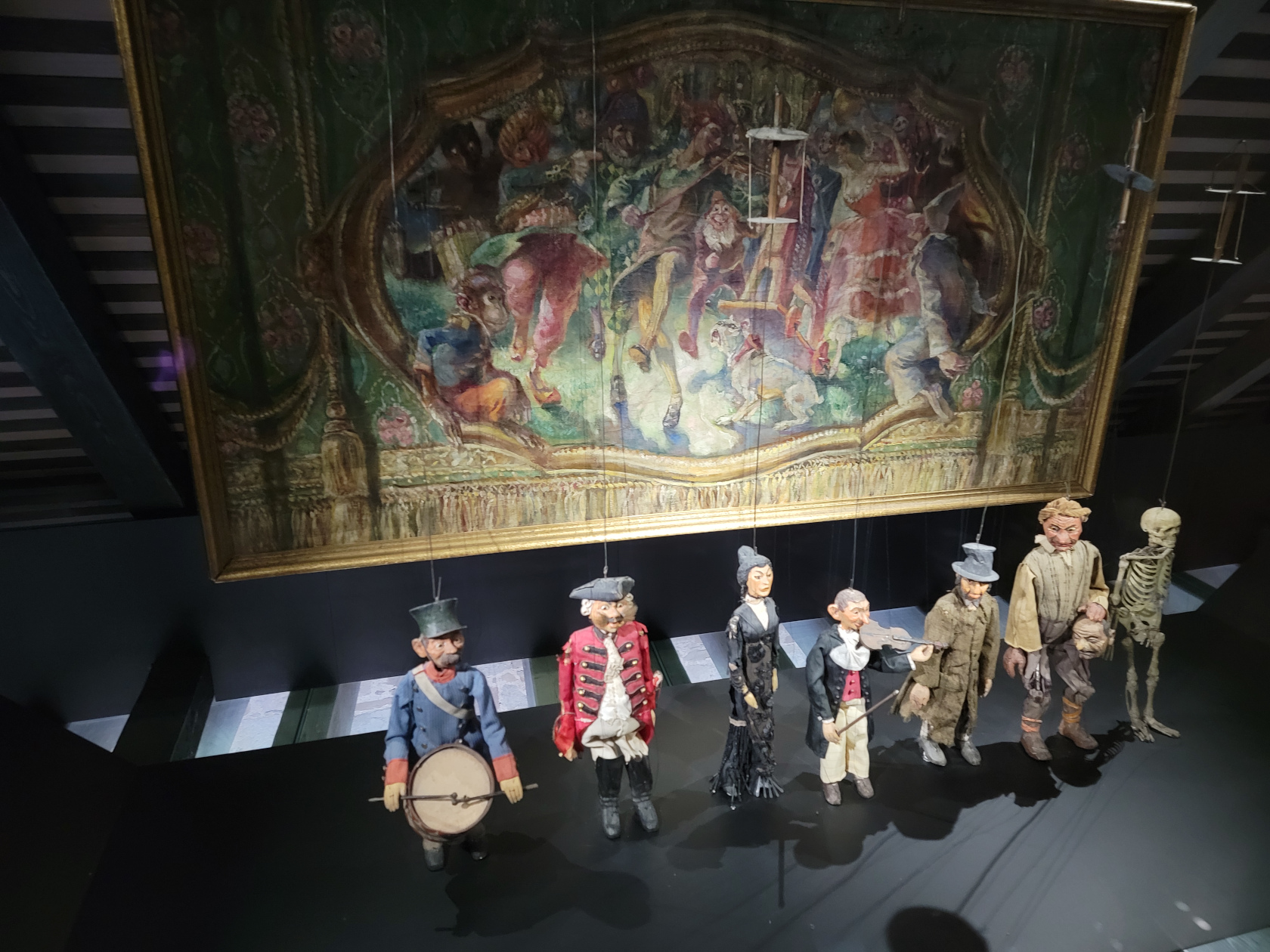
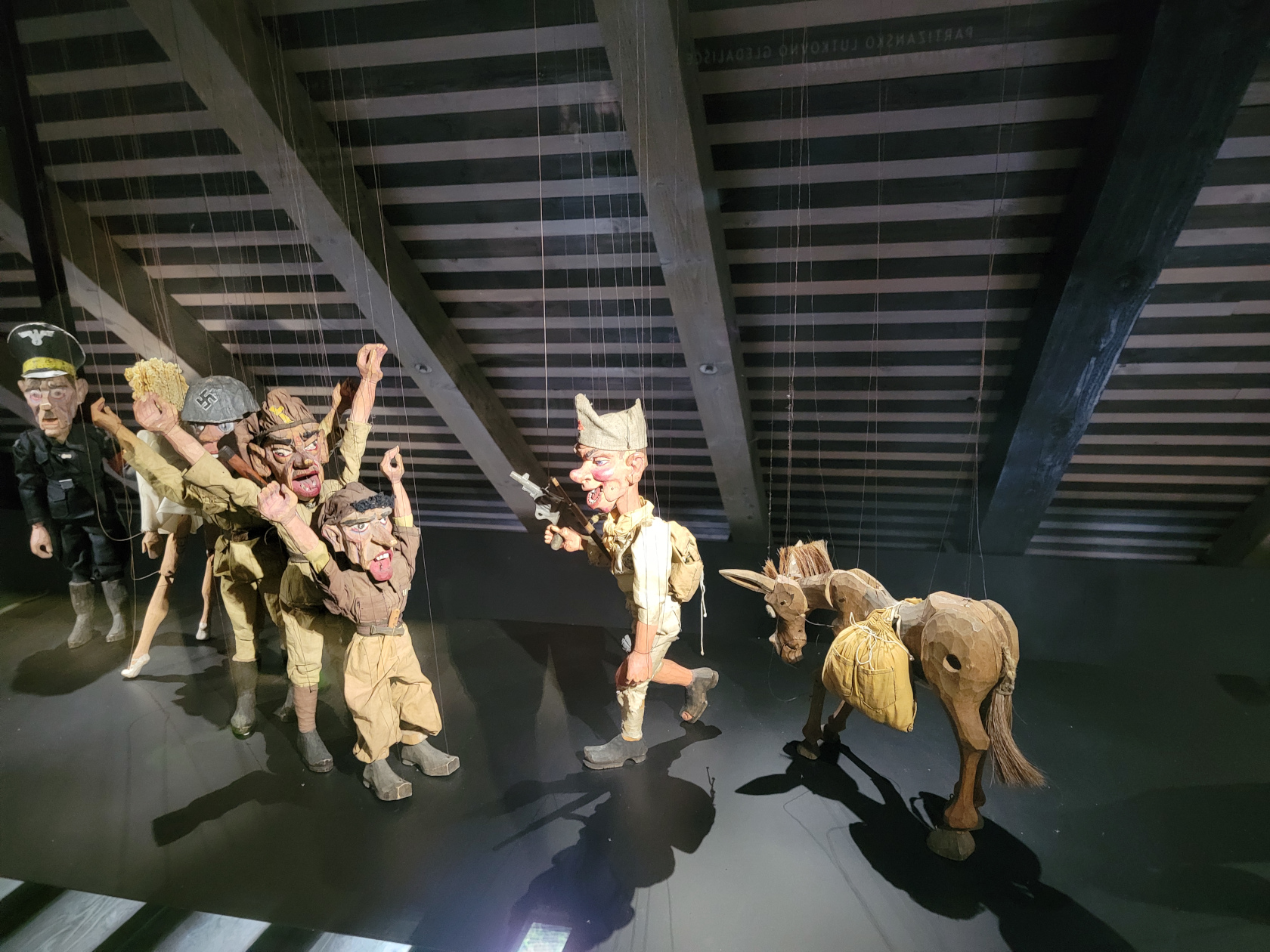
Ljubljana Castle – Puppet Museum
Ljubljana Castle – Puppet Museum
Ljubljana Castle – Puppet Museum
Ljubljana – From Castle Hill
Ljubljana – From Castle Hill
Ljubljana – From Castle Hill
Ljubljana – From Castle Hill
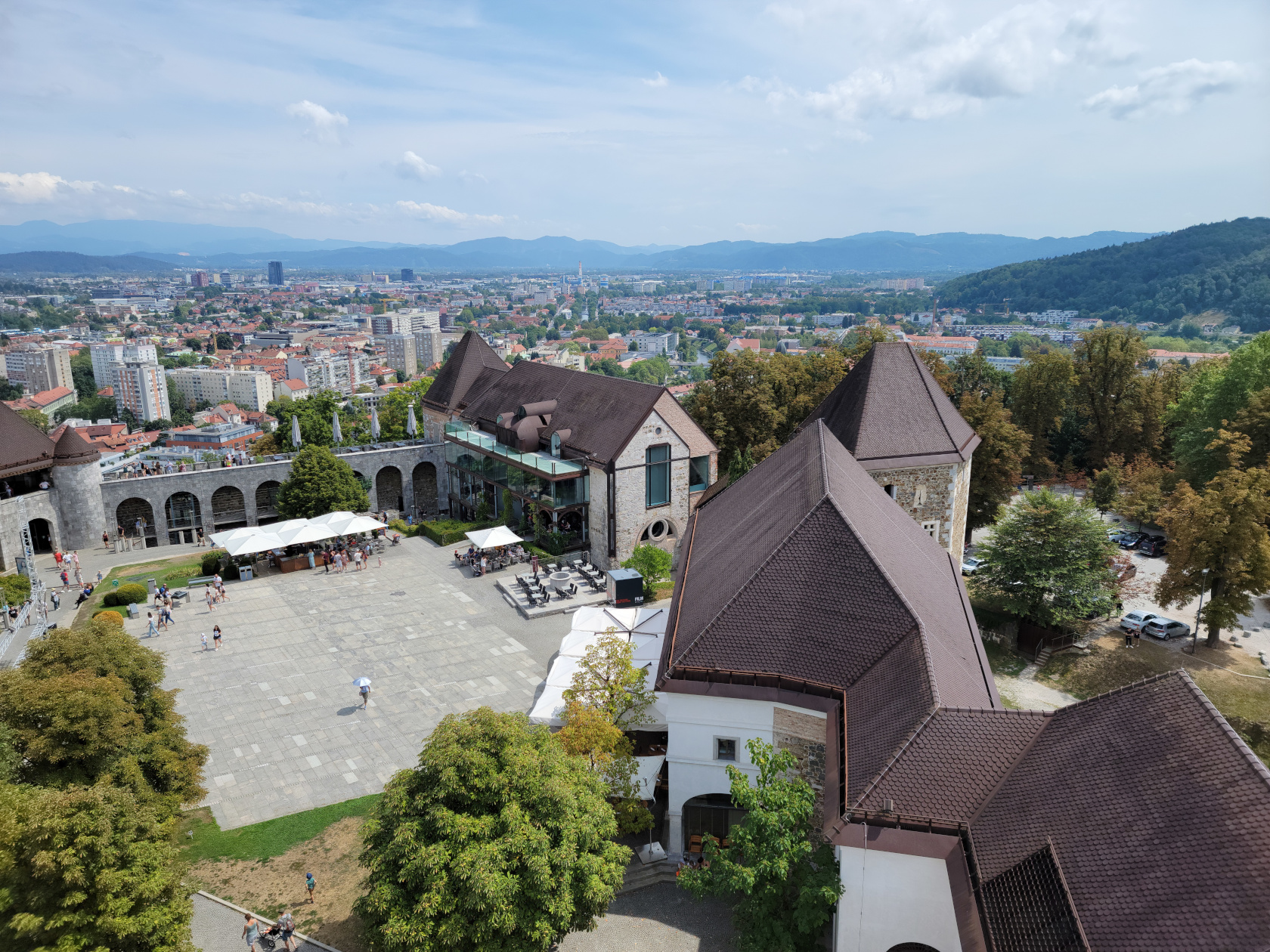
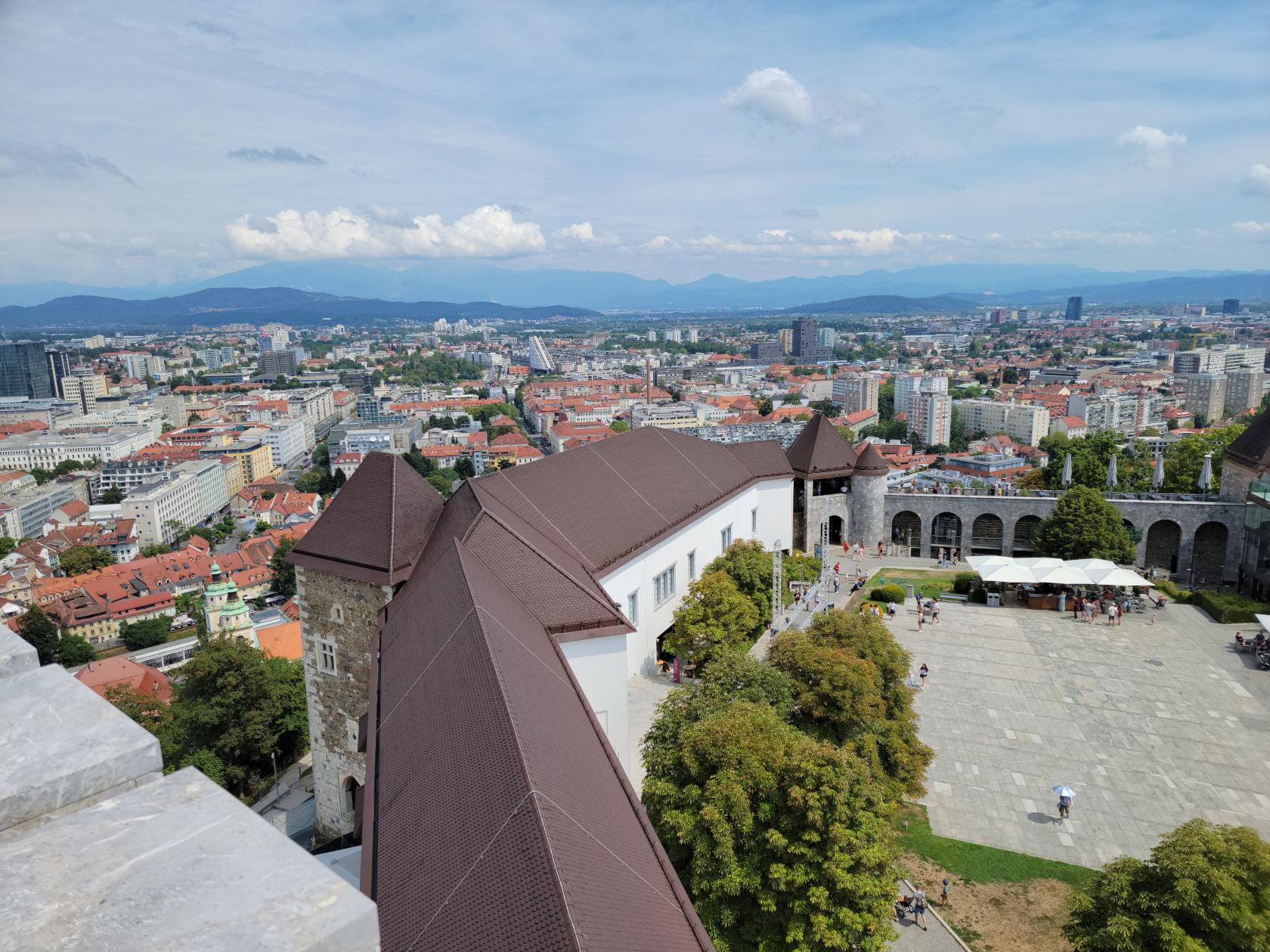
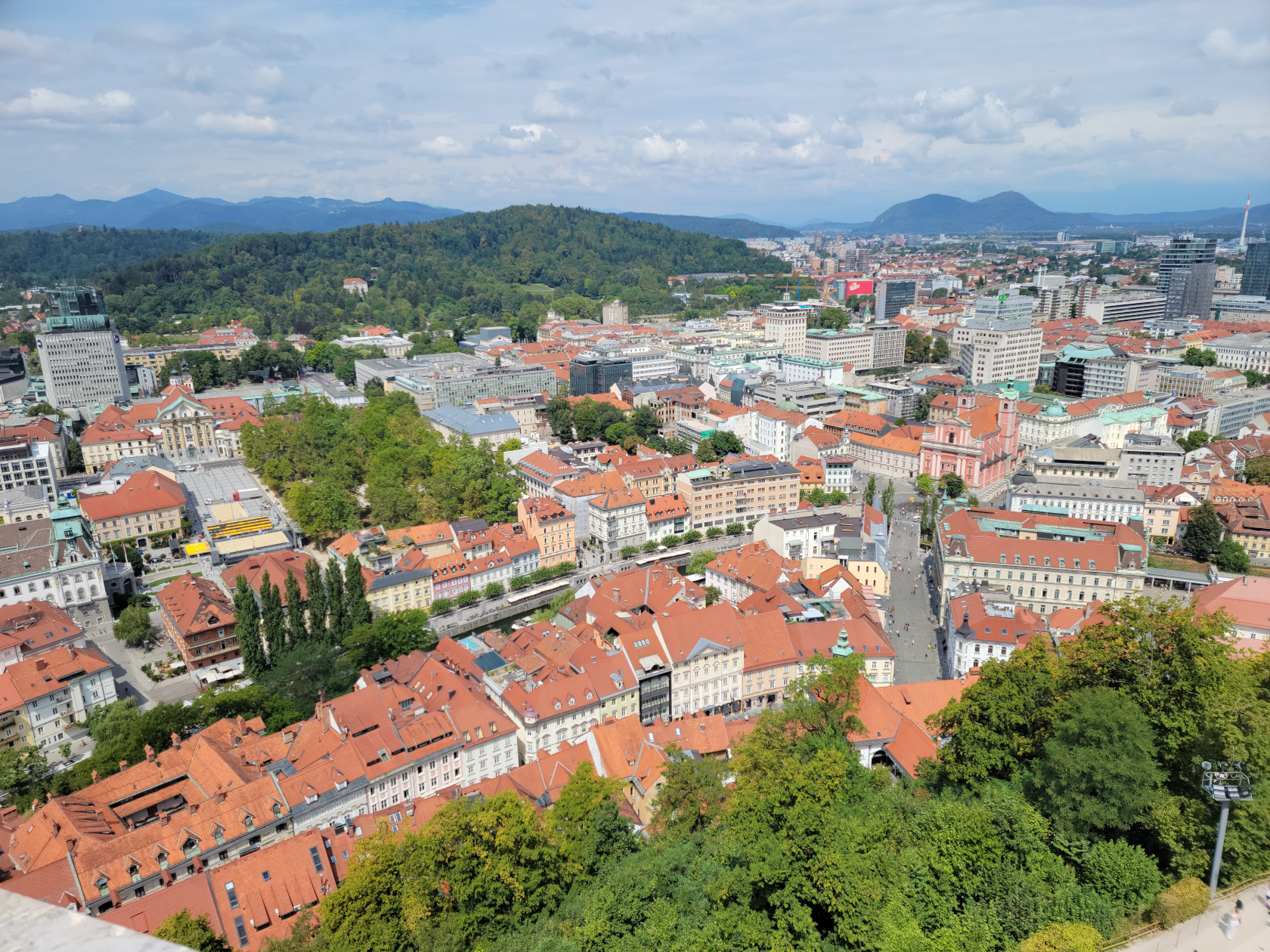
Ljubljana – Castle From Castle Tower
Ljubljana – Castle From Castle Tower
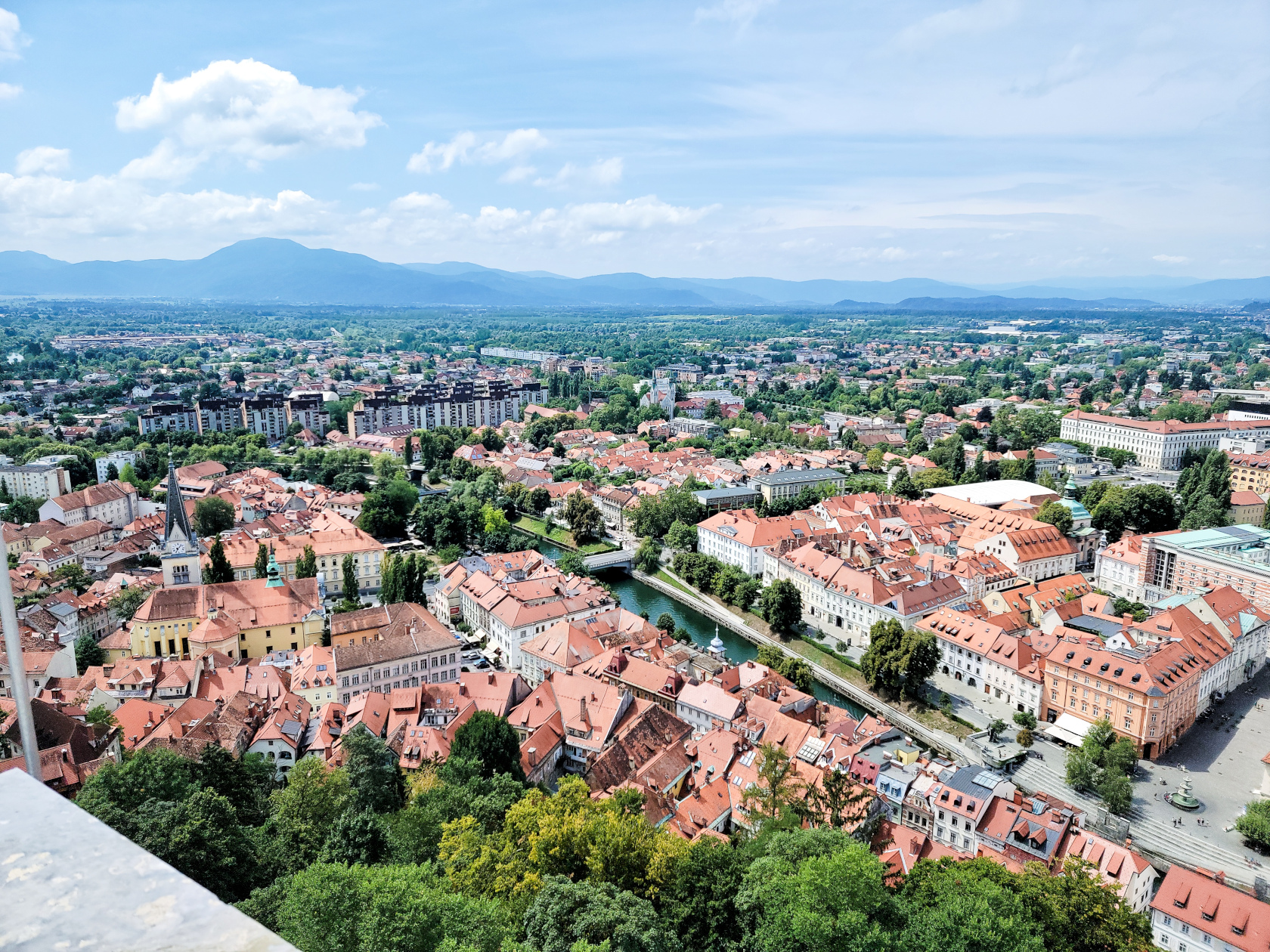
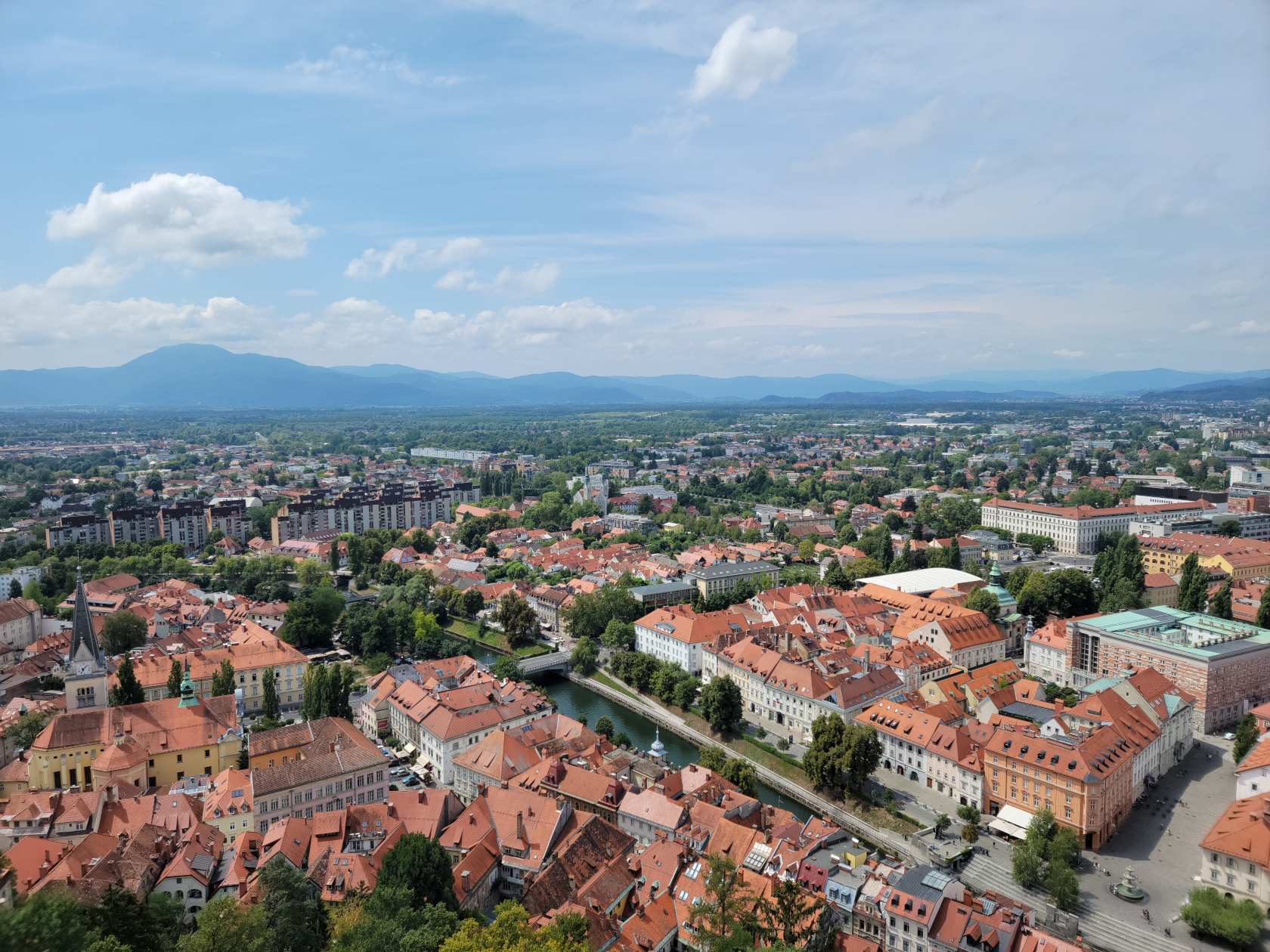
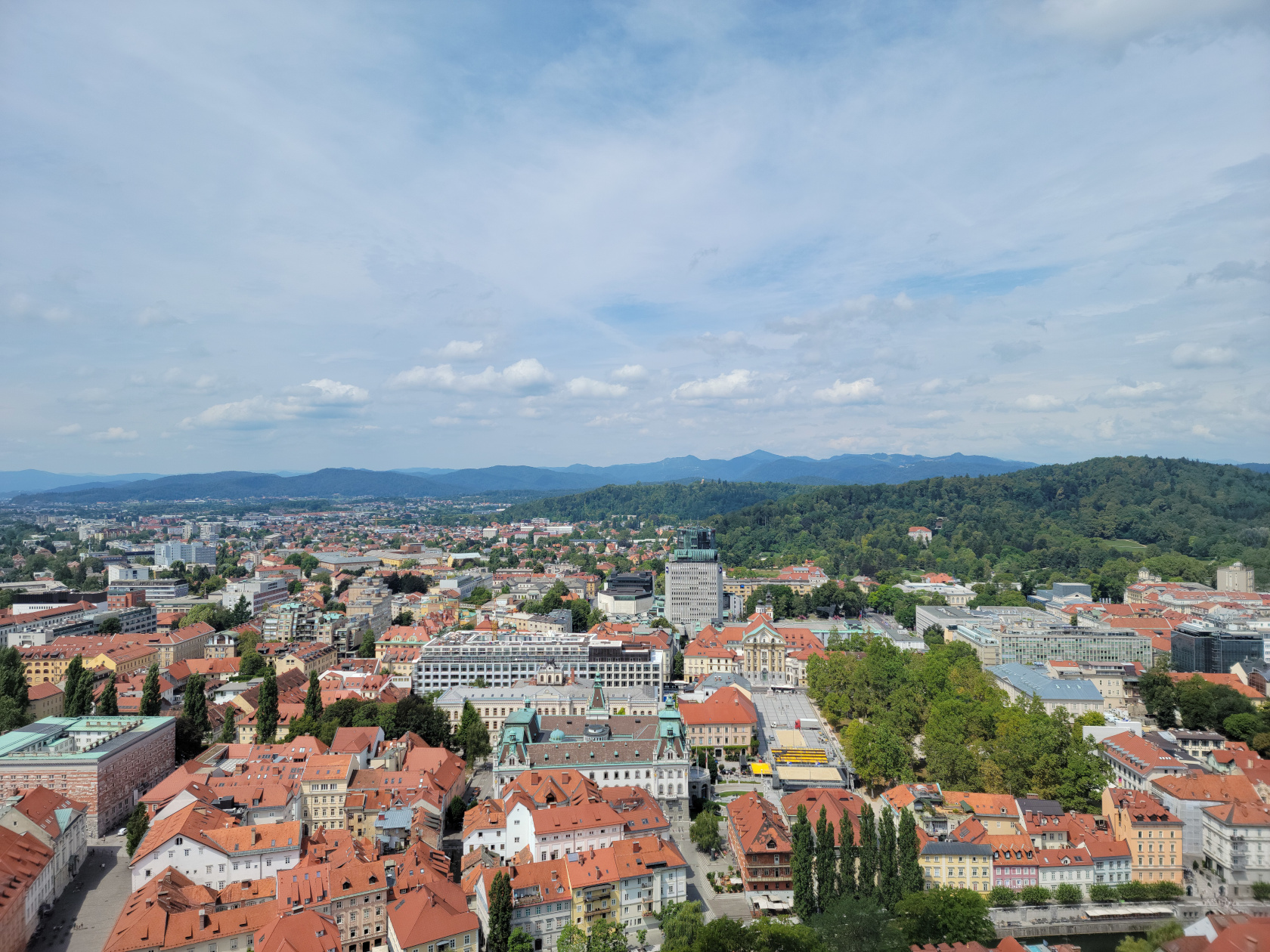
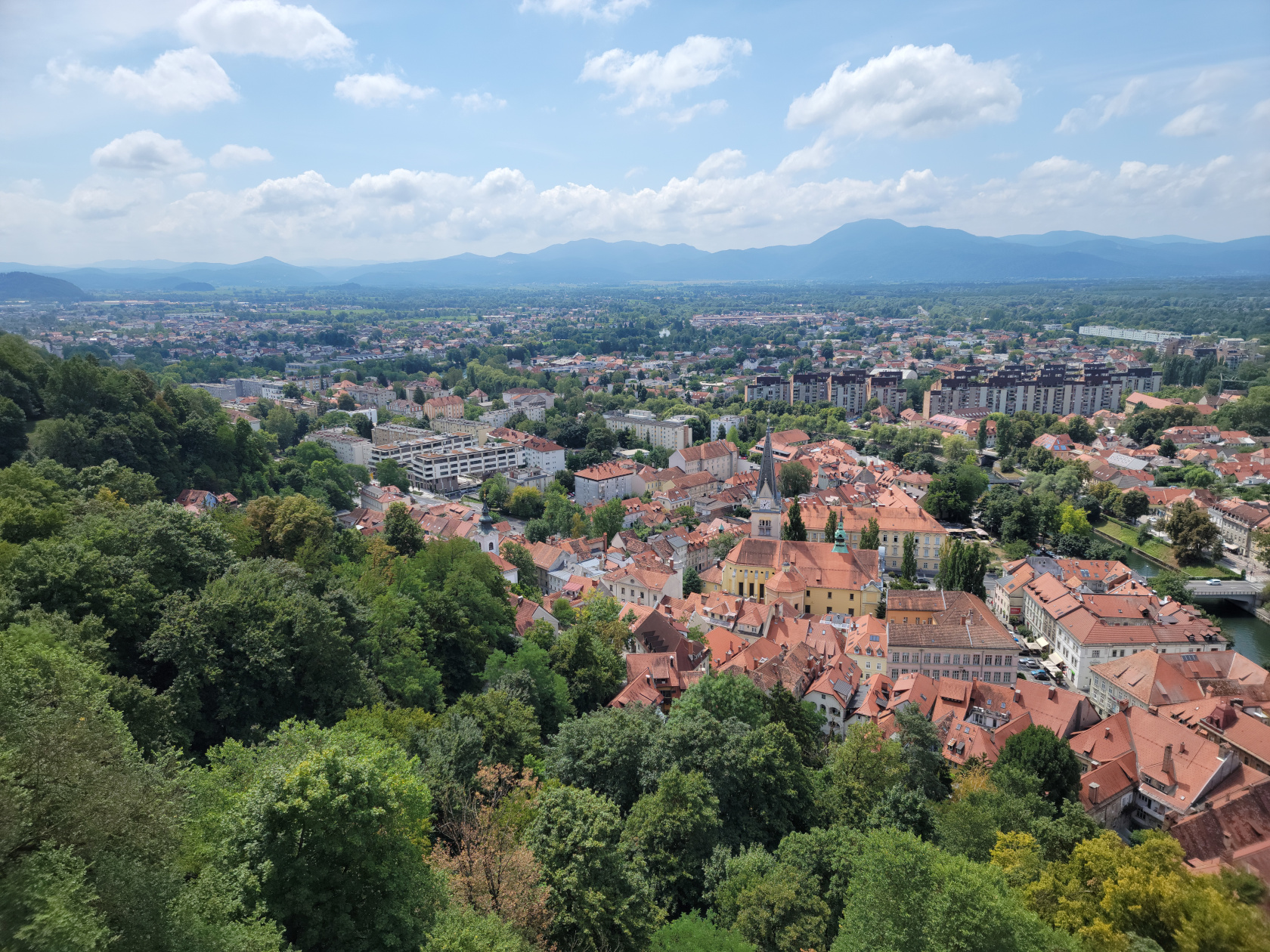
Ljubljana – Ljubljana and Castle From Castle Tower
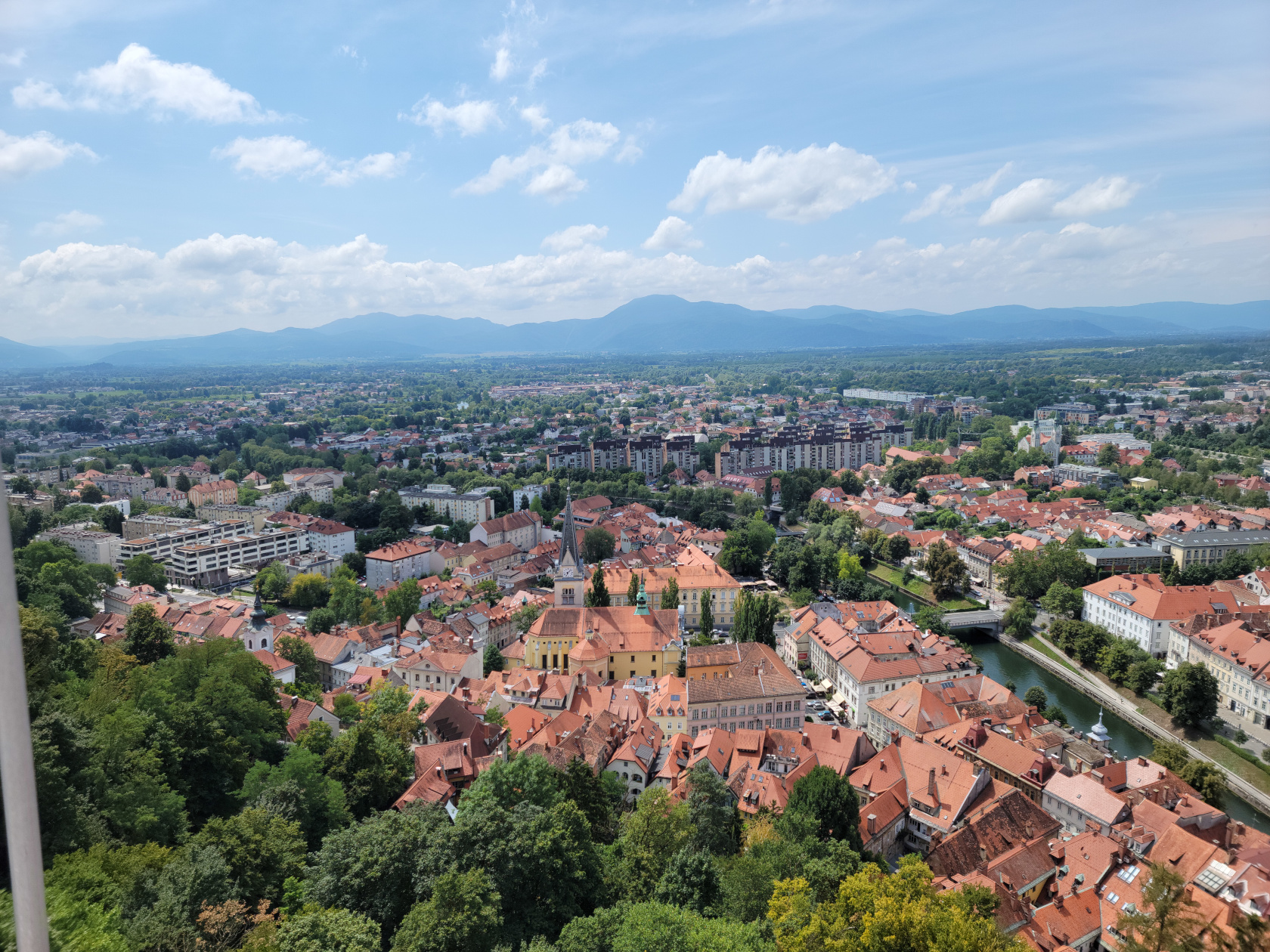
Ljubljana – From Castle Tower
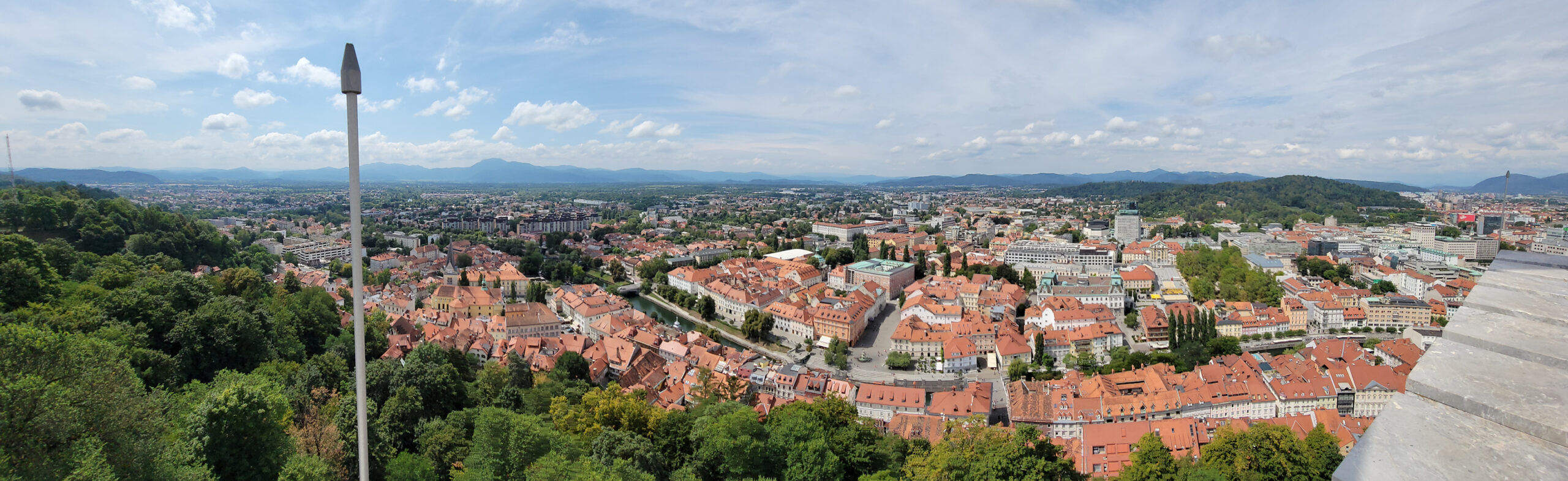
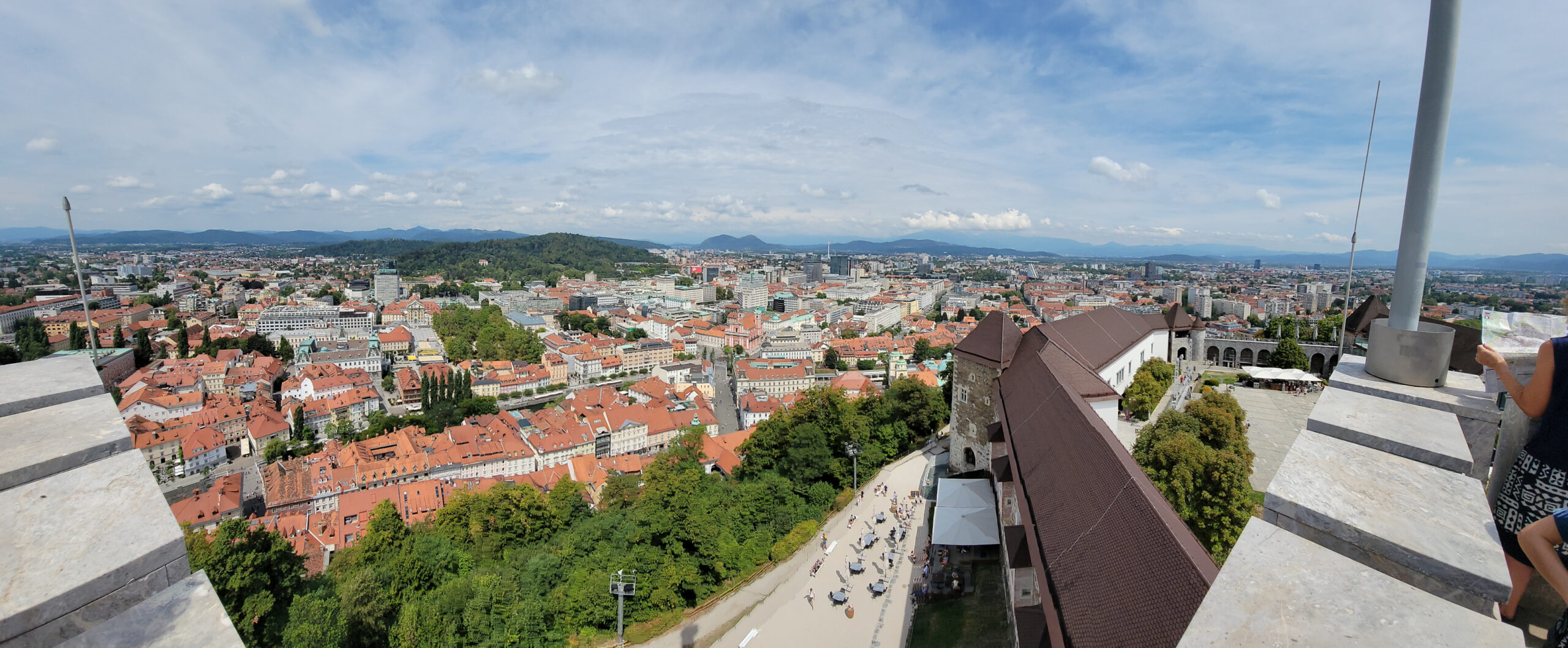
Ljubljana – From Castle Tower – Panorama
Ljubljana – From Castle Tower
Ljubljana – From Castle Tower
The Ljubljanica River
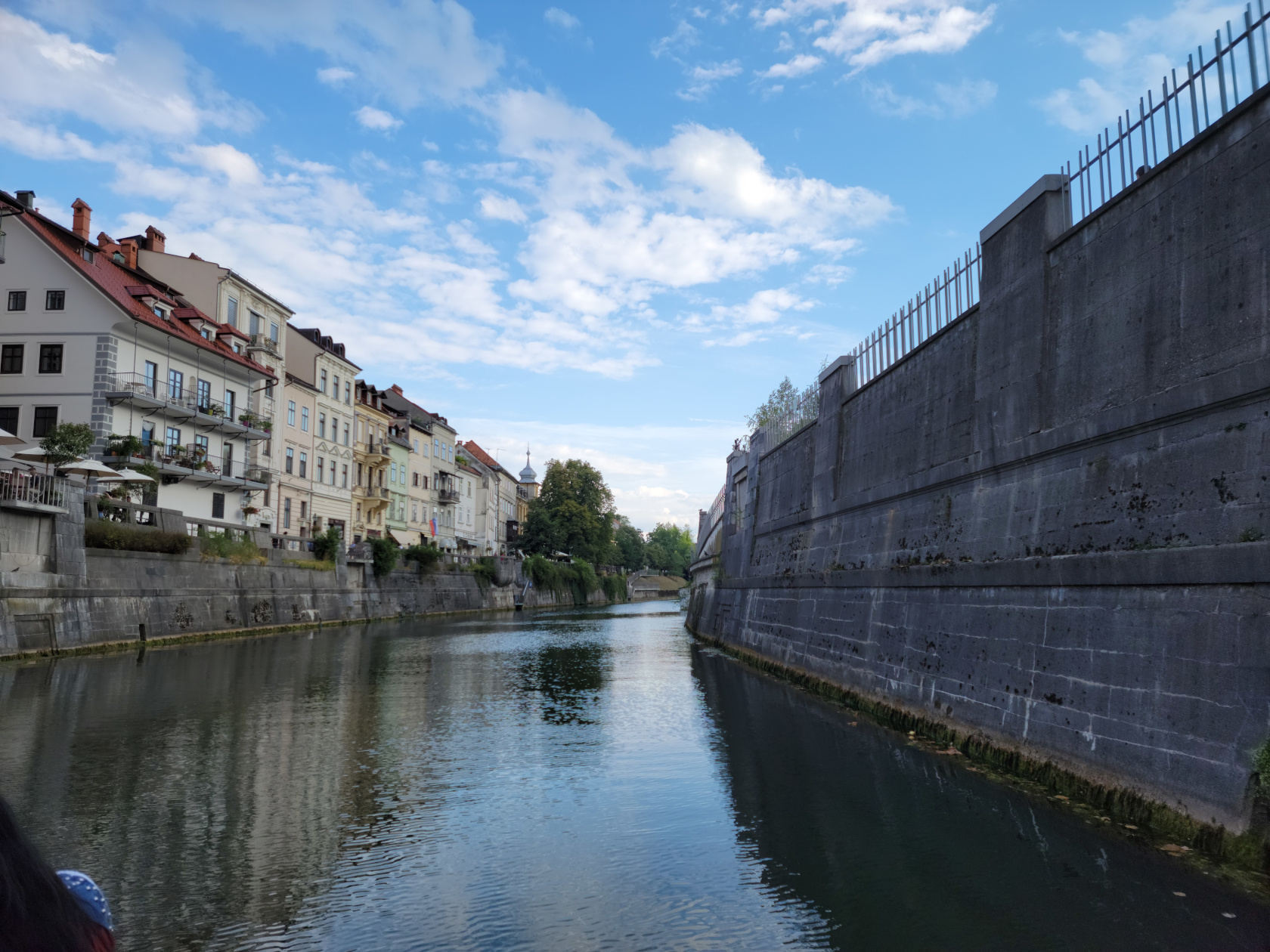
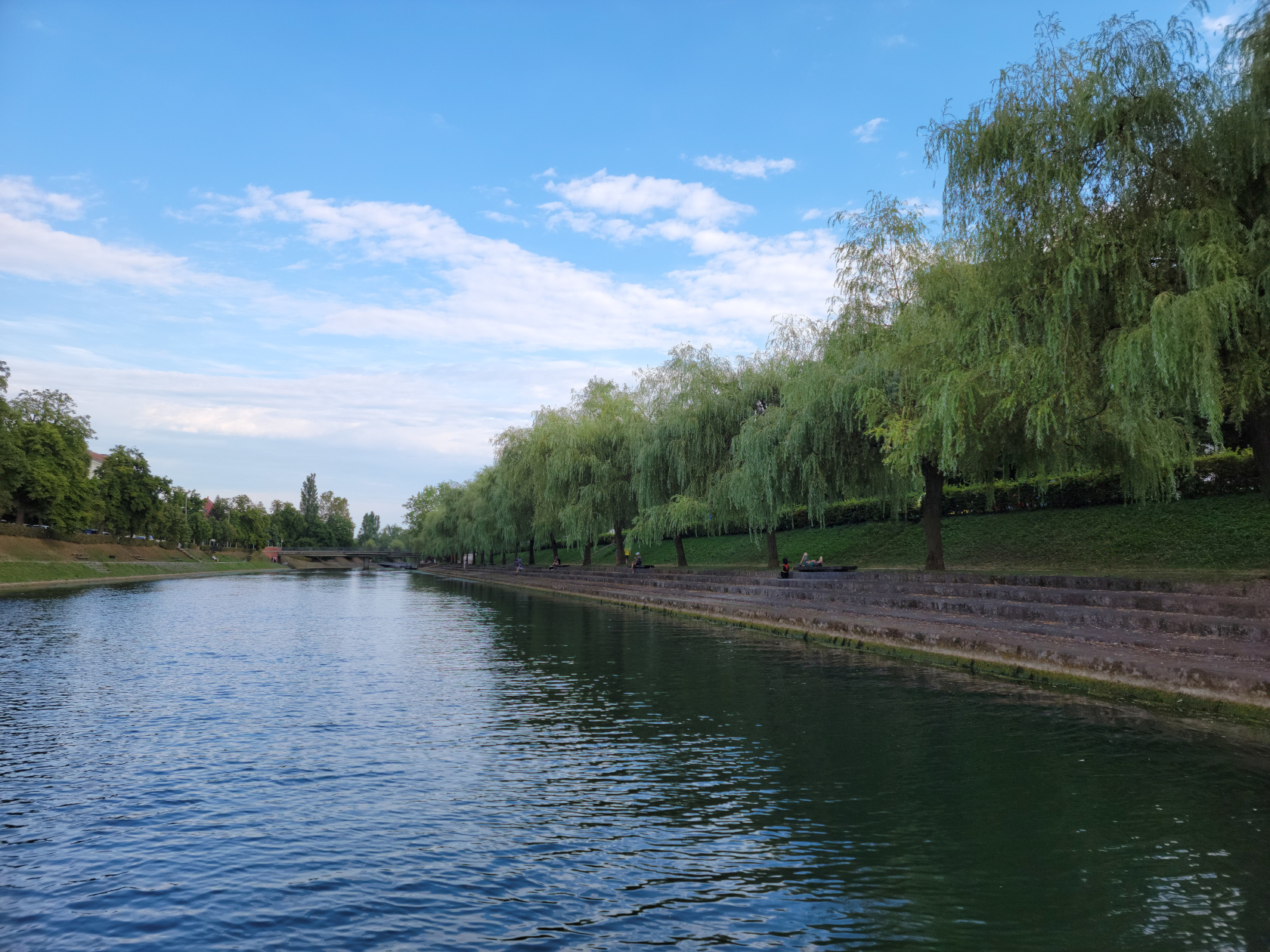
As it goes through the city the river is split into two. A major section goes directly through the old city, offering tourists the possibility of buying a ticket and traveling part of it, up to where it divides. The boats cannot venture too far however, since parts of the river are reserved for wildlife and cannot be entered.
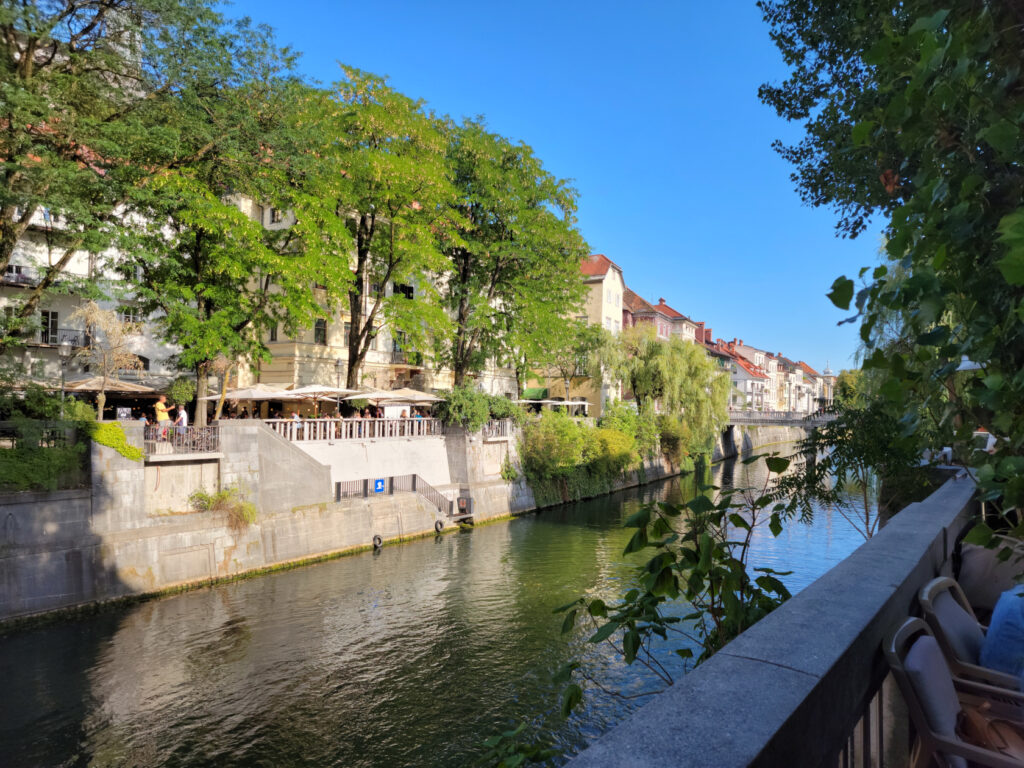
Ljubljana – Ljubljanica River
Sitting at one of the many cafes along the waterway, one can wile away the afternoon sipping a drink and just watching the boats meander along.
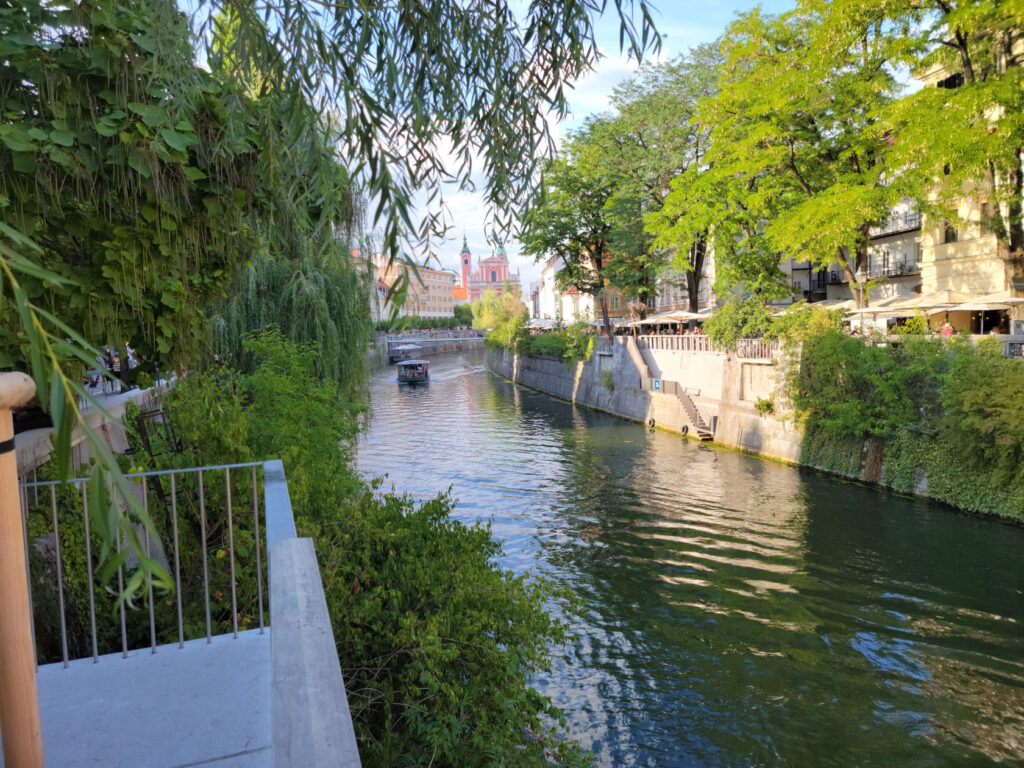
Ljubljana – Ljubljanica River
Ljubljana – Ljubljanica River – River Boats
Boat Tours
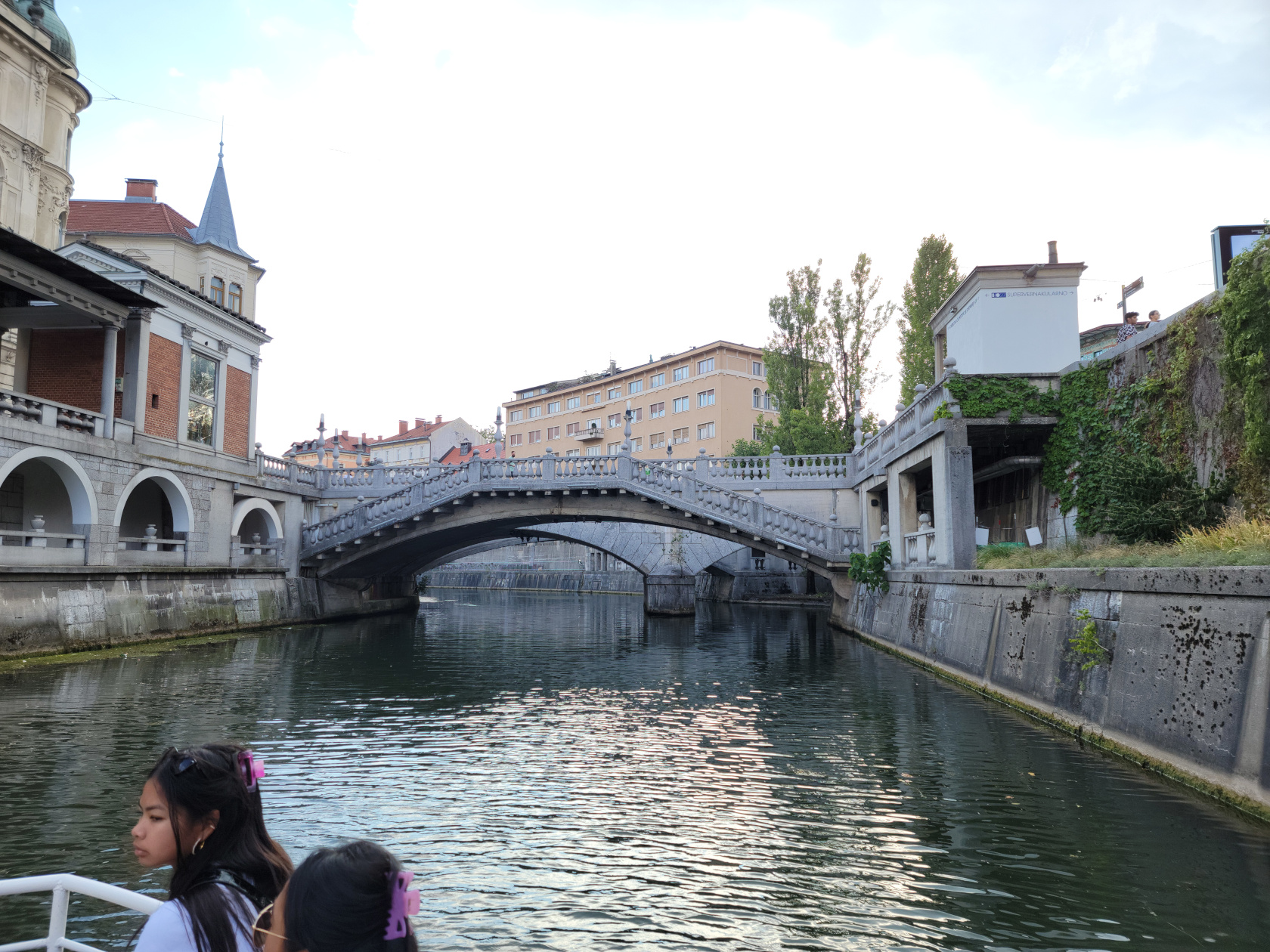
Both looking at the tour boats ply the water and actually taking a boat trip is both relaxing and very enjoyable. We decided one evening to take one and see where it actually goes and found it very interesting.
Ljubljana – Ljubljanica River – Boat Tour – Triple Bridge
Ljubljana – Ljubljanica River – Boat Tour
Ljubljana – Ljubljanica River – Boat Tour
Ljubljana – Ljubljanica River – Boat Tour
Ljubljana – Ljubljanica River – Boat Tour
Walking Tour Of The City
Here is a slideshow of some of the other sights in the city.
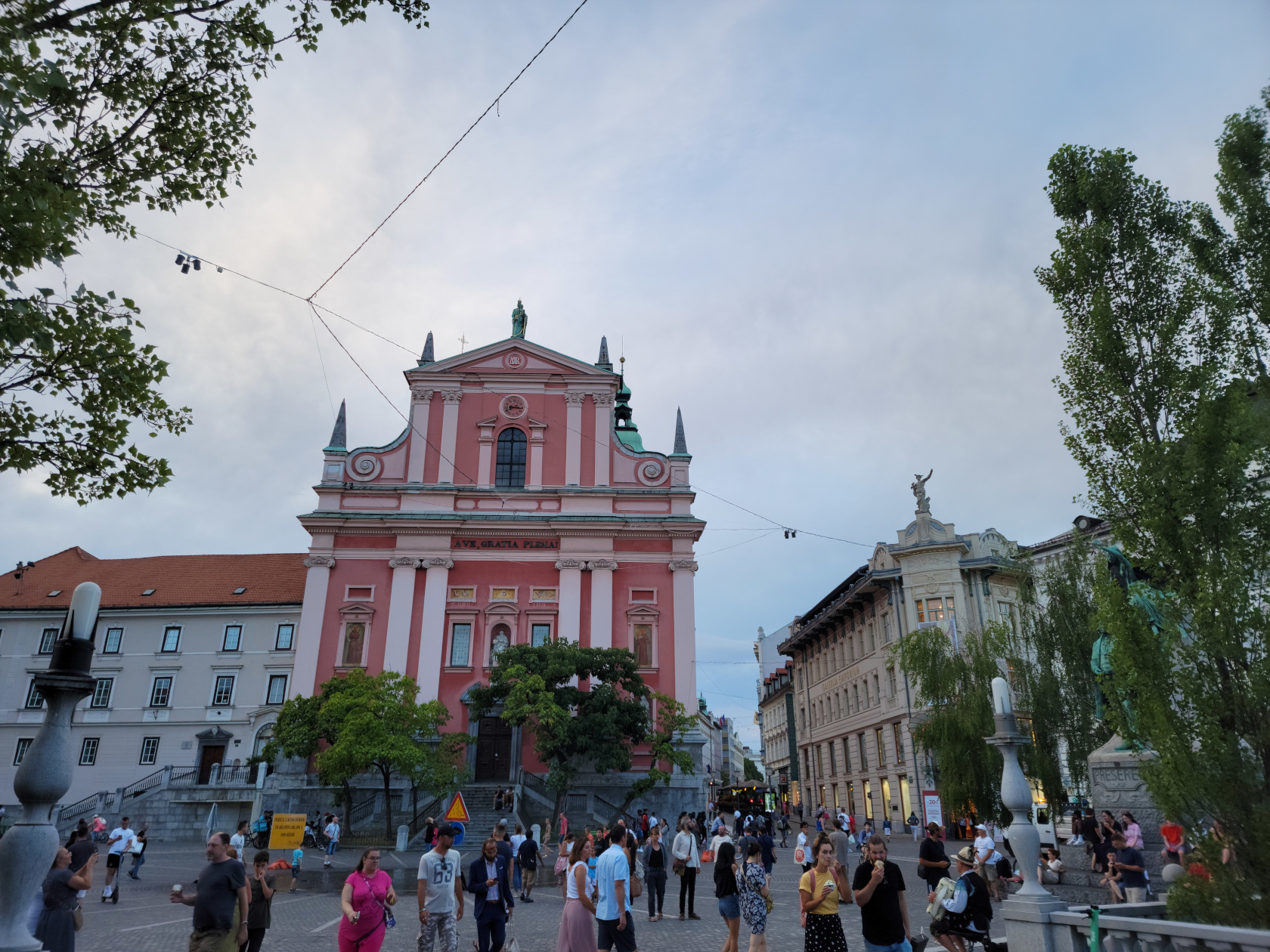
Ljubljana – Franciscan Church
Ljubljana – Prešeren Square
Ljubljana – Prešeren Square
Ljubljana – Prešeren Square
Ljubljana – Prešeren Square
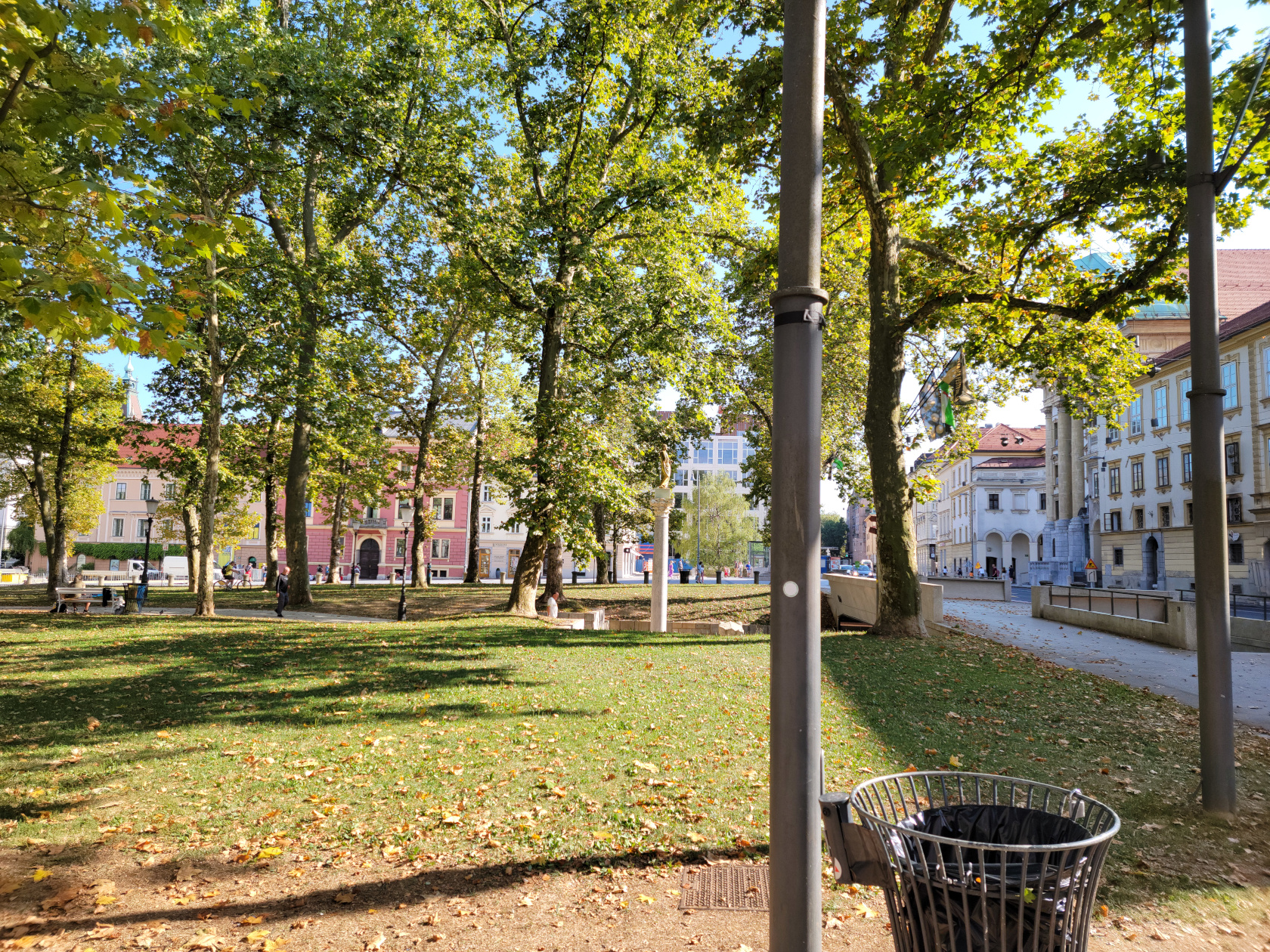
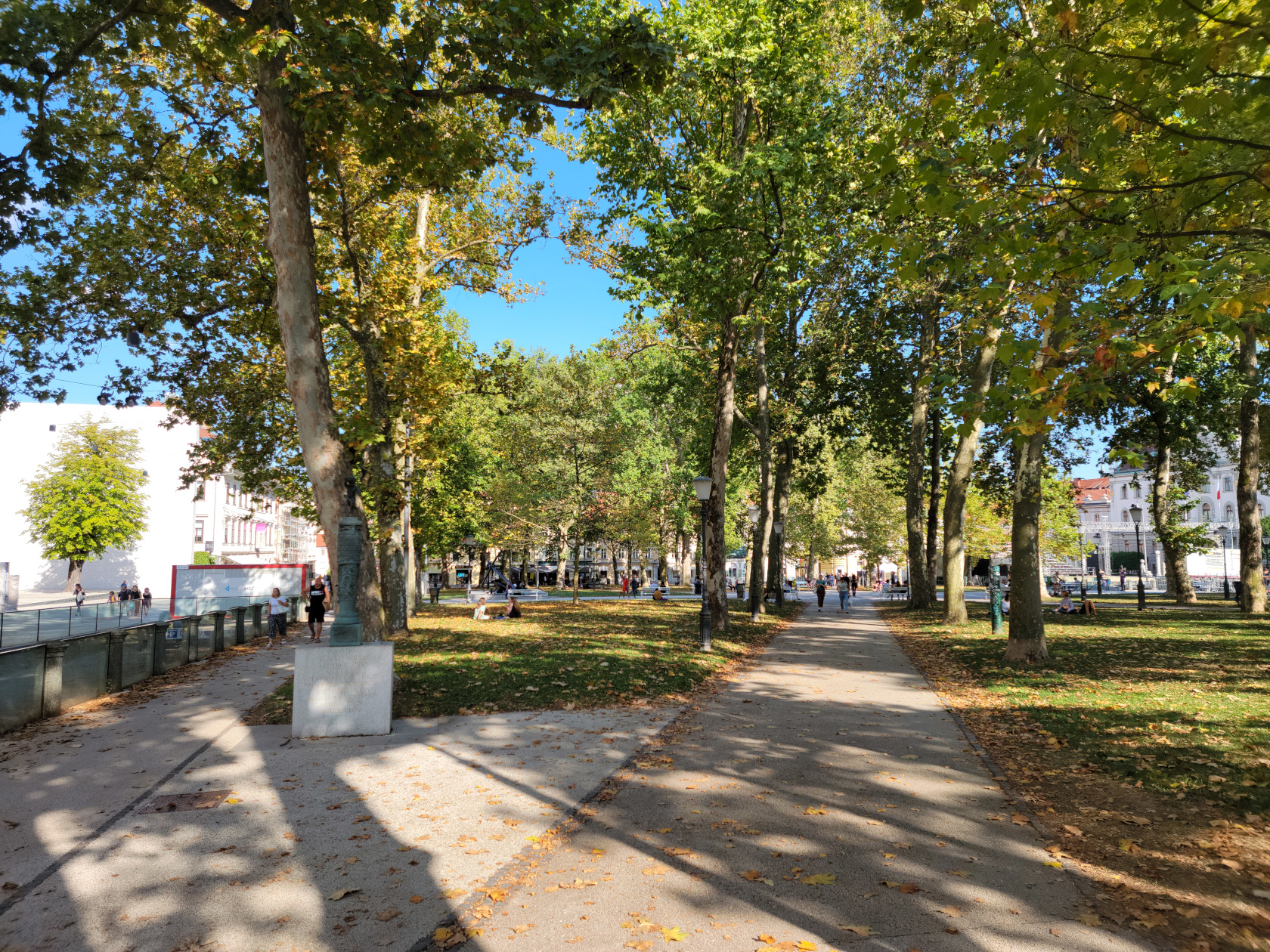
Ljubljana – Zvezda Park
Ljubljana – Zvezda Park
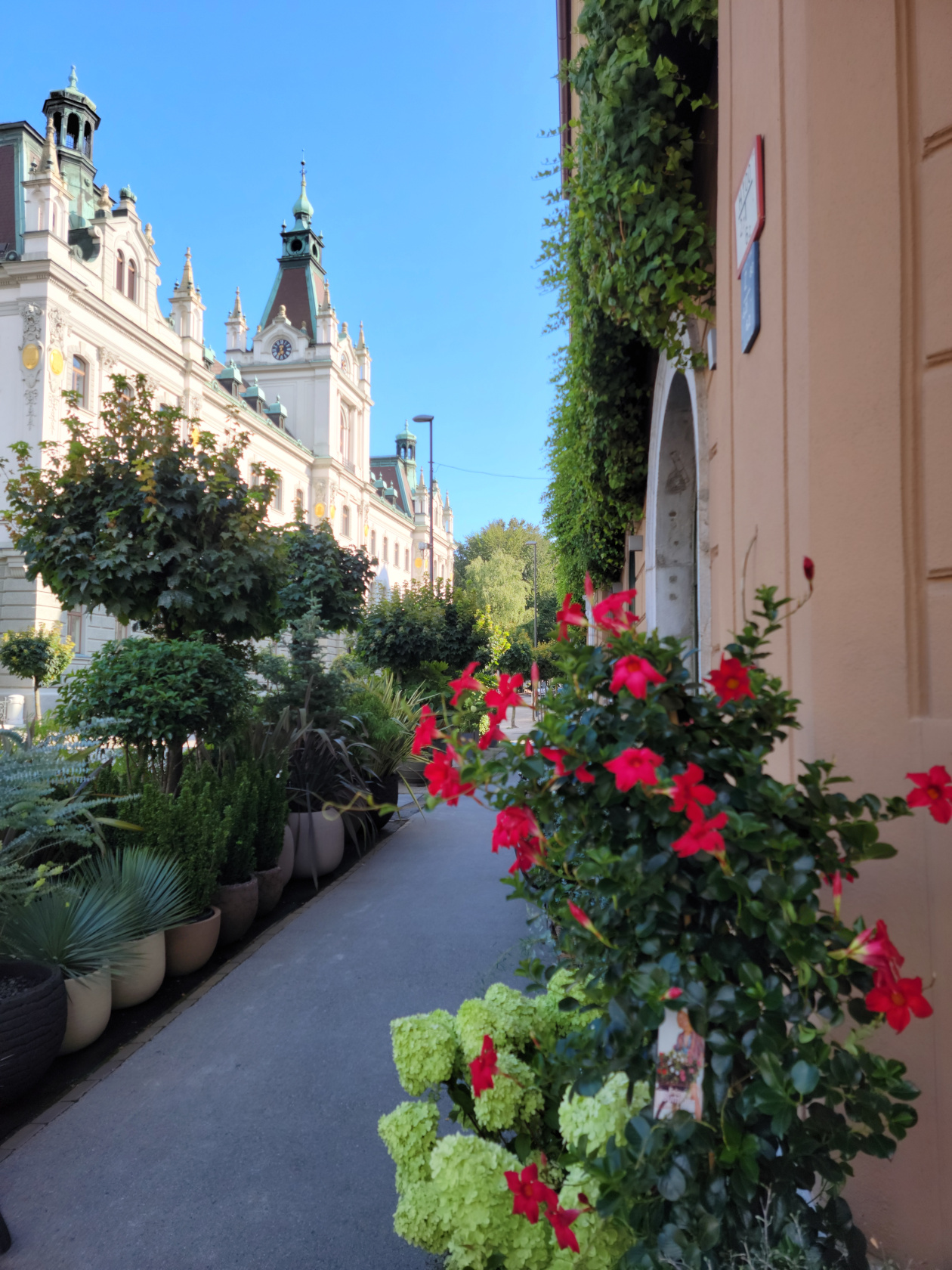
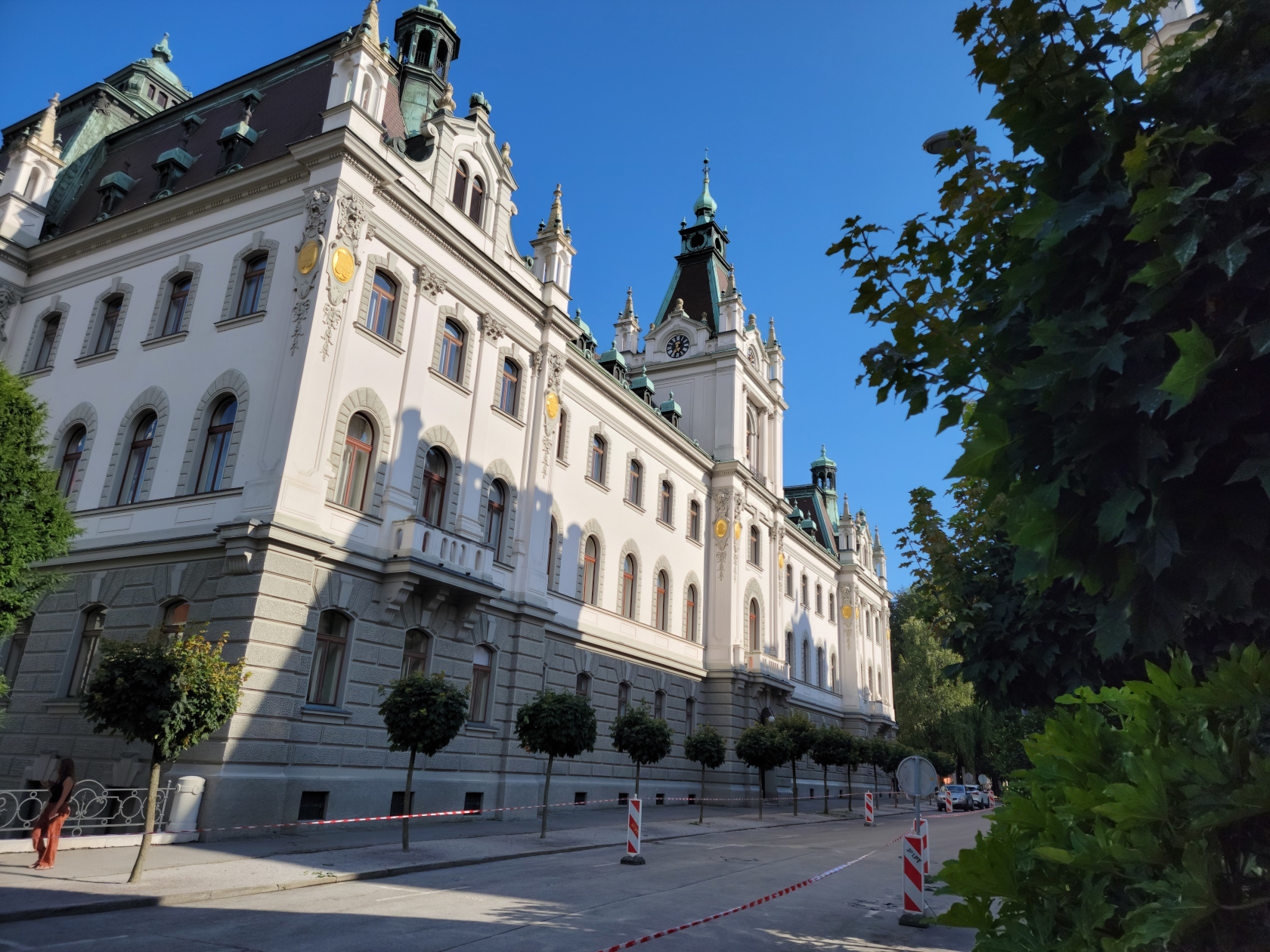
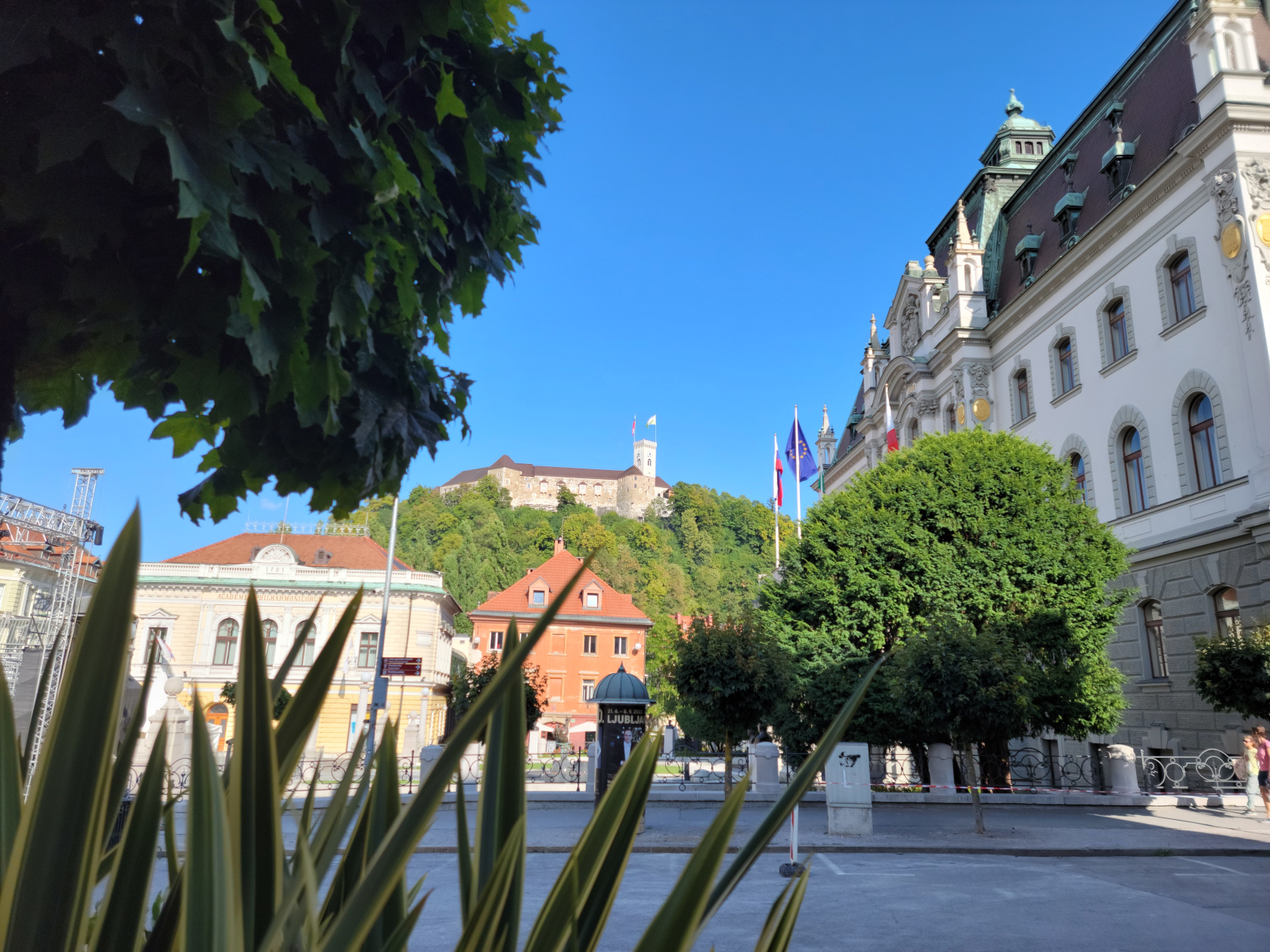
Ljubljana – Ljubljana University
Ljubljana – Ljubljana University
Ljubljana – Ljubljana University
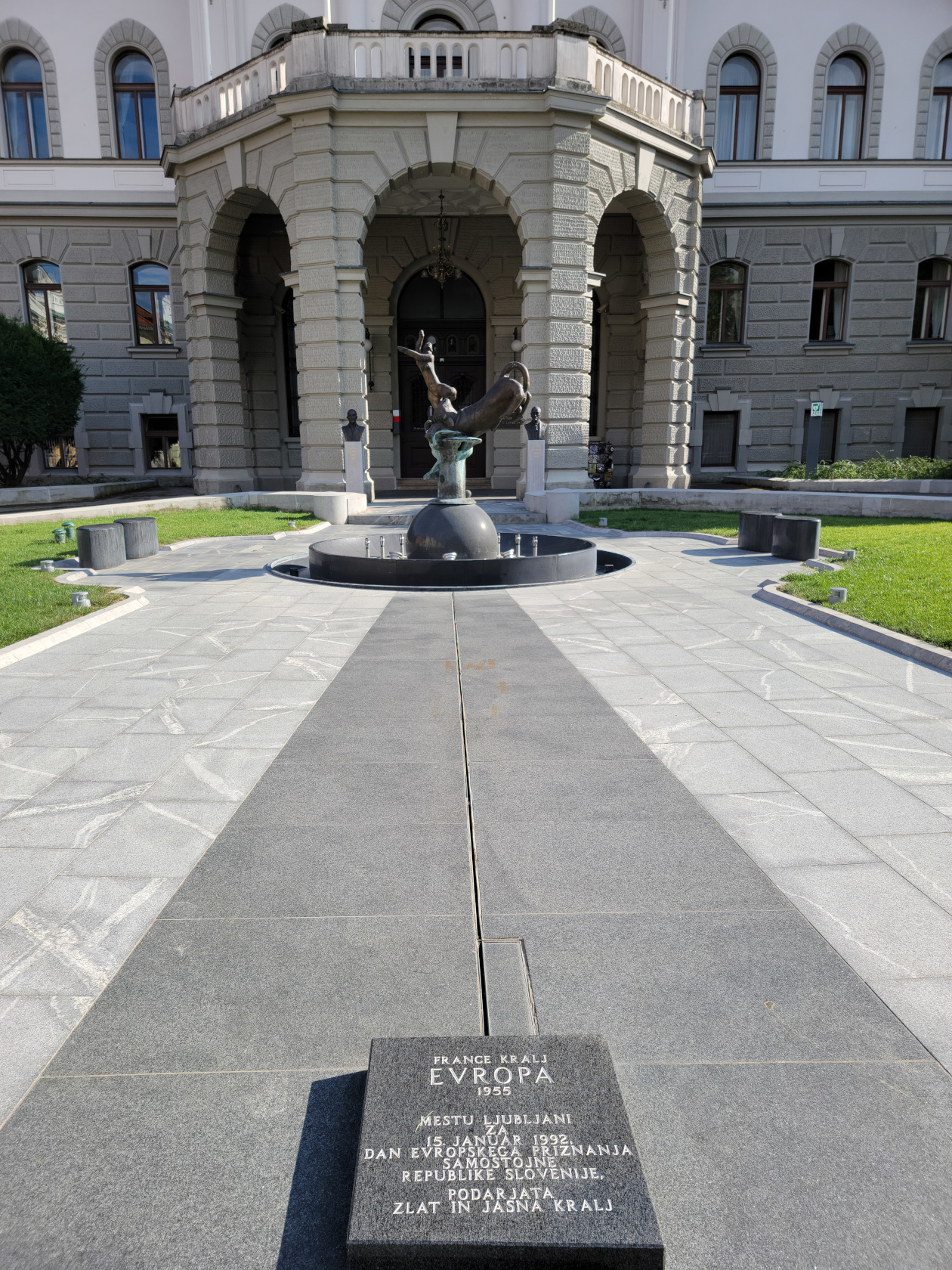
Ljubljana – Ljubljana University – Europa Fountain
Ljubljana – Ljubljana University
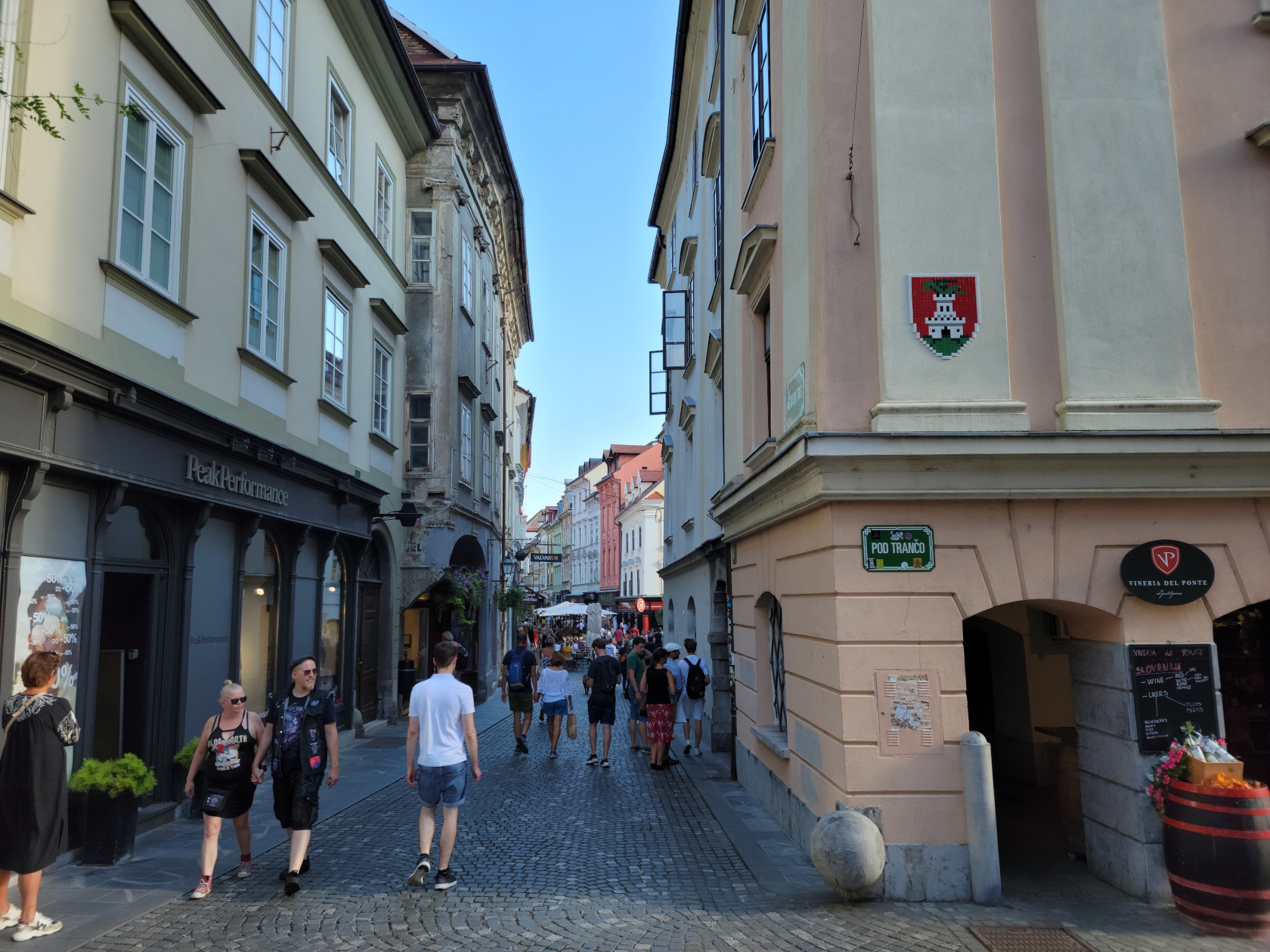
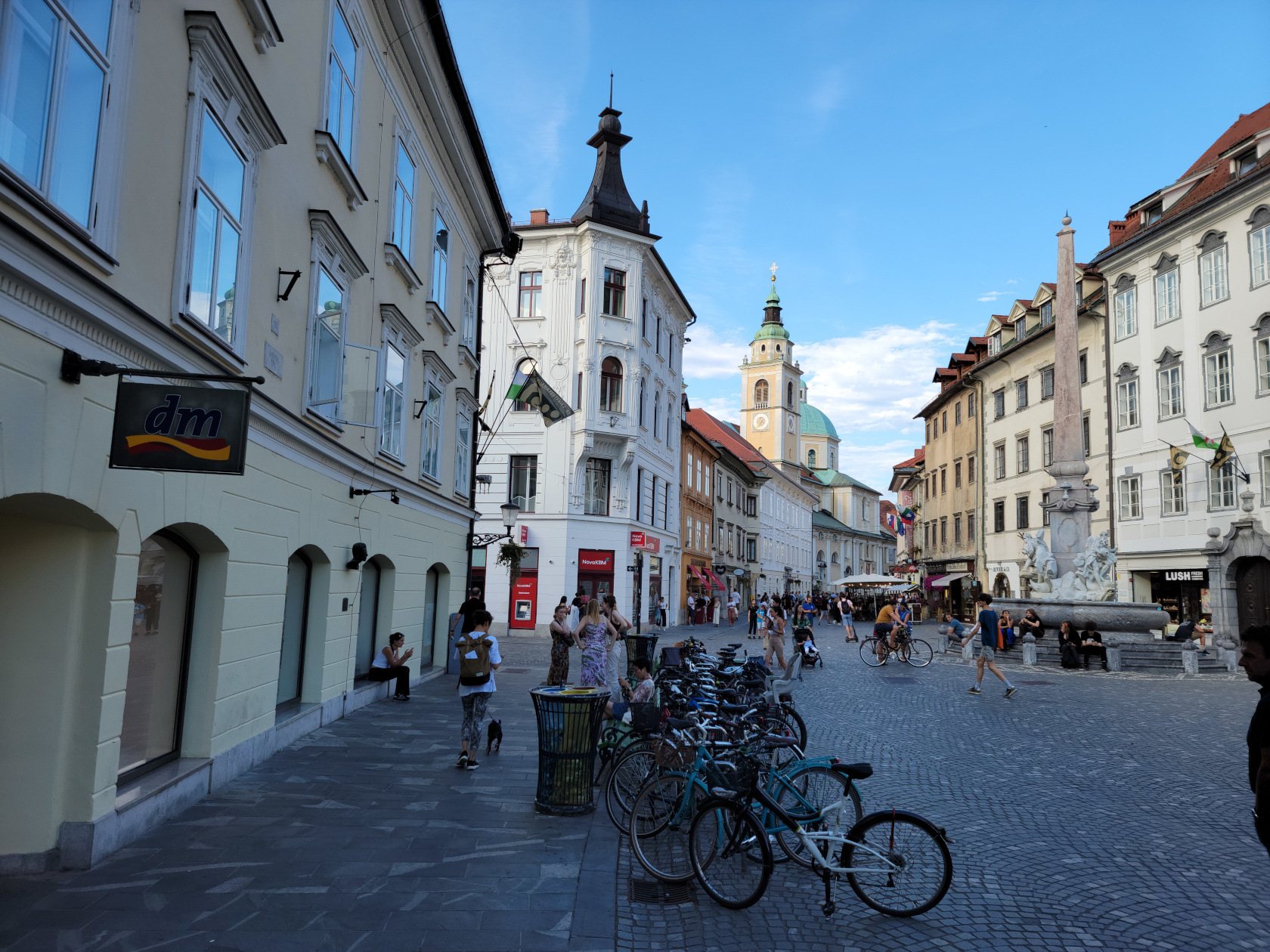
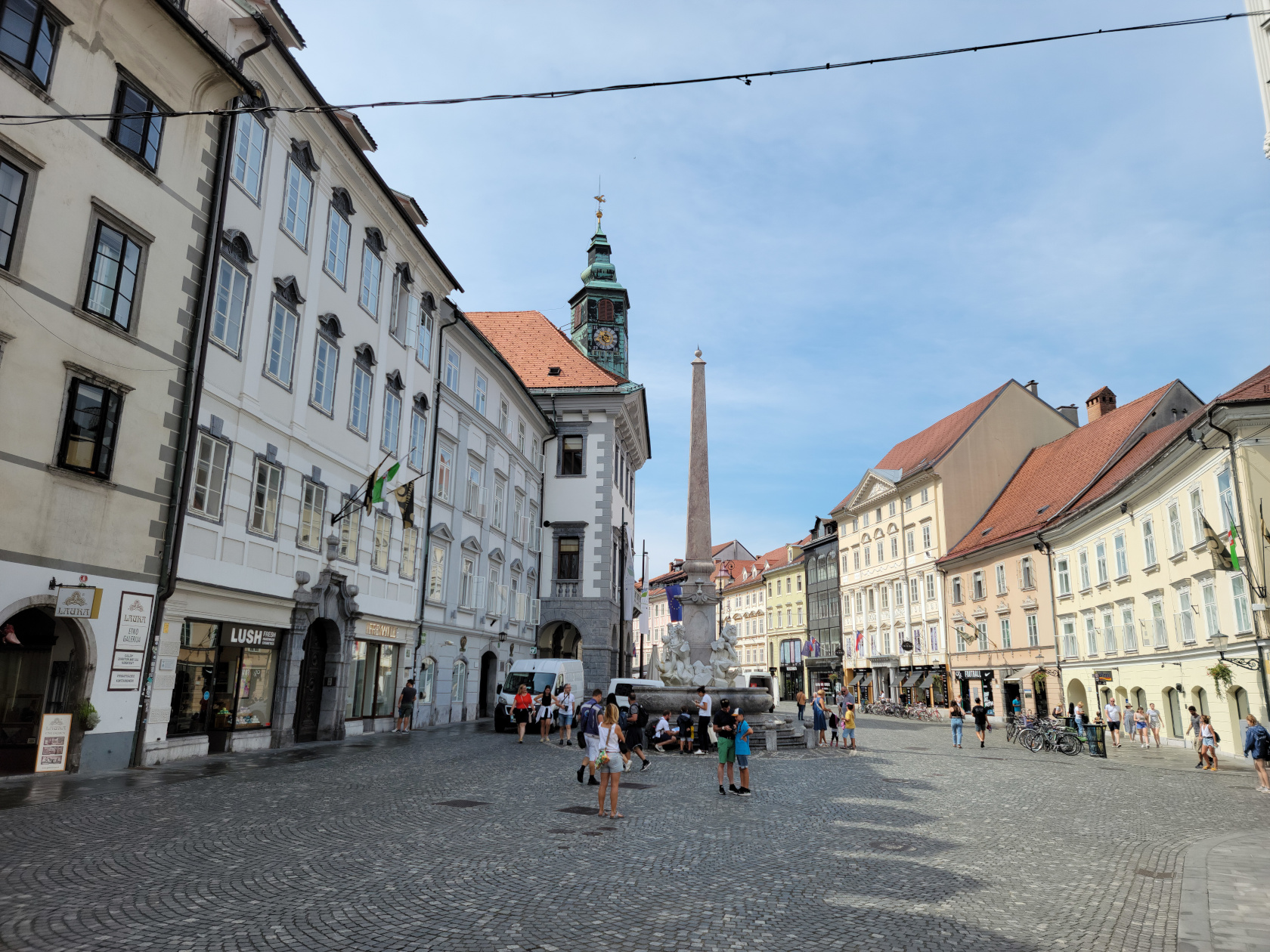
Ljubljana – Mestni Trg
Ljubljana – Mestni Trg
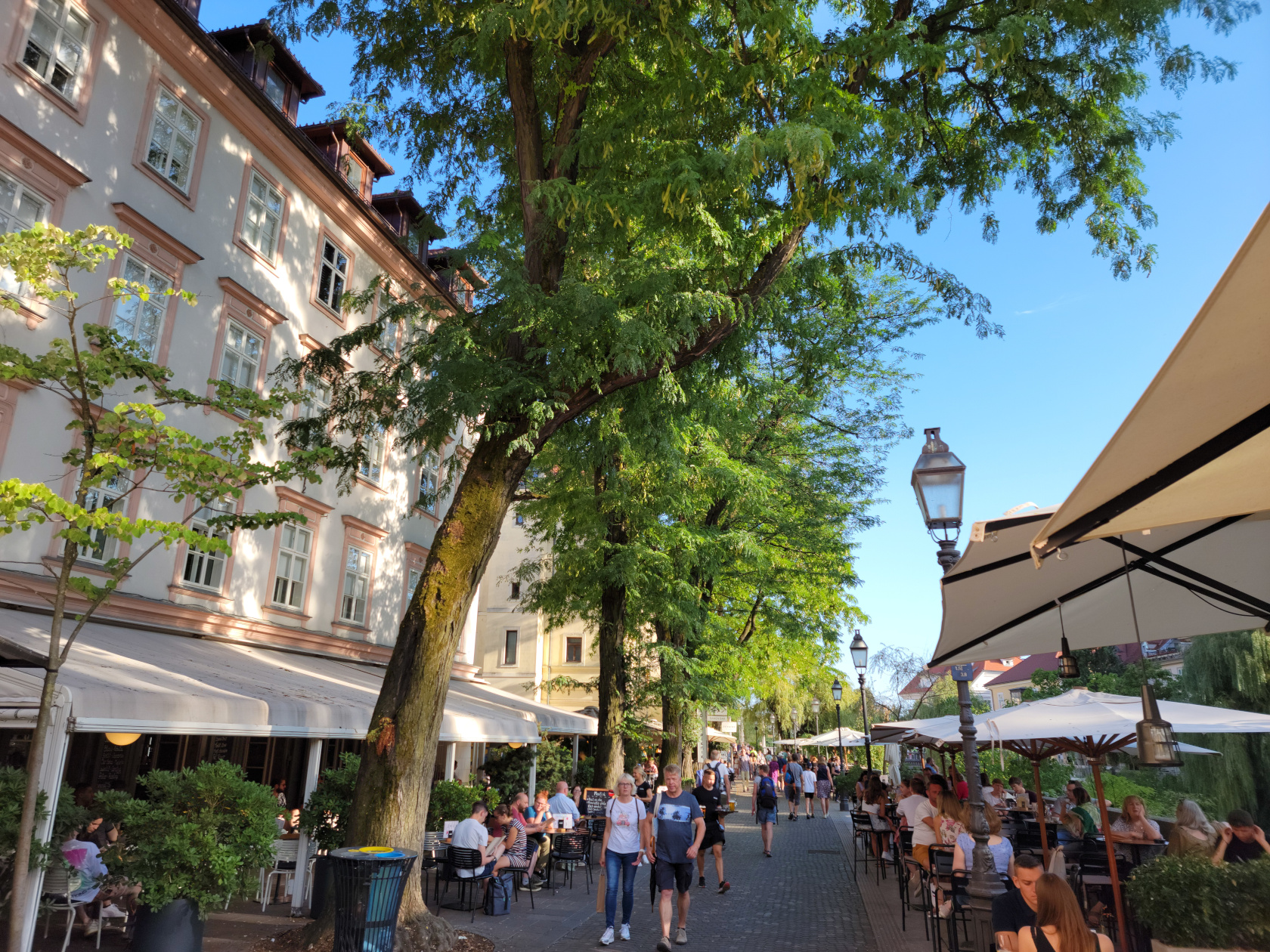
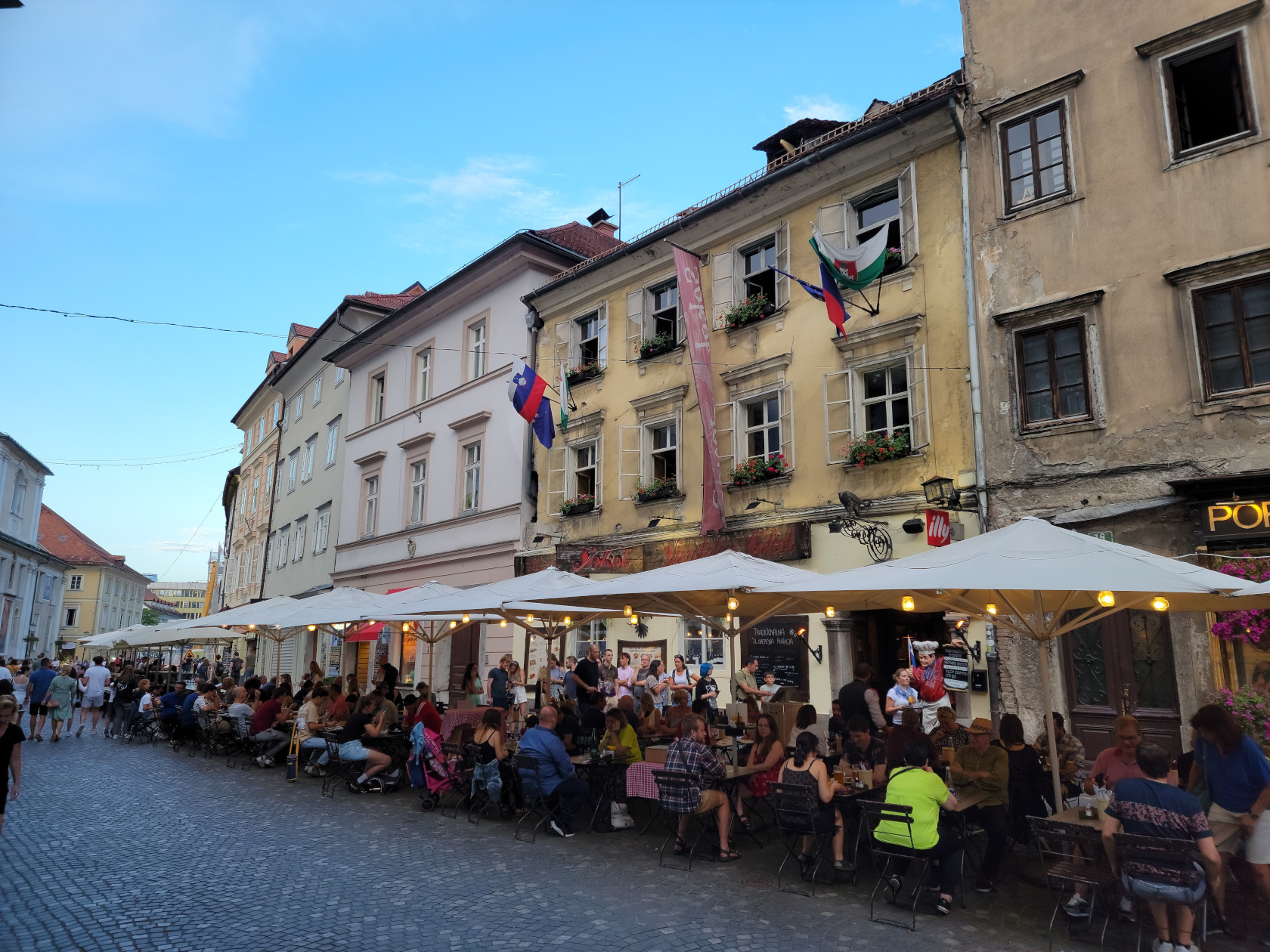
Ljubljana – Cafes along riverfront
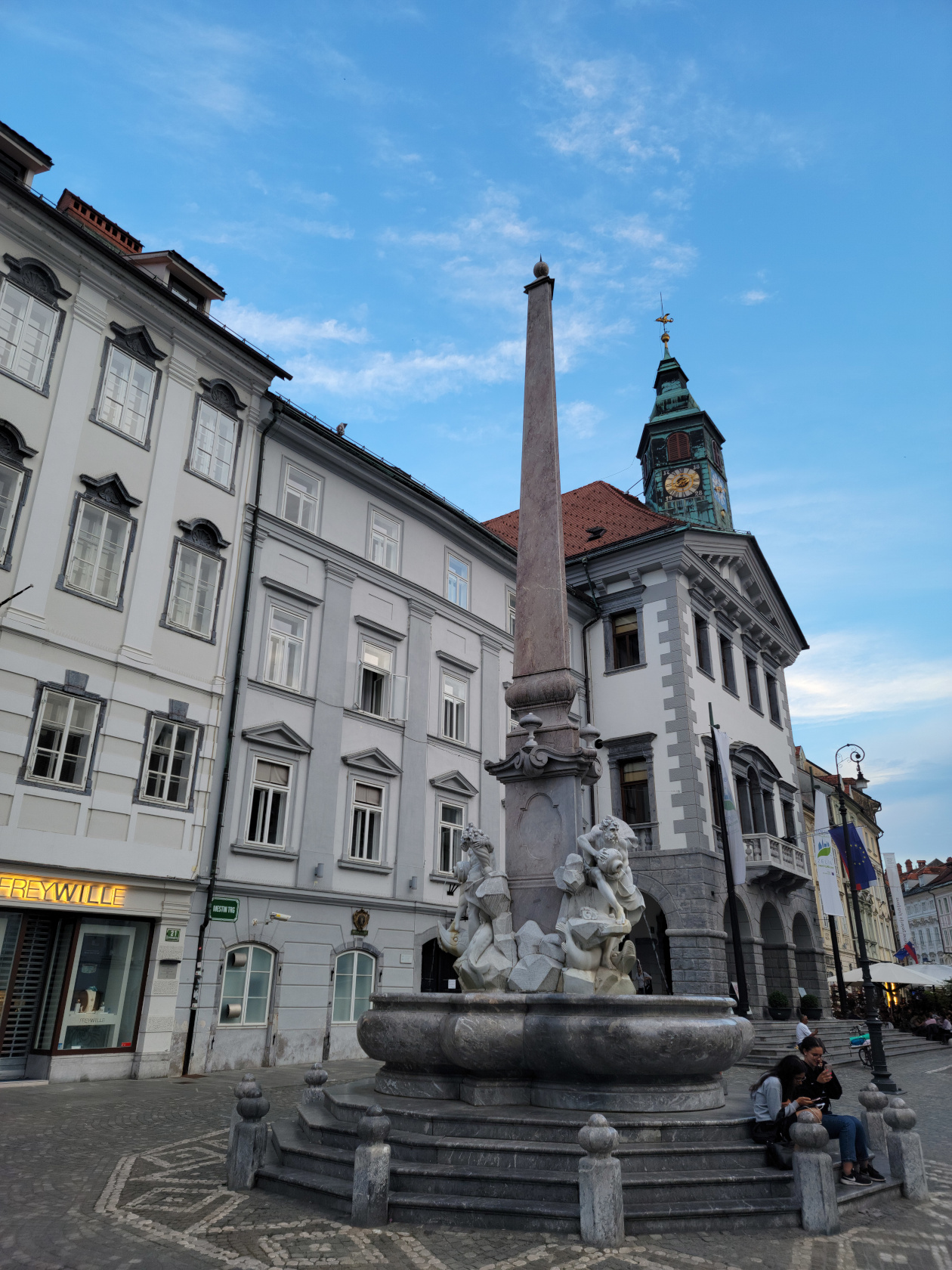
Ljubljana – Robba Fountain
Ljubljana – Robba Fountain
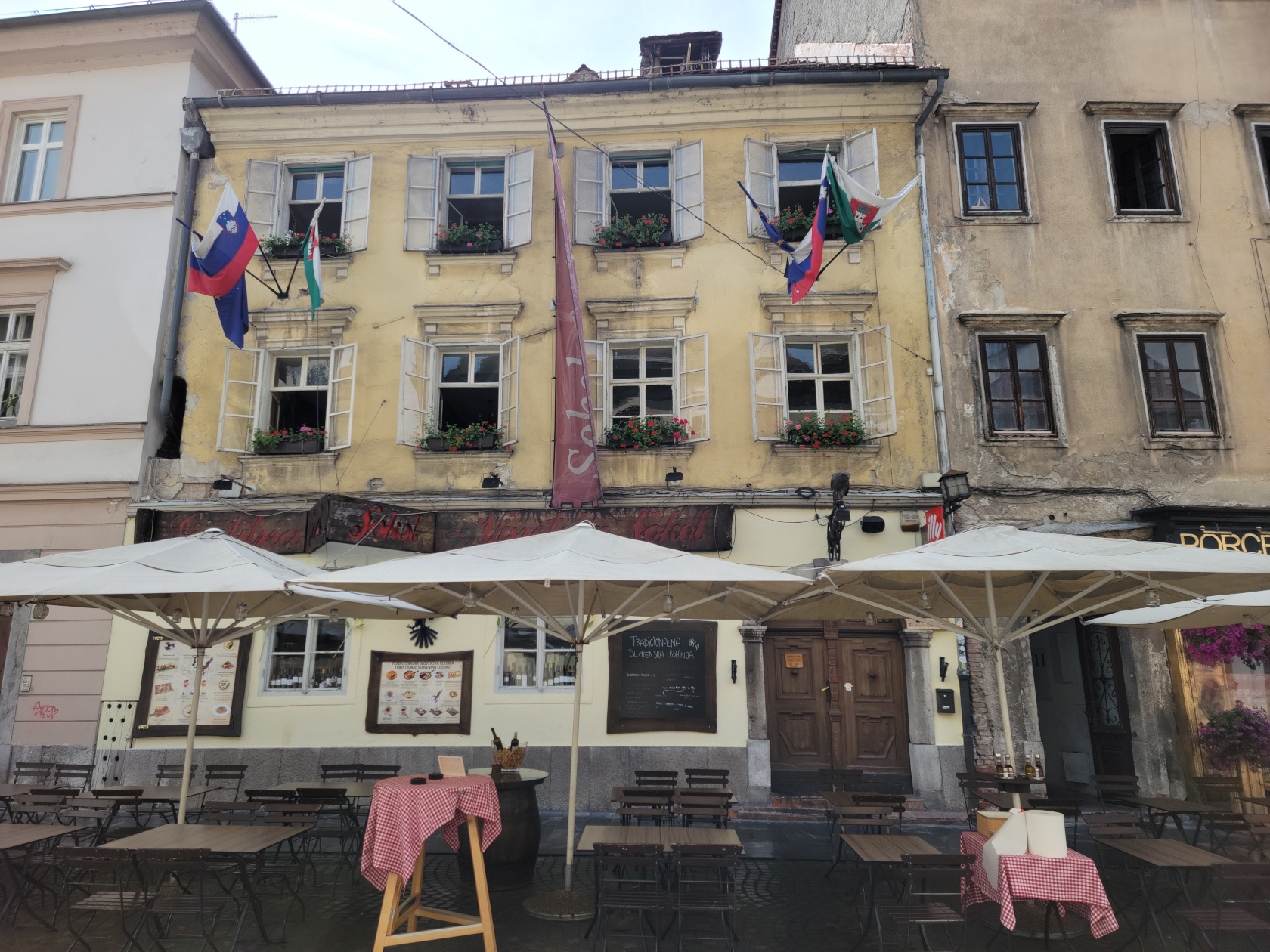
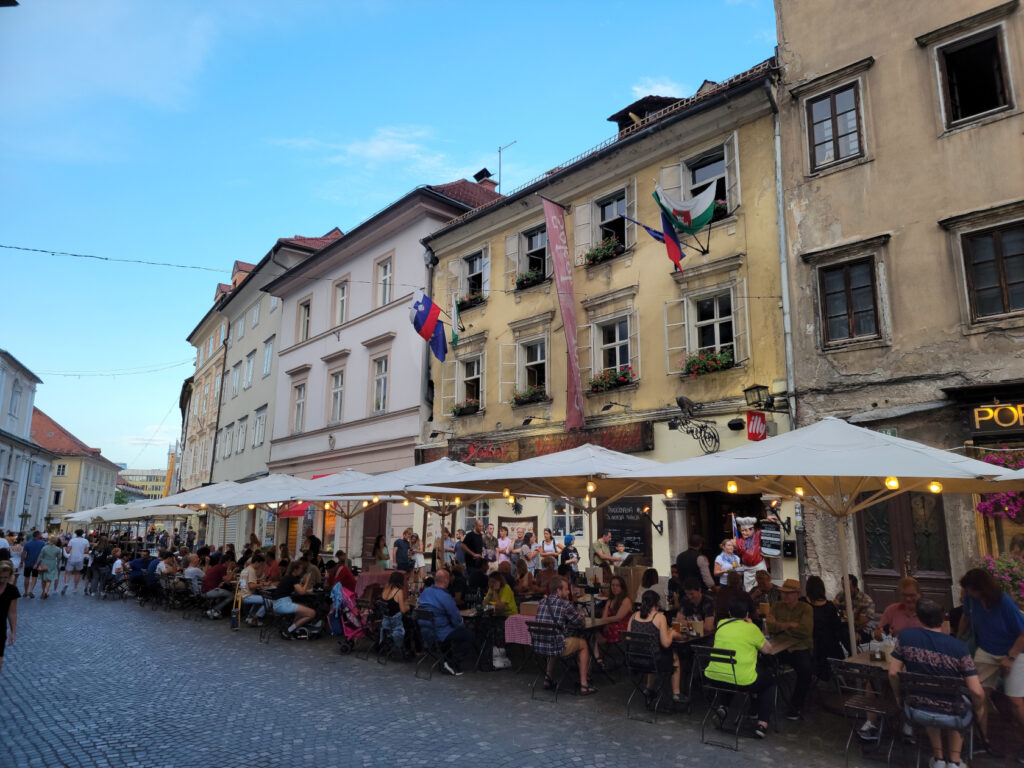
Ljubljana – Gostilna Sokol Restaurant
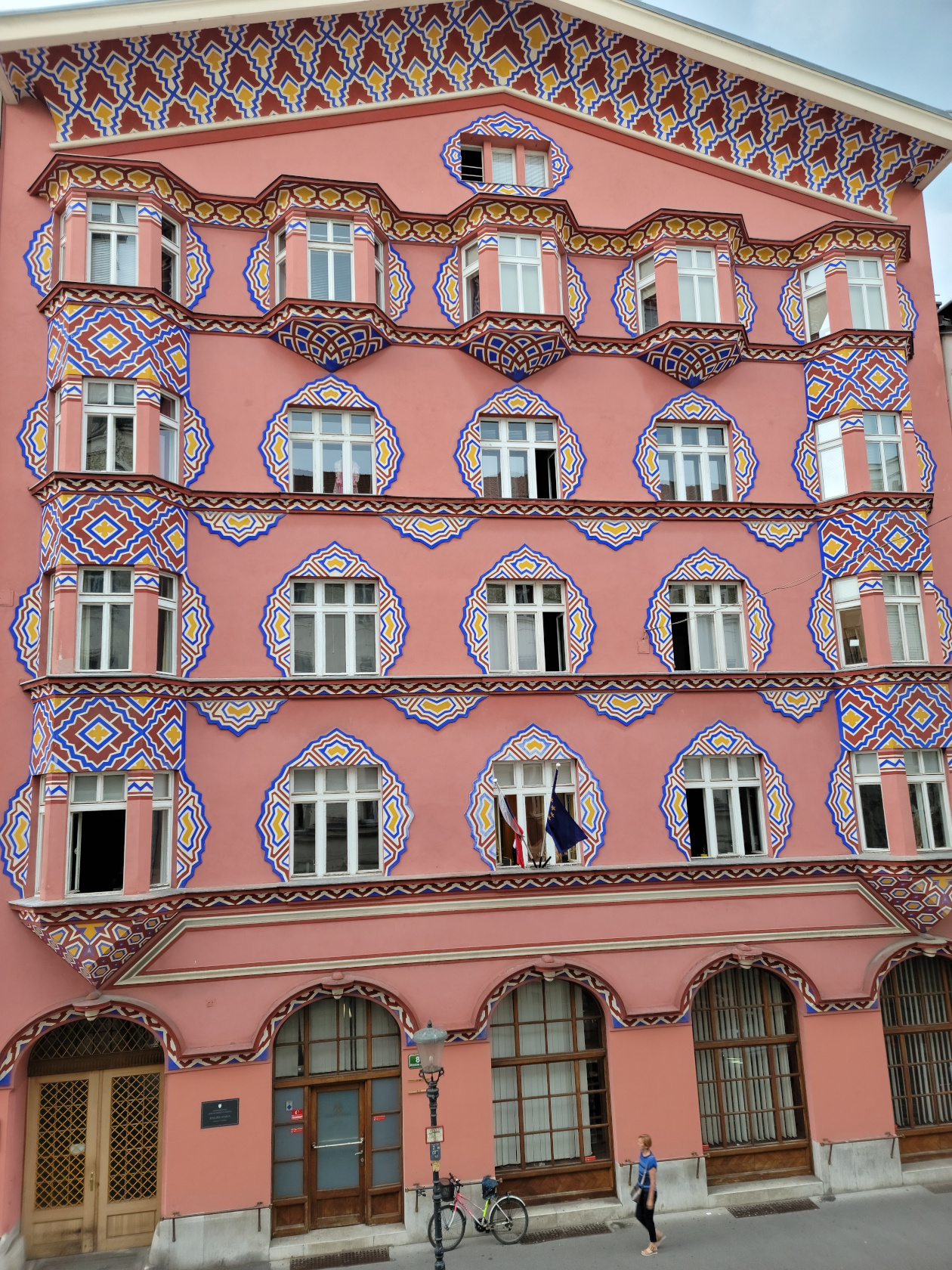
Ljubljana – The Vurnikoval House
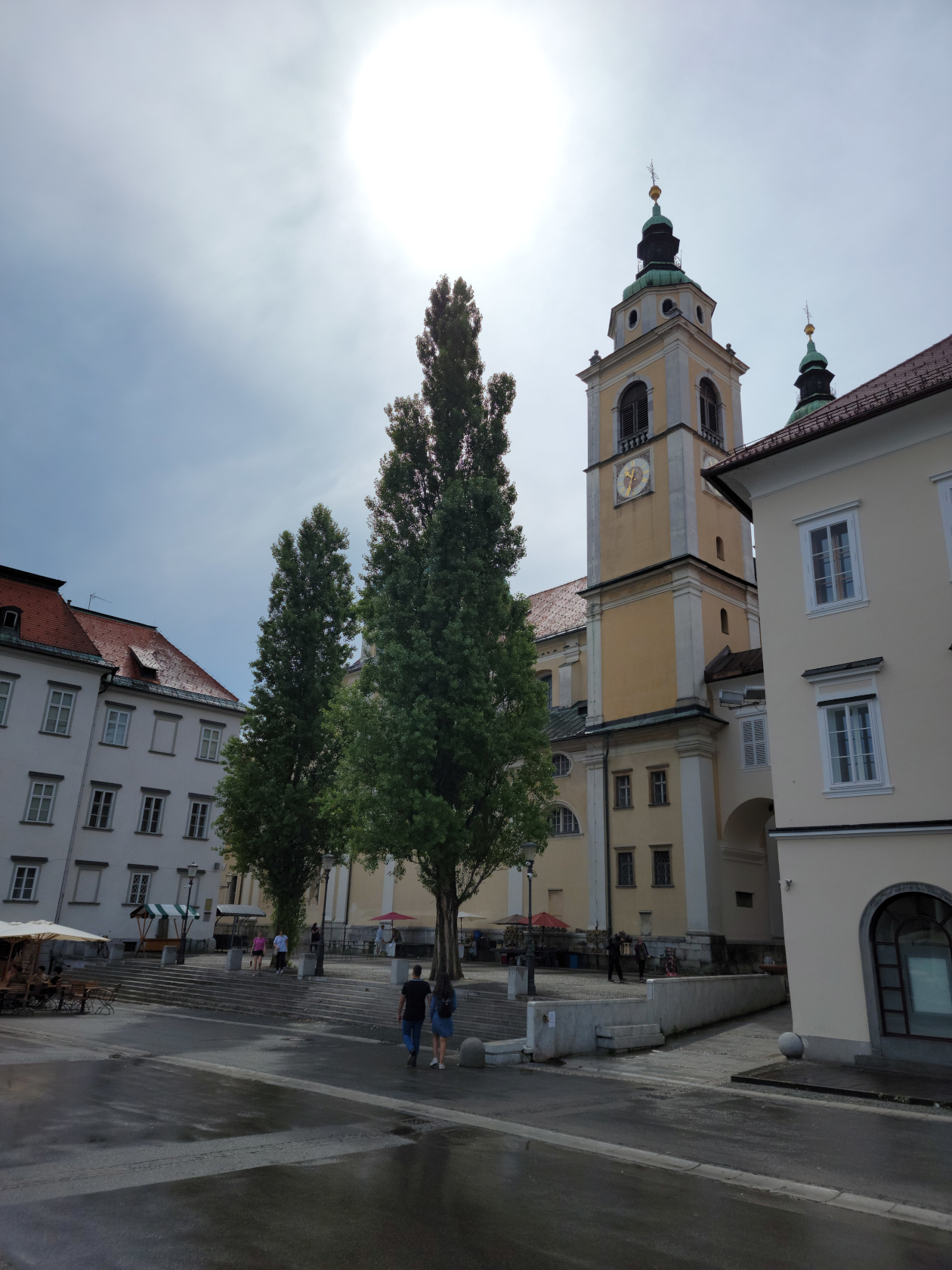
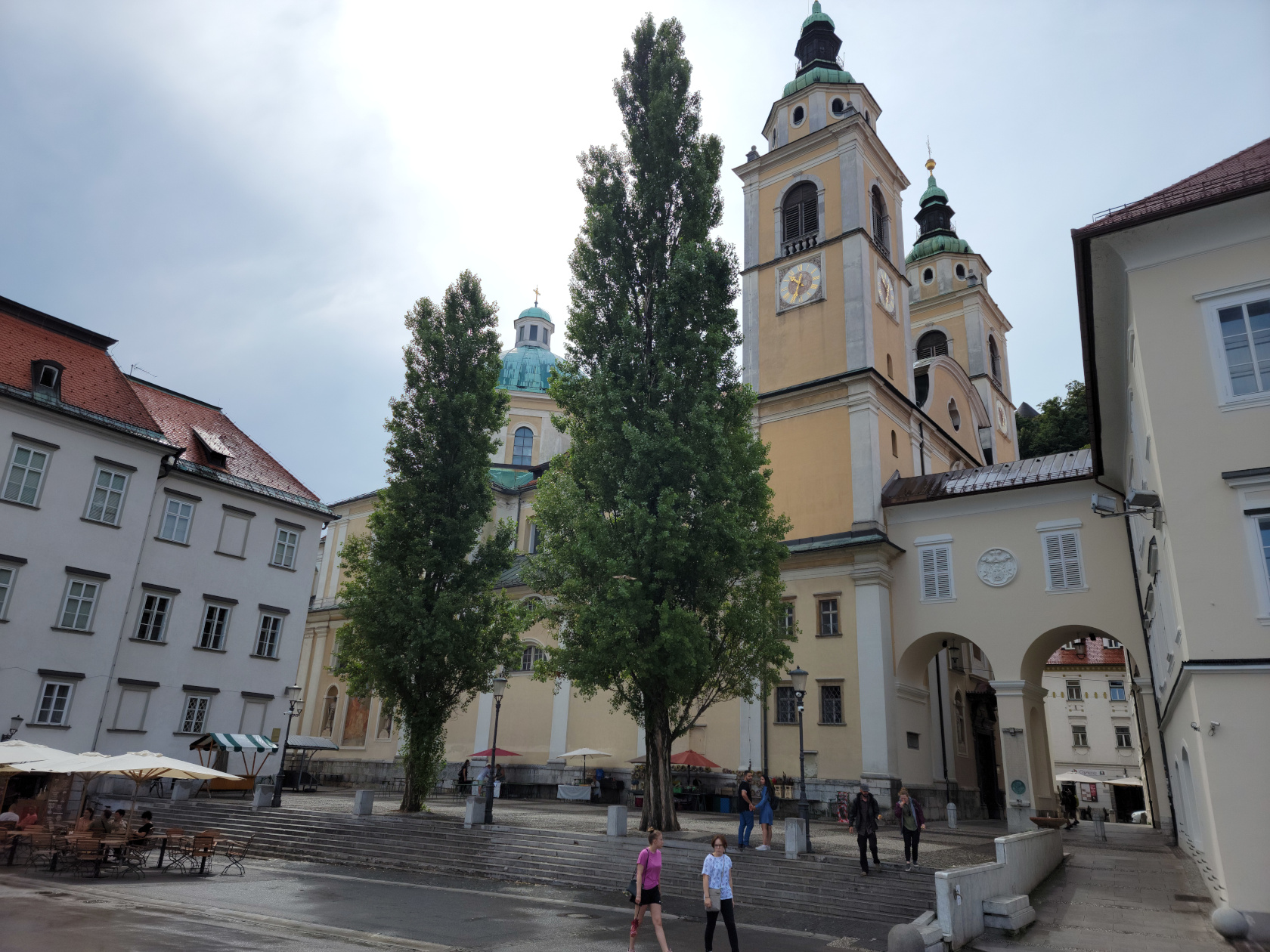
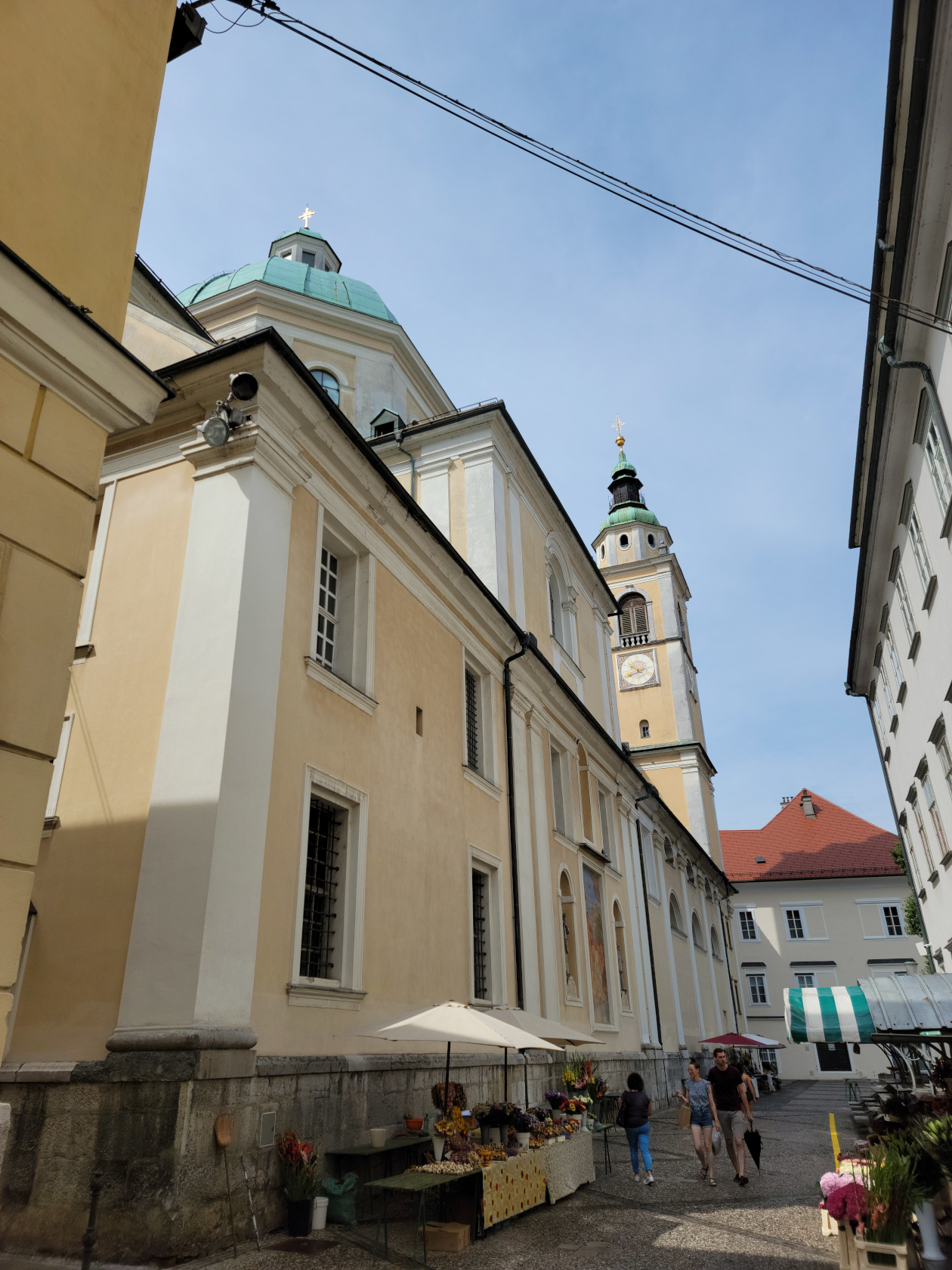
Ljubljana – Ljubljana Cathedral
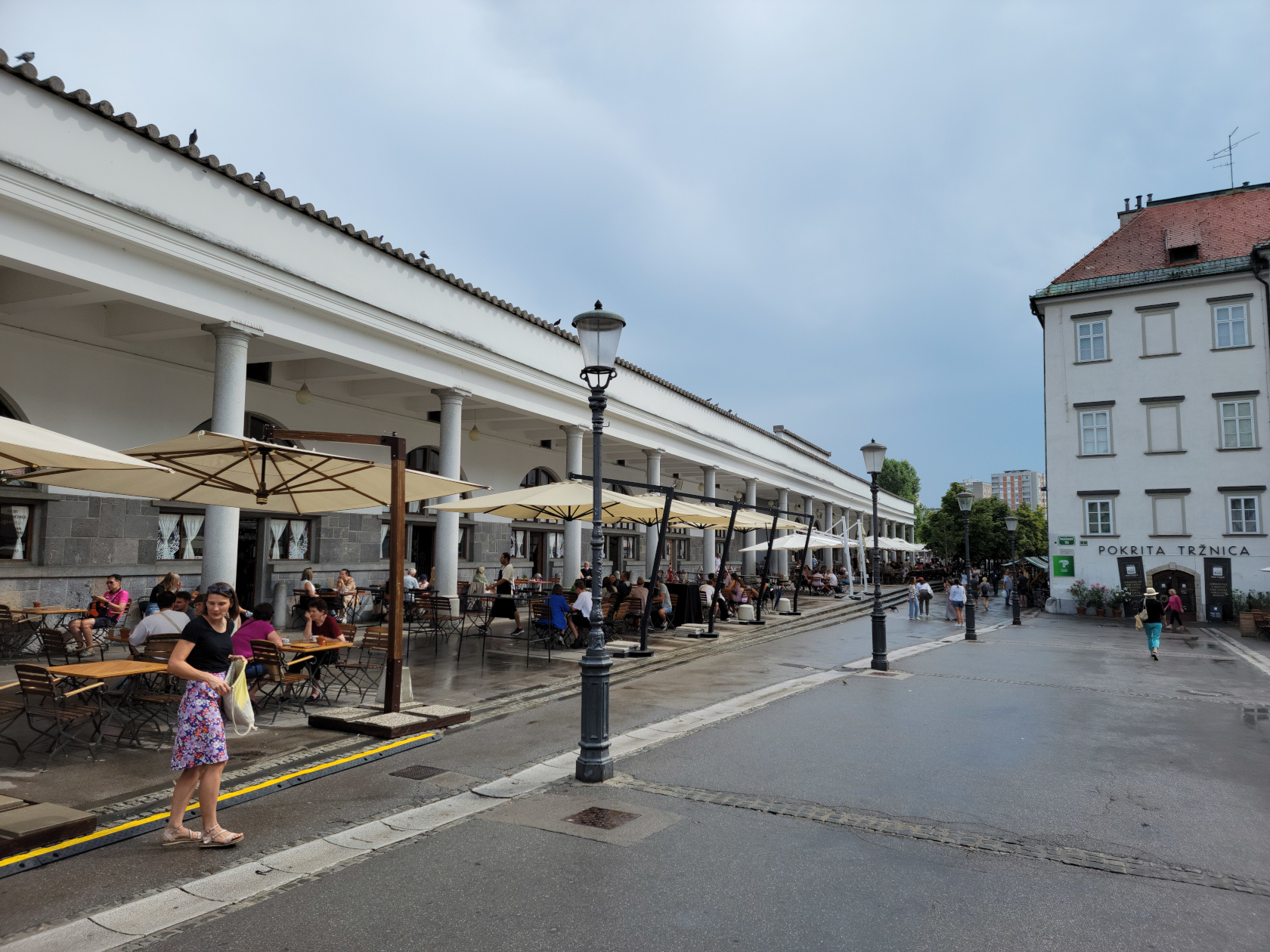
Ljubljana – Drevored na Adamič-Lundrovem nabrežju – Portico by the Market
Ljubljana – Ljubljana Cathedral
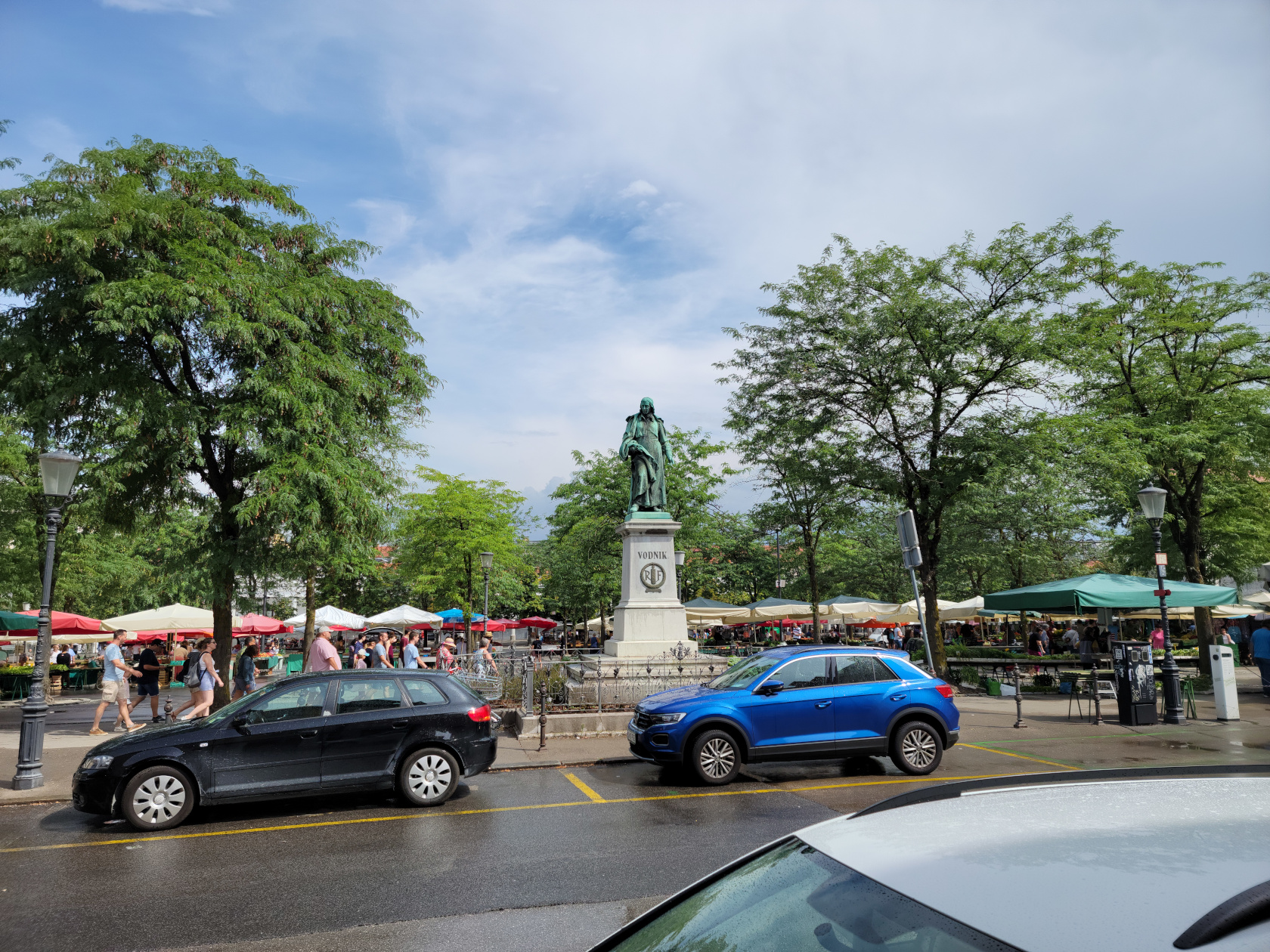
Ljubljana – Vodnik Monument
Ljubljana – Ljubljana Cathedral
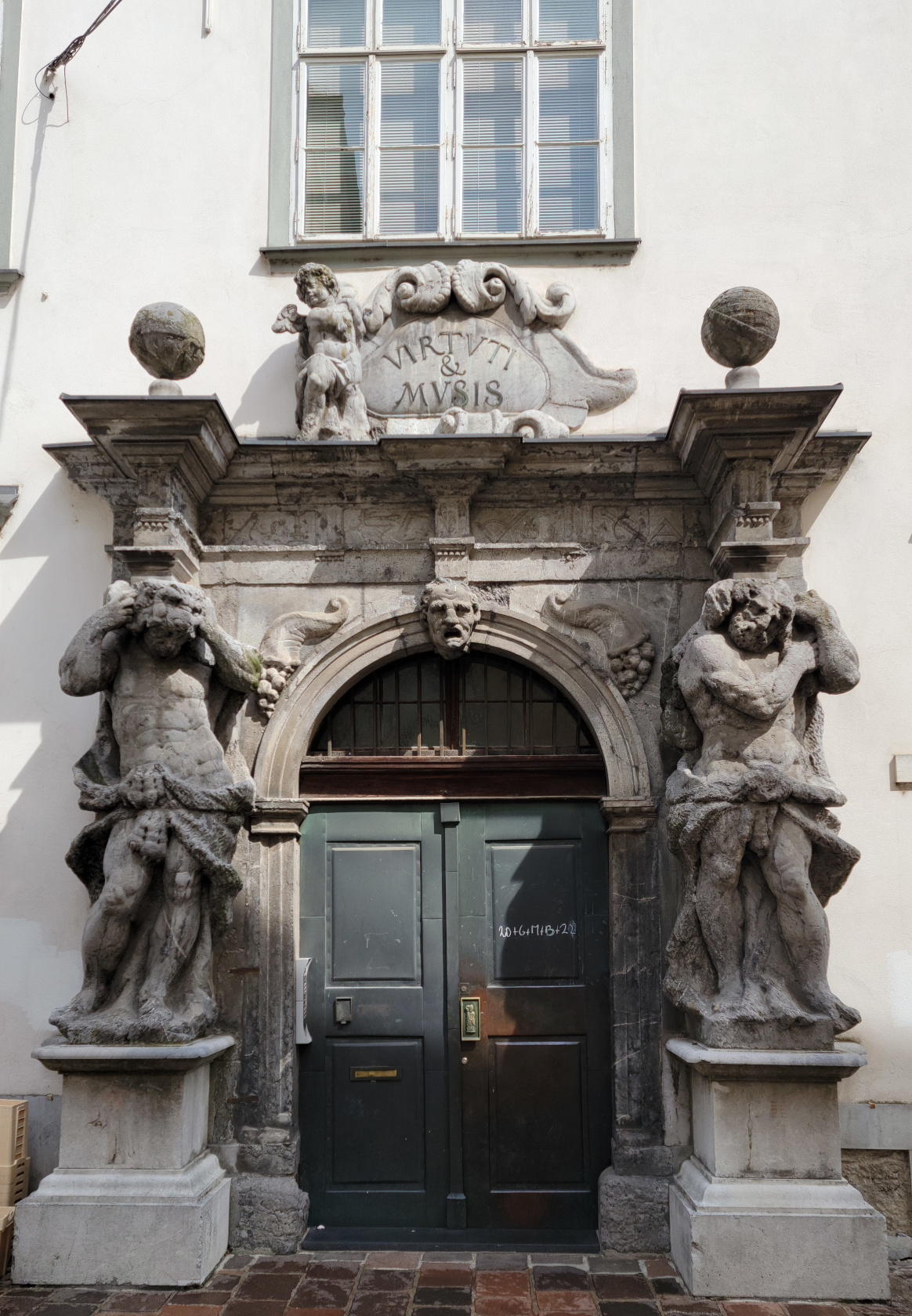
Ljubljana – Old Business Doorway
Ljubljana – Robba Fountain
Ljubljana – Mestni Trg
Ljubljana – Mestni Trg
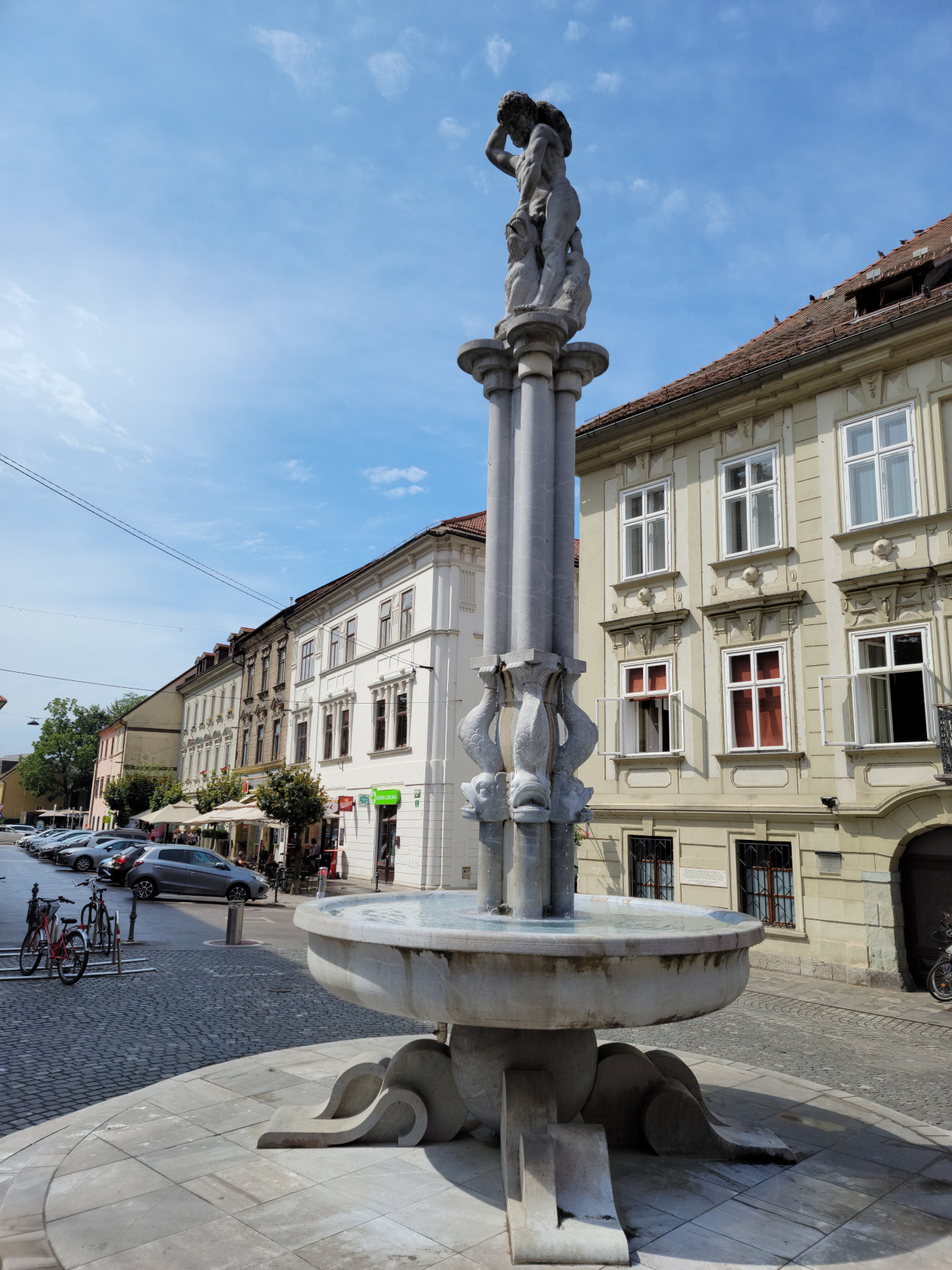
Ljubljana – Herkulov vodnjak – Hercules Fountain
Ljubljana – Herkulov vodnjak – Hercules Fountain and Square
Ljubljana – Herkulov vodnjak – Hercules Fountain and Square
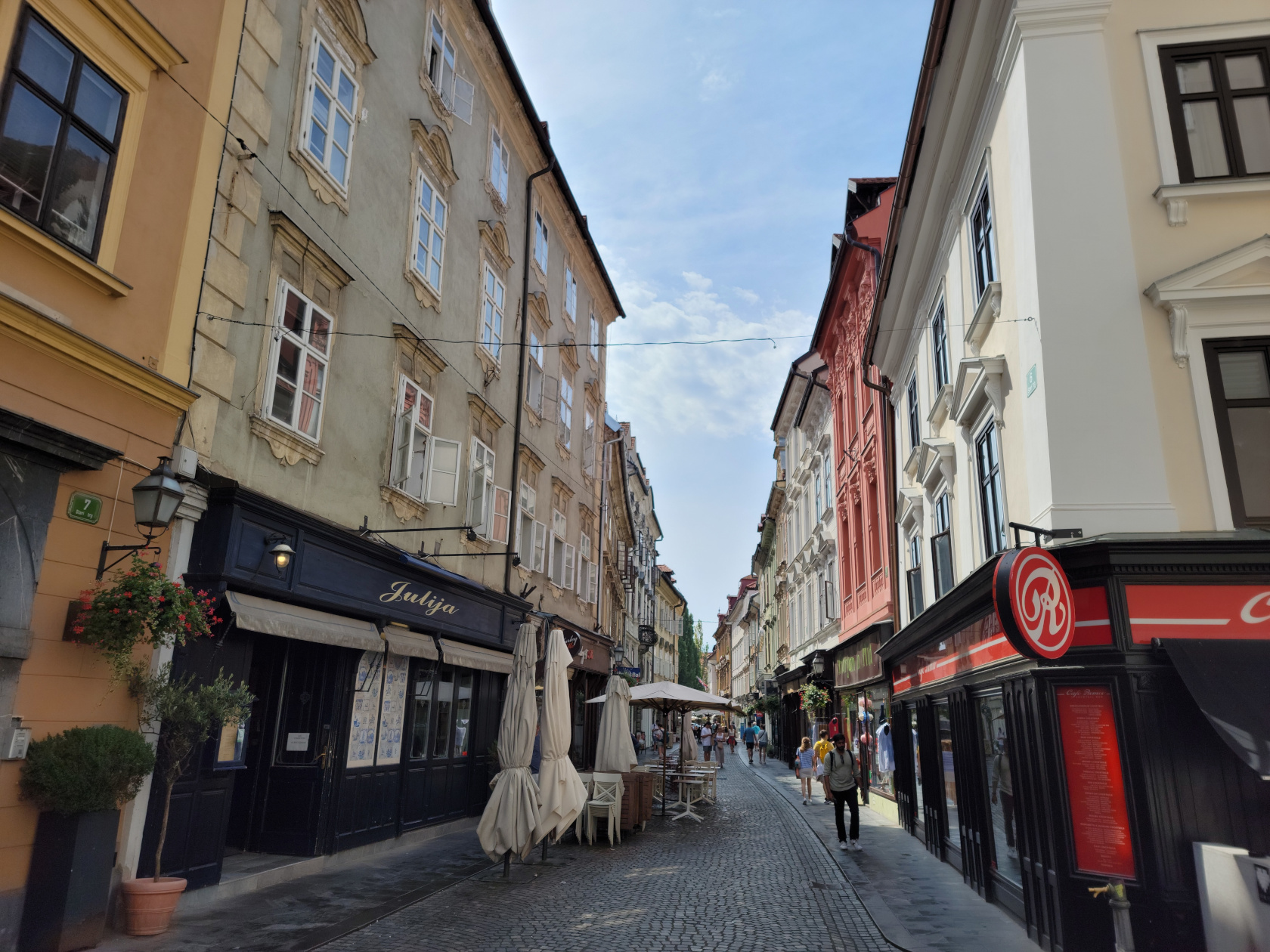
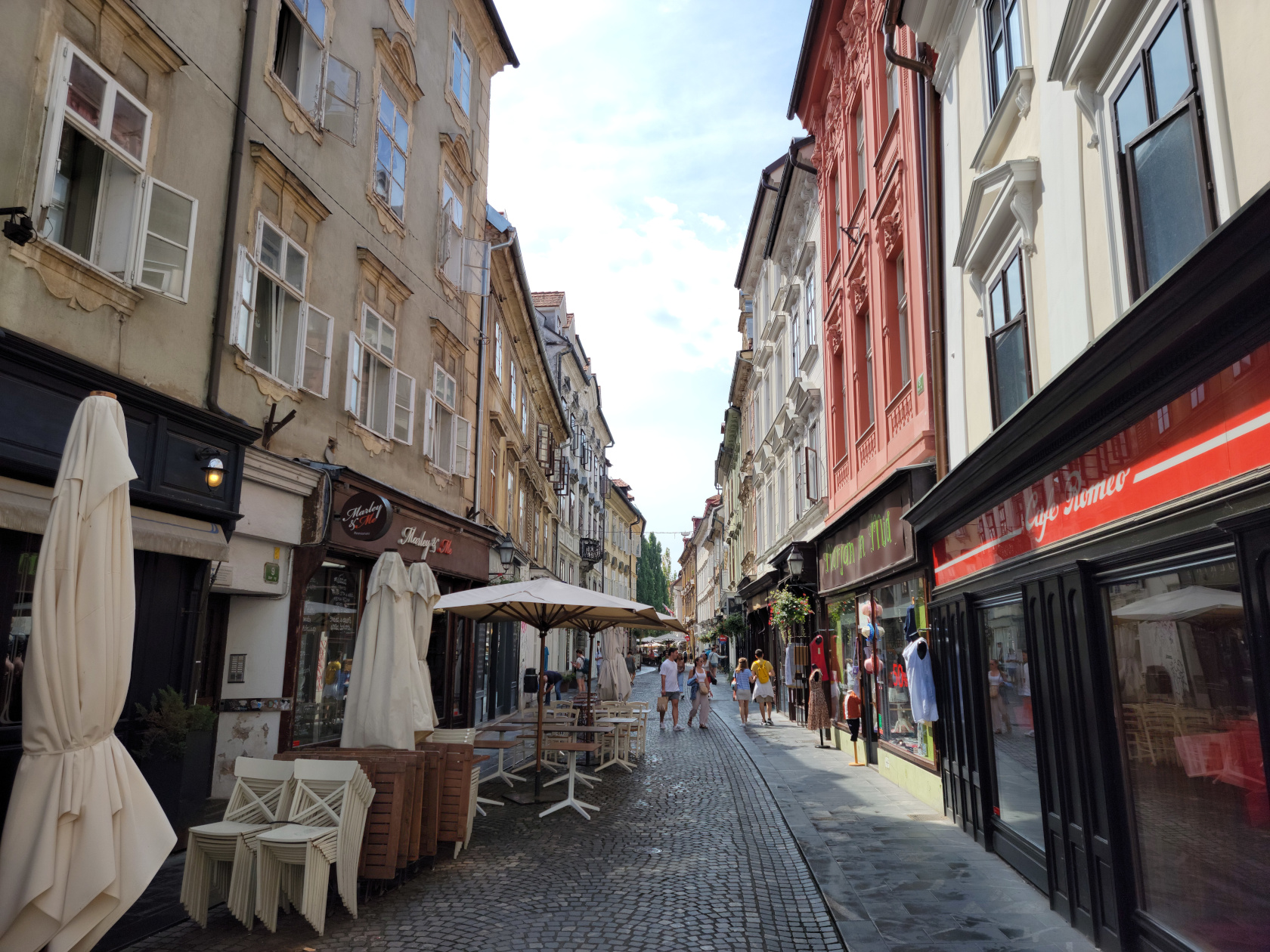
Ljubljana – Gornji Trg
Restaurants
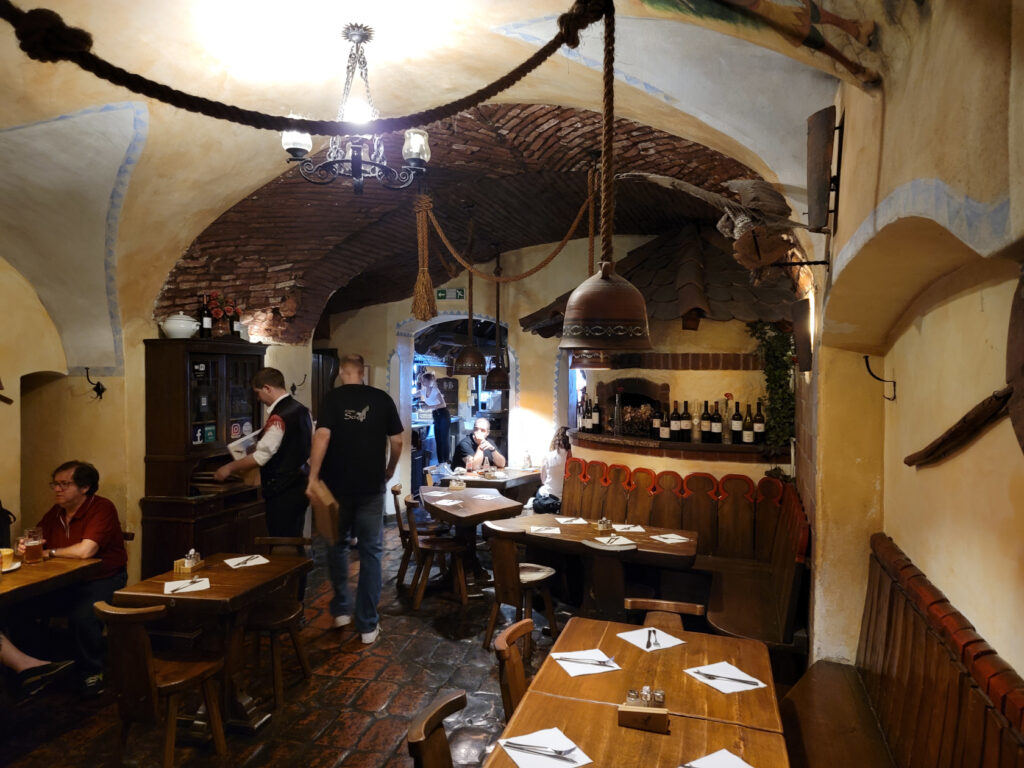
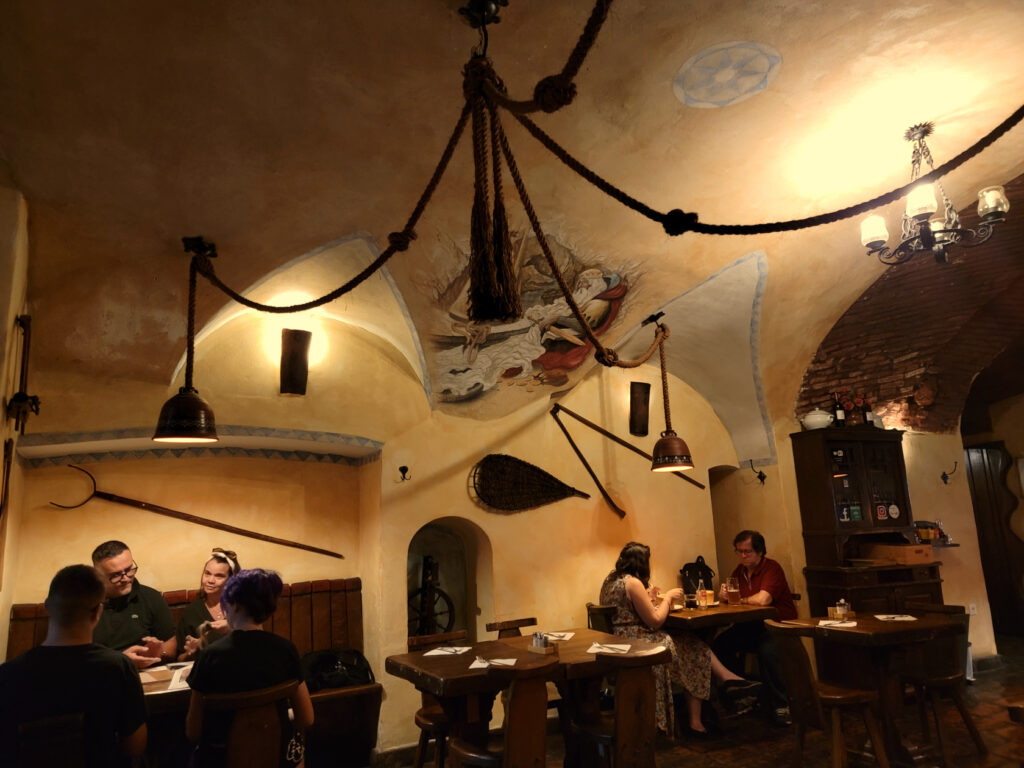
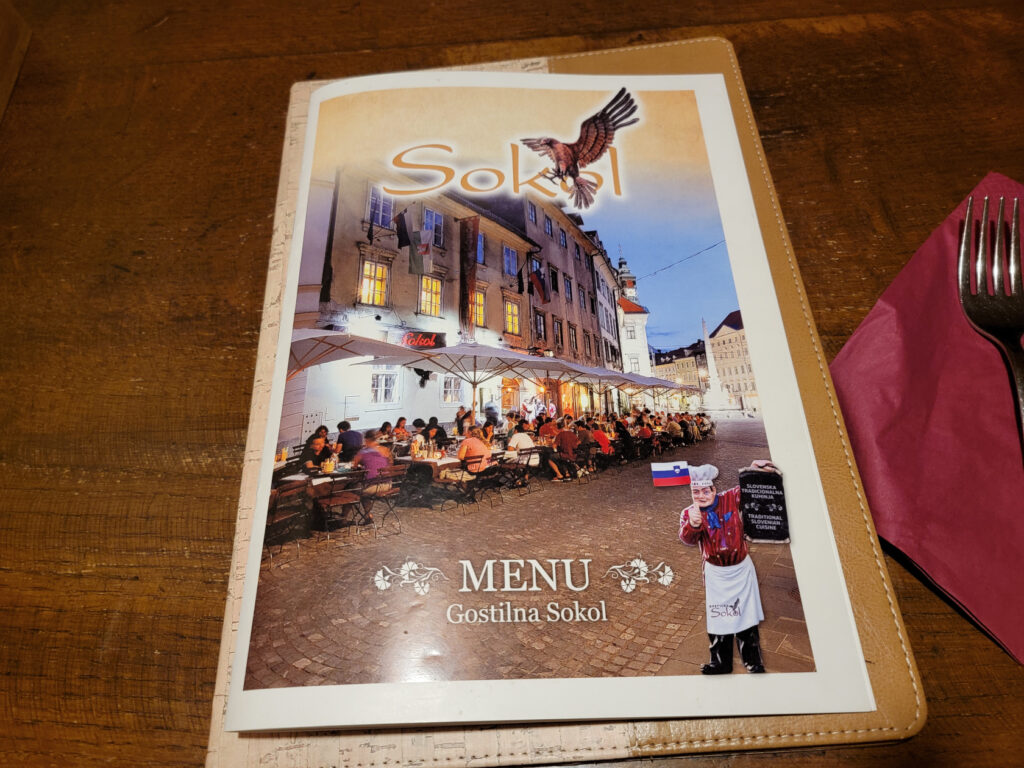
Gostilna Sokol Restaurant
Ljubljana – Gostilna Sokol Restaurant
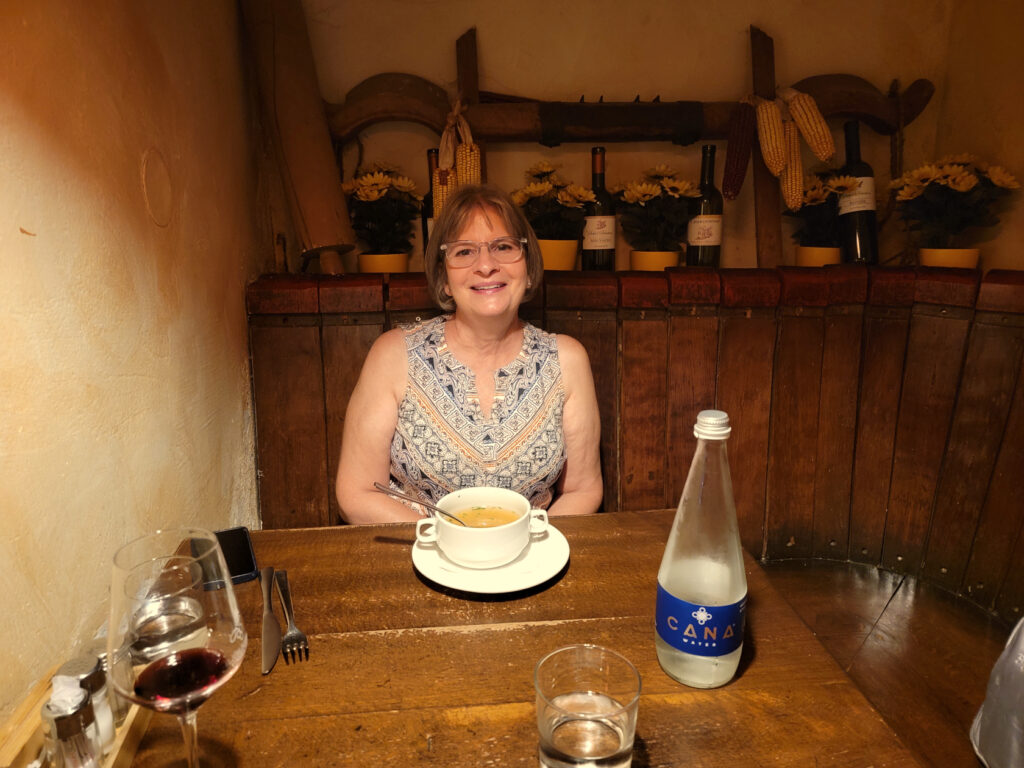
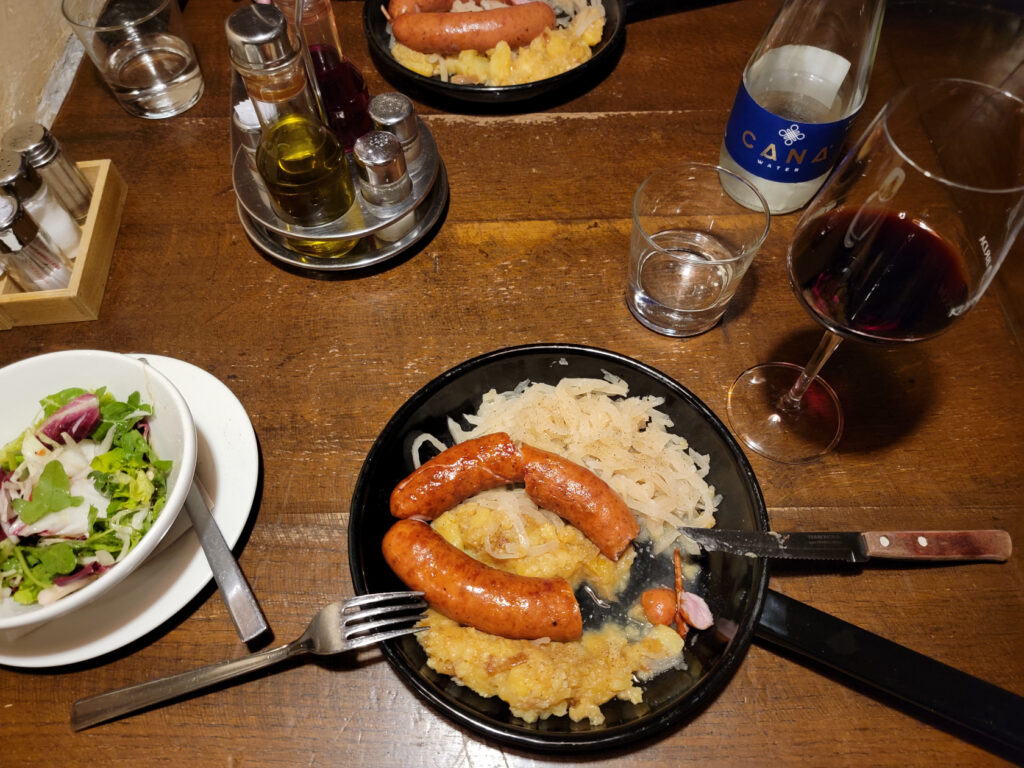
This is a traditional Slovenian restaurant, service many of the authentic dishes and also some non-Slovenian favorites, so anyone who visits can find something to eat. For us it was the traditional fried sausage, or Kranjska Klobasa with pickled turnips and roasted potatoes.
Ljubljana – Gostilna Sokol Restaurant
Ljubljana – Gostilna Sokol Restaurant
Ljubljana – Gostilna Sokol Restaurant
Ljubljana – Gostilna Sokol Restaurant
Ljubljana – Gostilna Sokol Restaurant – Patti
Ljubljana – Gostilna Sokol Restaurant – Fried Sausage with Pickled Turnips and Potatoes
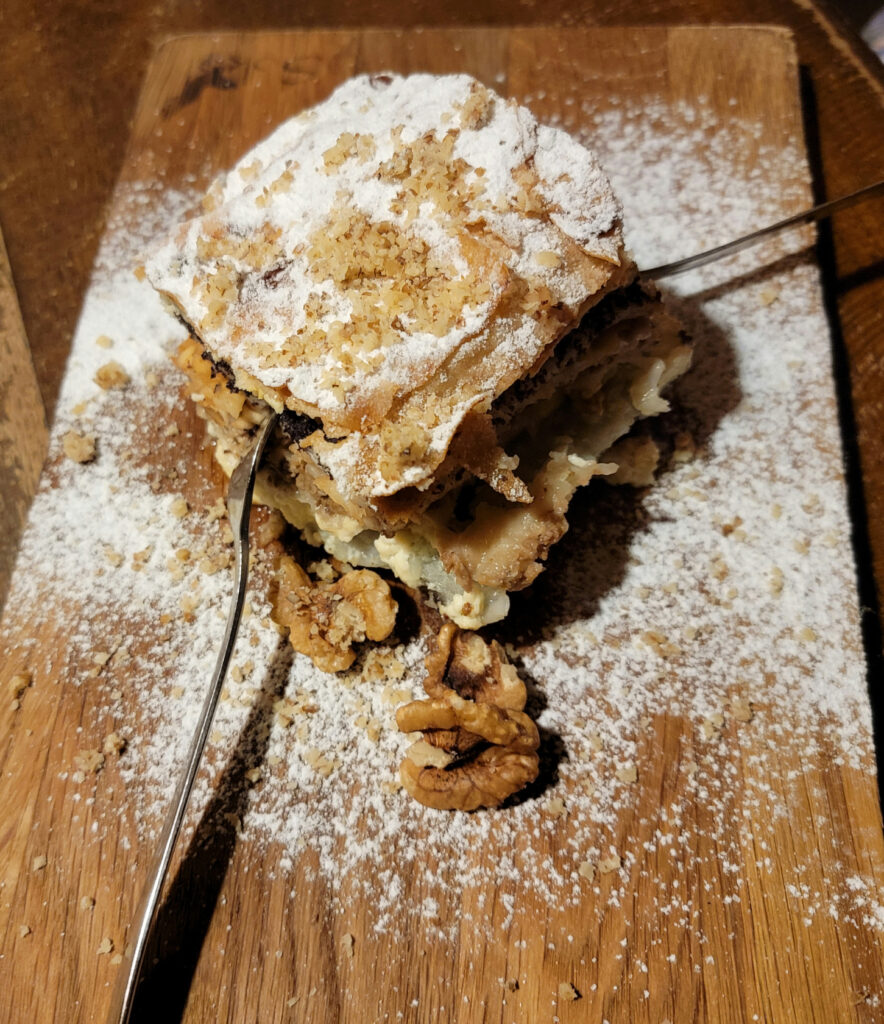
Ljubljana – Gostilna Sokol Restaurant – Hisna Gibanica
Ljubljana – Gostilna Sokol Restaurant
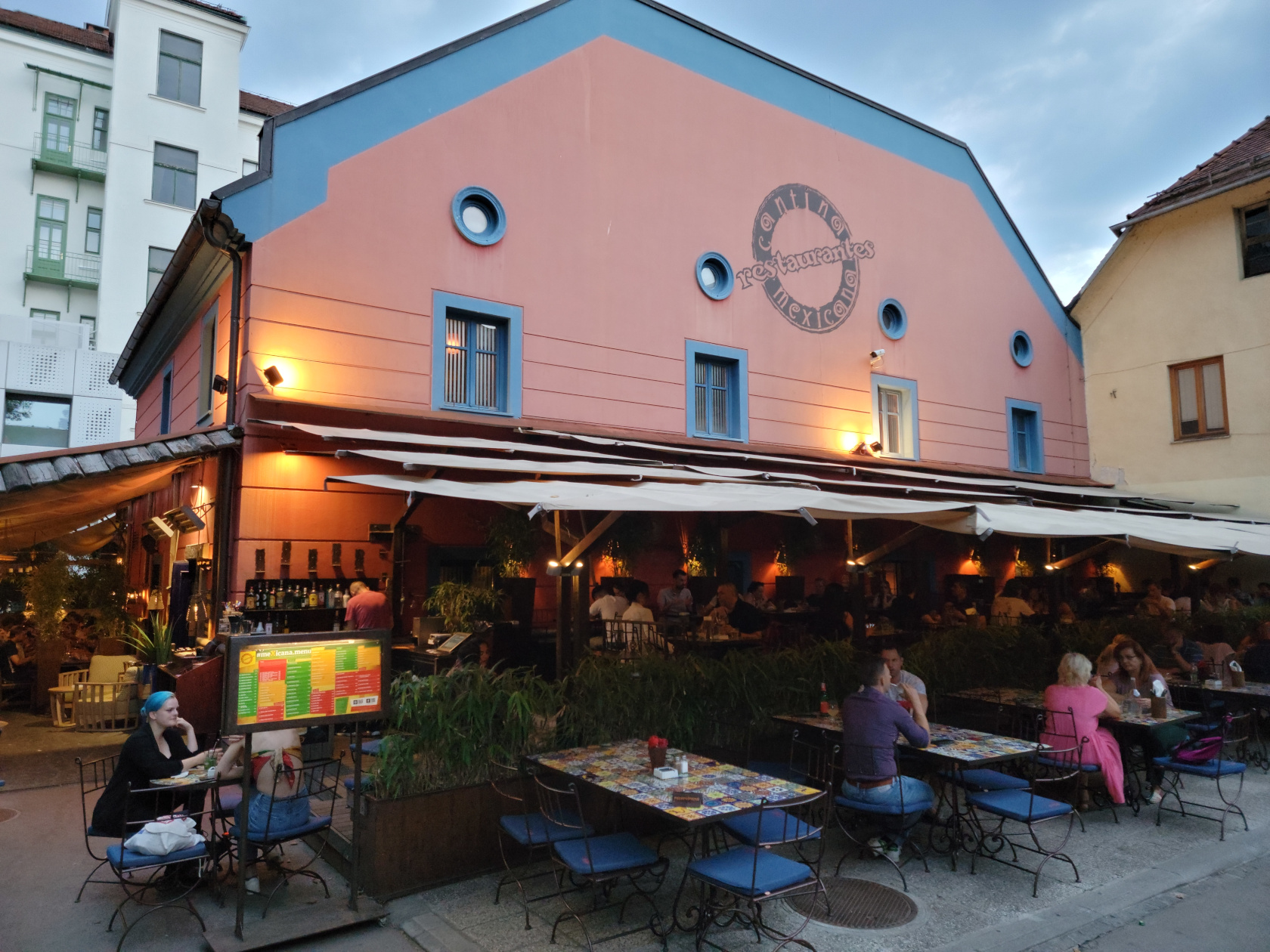
Cantina Mexicana Restaurant
Ljubljana – Cantina Mexicana Restaurant –
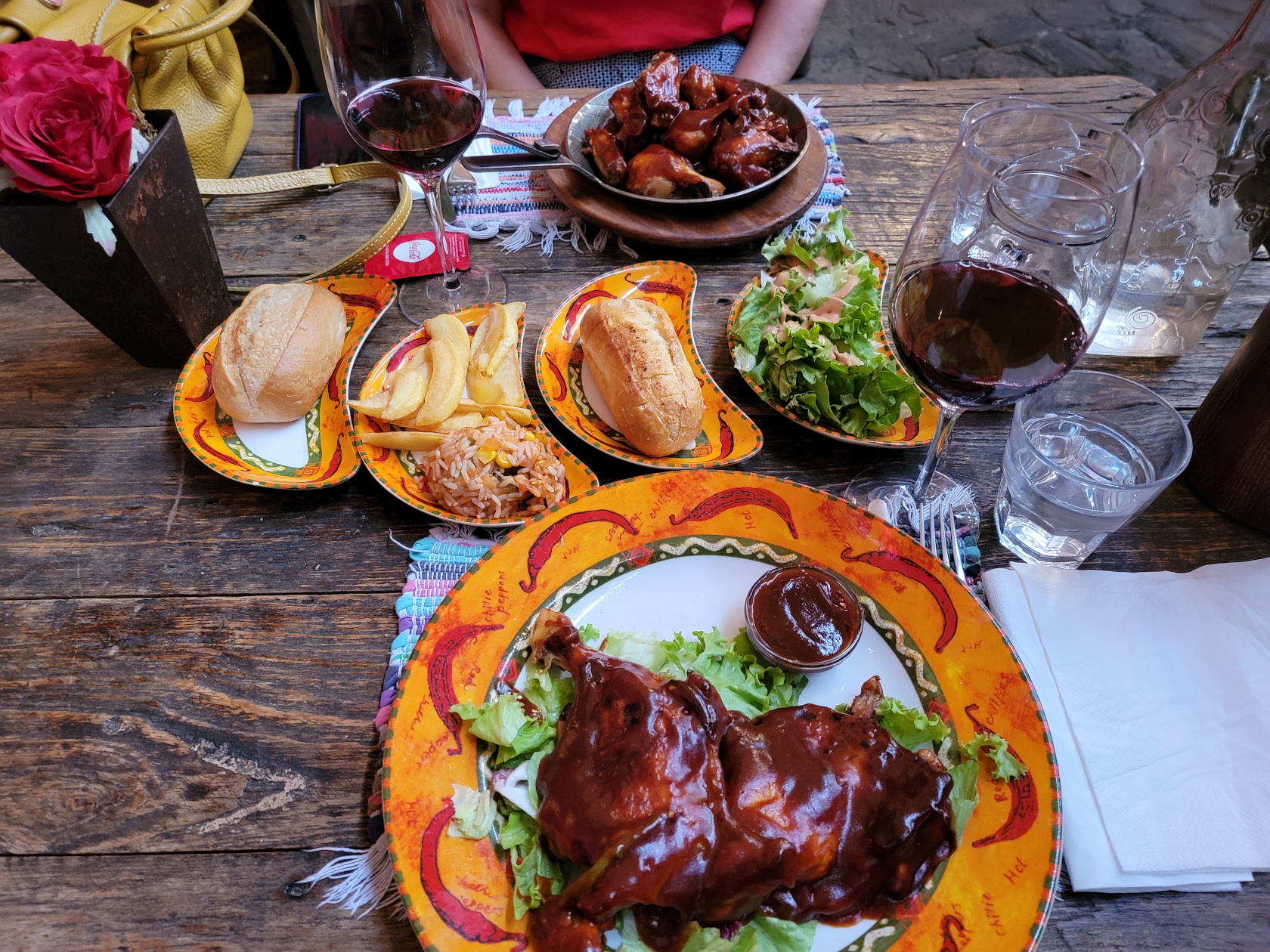
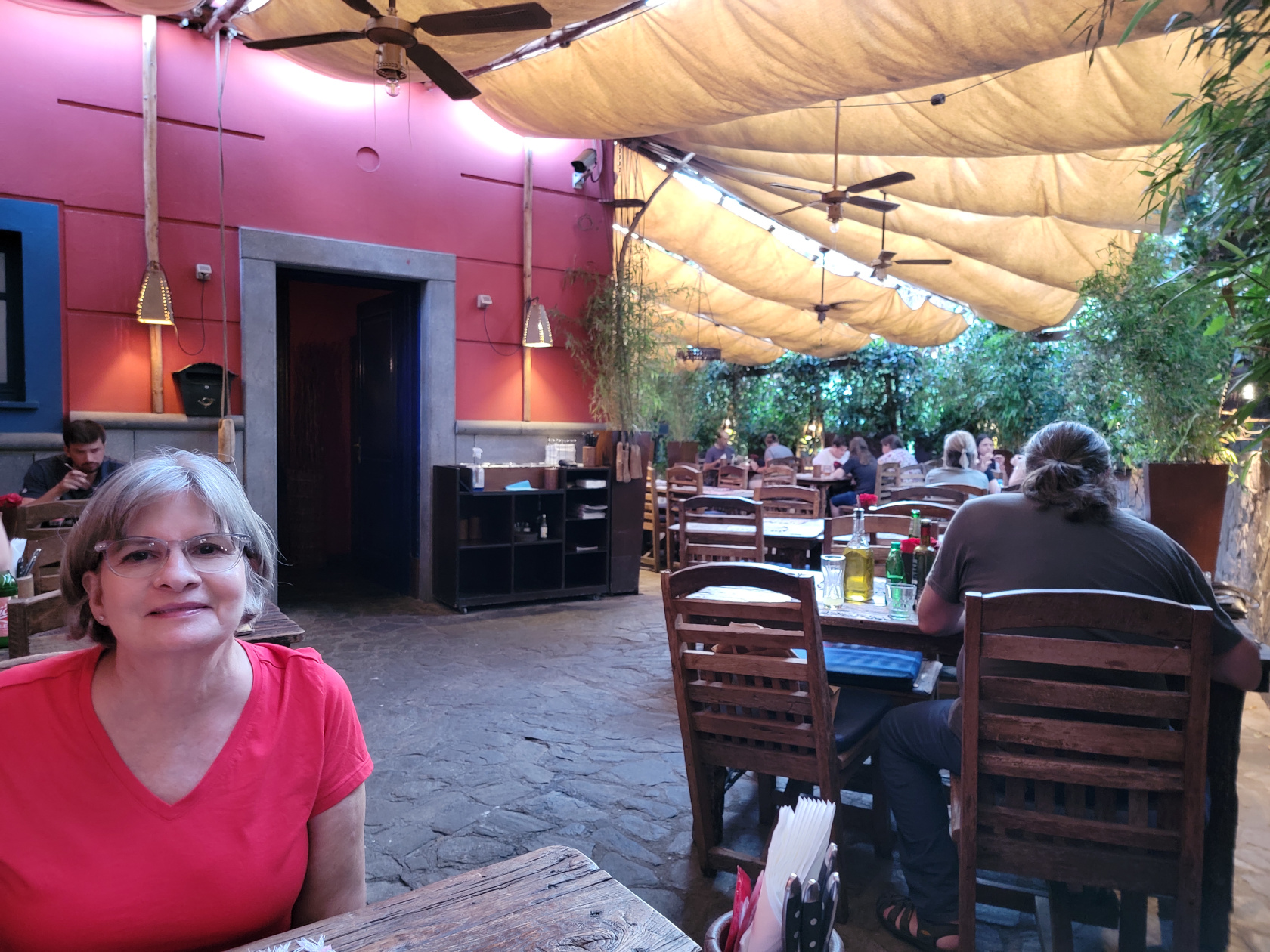
The Cantina Mexicana is a very good mexican restaurant that features both Mexican and Tex-Mex cuisine. It wasn’t too difficult to find something appetizing among the enormous selection of food they offer in their menu.
Ljubljana – Cantina Mexicana Restaurant – Barbecued Chicken
Aside from the Adriatic Magnetic Anomaly, there is an additional one along the the Adriatic Coast that few know about, it’s called Piran.
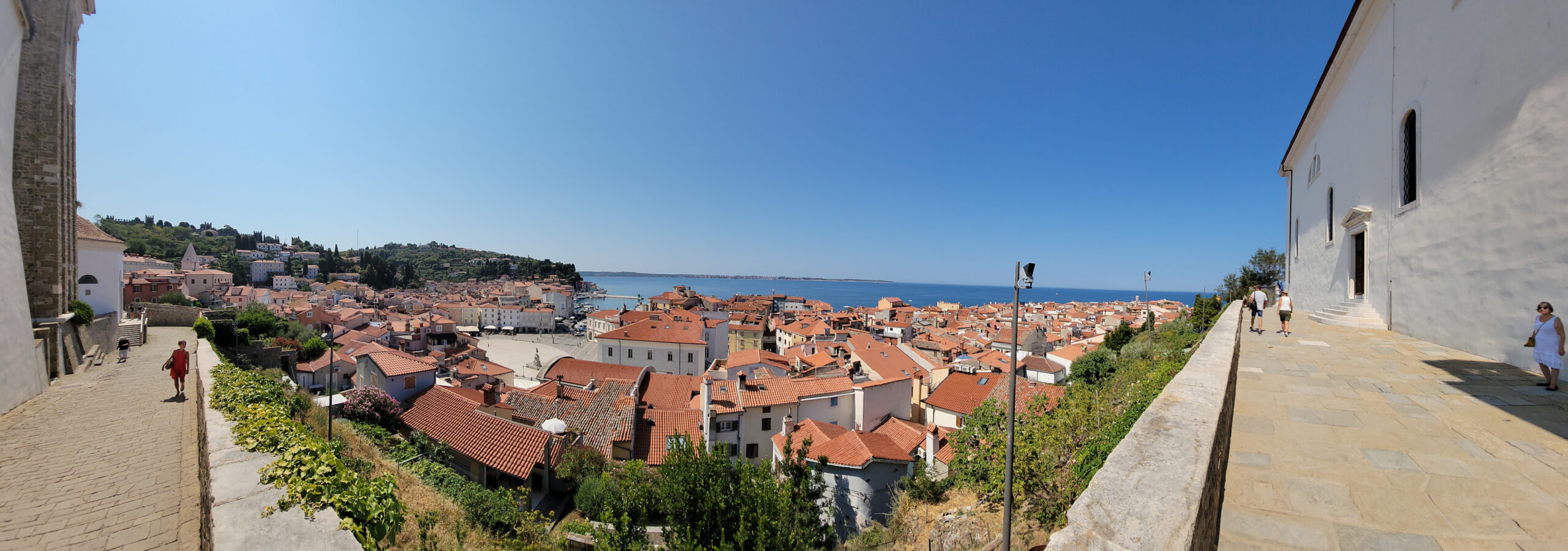
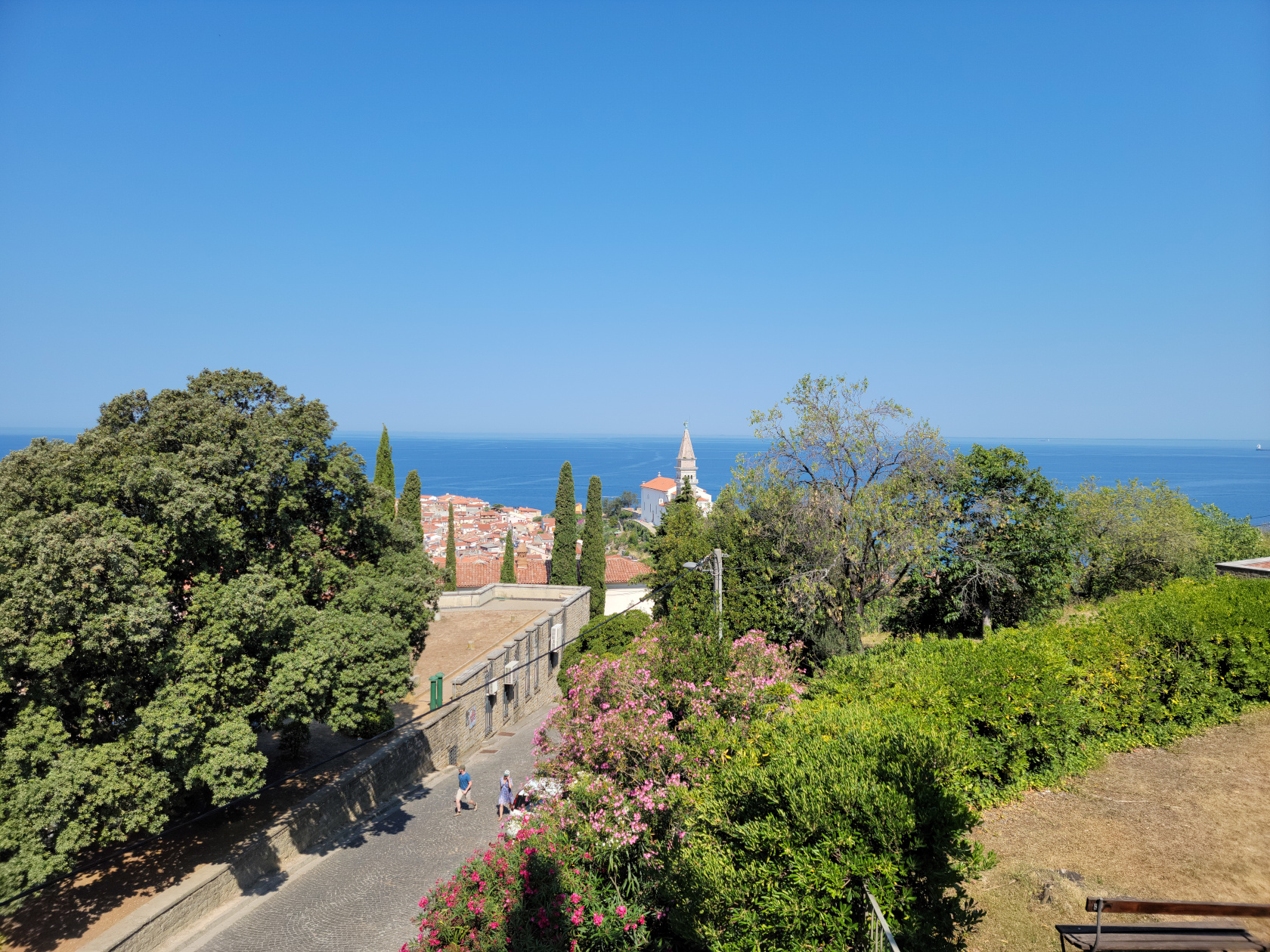
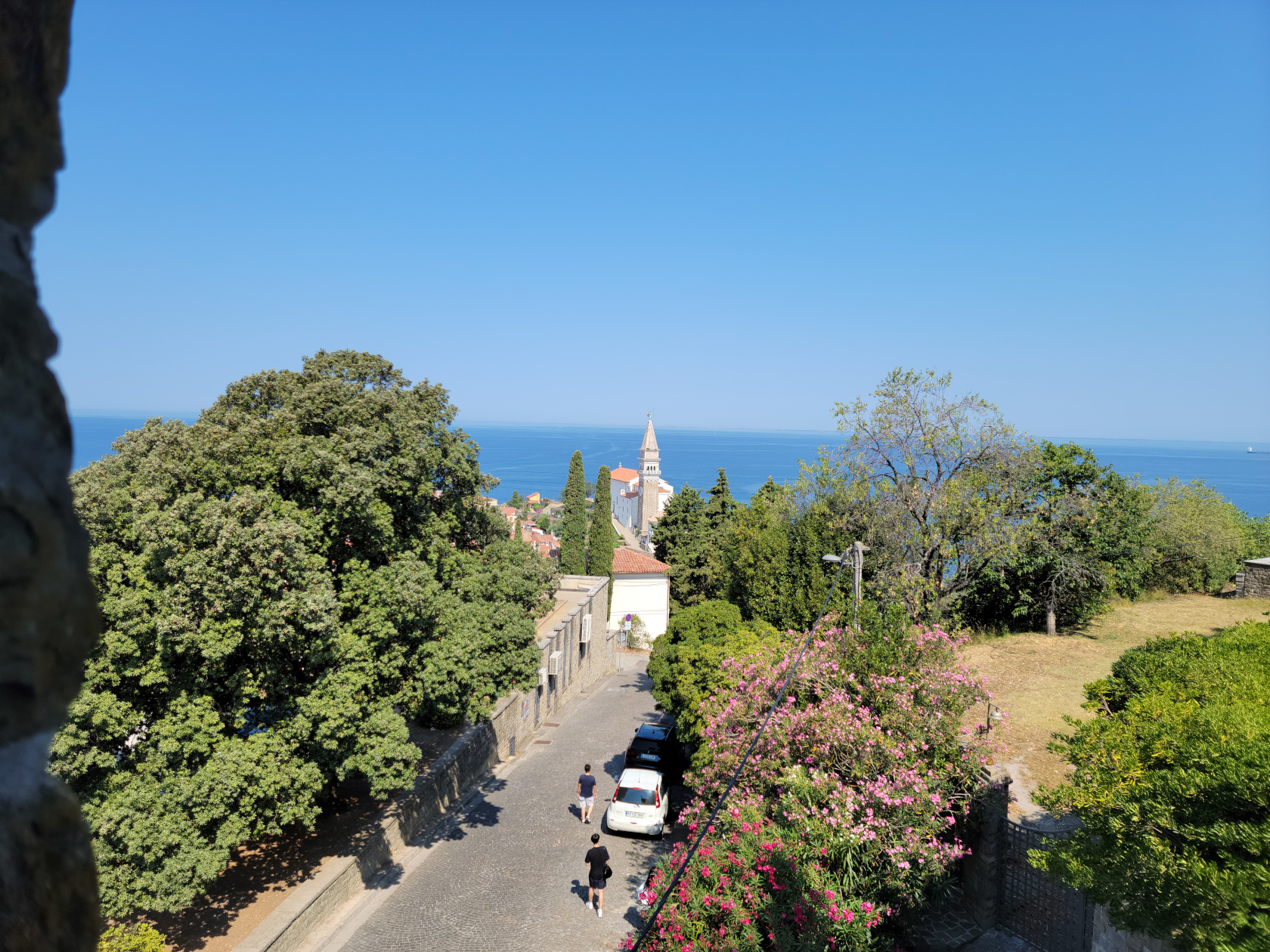
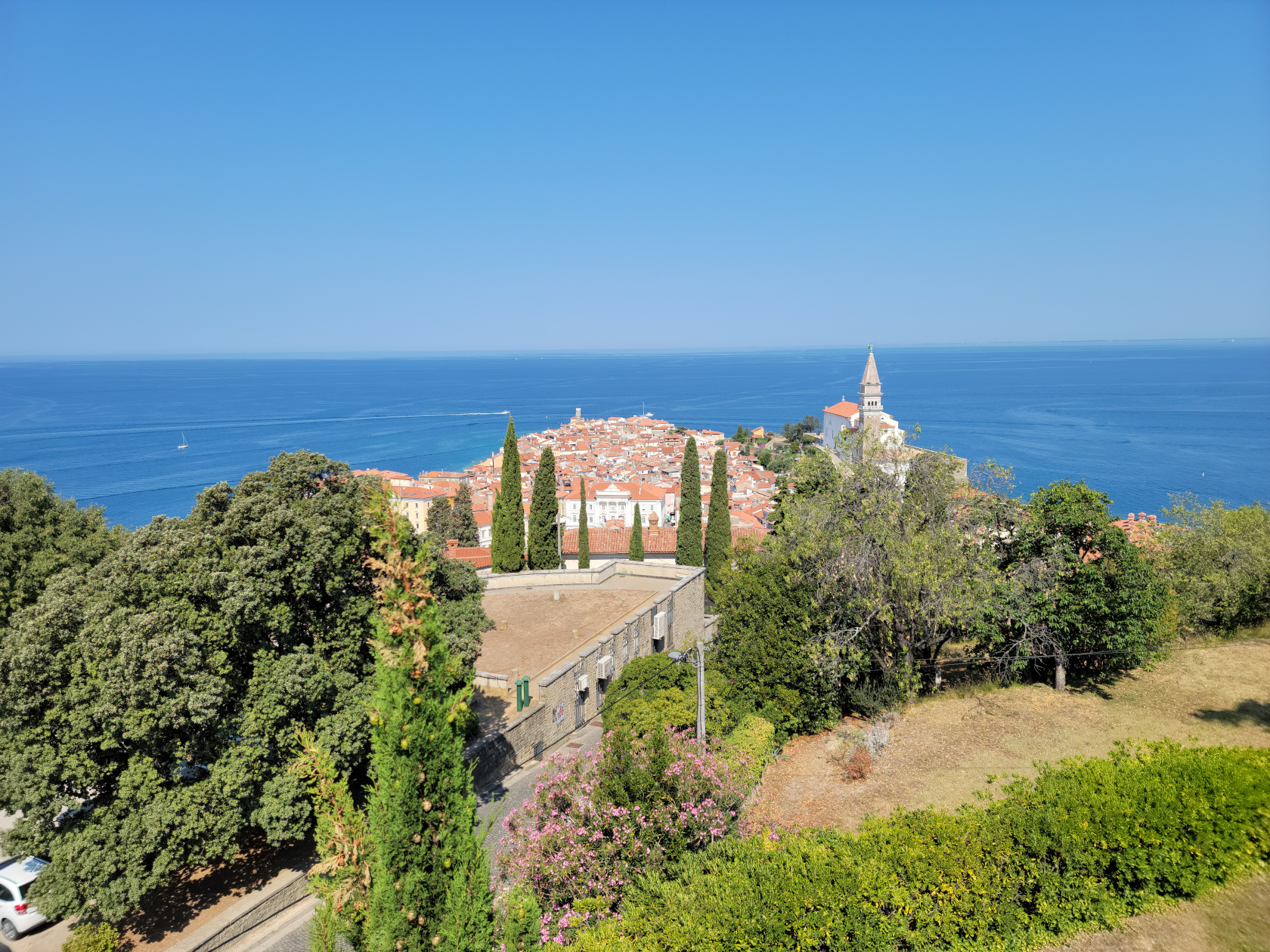
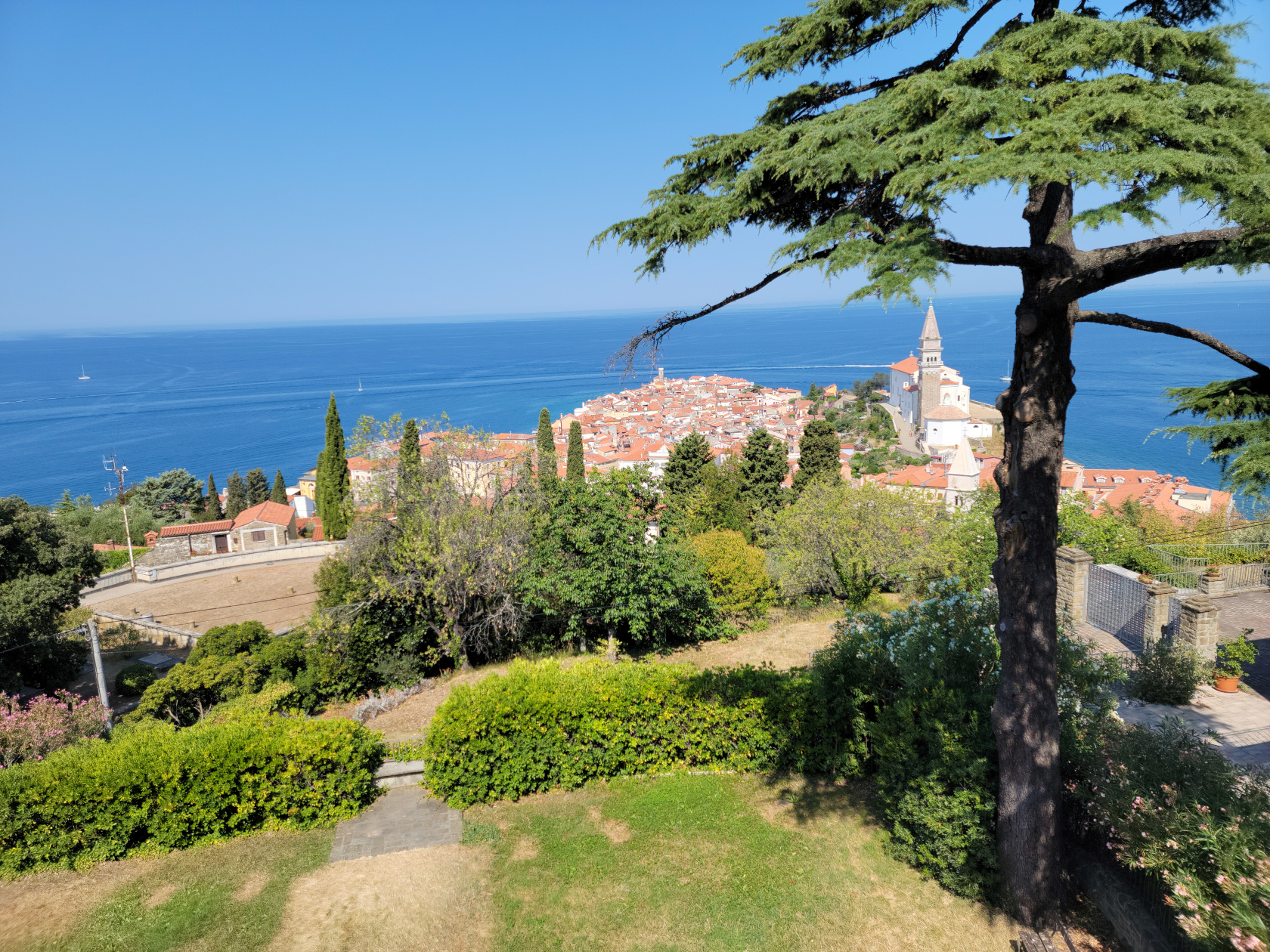
Piran – View of the Town
I call it an anomaly, because one appears to have no other reasonable way of getting there except by car, which for Europe, one has to admit is very strange.[1]There are several other forms of transportation, but none of them go and return on the same day and almost all run irregularly.
Piran – A Day Trip From Trieste
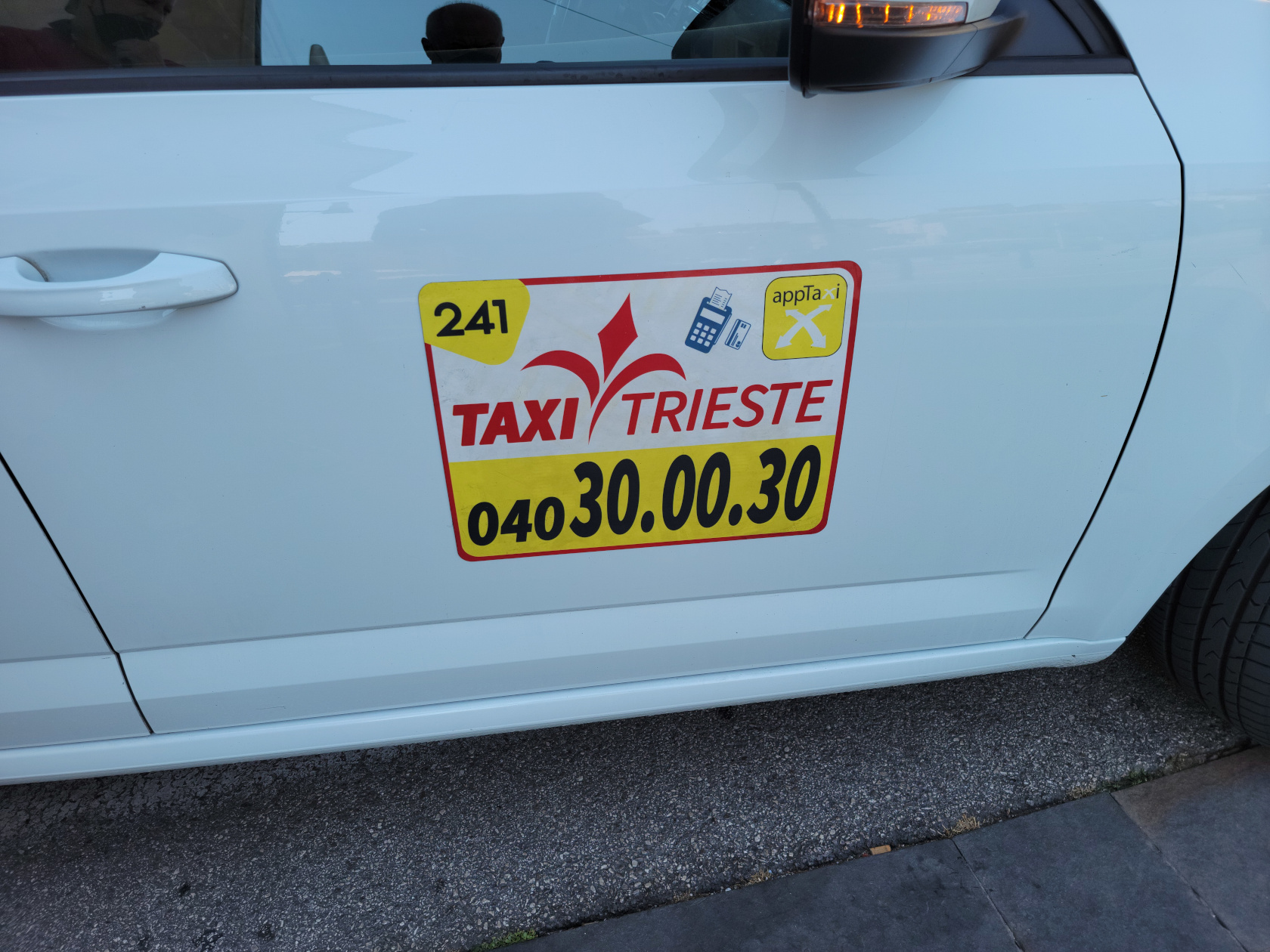
After our Get Your Guide guide cancelled on us, we had to arrange a transfer through our hotel concierge using Taxi Trieste, in order to visit this town for one day. They were actually very good and came in under the amount quoted by the other service (160€ versus 198€), although in this case to be fair, it was just for the transfer and not an all-day stop-and-go tour.
Piran – Taxi Trieste – Perhaps the only way to get to Piran and back in one day
Piran The City
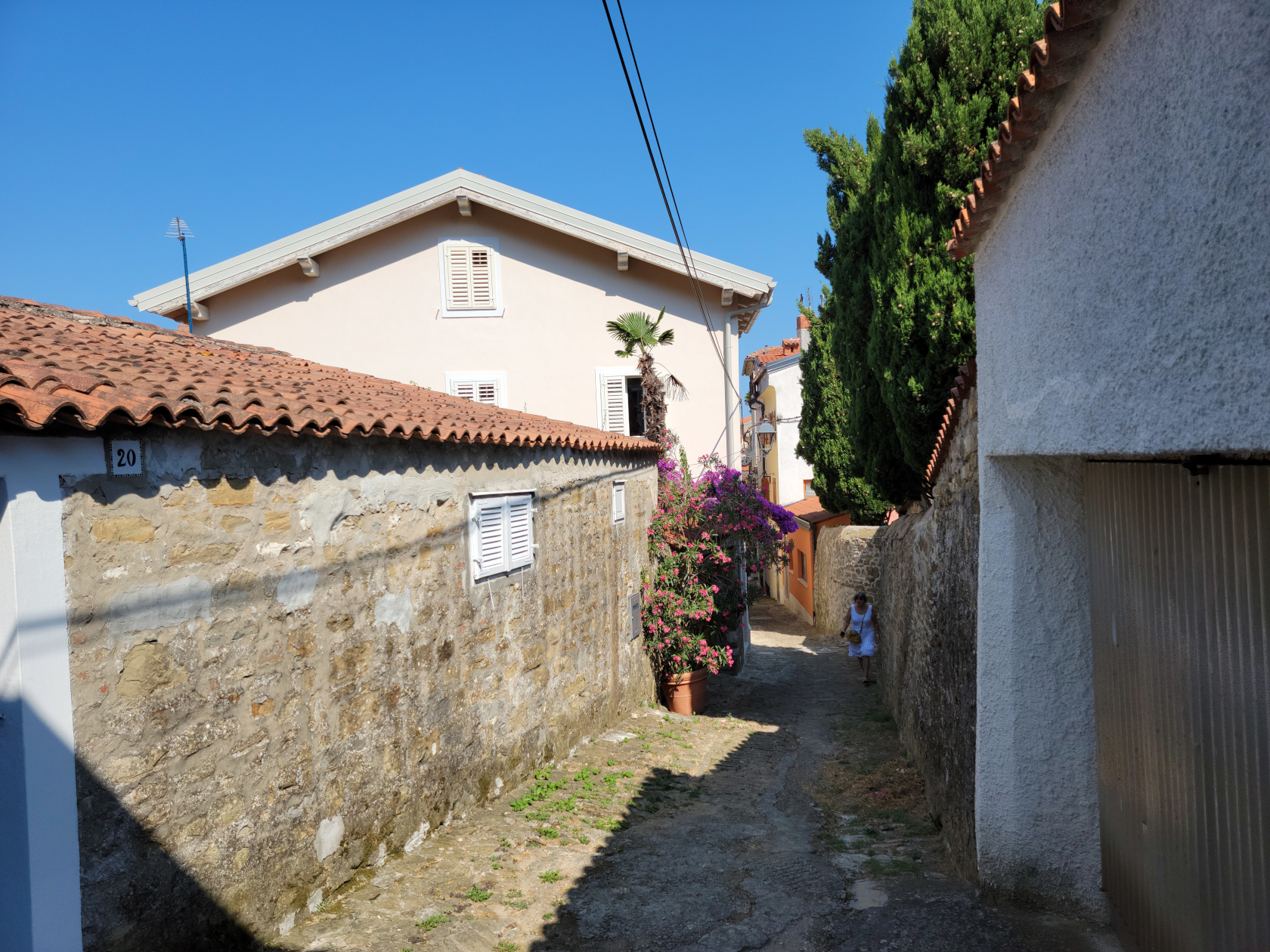
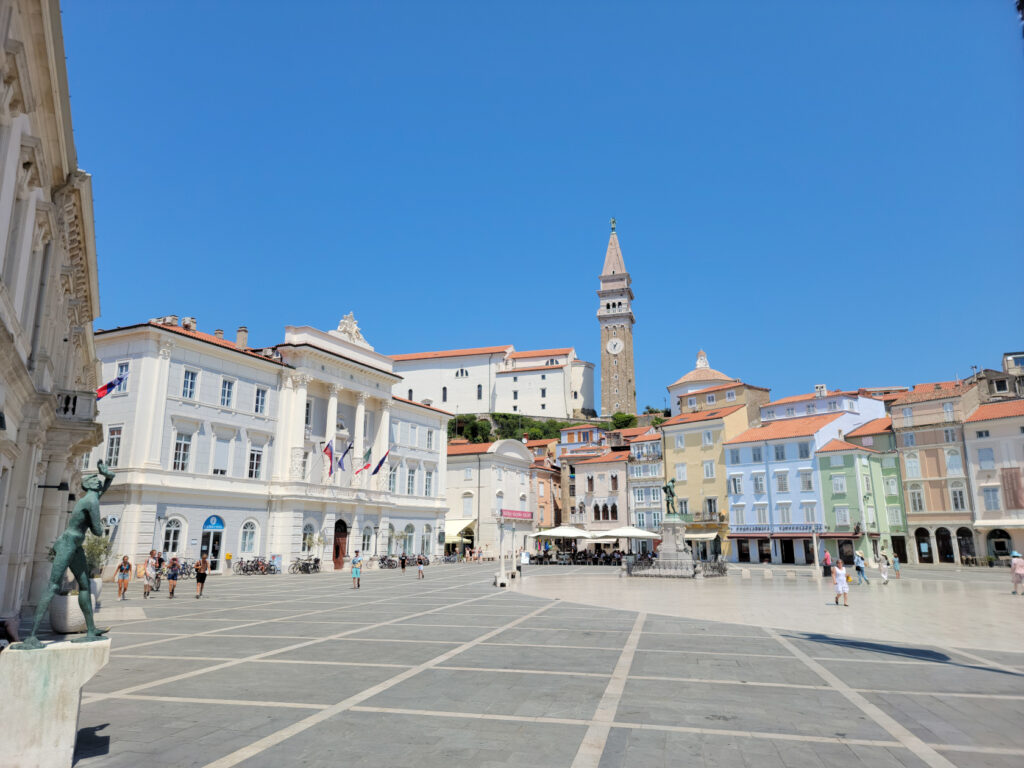
Piran is located on the Piran peninsula and juts out like a triangle into the Adriatic Sea, the Gulf of Piran to one side and the Gulf of Trieste to the other. One can immediately see that the city itself and its architecture have been strongly influenced by both the Venetians and the Hapsburgs (Austro-Hungarian Empire). The church towers have that Venetian look to them, as well as many of the houses and business structures outlining the Tartini Piazza.
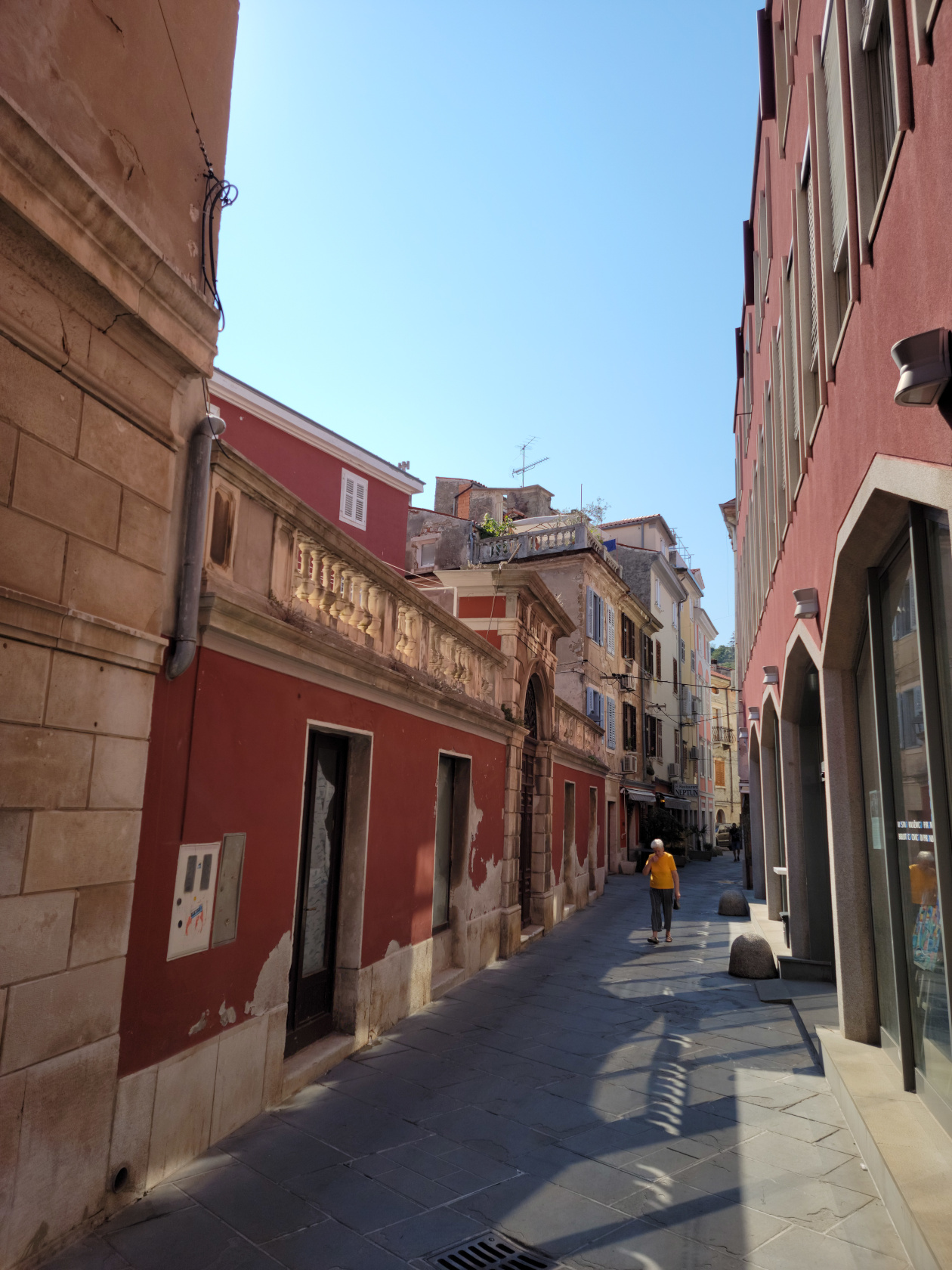
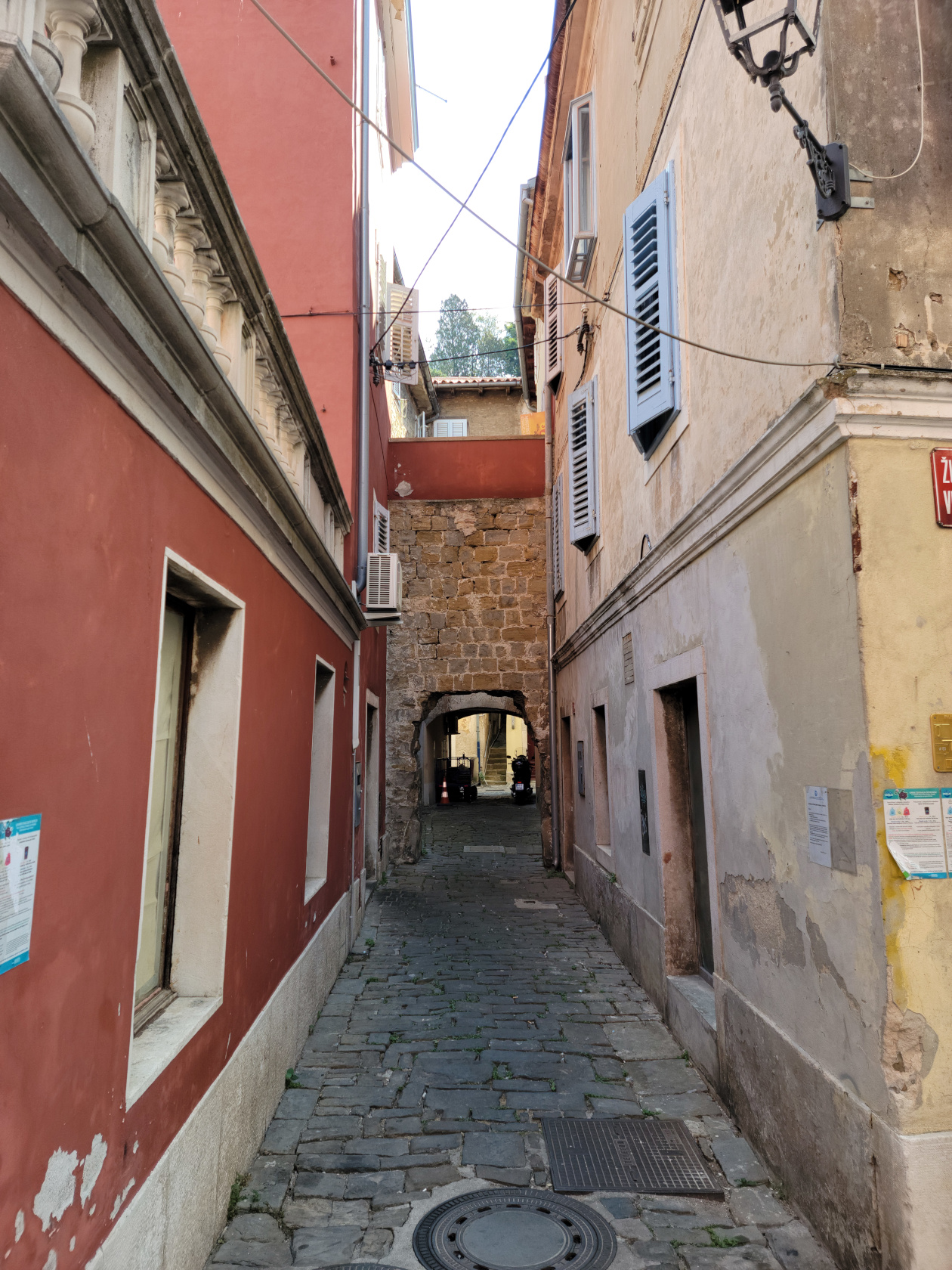
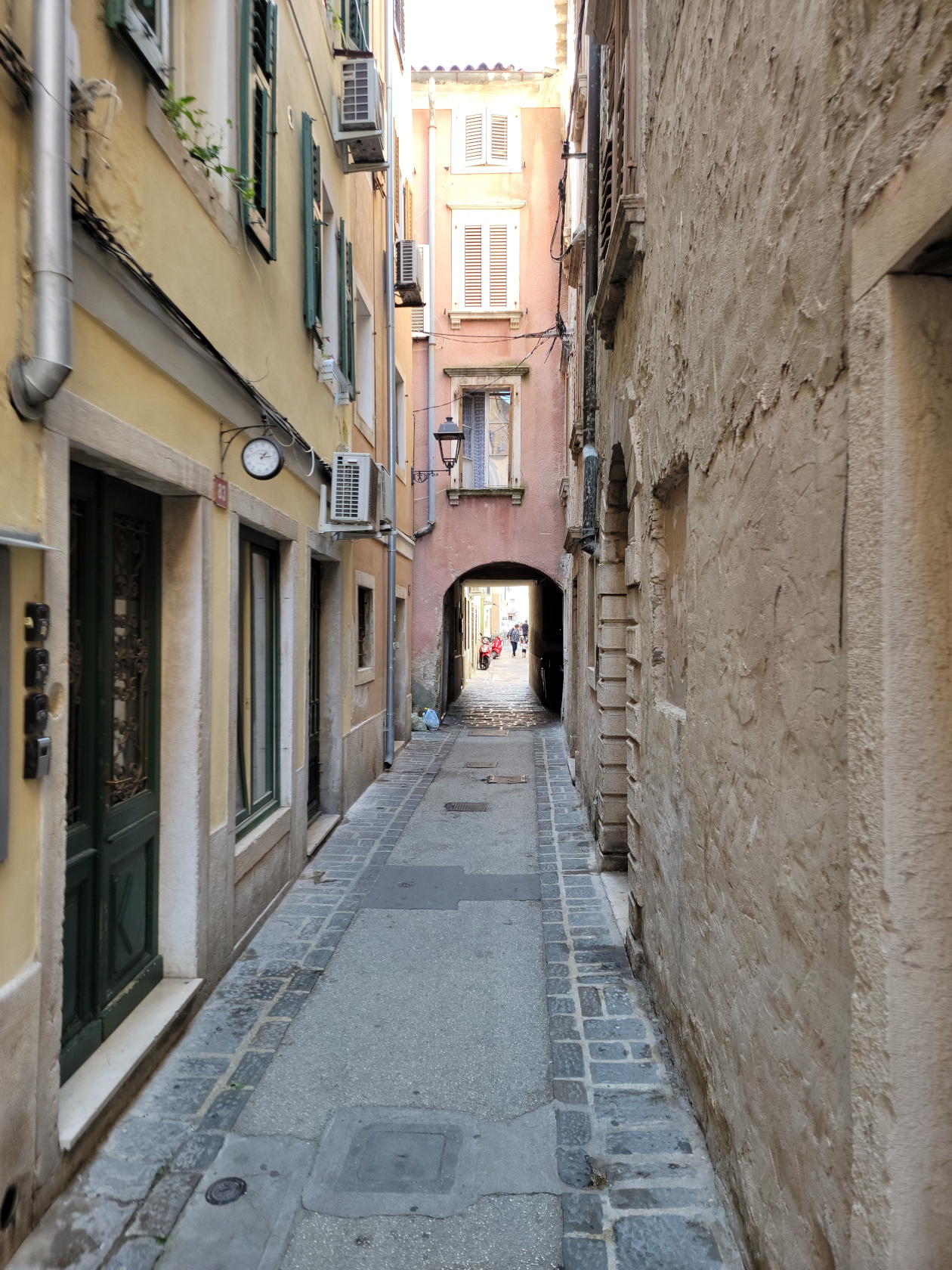
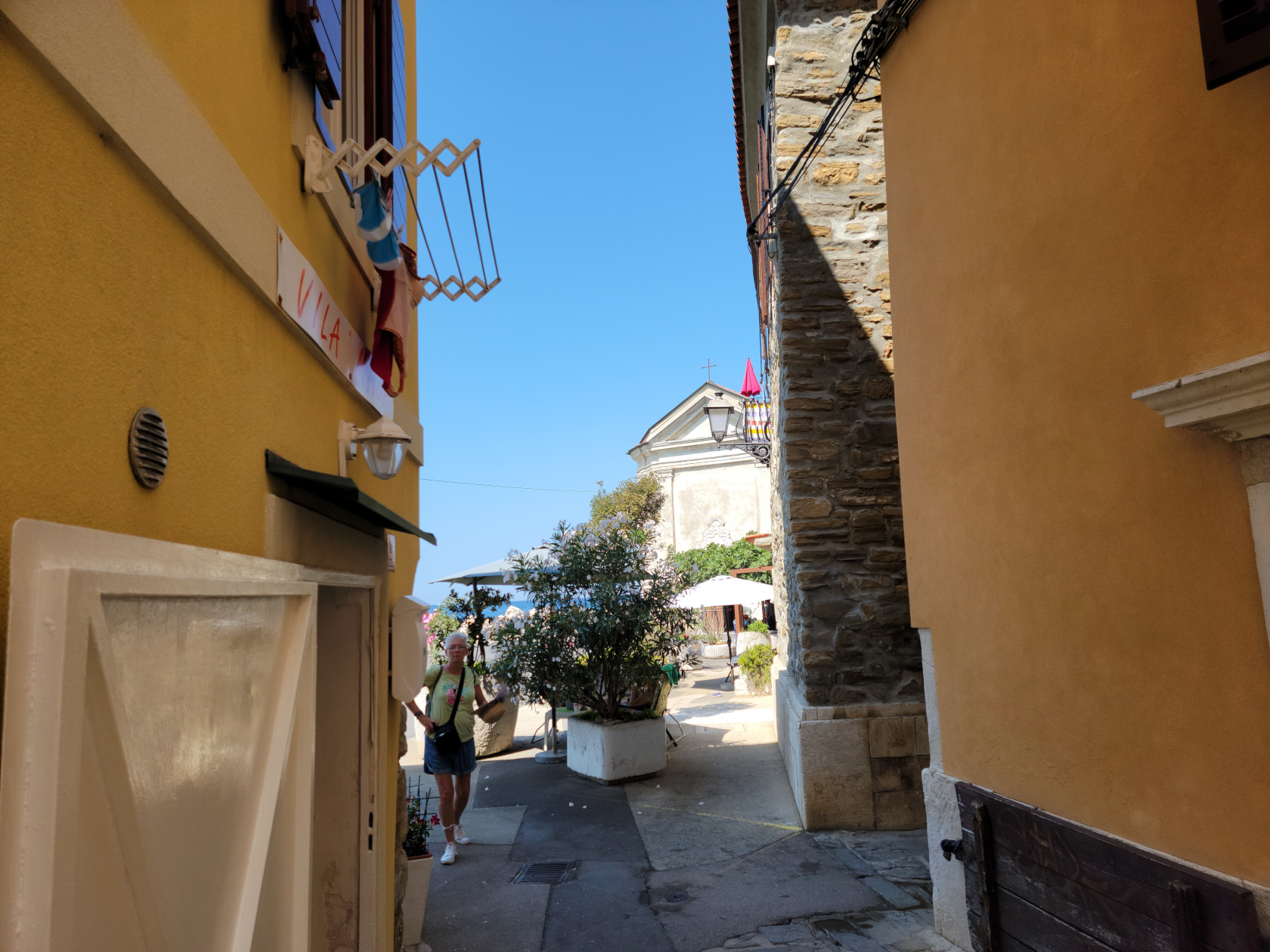
Piran – The Streets
Piran – The Streets
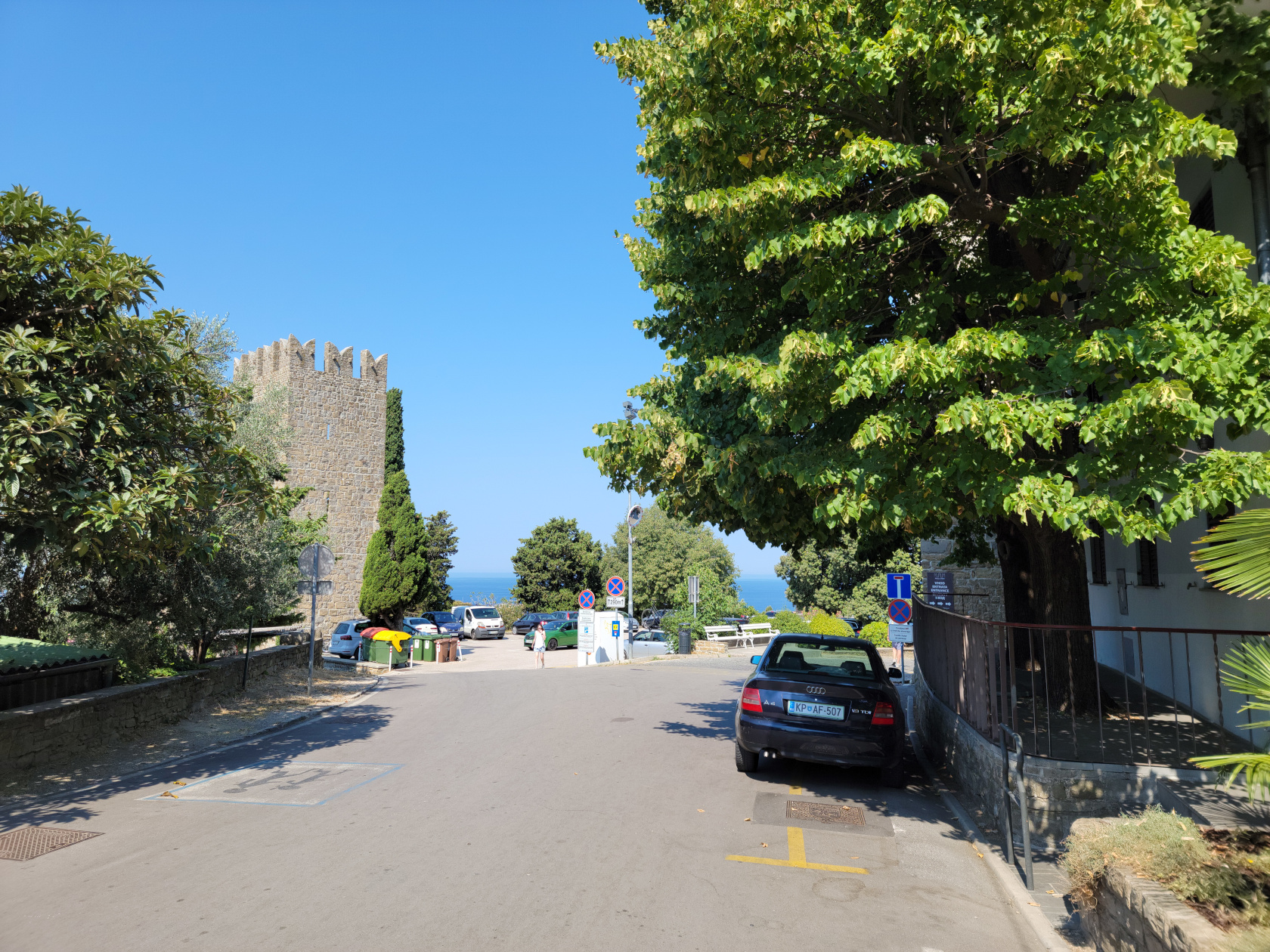
Piran – The Streets – City Gate
Piran – The Streets
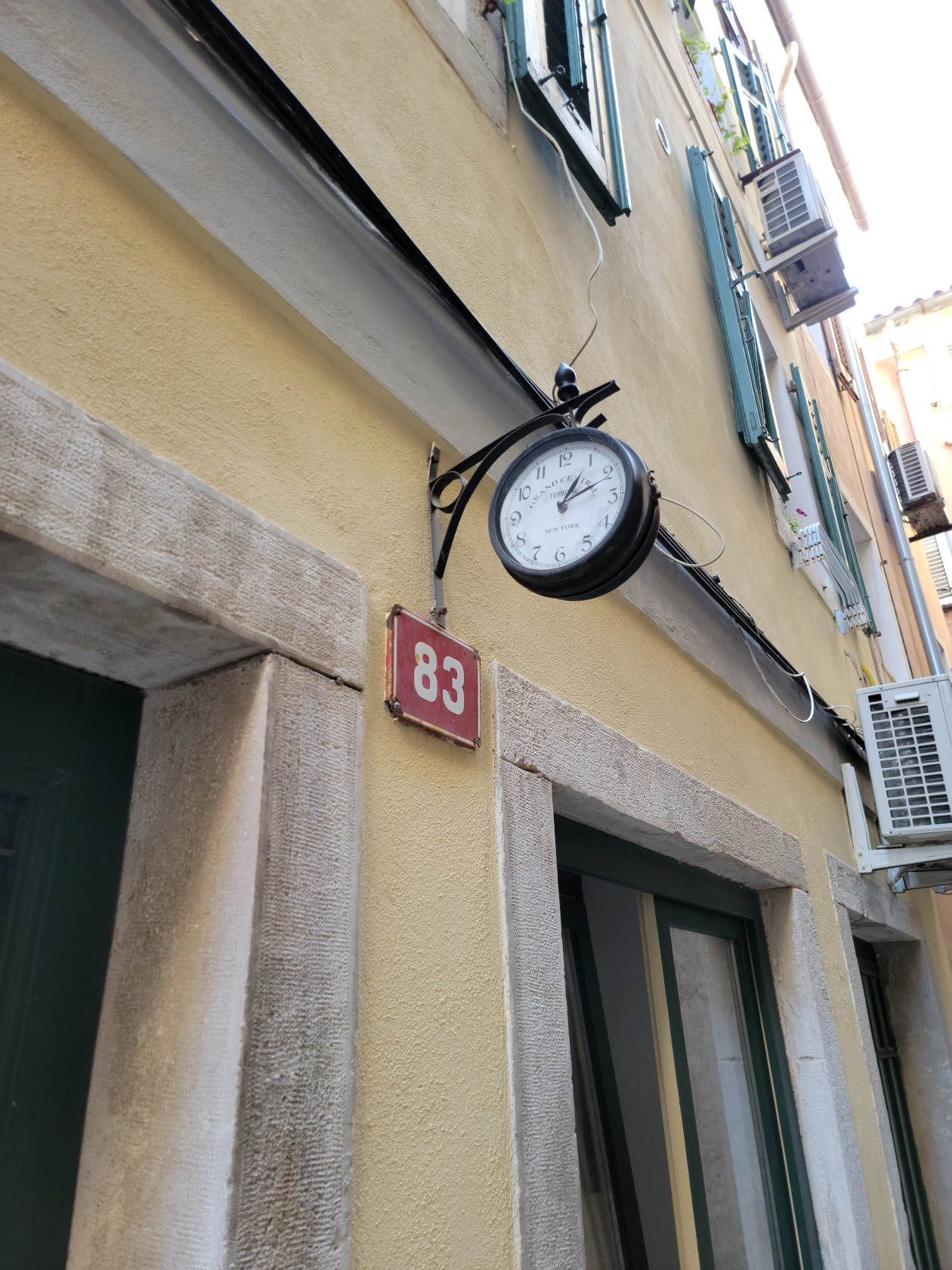
Piran – The Streets – City Clock
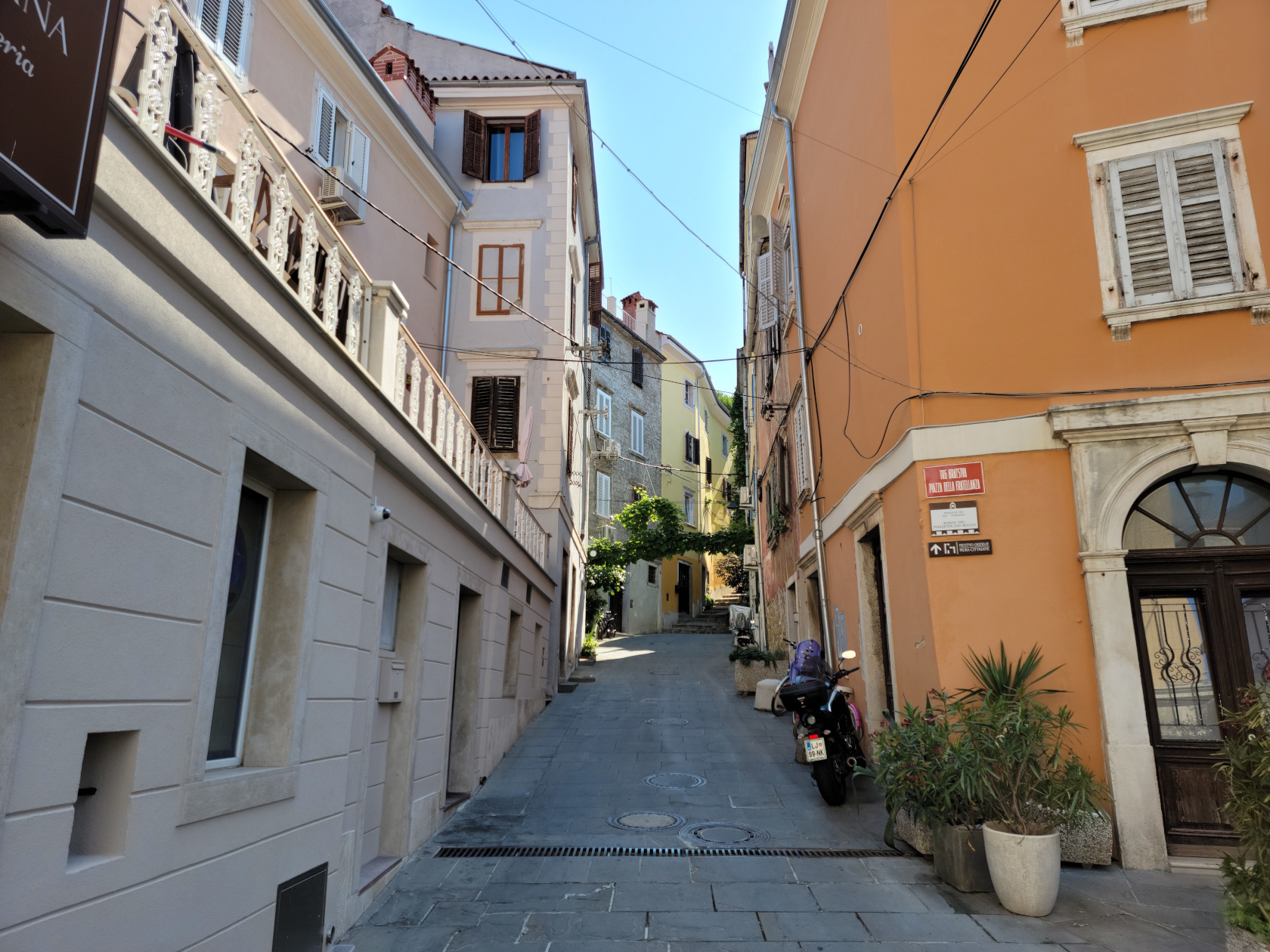
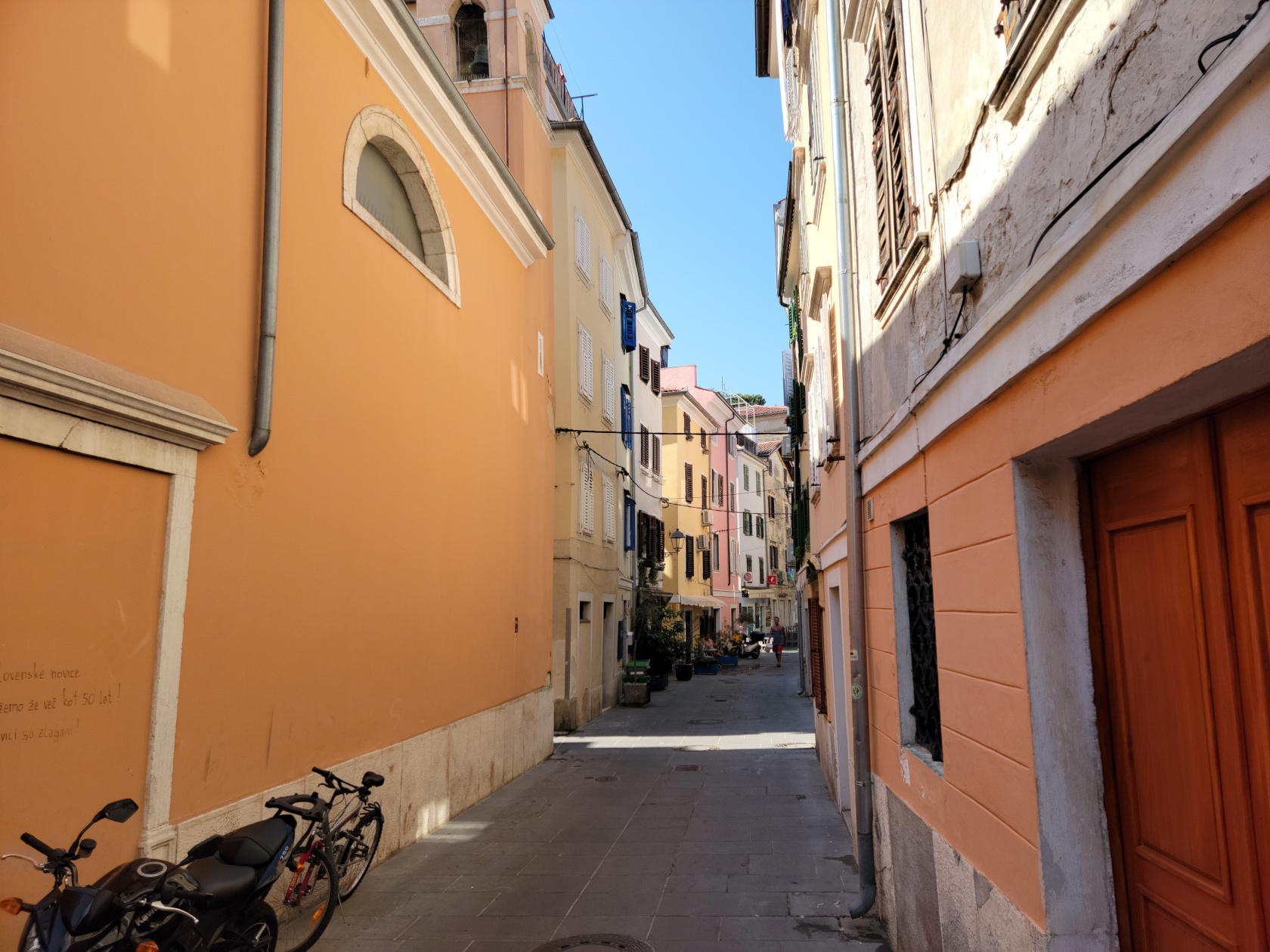
Piran – The Streets
Piran – The Streets
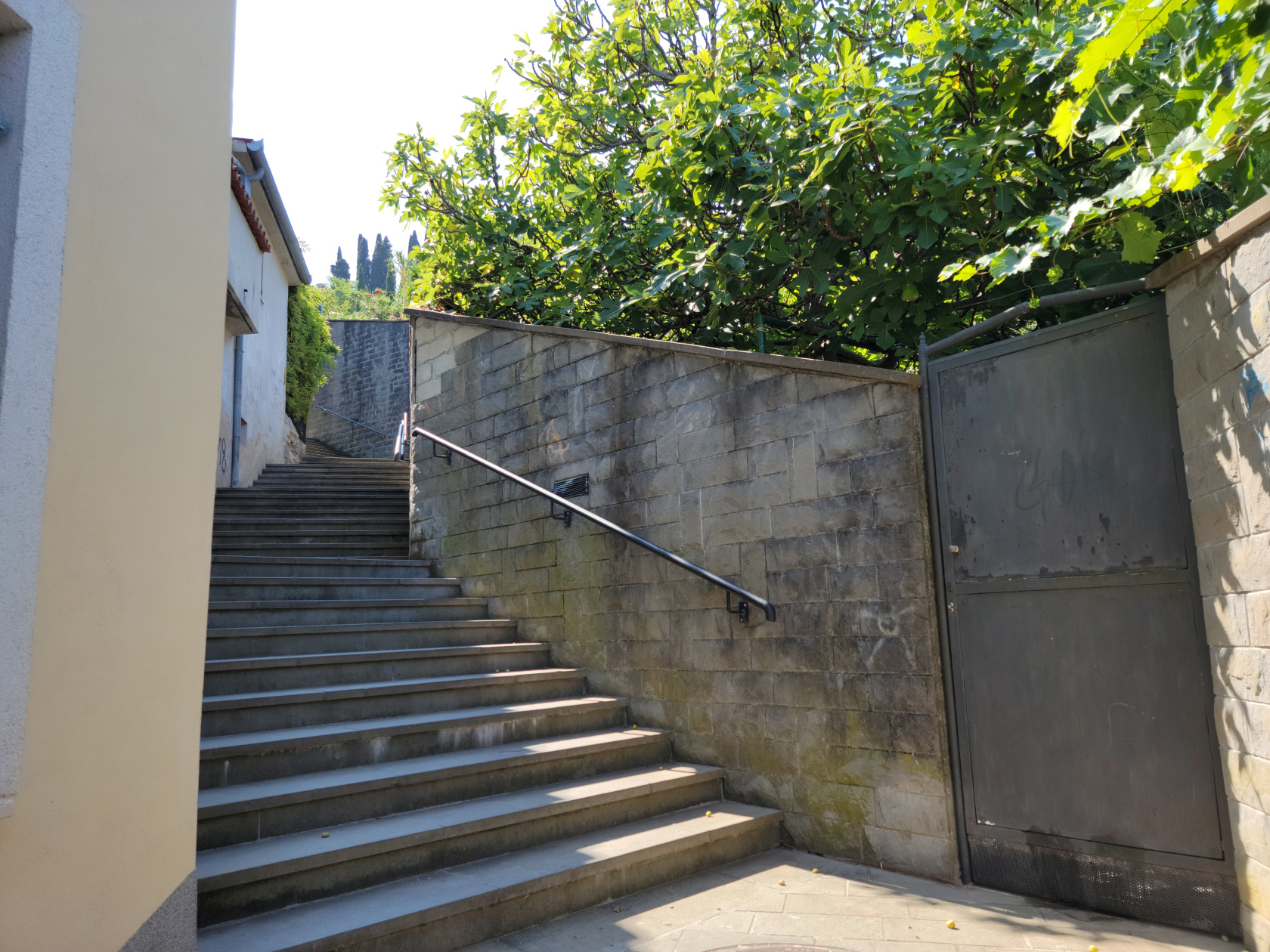
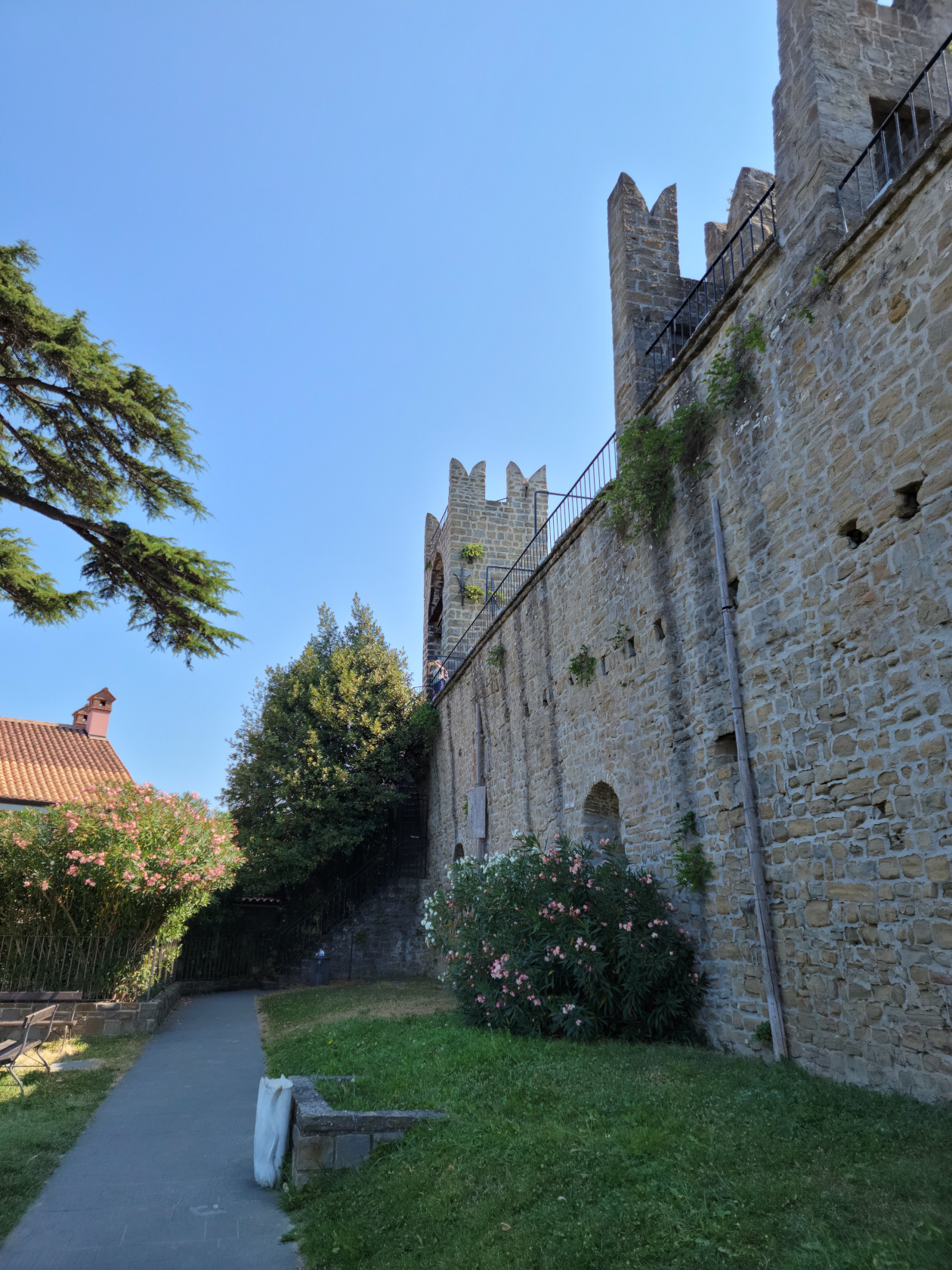
Piran – The Streets Going up to the wall
Piran – Owl Tile in Wall
Piran – The Town
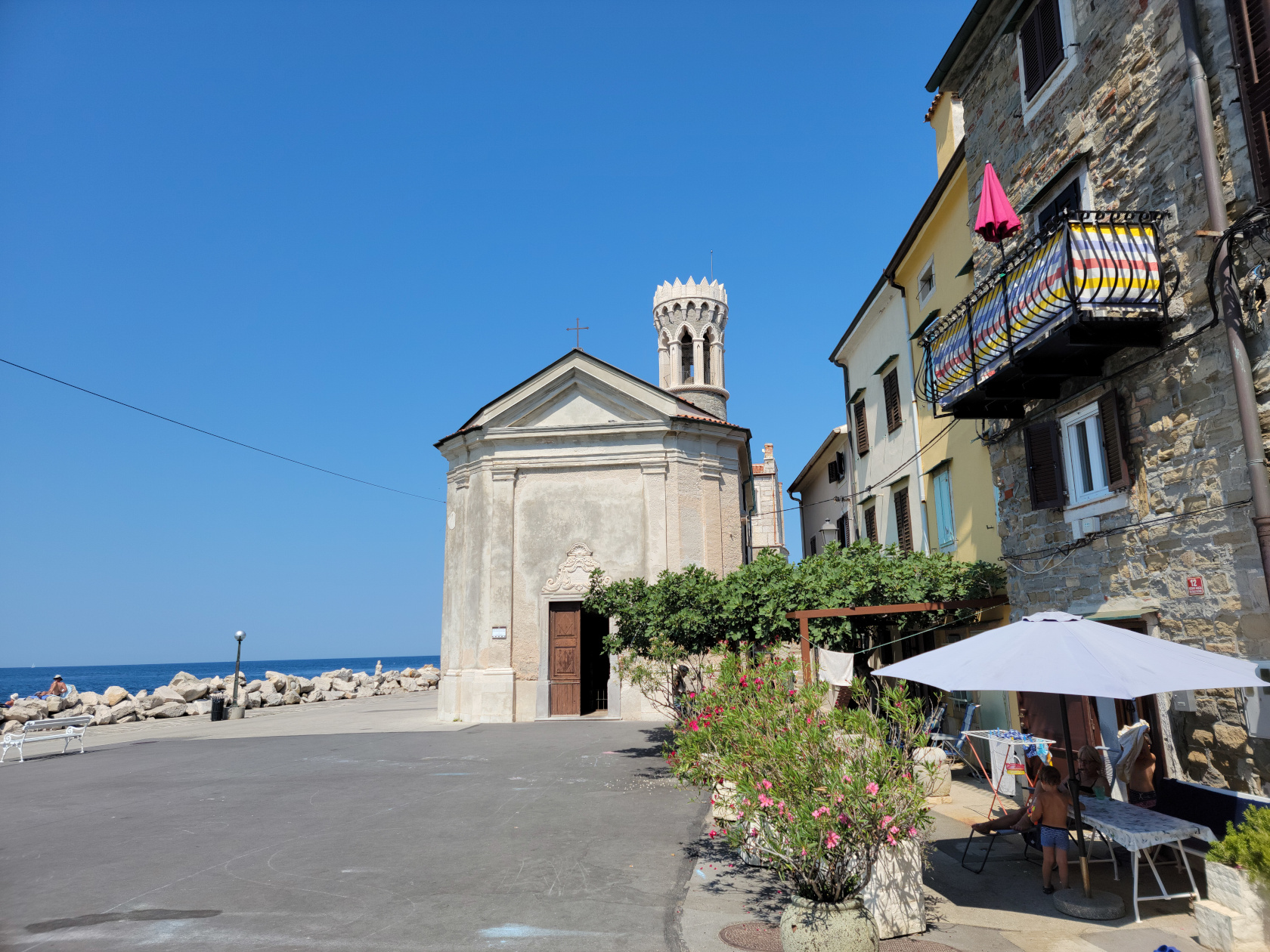
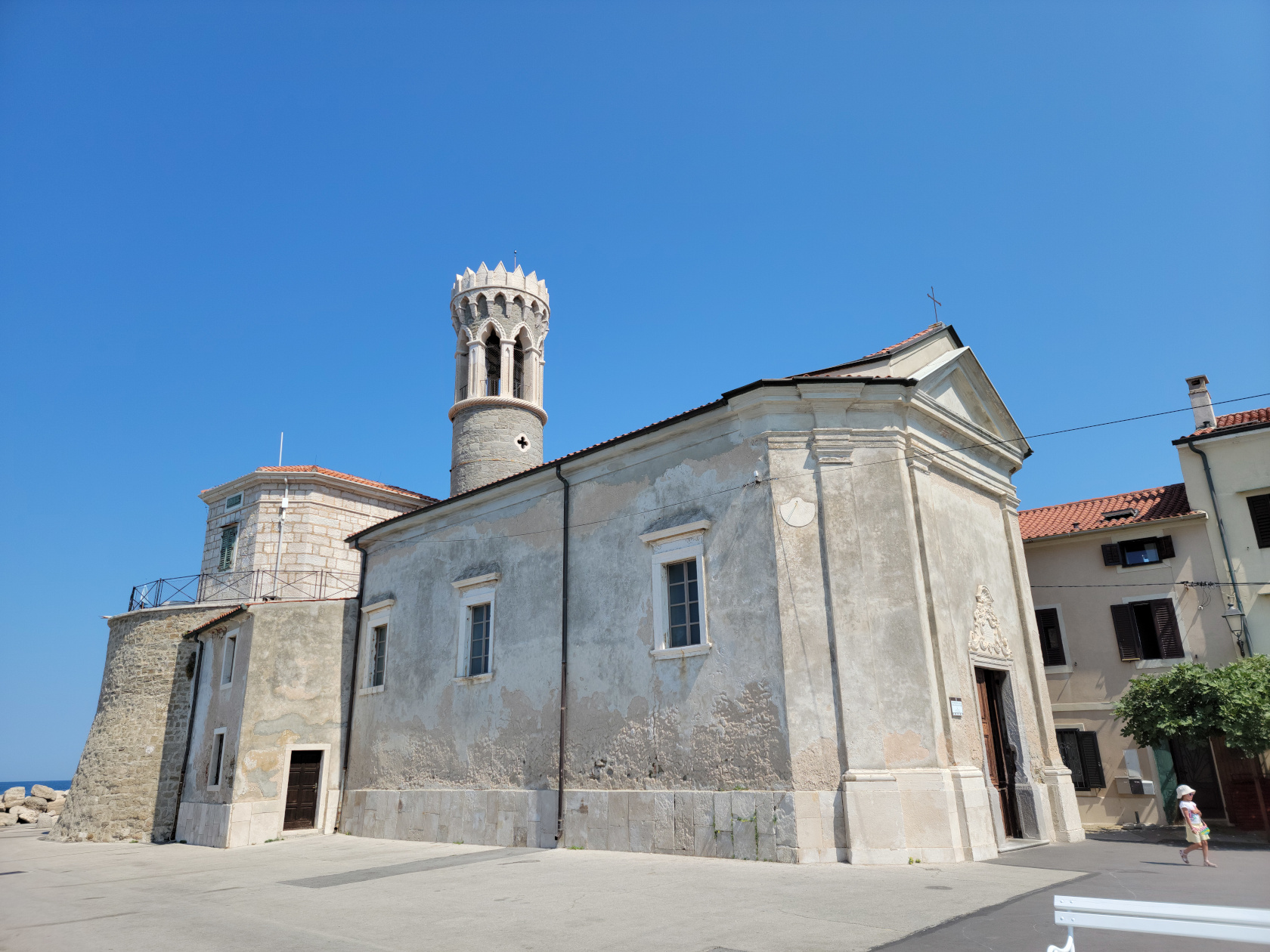
Piran – The Old Church Saint Mary of Healing and the Lighthouse
Piran – The Old Church Saint Mary of Healing and the Lighthouse
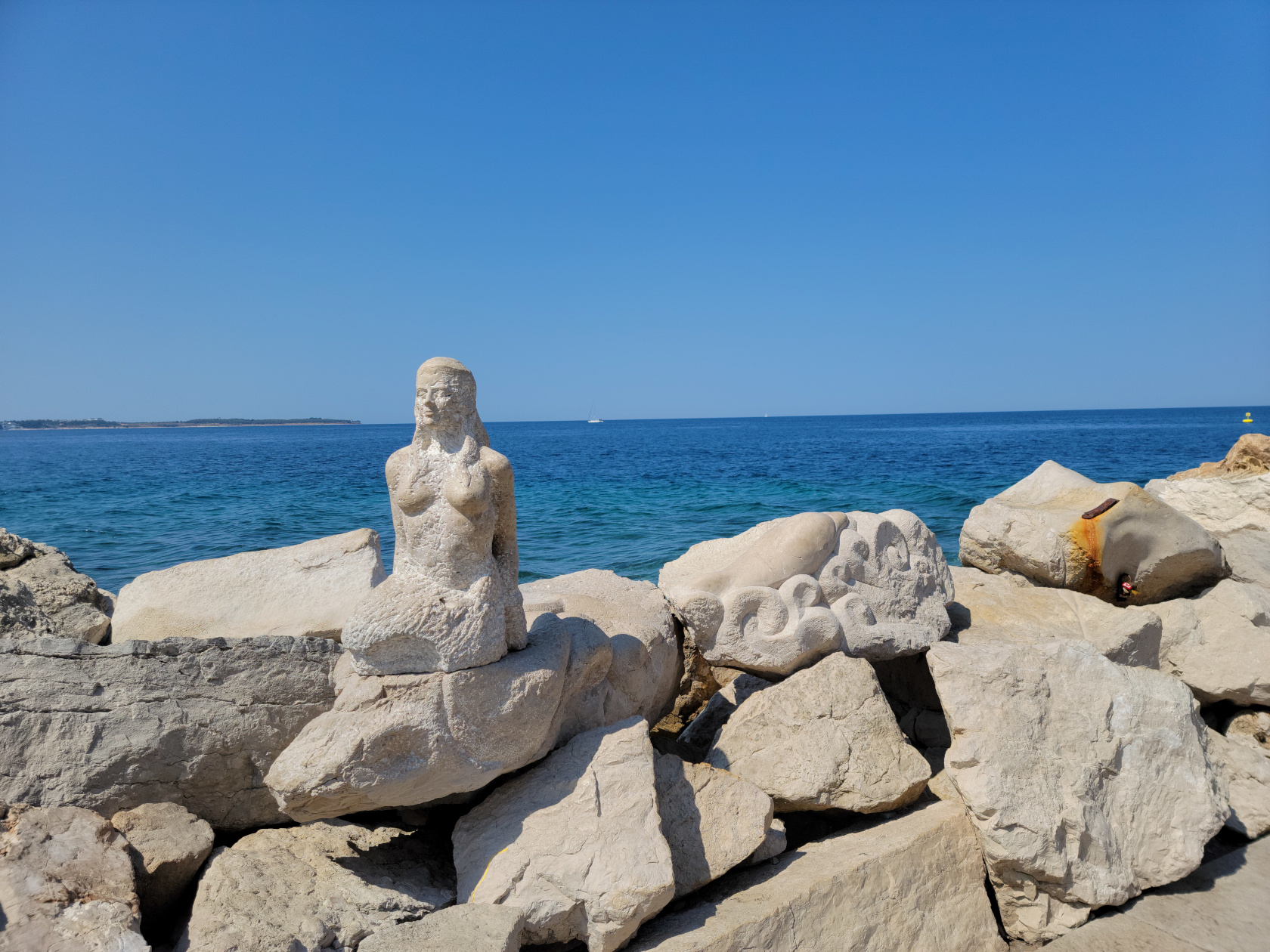
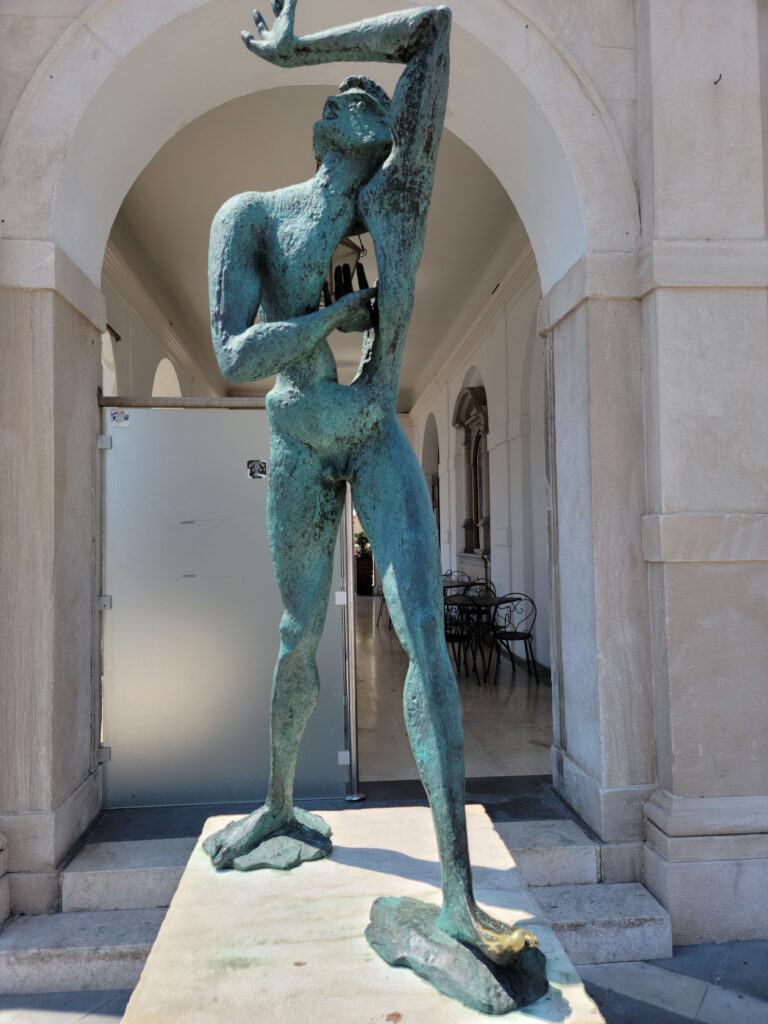
Piran – Sculptor by the sea
Piran – At the point
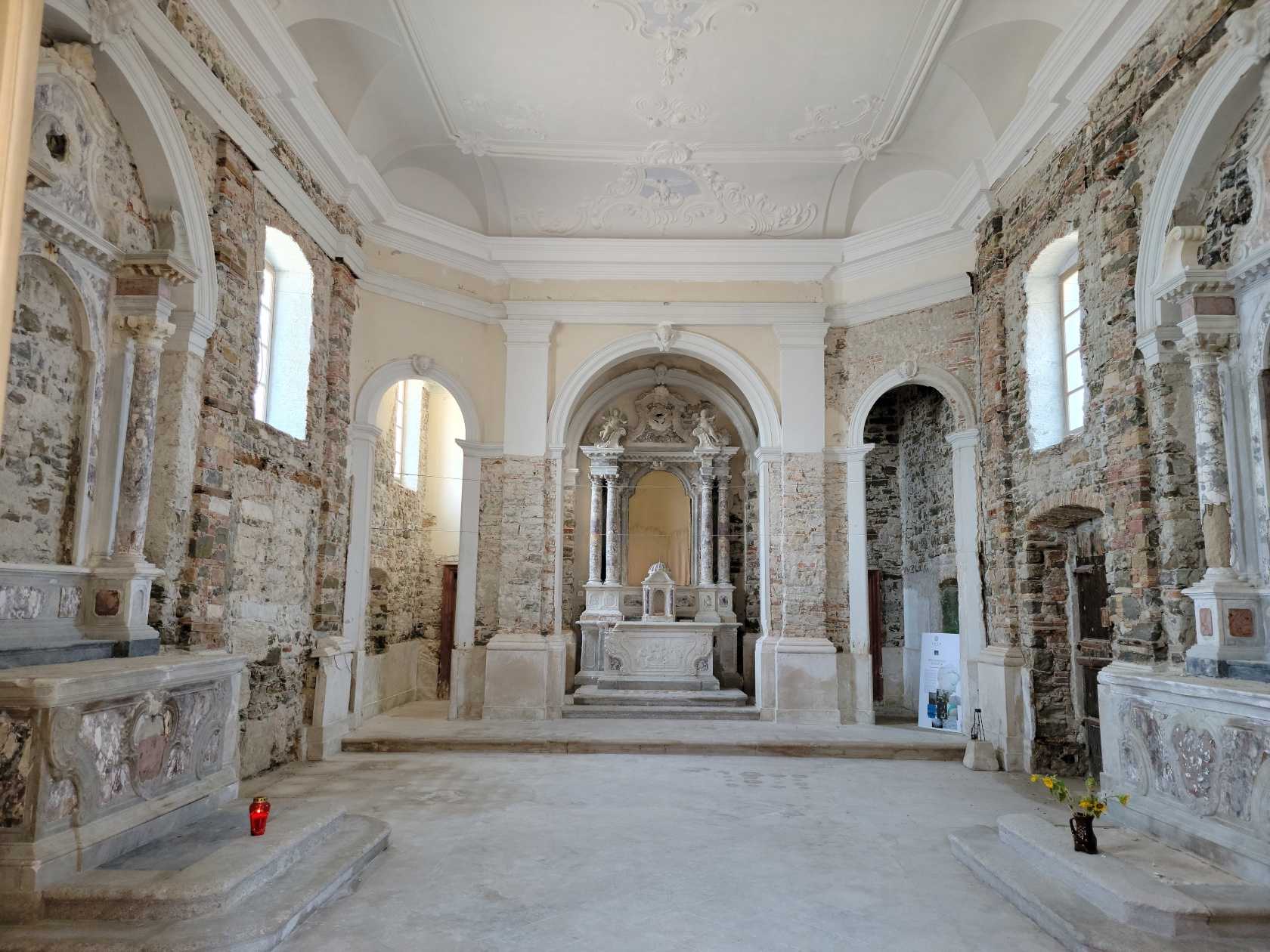
Piran – The Old Church
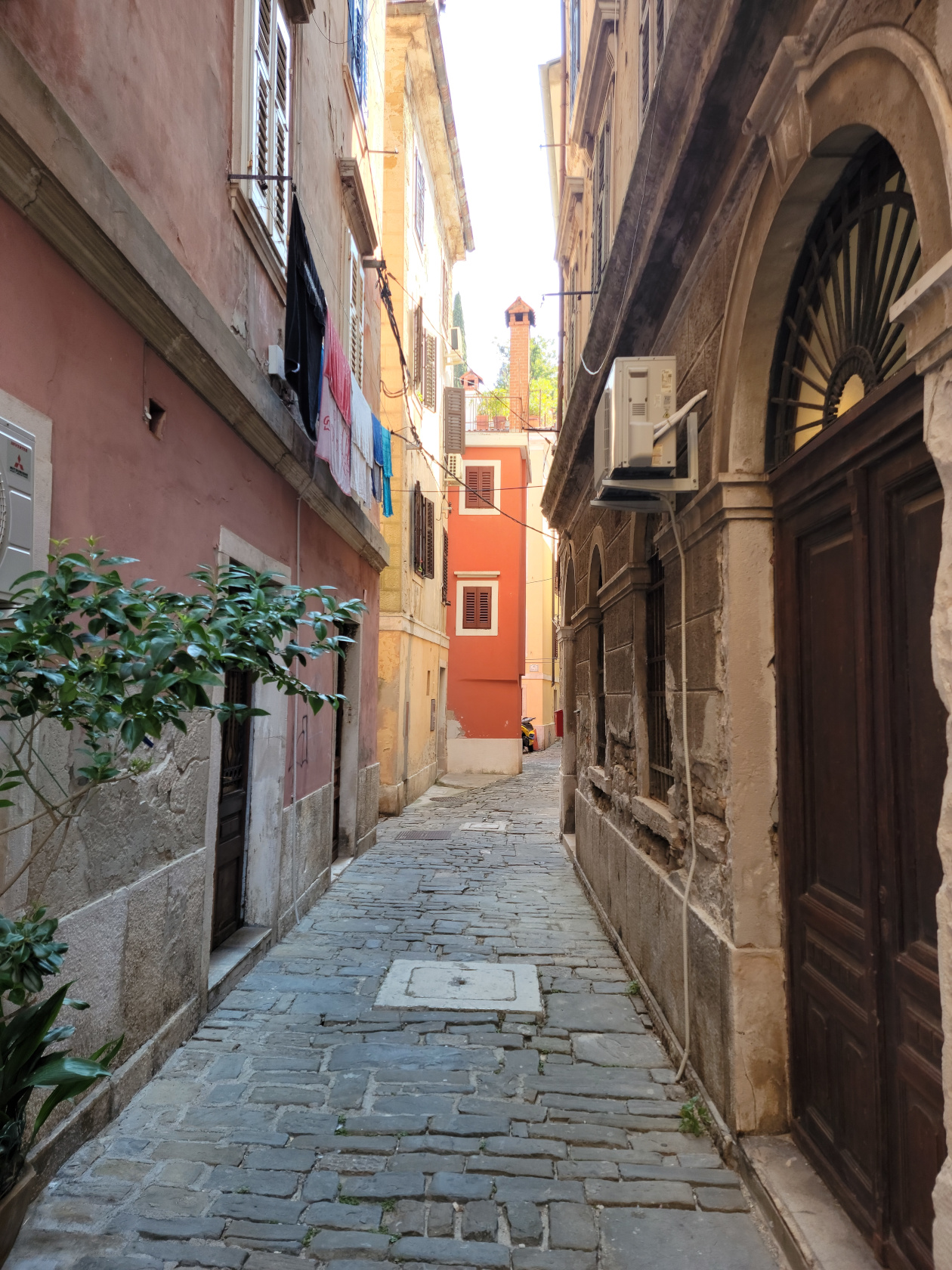
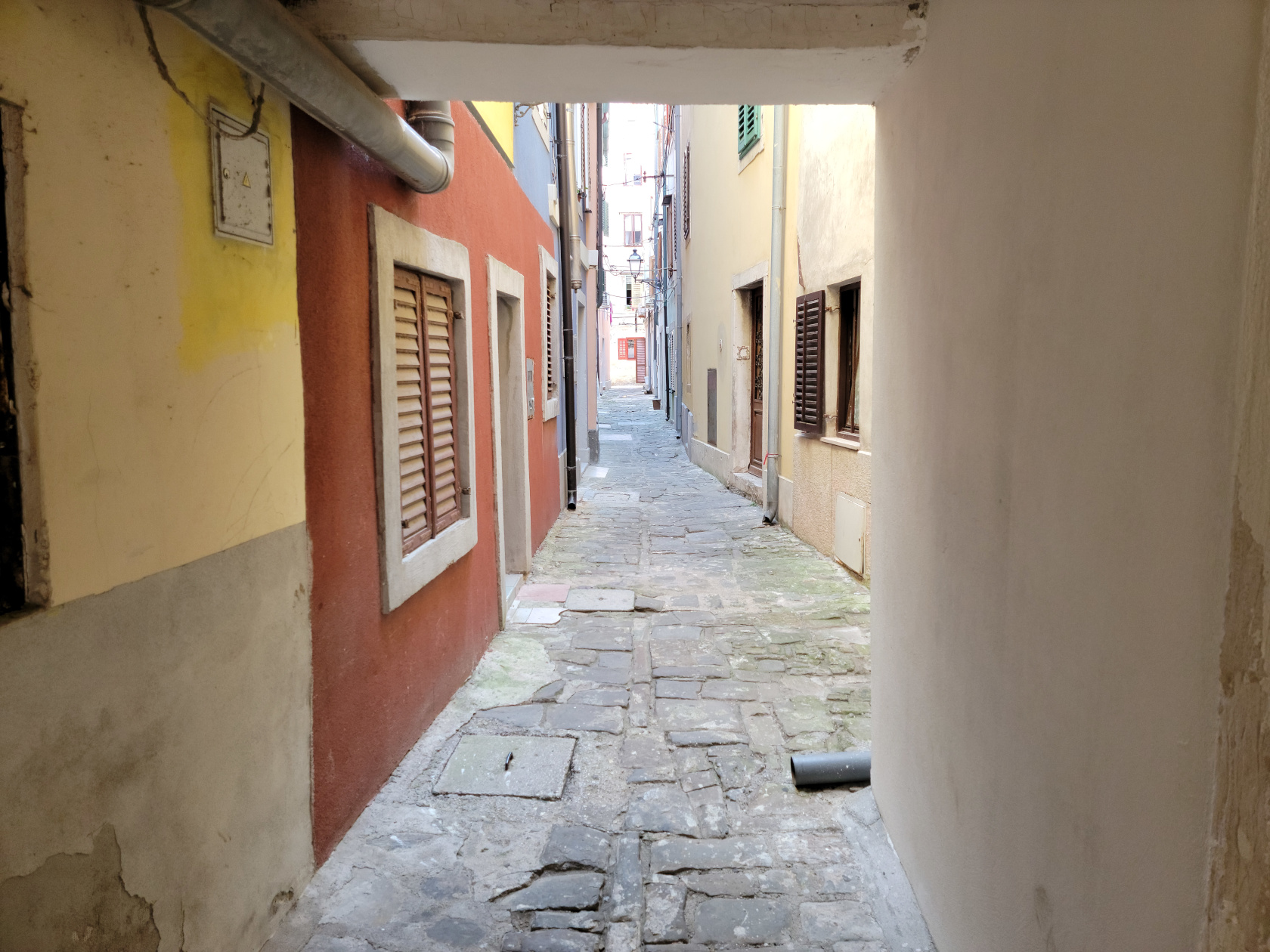
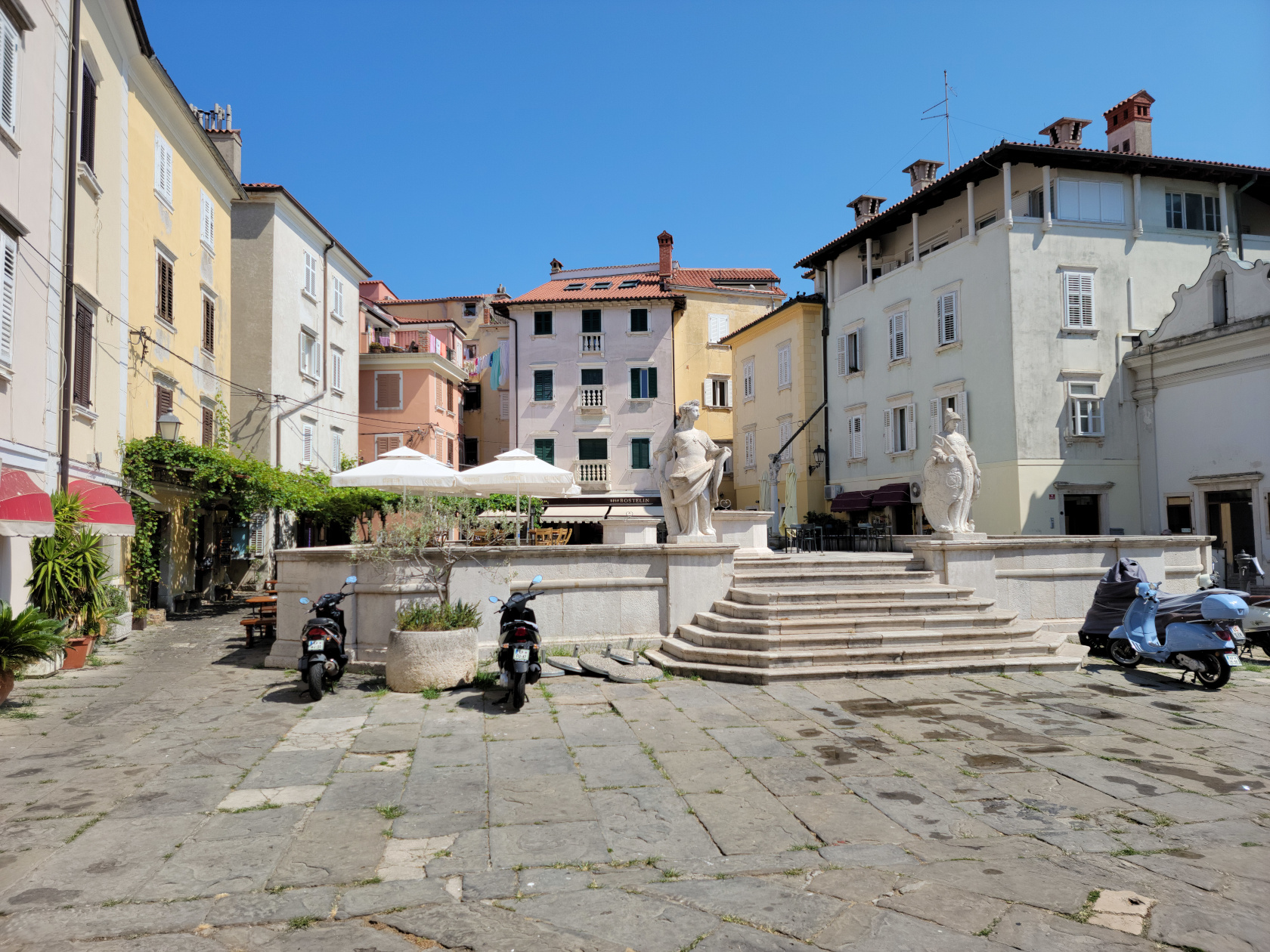
Piran – Narrow Streets
Piran – Plaza of the First of May
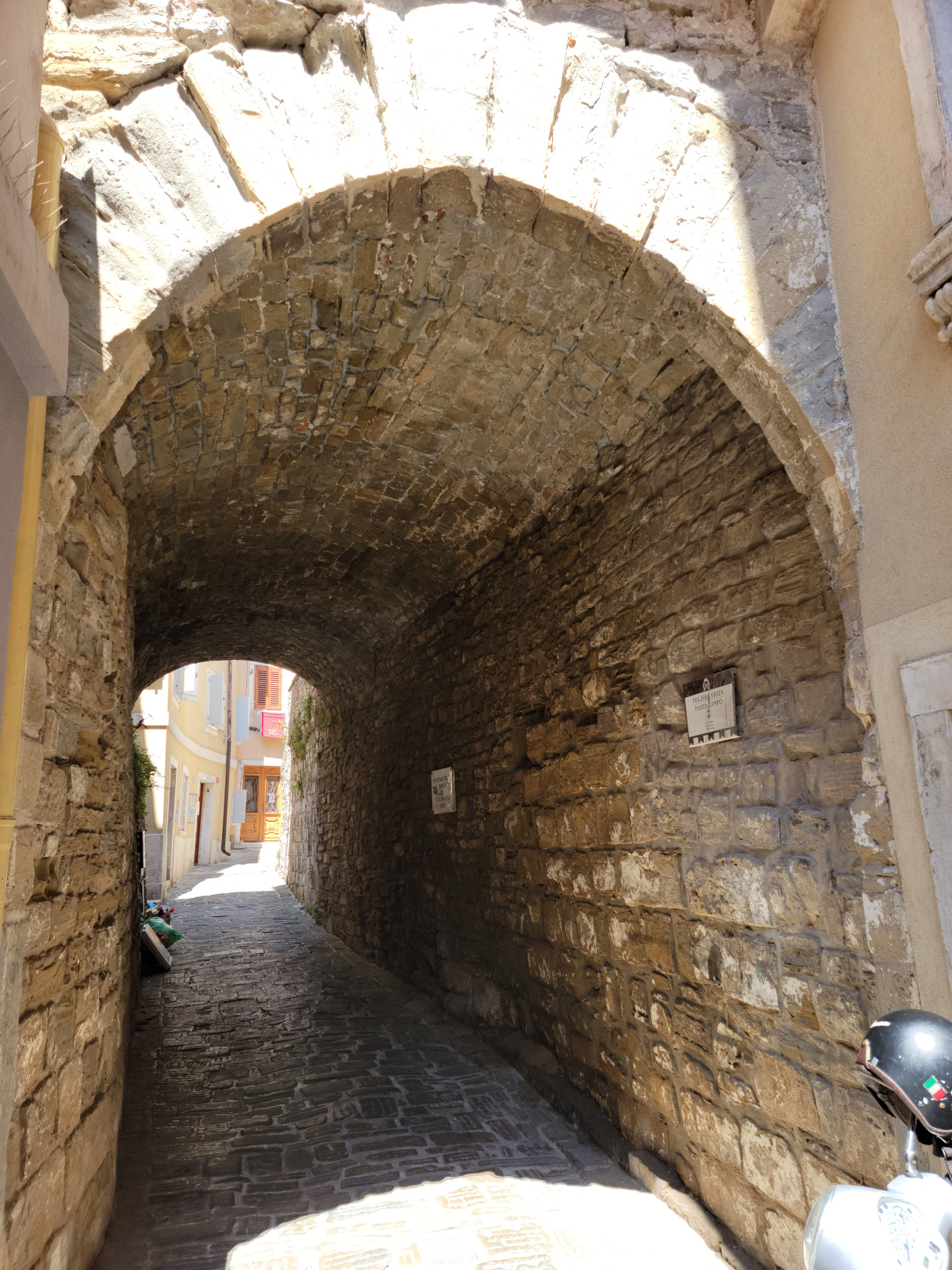
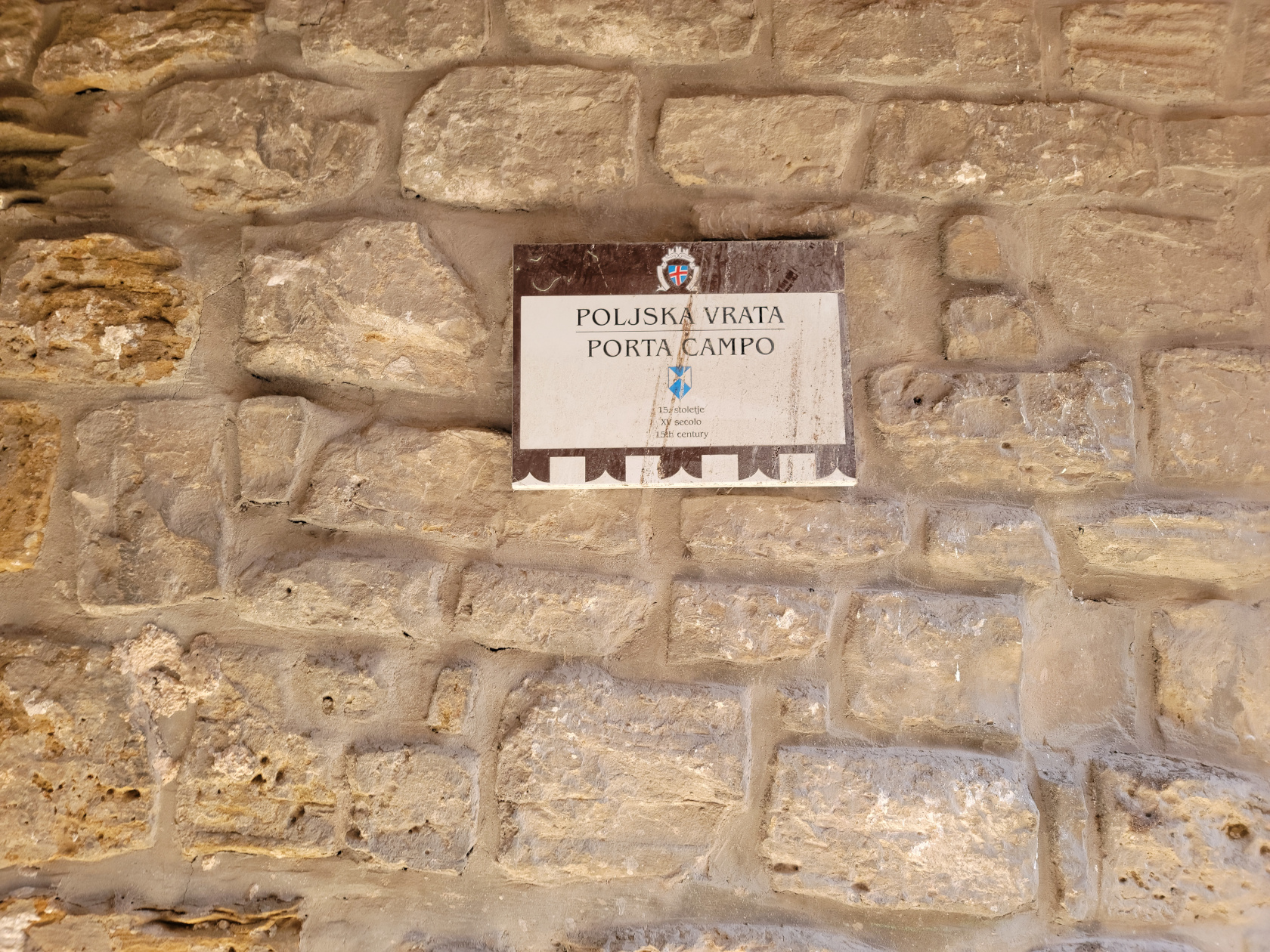
Piran – Porto Campo – City Gate
Piran – Porto Campo – City Gate
Piazza Tartini
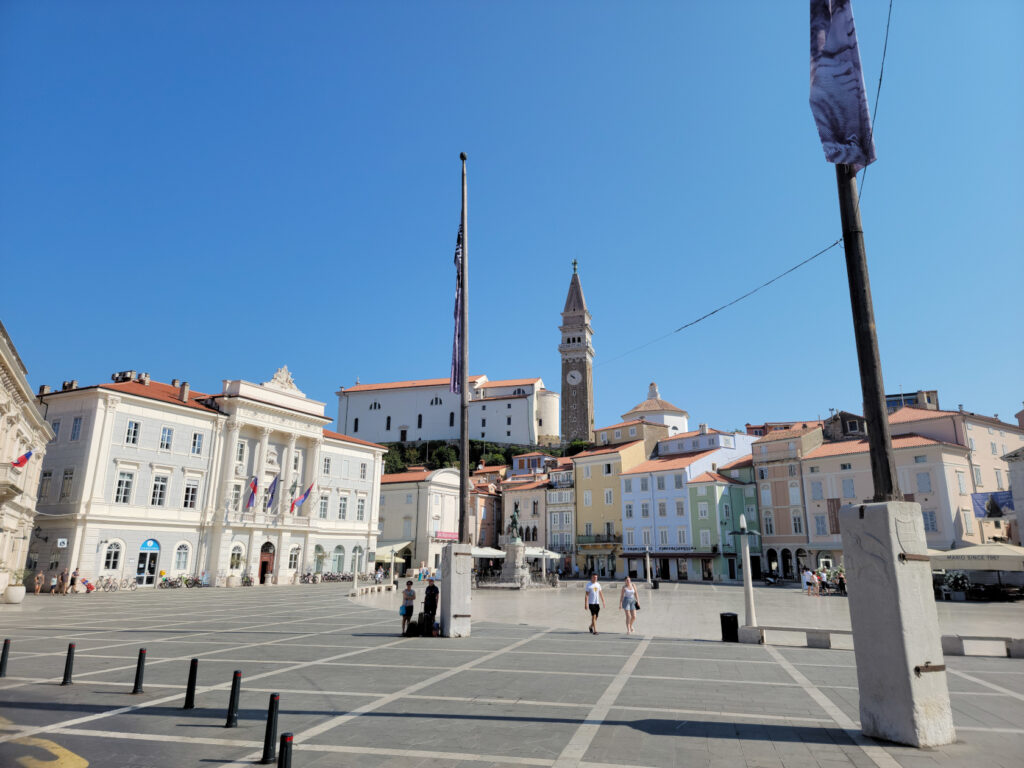
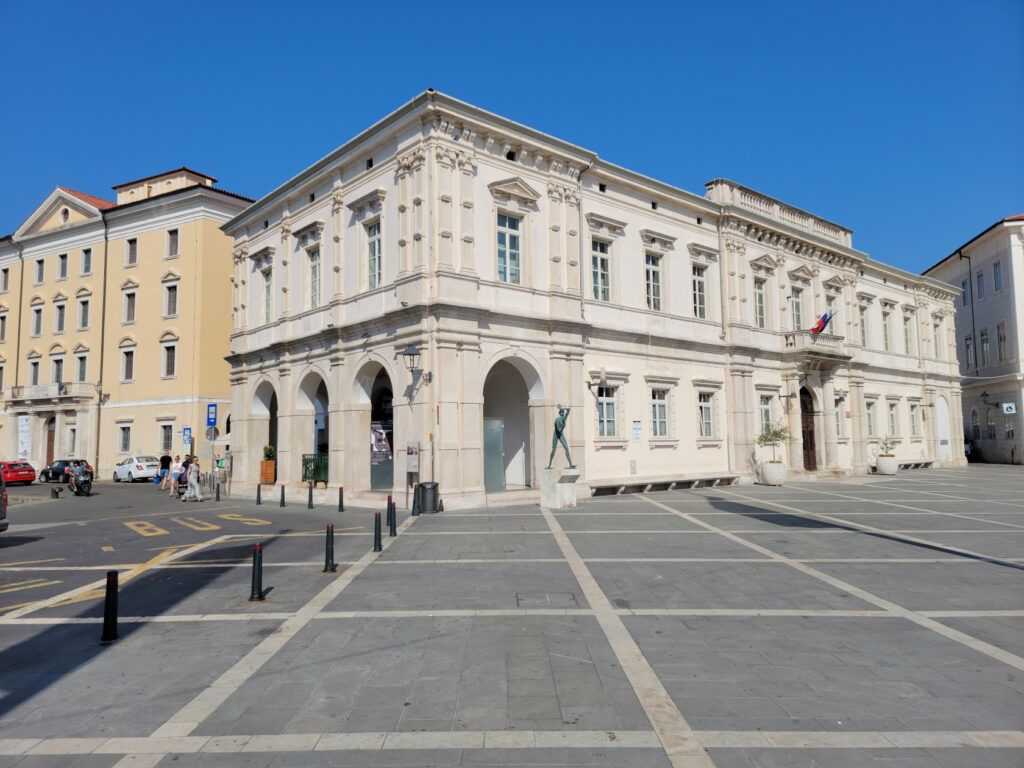
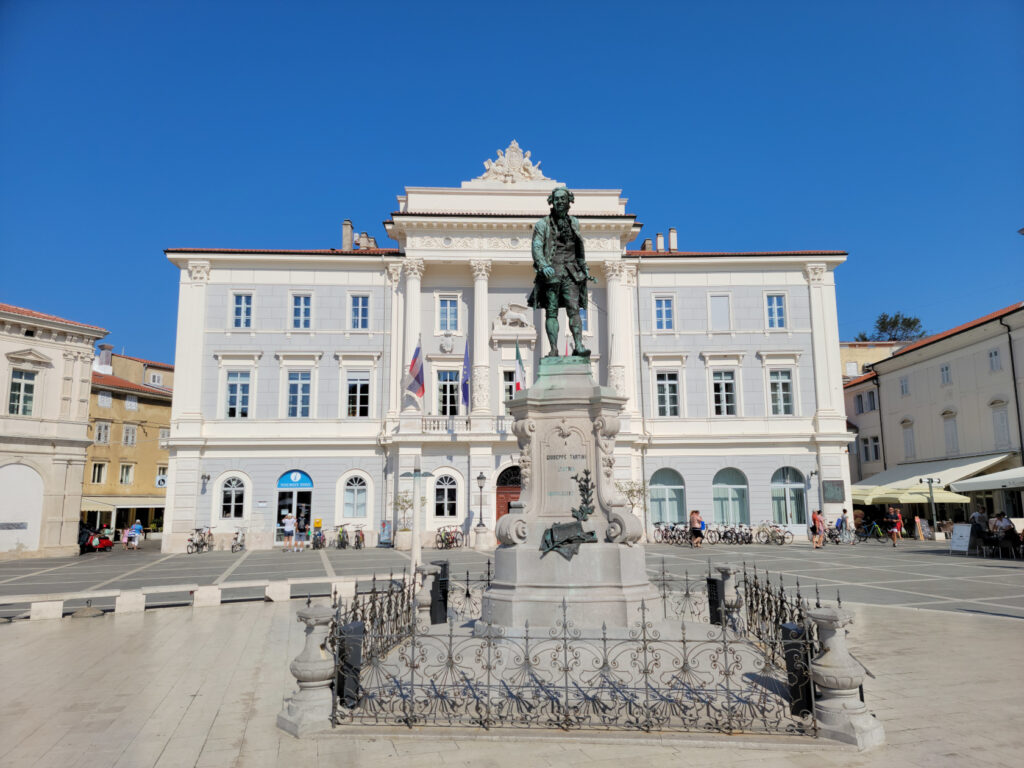
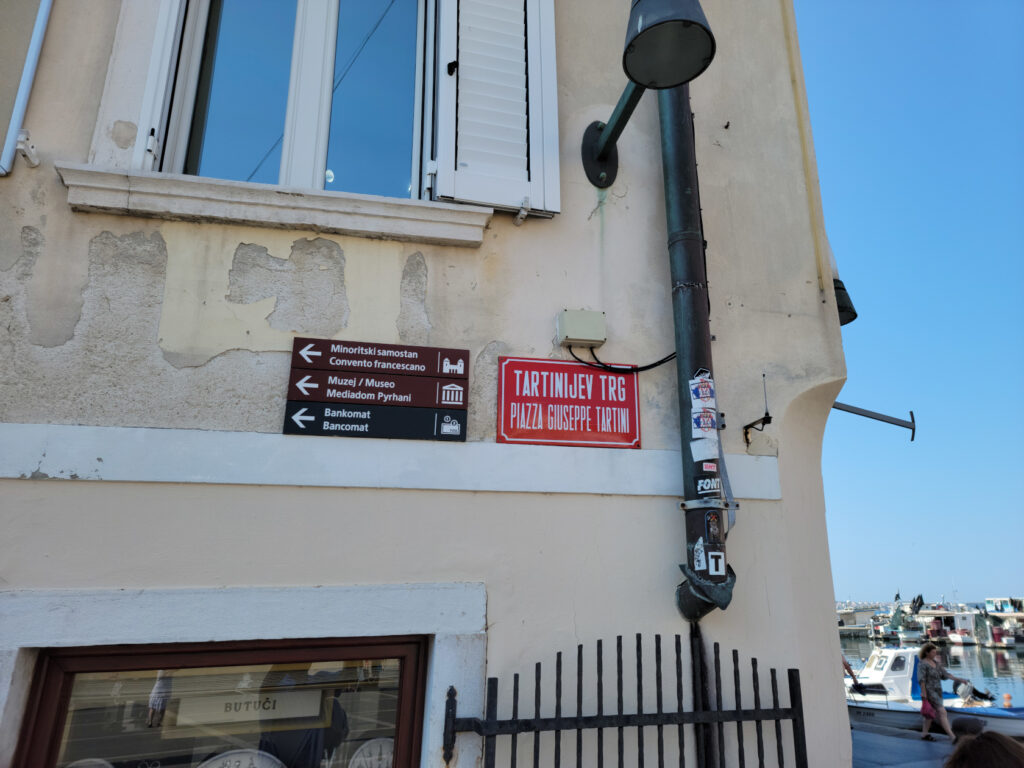
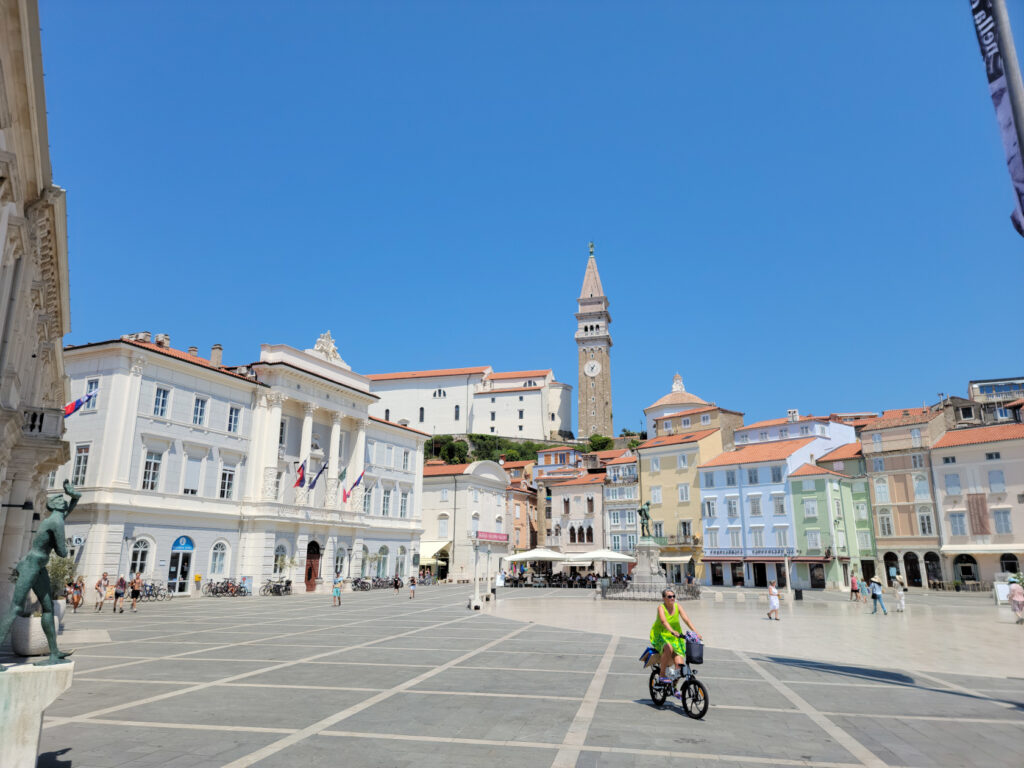
A small plaza that is adorned with a few bronze statues, all which center around the statue of Giuseppe Tartini, the composer and violinist. There are some restaurants, a few businesses and administrative buildings to compliment its surroundings. However, the marble in the middle of the piazza is quite new and shiny and would appear to be a slippery hazard during inclement weather, so be careful.
Piran – Tartini Plaza
Piran – Tartini Plaza
Piran – Tartini Plaza – Giuseppe Tartini Statue – Violinist
Piran – Tartini Plaza
Piran – Tartini Plaza
Piran – Tartini Plaza
Piran – Tartini Plaza
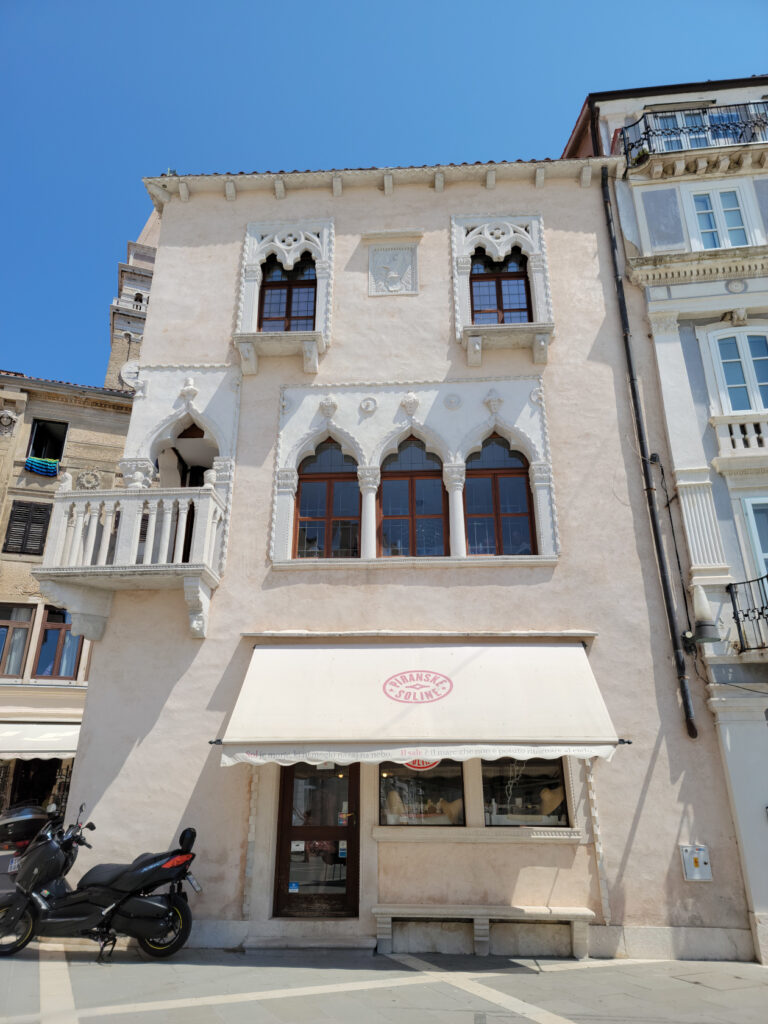
Piran – Interesting Architecture
The Town Wall
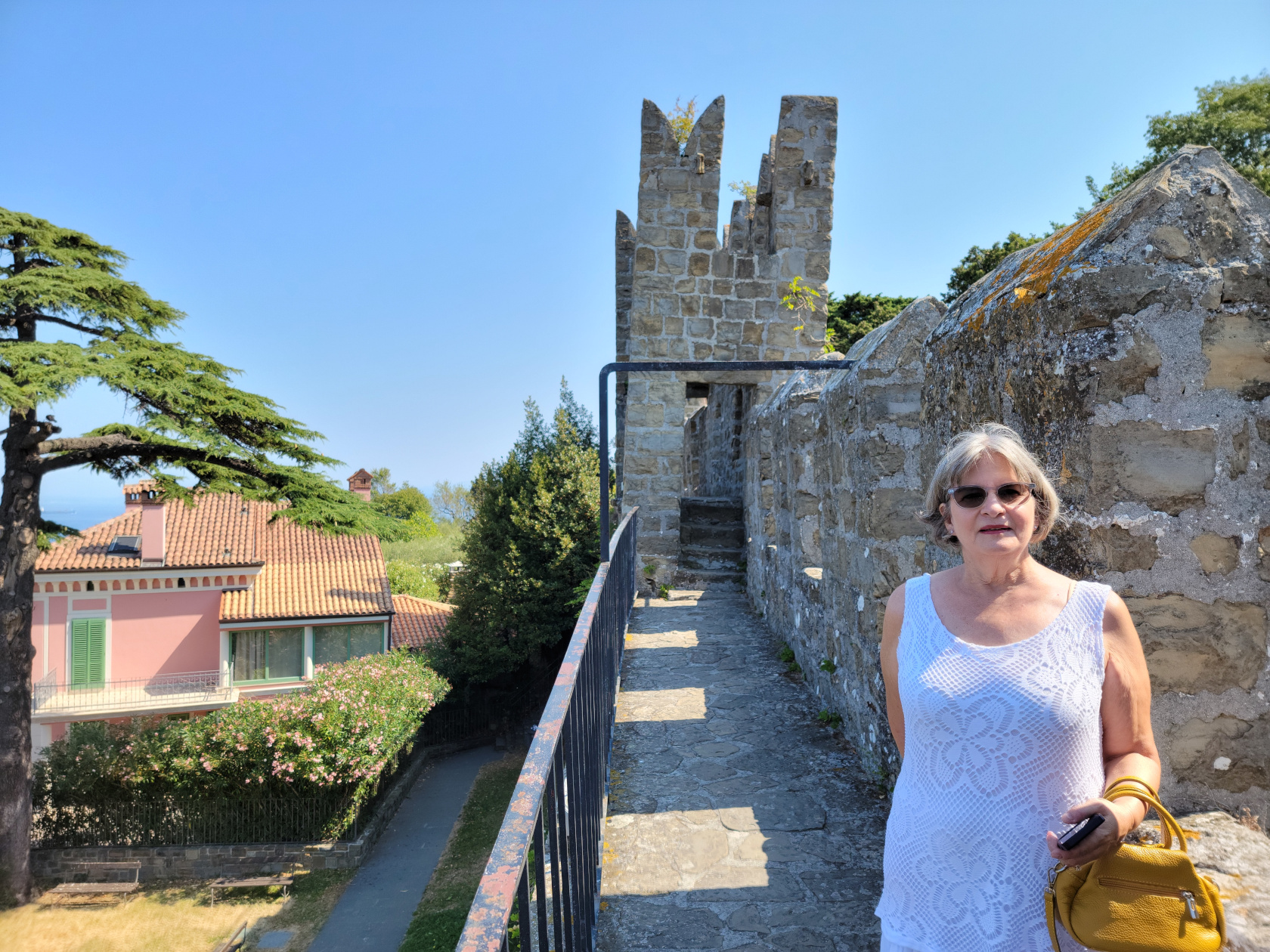
Remnants of the old town wall still exist and for a small sum, 3€ each, you may walk the section that is still open.
Piran – Steps leading to the city wall
Piran – The City Wall – Entrance
Piran – The City Wall – Patti on the wall
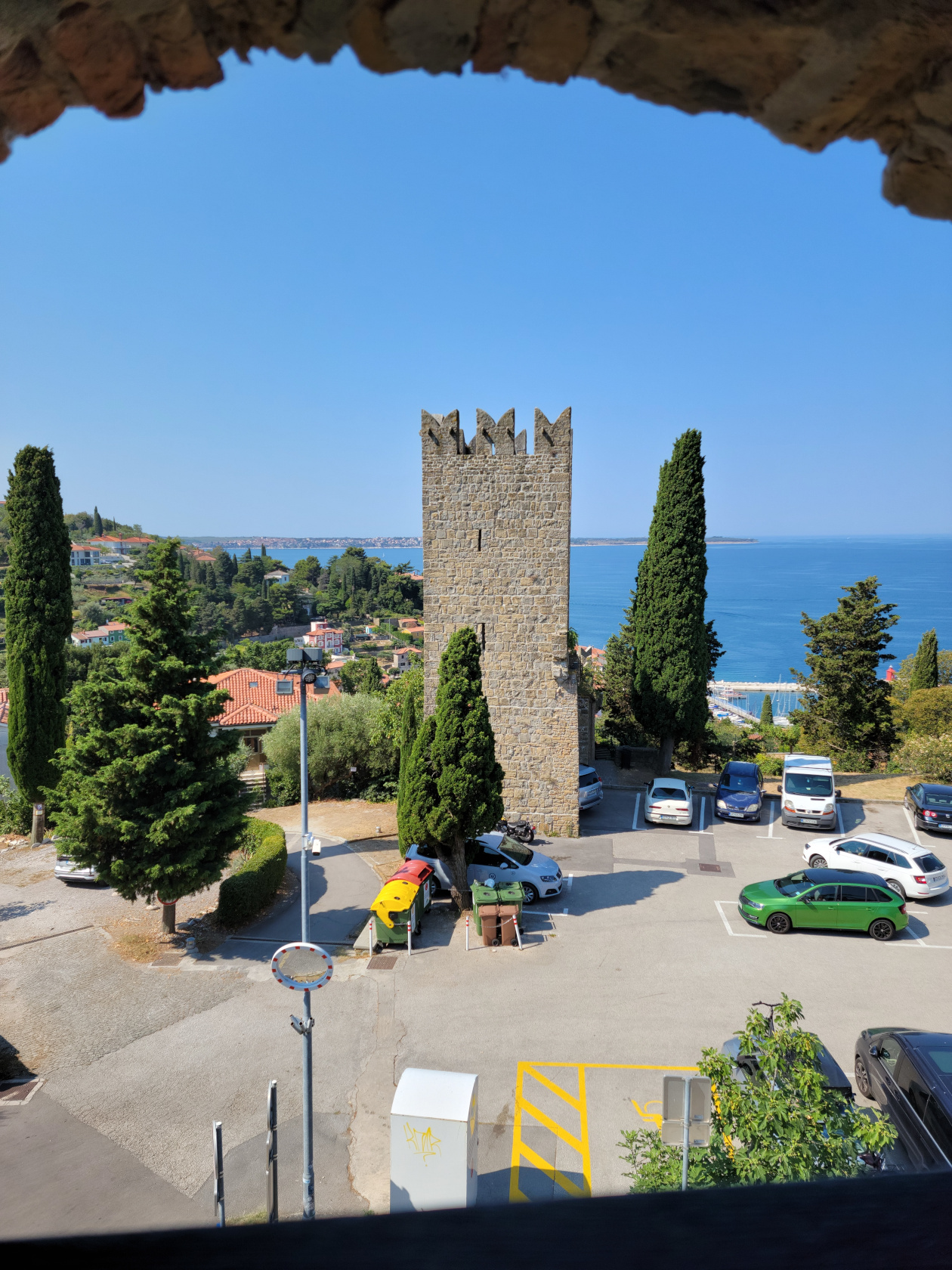
Piran – The City Wall – View of other section
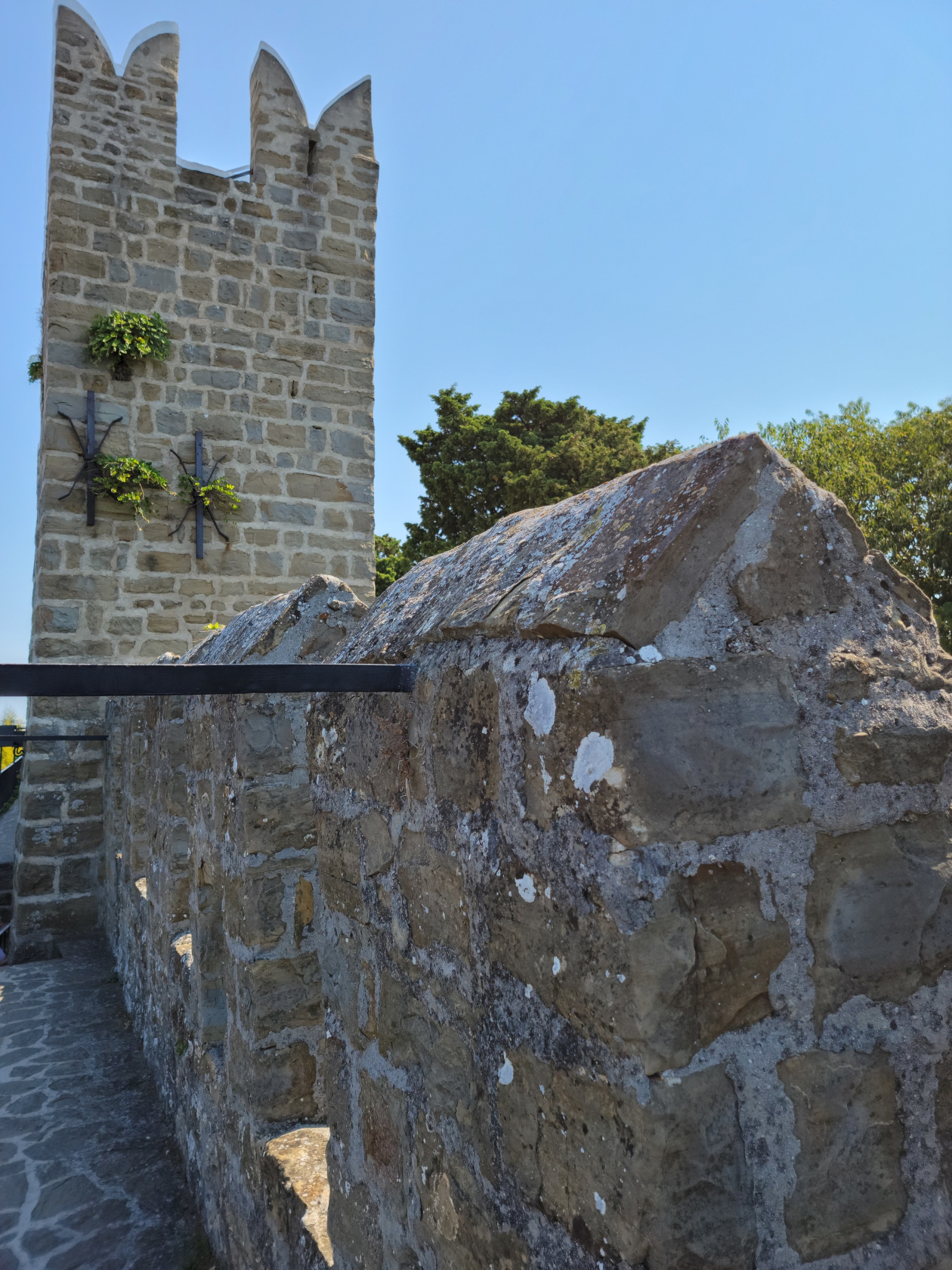
Piran – The City Wall
Piran – The City Wall
There isn’t really that much to see, aside from its stone masonry and the views it affords to the surrounding area and town.
Piran – The City Wall – View
Piran – The City Wall – View Below
Piran – The City Wall – View of Piran
Piran – The City Wall – The Town Below
Piran – The City Wall – View of the Adriatic
The Church Of Saint George’s Parish
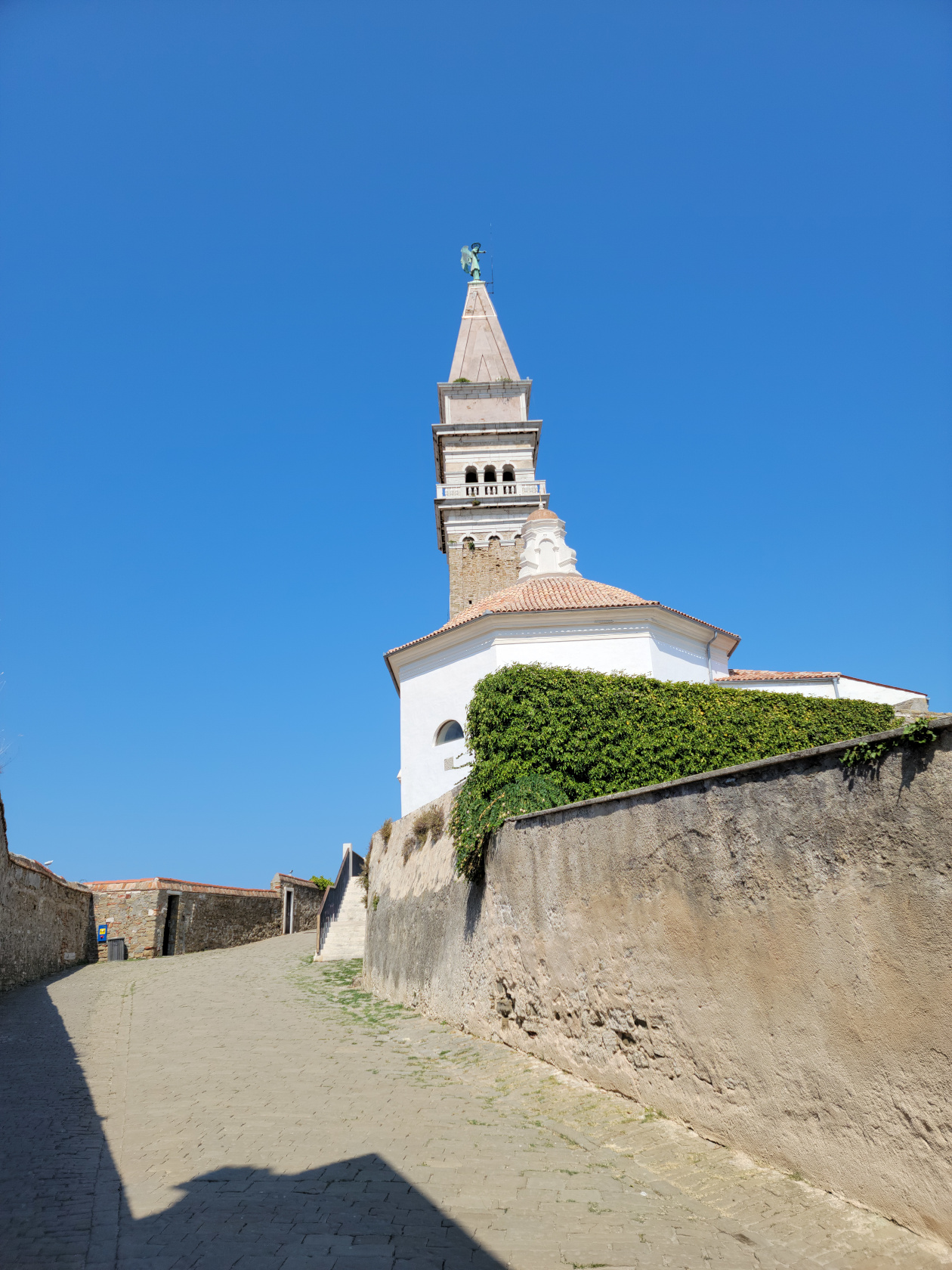
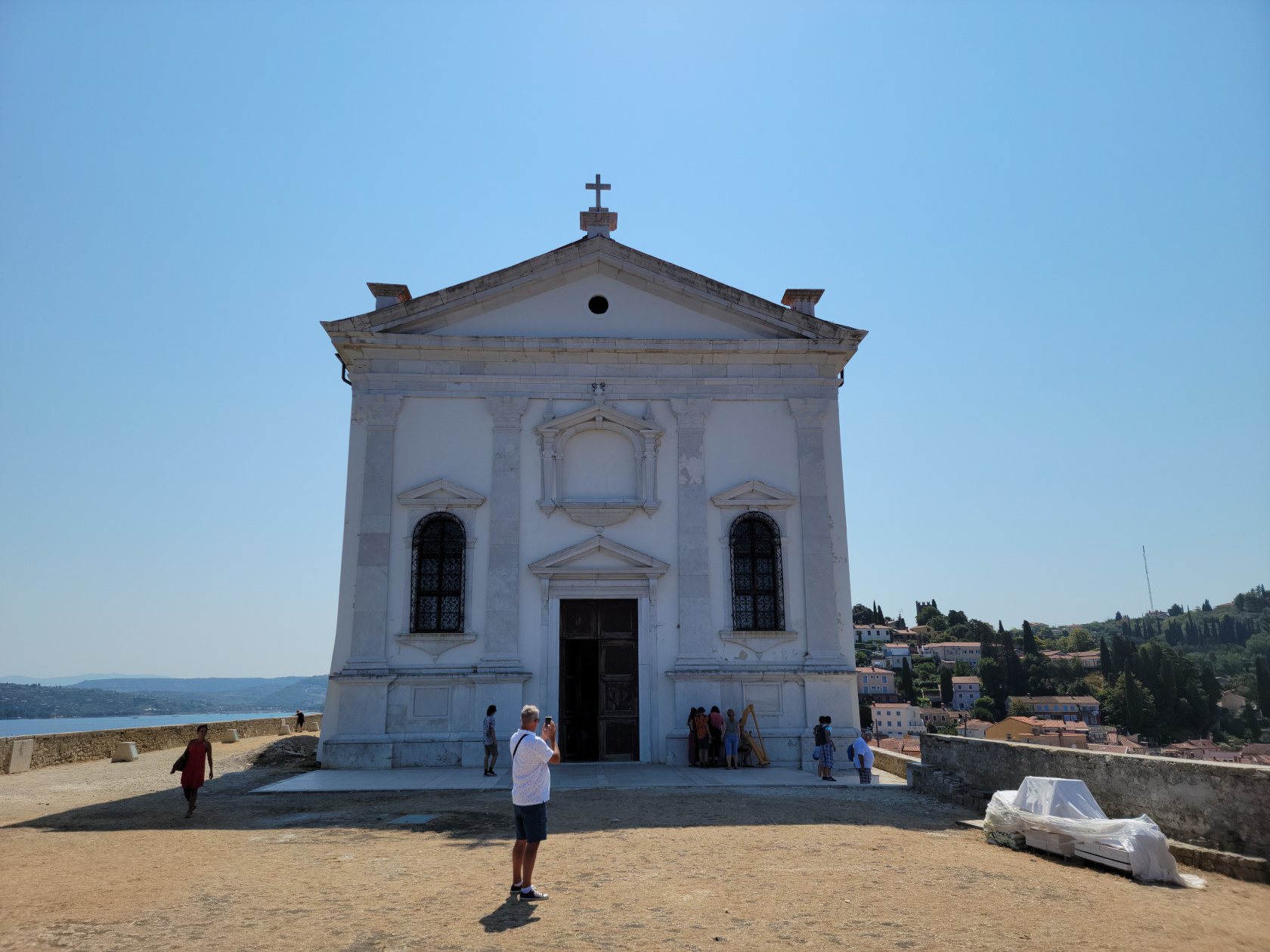
The church stands on the west side of the town on top of the hill overlooking the Gulf of Trieste. From its courtyard, Trieste can be seen in the distance, as well as Miramare Castle.
Piran – Saint George’s Church
Piran – Saint George’s Church
Restaurants
While here, we only had occasion to visit one restaurant for lunch, since we were due to be picked back up at one o’clock in the afternoon.
Ristorante Mestna Kavarna
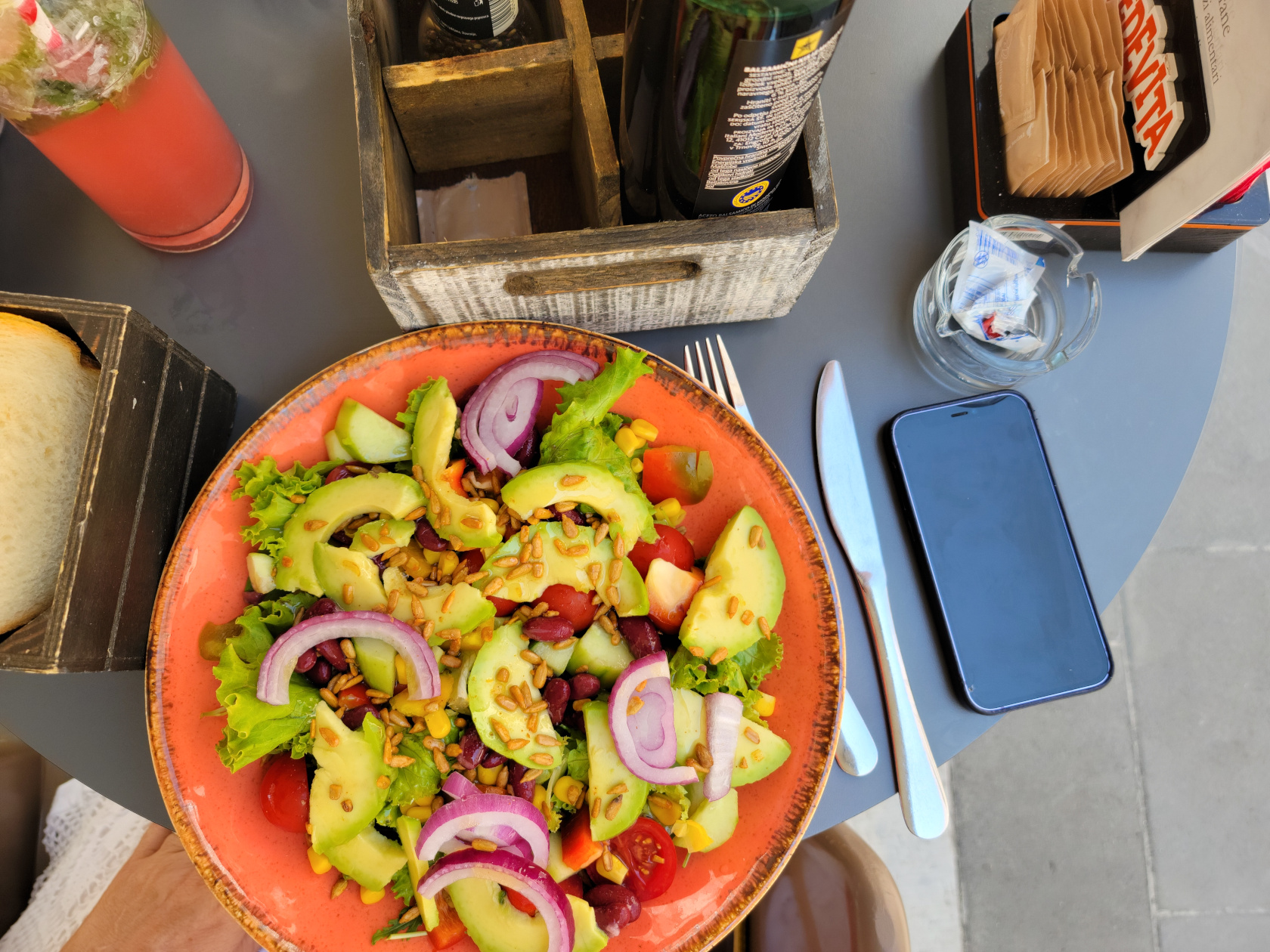
A fusion of wine bar and restaurant, the Mestna Kavarna caters to most tastes. It offers many simple things, including salads and paninis, and of course wide selection of drinks. We found something to satisfy us before our ride arrived.
Before our time here was over, we still had several remaining places throughout Trieste in which to visit. Mainly the waterfront further down along the marina, a few piazzas, the XX September and the Victoria Lighthouse.
XX September
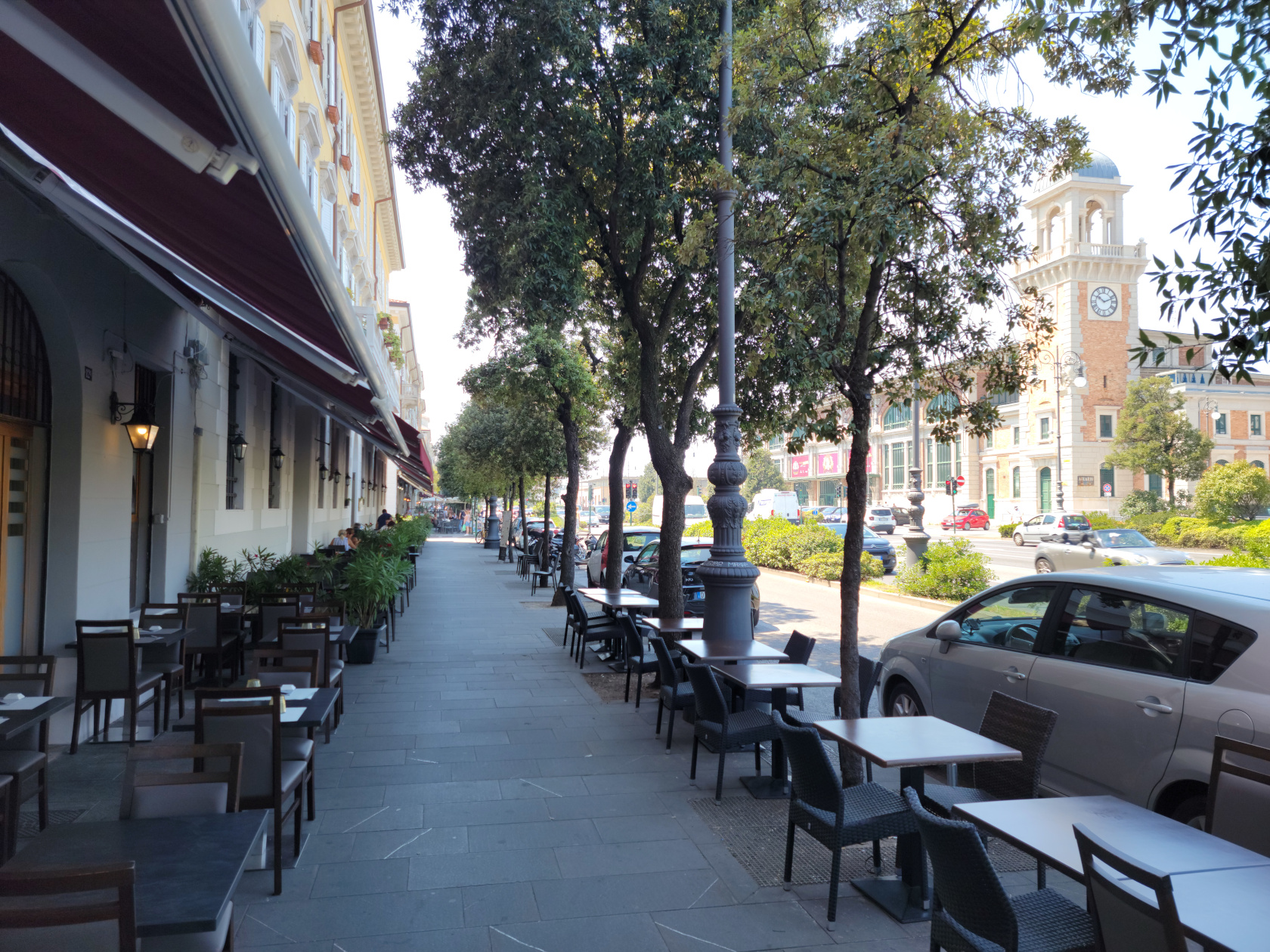
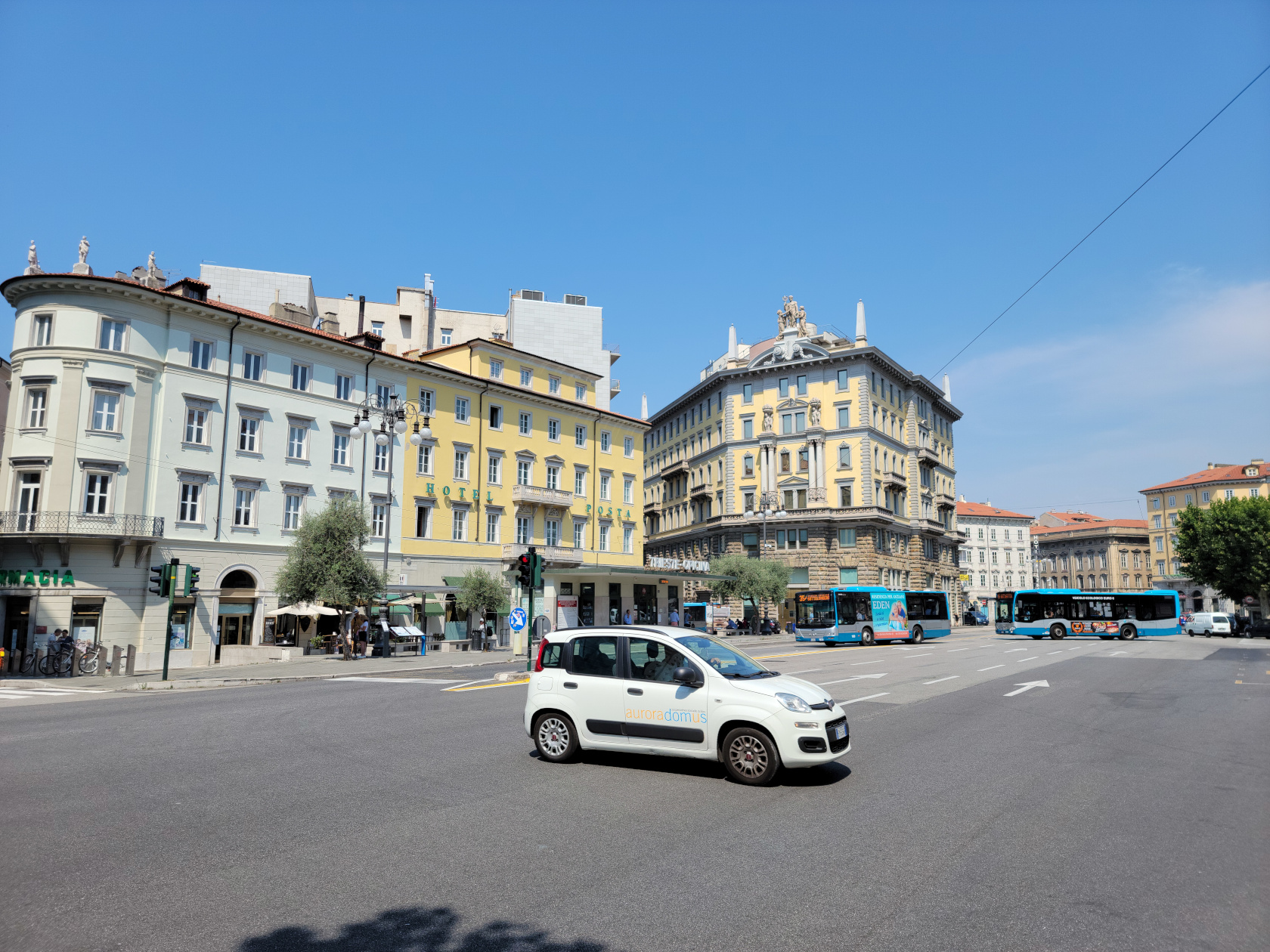
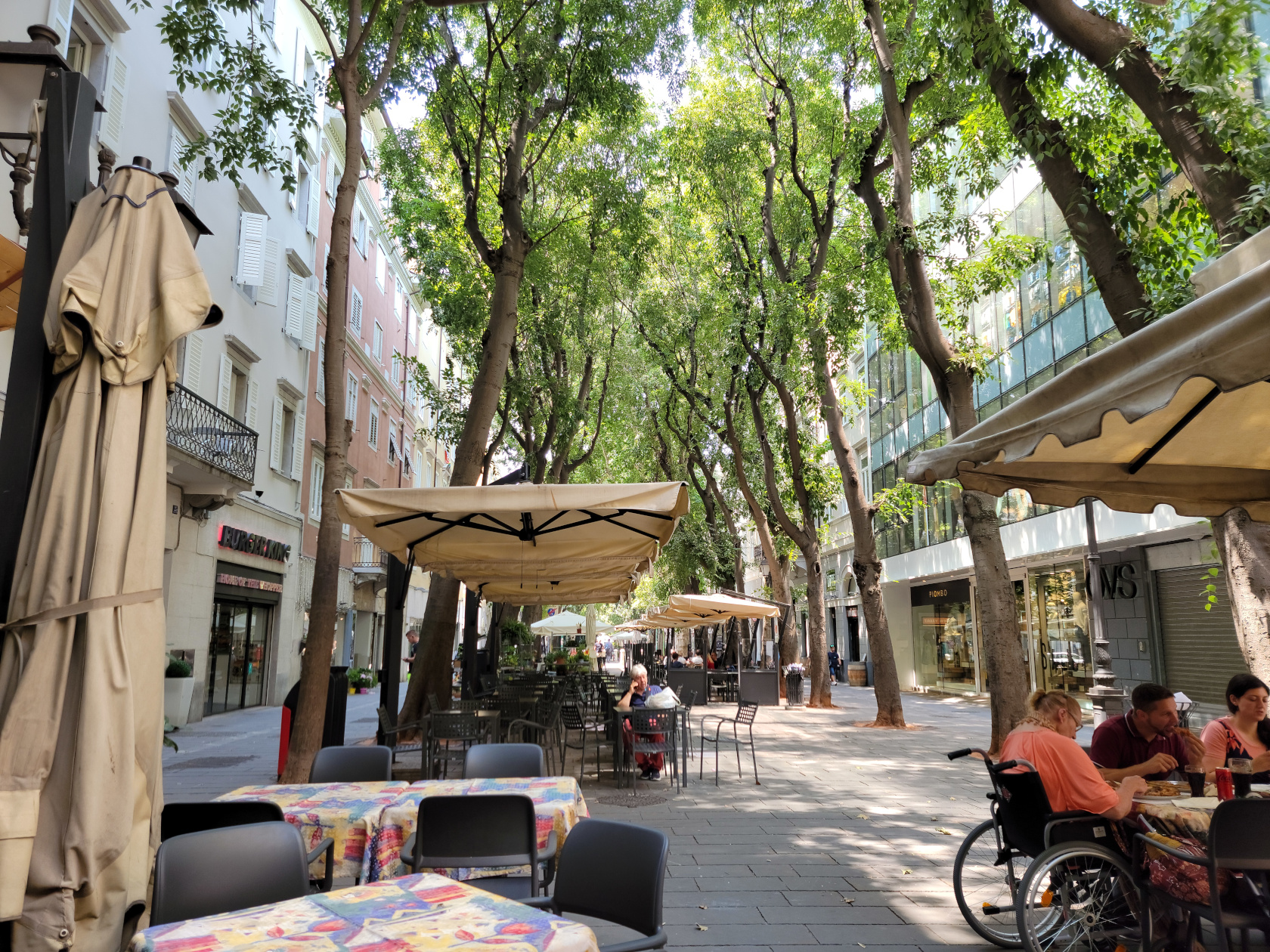
A beautiful avenue on which to shop, eat or just walk on a hot day (it is covered with trees, so there is plenty of shade). We found time to visit this street a few times, since the train and bus stations we use were more or less inline with it. See restaurants section for more information on possible places to eat.
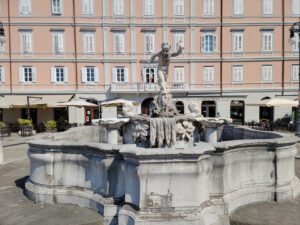
Trieste – Fountain of the Two-Faced Janus
Trieste – More via XX September
Trieste – More via XX September – Flower Shop
If you are looking for something off-beat to eat, fast food or eclectic stores to shop, this is the street.
The Marina
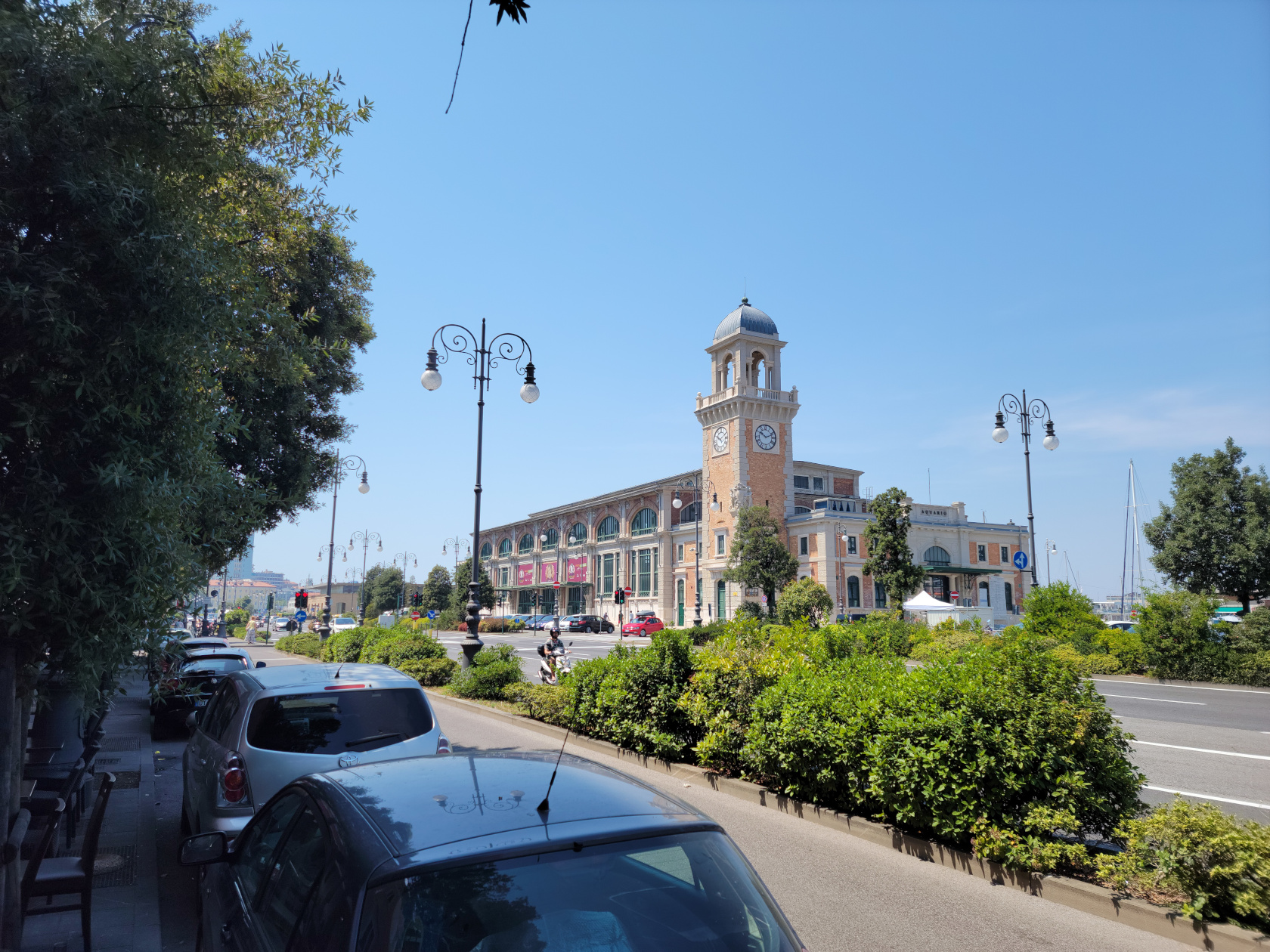
There are several things to note at the marina, as well as the very large cruise ships that come into port on the weekends to visit. Though the Aquarium is closed for renovation, there are still shops and restaurants along this waterfront in which to enjoy.
Trieste – The Trieste Aquarium
Trieste – Riva Nazario Sauro – Along The Waterfront
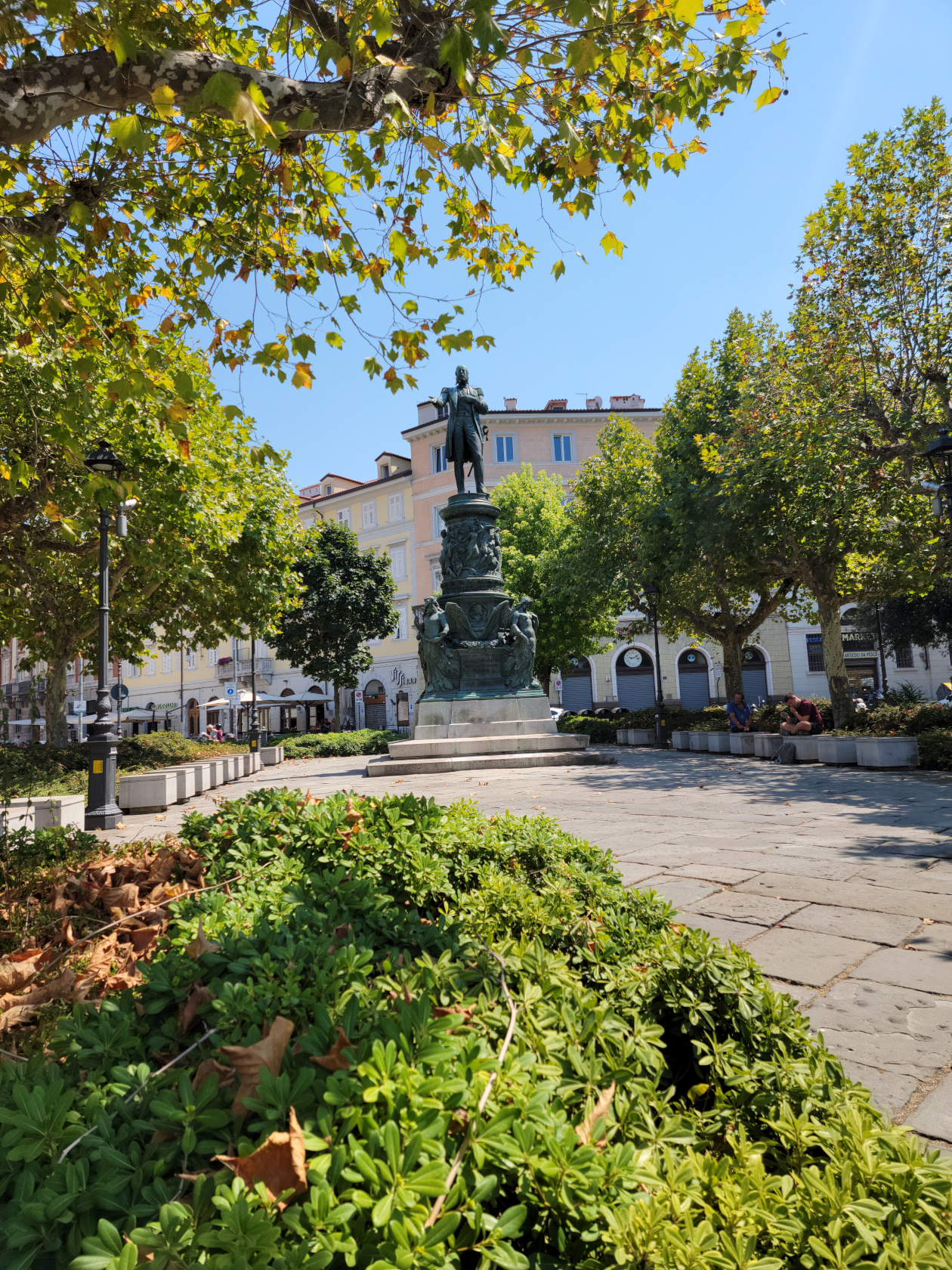
Trieste – Statue of the Archduke Ferdinand Maximillian – Remember Miramare Castle?
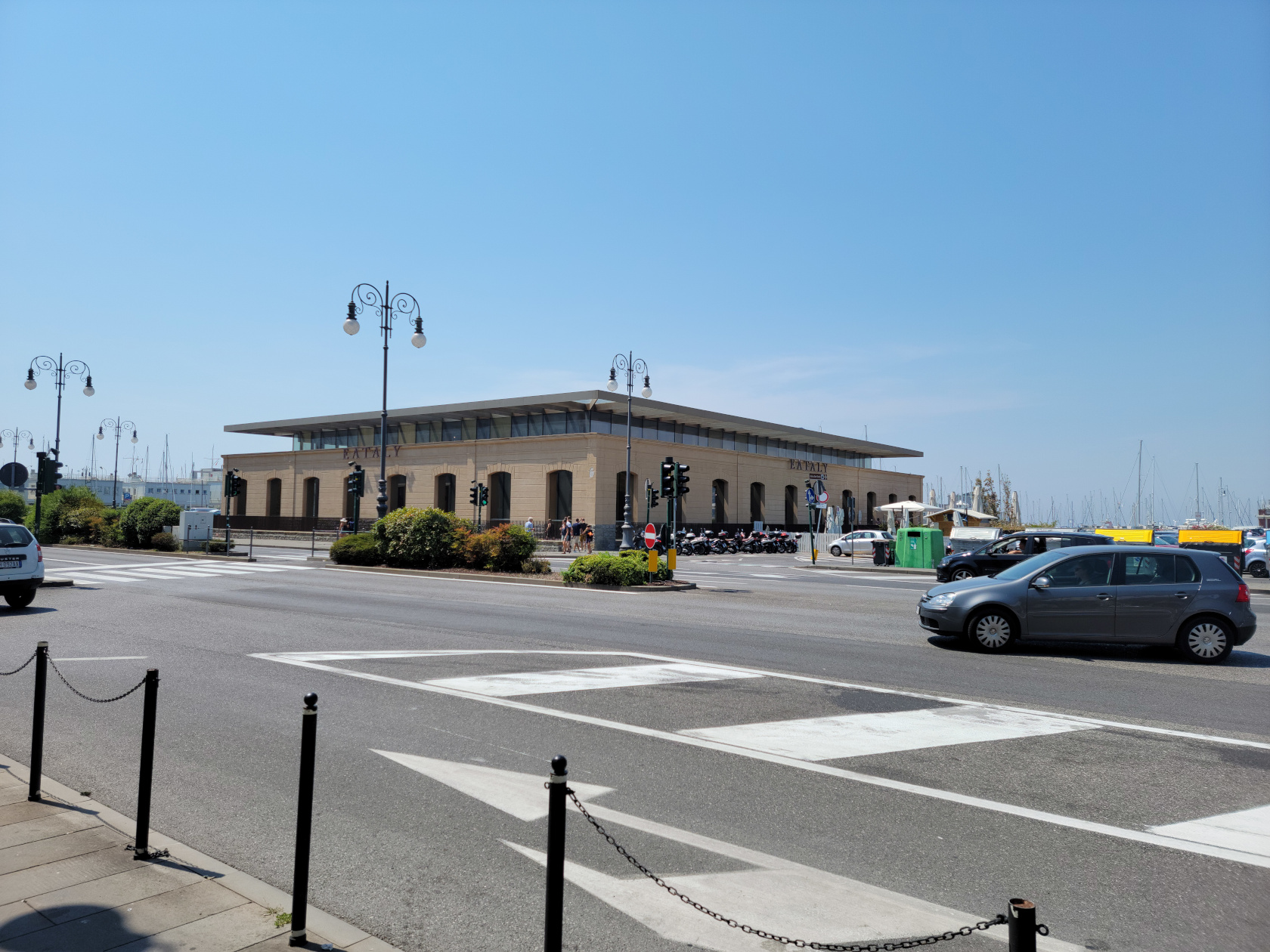
Trieste – Eataly Store
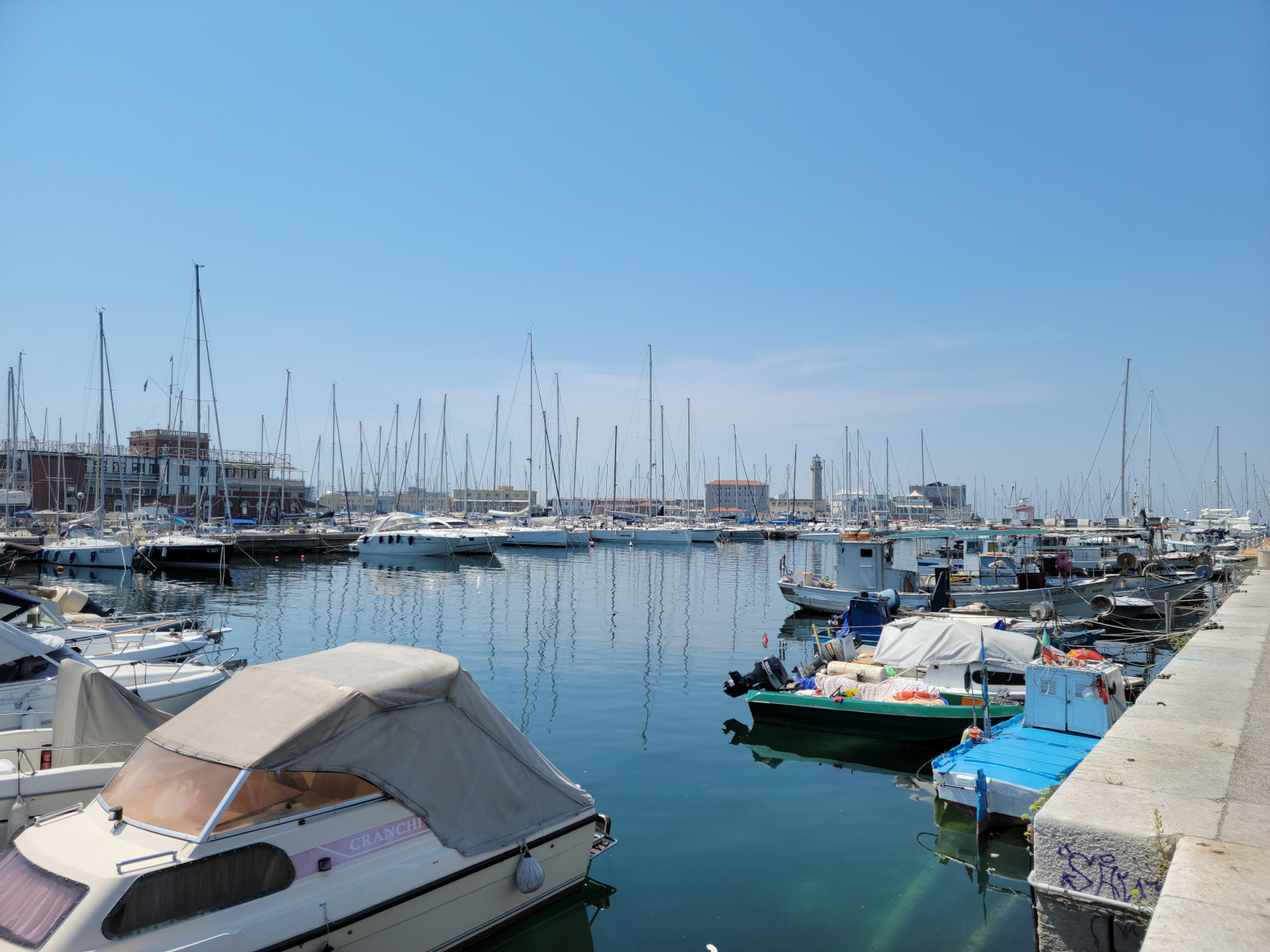
Trieste – Marina and Lighthouse
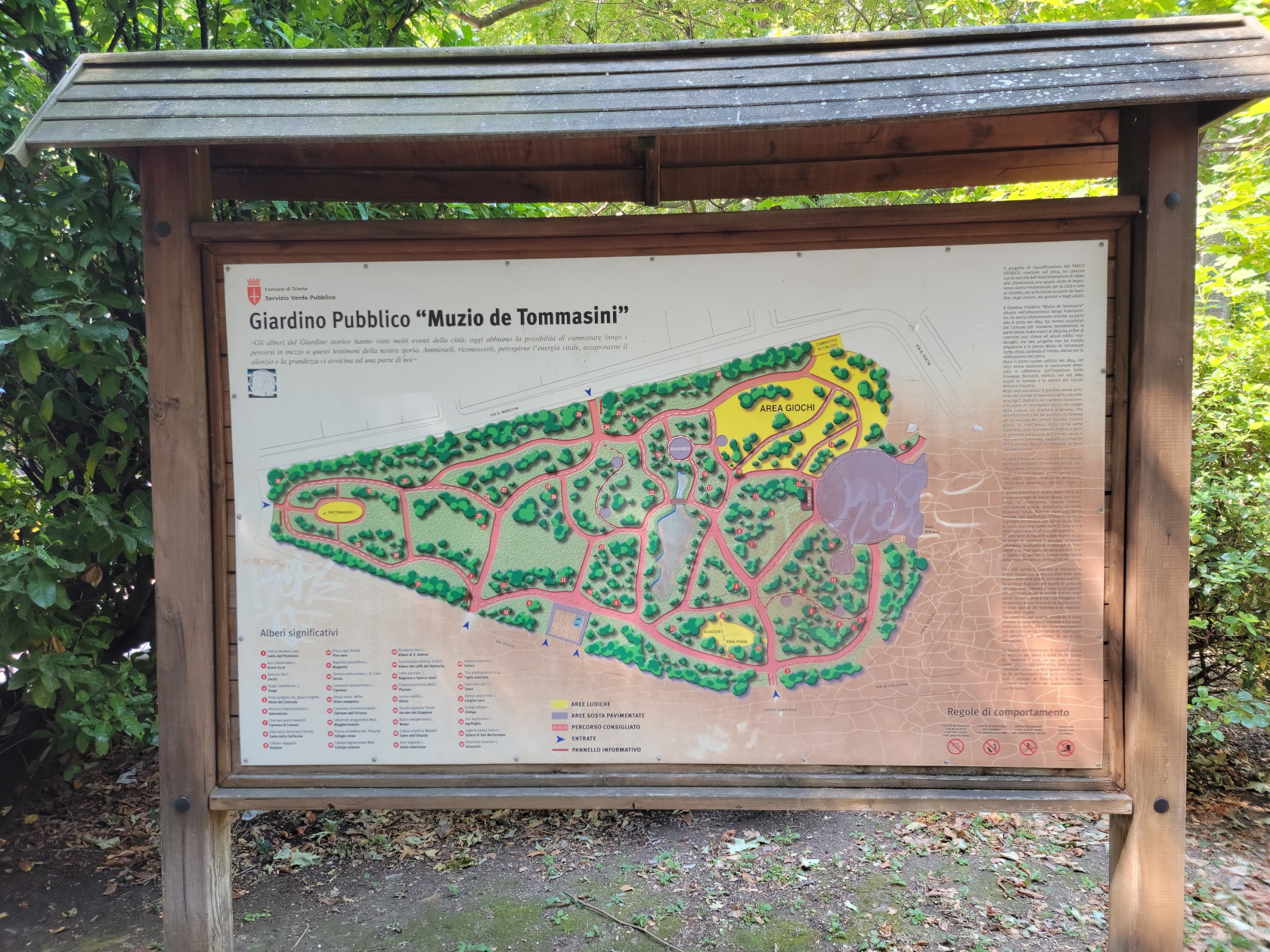
The Muzio de Tommasini Park
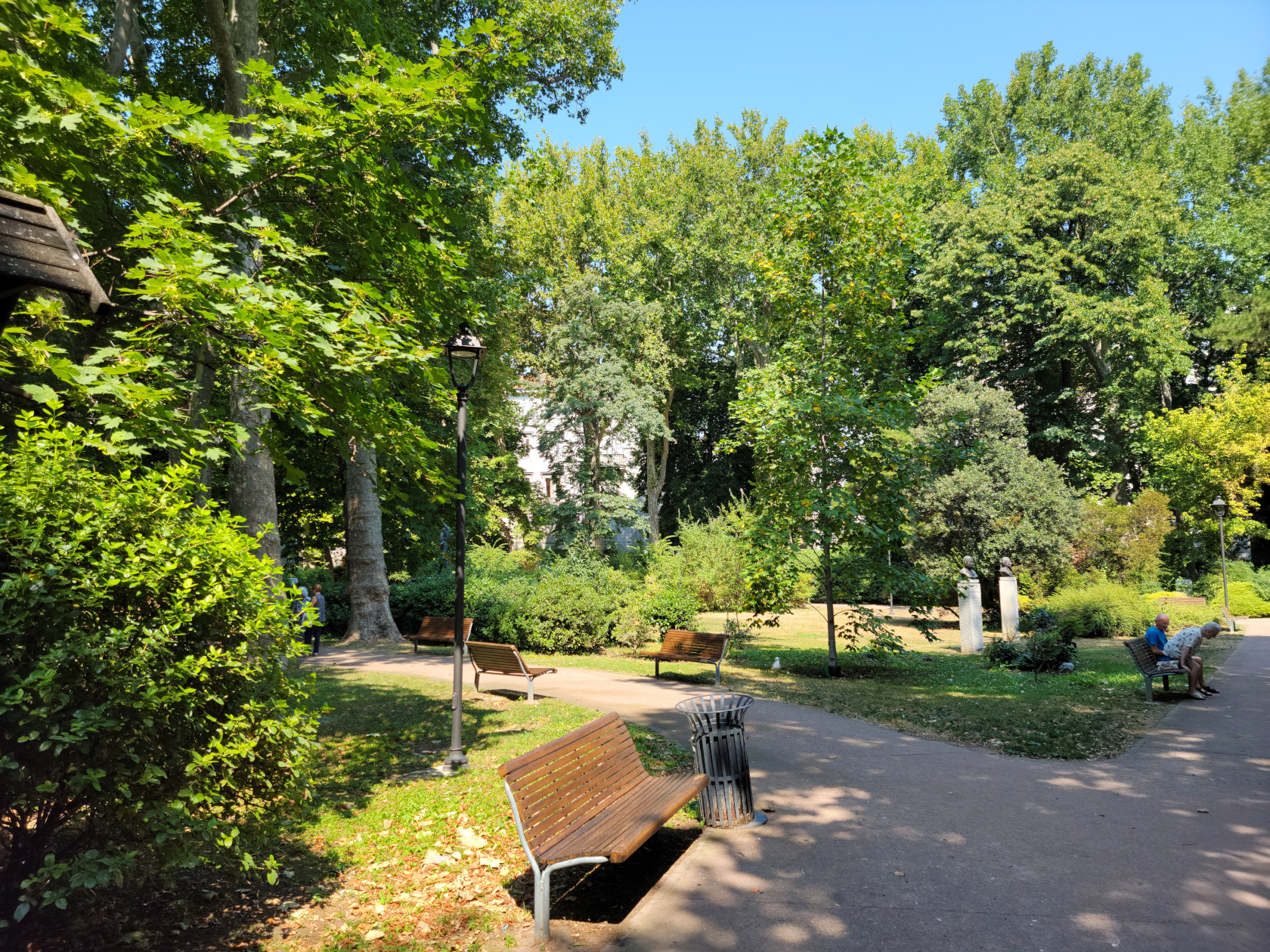
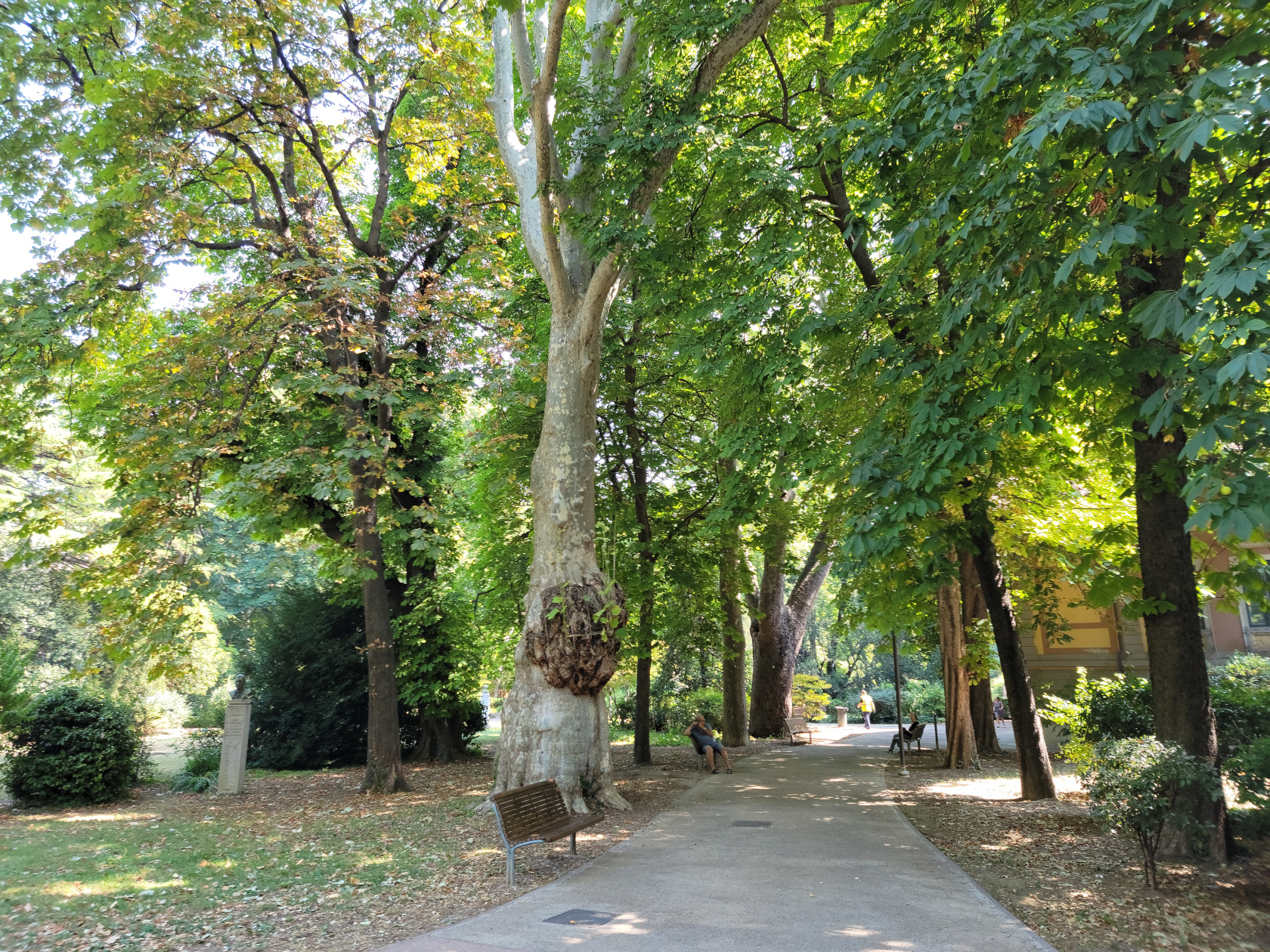
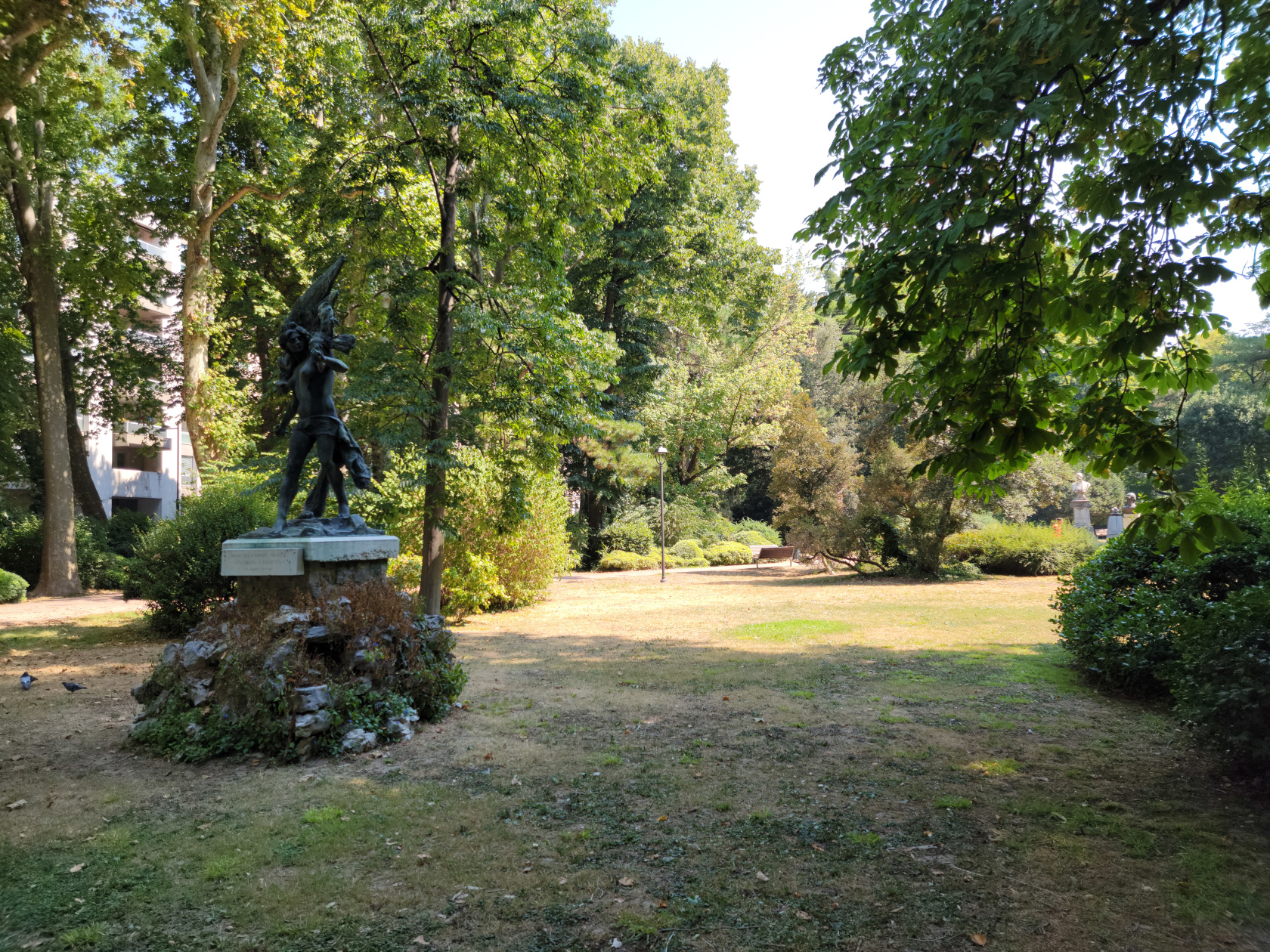
Located very near the Piazza Oberdan is the park Muzio de Tommasini. A beautiful park with several bronze sculptors visitors can enjoy, awaits you here.
Trieste – Muzio de Tommasini Public Park
Trieste – Muzio de Tommasini Public Park
Trieste – Muzio de Tommasini Public Park
Trieste – Muzio de Tommasini Public Park
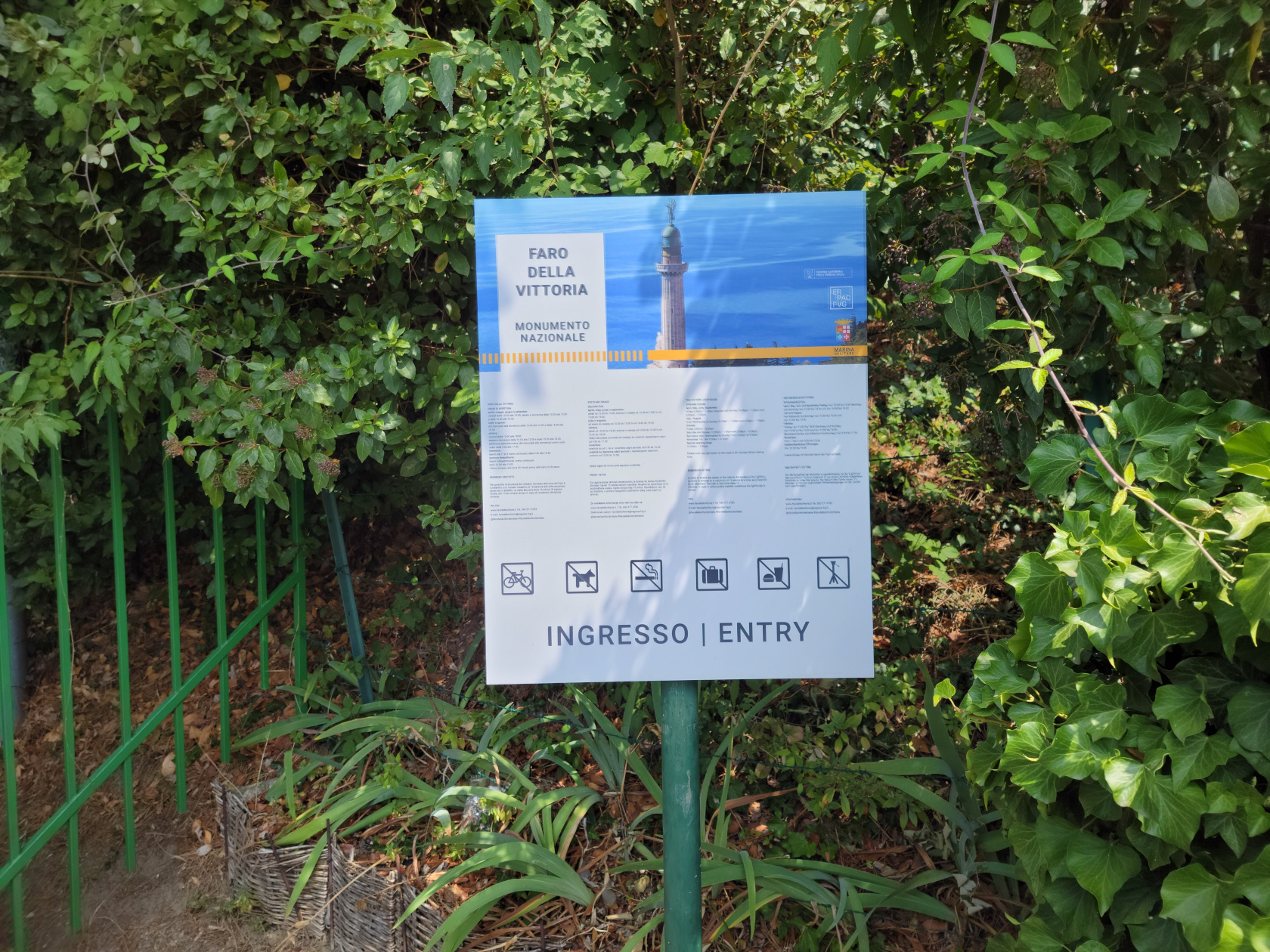
The Faro Della Vittoria Lighthouse
In order to reach the Faro della Vittoria lighthouse, you either have to drive, or take a taxi or bus, there is no train service to it.
Trieste – Tickets For Two – All Day Bus Tickets
Trieste – Piazza Oberdan – Main Bus Stop
Buses 42 and 44, from Piazza Oberdan, can take you here in twenty minutes for a modest fee of about one euro sixty. We purchased the all-day ticket for three euros each, which was actually cheaper, since it covered both going there and our return.
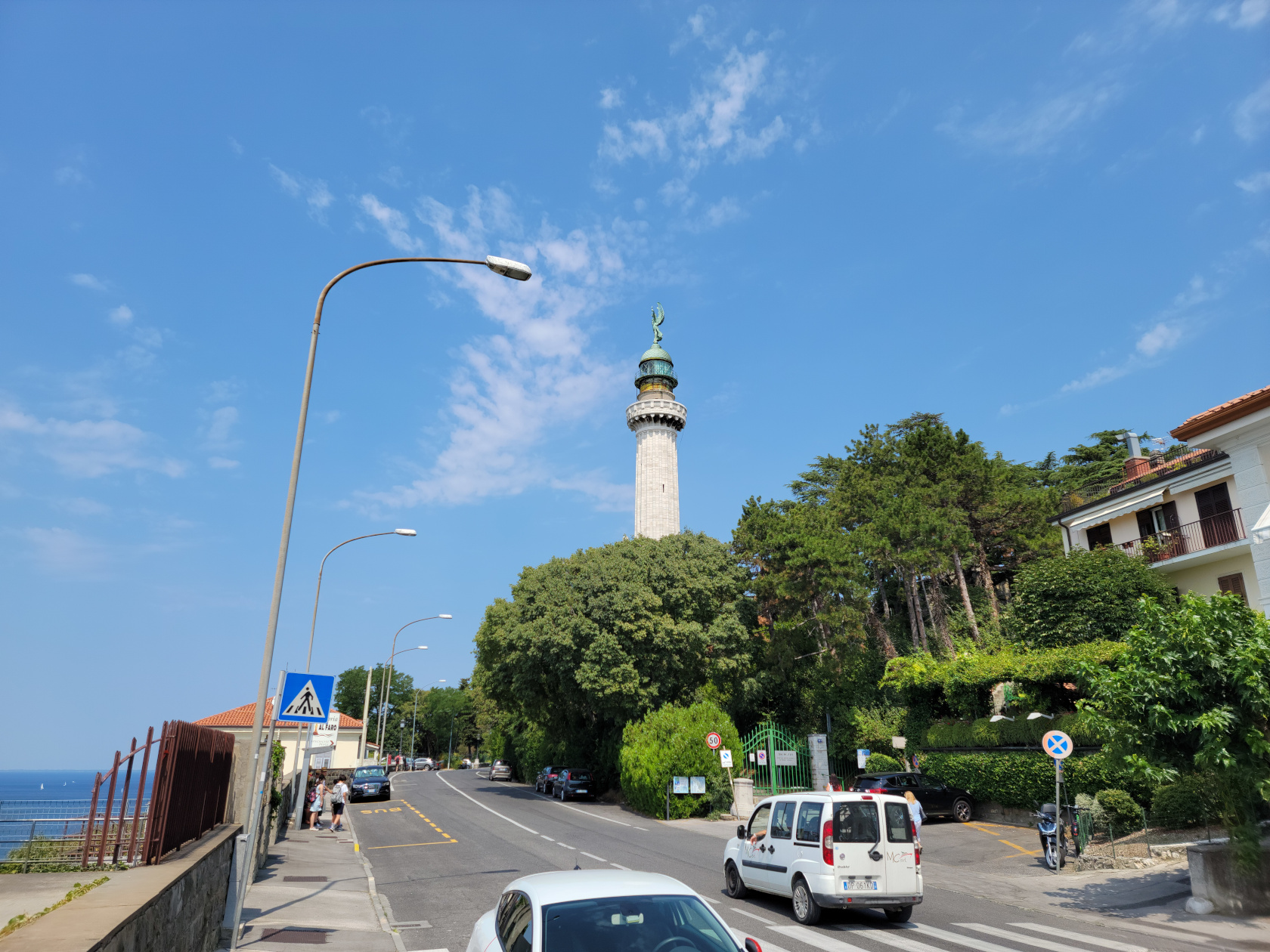
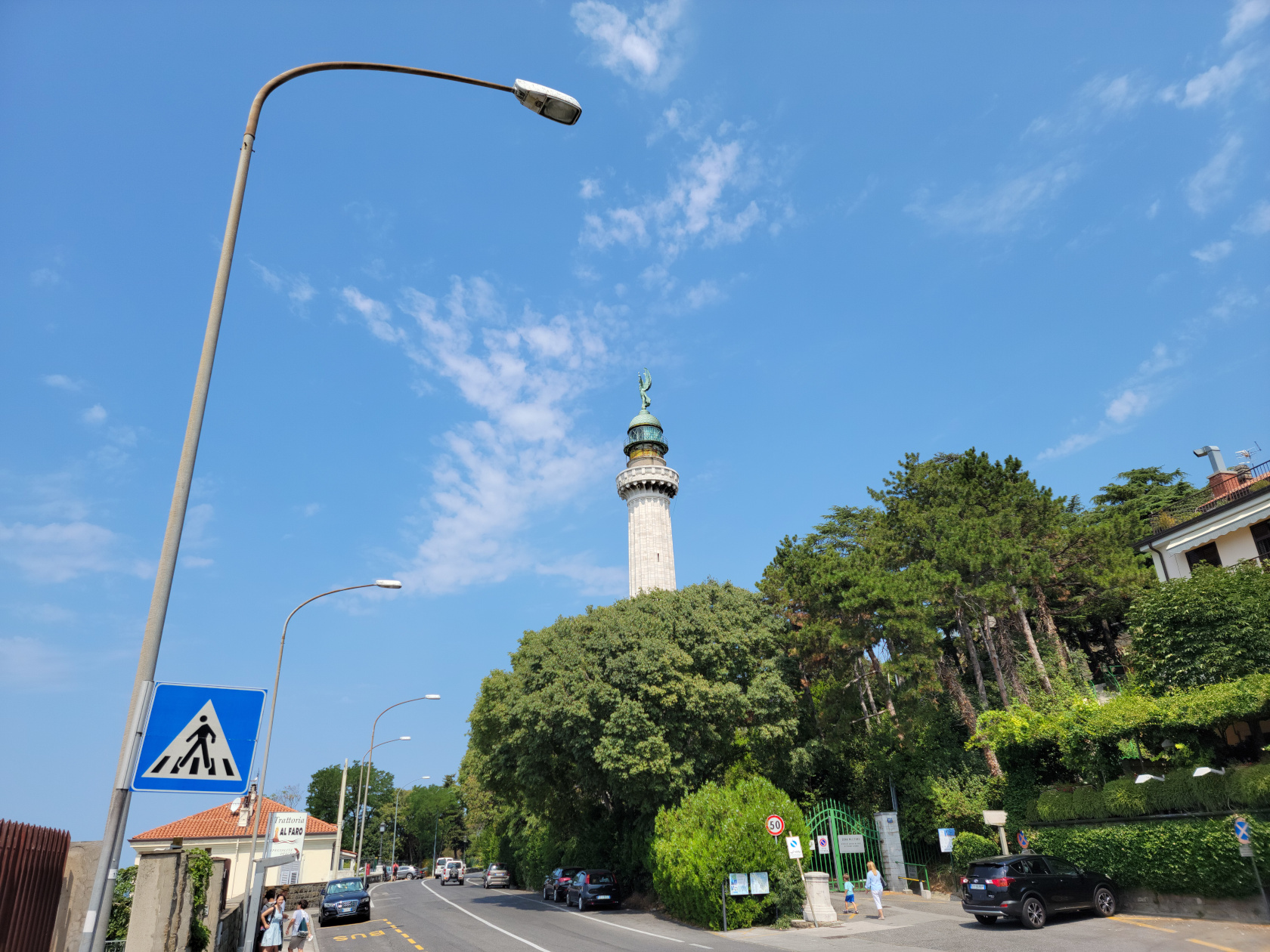
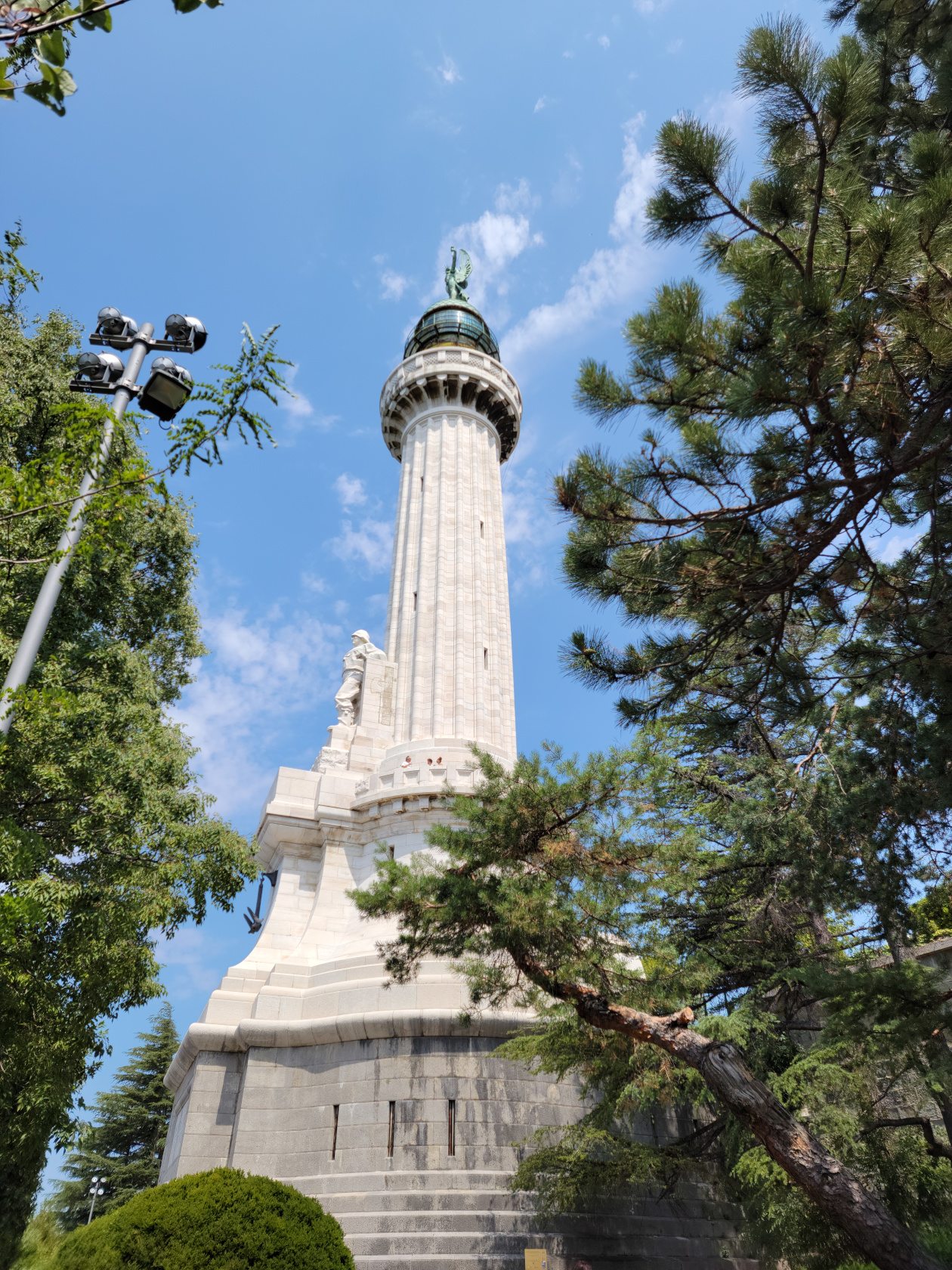
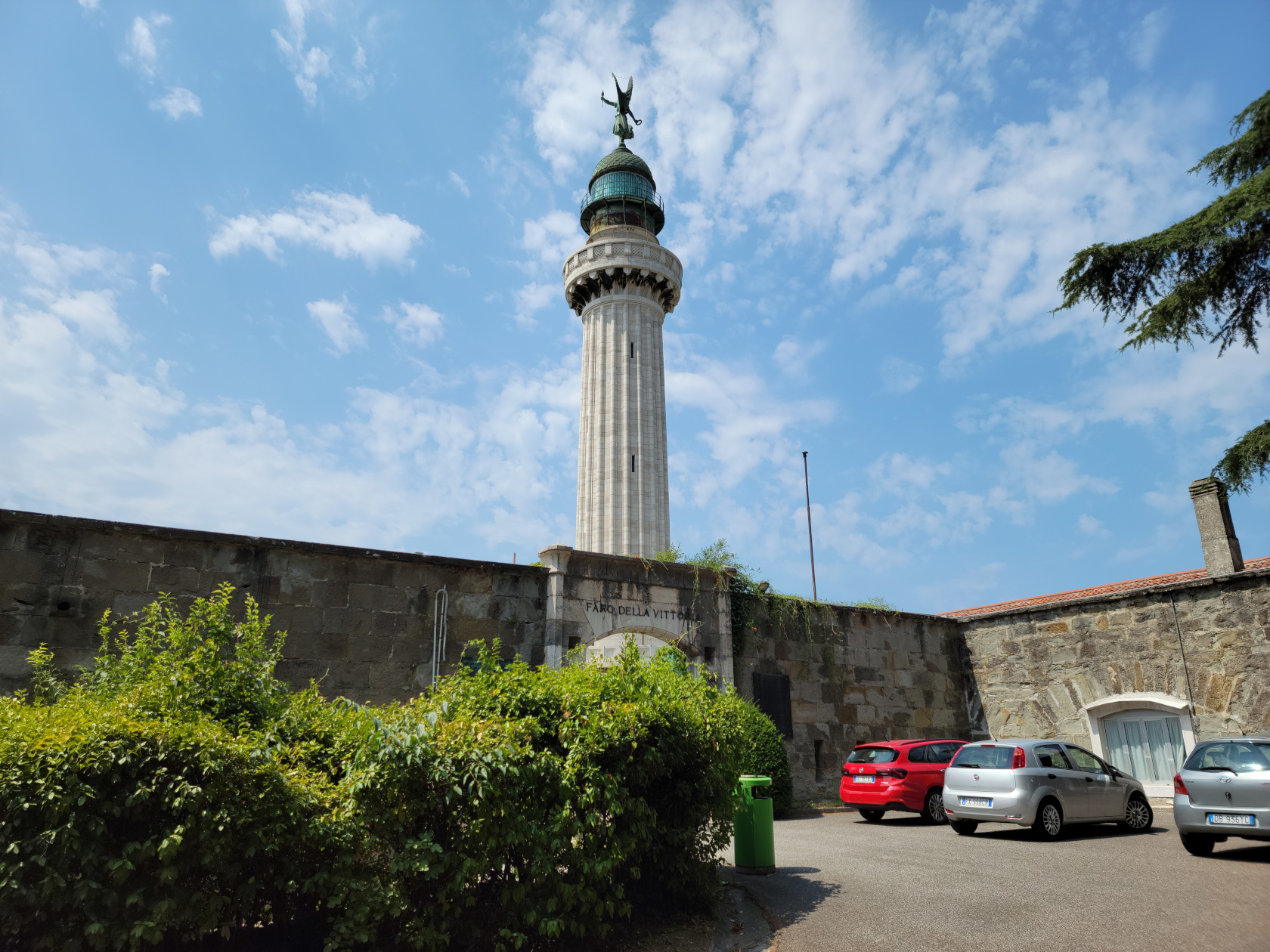
Trieste – Faro della Vittoria Lighthouse
Trieste – Faro della Vittoria Lighthouse
Trieste – Faro della Vittoria Lighthouse
Trieste – Faro della Vittoria Lighthouse
Trieste – Faro della Vittoria Lighthouse
Trieste – Faro della Vittoria Lighthouse
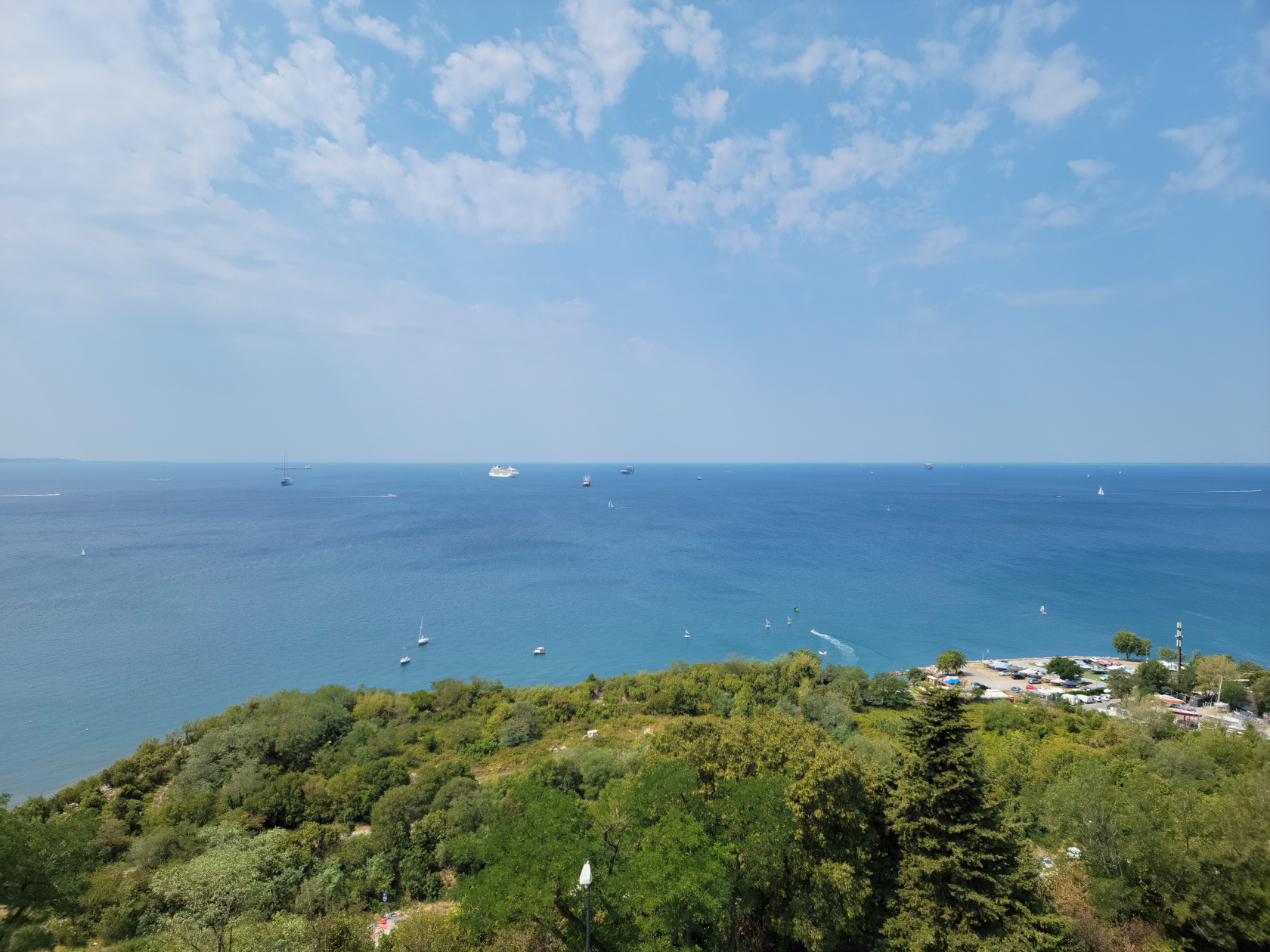
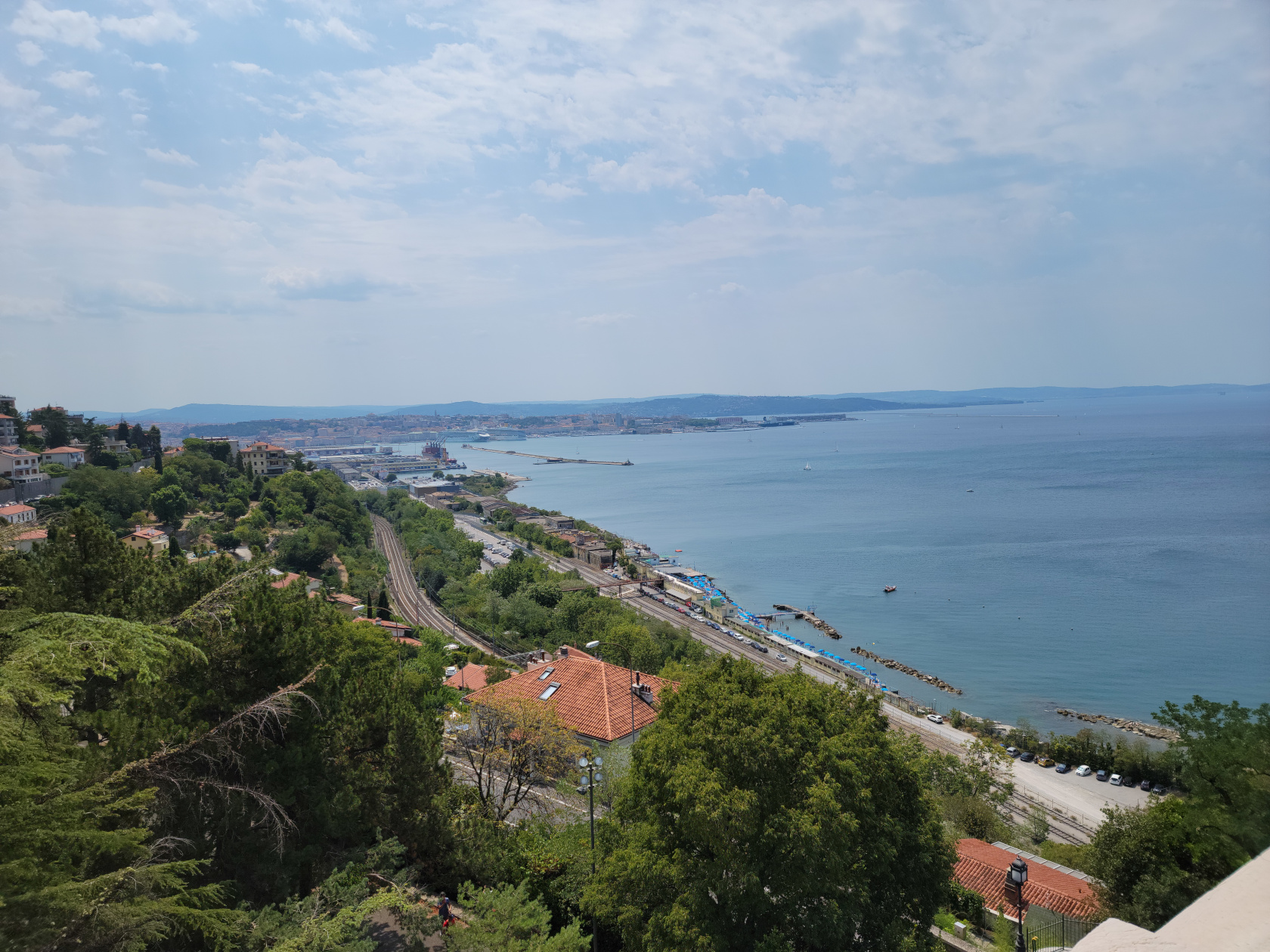
Trieste – Faro della Vittoria Lighthouse – Observation Platform View
Trieste – Faro della Vittoria Lighthouse – Observation Platform View
Trieste – Faro della Vittoria Lighthouse – Observation Platform View
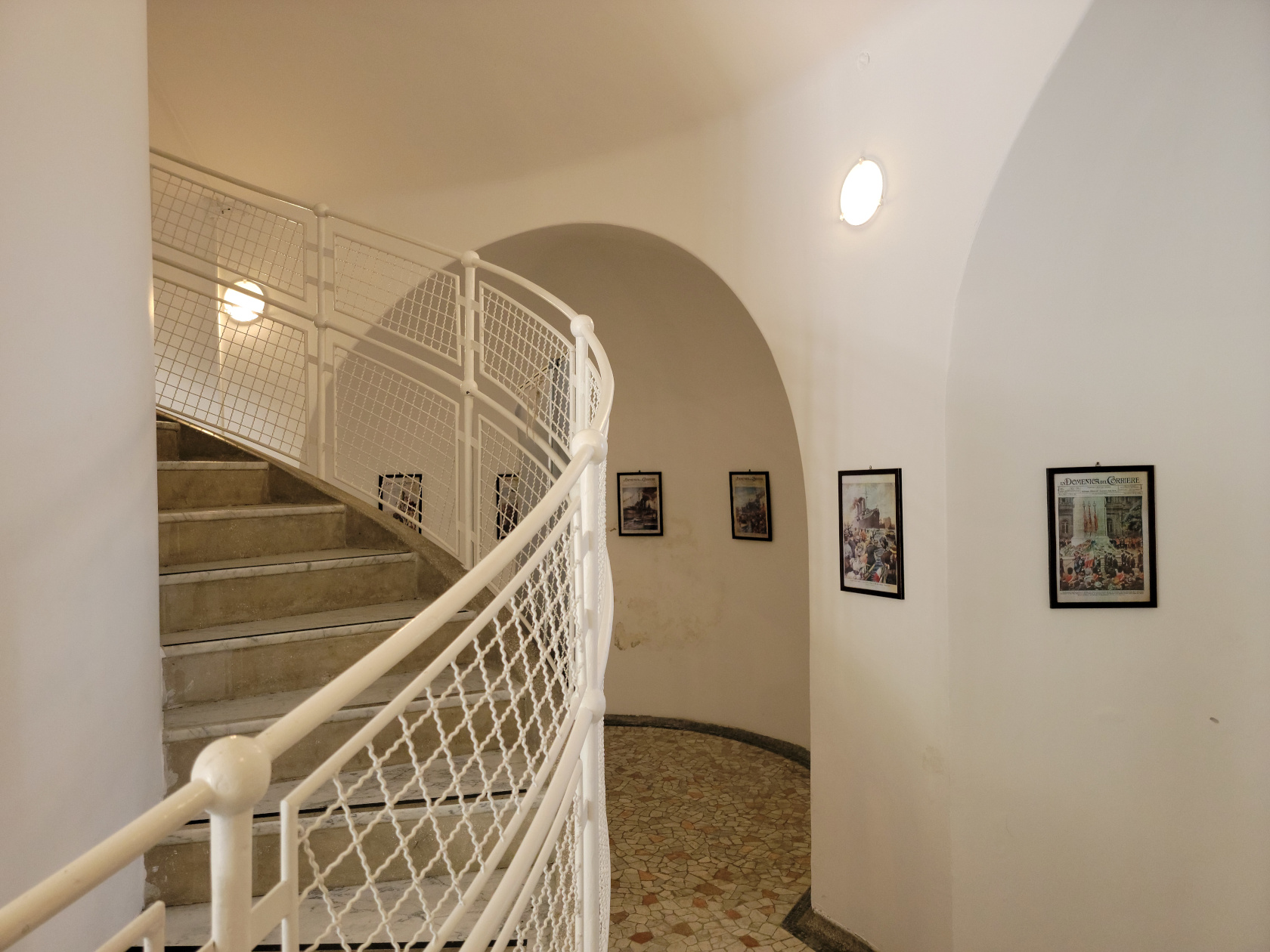
At over sixty meters in height, the lighthouse is one of the tallest in the world. Inside there is a small museum and the circular stairway that ascends to the first viewing deck, about fifty steps. Though we arrived during the weekend, the upper part of the lighthouse was no longer open.
Trieste – Faro della Vittoria Lighthouse – Museum Inside
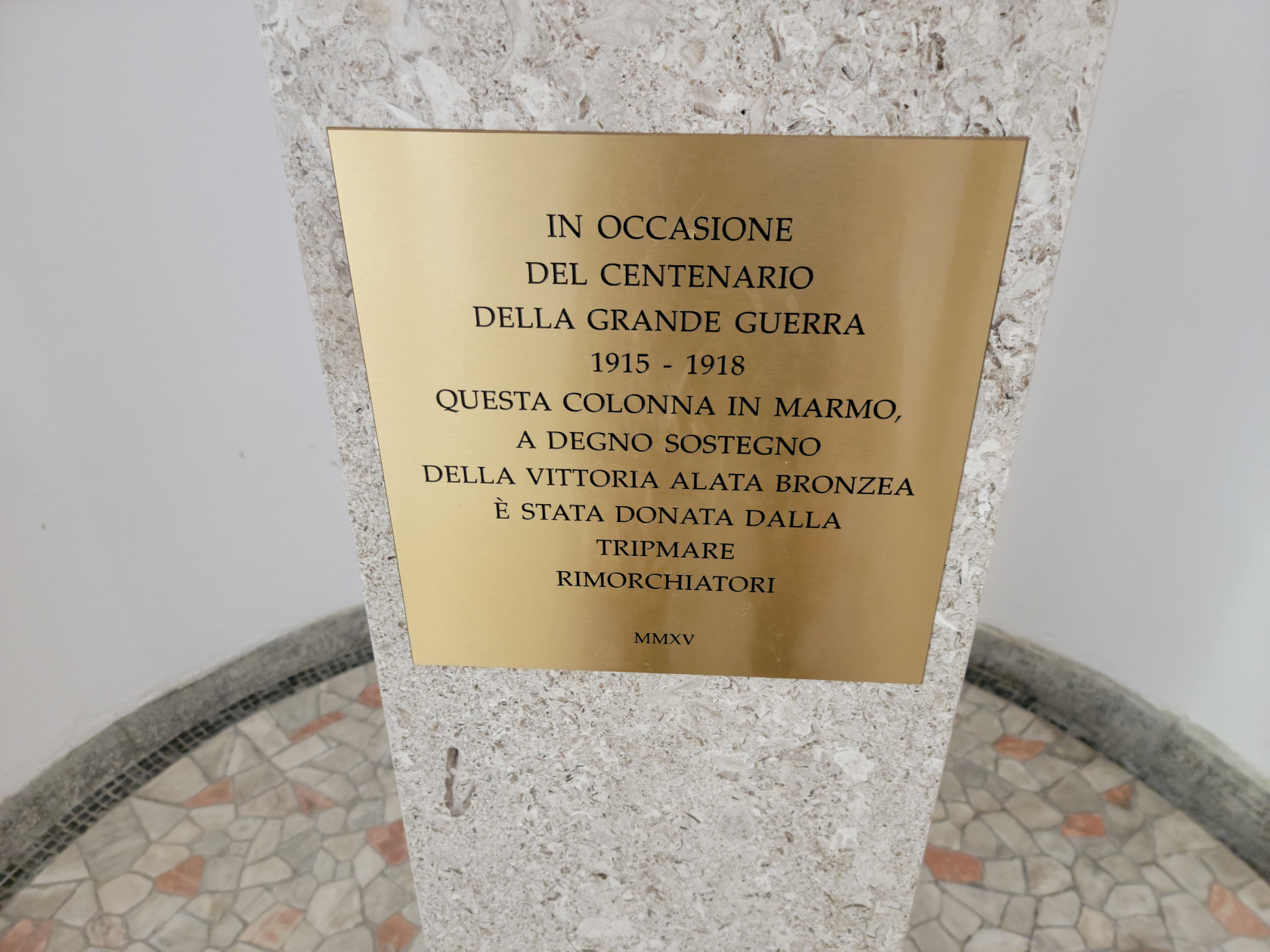
Trieste – Faro della Vittoria Lighthouse – Museum Inside
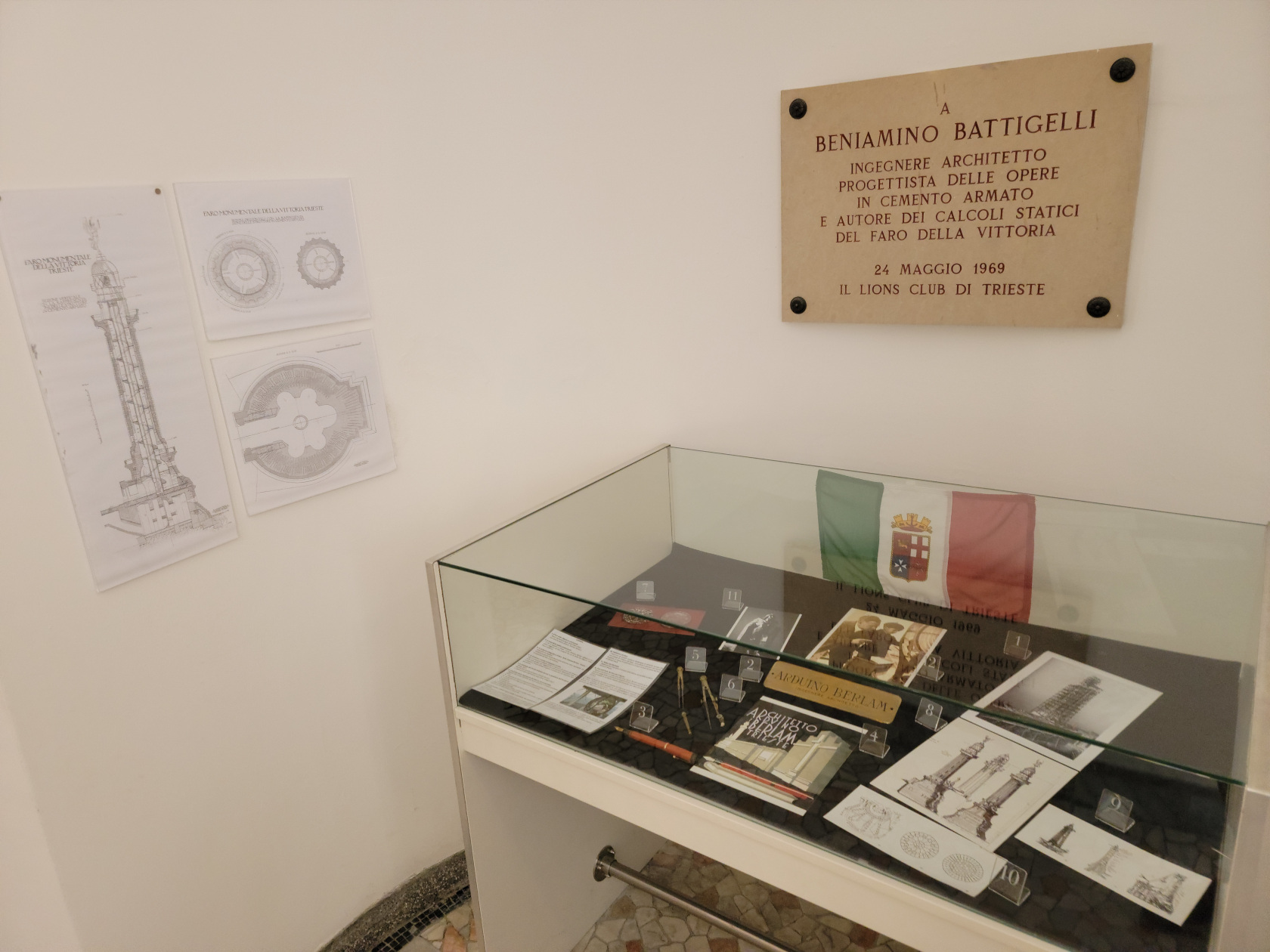
Trieste – Faro della Vittoria Lighthouse – Museum Inside
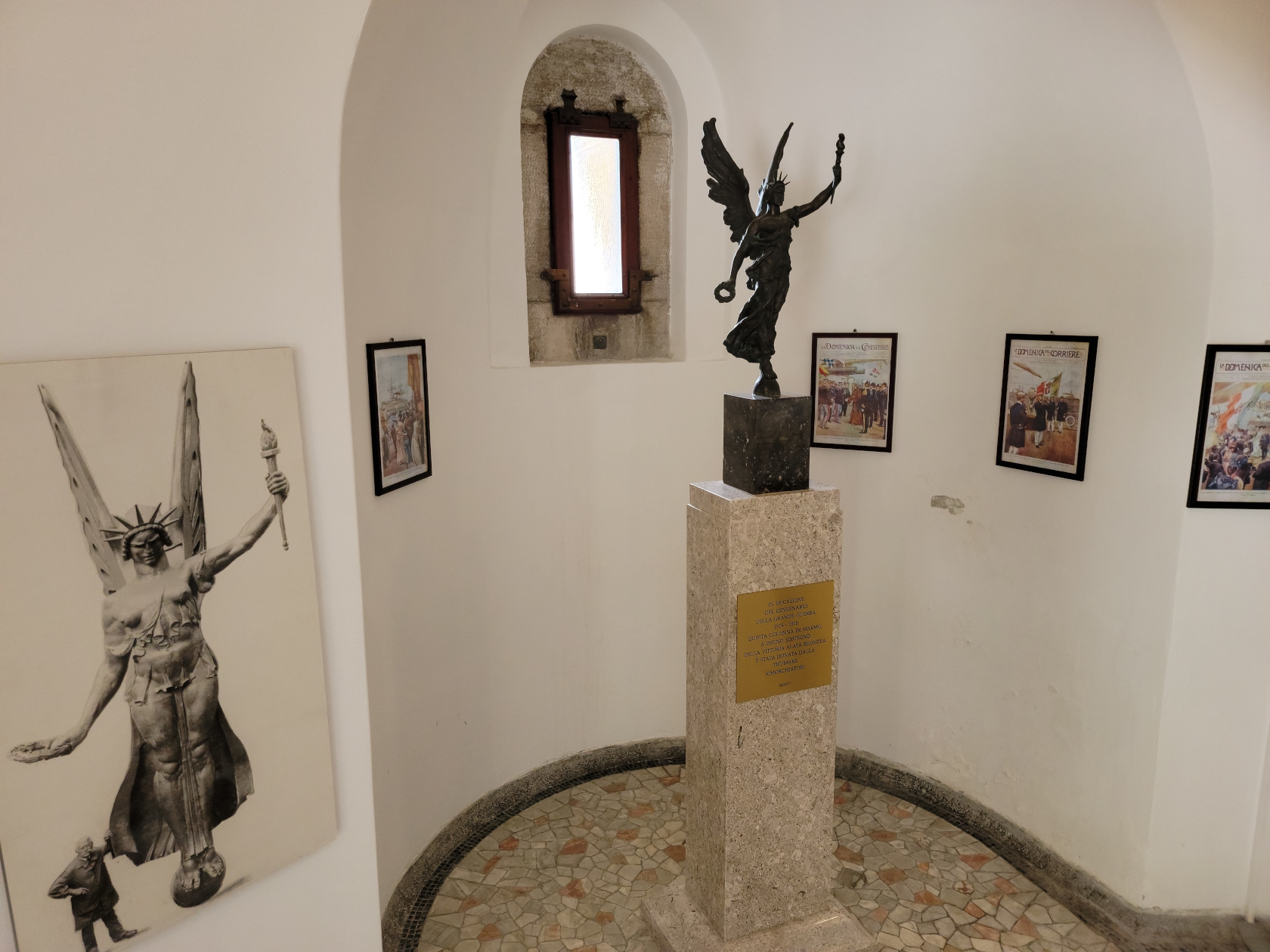
Trieste – Faro della Vittoria Lighthouse – Bronze of the Lighthouse Top
Restaurants
Bella de Napoli
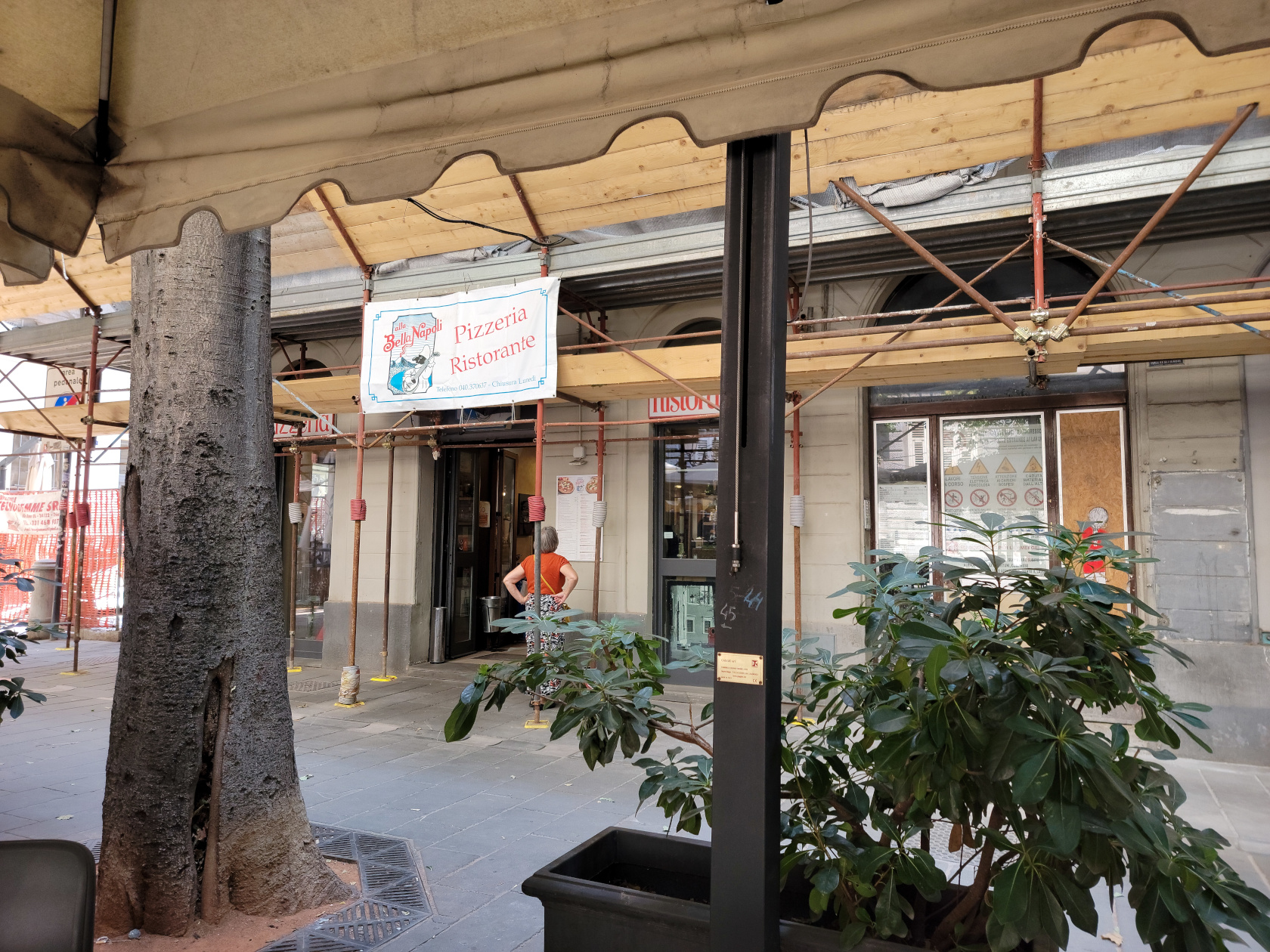
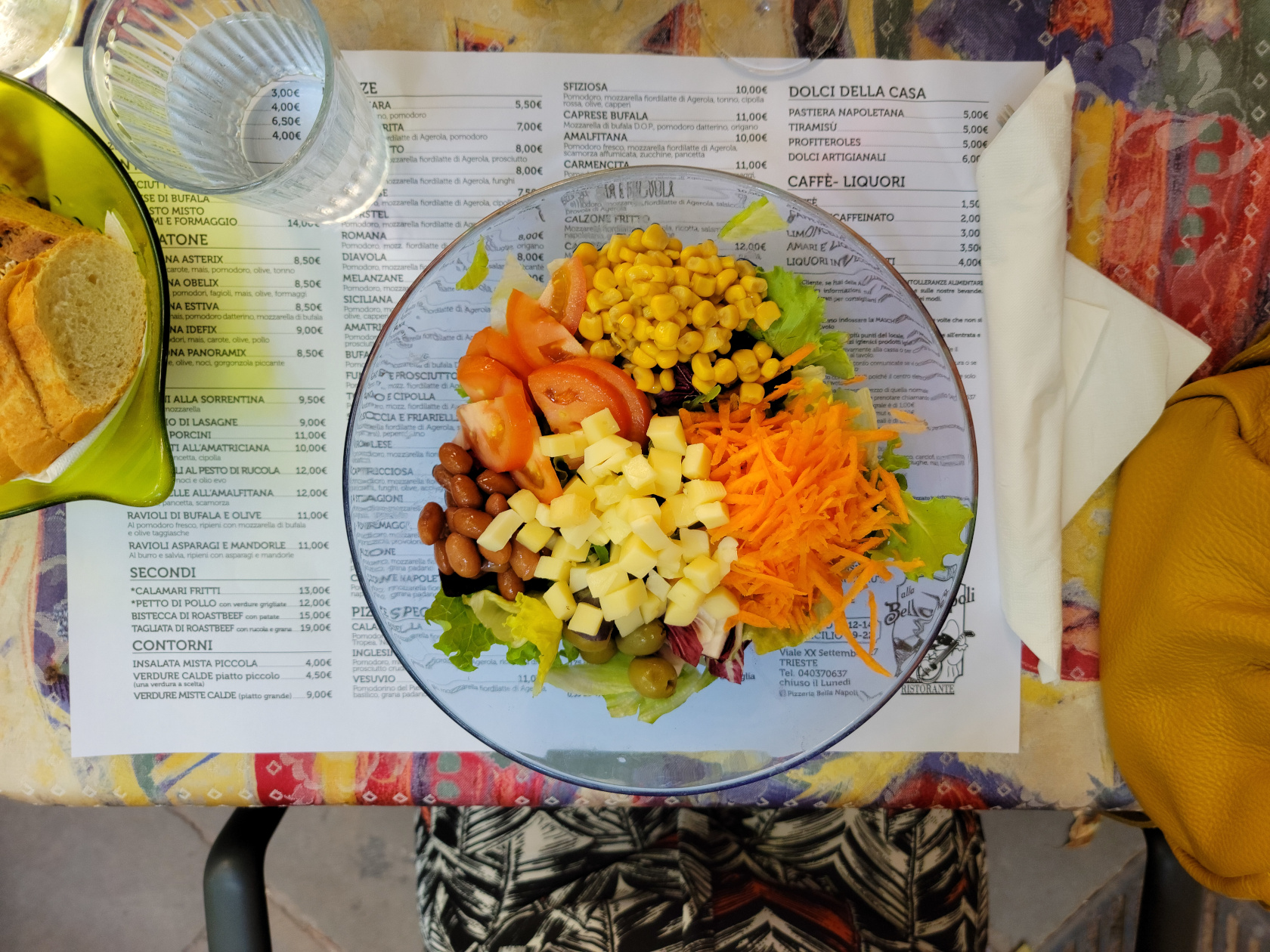
A small restaurant on XX September that serves Neapolitan fare is Bella Napoli. We stopped for lunch and had a very good meal for under forty euros.
Trieste – Bella Napoli – XX September
Trieste – Bella Napoli – XX September
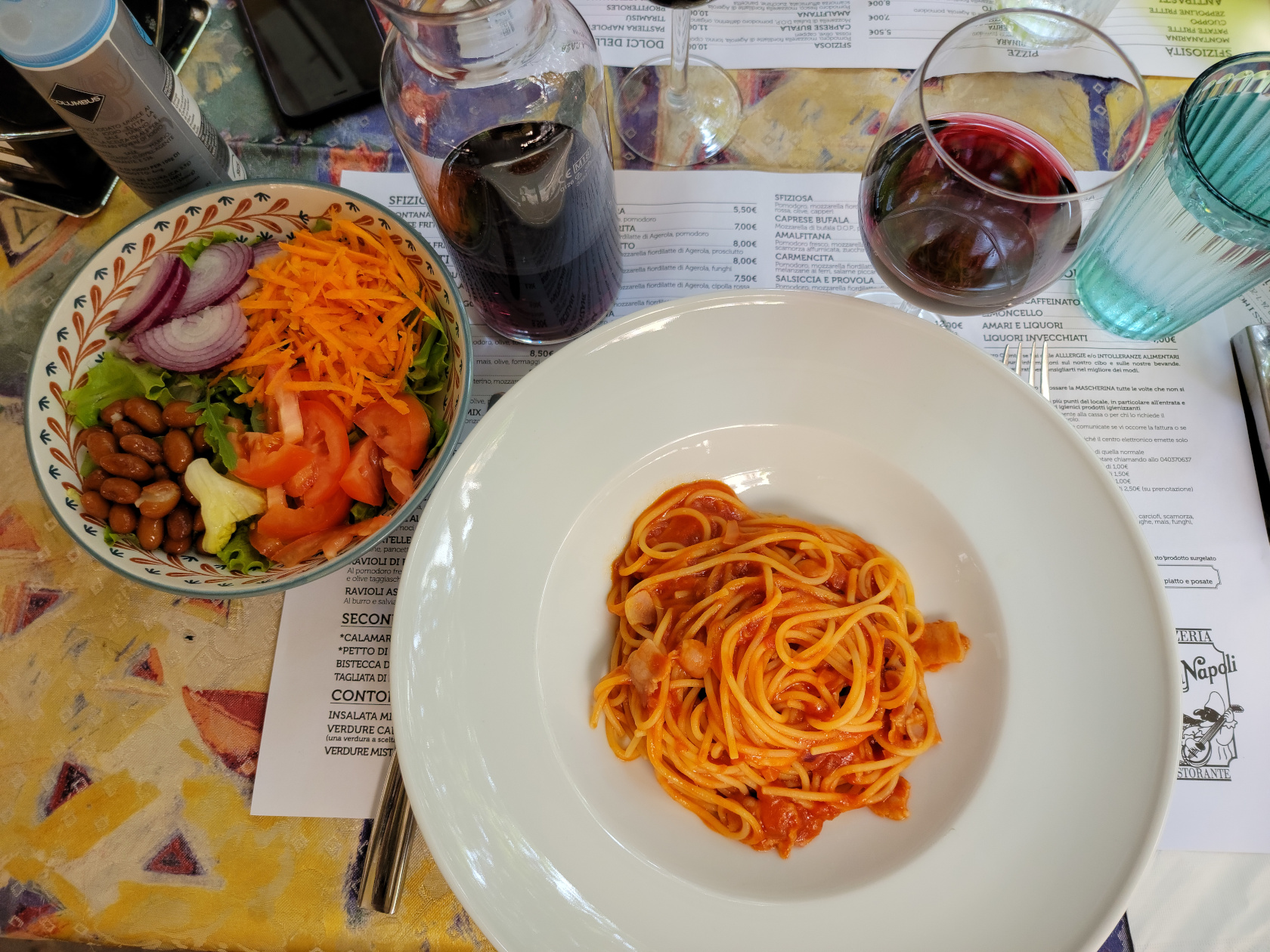
Trieste – Bella Napoli – Spaghetti with Pancetta and Onion
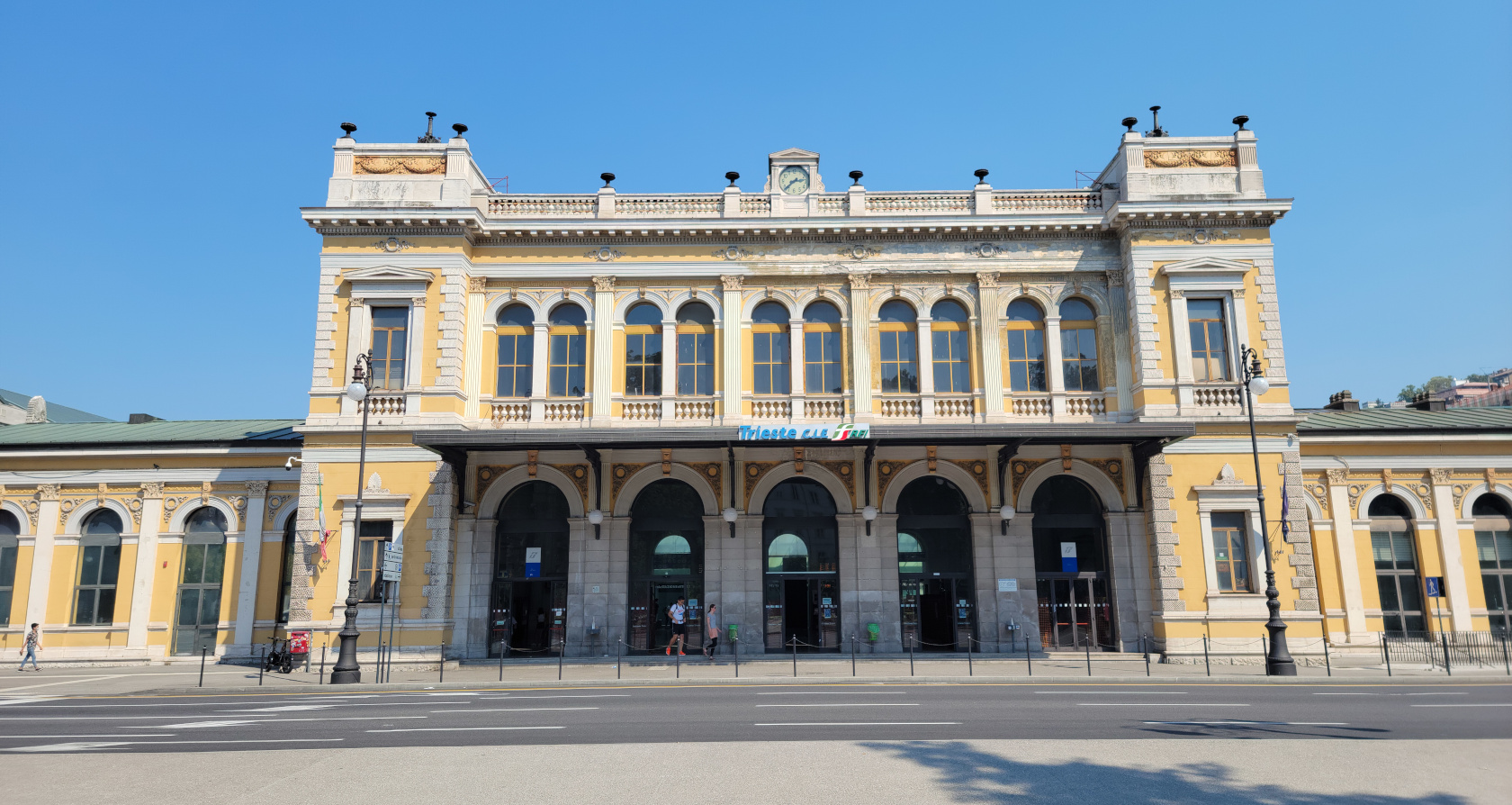
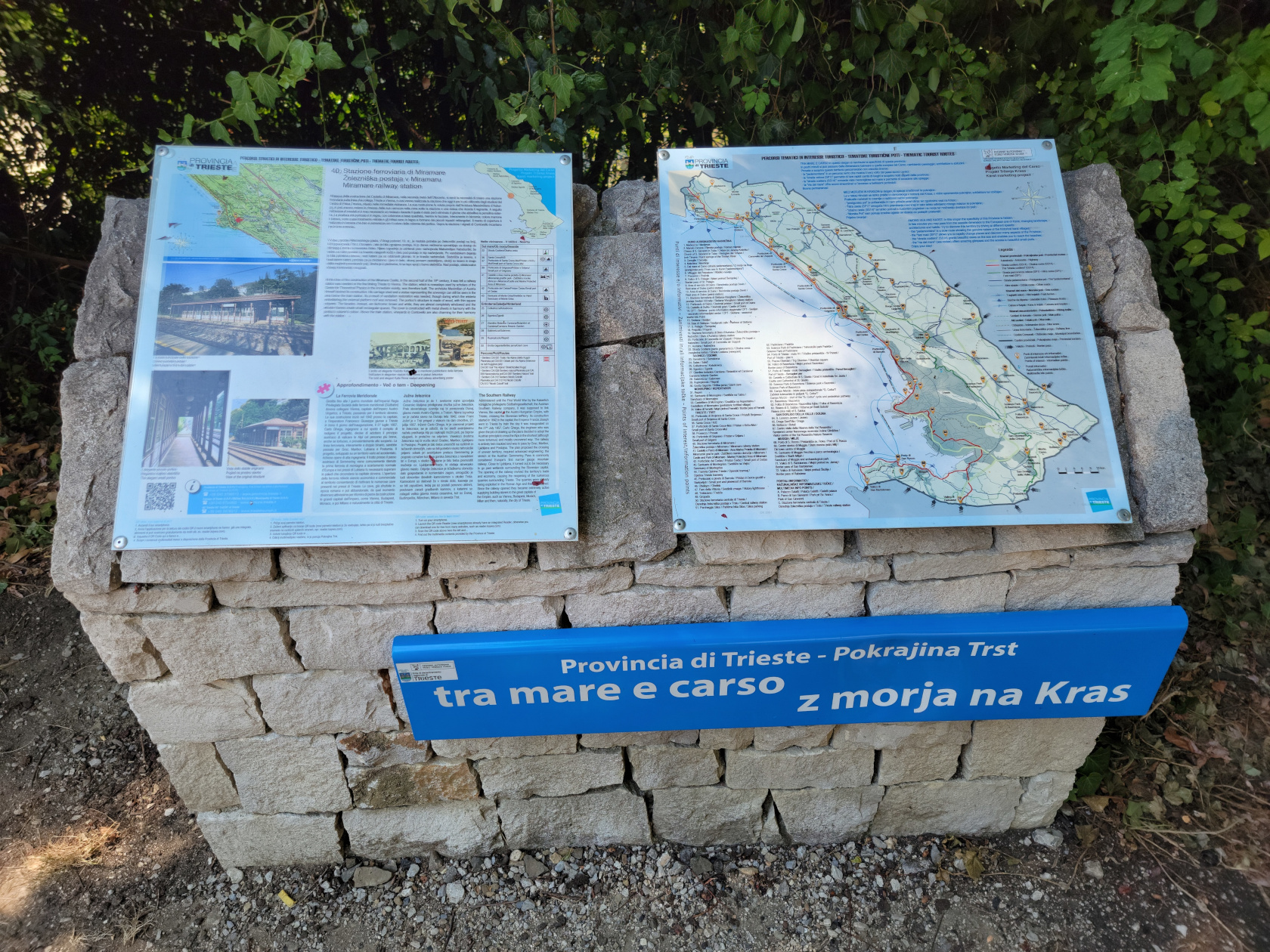
From the Trieste Train Station it is possible to take a local or regional train for a day trip and visit the Castle of Miramare just north of the city. Tickets are available via the TrennItalia application, at the ticket counter or vending machines.
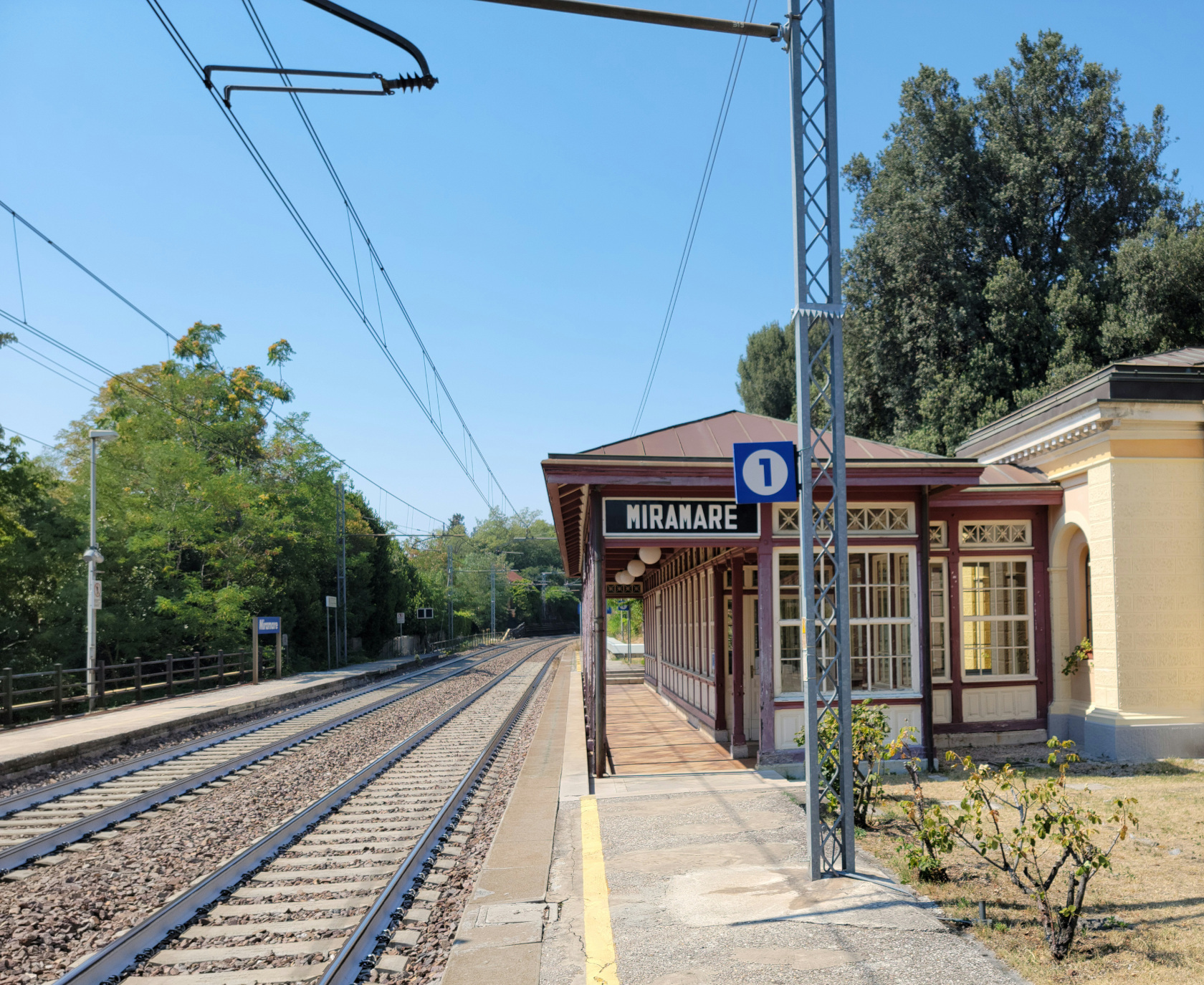
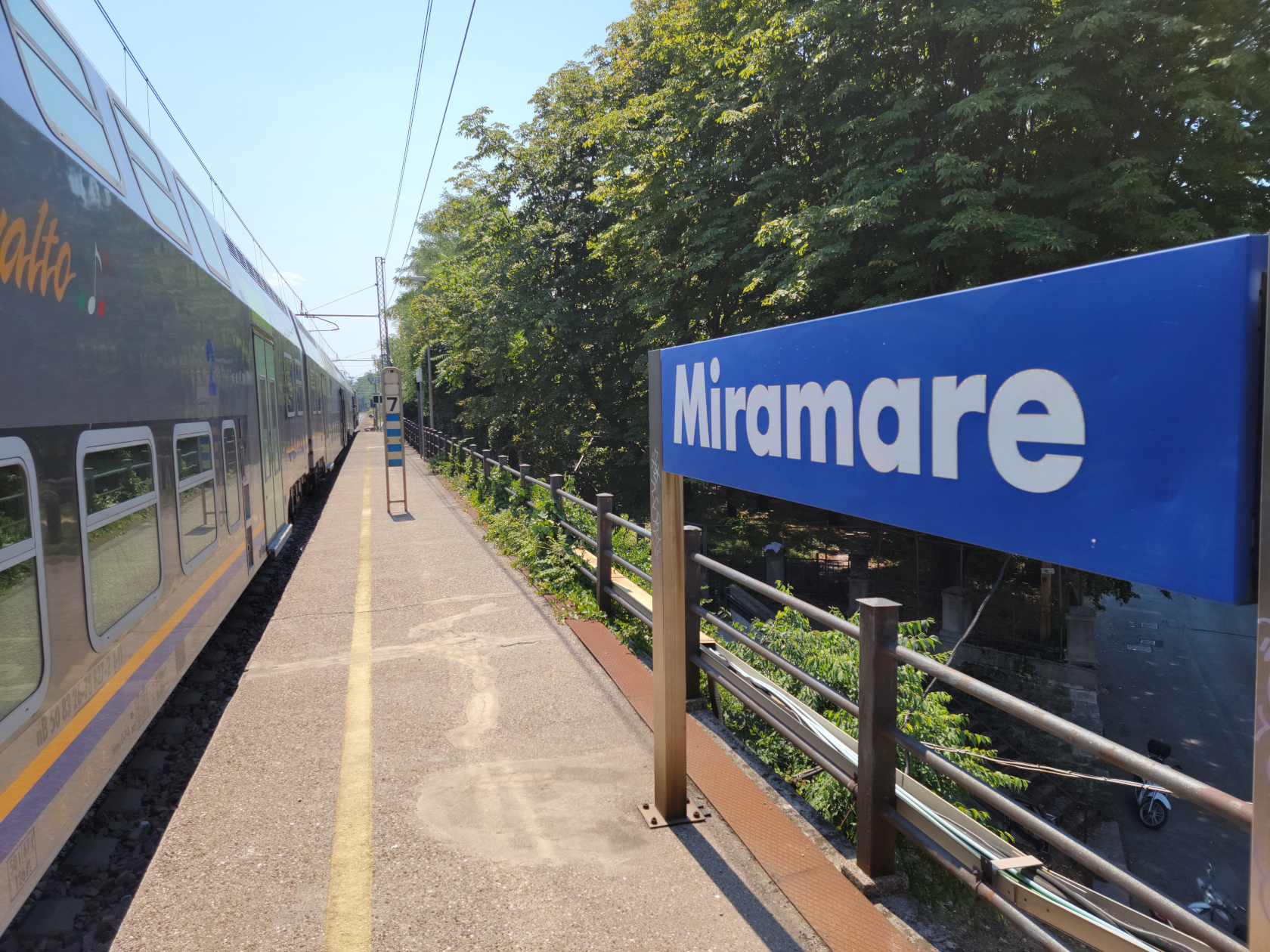
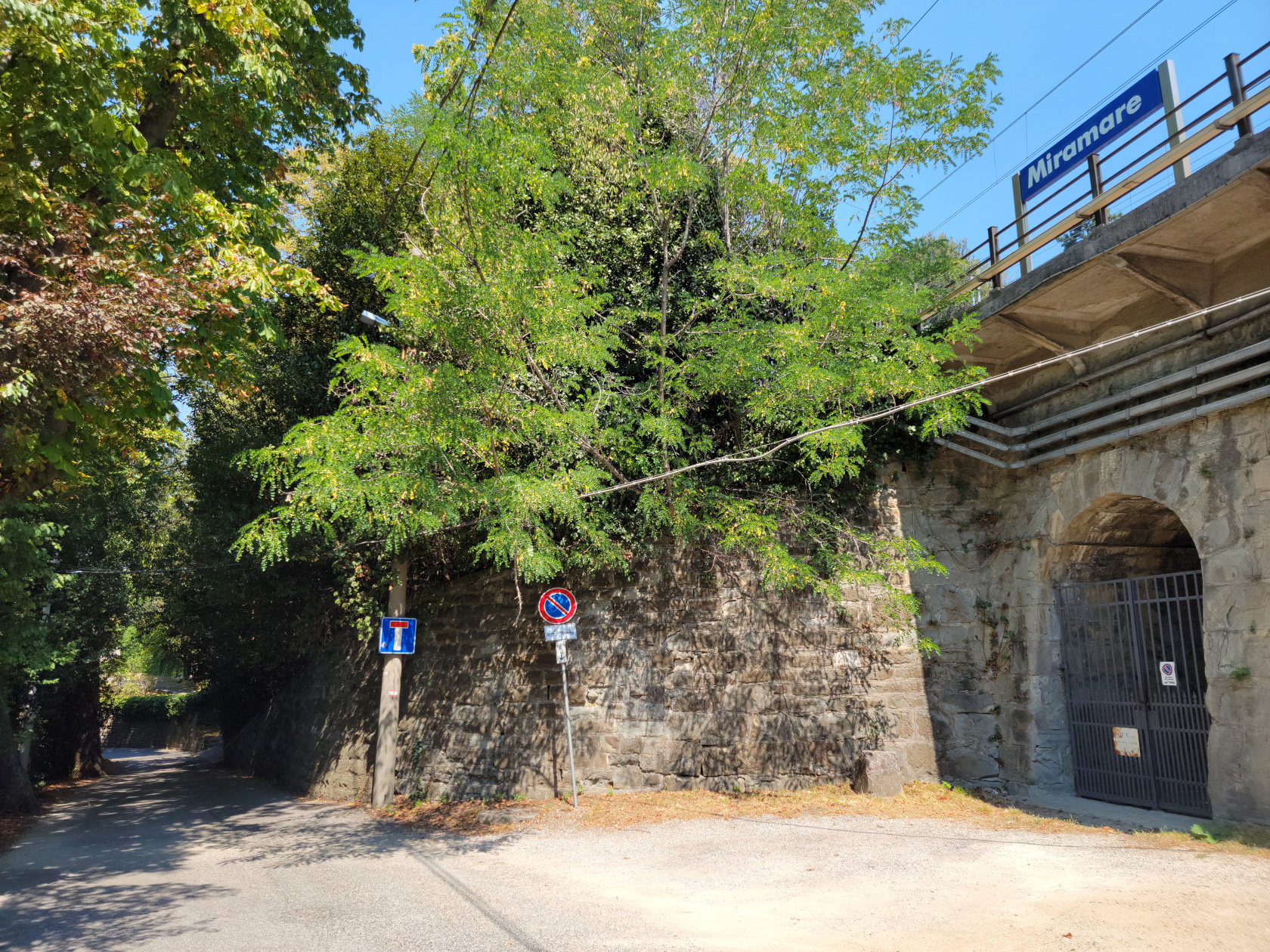
Miramare – Train Station
Miramare – Train Stop
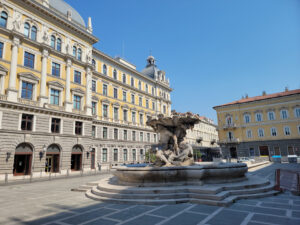
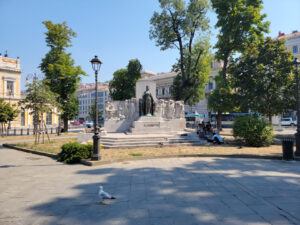
On the walk to the train station we were able to stop and enjoy some of the monuments and fountains that we missed on our previous walks.
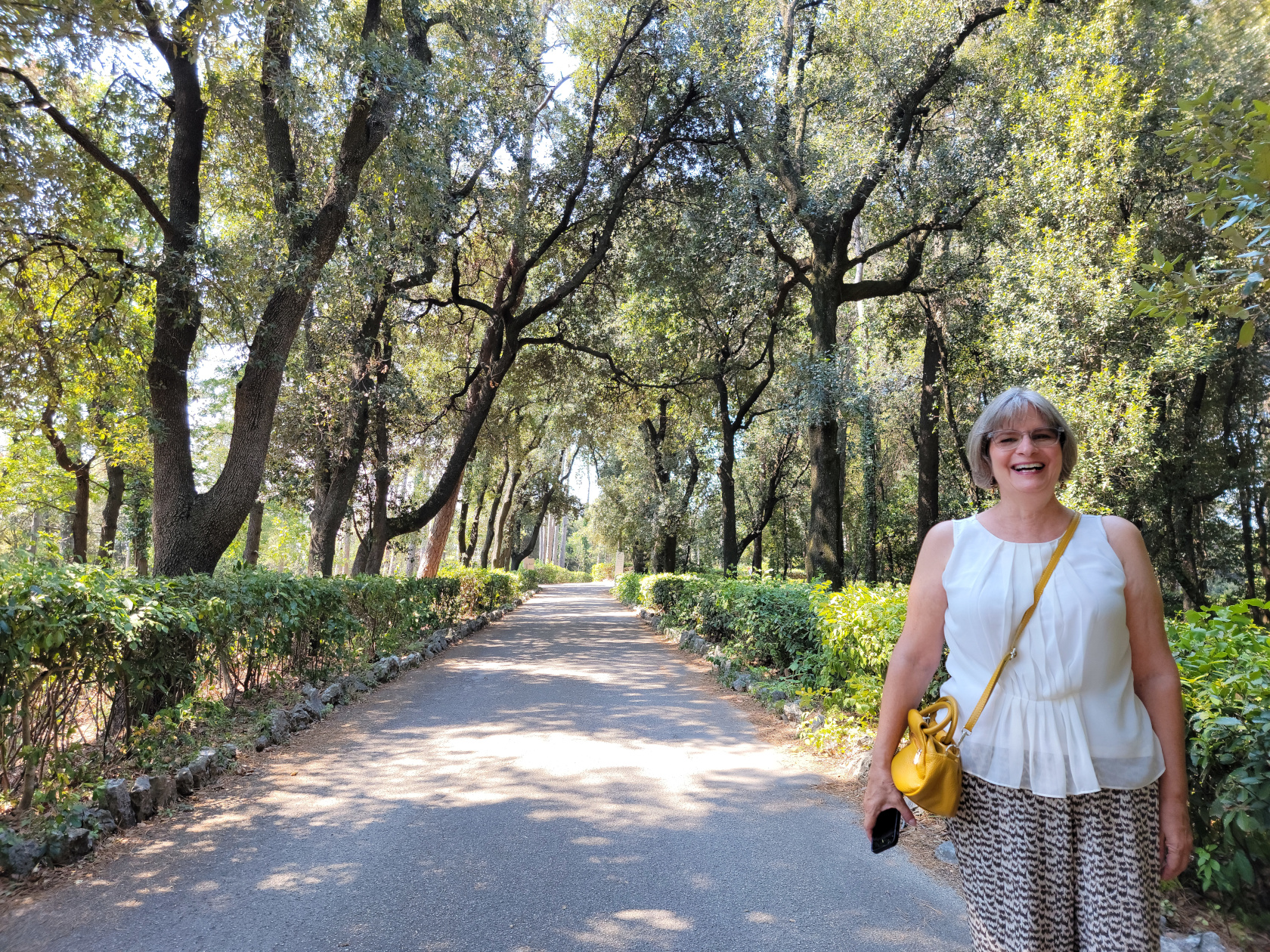
Before reaching the castle, there is a very beautiful park that surrounds it. Its shade was very welcome with temperatures reaching the mid 90s.
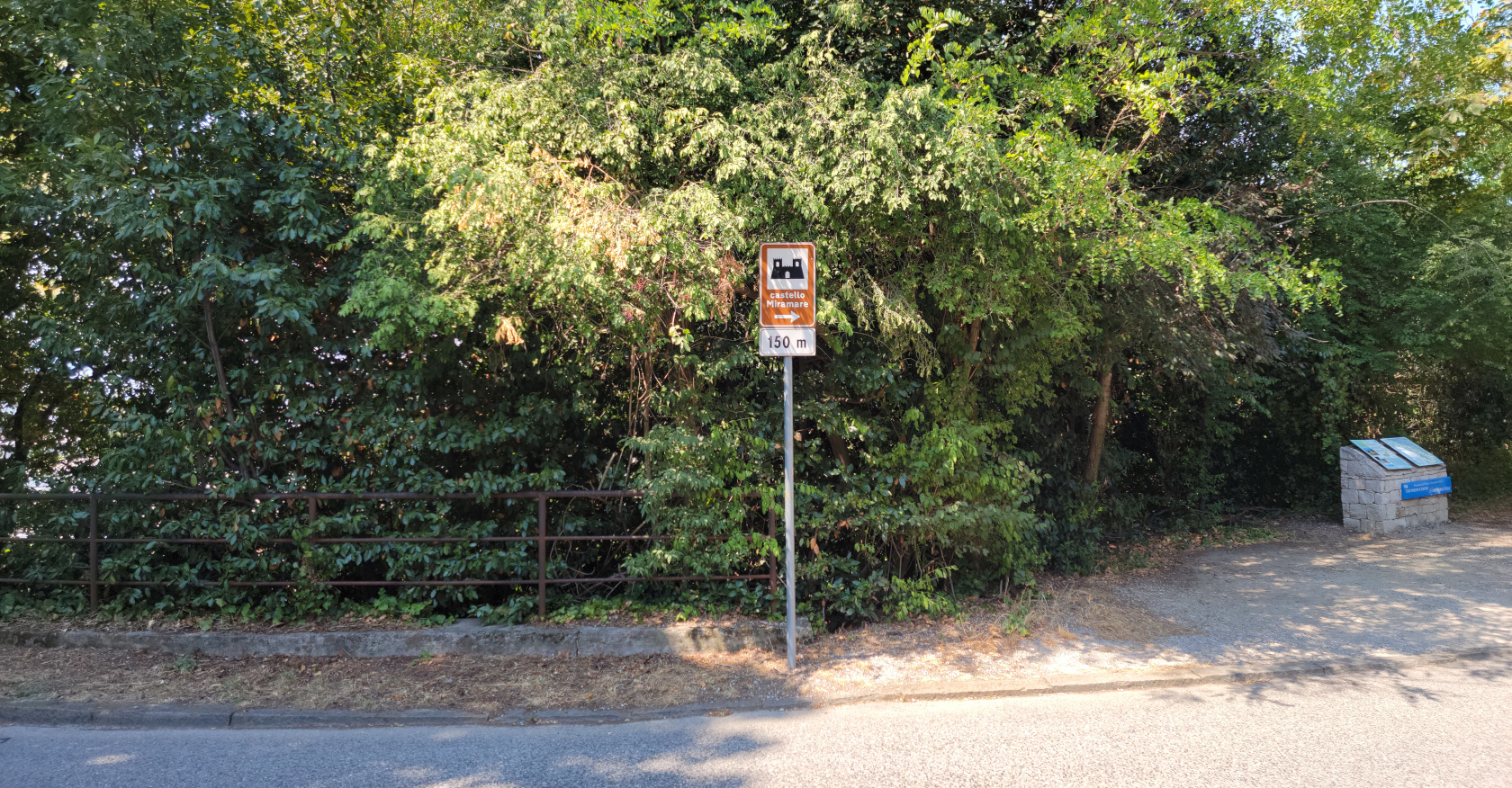
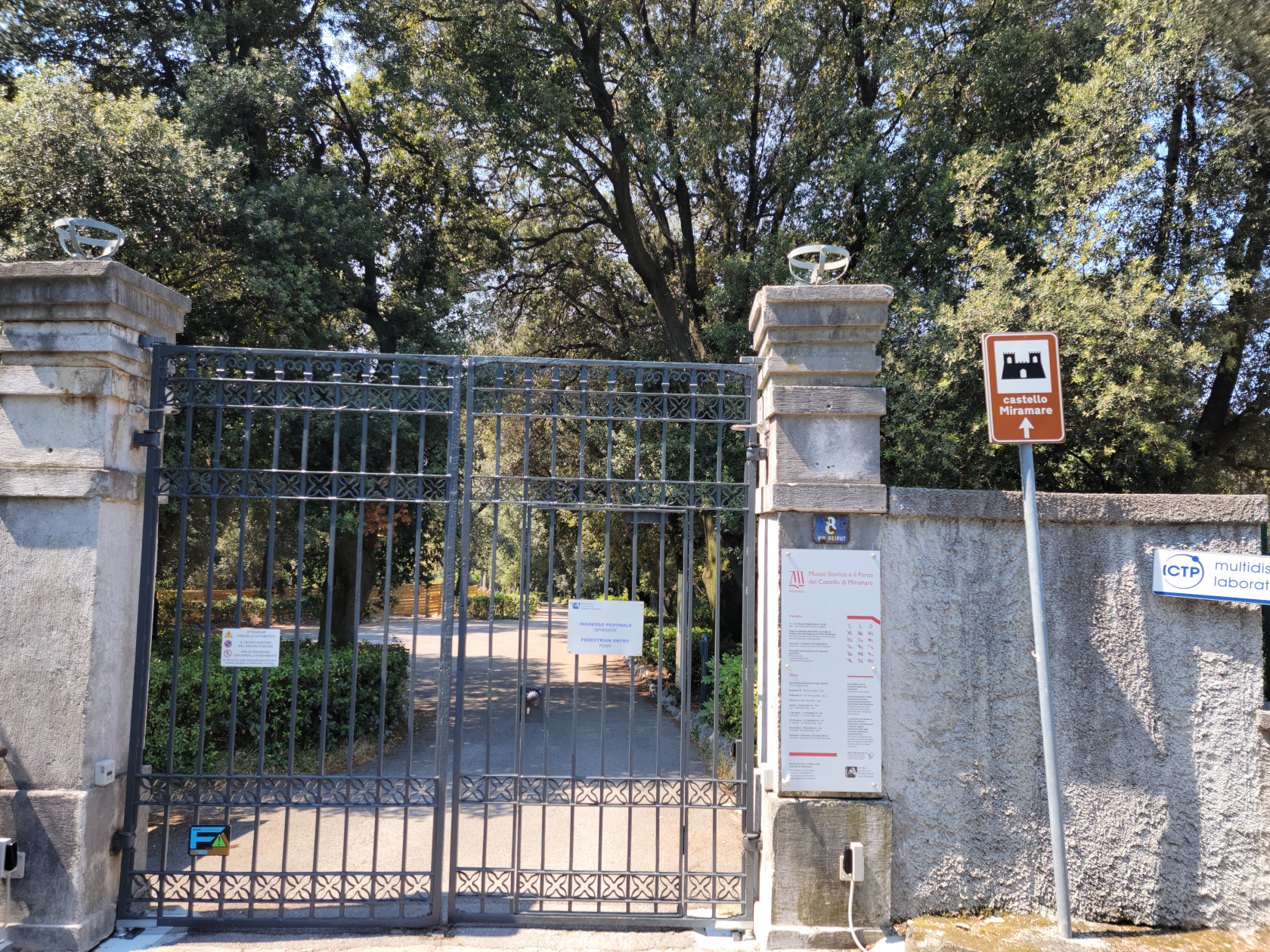
Miramare – Sign to Castle
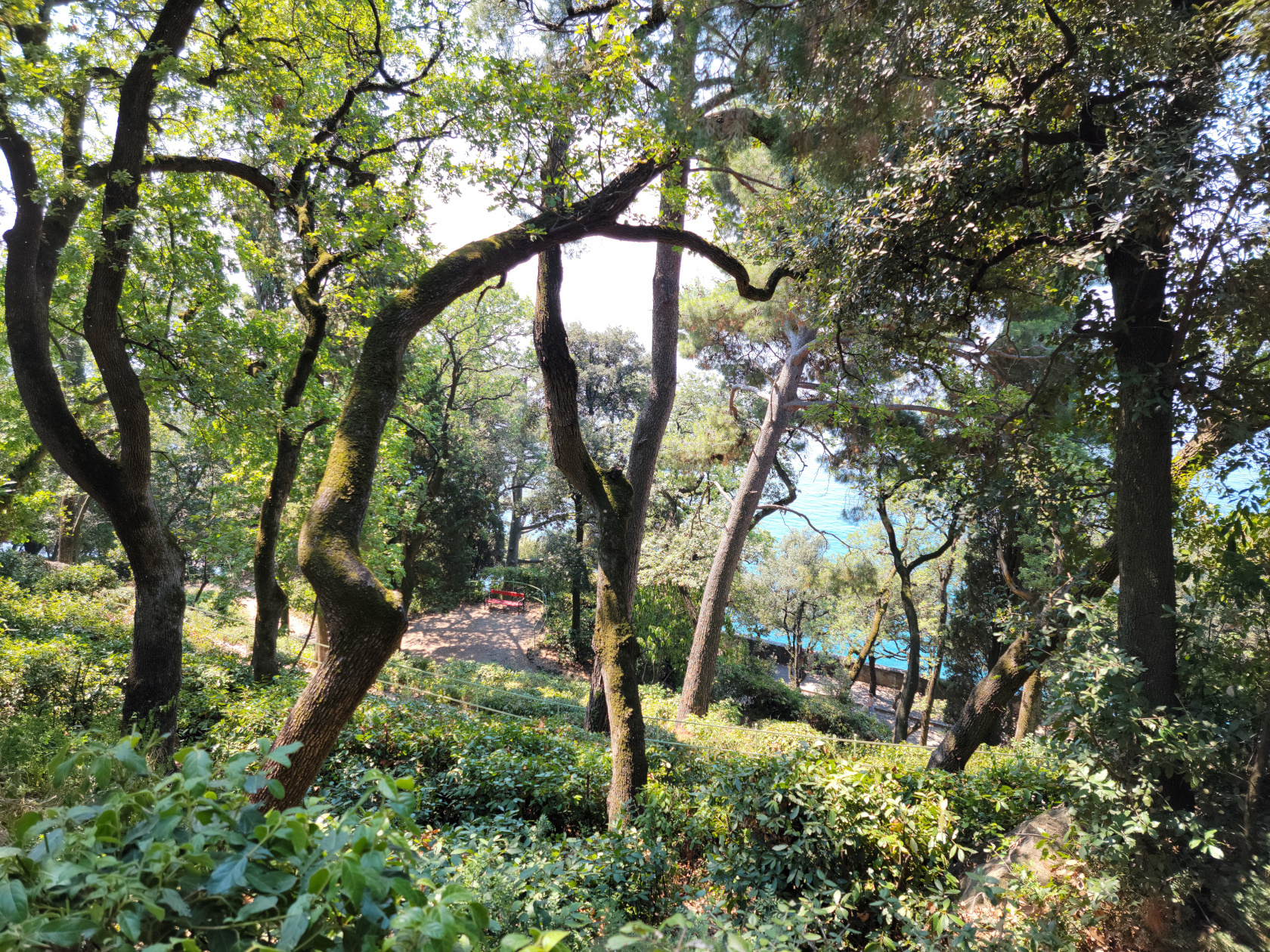
Miramare – Miramare Castle Park
Miramare – Road to Miramare Castle Park
Miramare – Gate to Miramare Castle Park
Miramare – Patti in Miramare Castle Park
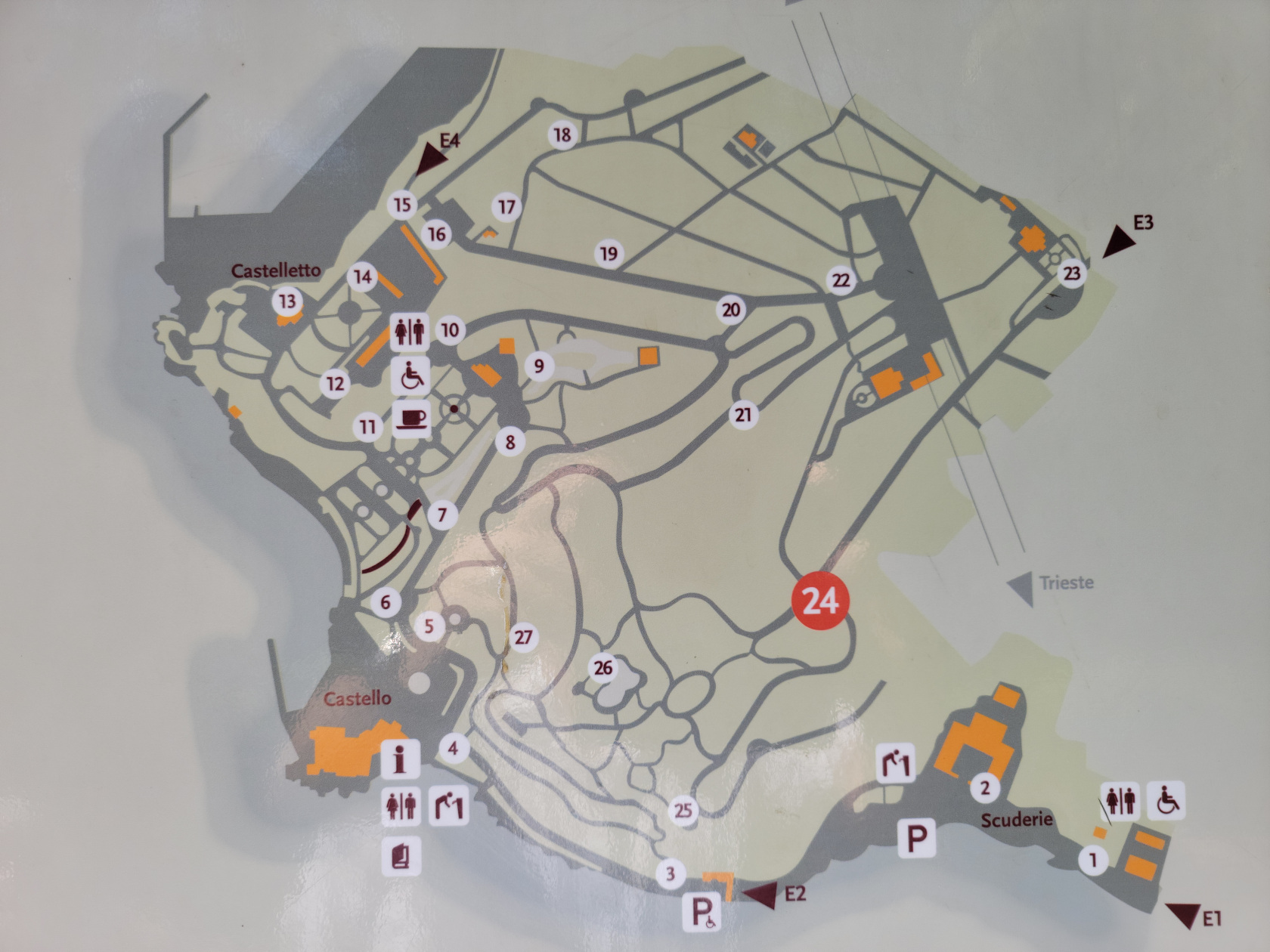
Miramare – Miramare Castle Park Map
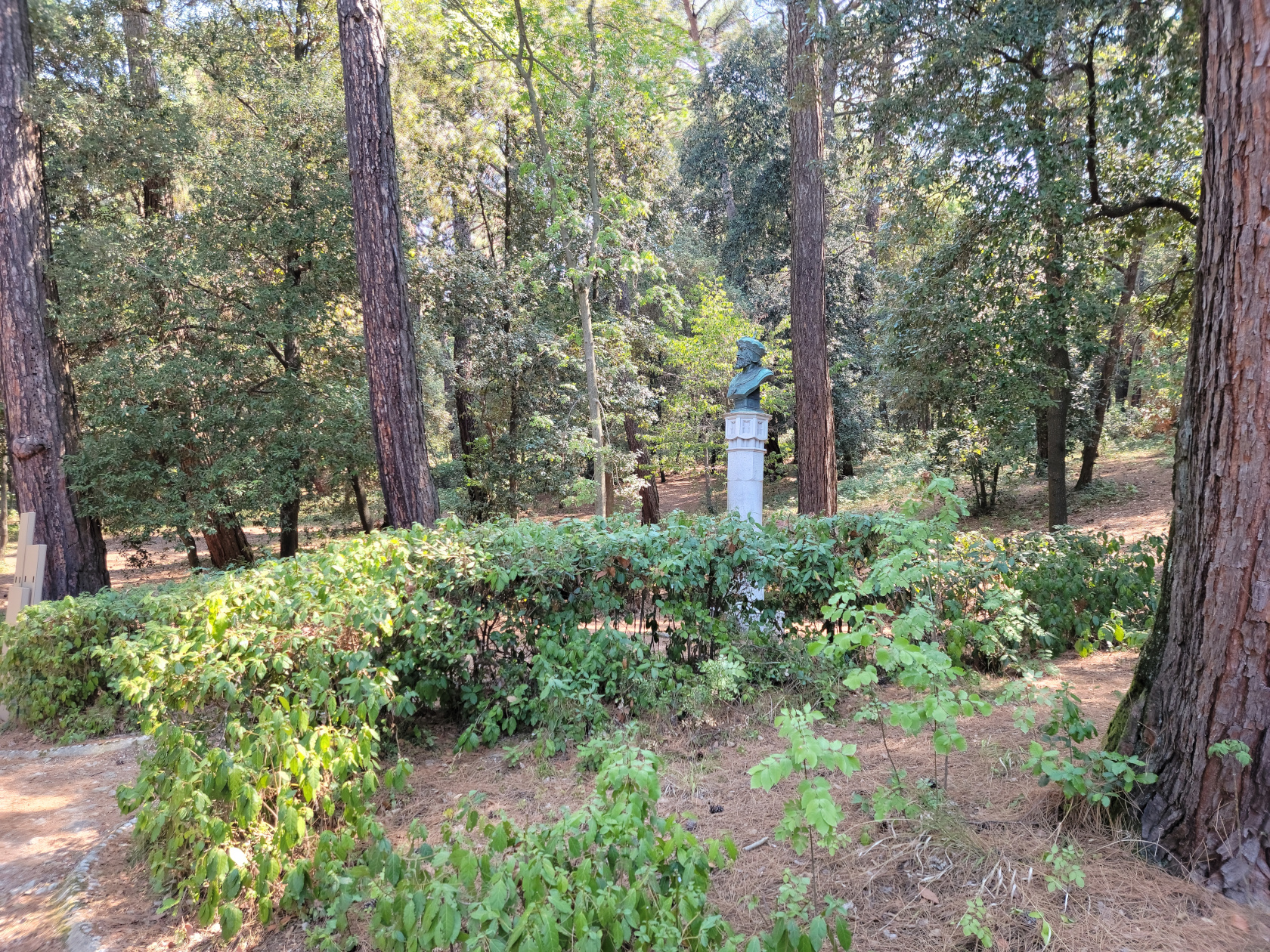
Miramare – Miramare Castle Park
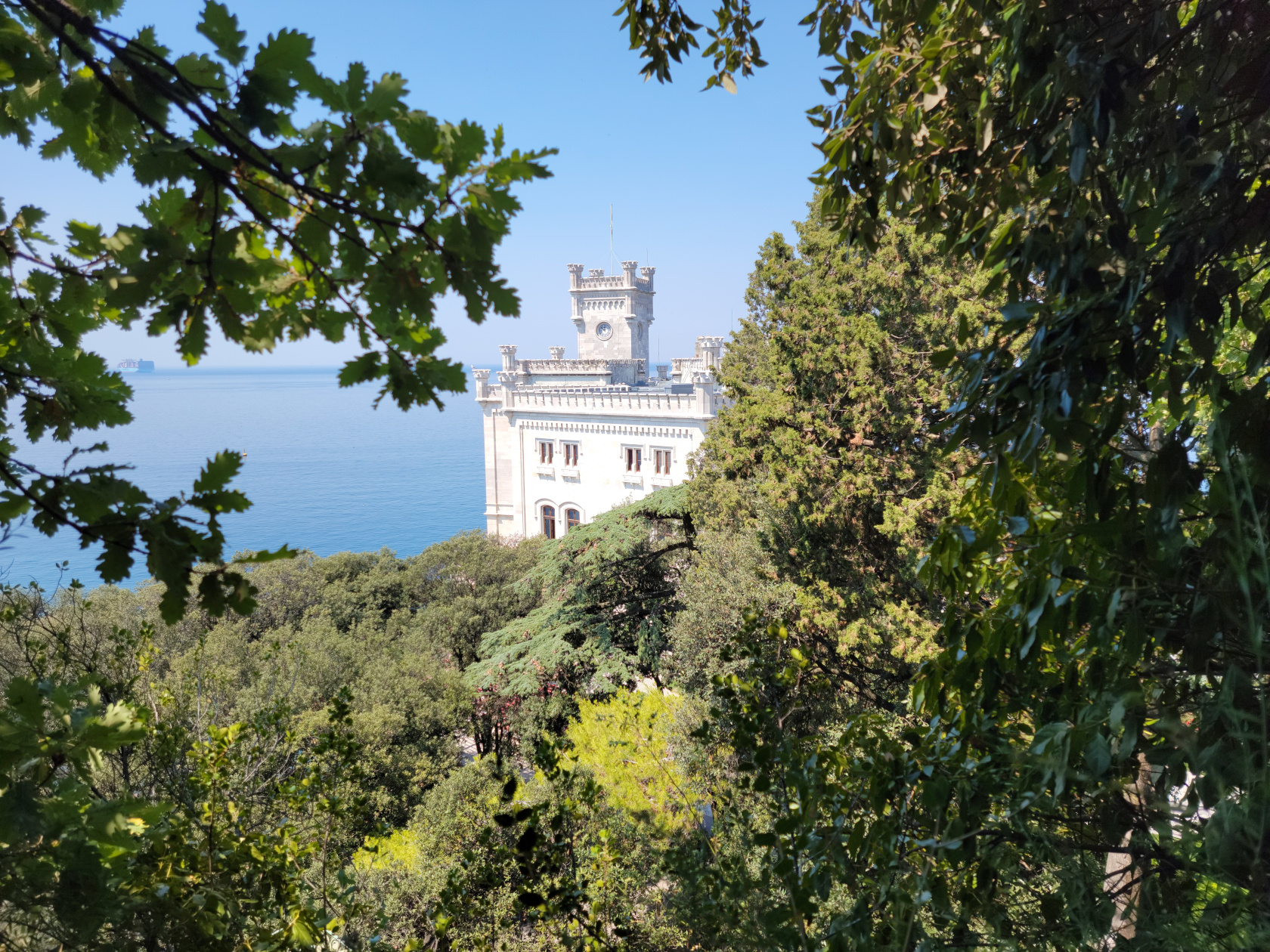
Miramare – Castle viewed from Miramare Castle Park trail
Miramare – Miramare Castle Park
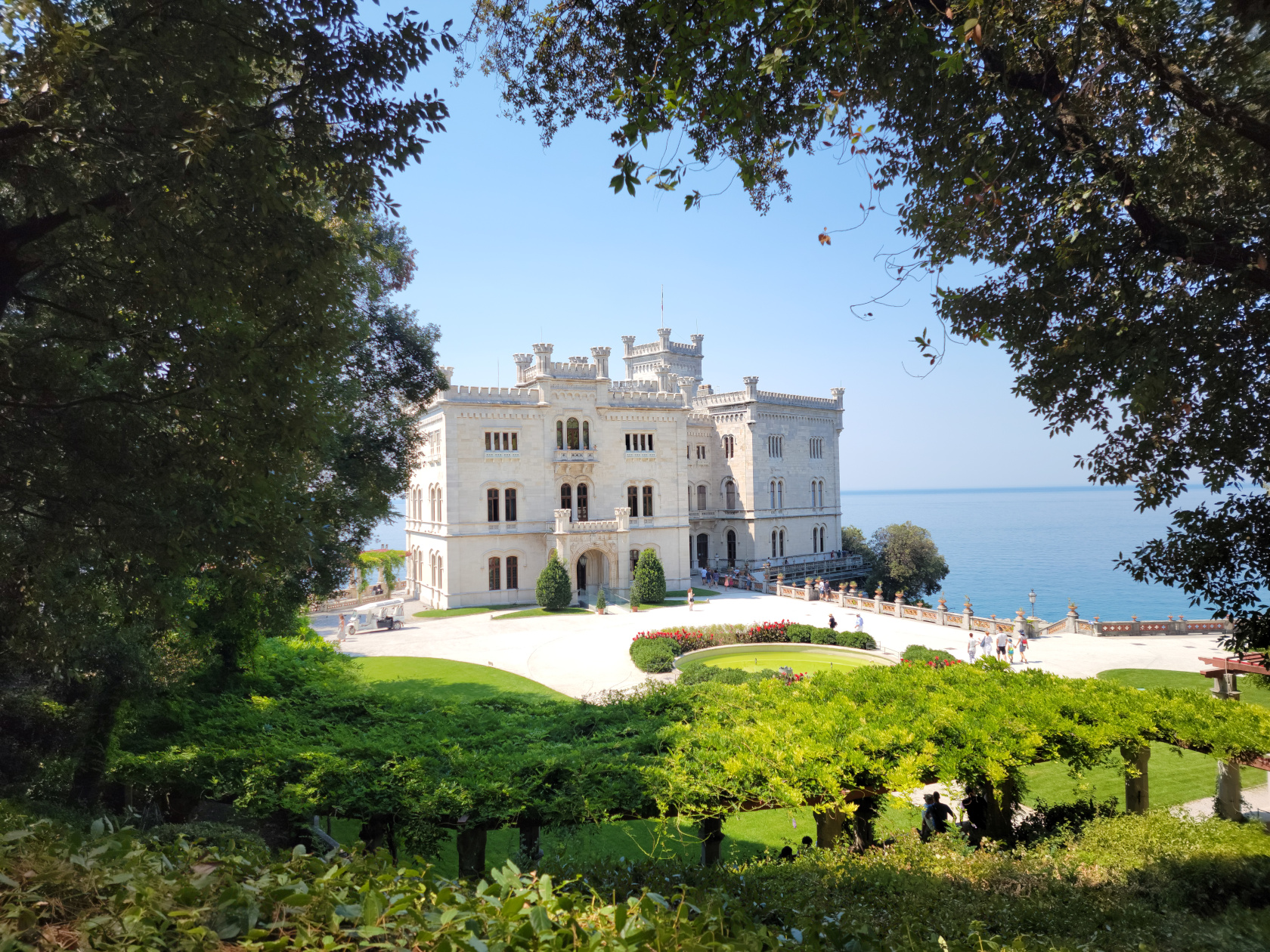
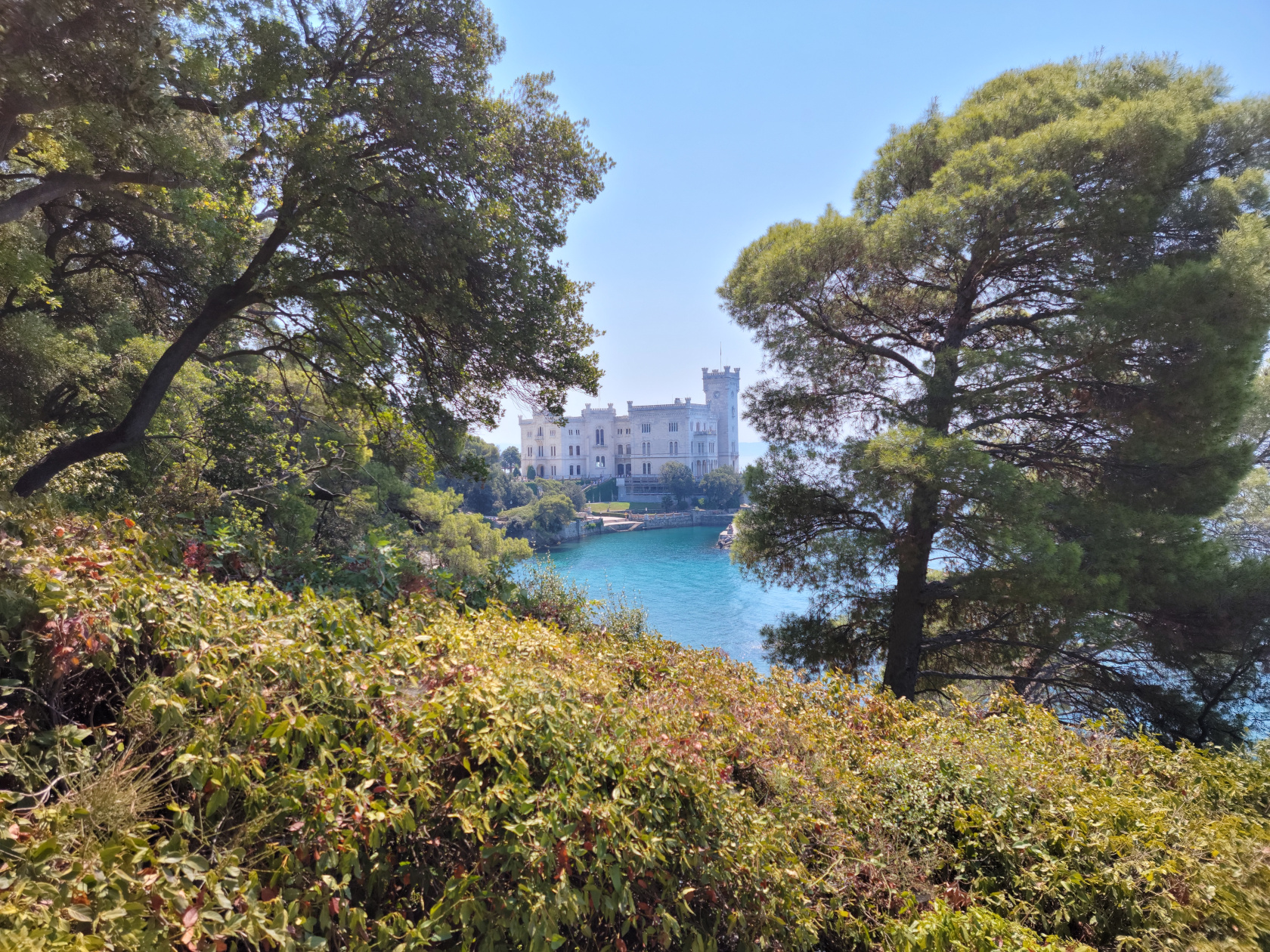
Miramare – Miramare Castle
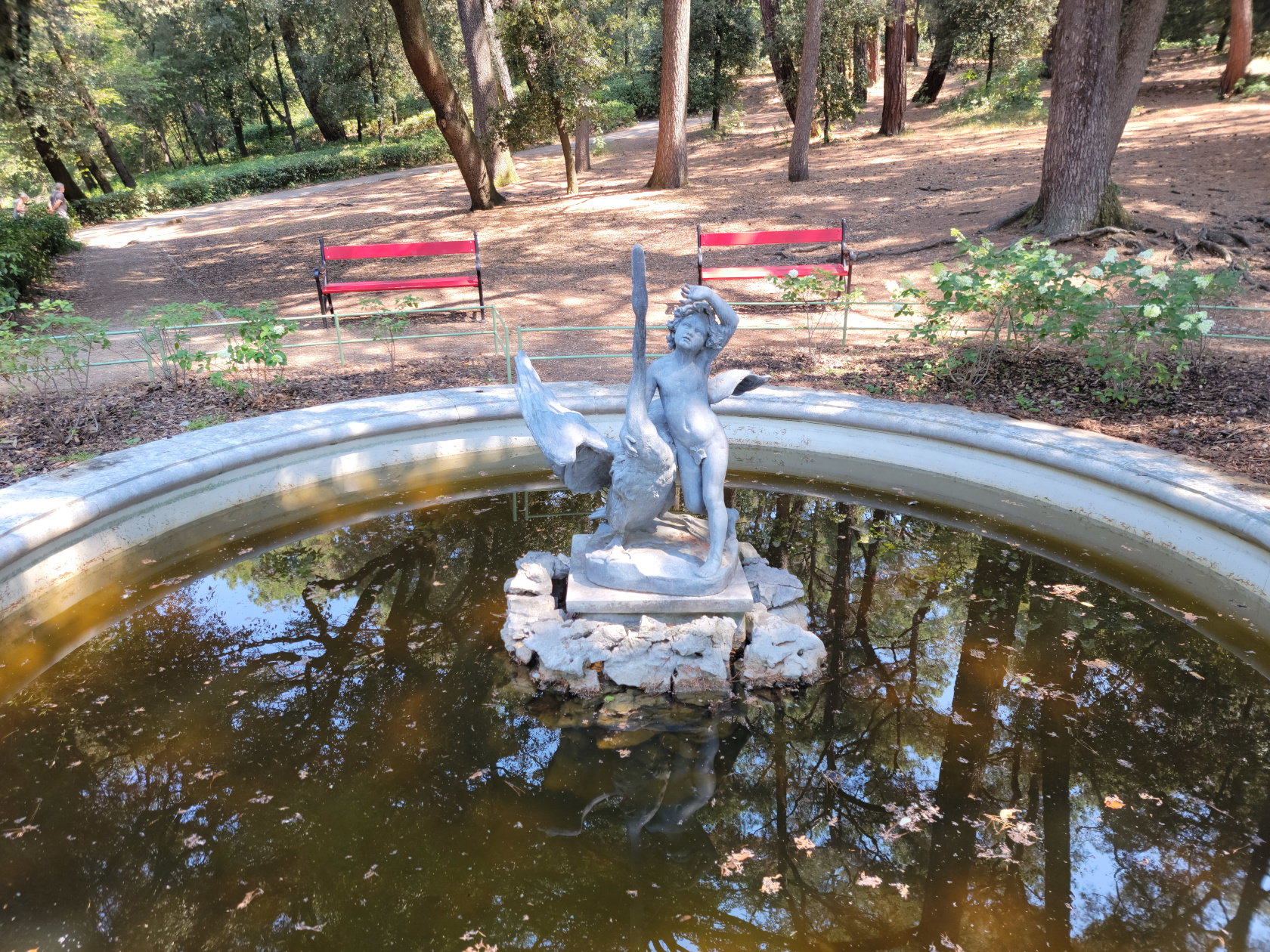
Miramare – Miramare Castle Park – Boy with Swan fountain
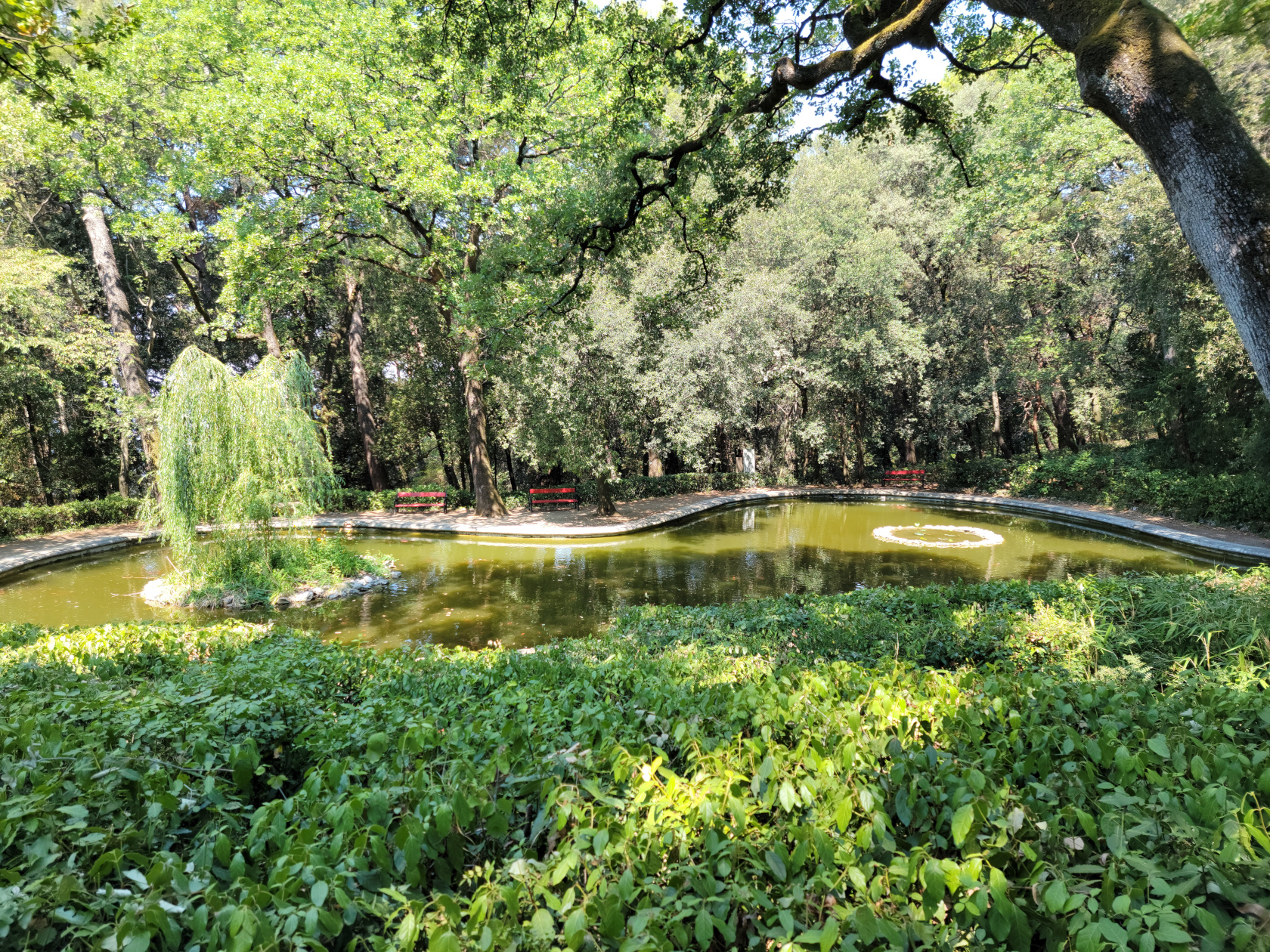
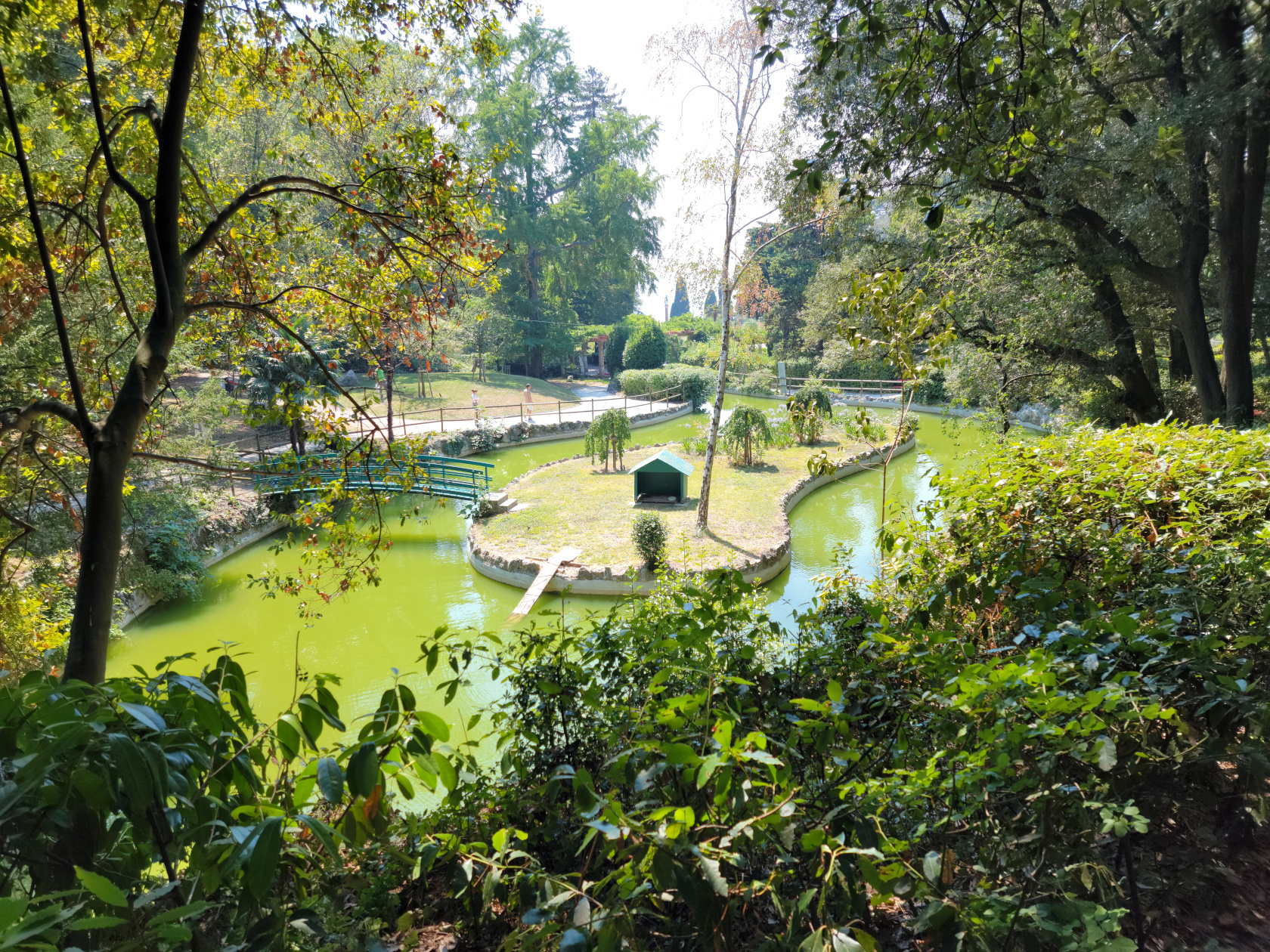
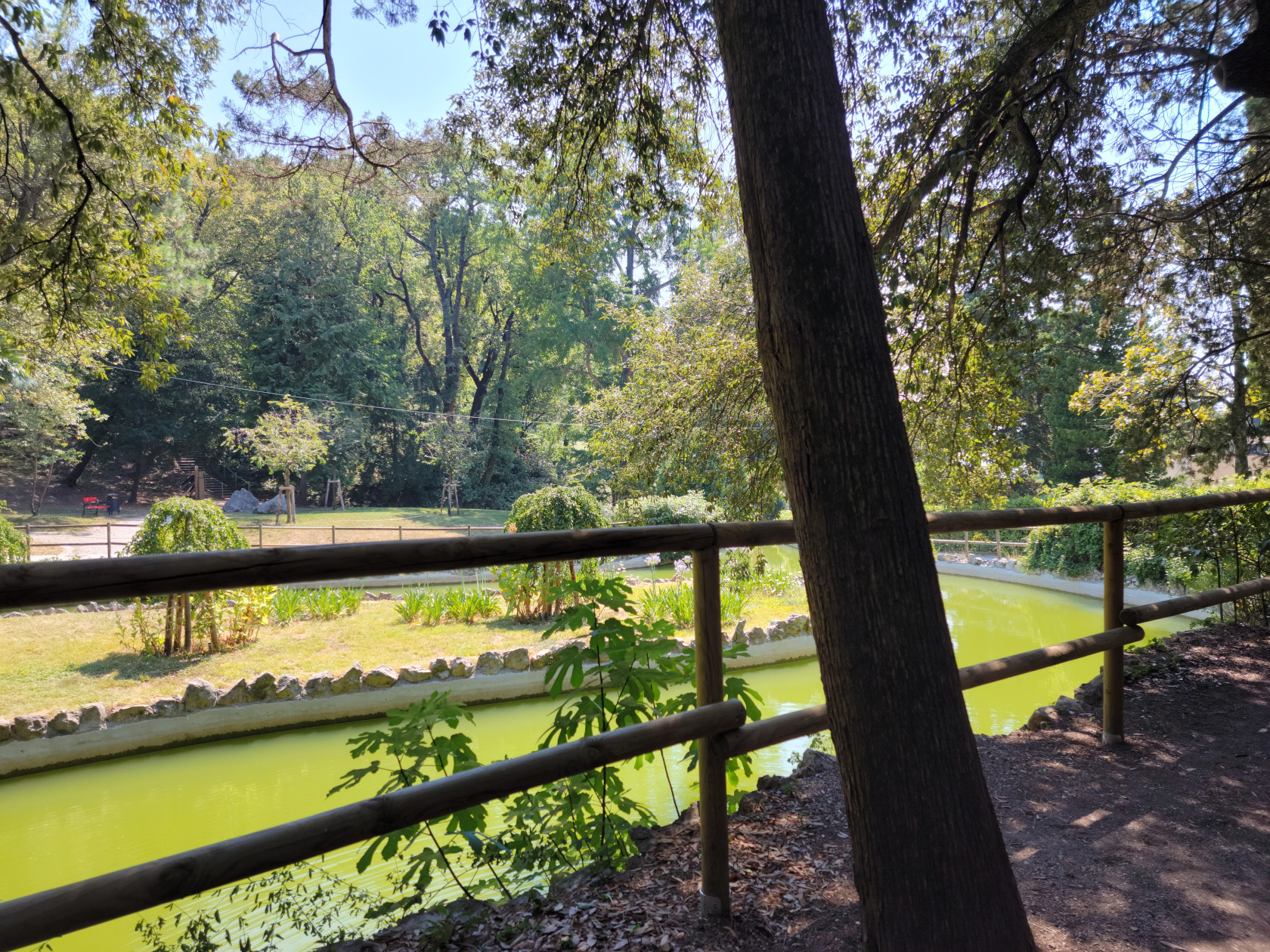
Miramare – Miramare Castle Park – Duck Pond
Miramare – Miramare Castle Park
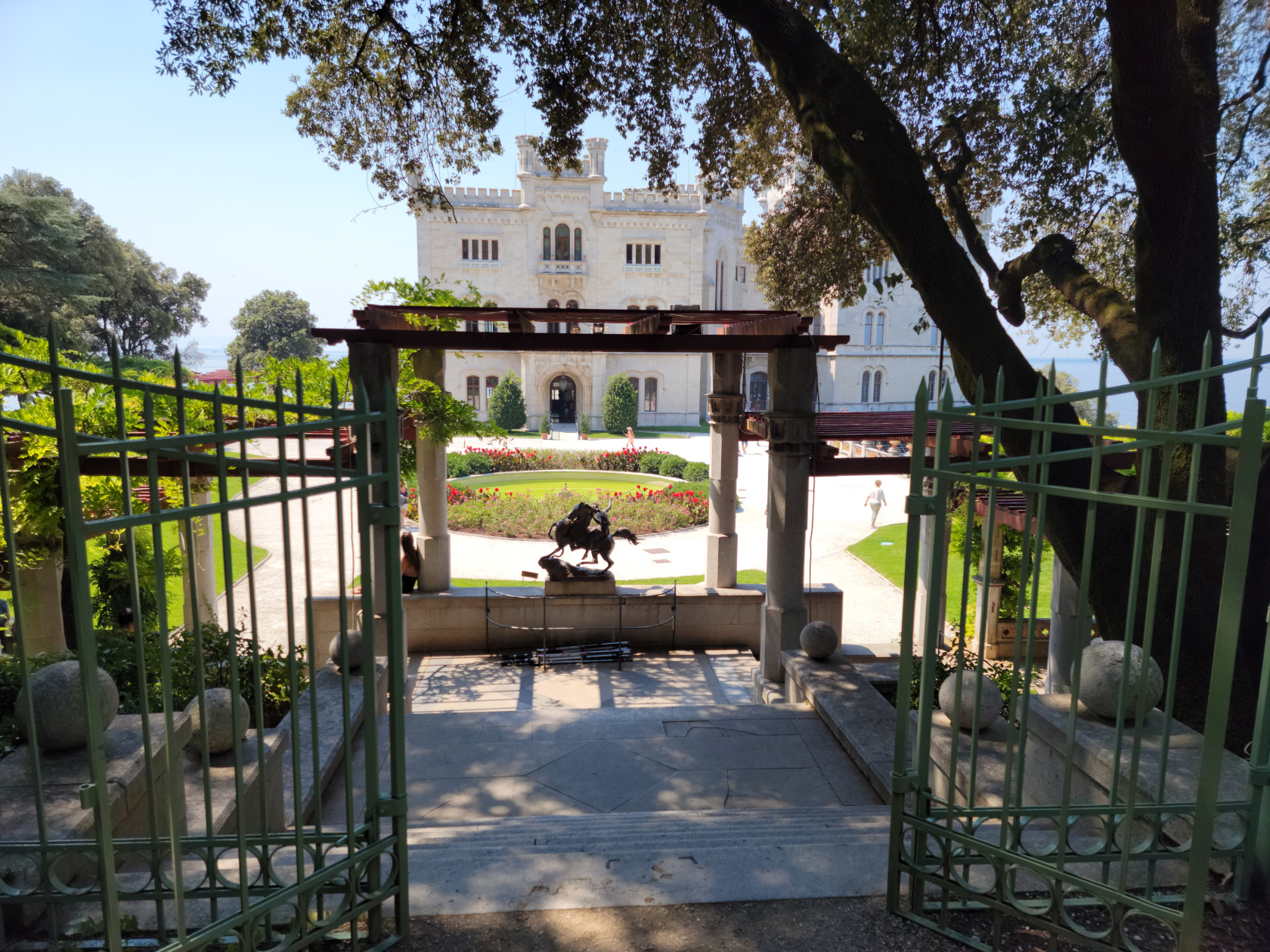
Miramare – Miramare Castle Park – Entrance to Castle
Miramare – Miramare Castle Park – Duck Pond
Miramare – Miramare Castle Park – Duck Pond
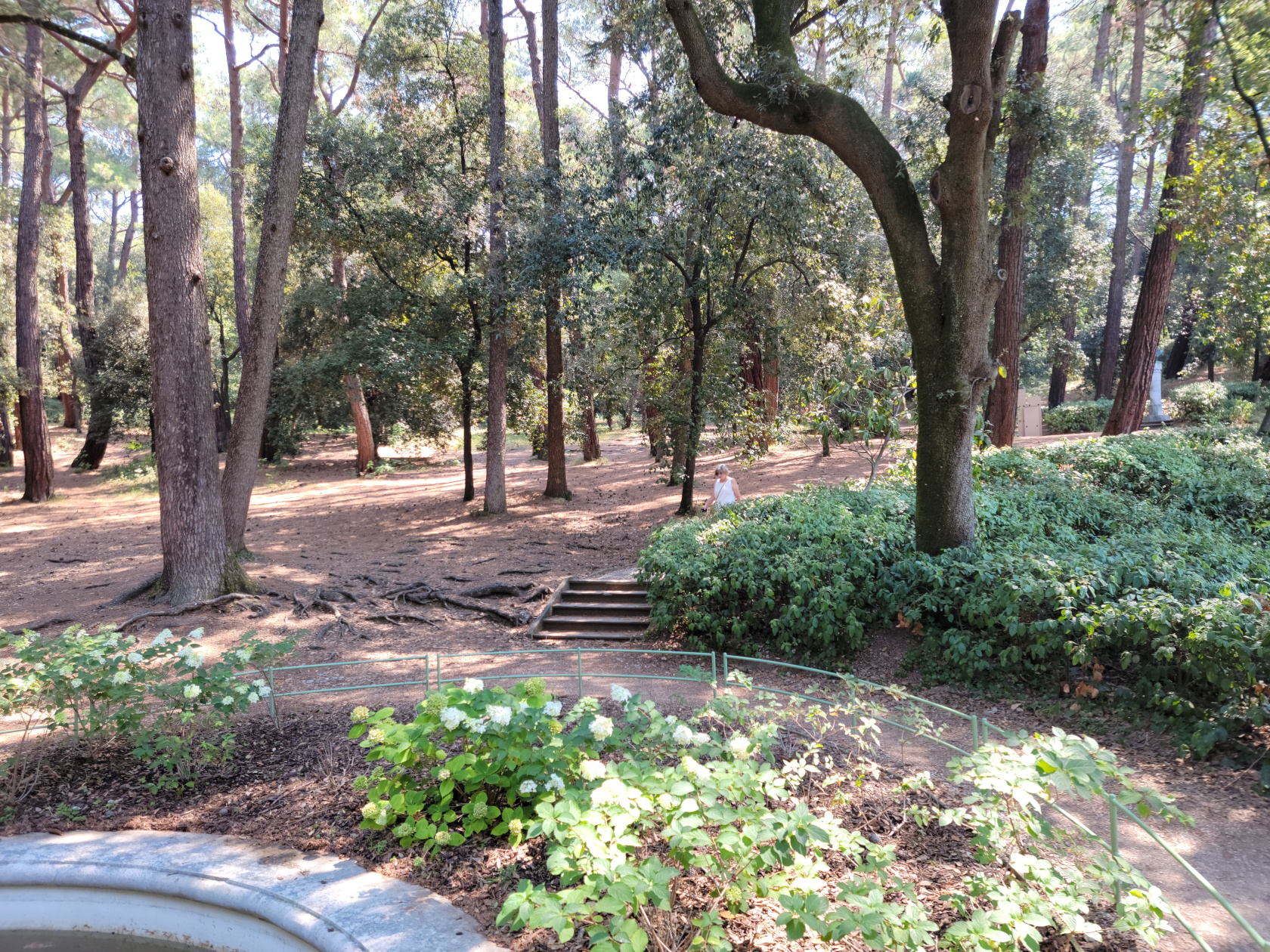
The park is actually very well maintained. Undergrowth is allowed to grow where it should and well pruned in other areas. There are benches everywhere, so feel free to sit down and enjoy the quiet while you can, birds and cicadas notwithstanding.
Miramare Castle
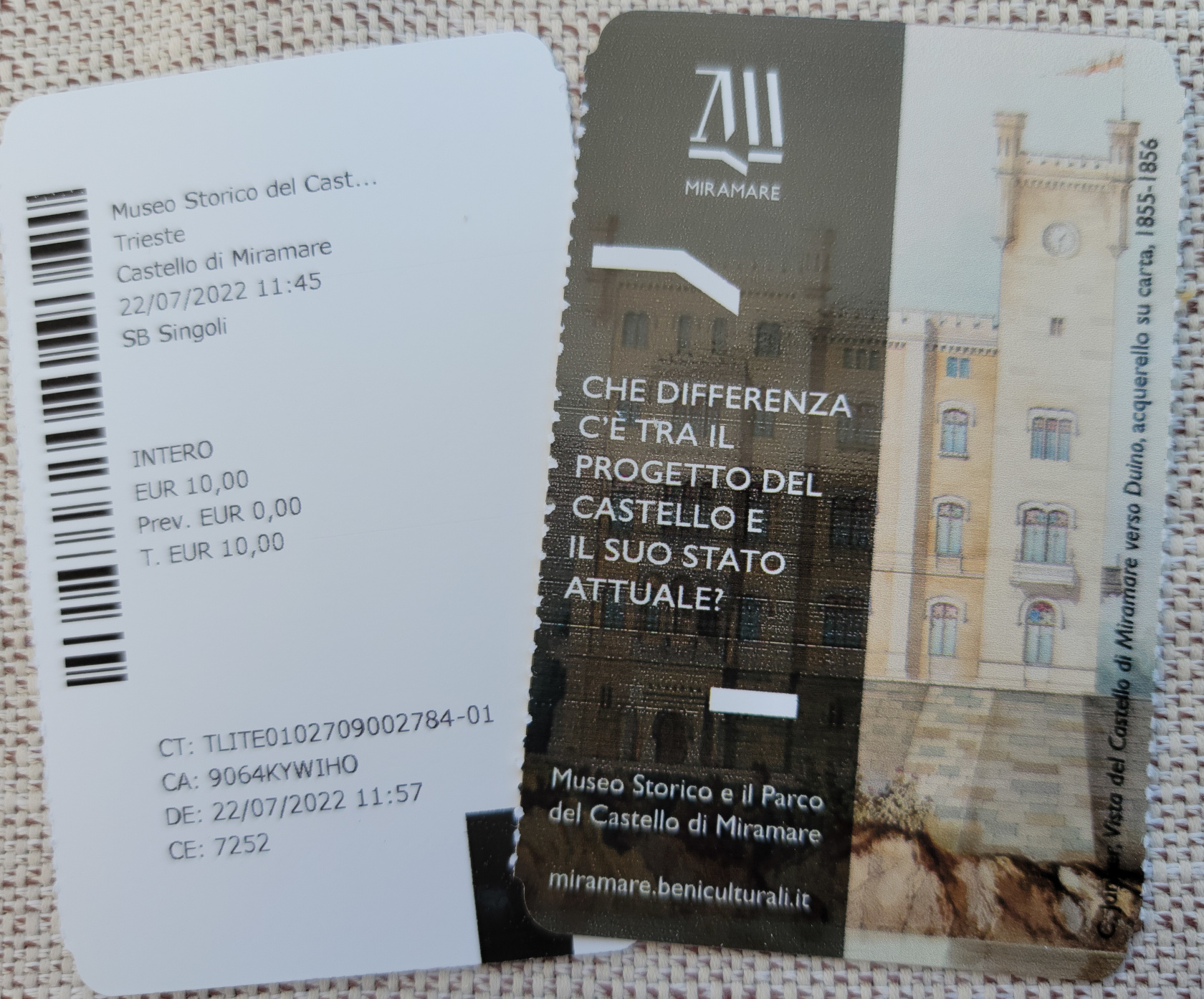
Miramare Castle – Tickets For Two
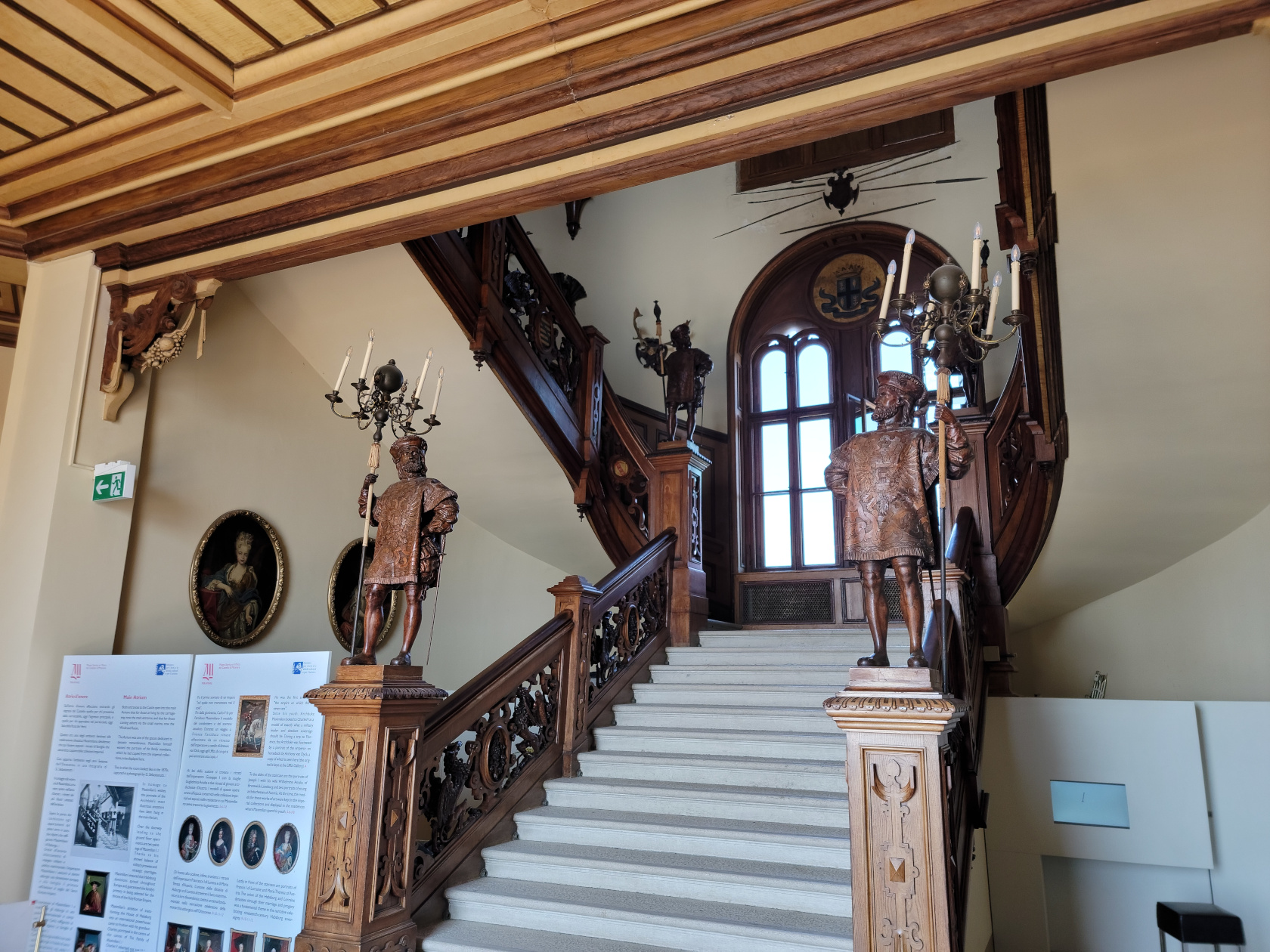
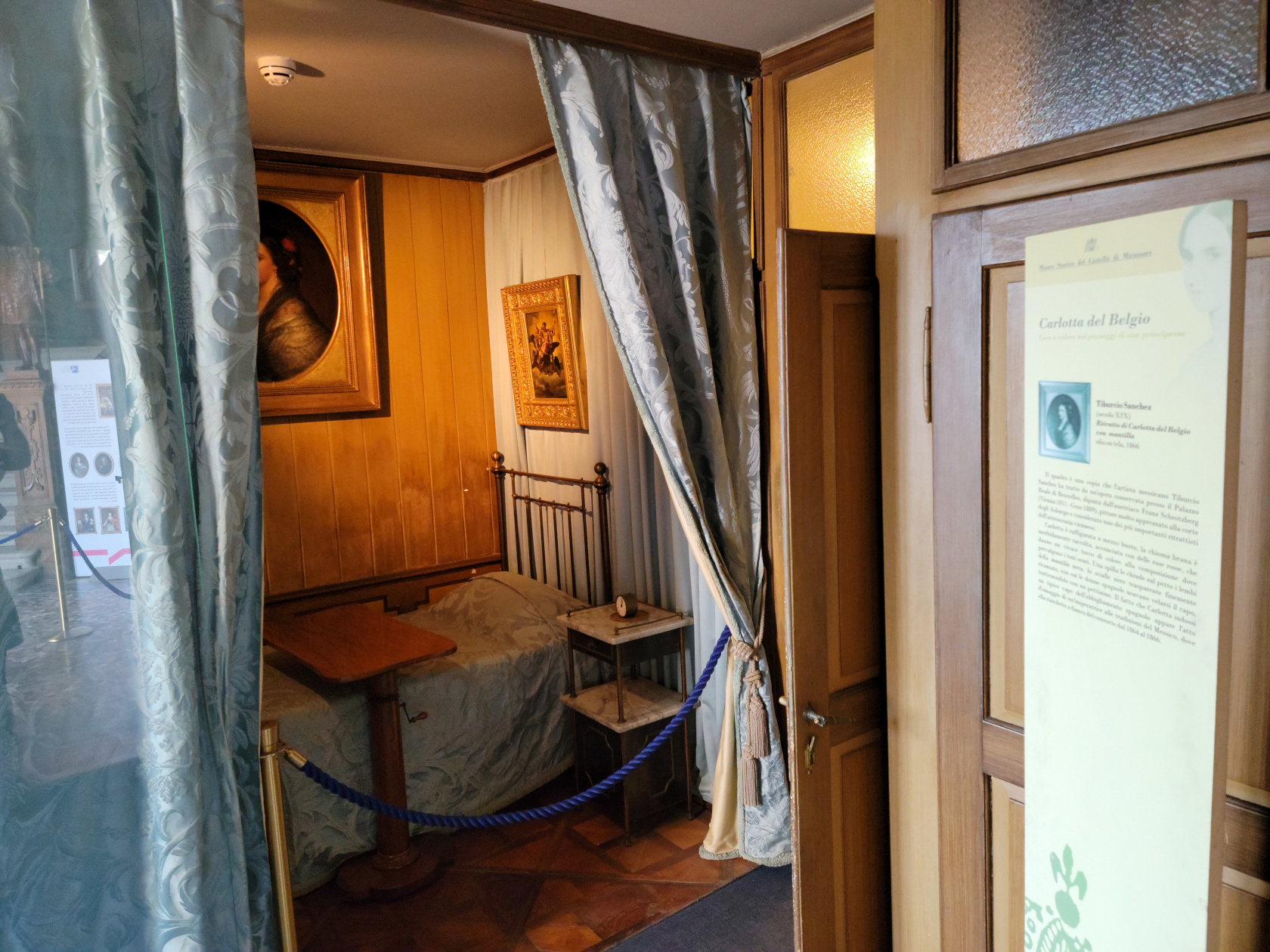
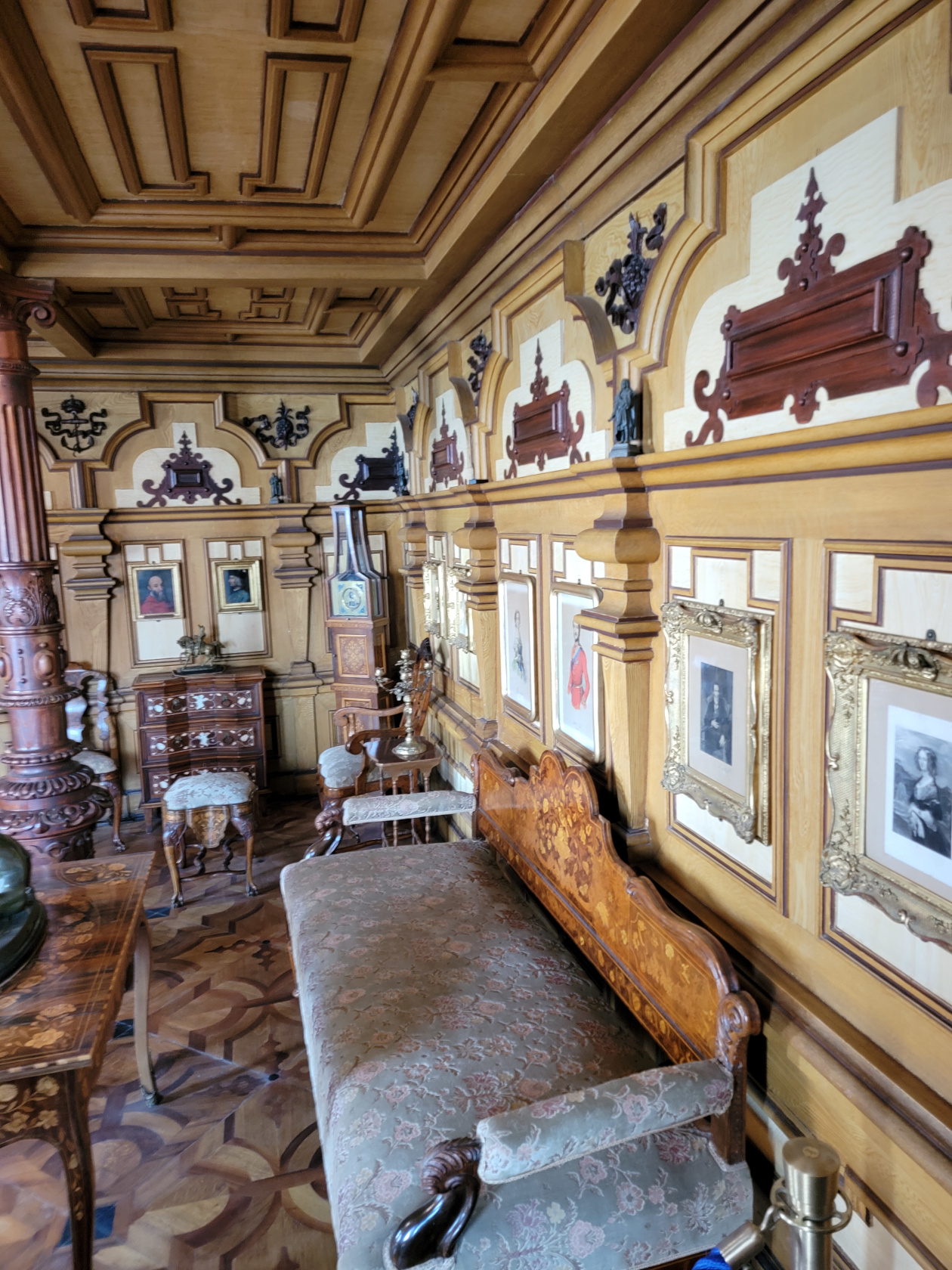
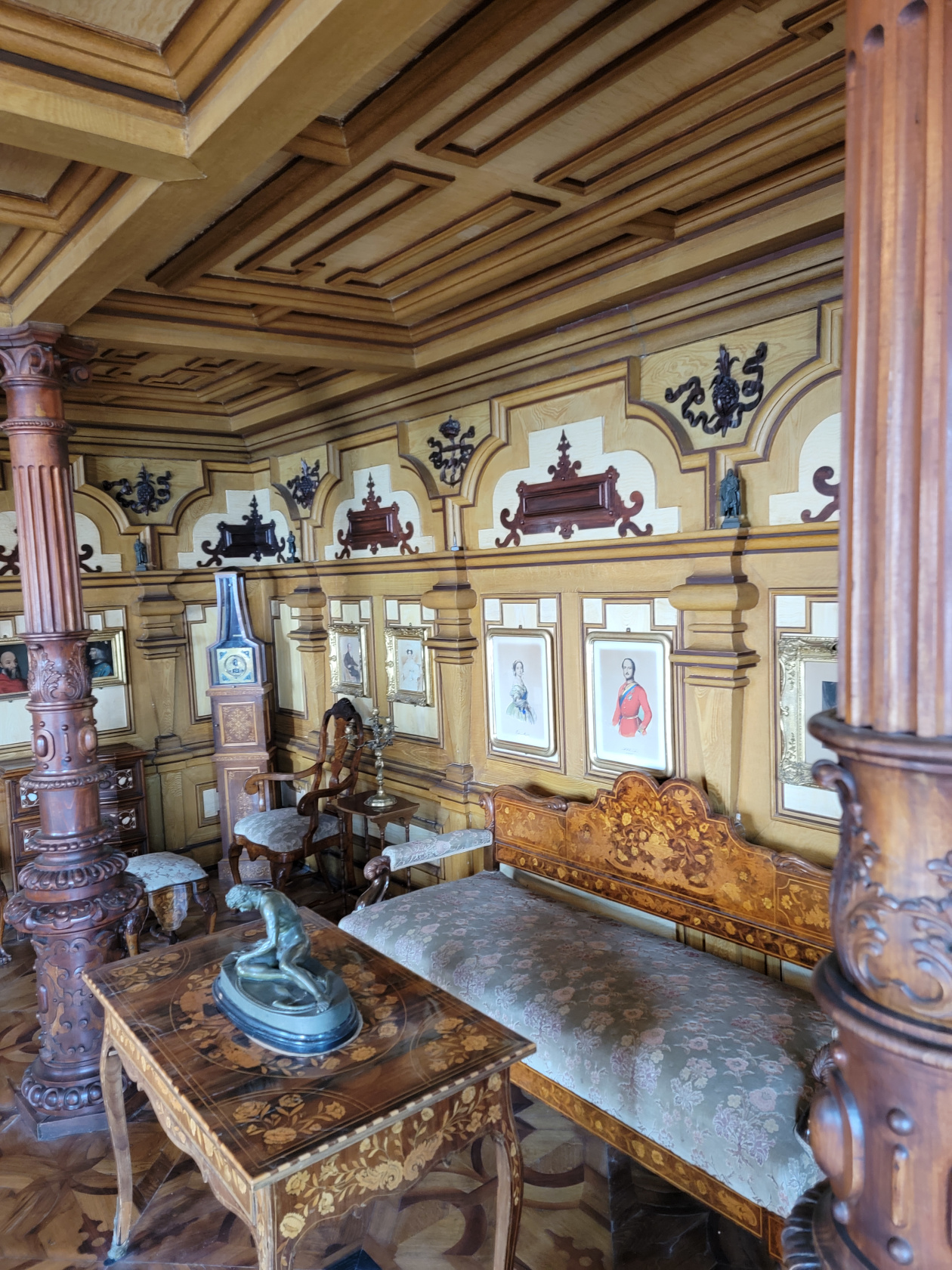
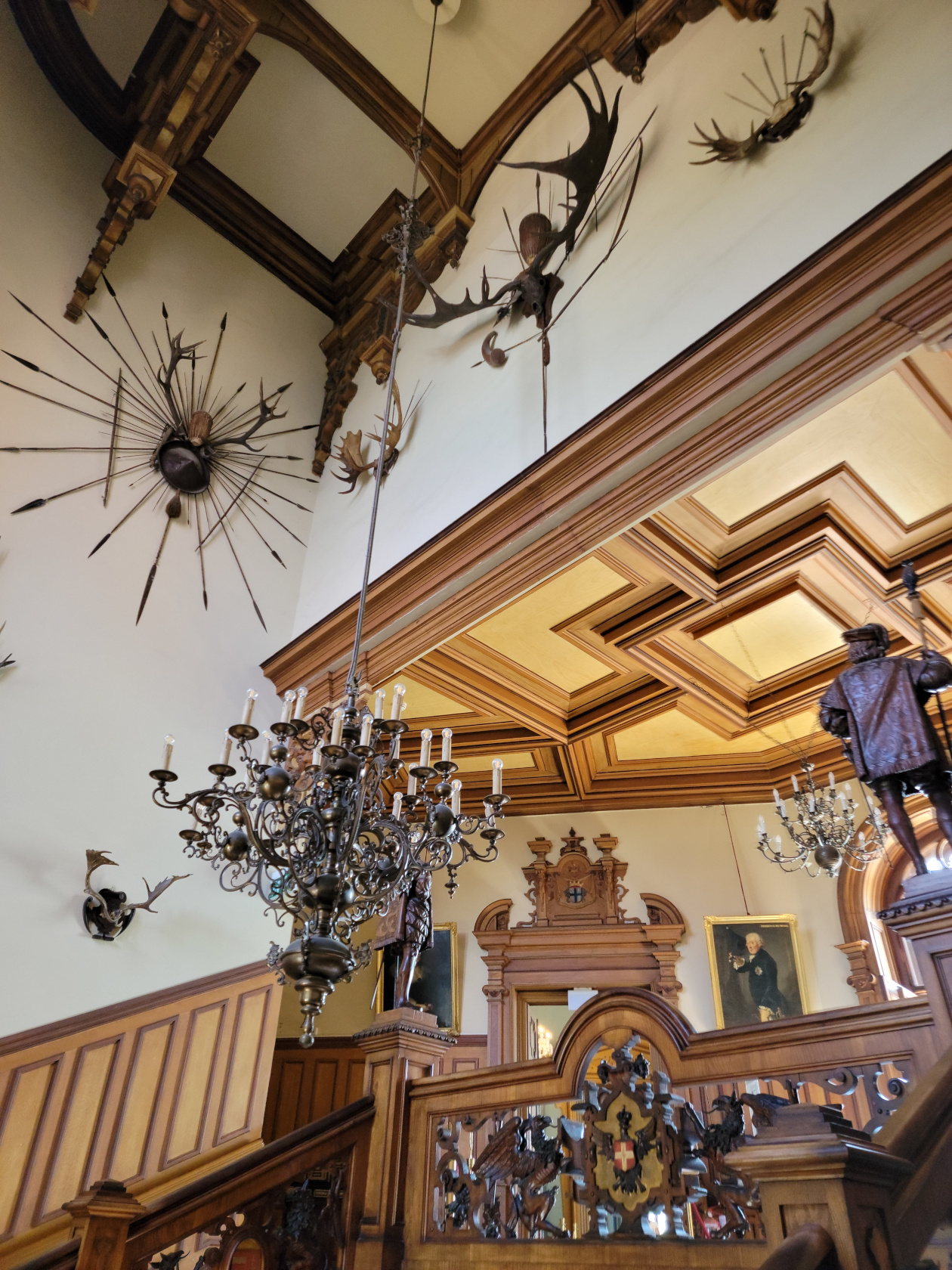
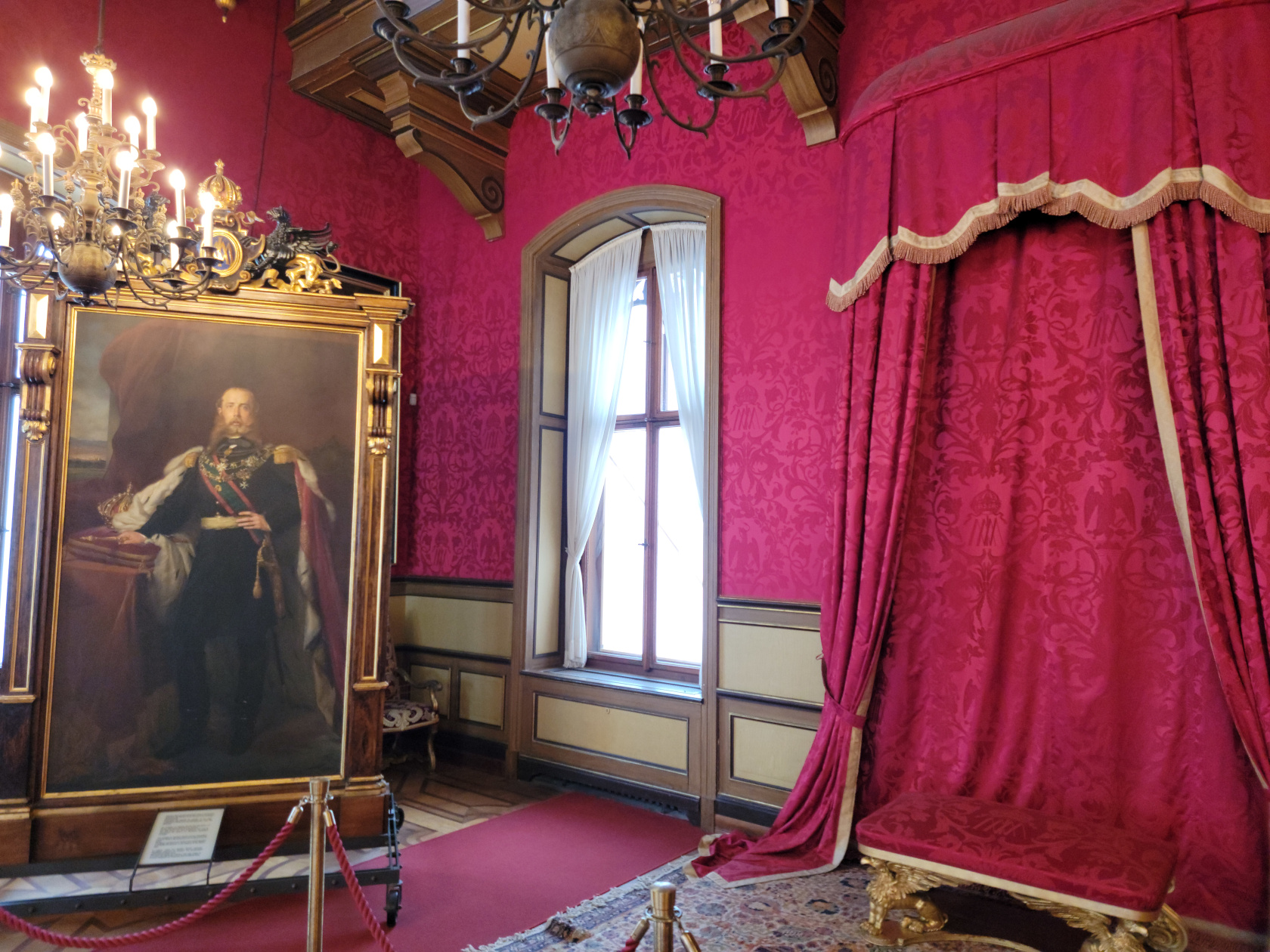
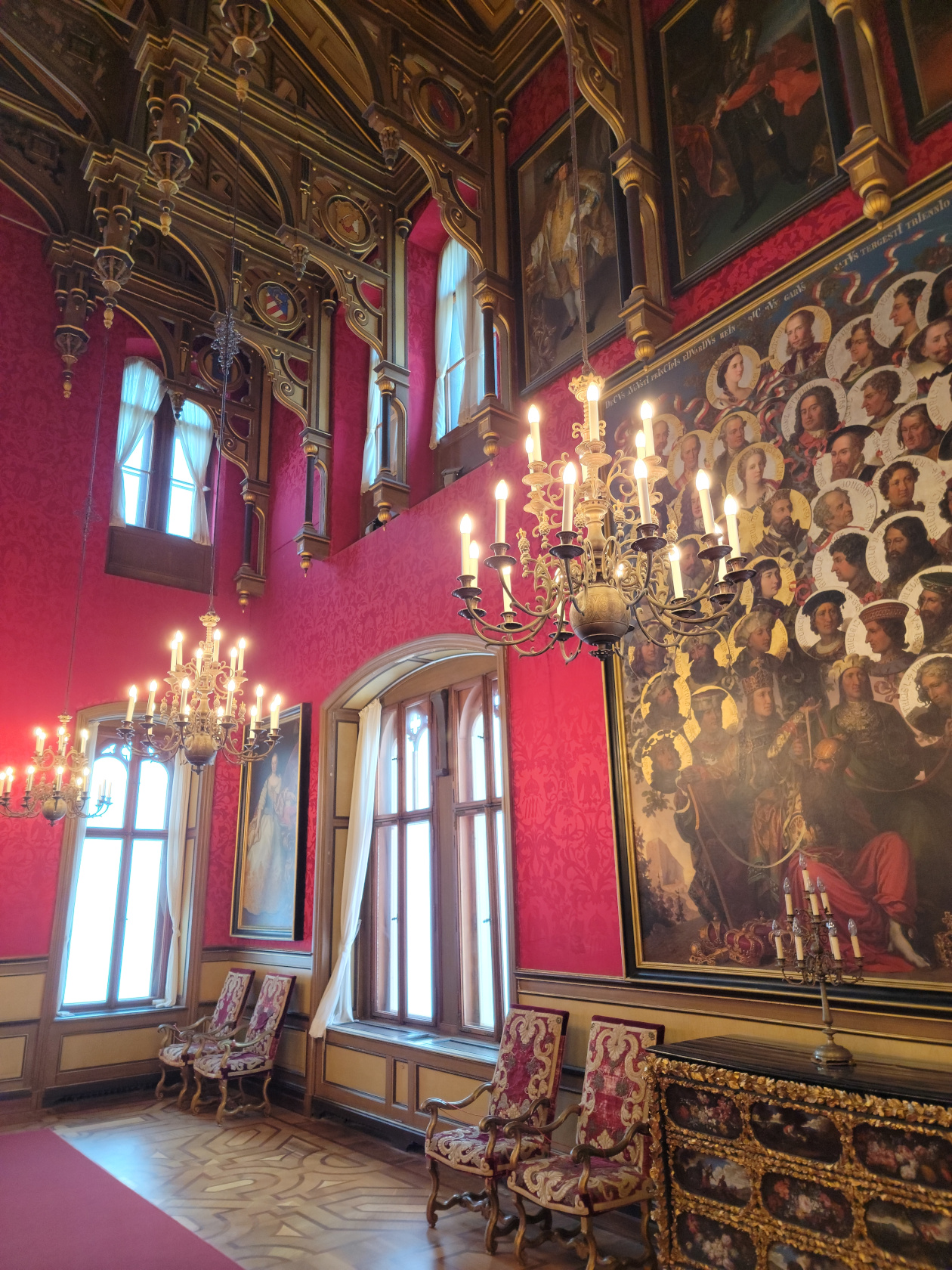
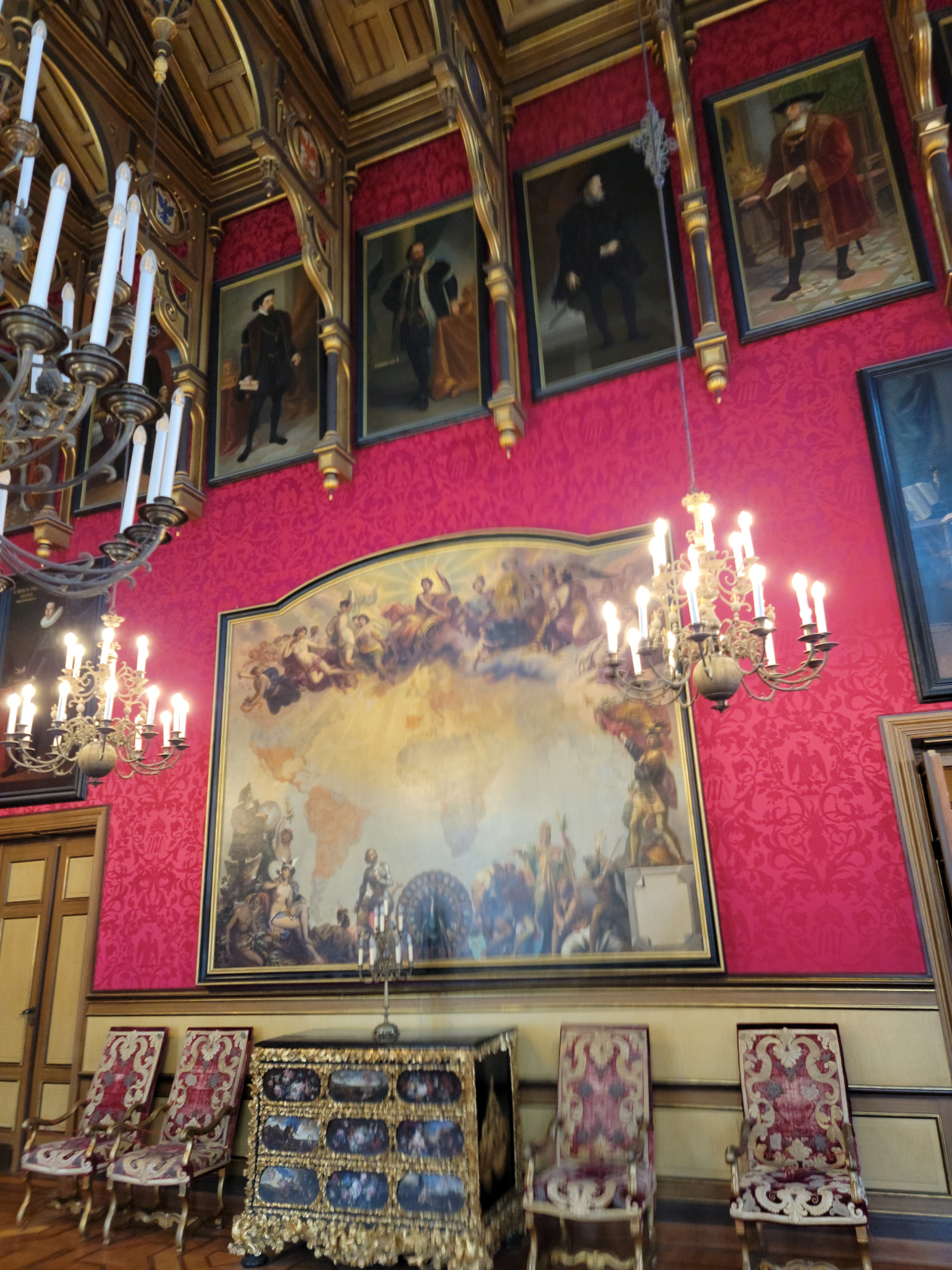
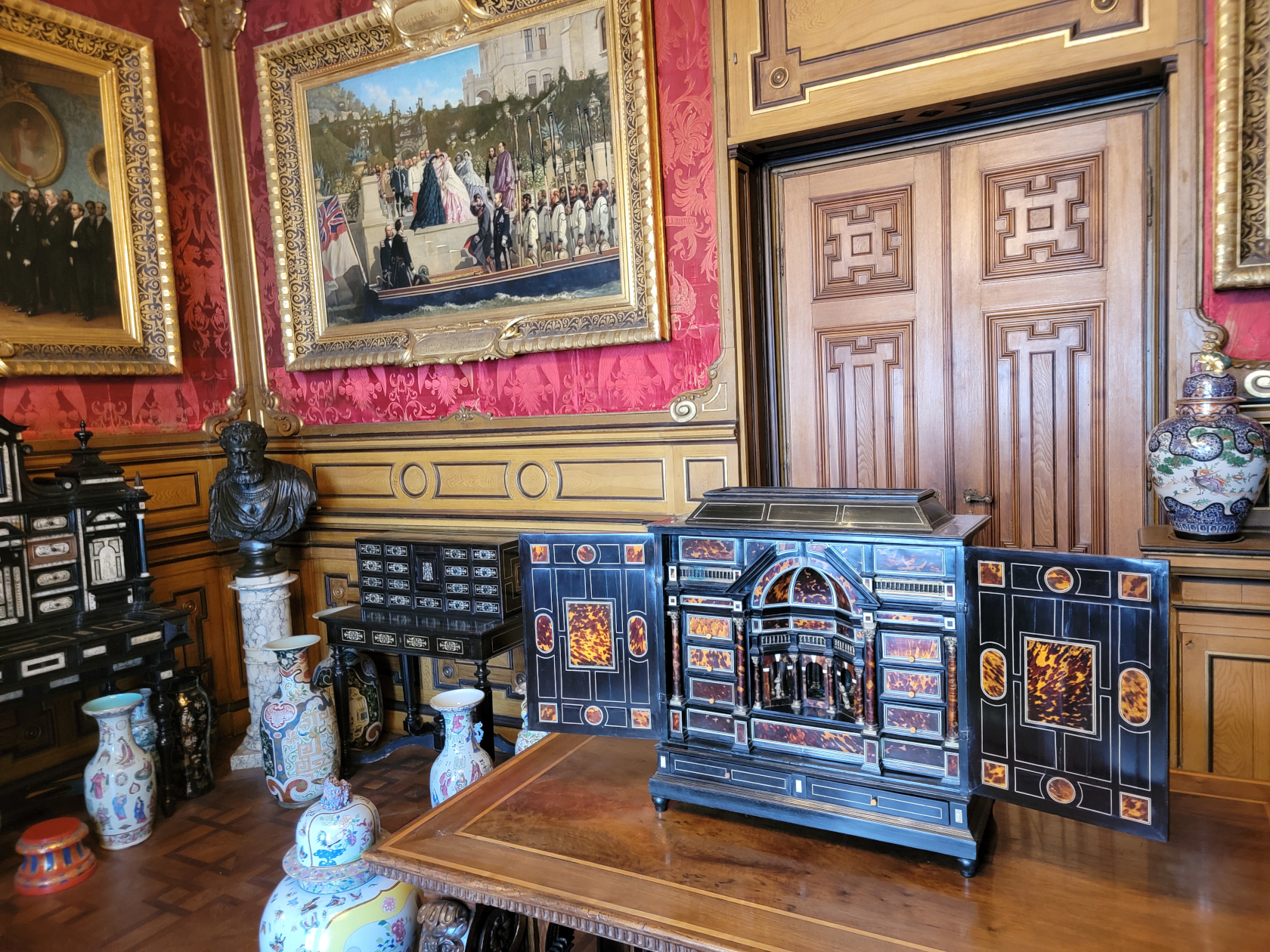
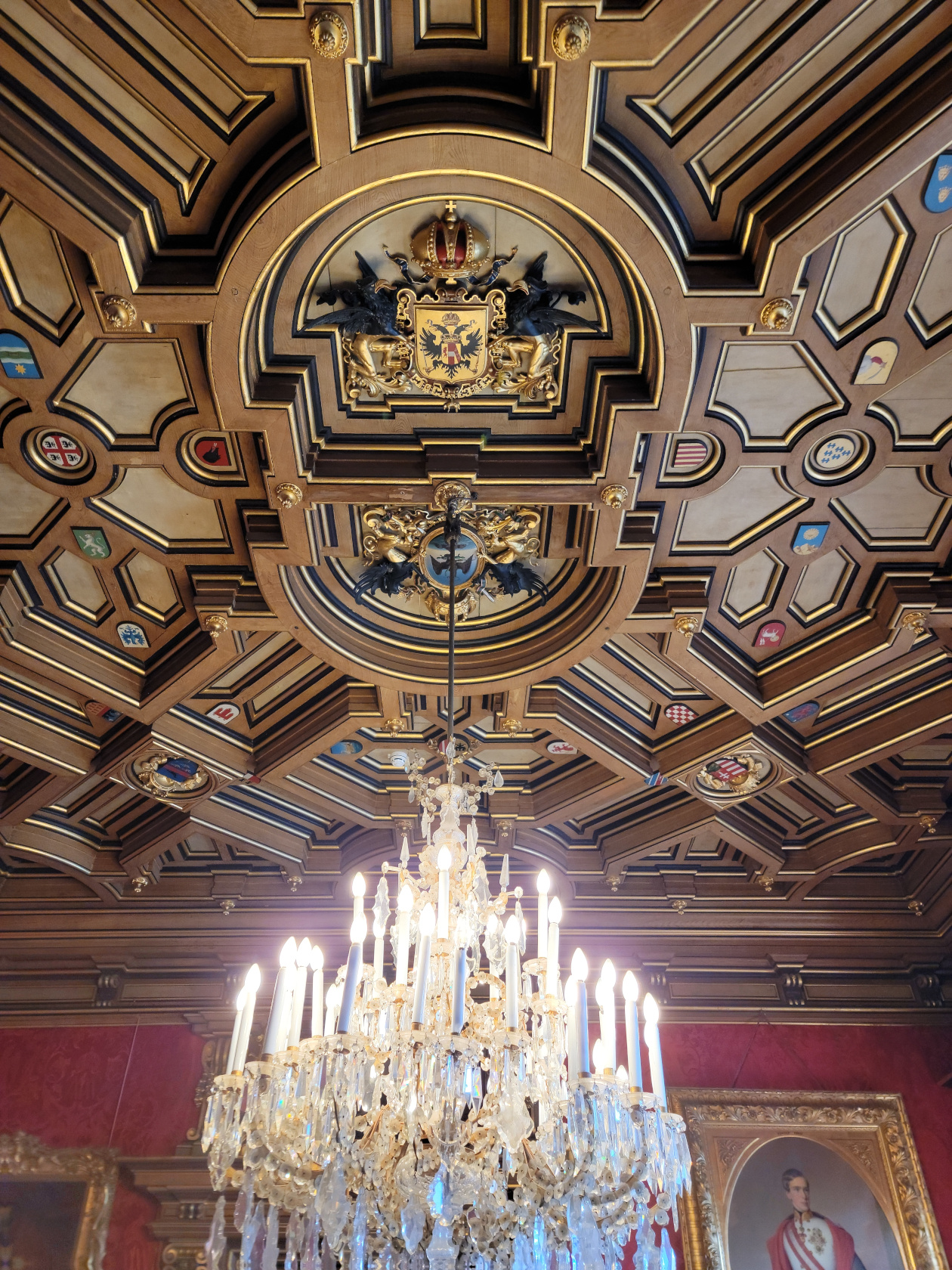
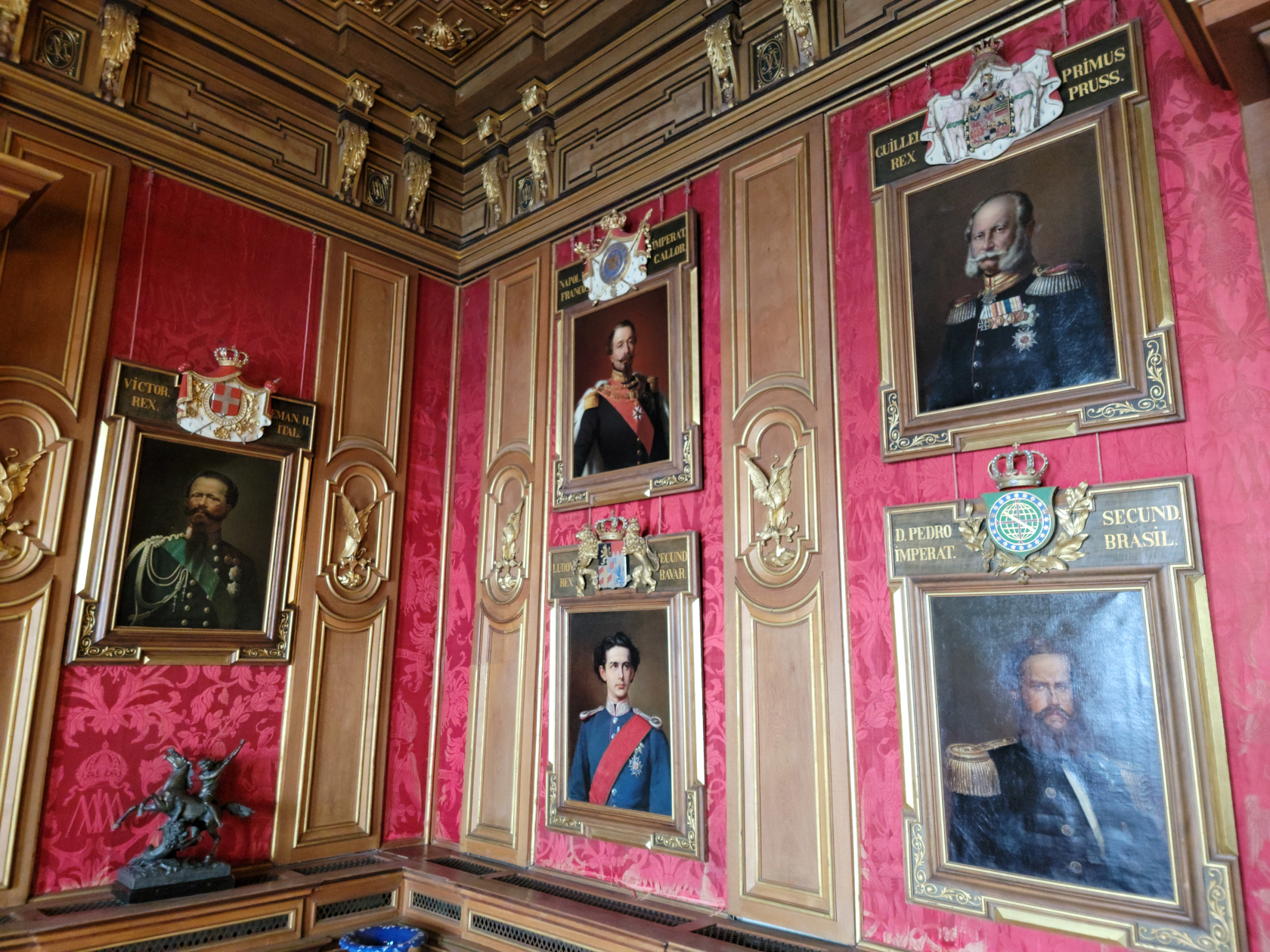
The Miramare Castle was built in the mid eighteen hundreds by Austrian Archduke Ferdinand Maximillian and his wife. The castle is rather small, but fits well into the coastline and has some interesting internal features, including a Chinese Room.
Miramare – Miramare Castle
Miramare – Miramare Castle
Miramare – Miramare Castle
Miramare – Miramare Castle
Miramare – Miramare Castle
Miramare – Miramare Castle
Miramare – Miramare Castle
Miramare – Miramare Castle
Miramare – Miramare Castle
Miramare – Miramare Castle
Miramare – Miramare Castle
Miramare – Miramare Castle
Miramare – Miramare Castle
Miramare – Miramare Castle
Miramare – Miramare Castle
Miramare – Miramare Castle
Miramare – Miramare Castle
Miramare – Miramare Castle
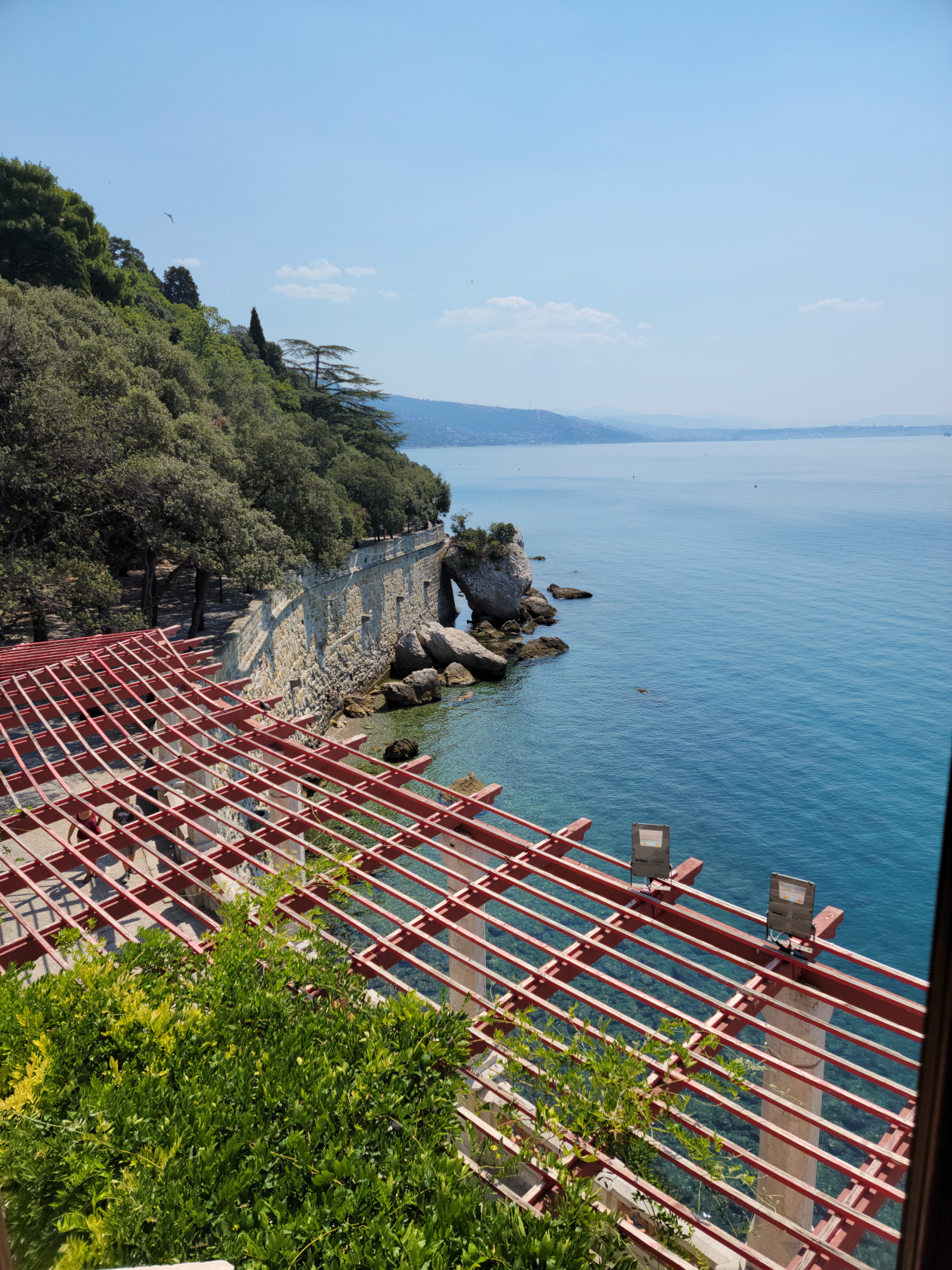
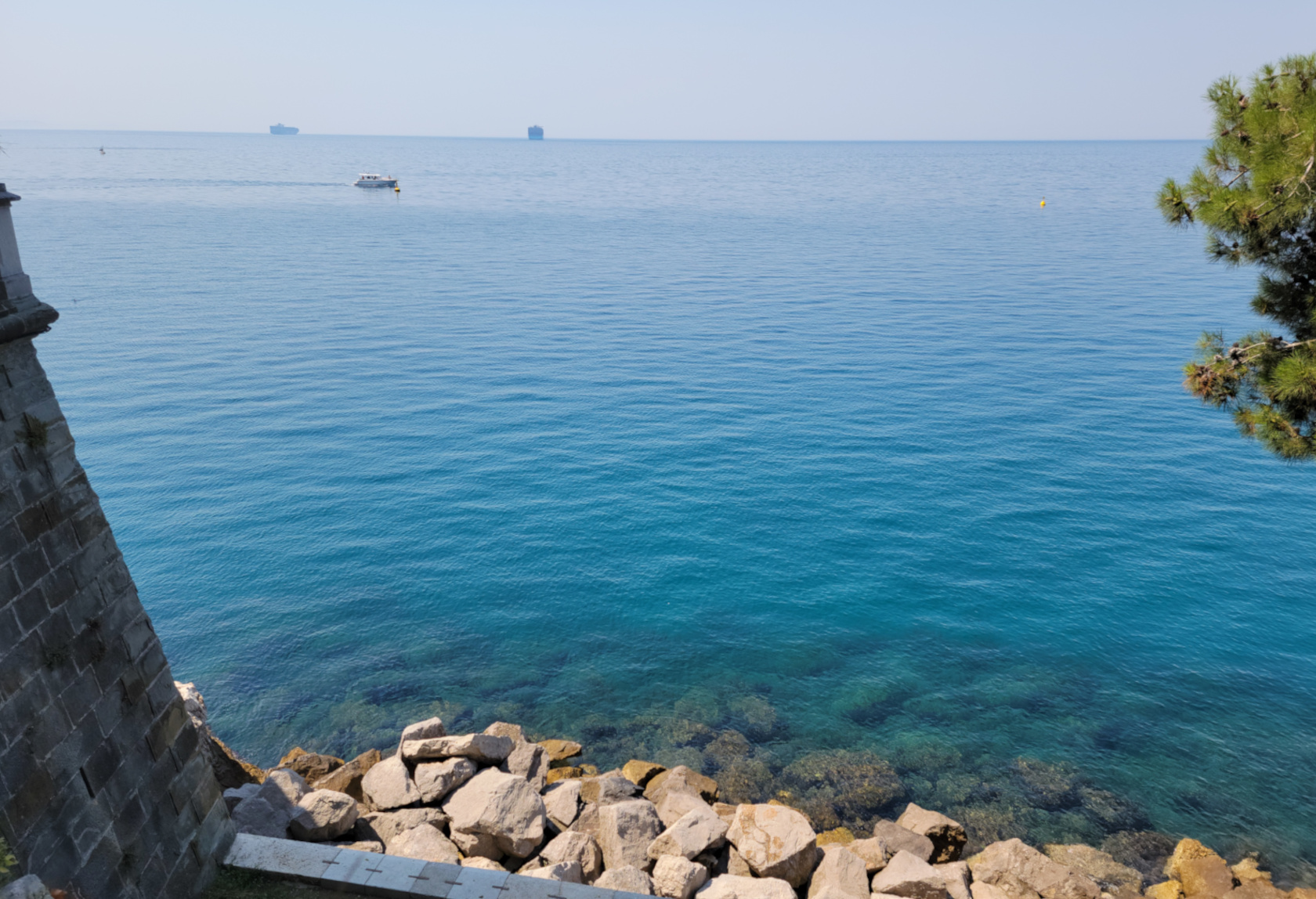
Miramare – Miramare Castle – Gulf of Trieste
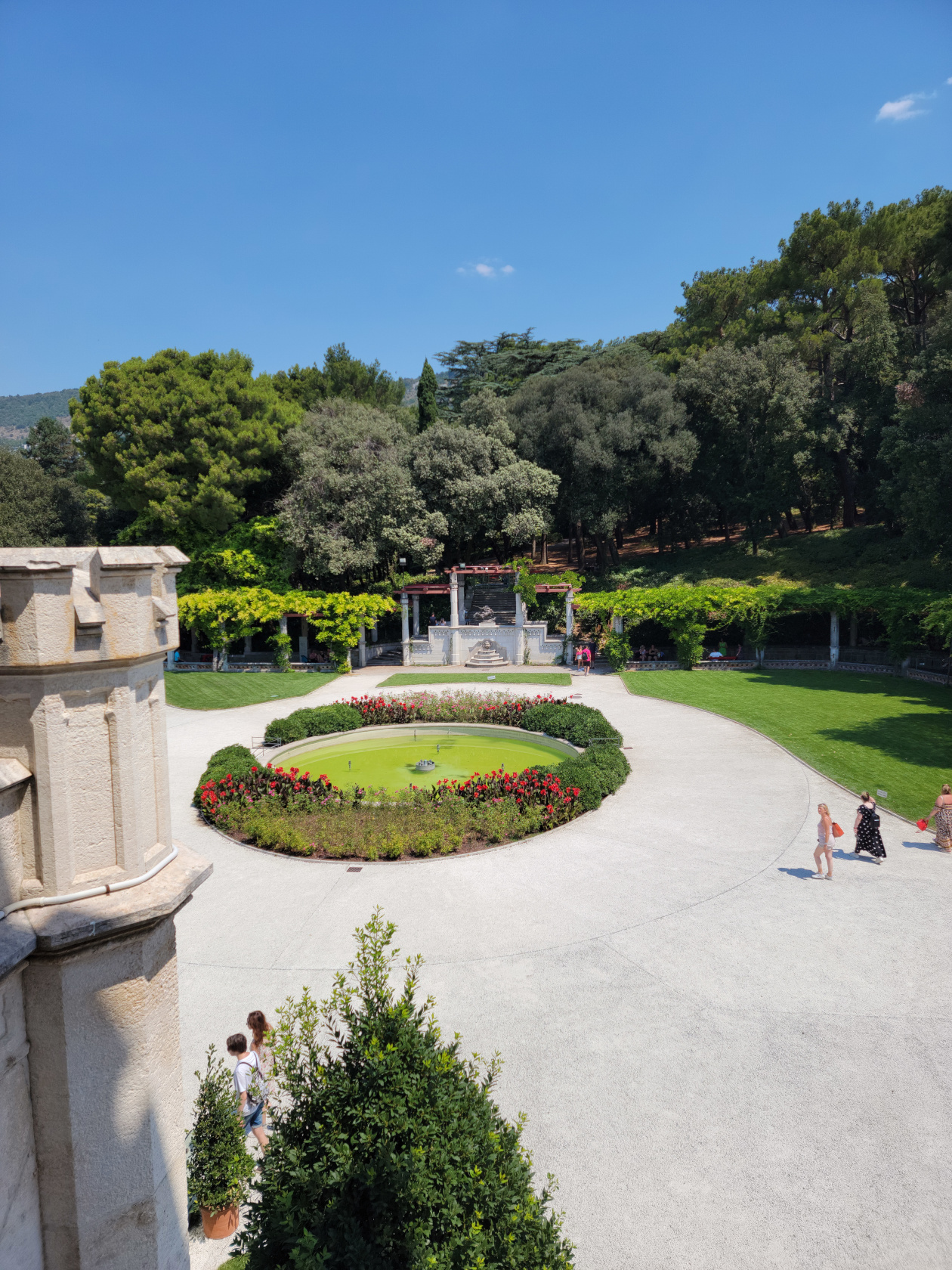
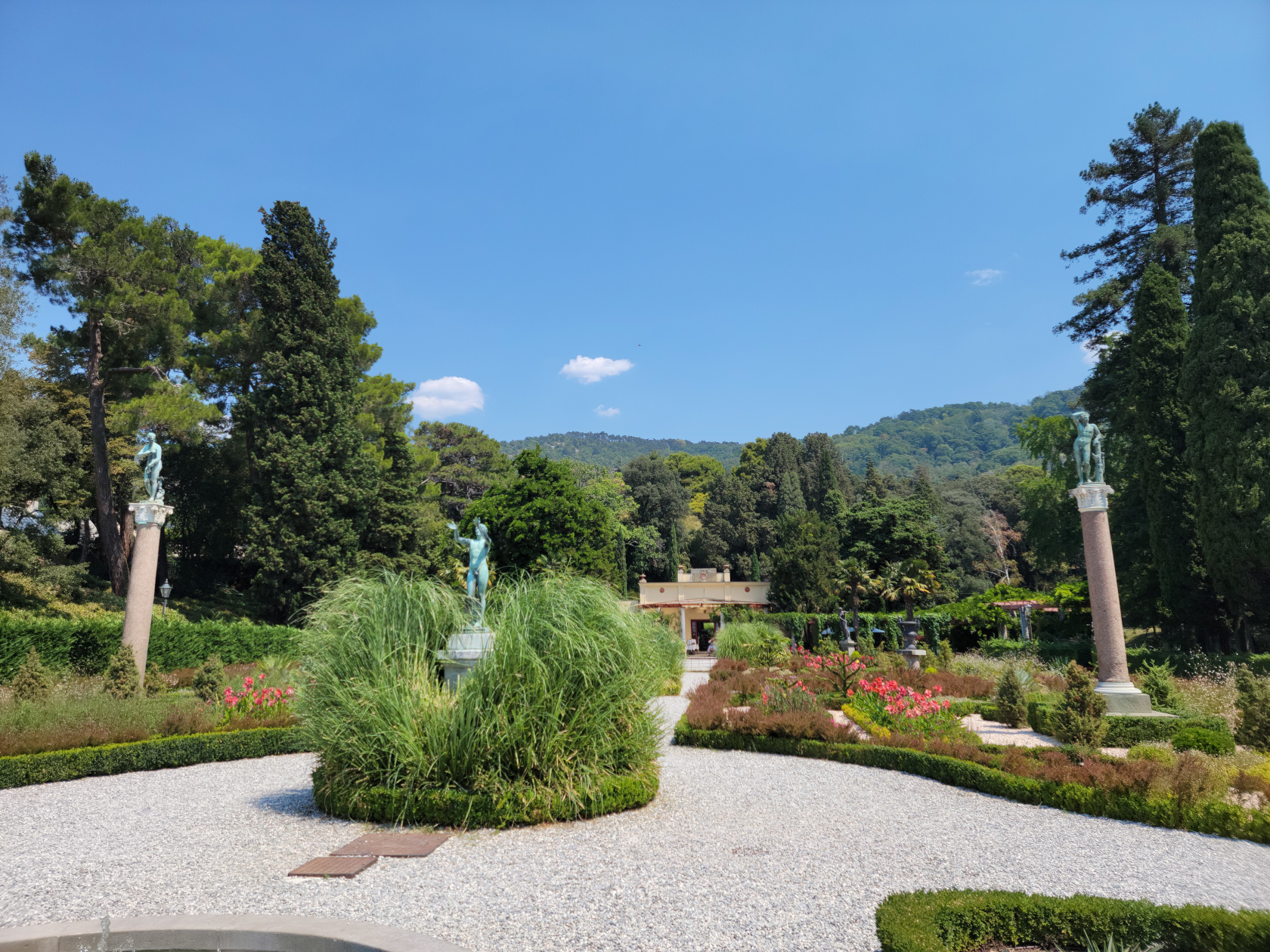
Miramare – Miramare Castle – Garden
Miramare – Miramare Castle – Garden
Miramare – Miramare Castle
Restaurants
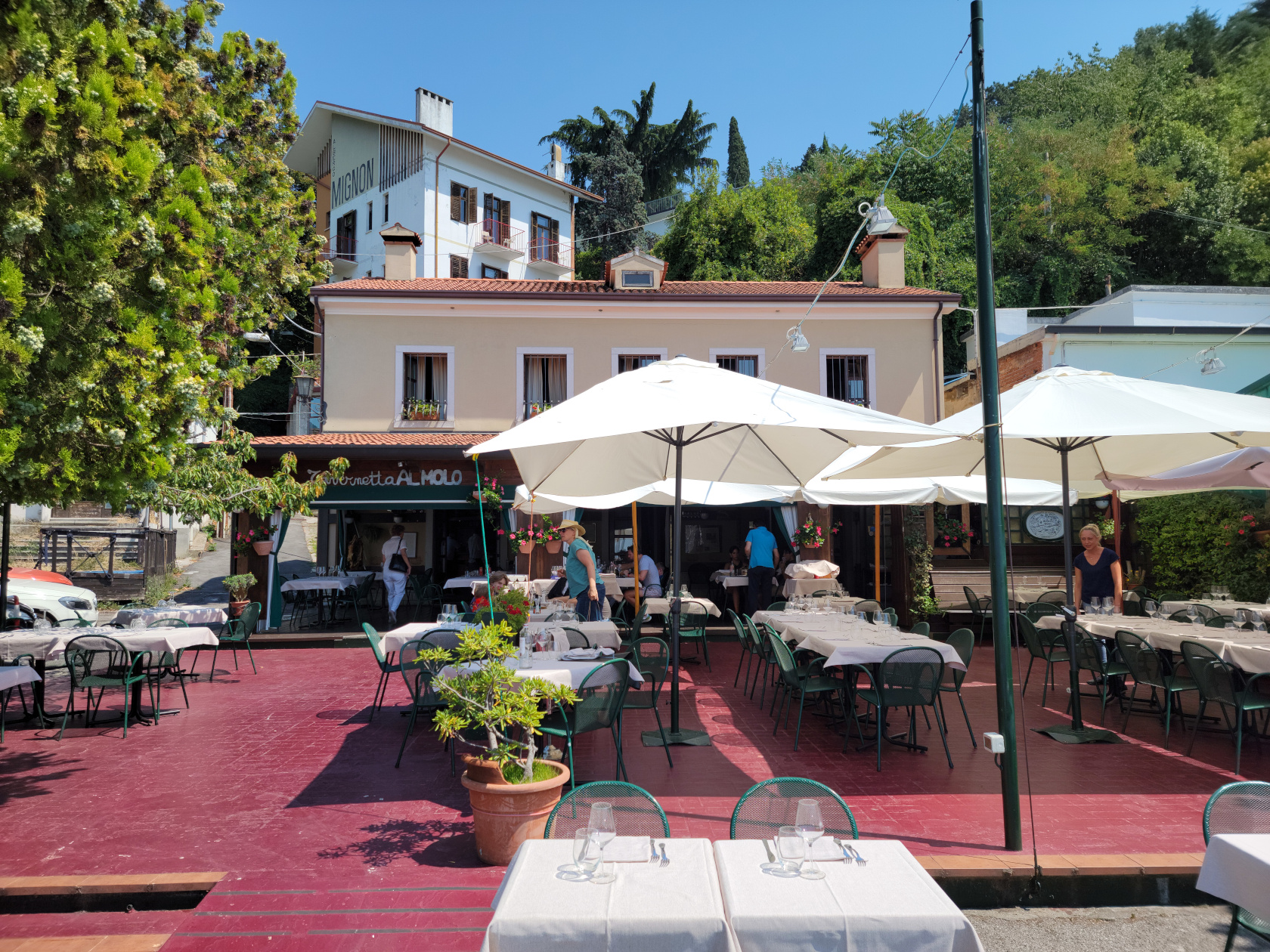
A short walk north on the path down to Grignano will bring you to the marina where several restaurants are located. We chose Tavernetta al Molo for lunch and were not disappointed.
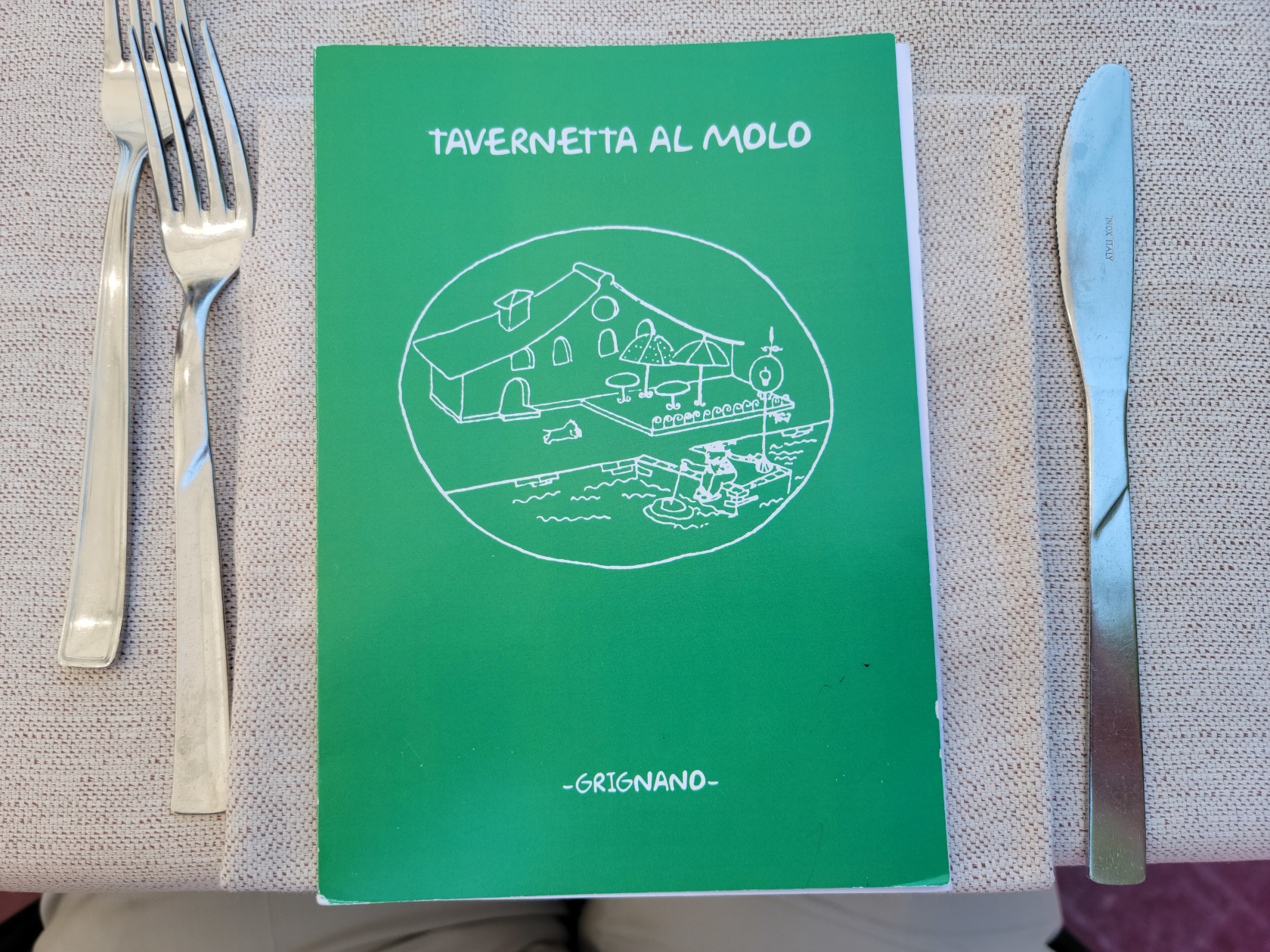
Tavernetta al Molo
Grignano – Travernetta al Molo
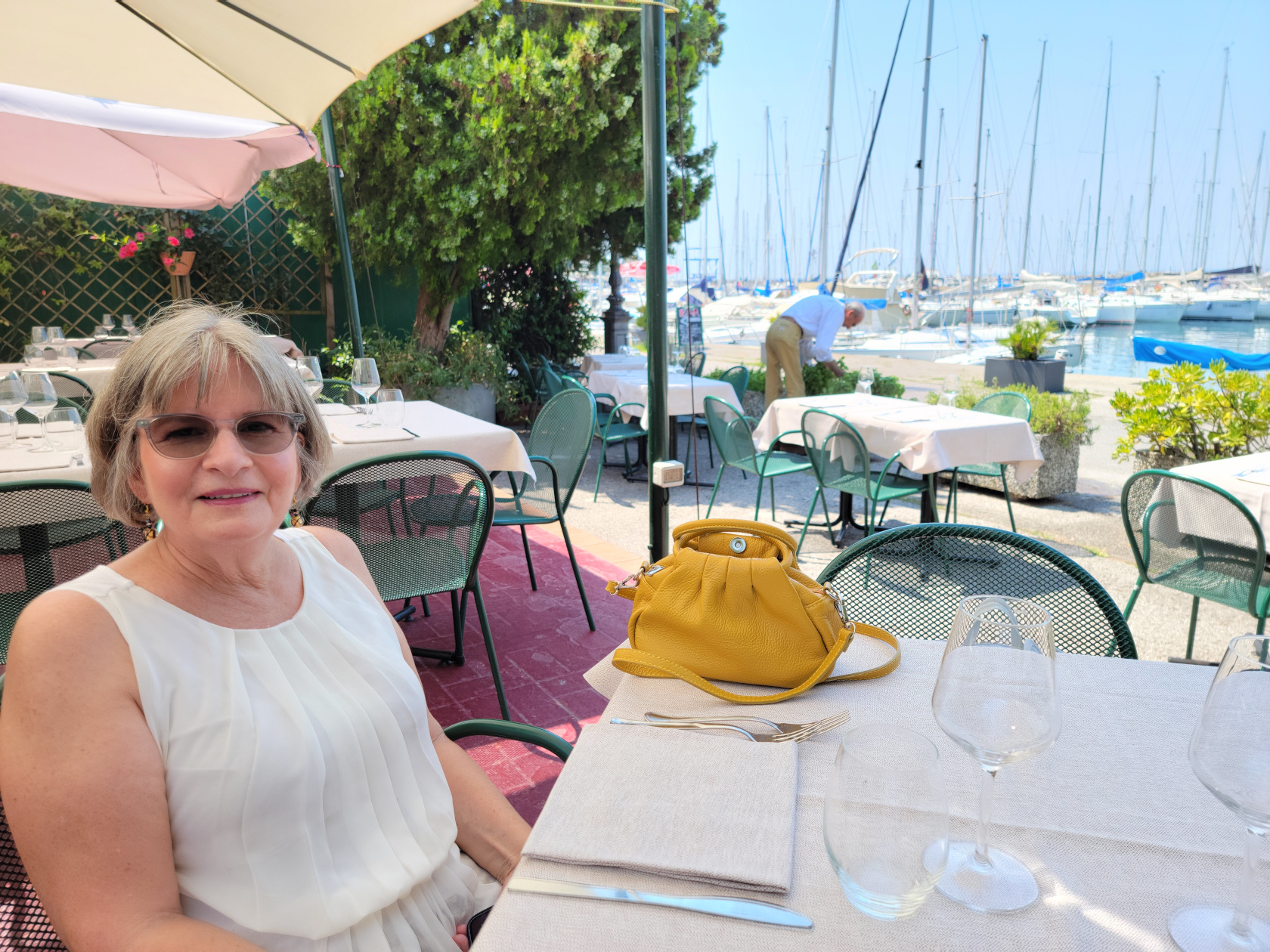
A small establishment by the marina that has a good menu, including daily seafood specials, drinks and desserts. We spent about two hours eating, relaxing and enjoying a rest during a very hot day.
Grignano – Travernetta al Molo
Grignano – Patti at Travernetta al Molo
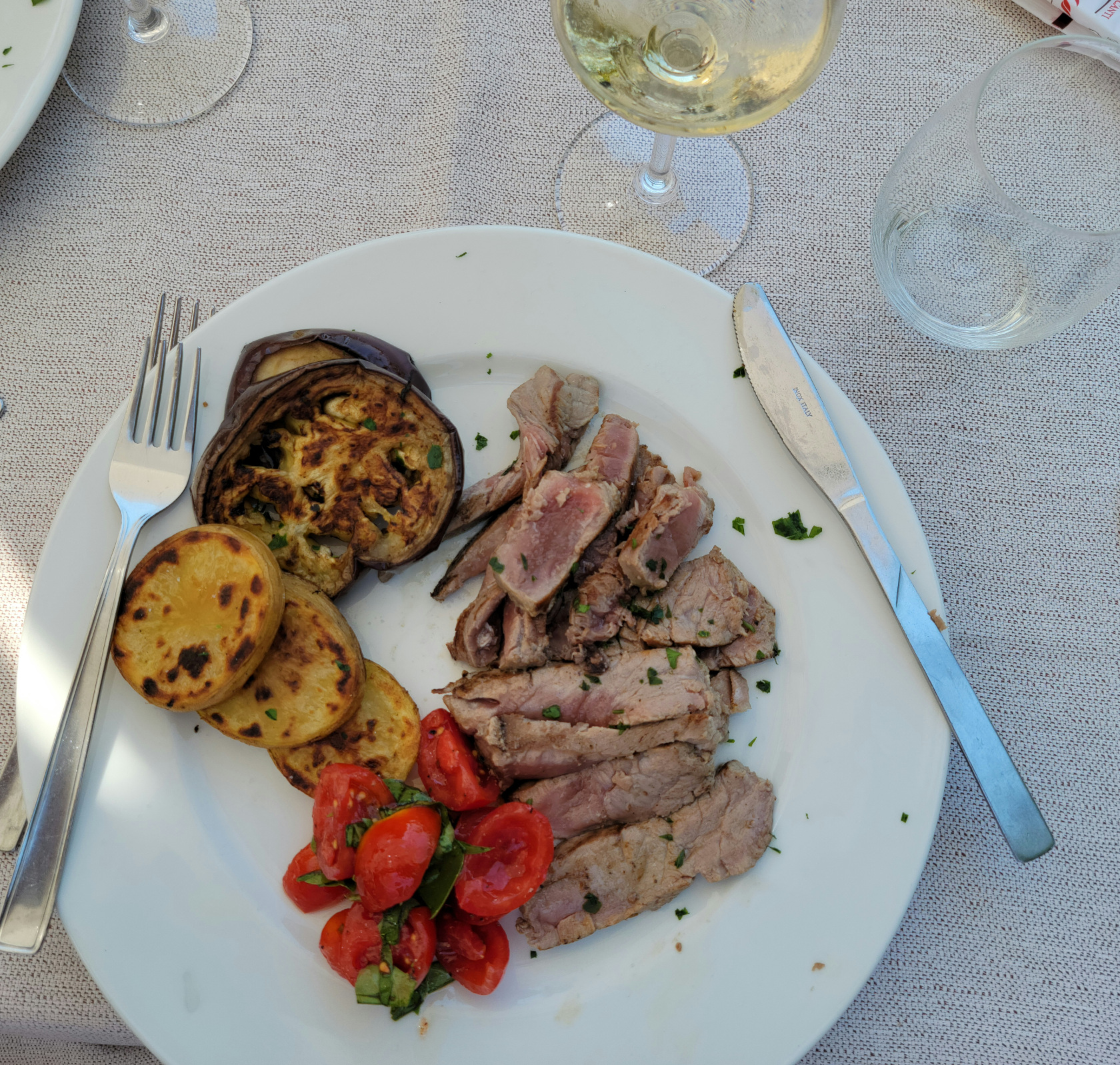
Grignano – Travernetta al Molo – Grilled Tuna, Potato and Tomato
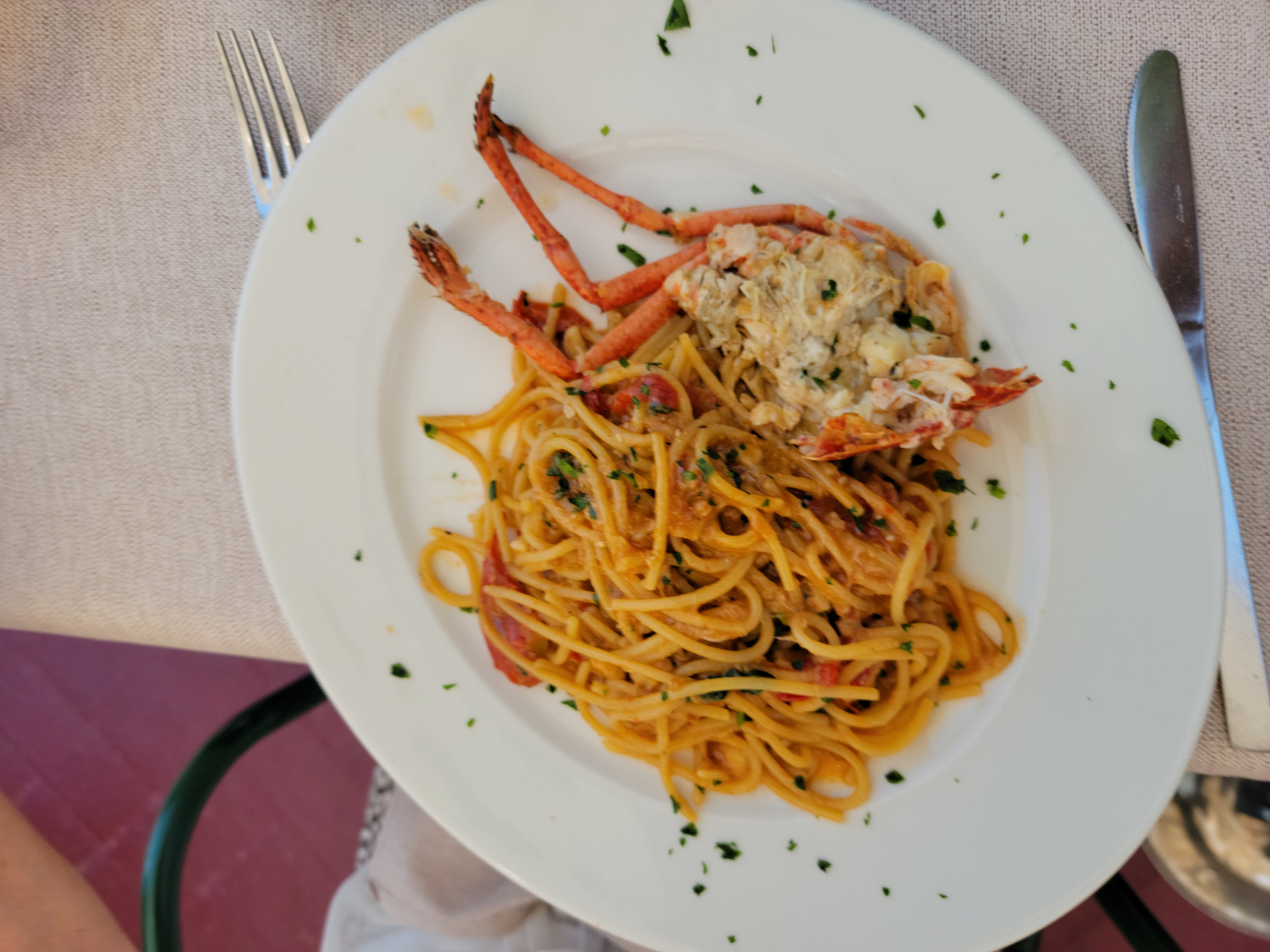
Grignano – Travernetta al Molo – Spaghetti in Lobster Sauce